
Call center quality monitoring software sets how many of your calls get reviewed. Manual programs sample a subset of calls and assume the sample is typical.
I compared 11 call center quality monitoring software platforms on what they score, which channels they cover, and whether scoring happens live or after the call.
I also checked which contact center platforms each one works with, how it handles compliance, and what it publishes about pricing.
My short answer: start with Level AI, CallMiner, or evaluagent if your team is human, and add Cekura if bots already take calls.
Why Do You Need Call Center Quality Monitoring Software?
RingCentral says call center QA programs review somewhere between 1% and 3% of interactions, while vendors say AI-scored QA can cover up to 100% of interactions.
Compliance misses, coaching problems, and incorrect AI-agent behavior go unnoticed in the calls nobody reviews. The right tools can help you bridge that shortcoming.
Cekura's call center QA software guide covers the same problem from the AI-agent side.
The 11 Best Call Center Quality Monitoring Software in 2026 at a Glance
-
Choose Cekura if voice or chat AI agents now work beside your human agents.
-
Choose Level AI if you want AI scoring across your existing telephony and scorecards.
-
Choose CallMiner if you run a regulated contact center and need speech analytics and redaction in one platform.
-
Choose Balto if you want scores within seconds of hangup plus live agent guidance.
-
Choose Observe.AI if your QA team runs calibration and lets agents dispute scores.
-
Choose Cresta if you want QM and live guidance from one conversation model.
-
Choose evaluagent if your agents are human and you want weighted scorecards at a published per-user price.
-
Choose Verint if you run, or plan to move to, Verint or Calabrio.
-
Choose NICE CXone if you already run the CXone platform.
-
Choose Talkdesk if you're on Talkdesk and want AI-scored evaluations.
-
Choose Five9 if you run Five9 and want QM through Workforce Engagement Management.
How I Researched Call Center Quality Monitoring Software
Many of these platforms require a demo request, so I compared documentation and didn't test each one on the same set of recorded calls. I read each vendor's product page, pricing page, security page, and integration list.
I opened the vendor URLs I cite on 7 October 2026 and marked anything a vendor leaves out as "not stated". Quotes are verbatim from vendor pages and from the G2 or Product Hunt reviews linked under each tool.
For Verint, NICE CXone, Talkdesk, and Five9, G2 has no QM-only listing, so those reviews come from the Calabrio ONE and platform listings. I mark vendor figures taken from marketing as vendor claims.
Cekura publishes this guide, so I put it first only for AI-agent QA and listed its limits the way I did for every other tool.
I ranked each platform on these criteria, and the table adds what each one publishes about price.
-
Channel coverage: Which interactions the platform scores, including AI-agent conversations.
-
Scorecard flexibility: Whether you can build forms and weight criteria, and whether agents can calibrate and dispute scores.
-
Live vs post-call scoring: Whether scoring happens after the interaction, during it, or both, and whether live guidance is part of the QM product or a separate one.
-
Platform fit: Whether it works with the telephony and CRM systems you already run, or only with the vendor's own contact center platform.
-
Compliance and data handling: The certifications listed on the security or trust page, and whether it documents PII redaction.
The ranking puts platform fit and scorecard flexibility ahead of the other three criteria. Tools that work only inside their parent vendor's platform rank lower, because switching QM means switching the platform.
Among call center quality monitoring software, Cekura ranks first for AI-agent QA only. If your agents are all human, start at number 2.
I left out six names readers may search for. Calabrio is now part of Verint and appears inside that entry. Playvox by NICE no longer has a stand-alone QM page I could verify, since its current page covers workforce management.
The rest are missing for different reasons. Genesys and Dialpad sell QM as a module of their contact center suites. Cyara centers on continuous synthetic testing of IVRs and bots, and I couldn't confirm a QM scorecard workflow.
Call Center Quality Monitoring Software Compared in 2026
| Tool | Channels | Scorecards | Scoring | Platform fit | Compliance | Starting Price |
|---|---|---|---|---|---|---|
| Cekura | Voice and chat AI agents | Custom and pre-defined metrics | Live monitoring plus pre-launch tests | Retell, Vapi, ElevenLabs, LiveKit, Pipecat, Bland | SOC 2, HIPAA, GDPR compliant | $0 pay-as-you-go at $0.25 per voice testing minute; $500/mo Startup |
| Level AI | Calls, chats, emails, bots | Existing or hybrid | Post-call; live in Agent Assist | Vendor-agnostic | SOC 2 Type II, ISO 27001, HIPAA, PCI | Demo only |
| CallMiner | All channels (vendor) | Custom criteria and KPIs | Post-call; live prompts | Nine CCaaS platforms named | SOC 2 Type II, ISO 27001, HITRUST | Quote only |
| Balto | Voice, email, chat, SMS | Built from your playbook, disputes | Post-call scoring plus live guidance | 60+ CCaaS and dialers (vendor) | SOC 2; HIPAA on home page | Quote only |
| Observe.AI | Voice and digital | Rule builder, disputes | Post-call; live is separate | 250+ connectors (vendor) | SOC 2, ISO 27001, PCI | Talk to sales |
| Cresta | Not itemized | Custom rubrics | Post-call scoring plus live guidance | Five9, Genesys, NICE, Salesforce | SOC 2, ISO 27001, HIPAA | Demo only |
| evaluagent | Voice, chat, email | Weighted, auto-fail | Post-call | Genesys, Five9, Zendesk, Talkdesk | SOC 2 Type II, ISO 27001, GDPR | From $35/user/mo |
| Verint | Voice, digital, AI agents | Custom forms | Not stated; live guidance via Agentic Coaching | Any CCaaS (vendor) | SOC 2, PCI, HIPAA | Contact sales |
| NICE CXone | Omnichannel | Not stated | Not stated | CXone suites | SOC 2, PCI, HIPAA, FedRAMP Moderate | $110 to $249/agent/mo suites |
| Talkdesk | Voice, chat, digital | Custom forms, templates | Shortly after the call | Talkdesk platform | SOC 2, ISO 27001, PCI DSS, HIPAA, GDPR (30+ listed) | $85 to $225/user/mo plans |
| Five9 | Voice, chat, email | Flexible forms | Post-call plus live monitoring | Five9; Verint or Calabrio WEM | SOC 2 Type II, ISO 27001, HIPAA, PCI | Demo only |
Prices are per agent, user, or seat per month as each vendor states them, so the units differ. Pricing verified against vendor pages on 7 October 2026. Verify with the vendor before you commit.
1. Cekura for QA of Voice and Chat AI Agents in a Contact Center
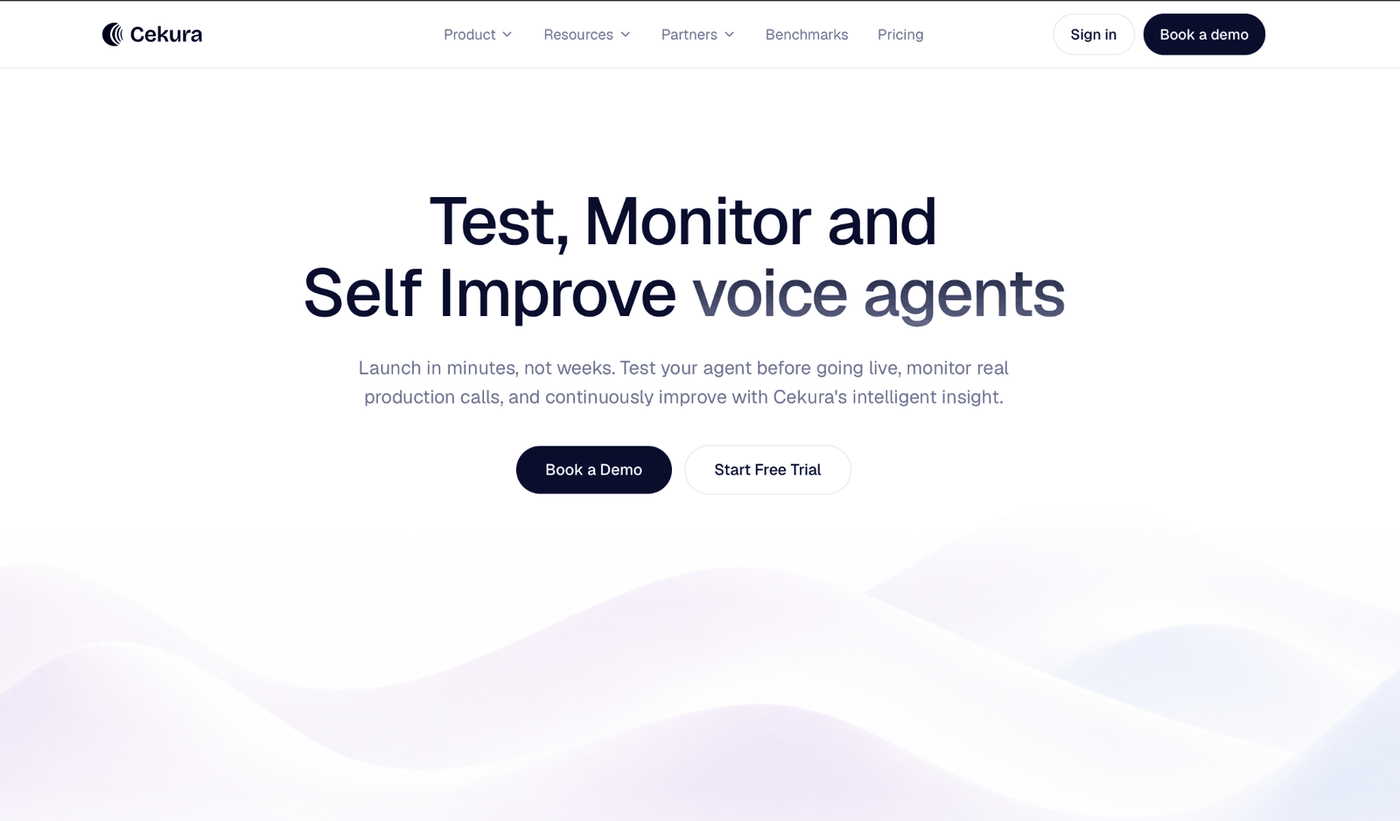
What it does: Cekura tests and monitors voice and chat AI agents. It scores production conversations continuously and flags drift as it happens.
Best for: Contact centers where AI voice or chat agents already take live conversations next to human agents.
Cekura scores what an AI agent said and did, using metrics you define (True/False, Score, or Enum) plus a pre-defined set.
The pre-defined metrics include hallucination, tool call success, transcription accuracy, interruption score, and latency. No other tool publishes interruption, transcription accuracy, and latency together.
Cekura also publishes benchmarks run on live calls. In its agent-platform test of 82 scenarios, Retell leads at 75.6% pass³ (passing all three repeat runs) and ElevenLabs has the fastest reply at 1.27 seconds.
In speech-to-text, AssemblyAI Universal 3.6 Pro leads at a 1.77% word error rate across 19 models. These are Cekura’s own figures, and they rate voice platforms and models, not QM tools, so treat them as vendor data.
Cekura does not provide a supervisor with a coaching form for a human agent, and its own guide recommends a conventional quality management platform for an all-human team. A team with human and AI agents needs a second tool for the human side.
Key Features
-
Pre-production simulation: The Infrastructure Suite ships 18+ scenarios, hold tests and packet loss among them, and multilingual testing supports code-switching callers, such as a Spanglish personality.
-
Production monitoring: Live conversations are scored continuously, with dashboards and alerts for anomalies.
-
Cross-platform benchmarking: Cekura's benchmarks compare voice agent platforms and speech-to-text systems.
-
Integrations: Native connections to Retell, Vapi, ElevenLabs, LiveKit, Pipecat, Bland, and more.
Pros and Cons
Pros:
✅ Catches interruption and latency problems that a transcript-only review misses, because it scores the call audio as well as the transcript.
✅ Runs the same metric definitions in pre-launch tests and in production, so a failure caught before launch and one a live caller hits are scored the same way.
✅ Offers a signed BAA and DPA on the $500 Startup plan, so a healthcare team can pilot without an enterprise contract.
Cons:
❌ Covers AI-agent quality only, so supervisors still need a separate coaching form for human agents.
❌ G2 lists no Cekura reviews and Product Hunt lists one, so test it on your own agents before committing.
What Users Say

"I've been tracking it since the Vocera days; it's evolved impressively and keeps getting better." (Rohan Chaubey, Product Hunt Launch Comment)
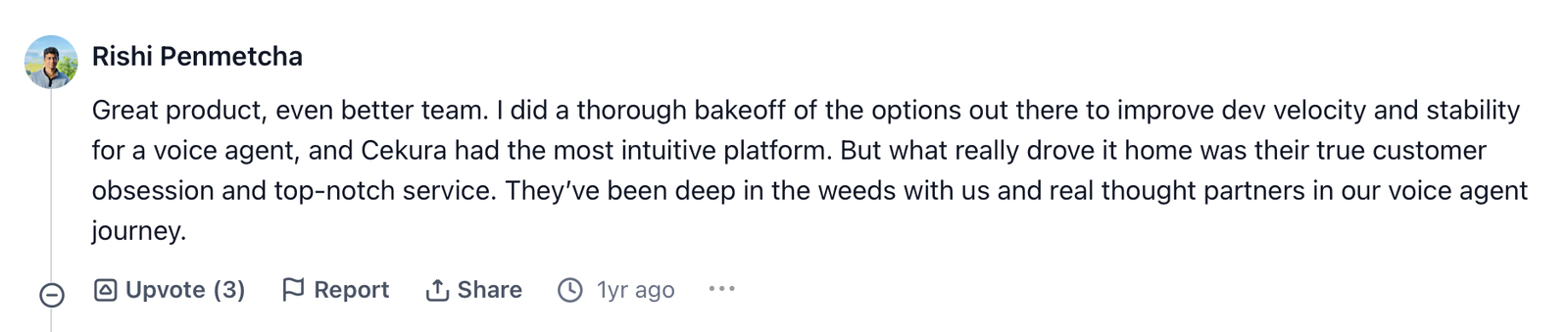
"I did a thorough bake-off of the options out there to improve dev velocity and stability for a voice agent, and Cekura had the most intuitive platform." (Rishi Penmetcha, Product Hunt Launch Comment)
Pricing
The pay-as-you-go plan starts at $0 with the first user free, then $0.25 per voice testing minute and $0.05 per monitored call.
Startup is $500 per month, month-to-month, with a signed BAA and DPA. Enterprise is custom on annual contracts. The pricing page does not define "monitored call".
Bottom Line
Without AI agents in production, there's nothing for it to score, so start at tool 2.
2. Level AI for Vendor-Agnostic AI Scoring That Keeps Your Existing Scorecards
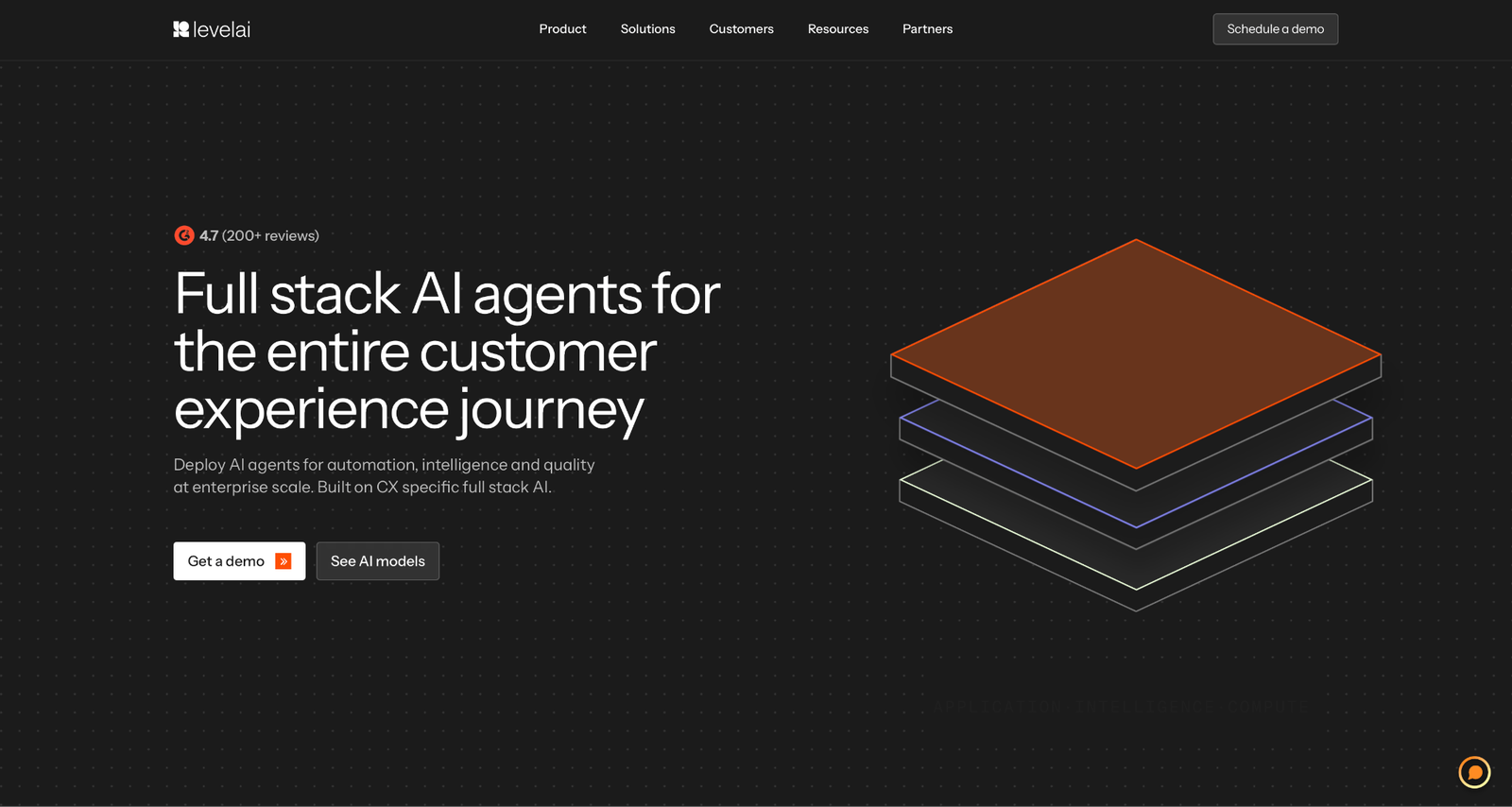
What it does: Level AI Quality Assurance, powered by QA-GPT, says it can "score 100 percent of calls, chats, emails, and bot conversations" against your standards.
Best for: Mid-size and enterprise teams on a mix of telephony and CX tools who need to carry their current scorecards over as they are.
Level AI's QA page covers existing scorecards, pre-trained question libraries, hybrid AI plus manual scoring, and conditional logic.
On coverage, Level AI says its AI covers "over 90% of the standards and metrics that scorecards cover," which is a vendor figure I couldn't test.
Level AI's integrations page, which it calls non-exhaustive, names Five9, Twilio, Amazon Connect, Talkdesk, and Genesys on the telephony side. Zendesk and Salesforce cover CX, with Calabrio and NICE for workforce data.
Sentiment as it happens and in-call guidance appear on the separate Agent Assist page, so confirm whether live help needs a second product.
Key Features
-
Hybrid scoring: AI and manual scoring in one scorecard, with conditional N/A logic.
-
Drill-down dashboards: Trends and process adherence down to a single conversation.
-
PII redaction: The security page says personal identifiers such as card numbers and SSNs are redacted before any AI processing.
Pros and Cons
Pros:
✅ Lets you bring your current scorecards over, so you skip a scorecard rebuild before the pilot starts.
✅ Scores calls from Five9, Twilio, Amazon Connect, Talkdesk, and Genesys in one place, so a team on mixed telephony doesn’t need a separate QM tool per system.
✅ Redacts card numbers and SSNs before any AI processing and signs HIPAA BAAs, which answers two early questions in a payments or healthcare security review.
Cons:
❌ Live sentiment and in-call guidance belong to Agent Assist, a separate product.
❌ Access starts with a scheduled demo, and the pages I checked list no self-serve option.
What Users Say
One G2 reviewer praises the evaluation workflow, and another calls coaching adoption slow.
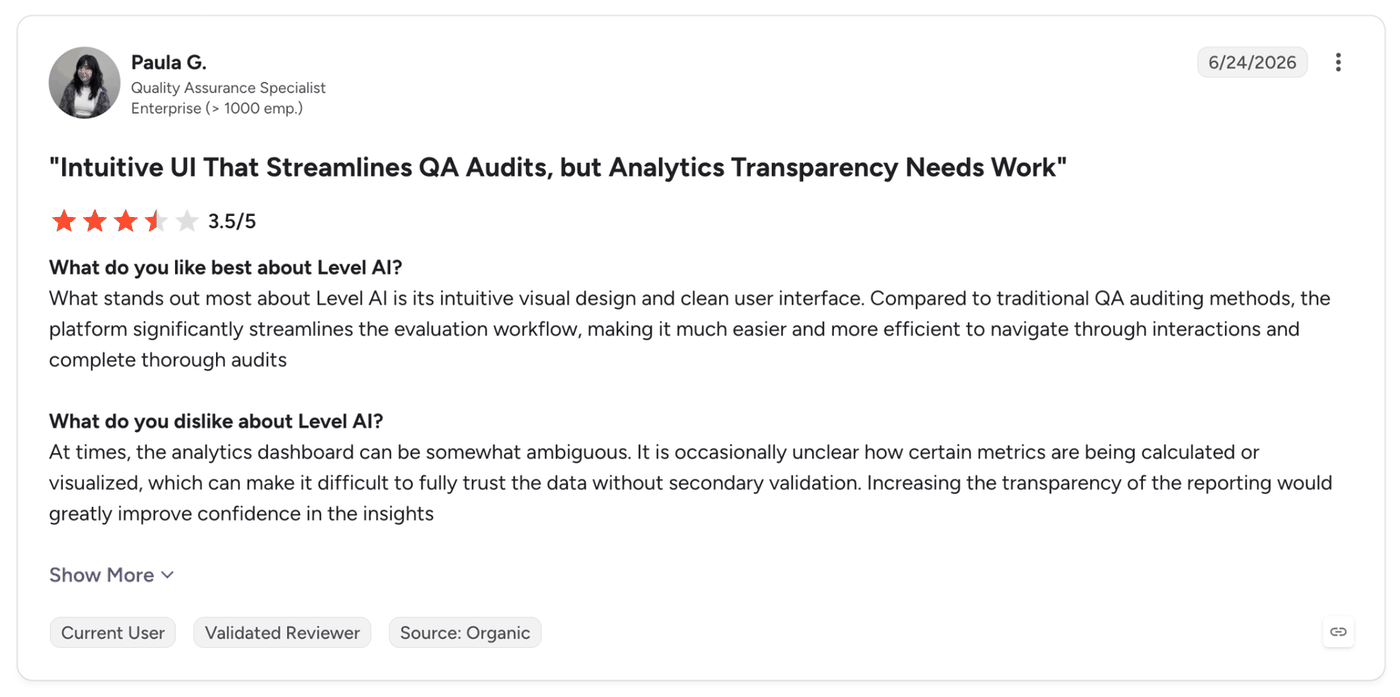
"Compared to traditional QA auditing methods, the platform significantly streamlines the evaluation workflow." (Paula G., Quality Assurance Specialist, G2)
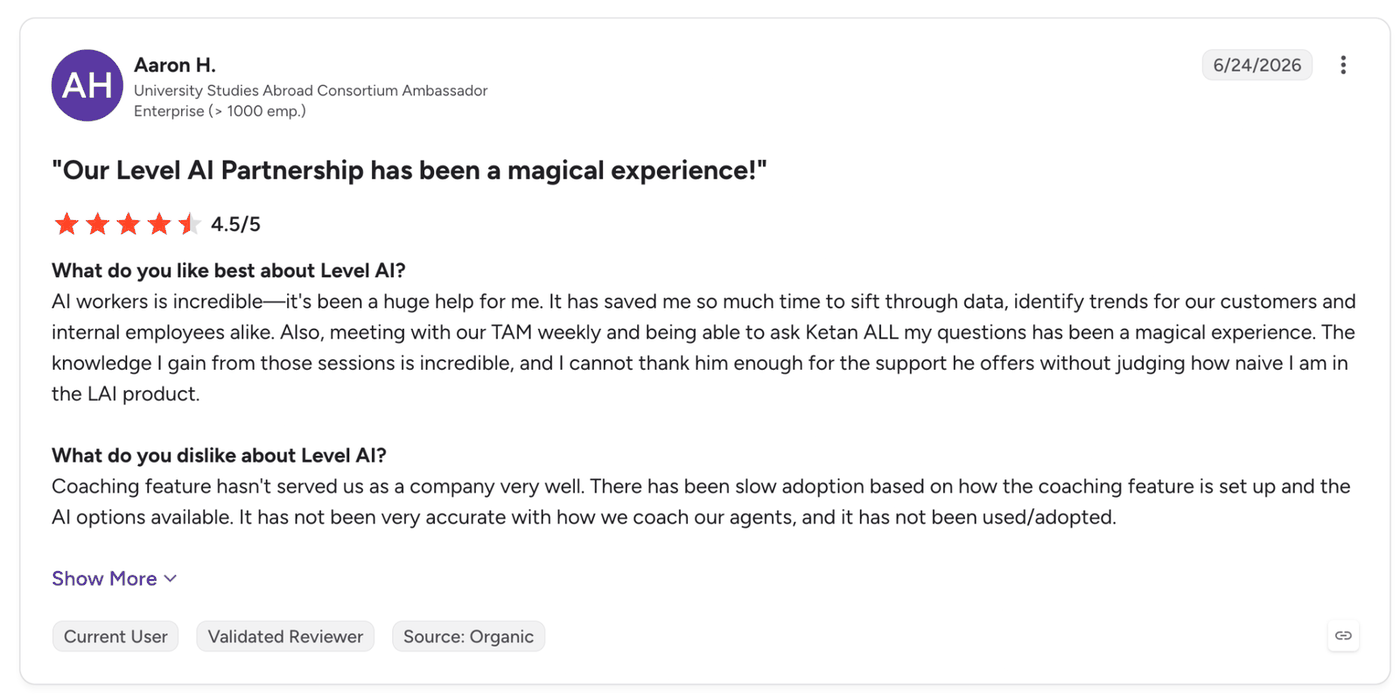
"Coaching feature hasn't served us as a company very well. There has been slow adoption based on how the coaching feature is set up and the AI options available." (Aaron H., Ambassador, University Studies Abroad Consortium, G2)
Pricing
Level AI shows no price on the pages I checked. Its demo page offers a 30-minute personalized demo.
Bottom Line
One G2 reviewer called coaching adoption slow, so test that module in the demo before you count on it.
3. CallMiner for Regulated Contact Centers That Need Speech Analytics and Redaction
What it does: CallMiner's Eureka platform spans five modules, including Analyze and RealTime. Its scorecard page says teams can "analyze 100% of customer conversations across all channels."
Best for: Regulated contact centers, from banks to healthcare, that need QA with speech analytics and redaction from the same vendor.
CallMiner pairs QA with speech analytics and redaction in the same platform. It says its AI detects sentiment, emotion, and root cause, and the scorecard page lets teams tailor criteria and reporting.
Scoring runs post-call, and the RealTime module adds guidance and next-best-action prompts during live interactions, per the vendor.
The integrations listing names nine CCaaS platforms, Alvaria, Amazon Connect, Avaya, Five9, Genesys, NICE, RingCentral, Talkdesk, and Twilio, and two CRMs, Salesforce and Zendesk.
SOC 2 Type II and ISO 27001:2022 appear among five frameworks on CallMiner's security page, with audits by KirkpatrickPrice.
The home page also shows Forrester Wave Leader status for Conversation Intelligence (Q2 2025), a vendor-displayed credential that speaks to speech analytics rather than QM.
Key Features
-
Scorecards and dashboards: Custom criteria and KPIs, plus dashboards you can edit.
-
RealTime module: Live prompts during the call, alongside post-call scoring, per the vendor.
-
Redact: AI redaction for transcripts and recordings.
Pros and Cons
Pros:
✅ Puts scoring, speech analytics, and redaction under one contract, so a regulated team has one vendor to audit instead of three.
✅ Detects sentiment, emotion, and root cause next to the score, so a reviewer sees why a call went wrong and not only that it scored low.
✅ Has its security audits run by an outside firm (KirkpatrickPrice), which gives a bank or healthcare buyer third-party evidence beyond the vendor’s own claim.
Cons:
❌ Quality management is part of the scorecard and coaching modules, so you evaluate the whole platform, with QM as one module inside it.
❌ Which modules you receive depends on your package.
What Users Say
One G2 reviewer praises the depth of data, and another reports trouble connecting some telephony and CRM providers.
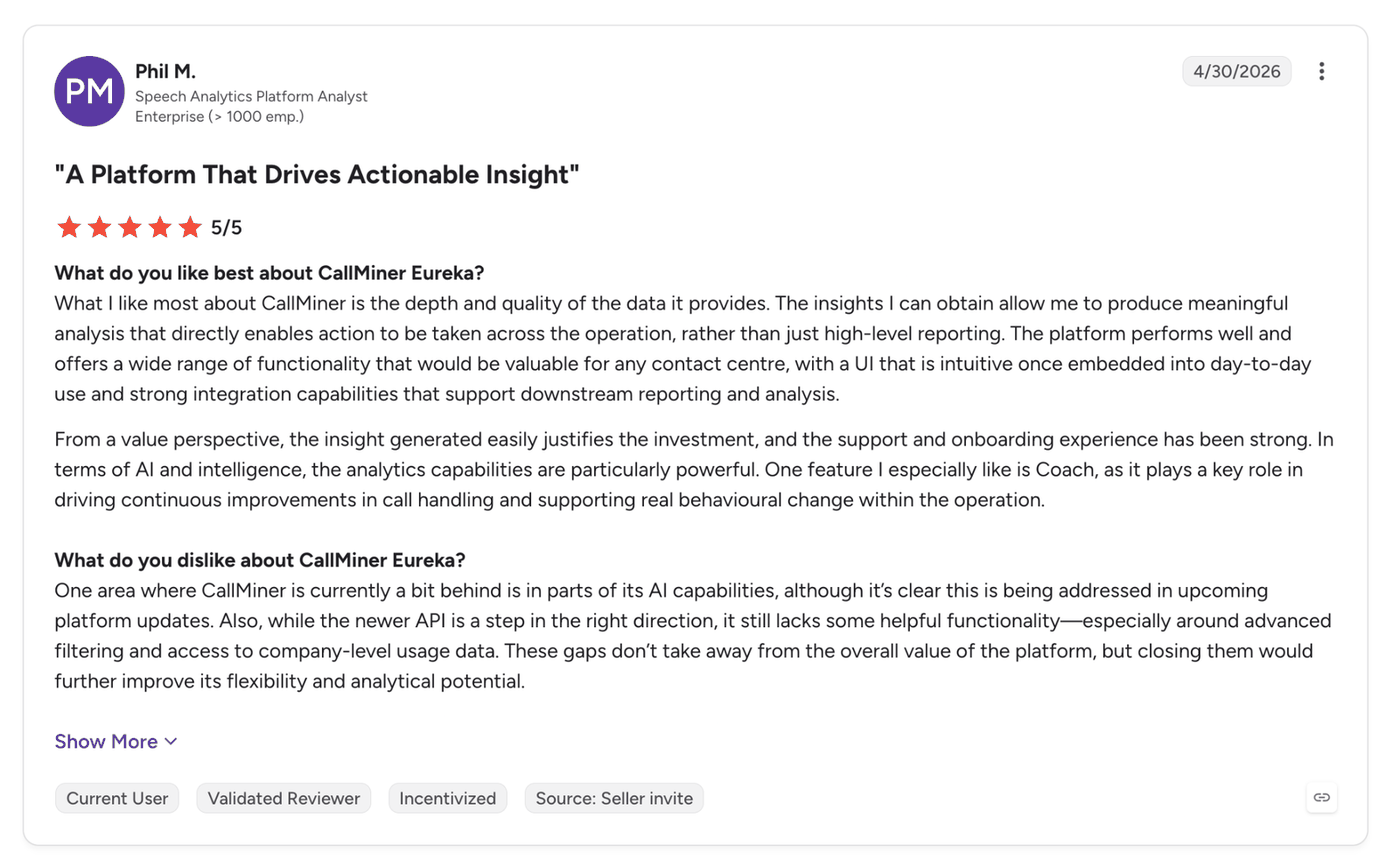
"What I like most about CallMiner is the depth and quality of the data it provides." (Phil M., Speech Analytics Platform Analyst, G2)
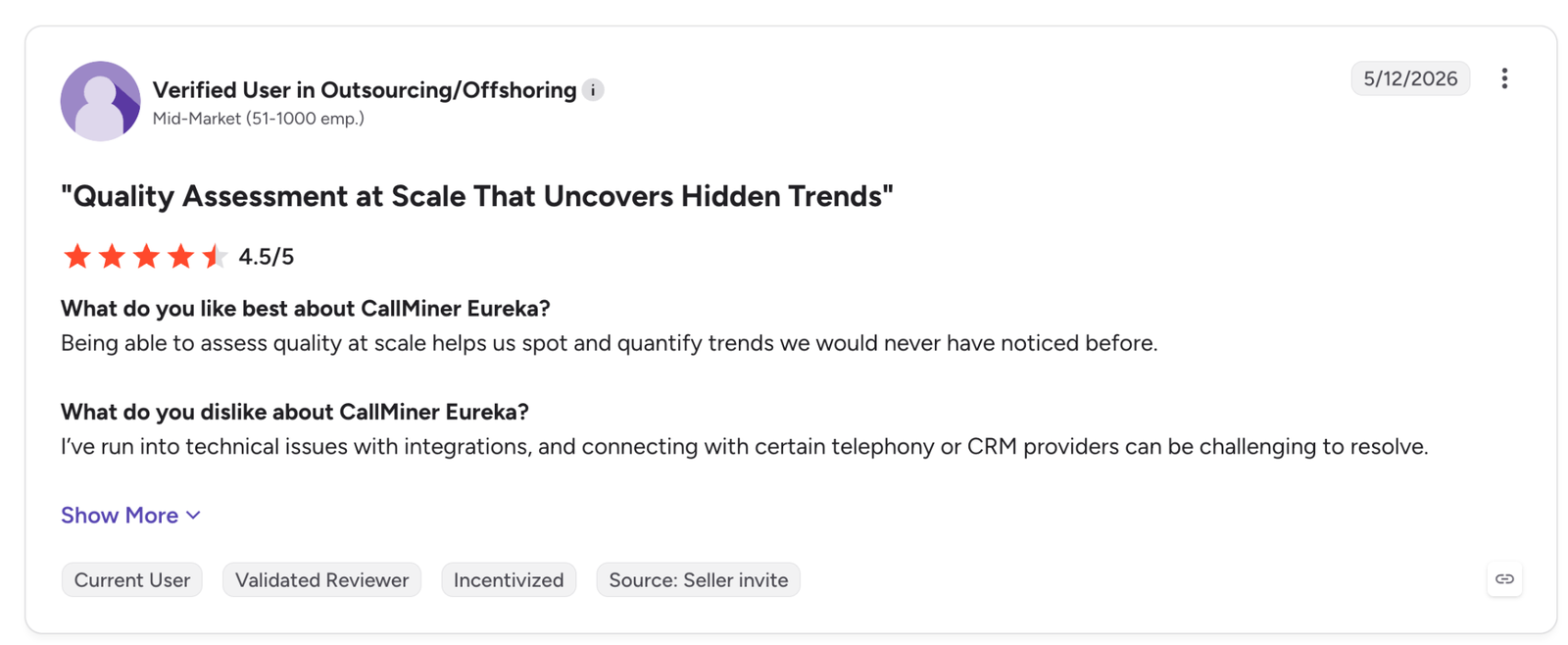
"I've run into technical issues with integrations, and connecting with certain telephony or CRM providers can be challenging to resolve." (Verified User in Outsourcing/Offshoring, G2)
Pricing
CallMiner publishes no dollar prices. Its pricing FAQ says it offers "multiple bundled pricing packages, based on either user count or interaction volume", shaped by users, call and message volume, enabled analytics modules, integration needs, and deployment model. It adds that pilot programs exist "in certain cases."
Bottom Line
Pilot it on your own CCaaS first, because one reviewer found some telephony and CRM connections hard to resolve.
4. Balto for Scoring Within Seconds of Hangup Plus Live Agent Guidance
What it does: Balto says its QA Automation scores every call against a scorecard it builds from your playbook, policies, or existing QA criteria. It is part of a platform that includes Agent Assist and Agentic Insights.
Best for: Sales and service teams that need a score soon after the call ends and live prompts on the criteria agents are graded on.
The QA page says calls are scored "within seconds of hangup," a vendor claim. The scorecard builder takes your playbook and lets you set your own pass mark, and a disputes workflow and calibration feedback let teams adjust the prompts.
Channel coverage reaches voice and digital channels, per Balto's page. The integration list names NICE, Genesys, 8x8, RingCentral, Salesforce, Twilio, and Zoom Phone. Balto's own blog cites more than 60 native CCaaS and dialer integrations.
Balto's blog says the full closed loop requires a CCaaS integration that streams live audio. Its compare page puts typical deployment at 4 to 6 weeks, so check that your CCaaS supports live audio before you shortlist it.
Key Features
-
Scorecard from your playbook: Balto builds the scorecard from the criteria you supply.
-
Agent Assist: Agents get live help on the criteria they are scored on.
-
Dashboards and CSV export: Custom dashboards, with CSV available throughout.
Pros and Cons
Pros:
✅ Scores a call within seconds of hang-up (vendor claim), so a supervisor can give feedback while the call is still fresh to the agent.
✅ Prompts agents live on the same criteria they’re graded on, so what the scorecard checks and what the agent hears mid-call line up.
✅ Lets you set your own pass mark on a scorecard built from your playbook, so you don’t have to translate your standards into a vendor template.
Cons:
❌ Needs a CCaaS integration that streams live audio for the full closed loop, by its own account.
❌ Its security page names SOC 2 and PCI along with PHI and PII handling, while HIPAA appears in the home page FAQ, and GDPR only in a security badge.
What Users Say
One G2 reviewer praises the live analytics, and another reports trouble switching playbooks.
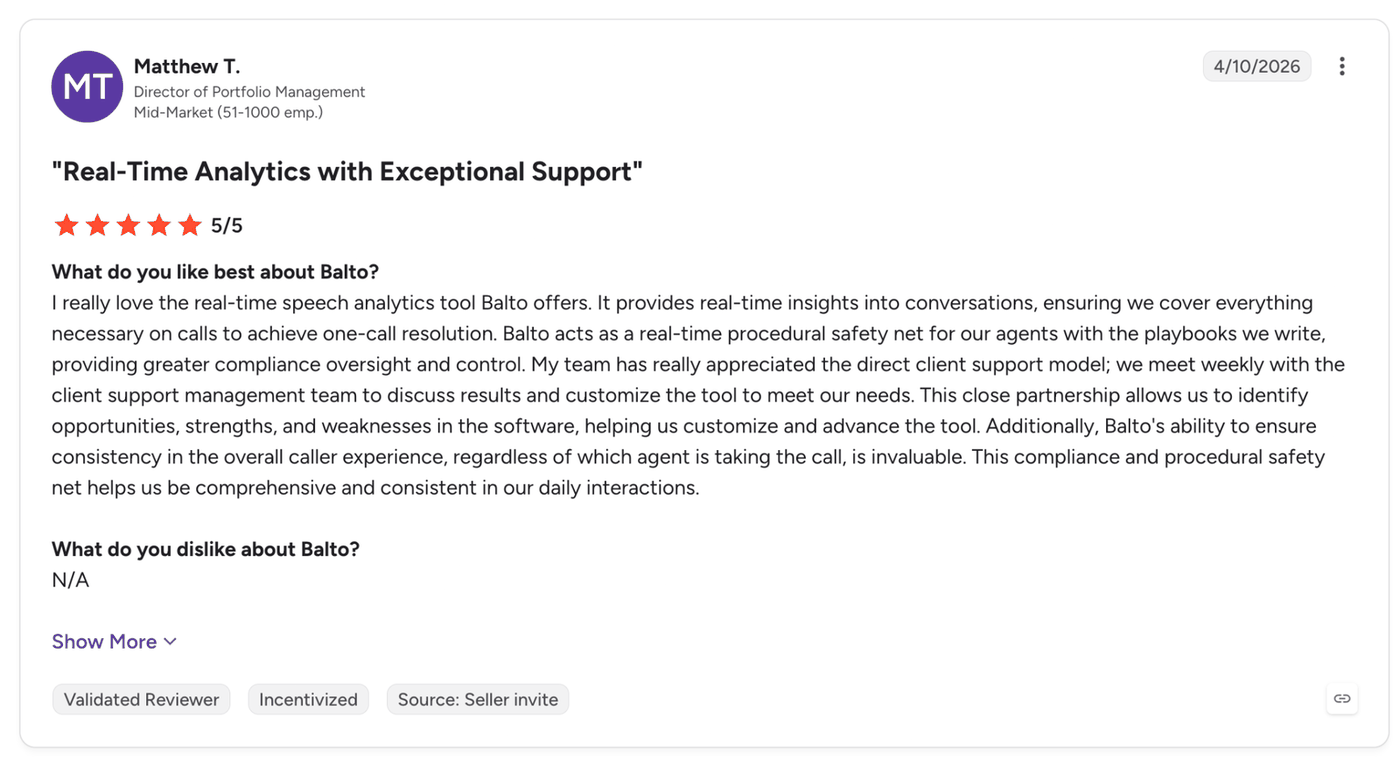
"I really love the real-time speech analytics tool Balto offers. It provides real-time insights into conversations, ensuring we cover everything necessary on calls to achieve one-call resolution." (Matthew T., Director of Portfolio Management, G2)
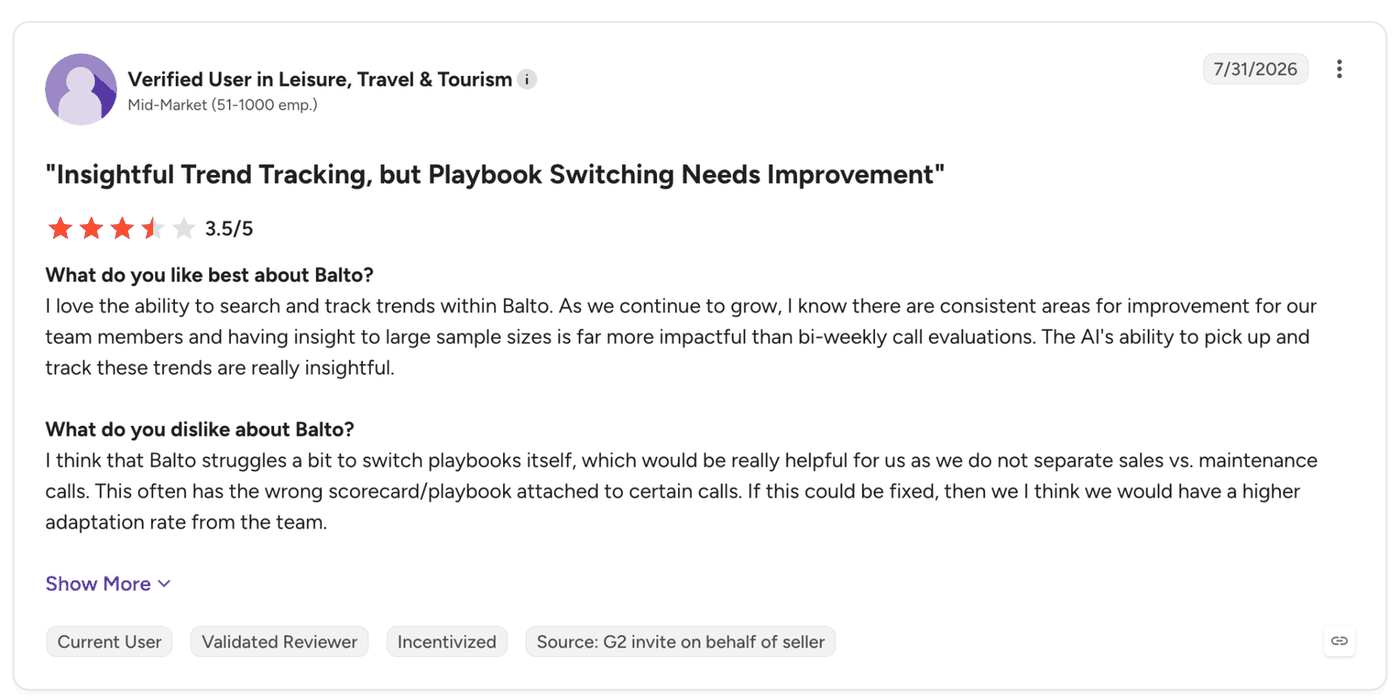
"I think that Balto struggles a bit to switch playbooks itself, which would be really helpful for us as we do not separate sales vs. maintenance calls." (Verified User in Leisure, Travel & Tourism, G2)
Pricing
Balto lists no public price. Its compare page says pricing is "Per agent per month. Bands shared during evaluation."
Bottom Line
Playbook switching is where one reviewer felt it struggled, which matters on a line that mixes sales and maintenance calls.
5. Observe.AI for Post-Call QA With Calibration and Agent Dispute Workflows
What it does: Observe.AI's Auto QA, part of its Post-interaction AI, lets you "automatically assess 100% of customer interactions" and score them with an advanced rule builder.
Best for: QA teams that run formal calibration and need agents to acknowledge or dispute scores.
The Auto QA page describes a drag-and-drop rule builder and calibration with auto-suggest, auto-fill, and auto-submit. Agents can acknowledge or dispute their scores.
A March 2025 blog says Observe.AI scores human and AI agents the same way, so one rubric covers both.
Auto QA scores after the call ends, and live help comes from other products. The home page lists Companion Agent for in-call guidance, launched 13 May 2026, and the pricing page names Real-time AI as its own plan.
Separately, the home page now calls the company an "Agentic CX Platform," and Performance Agents, now available, followed.
Observe.AI states 250+ pre-built connectors. The integrations page I could read named 8x8, Aircall, Amazon Connect, Avaya, and CallRail among CCaaS options, and the list looked partial.
Observe.AI's security page lists five frameworks, ISO 27001:2013 and SOC 2 Type II among them.
Key Features
-
Rule builder: Drag-and-drop scoring rules with calibration tools.
-
Dispute workflow: Agents acknowledge or dispute scores inside the platform.
-
Performance Agents: Coaching support using frameworks such as GROW and SMART.
Pros and Cons
Pros:
✅ Gives a contested score a documented path, since agents acknowledge or dispute it inside the platform instead of arguing it in a one-to-one.
✅ Speeds up formal calibration sessions with auto-suggest, auto-fill, and auto-submit, so QA leads spend less time on manual entry.
✅ Scores human and AI agents on one rubric, so a team adding bots doesn’t need a second scoring framework.
Cons:
❌ The security page lists no HIPAA attestation, so healthcare teams should request it in writing.
❌ Live guidance comes from Companion Agent, outside Auto QA.
What Users Say
One G2 reviewer values analysis of 100% of conversations, and another finds the AI analysis can be inconsistent.
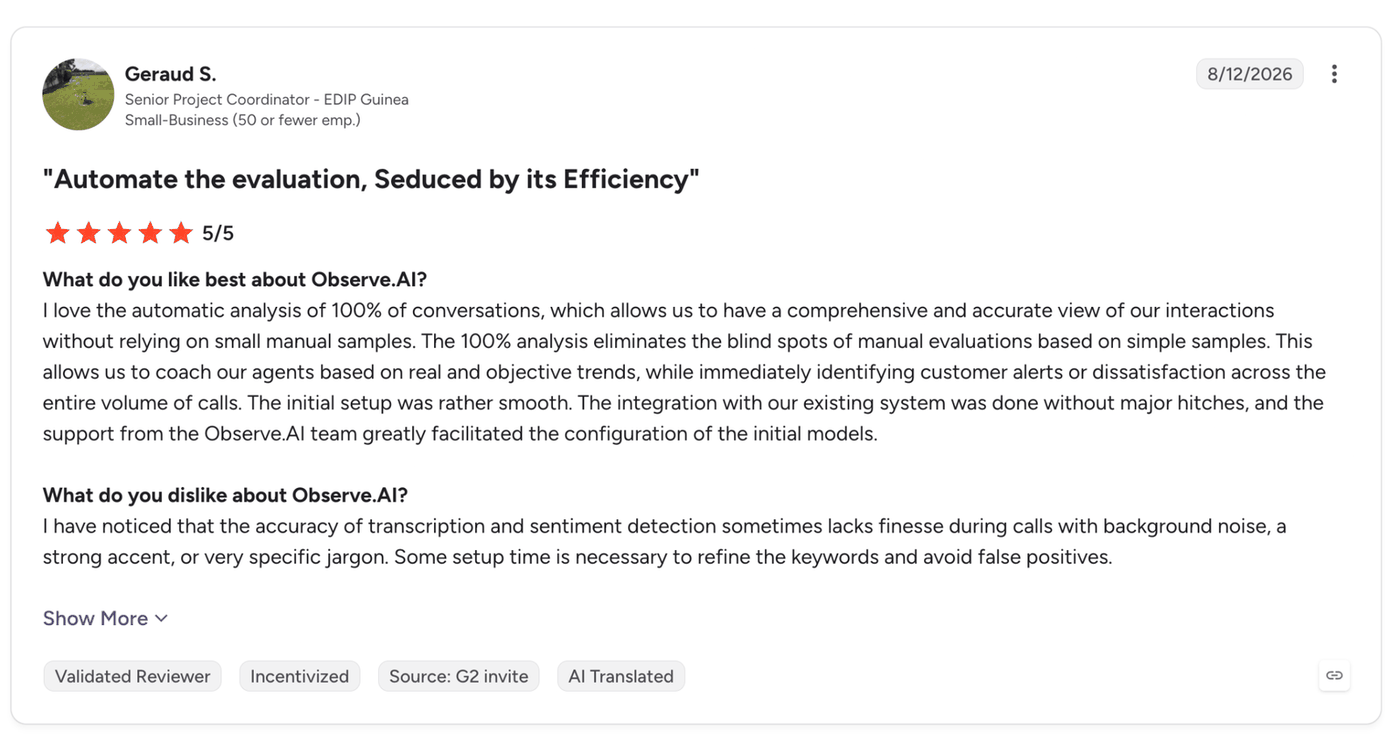
"I love the automatic analysis of 100% of conversations, which allows us to have a comprehensive and accurate view of our interactions without relying on small manual samples." (Geraud S., Senior Project Coordinator, G2)
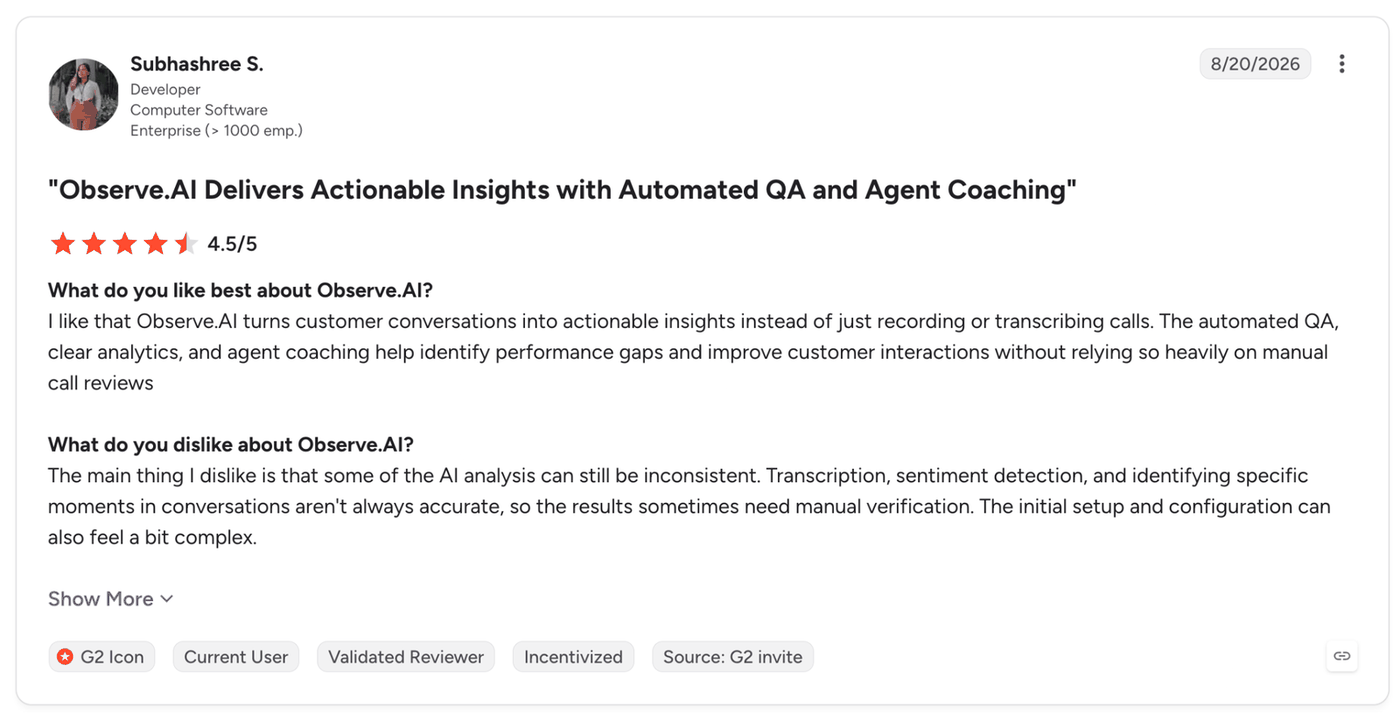
"The main thing I dislike is that some of the AI analysis can still be inconsistent. Transcription, sentiment detection, and identifying specific moments in conversations aren't always accurate, so the results sometimes need manual verification." (Subhashree S., Developer, G2)
Pricing
Observe.AI currently lists no prices, and you’d have to request a demo or directly contact their team to find out more.
Bottom Line
One reviewer says transcription and sentiment results can need manual checks, so your calls with heavy background noise are the ones to spot-check first.
6. Cresta for Enterprises That Want QM and Live Guidance From One Conversation Model
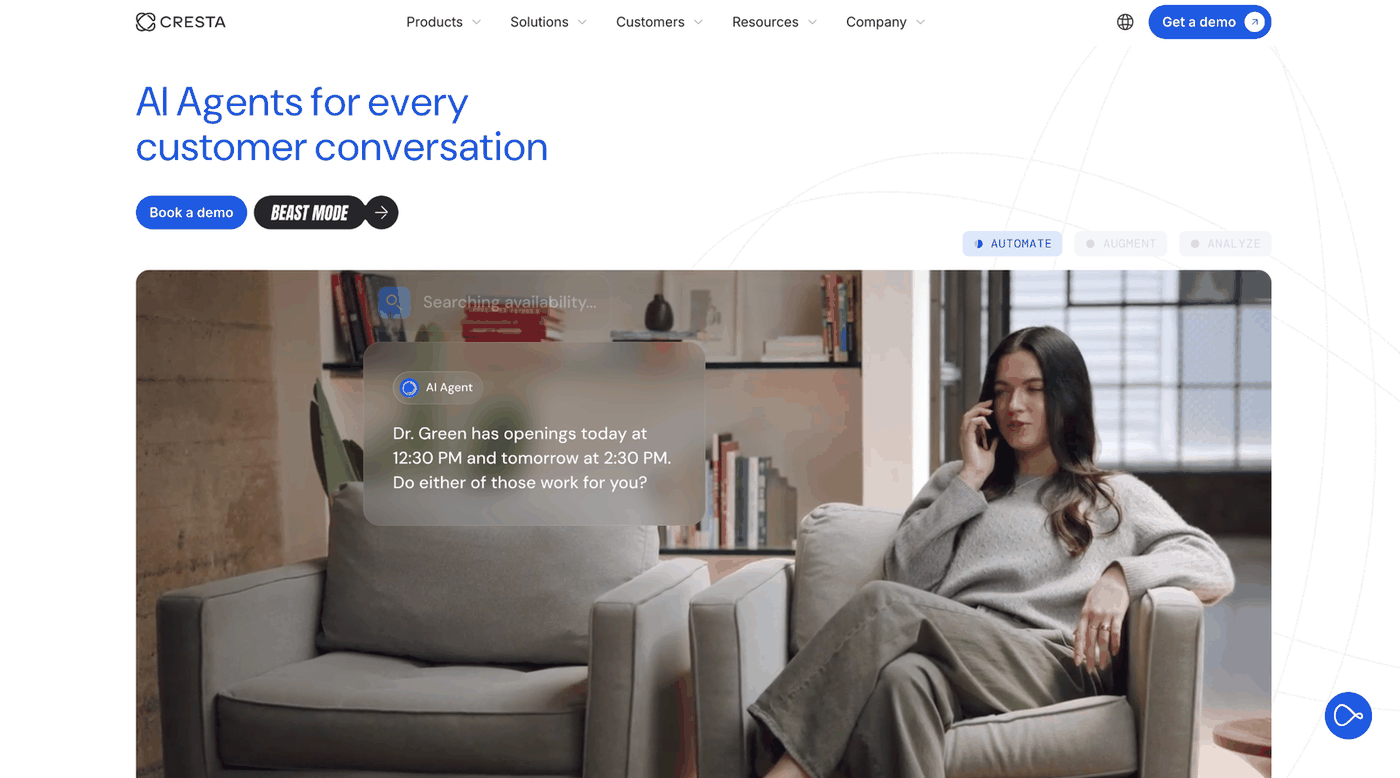
What it does: Cresta Quality Management belongs to Cresta's Conversation Intelligence line. Cresta's product information page says its models are calibrated to your rubrics.
Best for: Large contact centers that want QM scores and live agent guidance powered by the same conversation model.
Cresta's QM page describes custom behavior detection models and human-in-the-loop calibration workflows. The company says the shared conversation understanding that powers QM also triggers live agent guidance during interactions.
Cresta connects to Five9, Salesforce, Amazon Connect, NICE, Genesys, Avaya, LivePerson, Twilio, and Cisco on the telephony and chat side, with CRM options such as Pega and ServiceNow.
Channel coverage is less clear. The QM page doesn't itemize channels, so ask which ones your contract covers.
The trust center lists SOC 2 and ISO/IEC 27001 among its certifications. It also discloses an incident that began around June 11, when attackers compromised a third-party vendor, Klue, and stole OAuth credentials.
On impact, Cresta says business contact information, contractual information, and email correspondence may have been exposed, and that it found no sign its products or infrastructure were affected.
Key Features
-
Custom rubrics: Scoring against rubrics you define, with calibration workflows.
-
Coach-the-coach views: Reporting on how managers coach, from the QM page.
-
Cresta Insights: A 29 July 2026 release added AI Analyst and Topic Discovery.
Pros and Cons
Pros:
✅ Uses the same model to score the call and to prompt the agent live (per Cresta), so in-call coaching matches the standard agents are scored on afterward.
✅ Lets QA leads correct the model through human-in-the-loop calibration, so scores follow your rubric and not a generic one.
✅ Reports on how managers coach as well as how agents score, so QA leaders can check the coaching itself.
Cons:
❌ The QM page names no channels, so coverage needs confirming in a demo.
❌ The trust center discloses a third-party credential incident, so ask for the details during security review.
What Users Say
One G2 reviewer credits real-time coaching with higher productivity, and another says knowledge assist misreads caller intent.
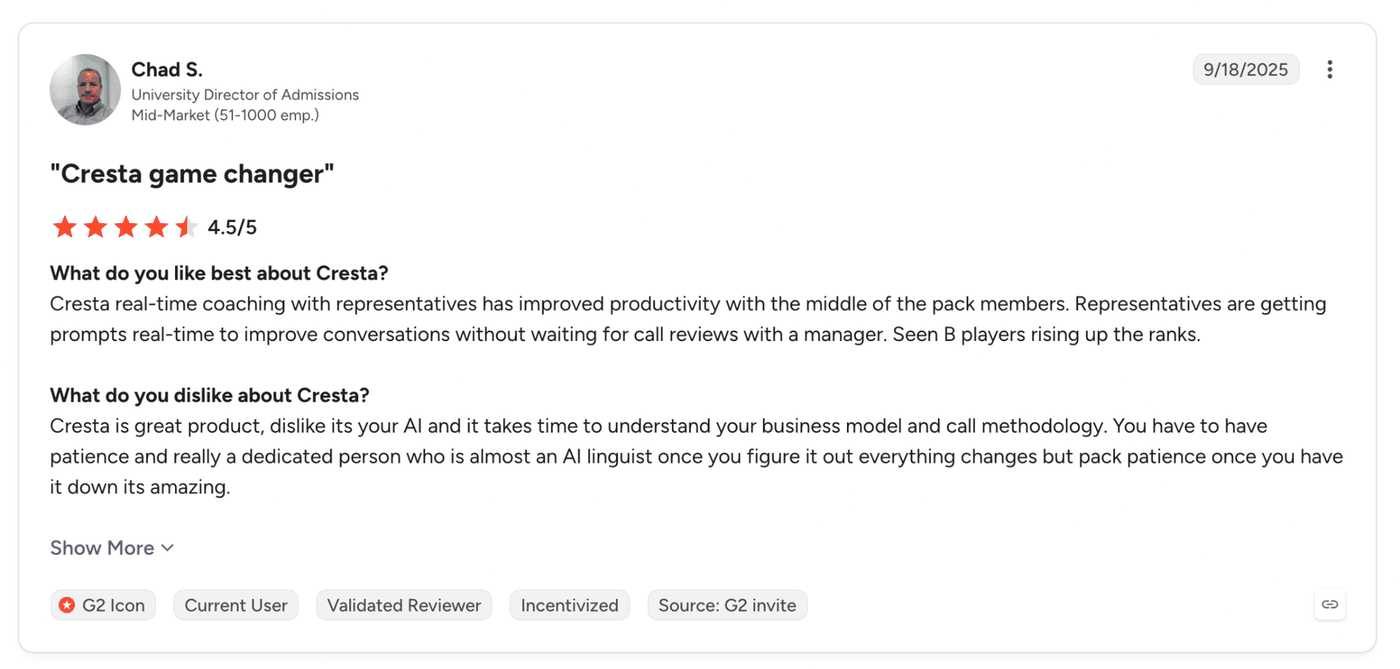
"Cresta real-time coaching with representatives has improved productivity with the middle-of-the-pack members." (Chad S., University Director of Admissions, G2)
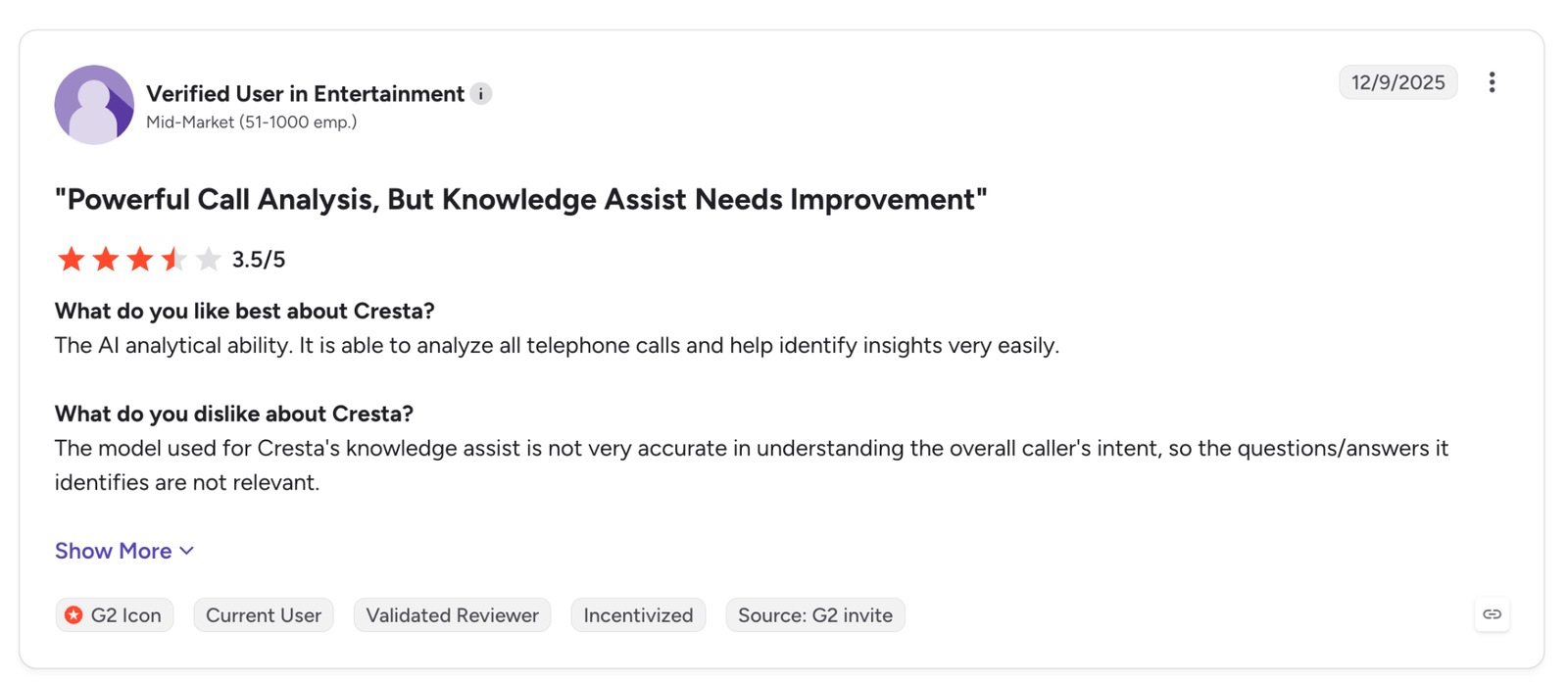
"The model used for Cresta's knowledge assist is not very accurate in understanding the overall caller's intent, so the questions/answers it identifies are not relevant." (Verified User in Entertainment, G2)
Pricing
Cresta publishes no price. Its call to action is a personalized demo request.
Bottom Line
Cresta's QM page names no channels, and Cresta publishes no price, so a team that needs scoring on a handful of queues should compare it with a QM-only tool.
7. evaluagent for Human-Agent QA With Weighted Scorecards and a Published Per-User Price
What it does: evaluagent's AutoQM scores recorded contacts automatically. Its page promises to "Score every conversation, automatically and accurately," and states that it covers "100% of recorded contacts, not a sample."
Best for: Support and service teams with human agents that need configurable scorecards and coaching workflows, plus a price they can read before a sales call.
The page describes drag-and-drop scorecards with weighted criteria and auto-fail logic, adapted by queue.
Beyond scoring, sentiment analytics are included in the higher of the two published tiers.
Scoring runs on recorded contacts after the interaction, and coaching is delivered through feedback, one-to-one sessions, and performance improvement plans. The page describes feedback after the interaction, and I didn't find in-call guidance.
Beyond human agents, an AI Agents module extends the platform to evaluate AI agents, though its pricing is pay-per-conversation with no rates listed.
The integrations page covers helpdesk and CCaaS platforms such as Intercom and Zendesk, with BI tools such as Power BI through the API.
On compliance, the home page lists SOC 2 Type II and ISO/IEC 27001:2022 among its security and trust credentials, and the pricing page adds EU and US data residency.
Key Features
-
Weighted scorecards: Weighted criteria and auto-fail logic, with queue-level scorecards.
-
Sentiment analytics: Included from the second pricing tier.
-
Open API: REST API for BI export to tools such as Power BI and Tableau.
Pros and Cons
Pros:
✅ Lets one critical miss, such as a required statement the agent skipped, fail the whole evaluation whatever the weighted total says.
✅ Publishes $35 and $65 per user per month, so a QA lead can build a budget before the first sales call.
✅ Lets teams choose EU or US data residency, which helps when customer recordings have to stay in one region.
Cons:
❌ Scores recorded contacts after the fact, with no live in-call assist stated.
What Users Say
One G2 reviewer praises the mix of automation and clear insights, and another reports transcription mistakes with accents.
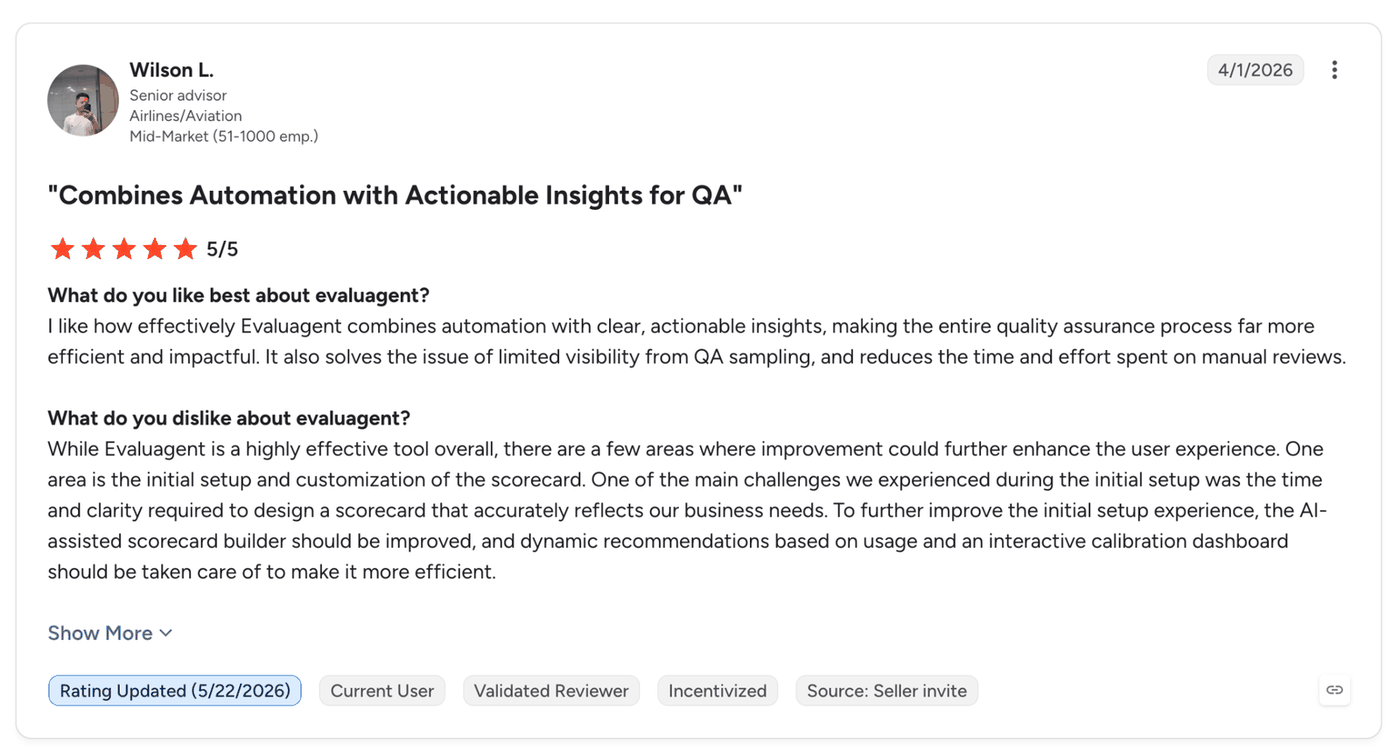
"I like how effectively Evaluagent combines automation with clear, actionable insights, making the entire quality assurance process far more efficient and impactful." (Wilson L., Senior advisor, G2)
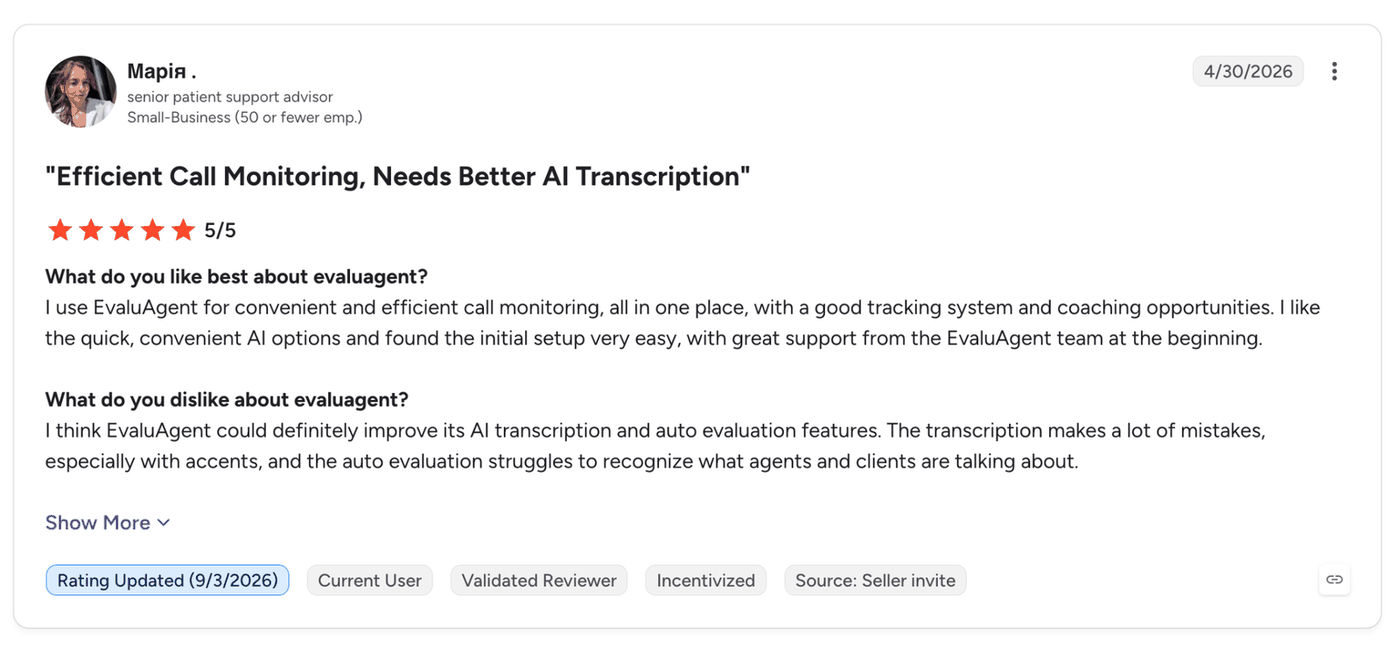
"The transcription makes a lot of mistakes, especially with accents, and the auto evaluation struggles to recognize what agents and clients are talking about." (Марія М., Senior patient support advisor, G2)
Pricing
evaluagent's pricing page lists AutoQM & Improvement from $35 per user per month and AutoQM + Conversation Intelligence from $65 per user per month. AI agent evaluation is pay-per-conversation with no rates listed. It offers volume discounts and a proof of concept after a demo.
Bottom Line
Live prompts during calls weren't on the pages I checked, so a team that needs them will end up pairing it with a second tool.
8. Verint: Best for Teams That Run, or Are Moving to, Verint or Calabrio
What it does: Verint’s quality page says QM Intelligence (QMI) can “automate up to 100% of QA evaluations” across voice and digital channels, for human and AI agents. Verint presents QMI as one product that combines manual QM and Auto QM, not a set of separate tools.
Best for: Existing Calabrio or Verint customers, and buyers who prefer a large vendor that says it works with any CCaaS.
Verint folded Calabrio into its platform after the 2026 merger, and its main quality page now brands the product as Verint QM Intelligence. A separate Calabrio QM Intelligence page still runs, so existing Calabrio teams keep a line under that name.
Verint says QMI sits on top of your current stack with no rip and replace, and that it “works with any CCaaS, CRM or AI model, so your forms, history and coaching workflows stay in place.”
Live guidance is a separate product, Agentic Coaching, not part of the scoring product. The QM page names no specific CCaaS or CRM integrations, so ask for that list in the demo.
On security, the cloud security page cites five frameworks, PCI and HIPAA among them.
Key Features
-
QM Intelligence: Manual QM and Auto QM in one product, scoring up to 100% of voice and digital interactions for human and AI agents.
-
Explainable scoring: Shows the AI Reasoning behind each score, tied to the moment in the interaction that drove it (vendor claim).
-
Agentic Coaching: Live guidance and next best actions, sold as a separate product from scoring.
Pros and Cons
Pros:
✅ Scores human and AI agents on one standard in one view, so a team that adds bots later doesn’t need a second QM contract.
✅ Says it works with any CCaaS, CRM, or AI model with no rip and replace, so teams can automate on the stack they already run (vendor claim).
✅ Gives security teams a published certification matrix (SOC 2, PCI, HIPAA) to check, so they review a document and not a sales claim.
Cons:
❌ During the Verint-Calabrio transition, the same QM product appears under both the Verint and Calabrio names, so confirm which one your contract and roadmap sit on.
❌ The QM page names no specific integrations and doesn’t spell out live vs post-call scoring, so both need confirming in a demo.
❌ Live in-call guidance means adding Agentic Coaching, a separate product.
What Users Say
One G2 reviewer, writing about the Calabrio ONE listing, praises the all-in-one approach, and another calls the reporting tools unnecessarily complicated.
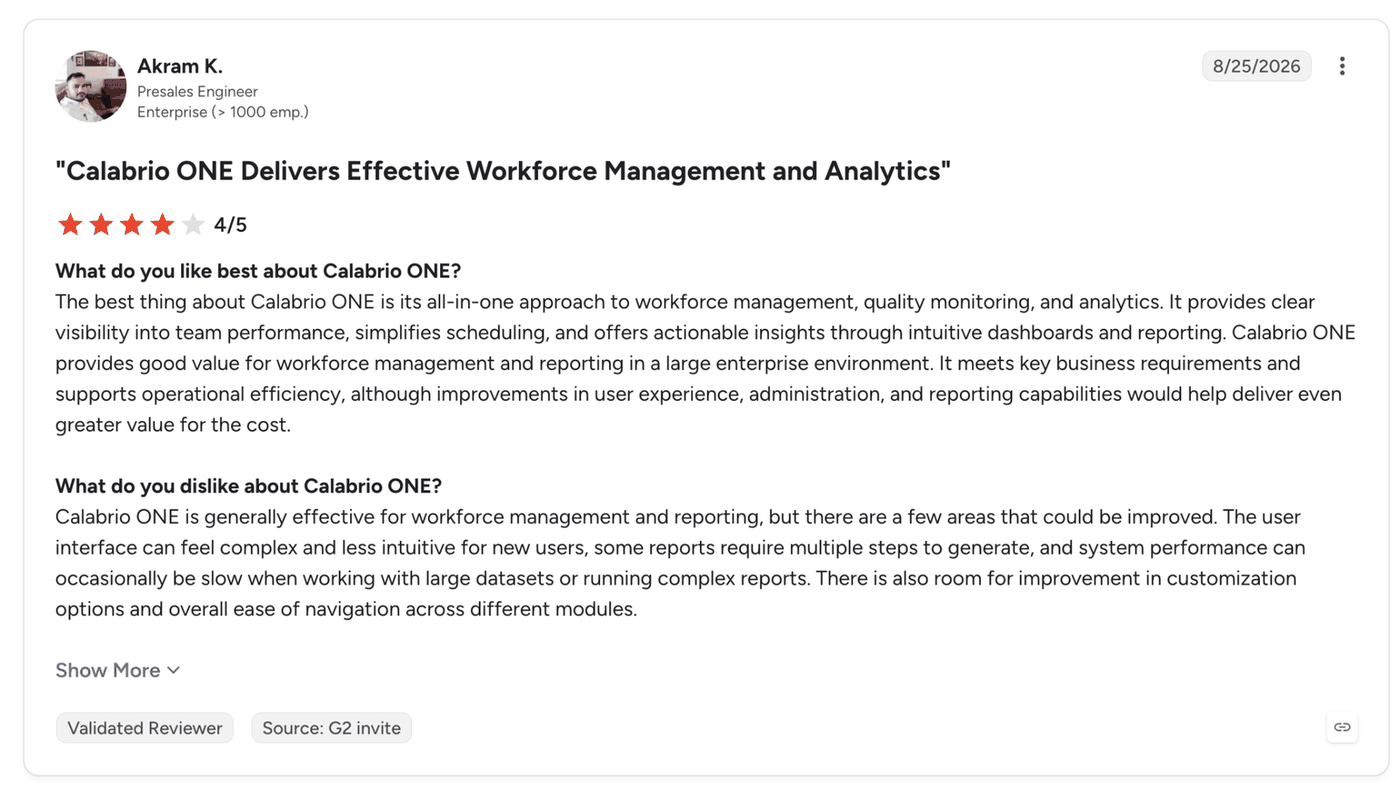
"The best thing about Calabrio ONE is its all-in-one approach to workforce management, quality monitoring, and analytics." (Akram K., Presales Engineer, G2)
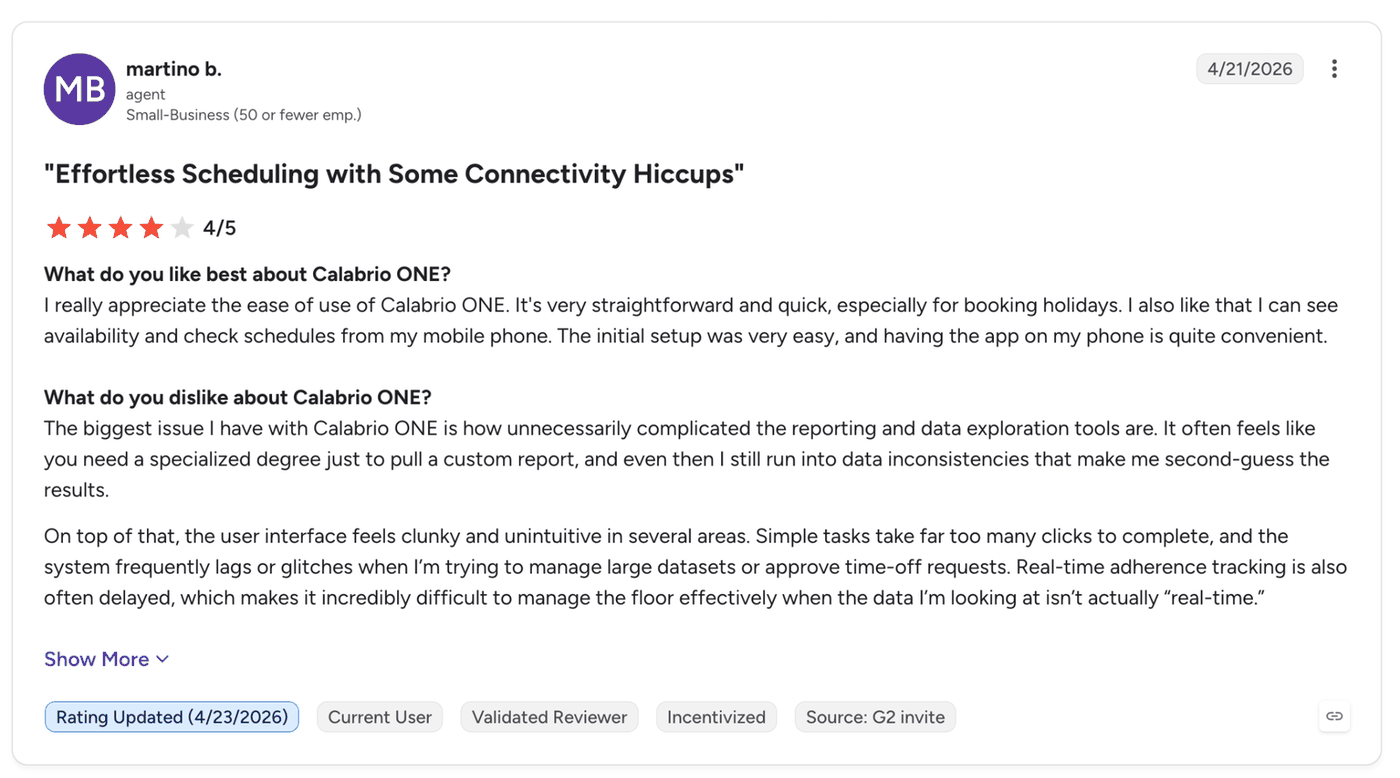
"The biggest issue I have with Calabrio ONE is how unnecessarily complicated the reporting and data exploration tools are." (Martino B., Agent, G2)
Pricing
Verint publishes no QM price. The QM hub points to "Get a Demo" and "Contact Sales".
Bottom Line
QMI is the strongest fit if you already run Verint or Calabrio, or you want one vendor scoring human and AI agents together. If you only need scoring on a few queues, compare it against a QM-only tool first.
9. NICE CXone for Teams Already Running the CXone Platform
What it does: NICE sells Quality Management under its Workforce Empowerment line, and its page says to "Evaluate 100% of interactions with AI and deliver effective coaching to agents."
Best for: Contact centers on CXone that need QM bundled into their suite.
A June 2026 press release introduced the CXone Workforce Empowerment Suite, which pairs workforce management with quality and AI operations tools. The same release says GenAI workflows scale quality to up to 100% of interactions with auto-summarized evaluations.
NICE reports that 75% of contact center leaders are not very satisfied with their QM programs, a figure from its own resource page.
The QM pages I could open skip speech and sentiment analytics, scorecard design, scoring mode, and any channels beyond "omnichannel".
Copilot for Agents and Copilot for Supervisors cover live help as their own products, and third-party ACD support isn't stated.
NICE's security page lists eight frameworks, FedRAMP Moderate among them, plus a 99.99% uptime platform SLA.
Key Features
-
AI evaluation: Evaluates interactions with AI, up to 100% per the press release.
-
Workforce Empowerment Suite: QM is bundled with workforce management and performance management.
-
Copilots: Separate Copilot products cover agents, supervisors, and leaders.
Pros and Cons
Pros:
✅ Includes QM from the Essential suite ($135 per agent per month) up, so CXone customers on that tier don’t buy it separately.
✅ Lists FedRAMP Moderate, so US public-sector teams have a QM option that already carries it.
✅ States a 99.99% platform uptime SLA, which gives operations teams a written availability commitment.
Cons:
❌ The QM pages leave scorecard design and scoring mode unstated.
❌ Live assistance comes from the Copilot products, outside QM.
What Users Say
One G2 reviewer, writing about the CXone platform listing, likes how easy the dashboard is to edit, and another finds the reporting hard to understand.
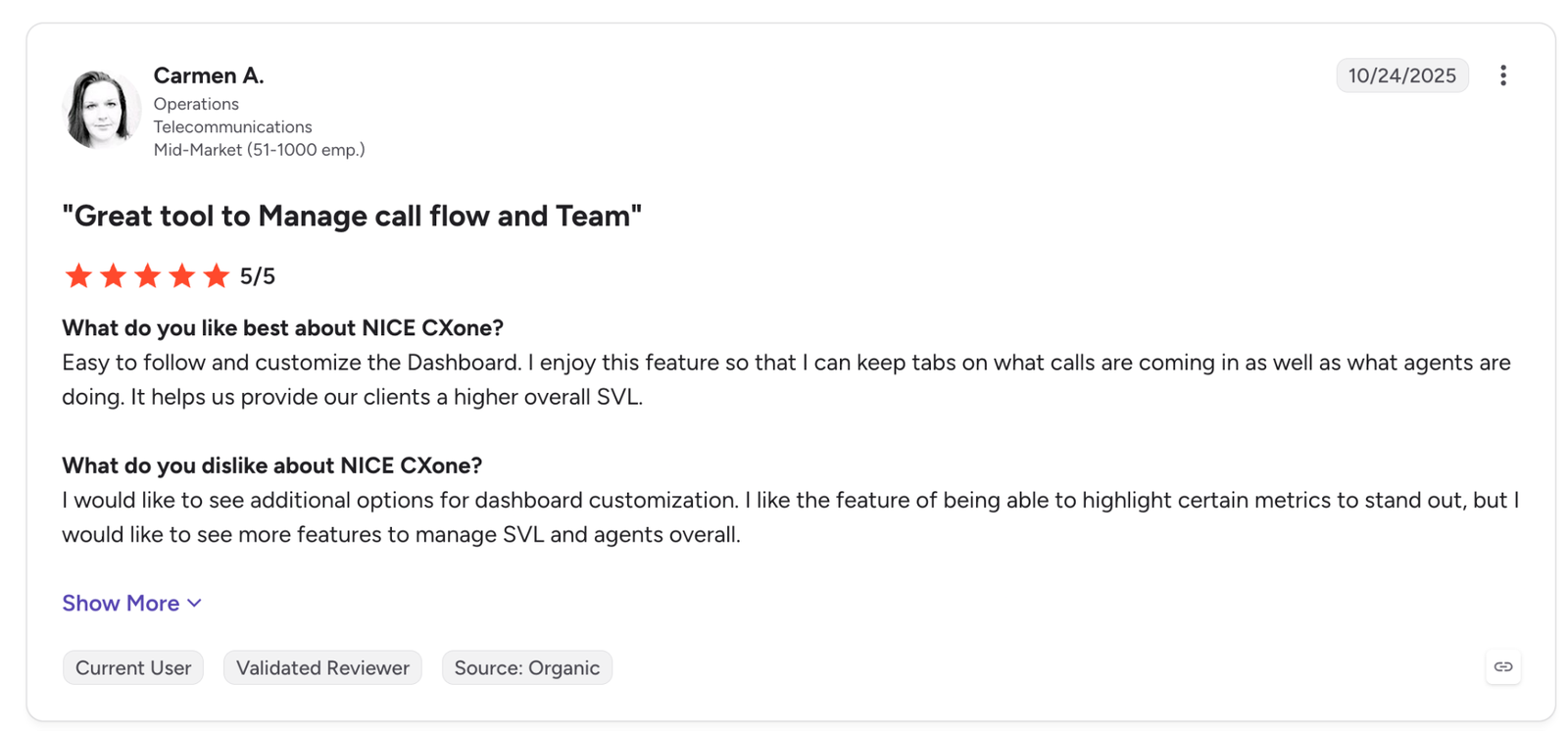
"Easy to follow and customize the Dashboard. I enjoy this feature so that I can keep tabs on what calls are coming in as well as what agents are doing." (Carmen A., Operations, G2)
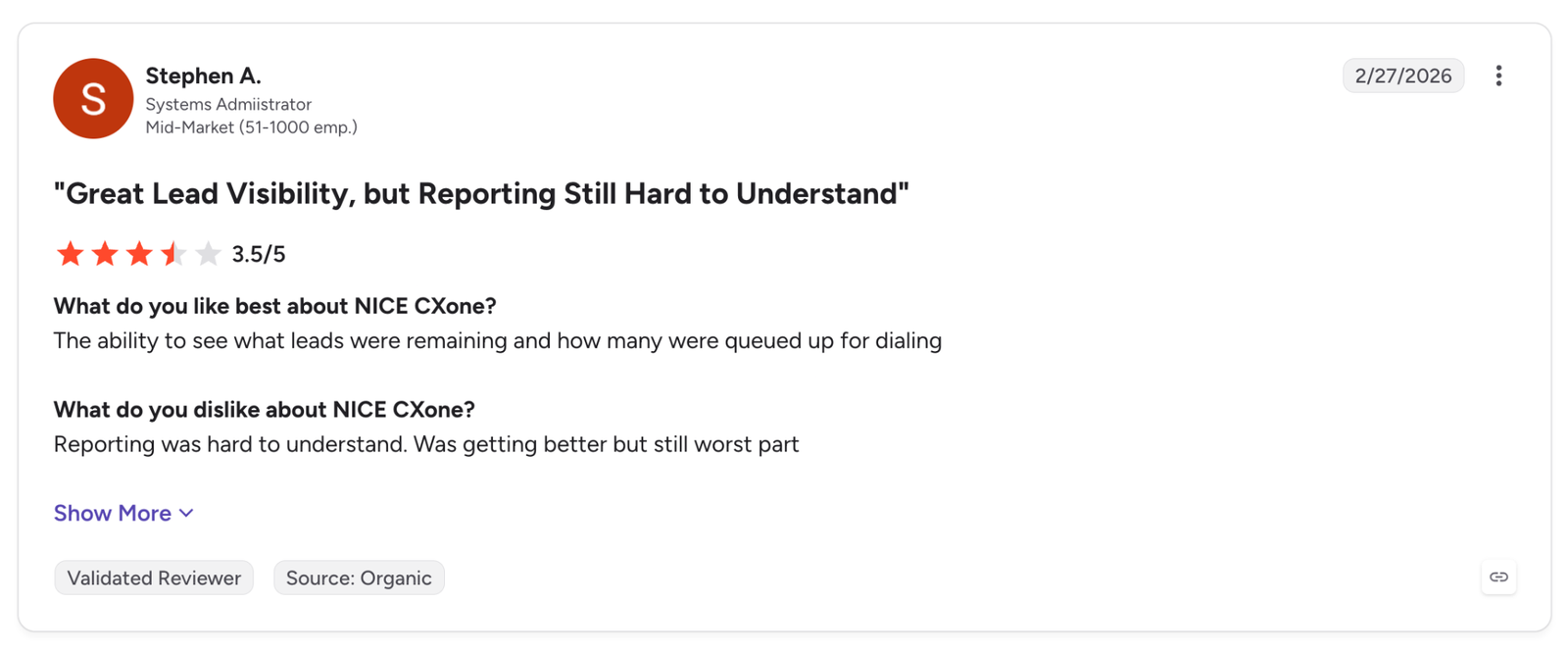
"Reporting was hard to understand. Was getting better but still worst part" (Stephen A., Systems Administrator, G2)
Pricing
The pricing page lists suites per agent per month: Omnichannel at $110, Essential at $135, Core at $169, Complete at $209, and Ultimate at $249, with Ultimate also showing $0.25 per session.
In the Workforce Engagement table, Quality Management shows as an add-on on Omnichannel and is included from Essential up. Billing is monthly in arrears with no prepay.
Bottom Line
The QM pages I opened don't describe the scorecard builder, so see it running in a demo before you sign.
10. Talkdesk for Talkdesk Customers Adding AI-Scored Evaluations
What it does: Talkdesk Quality Management says teams can "evaluate every interaction and surface coaching insights." QM Assist, its AI layer, scores calls automatically.
Best for: Contact centers already on Talkdesk that are adding AI scoring and screen capture to the platform they already run.
The QM page describes automated AI scoring, and the QM Assist support article says it "automatically evaluates all calls close to real-time." Talkdesk pairs keyword-based scoring with generative AI that scores tone, sentiment, and intent.
Forms come from an editor or a library of ready-made templates. The release notes show team-based assignment for random sampling in late July 2026.
Channel coverage comes from the analytics page, which says it analyzes conversations across voice and digital channels, chat included. Screen recording for chat, SMS, WhatsApp, and email appears in a preview item dated 27 August 2026.
Talkdesk lists more than 30 security certifications on its security page, SOC 2 and HIPAA among them. I didn't find a statement on PII redaction.
For live coaching during a call, the page points to Copilot rather than QM, and use with a third-party ACD isn't stated.
Key Features
-
QM Assist: AI evaluation of calls shortly after they end.
-
Custom forms: Form editor plus ready-made templates.
-
Synced playback: Screen and audio recordings play together with time-stamped comments.
Pros and Cons
Pros:
✅ Checks required phrases with keyword rules and scores tone, sentiment, and intent with generative AI, so one form covers script compliance and soft skills.
✅ Plays screen and audio back together with time-stamped comments, so a reviewer can point to the exact moment an agent skipped a step.
✅ Evaluates calls close to real time through QM Assist, so feedback reaches agents soon after the call.
Cons:
❌ The QM Assist documentation points to the Talkdesk platform, and third-party ACD support never comes up.
❌ Talkdesk points to Copilot for live agent coaching.
What Users Say
One G2 reviewer, writing about the Talkdesk platform listing, values how it keeps calls and customer notes organized, and another finds custom dashboards and reports harder to build than the canned ones.
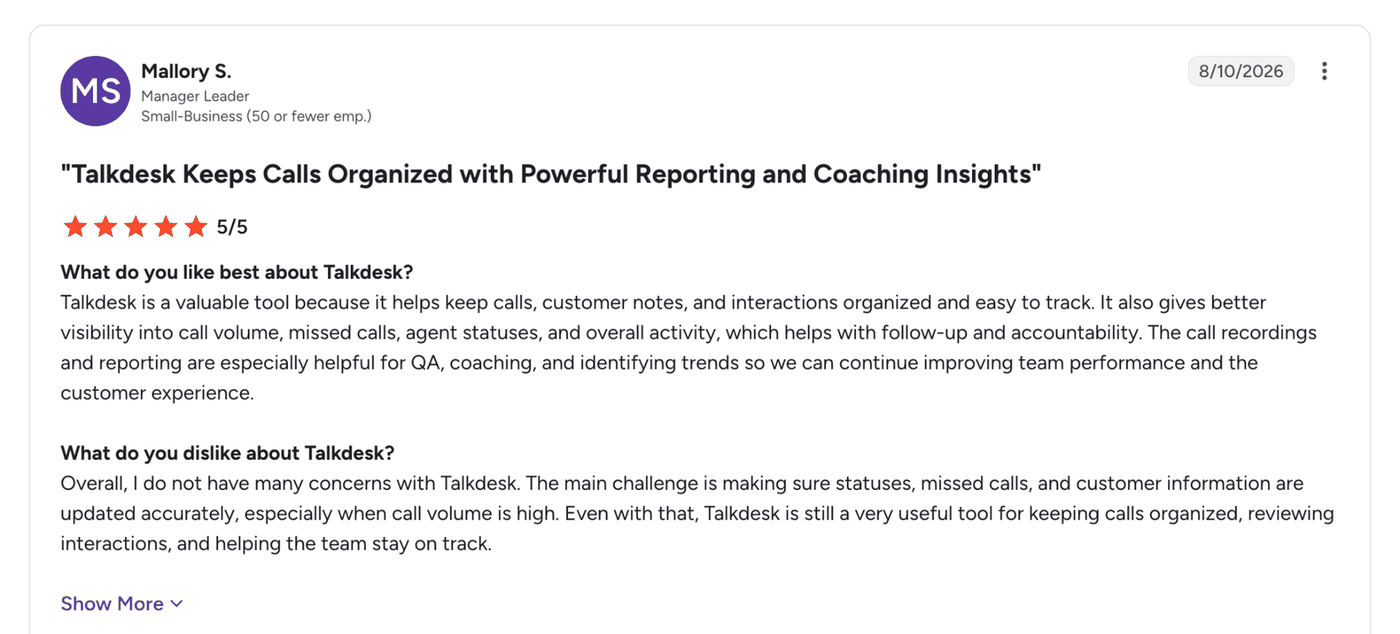
"Talkdesk is a valuable tool because it helps keep calls, customer notes, and interactions organized and easy to track." (Mallory S., Manager Leader, G2)
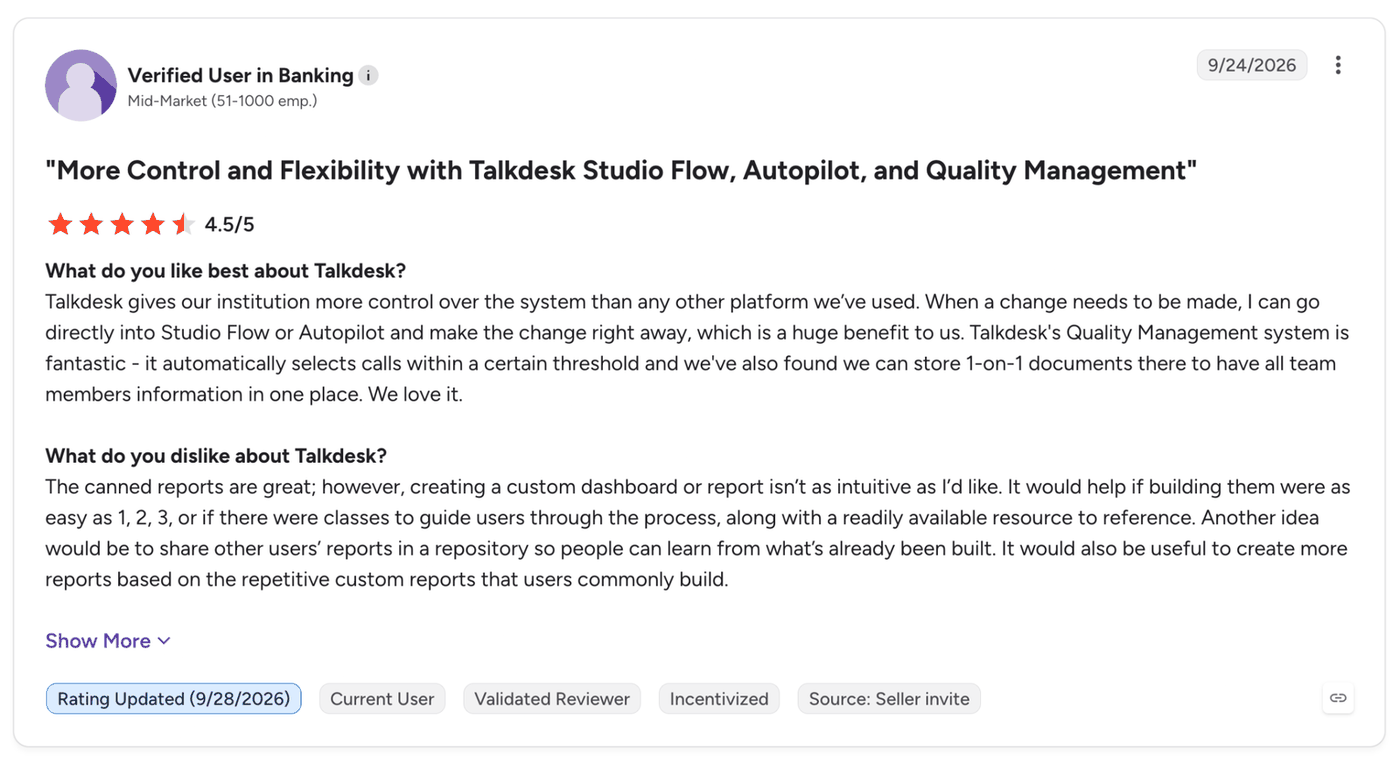
"The canned reports are great; however, creating a custom dashboard or report isn't as intuitive as I'd like." (Verified User in Banking, G2)
Pricing
Talkdesk's pricing page lists Digital Essentials at $85, Voice Essentials at $105, Elite at $165, and Industry Experience Clouds at $225 per user per month.
It never mentions Quality Management, so I could not tell which plan includes it. A support article says QM Assist is an add-on requiring additional licensing, with setup by Talkdesk.
Bottom Line
Which plan and add-on carry QM isn't on the pricing page, so get that answer from sales in writing.
11. Five9 for Five9 Contact Centers Adding QM Through Workforce Engagement Management
What it does: Five9 Workforce Engagement Management includes Five9 Enterprise Quality Management. Five9 describes the product as "Evaluate, score, and create training for your agents using recorded omnichannel events."
Best for: Five9 customers who want QM in the same contract and can buy named WEM seats.
The Workforce Optimization page covers voice, chat, and email and lists automated QM scoring, 100% call transcription, emotion and sentiment analysis, flexible evaluation form creation, and live call and desktop monitoring.
On coverage, Five9 lists 100% call transcription and leaves scoring coverage unquantified. The monitoring is supervisor-side.
Integrations include CRM connections for Salesforce, Zendesk, Oracle, and ServiceNow. A pricing footnote lets teams choose between Five9 and existing WEM partners Verint or Calabrio, now one company. Whether Five9 QM runs on a non-Five9 ACD isn't stated.
The trust center lists several frameworks, SOC 2 Type II and HIPAA among them.
Key Features
-
Automated QM scoring: Scoring plus full call transcription.
-
Evaluation forms: Flexible evaluation form creation.
-
Coaching packages: Listed under Quality Management.
Pros and Cons
Pros:
✅ Transcribes 100% of calls, so there’s a full text record of every call to review, even those that weren’t scored.
✅ Lets Five9 customers already on Verint or Calabrio keep that WEM vendor, so adding QM doesn’t force a switch.
✅ Adds live call and desktop monitoring, so a supervisor can see an issue as it happens and not only in the recording.
Cons:
❌ Publishes a 100% transcription figure and leaves scoring coverage unquantified.
❌ Live guidance is part of a bundle tier outside QM, and live monitoring is supervisor-side.
What Users Say
One G2 reviewer, writing about the Five9 platform listing, finds the voice channels easy to use, and another says AQM supports only English.
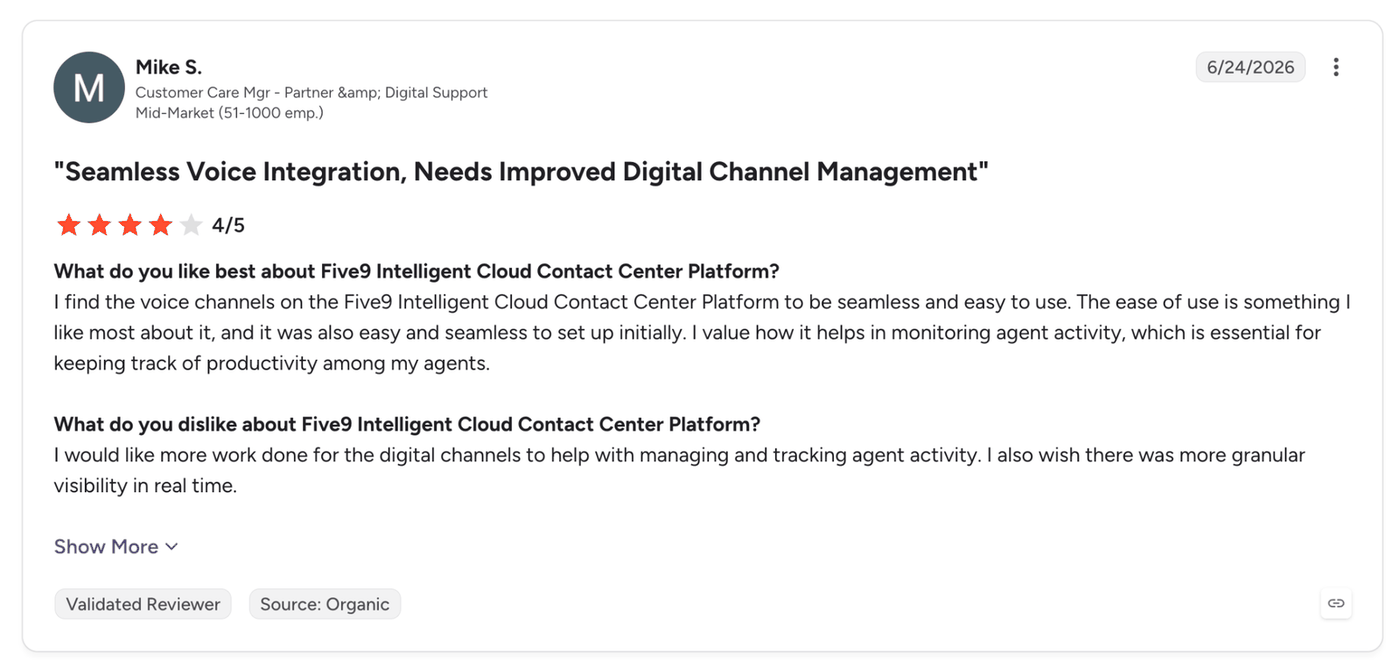
"I find the voice channels on the Five9 Intelligent Cloud Contact Center Platform to be seamless and easy to use." (Mike S., Customer Care Mgr - Partner & Digital Support, G2)
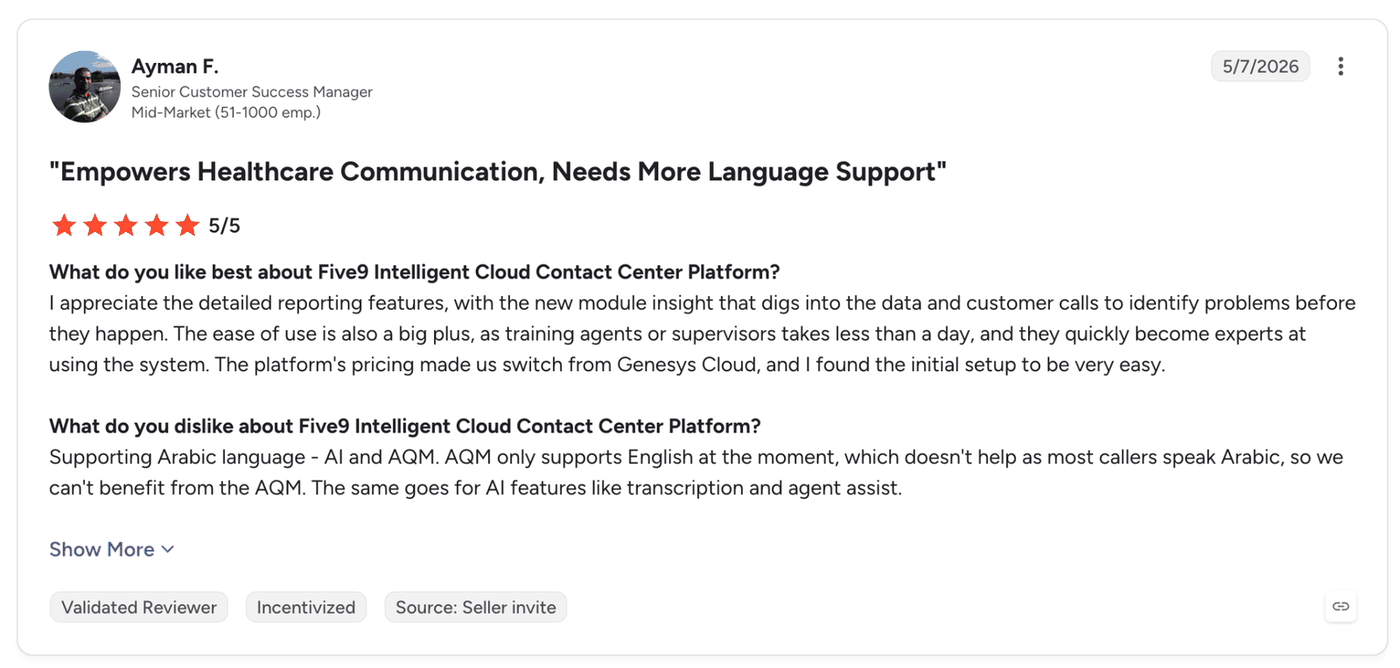
"AQM only supports English at the moment, which doesn't help as most callers speak Arabic, so we can't benefit from the AQM." (Ayman F., Senior Customer Success Manager, G2)
Pricing
Five9 currently doesn’t publish pricing, so you’ll have to request a demo or contact their sales team to learn more.
Bottom Line
QM comes through named WEM seats, and I couldn't read which bundle includes them, so settle that in the quote.
Which Call Center Quality Monitoring Software Should You Choose?
Choose Cekura if you:
-
Run voice or chat AI agents next to human agents and need to score what the bots say.
-
Want pre-launch simulation and live monitoring in one product.
Choose Level AI if you:
-
Run a mixed telephony setup and want to keep your current scorecards.
-
Want hybrid AI plus manual scoring with conditional logic.
Choose CallMiner if you:
- Work in a regulated industry and want scoring, speech analytics, and redaction from one vendor.
Choose Balto or Observe.AI if you:
- Want a score soon after the call (Balto) or formal calibration with agent disputes (Observe.AI).
Choose Cresta if you:
- Run a large operation and want QM scoring and live guidance on one model.
Choose evaluagent if you:
- Have human agents and want weighted scorecards at a published per-user price.
Choose Verint, NICE CXone, Talkdesk, or Five9 if you:
- Already run that vendor's platform and want QM in the same contract.
A dedicated QM tool may not be worth it if:
- You already review every call by hand, and your call volume is small enough for one reviewer.
Final Verdict
For call center quality monitoring software on a team of human agents, I'd shortlist Level AI, CallMiner, and evaluagent first, because they work across more than one telephony system and publish how their scorecards work.
CallMiner wins when redaction and regulated-industry security are the deciding factors, and evaluagent when you want to read a price before you talk to sales.
If your contact center now runs AI agents, add Cekura to that shortlist, since none of the tools above list interruption, latency, or hallucination metrics on the pages I checked.
Whatever you pick, ask each vendor for a pilot on your own recordings. Many of these platforms require a demo request, and a pilot lets you check scoring accuracy on your own accents, noise, and call types.
Want to Test Your AI Agents Before They Take Live Calls?
If your contact center runs voice or chat AI agents, you can book a demo to see how Cekura scores them in production.
Frequently Asked Questions
What is the best call center QA software?
The best call center QA software depends on who handles your calls and which platform you run. Level AI names five telephony platforms and CallMiner names CCaaS platforms, and evaluagent publishes a per-user price. Cekura covers voice and chat AI agents.
NICE CXone, Talkdesk, and Five9 bundle QM with the platform you already run. For a team of human agents, Level AI, CallMiner, and evaluagent are the shortlist above, and Cekura covers AI agents.
How do you measure quality in a call center?
You measure call center quality by scoring a sample or all of your conversations against a scorecard, then tracking the scores beside outcomes such as customer satisfaction and first-call resolution.
Coverage is where the approaches differ. Manual programs review a small share of interactions, which RingCentral puts at 1% to 3%.
Call center quality monitoring software with AI scoring can cover every interaction, according to vendors, so compliance misses in calls that manual sampling skips can be detected.
What is the best call monitoring software?
Live monitoring and post-call scoring point to different tools. Balto, CallMiner, and Cresta pair live guidance with scoring, and Five9 offers supervisor-side live call monitoring.
Level AI and Observe.AI focus on post-call scoring, as does evaluagent. Check each vendor's scoring mode before you shortlist it.
What is the 80/20 rule in a call center?
The 80/20 rule in a call center is a service level target of answering 80% of calls within 20 seconds. The phrase also names the Pareto principle, where roughly 20% of causes produce 80% of problems.