
Which of these Bland AI alternatives suits you depends on who builds and maintains the agent. Pick Retell AI or Vapi if your engineers do, Synthflow or Phonely if an operations team does, and PolyAI, HappyRobot, Cognigy, or Replicant if you run an enterprise contact center.
Two Bland changes affect this comparison. It changed its rate card in December 2025, and on November 15, 2026, it moved its dashboard from Pathways to Agents, so check that any list of Bland AI competitors you read covers both.
I read the pricing pages and docs for all 8 platforms on November 12, 2026, then compared every rate a vendor publishes.
8 best Bland AI alternatives: TL;DR
-
Retell AI: Developer API with a no-code builder, best for engineering teams that want telephony and testing handled in one managed stack.
-
Vapi: Developer API, best for engineers who choose the transcriber, model, and voice themselves.
-
Synthflow: No-code builder, best for operations teams editing call flows on a visual canvas.
-
Phonely: No-code builder, best for small teams running voice, SMS, and chat agents from one dashboard, with conversational SMS on higher tiers.
-
PolyAI: Enterprise contact center platform, best for large inbound lines where resolution without a human is the KPI.
-
HappyRobot: Enterprise contact center platform, best for logistics-led operations that hand the rollout to the vendor.
-
Cognigy: Enterprise contact center platform, best for teams already on Genesys, Avaya, Amazon Connect, or NiCE CXone.
-
Replicant: Enterprise contact center platform, best for handling inbound tier-1 calls on an existing phone system.
Why look for a Bland AI alternative?
Bland says it runs its own speech-to-text, language, and text-to-speech models. It ranked sixth of 16 platforms in Cekura’s November 2026 voice quality benchmark, with a 91.4 quality score, behind Crescendo, Decagon, Retell, Cresta, and PolyAI.
Four areas in Bland's pricing page and docs affect cost and workload: the rate card, the agent architecture, latency, and security controls.
The rates changed in December 2025
According to Bland's billing docs, plan-based rates for connected minutes took effect on December 5, 2025. Before then, every plan paid a flat $0.09 a minute. Start now bills $0.14, a 56% increase, and Build bills $0.12 with a $299 monthly fee.
Build costs less than Start only past 14,950 connected minutes a month. Transfer time bills separately, at $0.05 a minute on Start and $0.04 on Build.
The billing docs also list a Scale plan ($499 a month, $0.11 a minute) that the public pricing page doesn't show, so ask Bland whether it is open to your account.
Pathways were retired as a standalone setup
Bland’s migration docs set November 15, 2026 as the deadline for production agents to move to the new Agents architecture. Pathways remain as a component inside agents, so the capability carried over and only the standalone setup went away.
In the days before November 15, Bland migrated the busiest pathways and personas where it could and published each new agent’s production version. Those migrations only created new agents.
Calls keep going to the old pathway or persona until you move them, by attaching the phone number to the agent, sending agent_id in API requests, or running a migration split.
November 15 changed the dashboard only. Legacy pathways and personas are still visible there but can no longer be edited, and Enterprise accounts have their Bland partner run the move.
Self-serve teams still have to finish the move, and it changes how the agent behaves. Bland’s docs say a persona’s skills become prompts and the global prompt moves to the agent’s system prompt.
“Migrate as is” also drops a pathway’s own global prompt, exit pointers on fanned-out components, and tool overrides on a persona’s skills, with a warning for each.
Latency depends on your setup
Bland's agent builder docs warn that every extracted variable adds turn latency, and none of the Bland pages I read say how much latency each one adds.
In Cekura’s November voice quality benchmark, mean response latency across the 16 platforms ran from 1.47 seconds (Talkdesk) to 3.57 seconds (Vapi), with Bland at 2.28 and Retell at 1.51.
The agents serve different businesses, and some platforms were tested on a single phone line, so the spread isn’t a like-for-like comparison.
Because of that, measure latency on your own agent, with the variables you plan to extract.
Security controls require Enterprise
On the pricing page, Start and Build show a dash for BAA, SSO, data residency, and protected-call guardrails. Enterprise is custom pricing through sales.
Custom guardrails need an Enterprise plan, the docs add, while the four standard TCPA disclosure guardrails come with every plan and start switched off, so each one needs to be turned on. A security review that requires both SSO and a BAA ends in an Enterprise contract.
How I researched and compared these Bland AI alternatives
Every price in the eight entries comes from the vendor's own pricing page, read on November 12, 2026. Three references (Telnyx’s rate and two notes on Cognigy’s licensing and setup) come from Cekura's own roundups and are labeled as such.
I skipped aggregator listings, and where a vendor doesn’t publish a rate, the entry says so.
For every platform, I checked who builds and edits the agent and whether a rate is published, including what it covers and excludes.
I also checked whether Cekura’s benchmarks include the platform. Where a vendor documents SSO, a BAA, data residency, or a latency figure, I noted the tier that includes it and what the figure measures.
I excluded the open-source frameworks LiveKit and Pipecat, which you host yourself, and Telnyx, whose $0.05-a-minute rate can carry separate third-party voice and model costs, per Cekura's Vapi alternatives roundup.
I didn't place test calls through all 8 platforms, so capability claims come from vendor docs, and vendor-reported figures are labeled as such.
Pass^3 and voice-quality figures are taken from Cekura's benchmarks, which include a workflow study of 82 scripted scenarios run three times on ten platforms.
The second is a voice quality benchmark of 1,395 live calls placed to 31 production phone lines across 16 platforms in November 2026, which replaced Cekura’s September study. Cekura says the two sets of numbers are not comparable.
Each platform ran its own configuration, so use those numbers to shortlist, and validate your final two on your own calls. Cekura publishes both the benchmarks and this article, so read them as Cekura's tests, with the scenarios and limits stated on each page.
8 Bland AI alternatives compared at a glance
Here’s how the eight compare on build style, best fit, pricing model, and the lowest price each vendor publishes.
| Tool | Build style | Best for | Pricing model | Starting price (billed monthly) |
|---|---|---|---|---|
| Retell AI | Developer API plus no-code builder | Managed voice stack with testing | Pay per minute | $0 to start, from $0.07/minute |
| Vapi | Developer API | Custom provider stack | Hosting fee plus providers | $0 to start, $29/month Core |
| Synthflow | No-code builder | Visual call flows | Annual enterprise agreement | Contact sales |
| Phonely | No-code builder | Voice, SMS, and chat agents from one dashboard | Monthly plan plus overage | 100 free minutes, then $50/month Starter |
| PolyAI | Enterprise contact center | End-to-end call resolution | Platform by quote; model API per minute | Contact sales (API from $0.02/minute plus tokens) |
| HappyRobot | Enterprise contact center | Managed AI agents | Quote after demo | Contact sales |
| Cognigy | Enterprise contact center | AI agents on your CCaaS | License by quote | Contact sales |
| Replicant | Enterprise contact center | Inbound tier-1 call handling | Pay-as-you-go by quote | Contact sales |
Pricing verified against each vendor's own page. Recheck at signing. Retell and Vapi rates cover different scopes. Retell's range includes LLM, voice, and telephony choices, while Vapi's $0.05 is hosting only.
1. Retell AI: Best for teams that want telephony and testing handled
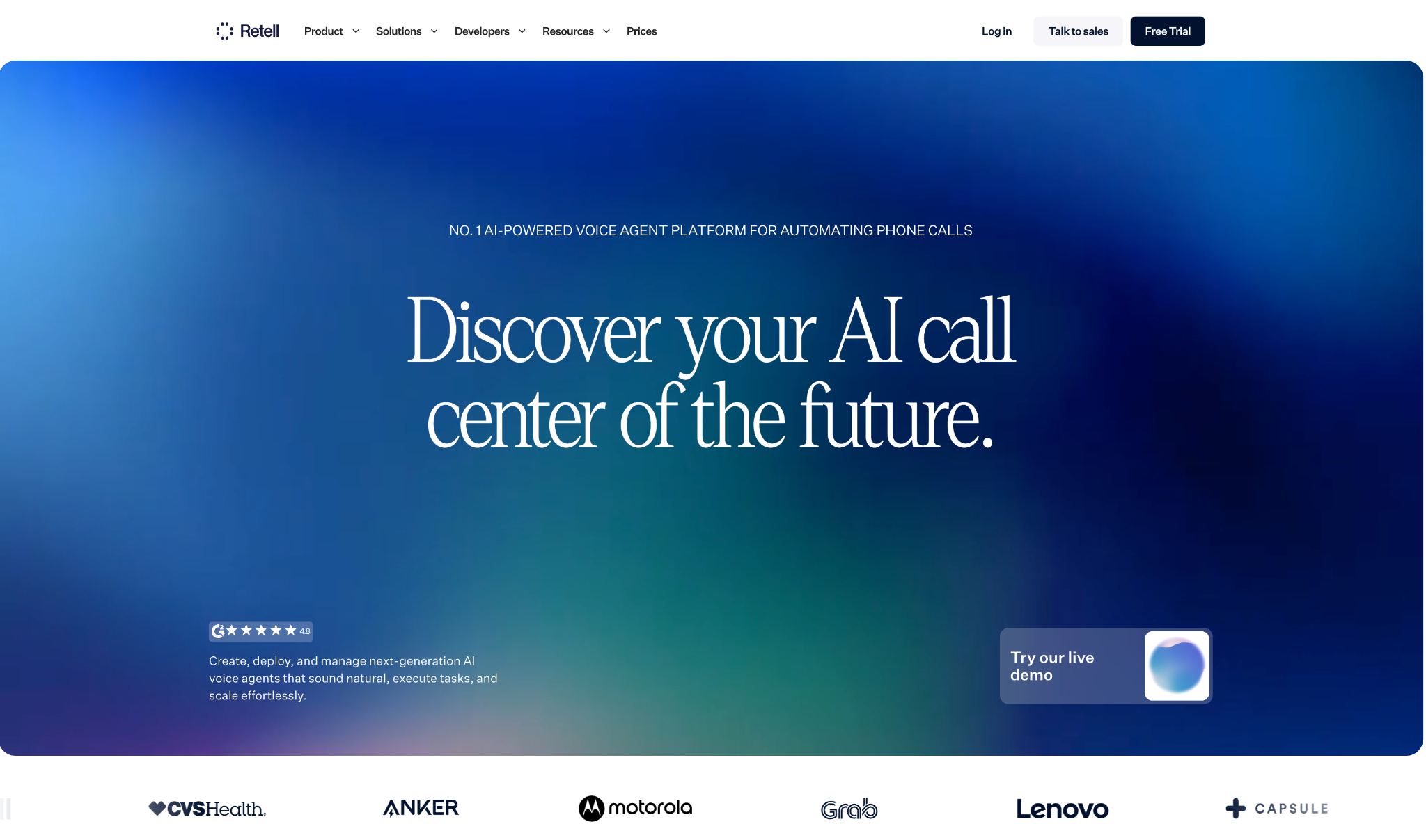
What it does: Retell AI is a voice agent API with a drag-and-drop builder that handles telephony and turn-taking and includes call testing in one managed stack.
Best for: Engineering teams that want telephony and testing handled, with a published per-minute rate.
Retell's docs recommend starting from a single prompt and adding a conversation flow only when a single prompt can no longer meet your requirements, such as when you need deterministic execution.
On results, Retell scored 90.2% pass^3 in the ten-platform workflow benchmark, the highest of the ten, ahead of PolyAI's 87.8%.
Warm transfer, IVR navigation, and voicemail detection come with the platform, and custom telephony lets you bring your own numbers over a SIP trunk, with no charge for it.
The final rate depends on the LLM, voice, and telephony you choose. The $0.07 starting rate rises to $0.11 in the pricing calculator's default example, and AI Quality Assurance adds $0.10 a minute after the first 100 free minutes.
Key features
-
Single prompt or conversation flow: Describe the whole task once, then add nodes on a canvas for the calls that need a fixed order.
-
Simulation testing and A/B splits: Graded test cases check agent behavior before launch, and live traffic can be split across agents, for example, two prompt variants.
-
Batch and branded outbound: Campaign dialing costs $0.005 per dial, and branded caller display adds $0.10 per outbound call.
Pros and cons
Pros:
✅ No platform fee and 20 concurrent calls included.
✅ The pricing page itemizes LLM, voice infrastructure, TTS, and telephony costs.
✅ $10 in free credit lets you test before paying.
Cons:
❌ AI Quality Assurance adds $0.10 a minute, which takes the $0.11 calculator example to $0.21.
❌ Billing covers the whole call duration, including silence.
❌ Custom SSO, role-based access control, and custom MSA/DPA terms are Enterprise-only.
What users say
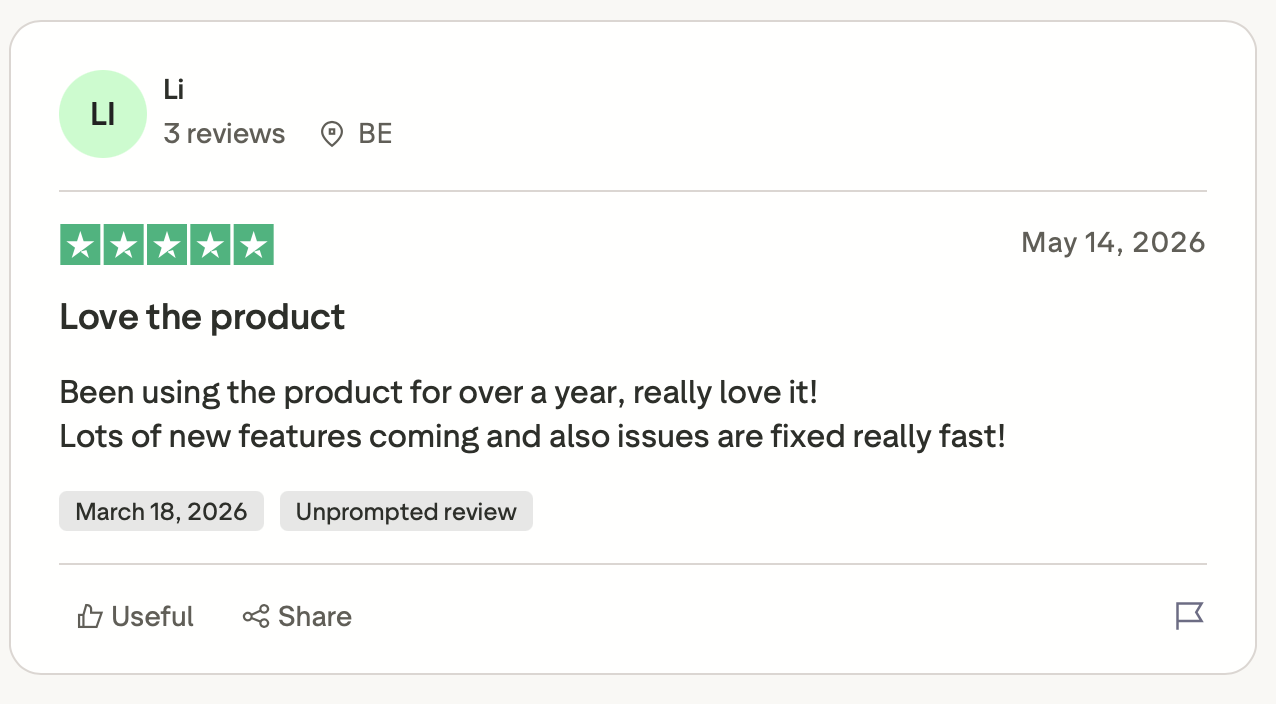
"Been using the product for over a year, really love it! Lots of new features coming and also issues are fixed really fast!" (Li, Trustpilot)
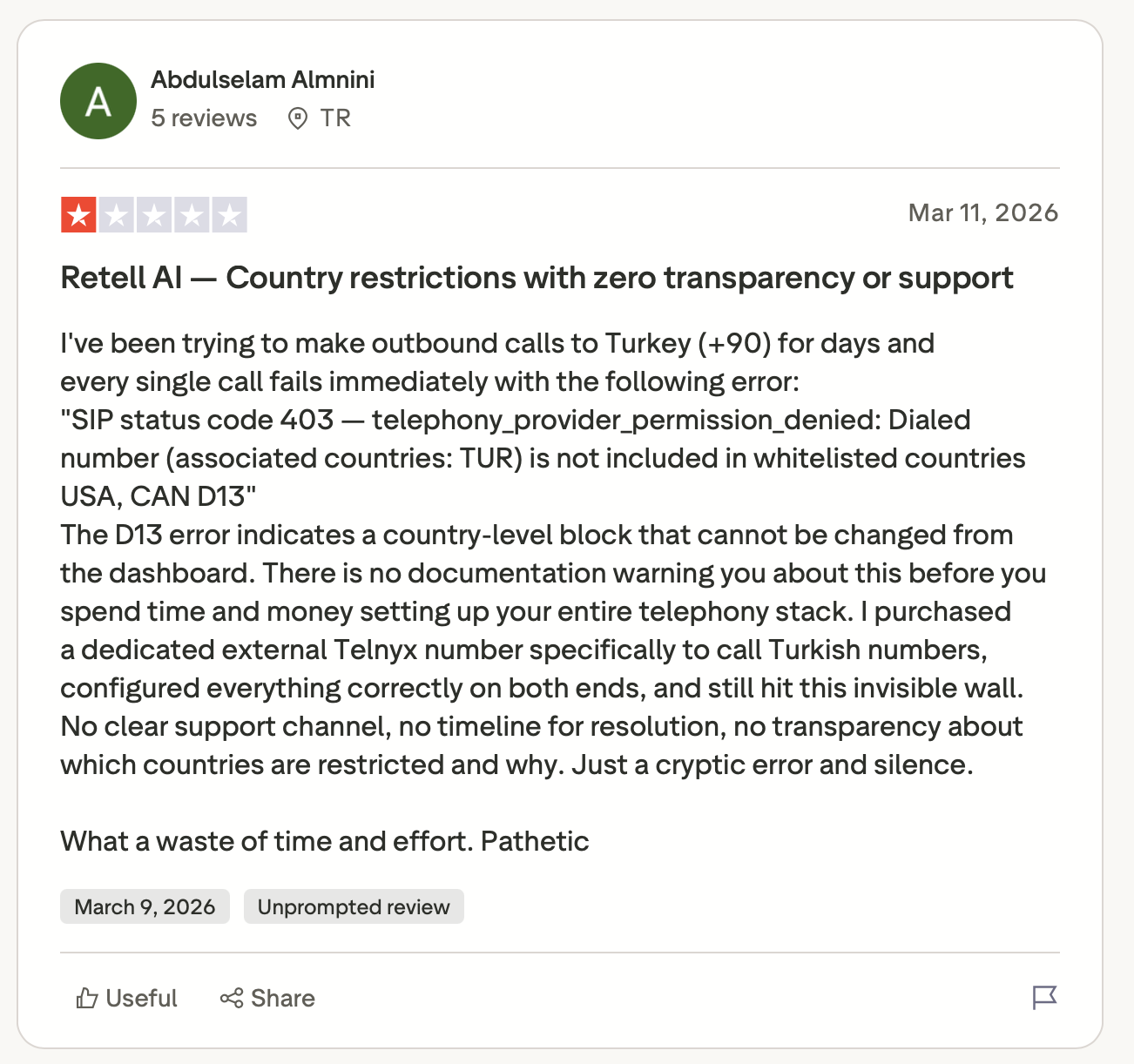
"The D13 error indicates a country-level block that cannot be changed from the dashboard. There is no documentation warning you about this before you spend time and money setting up your entire telephony stack." (Abdulselam Almnini, Trustpilot)
Pricing
Billing runs $0.07 to $0.31 a minute depending on your LLM and voice choices, and $10 in free credit gets you started. Concurrency beyond the 20 included costs $8 per call per month, and Enterprise is custom.
Bottom line
I'd start with Retell if your team wants a rate it can forecast and testing it doesn't have to build. Price the AI Quality Assurance add-on before you commit.
2. Vapi: Best for engineers who pick their own providers
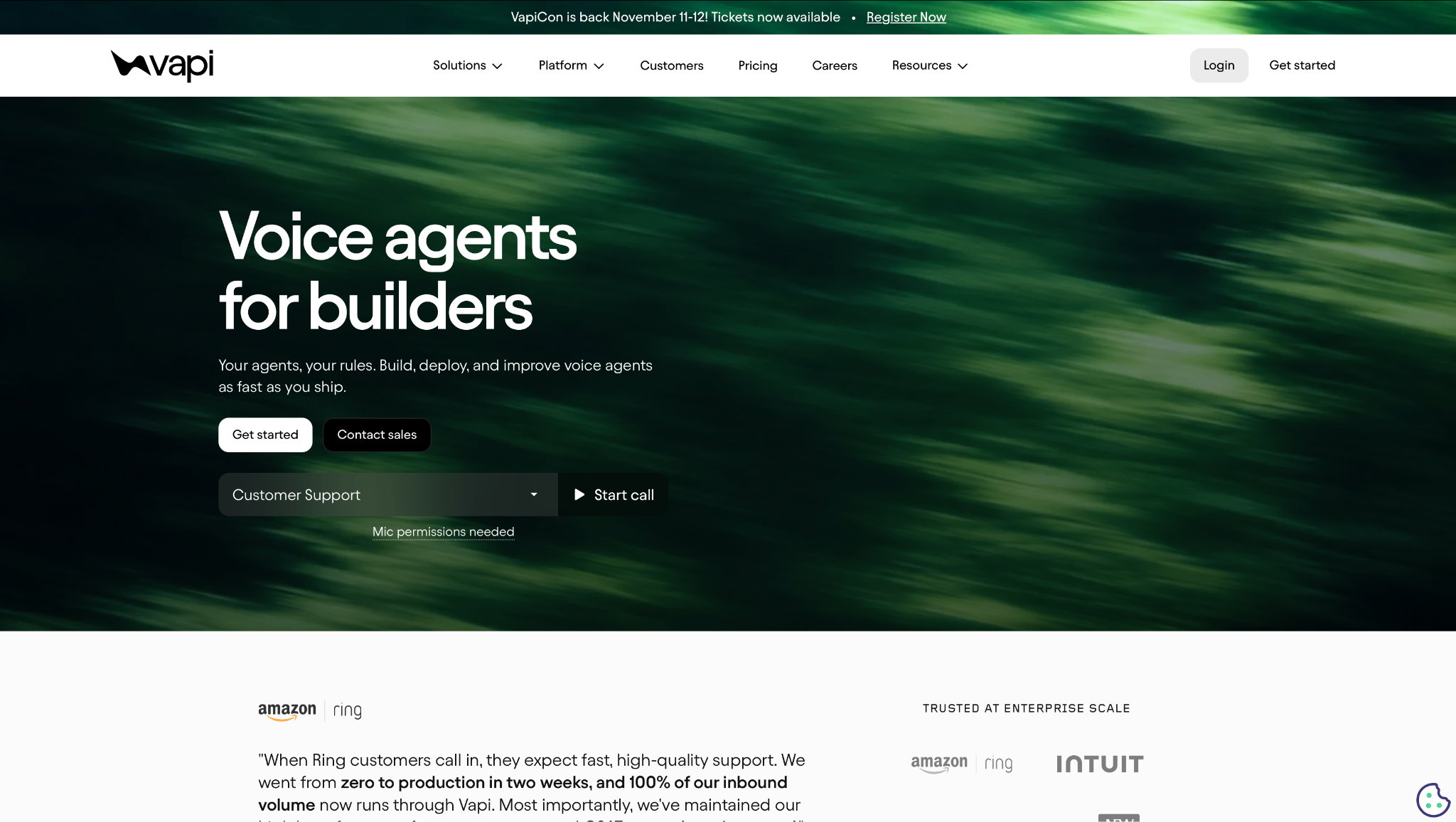
What it does: Vapi is a developer API for voice agents where you choose the transcriber, language model, and voice yourself.
Best for: Engineers who expect to replace a provider without changing the rest of the stack.
Vapi's docs list providers including OpenAI, Anthropic, Deepgram, and ElevenLabs. On results, Vapi completed 97.6% of the 205 calls that had outcome evidence in the workflow benchmark.
Forty-one of its 246 calls never connected, which lowered pass^3 to 59.8%. I'd ask Vapi's team about those 41 first, since the 97.6% completion rate covers only the 205 that connected.
On the setup side, Vapi’s pricing page lists SIP and WebSocket transport as free, and its docs cover importing numbers from Twilio, Telnyx, and DIDWW. The docs also cover simulations and evals, so you can test a setup before customers call.
Key features
-
Provider choice across the stack: Swap a provider without rebuilding the agent.
-
Assistants and Squads: One assistant handles a single job, and a squad orchestrates multiple assistants with context-preserving transfers, such as an intake assistant handing a caller to a booking assistant.
-
Config as code: Assistants, squads, tools, and tests live as files in git and promote from development to production.
Pros and cons
Pros:
✅ A published hosting fee of $0.05 a minute, with provider costs passed through at no markup.
✅ Custom LLMs and connecting your own server cover self-hosted models.
✅ A $5 free credit lets you build before paying.
Cons:
❌ HIPAA is a $2,000-a-month add-on, about 69 times the $29 Core plan.
❌ The headline rate leaves out provider costs, so the total depends on the providers you choose.
❌ You are responsible for every provider choice and its upkeep.
What users say
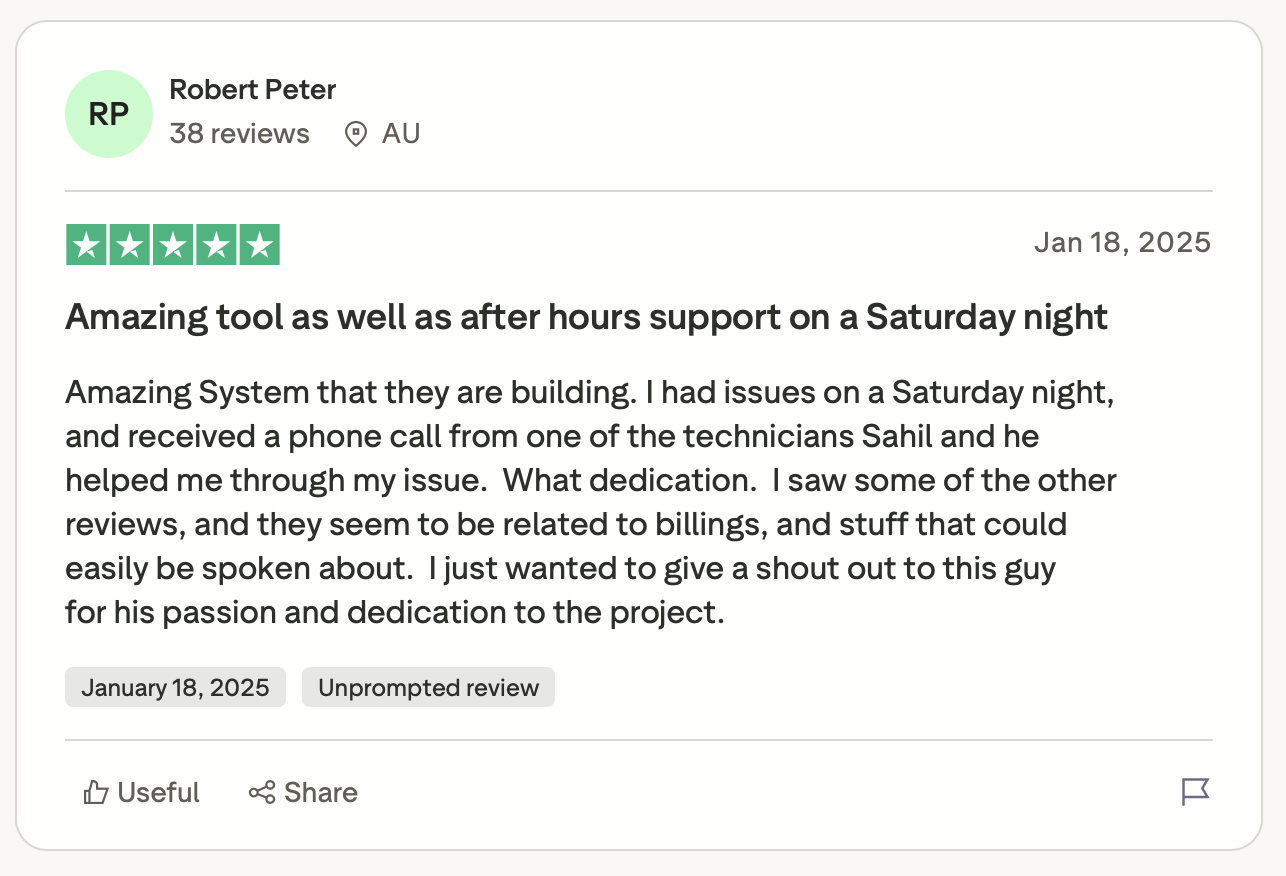
"Amazing System that they are building. I had issues on a Saturday night, and received a phone call from one of the technicians Sahil and he helped me through my issue." (Robert Peter, Trustpilot)
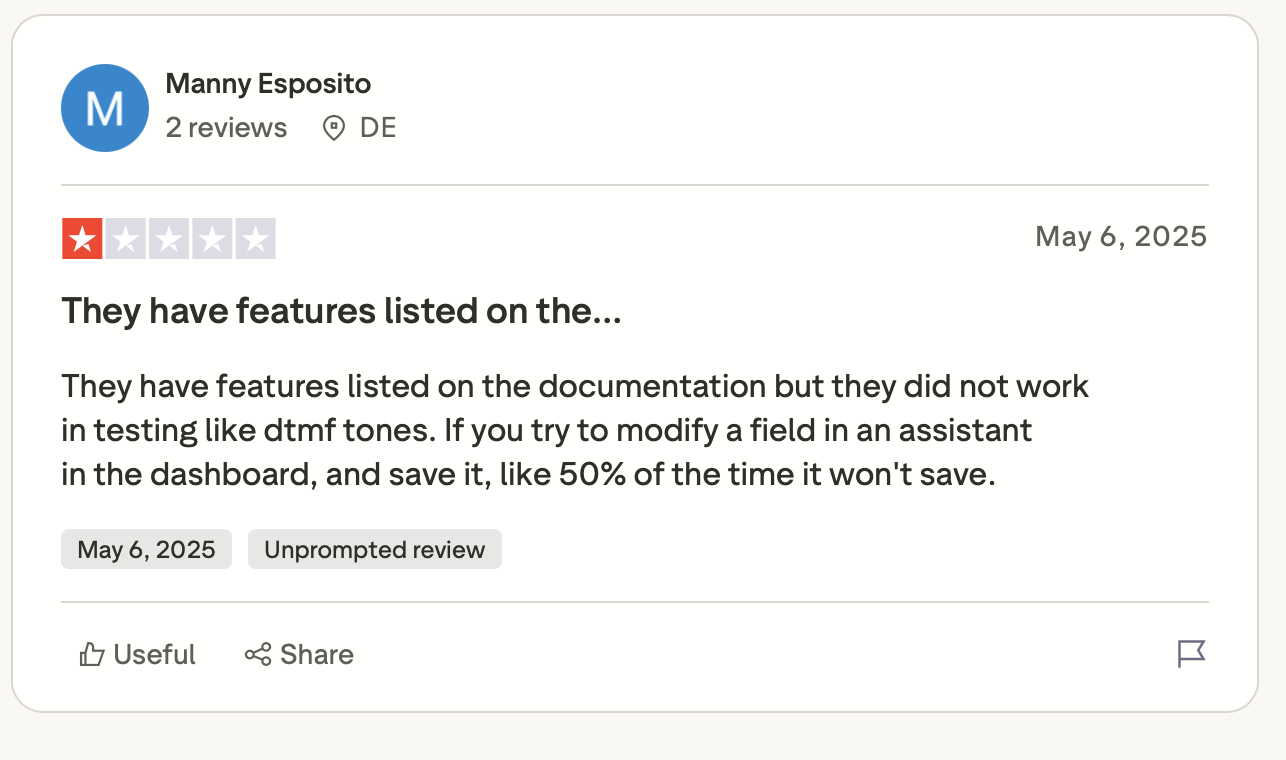
"They have features listed on the documentation but they did not work in testing like dtmf tones. If you try to modify a field in an assistant in the dashboard, and save it, like 50% of the time it won't save." (Manny Esposito, Trustpilot)
Pricing
Core is $29 a month with 10 concurrent calls, and Pro adds 10% of the Vapi hosting fee, with a $999 monthly minimum and 30 concurrent calls. Vapi's own 1,000-minute example comes to $82 to $129. The free tier gives $5 in credit.
Bottom line
Vapi works for a team that already knows which transcriber and model it wants and treats the agent like code. Budget for provider costs on top of the $0.05 hosting rate.
3. Synthflow: Best for operations teams designing call flows visually
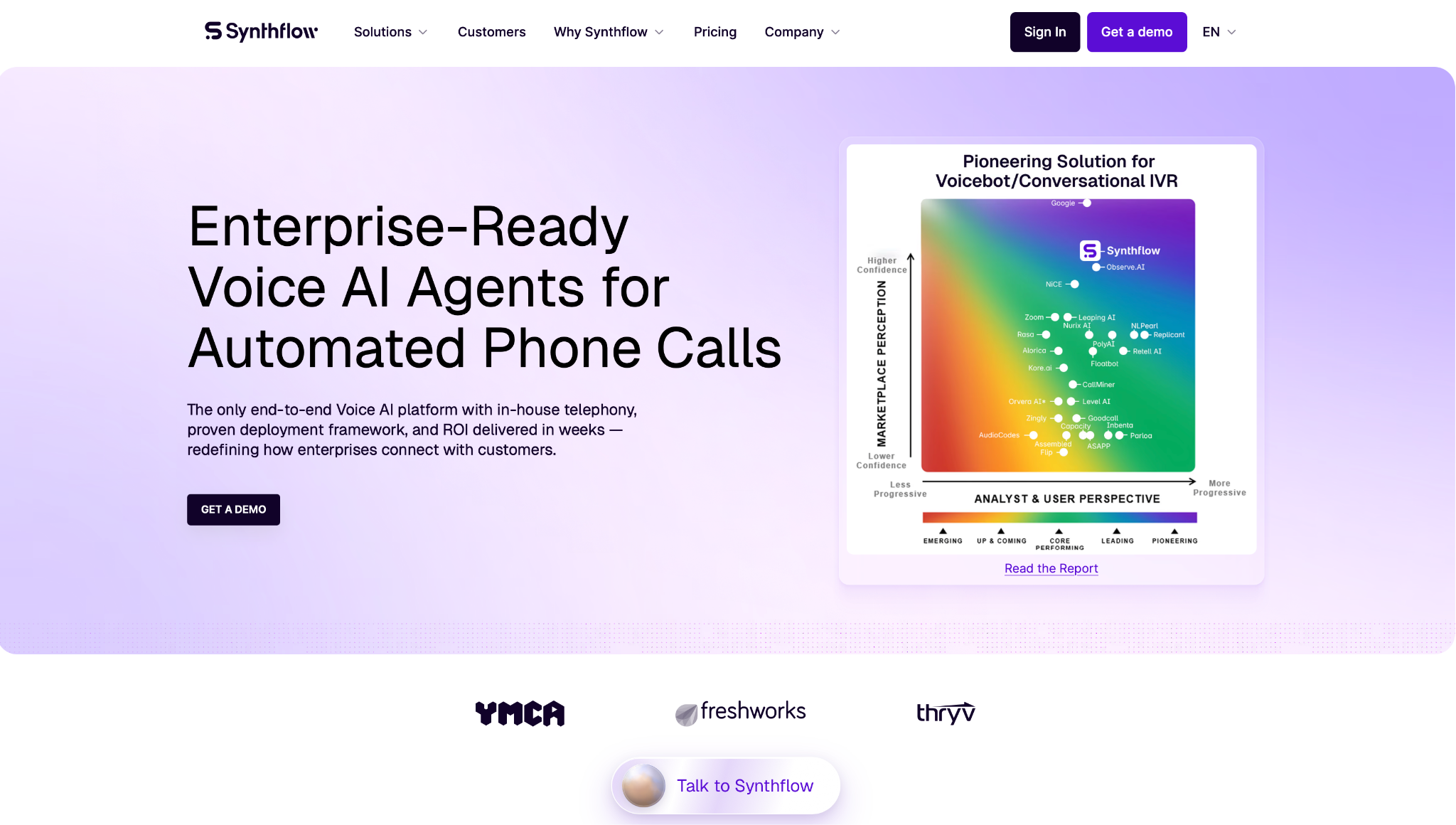
What it does: Synthflow is a no-code voice agent builder with a visual Flow Designer, running on its own telephony network.
Best for: Operations or CX teams editing call flows without waiting on engineers.
The Flow Designer defines each call step and connects APIs, and subflows act as specialized agents that handle tasks independently. Synthflow lists 200+ integrations, including Cisco, Avaya, Genesys, and RingCentral.
Synthflow targets a network round-trip under 100 ms within a region, and agents connect to an existing SIP or PBX setup.
Key features
-
Flow Designer: Lay out the flow on a canvas and connect APIs without writing orchestration code.
-
Subflows as agents: Split a long call into smaller modules that handle tasks independently.
-
Test Center and Version Control: Run simulated conversations in the Test Center, then compare versions and restore an earlier one in Version Control.
Pros and cons
Pros:
✅ Operations staff can edit flows without a developer.
✅ Synthflow lists 200+ integrations, including Cisco, Avaya, Genesys, and RingCentral.
✅ Agents run across voice and web chat, with SMS and WhatsApp in US workspaces.
Cons:
❌ Synthflow sells only annual enterprise agreements, with no free plan, trial, or published price.
❌ No per-minute rate is published, and concurrency is scoped per contract.
❌ SMS and WhatsApp chat agents are available only in US workspaces.
What users say
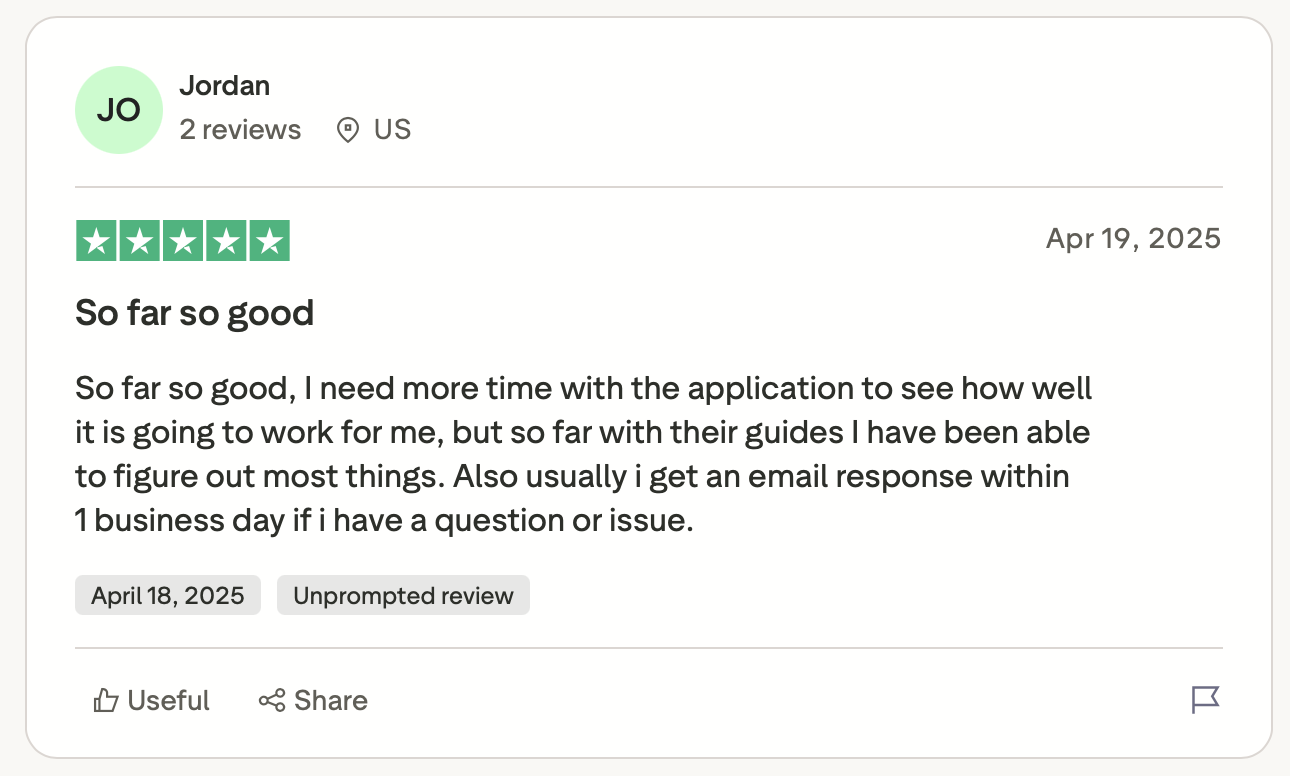
"So far so good, I need more time with the application to see how well it is going to work for me, but so far with their guides I have been able to figure out most things." (Jordan, Trustpilot)
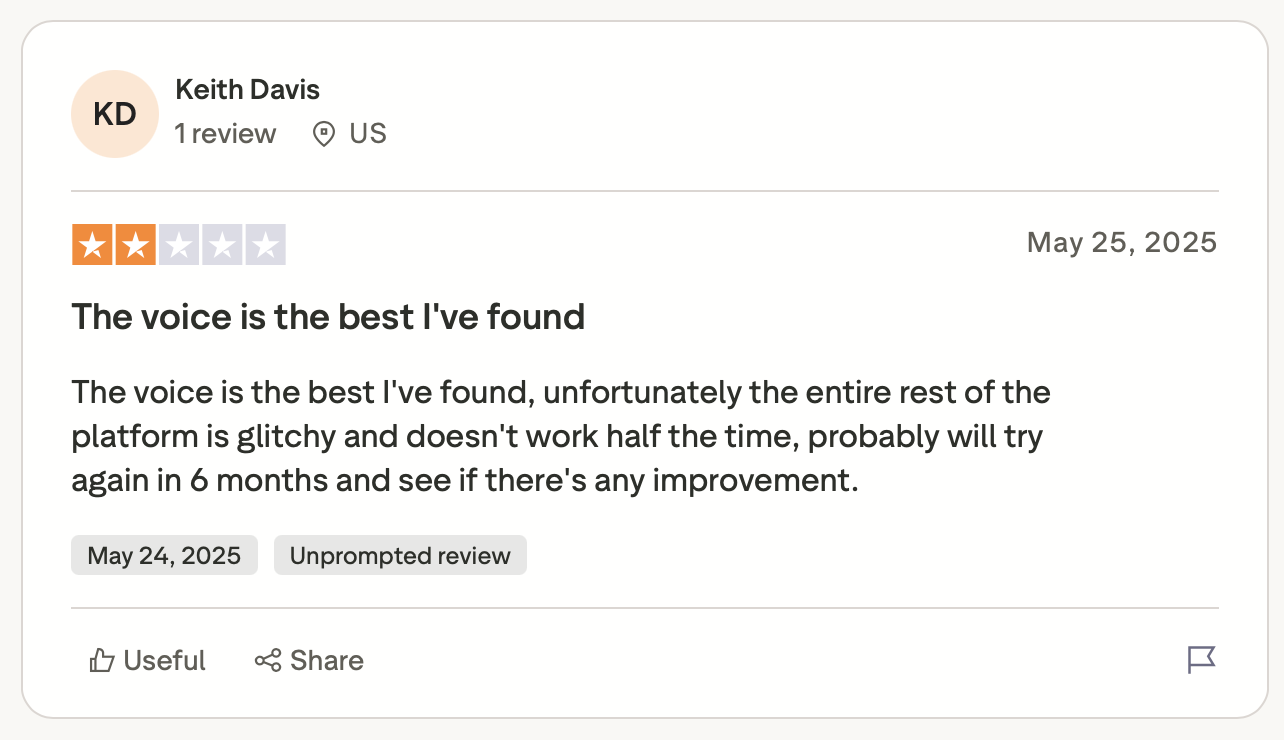
"The voice is the best I've found; unfortunately, the entire rest of the platform is glitchy and doesn't work half the time, probably will try again in 6 months and see if there's any improvement." (Keith Davis, Trustpilot)
Pricing
Synthflow is sold as an annual enterprise agreement, scoped to call volume, phone system, integrations, security needs, and launch support. It has no free plan, trial, or per-minute rate, so you’ll need a quote from sales.
Bottom line
Synthflow is for an operations team with a flow to design and the budget for an annual enterprise agreement. Get the quote early, since the site publishes no price.
4. Phonely: Best for small teams running voice, SMS, and chat
What it does: Phonely is a no-code builder for voice, SMS, and chat agents managed from a single dashboard, with AI SMS on paid plans.
Best for: Small teams, such as property managers or counseling practices, starting from templates.
Agent Builder, call history, A/B testing, and AI analytics appear together in the dashboard, and templates cover cases like rental department inquiries and counseling appointments. The homepage shows HubSpot, Salesforce, Google Calendar, and Zapier among its integrations.
On speed, Phonely claims its in-house Alma model reaches 182 ms to first token against 490 ms for GPT-4.1. The 182 ms figure is vendor-run, measured over 200 sequential requests per model, and I found no independent test of it.
The pricing page is less consistent. Starter shows 200 minutes on the plan cards and 250 in the comparison table, and Pro shows 650 against 750.
Key features
-
Agent Builder with templates: Start from a template, then edit scripts, tone, routing, booking, and escalation paths.
-
A/B testing and AI analytics: Compare agent versions and read transcripts and sentiment per call.
-
Omnichannel agents: Phonely lists phone, chat, SMS, and API as supported channels.
Pros and cons
Pros:
✅ The pricing page lists unlimited concurrent calls on every plan.
✅ Your first 100 minutes are free.
✅ Annual billing drops Starter to $33 and Pro to $100 a month.
Cons:
❌ The homepage shows a HIPAA badge, and the pricing page places HIPAA with a BAA under Enterprise features.
❌ Overage runs $0.25 a minute on Starter and $0.30 on Pro once plan minutes run out.
❌ A/B testing is limited to Pro and Enterprise, per the comparison table.
What users say
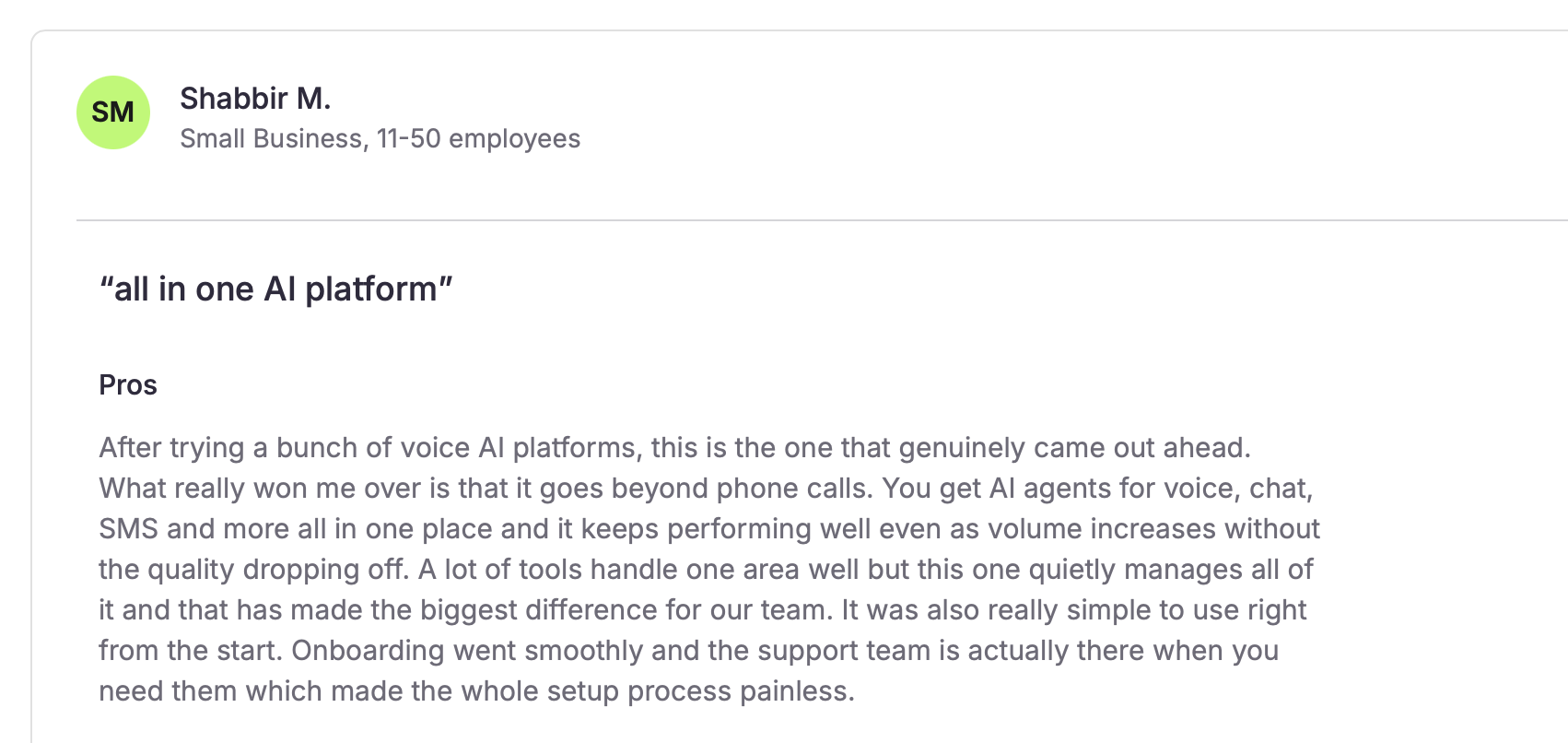
"You get AI agents for voice, chat, SMS and more all in one place, and it keeps performing well even as volume increases without the quality dropping off." (Shabbir M., small business with 11-50 employees, SoftwareFinder)
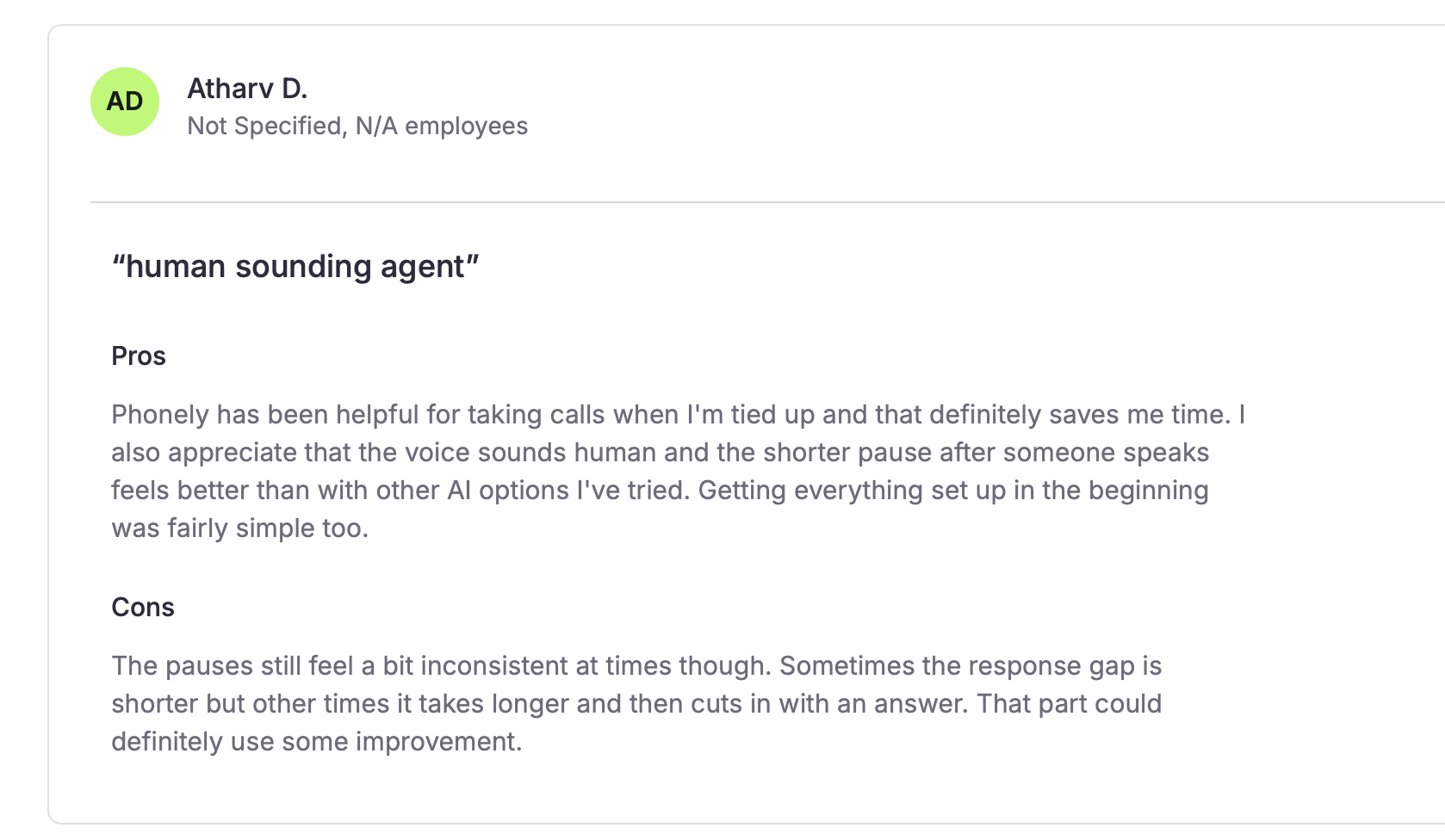
"The pauses still feel a bit inconsistent at times though. Sometimes the response gap is shorter but other times it takes longer and then cuts in with an answer." (Atharv D., SoftwareFinder)
Pricing
Billed monthly, Starter is $50, and Pro is $150, with overage at $0.25 and $0.30 a minute, and your first 100 minutes are free. Billed annually, Starter falls to $33 and Pro to $100, and the annual table shows Starter overage at $0.35.
Bottom line
Phonely suits a counseling practice or a property manager who wants to try 100 free minutes before paying. The 200 versus 250 minutes on Starter needs a written answer from Phonely.
5. PolyAI: Best for large inbound lines judged on resolution
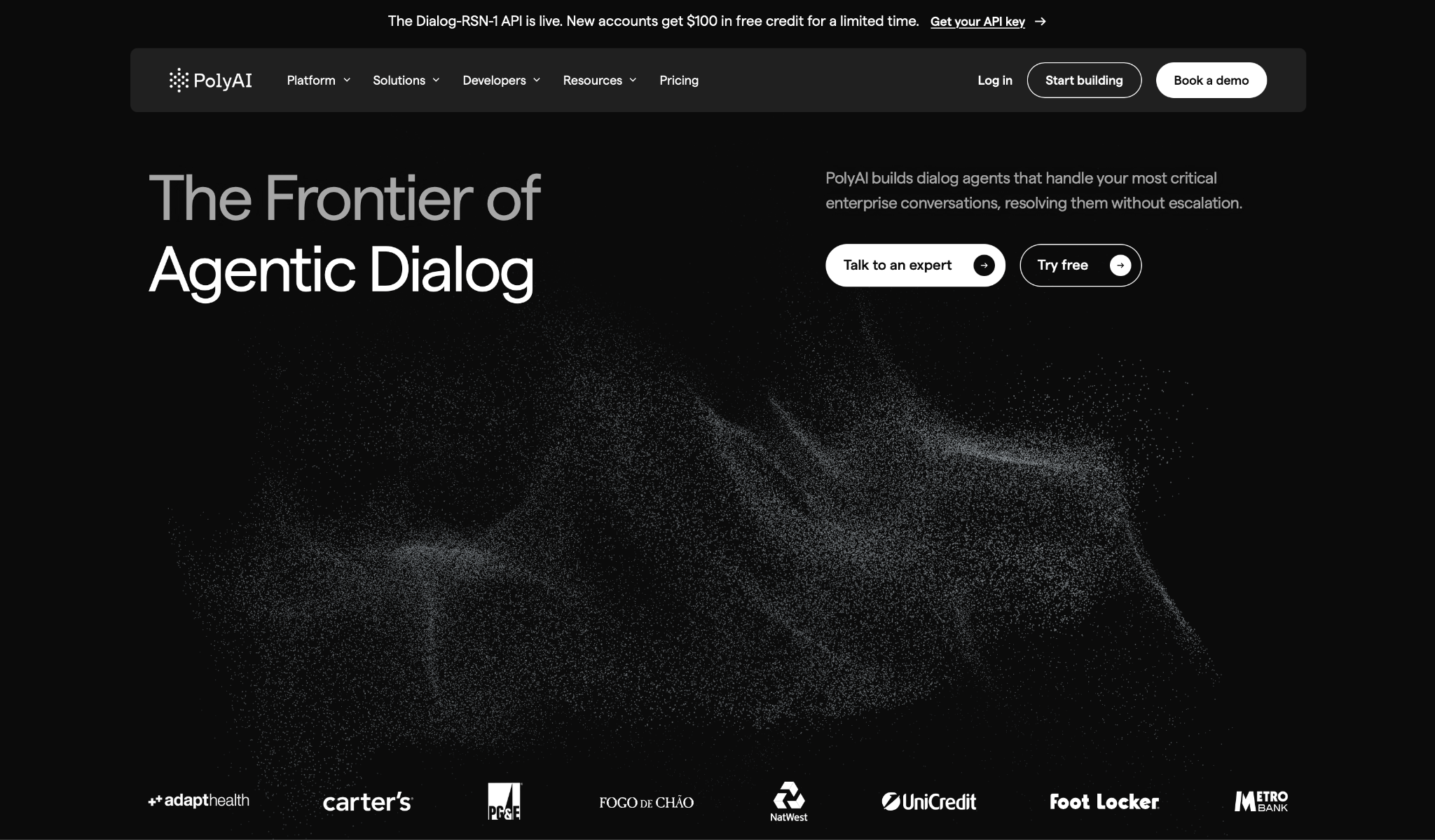
What it does: PolyAI is an enterprise voice platform focused on resolving calls end to end without a human agent.
Best for: Large inbound lines where call resolution drives the scorecard.
PolyAI ranked second in the workflow benchmark at 87.8% pass^3 and first on task completion at 98.8%, per the board last updated November 18, 2026.
In the separate November voice quality benchmark, it ranked fifth of 16 at 92.7, one place above Bland.
PolyAI stopped speaking faster than Bland after an interruption in that benchmark, at 0.92 seconds against Bland’s 1.06, though you should still test interruptions on your own calls.
PolyAI's audio-native model, Dialog-RSN-1, has a claimed 3.7% word error rate, which PolyAI compares against 6.8–6.9% for dedicated ASR APIs. For integrations, its integrations page lists ServiceNow, Zendesk, Twilio, NiCE, and Slack, plus open APIs.
Key features
-
Dialog Studio: Build agents in a platform that runs from no-code to full code.
-
Wren: An assistant that helps design, build, test, and improve agents.
-
Regional data residency: US, UK, EU, and APAC hosting with no cross-region transfer, per PolyAI’s homepage.
Pros and cons
Pros:
✅ The highest task completion (98.8%) in the ten-platform workflow benchmark.
✅ The Dialog-RSN-1 API bills on connected time with no rounding up to the minute, and PolyAI says testing carries no extra charge.
✅ SOC 2 and ISO 27001 certified infrastructure, per PolyAI's pricing page.
Cons:
❌ The $0.02-a-minute Dialog-RSN-1 API prices model access only, for your own voice stack, and adds text-token charges.
❌ Its mean response time in the workflow benchmark was 2.46 seconds, against Retell’s 0.95.
❌ The full platform has no published price, so you need a sales quote before you can compare it with per-minute rates.
What users say
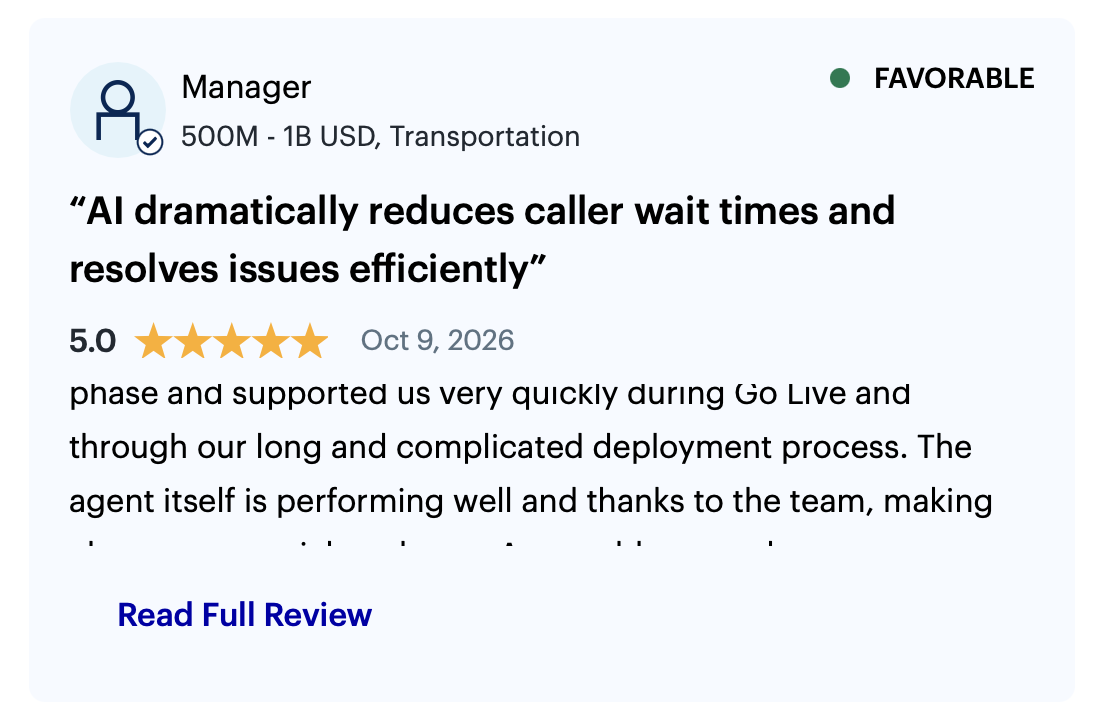
"The agent itself is performing well and thanks to the team, making changes are quick and easy." (Manager, transportation company, Gartner Peer Insights)
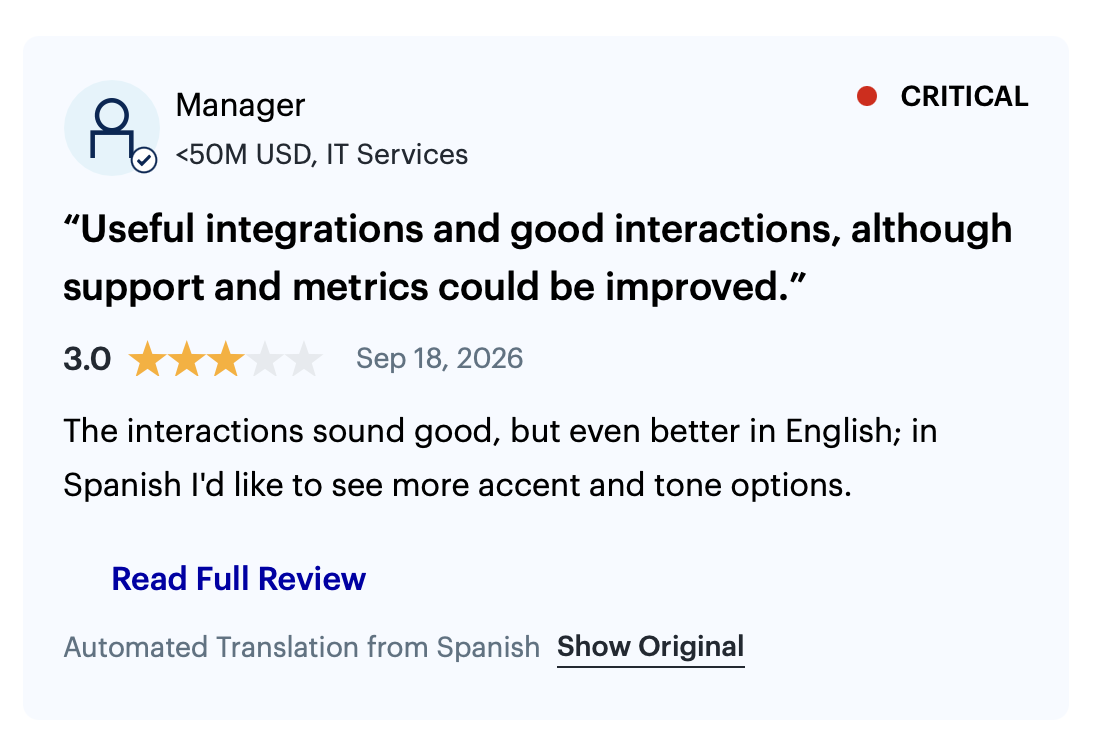
"Useful integrations and good interactions, although support and metrics could be improved." (Manager, IT services company, Gartner Peer Insights, translated from Spanish by Gartner)
Pricing
PolyAI doesn’t publish a price for its full platform, which it sells per minute through sales.
The only published rate is the Dialog-RSN-1 API: 2¢ per connected minute, billed on connected time with no rounding up, plus text tokens at $2.00 per million input and $5.00 per million output. Telephony and orchestration aren’t included.
Bottom line
PolyAI suits a regulated, high-volume inbound line with a procurement process already underway. An engineering team can test the model through the 2¢-a-minute API first, but the full platform comes through a sales quote.
6. HappyRobot: Best for logistics-led operations with a managed rollout
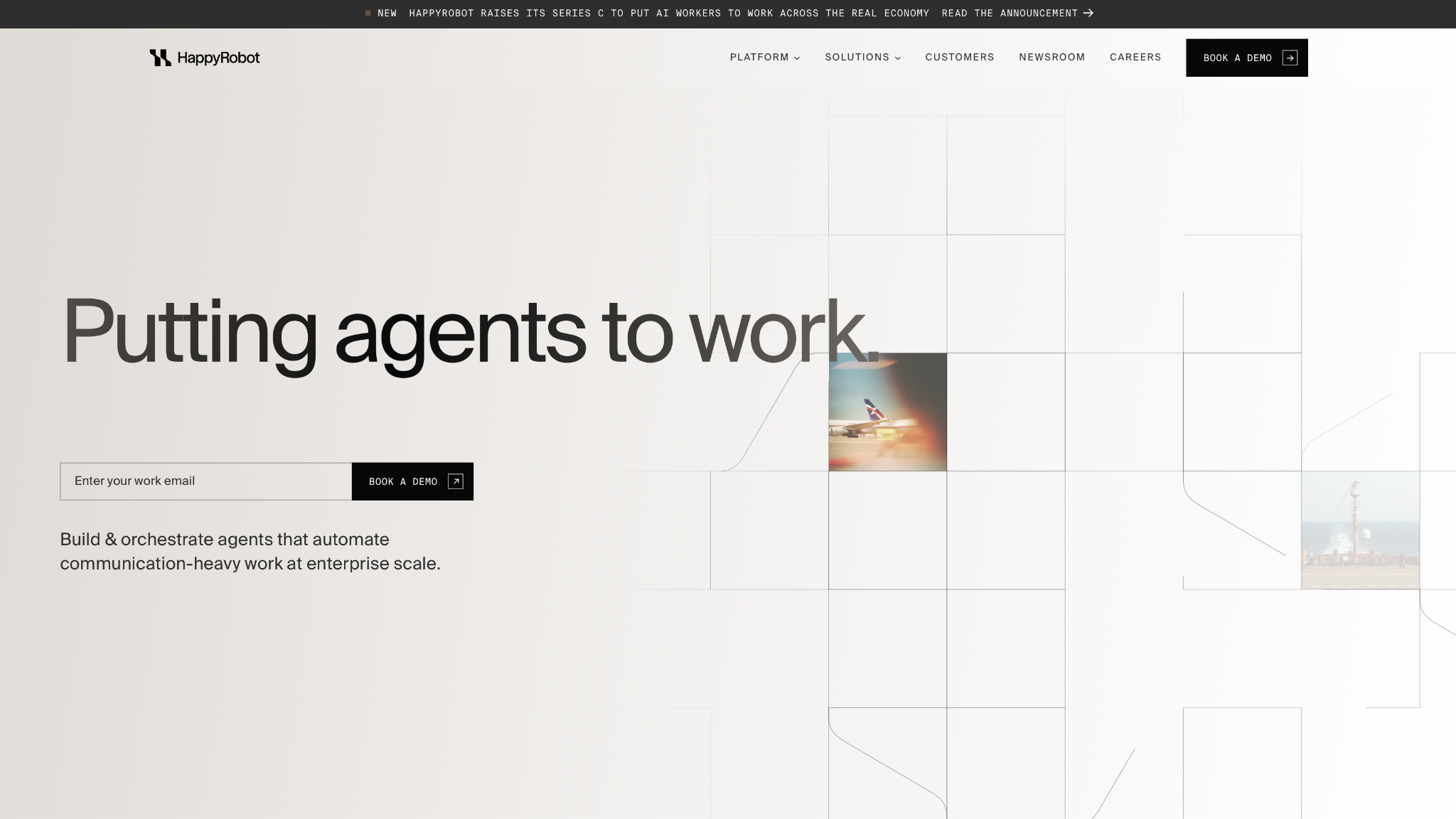
What it does: HappyRobot is an enterprise platform that deploys autonomous AI agents for operations that depend on phone calls.
Best for: Logistics-led operations teams that prefer the vendor to run the rollout.
HappyRobot's homepage lists eight industries with logistics first, followed by utilities, airlines, finance, insurance, manufacturing, retail, and telecom.
The same page claims 15M+ interactions a month, 70%+ autonomous resolution, a 75% cost reduction, and 10X capacity. Those figures are vendor-reported, and the platform appears in neither Cekura benchmark.
The call to action reads "Book a demo," and the pages I read don’t have a pricing link.
Key features
-
Self-improving agents: The platform lists self-improving agents next to its evaluation tools.
-
Northstars, tests, and audits: Evaluation runs before deployment, and audits continue in production.
-
Memory and external systems: The platform lists memory and enterprise integrations with external systems.
Pros and cons
Pros:
✅ Aimed at operations in logistics, utilities, airlines, and insurance.
✅ The homepage reports 70%+ autonomous resolution across 15M+ monthly interactions (vendor-reported).
- ✅ The footer lists SOC 2, ISO 27001, GDPR, HIPAA, the EU AI Act, NIST CSF, and DORA. Ask for audit reports to confirm scope.
Cons:
❌ Neither Cekura benchmark covers it.
❌ Its resolution and cost-reduction figures are vendor-reported.
What users say
"Seamless integration with major TMS platforms like McLeod, DAT makes it incredibly easy to implement." (Christian Damico, Futurepedia)
"It is a weaker fit for a small team wanting a quick self-serve voice bot, since HappyRobot is an enterprise deployment with a sales-led rollout." (ToolDirectory.AI editorial team, ToolDirectory.AI)
No user published a critical review of HappyRobot on Futurepedia, Trustpilot, or AWS Marketplace as of October 29, 2026, so this one comes from a directory's editorial team instead.
Pricing
HappyRobot publishes no rates on the pages I read. Quotes come from a demo and a sales conversation.
Bottom line
Start HappyRobot with a pilot if you run a logistics or utilities operation with high call volume. The vendor publishes neither a price nor a benchmark, so get the quote from sales and let the pilot produce the performance numbers.
7. Cognigy: Best for teams already running Genesys, Avaya, Amazon Connect, or NiCE CXone
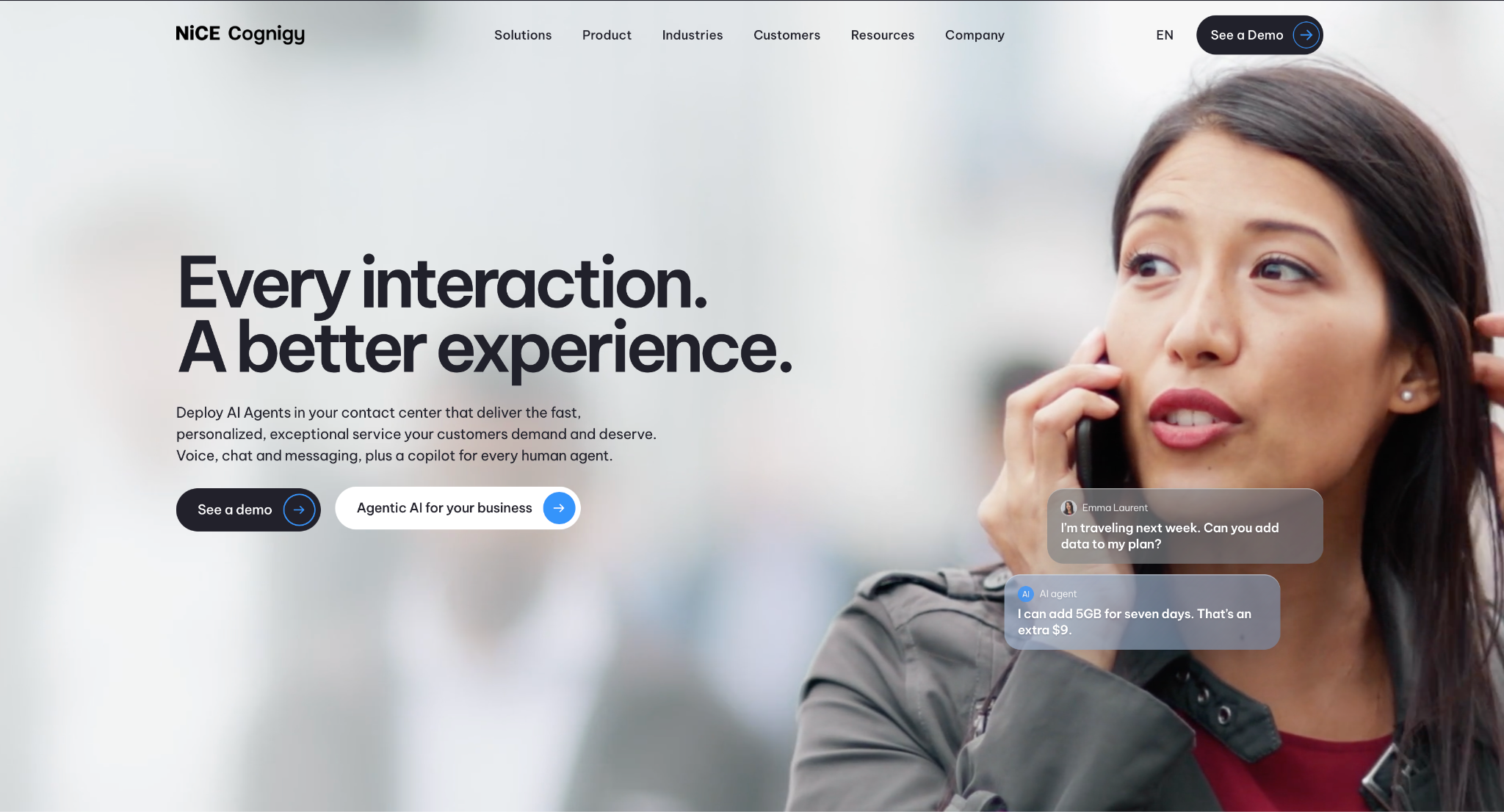
What it does: NiCE Cognigy is an enterprise AI agent platform that works on top of the contact center software you already use.
Best for: Enterprises on Genesys, Avaya, Amazon Connect, or NiCE CXone adding AI agents to that stack.
Cognigy says it works with any CCaaS and is native in NiCE CXone. Its homepage claims 2.6 billion interactions a year, 100+ languages, 25K+ concurrent interactions with AI agents, and 110+ integrations plus two-way MCP.
No Cekura benchmark covers Cognigy. It isn’t in the November voice quality benchmark or the workflow benchmark, so measure latency and interruption handling on your own calls during partner scoping.
Key features
-
AI Agent Studio: One workspace for building voice and chat agents.
-
Voice Connectivity: Connects the STT and TTS services you choose, with Deepgram and ElevenLabs in the homepage example.
-
Agent Evaluation: Checks every turn of a conversation.
Pros and cons
Pros:
✅ The homepage claims 25K+ concurrent AI agent interactions.
✅ Native NiCE CXone integration, with builds for Genesys, Avaya, and Amazon Connect.
✅ The homepage claims 100+ languages and 110+ integrations, plus two-way MCP.
Cons:
❌ No pricing is shown, and visitors are sent to a demo.
❌ Cekura's Retell alternatives roundup notes that getting started typically requires a certified partner or professional services.
❌ Neither Cekura benchmark covers it, so there’s no independent latency or interruption figure to compare.
What users say
"It's a great platform that makes it quick and easy to build AI Agents without needing much IT expertise." (Communications Manager, energy and utilities company, Gartner Peer Insights)
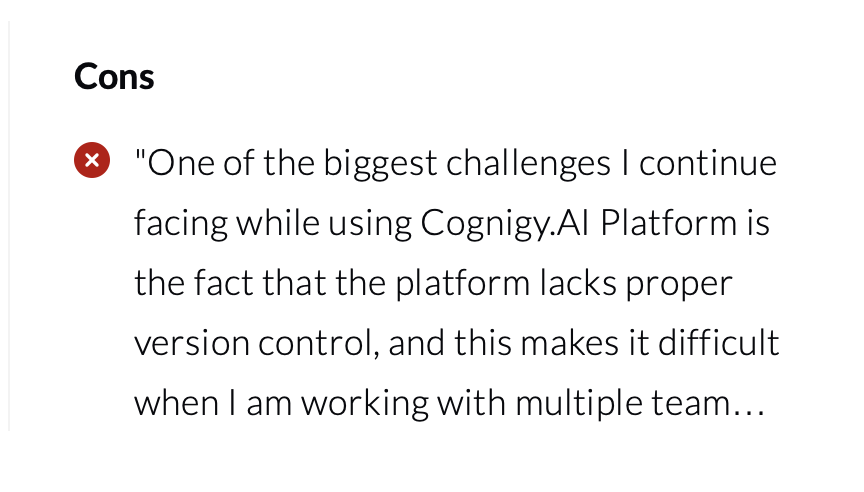
"One of the biggest challenges I continue facing while using Cognigy.AI Platform is the fact that the platform lacks proper version control, and this makes it difficult when I am working with multiple team members […]" (reviewer2867889, AI Engineer at a transportation company, PeerSpot)
Pricing
Cognigy doesn’t publish pricing, so you have to contact their team to find out more.
Bottom line
Cognigy makes sense when your contact center platform is already decided and the AI layer has to sit on top of it. If you're starting from nothing, the partner scoping Cekura describes comes before the first agent.
8. Replicant: Best for handling inbound tier-1 calls
What it does: Replicant is an enterprise platform that handles inbound customer calls on the stack you already run.
Best for: Inbound tier-1 lines handling payments, bookings, status checks, and claims.
Conversation Automation builds and runs the agents, and Conversation Intelligence gives you insights into every customer conversation. Replicant states agents go live in weeks, and its DoorDash case study cites six weeks from kick-off to launch.
Replicant's homepage centers inbound service, and its AAA Mountain West and DoorDash case studies describe outbound work. Teams planning heavy outbound campaigns should ask where that stops.
Replicant's pricing includes an agreed business outcome that measures performance, an ROI analysis of estimated annual savings, and a dedicated team for launch and ongoing improvement.
Key features
-
Conversation Automation: Agents take payment and booking calls from start to finish.
-
Conversation Intelligence: Review patterns across calls from one place.
-
Phone, SMS, and chat: Agents run across all three channels.
Pros and cons
Pros:
✅ Launches on your existing stack, according to the vendor.
✅ The pricing page offers month-to-month or multi-year terms.
✅ Named case studies report outcomes like a 68% drop in cost per call (customer-reported).
Cons:
❌ No rates are published, and the pricing page points to a request form.
❌ The published results come from Replicant's own case studies.
❌ The homepage centers inbound service, so confirm outbound coverage before signing.
What users say
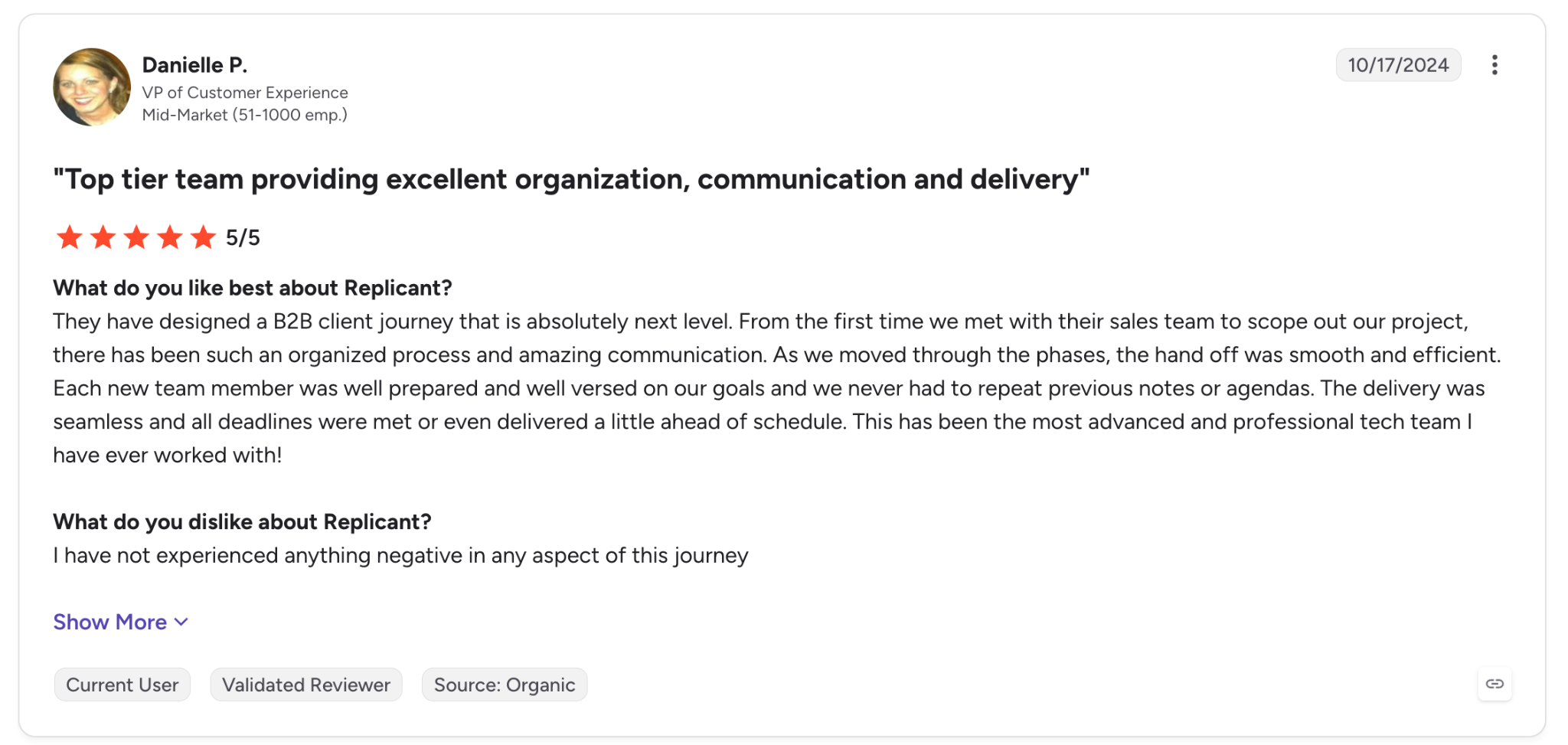
"The delivery was seamless and all deadlines were met or even delivered a little ahead of schedule." (Danielle P., VP of Customer Experience at a mid-market company, G2)
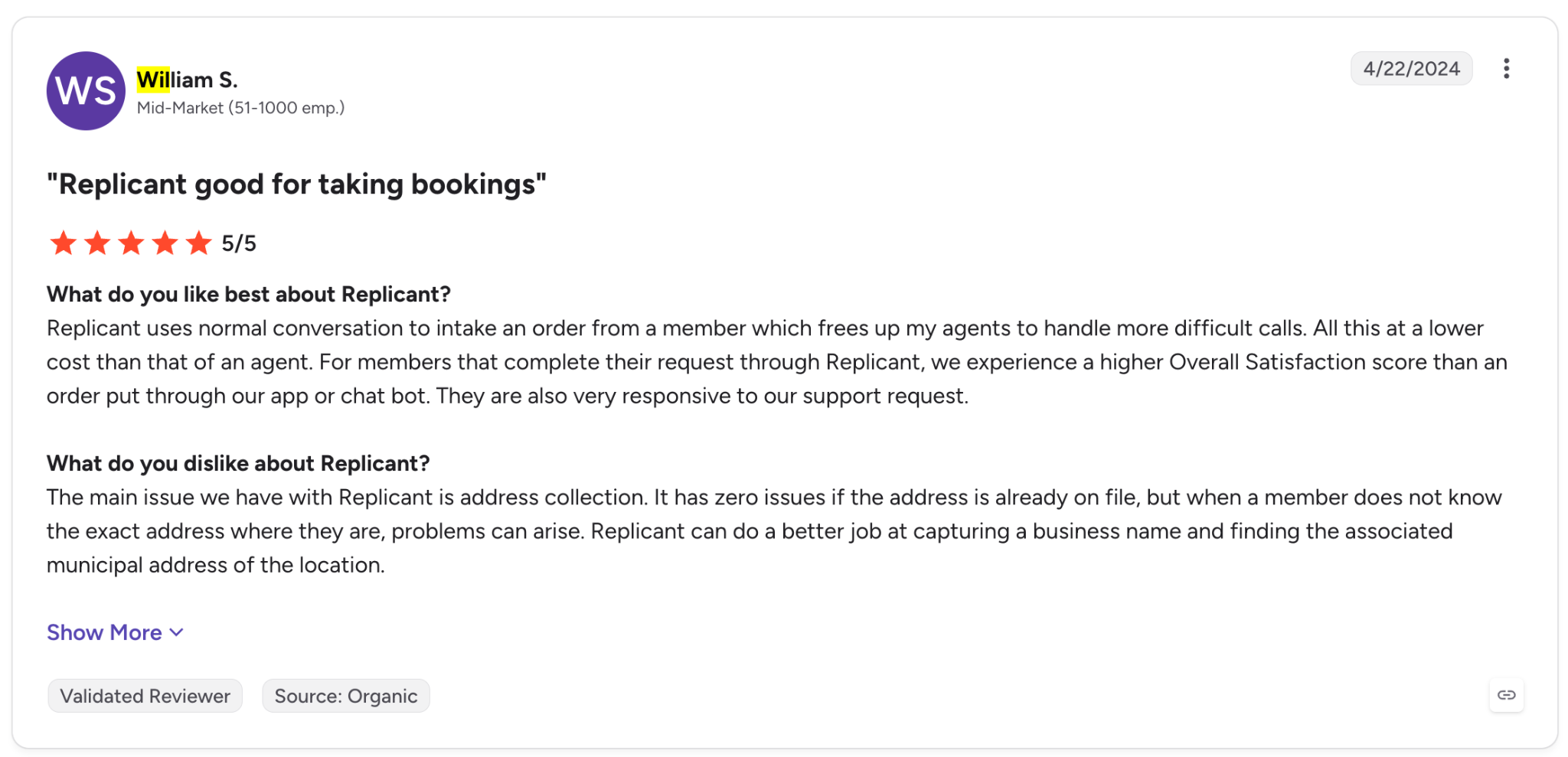
"The main issue we have with Replicant is address collection. It has zero issues if the address is already on file, but when a member does not know the exact address where they are, problems can arise." (William S., mid-market company, G2)
Pricing
Replicant describes pay-as-you-go pricing with month-to-month or multi-year terms and agreed business outcomes. No rates are listed, and the page asks you to request a quote.
Bottom line
Replicant suits a team that wants tier-1 inbound call handling without replacing its phone system. Month-to-month terms, which the pricing page mentions, allow a pilot without a multi-year commitment.
What switching off Bland involves
Switching off Bland means adapting your call flows and recreating your regression tests. Cekura imports supported Bland agent configurations for evaluation and leaves the agent’s production tools unchanged.
While you plan the switchover, confirm with both vendors whether recordings, transcripts, and test cases can move.
-
Collect your evidence first. Pull recordings, transcripts, and the failed calls your team already knows about. Those become your scenarios.
-
Import the Bland agent into a test layer. Cekura’s Bland integration takes a Bland Agent ID or legacy Persona ID for voice testing, and a Pathway ID for chat testing, with its prompt, language, phone number, knowledge base, and tools.
-
Re-run the same scenarios and regression suite on the new platform. Retell and Vapi connect natively. Compare pass rates scenario by scenario against Bland's baseline, and hold the switchover until the new platform matches it on your known failures.
-
Move one workflow at a time. Keep the suite running on every prompt change after the switchover.
If you stay on Bland until you move, run the suite again after the Pathways-to-Agents migration. The suite shows whether the prompt changes described in the Pathways section altered behavior. For more on piloting on your own traffic, see Cekura's voice agent platform roundup.
Which Bland AI alternative should you choose?
Build style narrows the list first, so start with the group that matches who owns the agent.
Pick Retell AI or Vapi when you:
-
Have engineers who will own the agent and prefer a published rate to forecast against.
-
Need to pick providers (Vapi) or have testing and telephony handled for you (Retell). Cekura's Retell vs Vapi comparison puts the two head to head.
Lean toward Synthflow or Phonely if you:
-
Want an operations team to edit call flows on a visual canvas.
-
Can sign an annual enterprise agreement (Synthflow) or would rather start with 100 free minutes (Phonely).
Choose PolyAI, HappyRobot, Cognigy, or Replicant if you:
-
Run an enterprise contact center and judge success by calls resolved, with a sales-led deployment already expected.
-
Need a narrower match, such as PolyAI for resolution rate, HappyRobot for logistics, Cognigy for an existing Genesys, Avaya, Amazon Connect, or NiCE CXone stack, or Replicant for inbound tier-1 on your current phone system.
Stay with Bland AI if you:
-
Need FedRAMP authorization (Bland claims 20x Class A) or self-hosted or on-premises deployment, which Bland says is available for sensitive workloads.
-
Already clear Build's 14,950-minute break-even and can sign an Enterprise contract for a BAA and SSO.
Skip this category entirely if:
-
Your call volume is low enough that staff can answer every call.
-
Nobody on your team can own call scripts, test results, and a rate card after launch.
Best pick by team type
Here's the best pick and runner-up for each of the three team types.
| Team type | Best pick | Runner-up |
|---|---|---|
| Engineers who own the stack | Retell AI | Vapi |
| Operations team, no engineers | Synthflow | Phonely |
| Enterprise contact center | PolyAI | Cognigy |
Cognigy is the runner-up when your contact center already runs Genesys, Avaya, Amazon Connect, or NiCE CXone.
Bland AI snapshot: What it does and who should stay
Bland is an enterprise voice AI platform for running AI phone agents from build to monitoring. According to its homepage, it supports 40+ languages, with live translation in 23.
The homepage badges list SOC 2 Type 2, HIPAA, PCI DSS, GDPR, ISO 27001, and FedRAMP, and its FAQ notes that PCI DSS is self-attested. Bland's FedRAMP page claims 20x Class A, achieved August 25, 2026, and says Class C (Moderate) is submitted but not yet certified.
Stay with Bland if you need FedRAMP authorization or self-hosted deployment. Bland’s FedRAMP page claims 20x Class A, and Bland says self-hosted or on-premises deployment is available for sensitive workloads.
On voice, it ranked sixth of 16 in Cekura’s November voice quality benchmark at 91.4, but 14th of 16 on voice tone and clarity (3.47), and it stopped speaking 1.06 seconds after a caller interrupted.
Pricing in one line: Start bills $0.14 a minute with no platform fee, and Build costs $0.12 a minute plus $299 a month, per Bland's pricing page.
Final verdict
Of the eight, the build style narrowed my choices faster than price did.
Engineering teams should start with Retell AI (from $0.07 a minute with no platform fee) and move to Vapi if they'd rather choose their own providers.
Synthflow and Phonely cover operations teams. Phonely gives your first 100 minutes free, with Starter at $50 a month billed monthly, and Synthflow's pricing page doesn’t show pricing.
PolyAI scored the second-highest pass^3 of the ten platforms in Cekura’s workflow benchmark, behind Retell.
Its platform is priced through sales, and its Dialog-RSN-1 API, which covers model access only, costs 2¢ a connected minute plus text tokens.
Of the other three enterprise platforms, HappyRobot suits logistics operations, Cognigy suits an existing Genesys, Avaya, Amazon Connect, or NiCE CXone stack, and Replicant suits inbound tier-1 calls.
Whichever platform you pick, run your own scenarios against it before the switchover, and compare its pass rates against your Bland baseline.
Ready to test Bland AI alternatives before you switch?
Moving off Bland changes the agent your callers talk to, so the new one needs testing as well as pricing. Cekura runs simulated calls and live-call scoring against your agent, so a regression shows up in a test run before a caller hears it.
Cekura is separate from the eight because it tests agents rather than hosting them. It covers these stages whether you stay on Bland or move.
-
Pre-production: Scenario simulations generated from your agent config, multi-turn red teaming, accent and multilingual test runs, and GitHub Actions checks on every merge.
-
Infrastructure: Load testing at production concurrency, interruption and background-noise conditions, latency measurement, and DTMF keypad navigation for IVR paths.
-
Observability: Live call scoring against custom metrics, configurable PII redaction on transcripts and recordings, and production calls converted into regression cases.
Native integrations are available for Retell, Vapi, ElevenLabs, LiveKit, Pipecat, Bland, and more. Cekura supports SOC 2, HIPAA, and GDPR compliance, with transcript redaction and audit trails.
If your team runs voice agents in production, book a demo to see how Cekura tests your Bland scenarios on the platform you're considering.
Frequently asked questions
Is Bland AI any good?
Yes. Bland AI ranked sixth of 16 platforms in Cekura’s November 2026 voice quality benchmark, at 91.4, though it placed 14th of 16 on voice tone and clarity. Its homepage lists SOC 2 Type 2, HIPAA, and FedRAMP badges, and its FedRAMP page claims 20x Class A.
The trade-offs are a rate card that changed in December 2025, a Pathways-to-Agents migration that self-serve teams have to finish themselves, and controls like SSO and a BAA that require Enterprise.
What does Bland AI do?
Bland AI builds and runs AI phone agents for enterprises. Its platform covers building agents and reviewing the decisions each one made, and Bland says you can test every change safely, then measure the difference it makes.
Its homepage lists support for 40+ languages, with live translation in 23.
What's the cheapest Bland AI alternative?
Retell AI publishes the lowest full-platform rate, at $0.07 a minute with no platform fee, and Phonely gives your first 100 minutes free.
Vapi charges $0.05 for hosting plus provider costs, which its own 1,000-minute example puts at $82 to $129. PolyAI’s $0.02 Dialog-RSN-1 API is cheaper per minute, but it covers model access only. Bland’s Start plan bills $0.14 a minute for comparison.
Three platforms also start at $0 or with free credit, namely Phonely (100 free minutes), Retell AI ($10 credit), and Vapi ($5 credit).
What's the best Bland AI alternative for outbound calls?
Retell AI is the Bland AI alternative I'd check first for outbound, because its pricing page lists batch dialing at $0.005 per dial and branded outbound calls at $0.10 per call.
Outbound calls also carry a consent question. The FCC ruled in February 2024 that calls made with AI-generated voices are "artificial" under the TCPA, so check consent rules before you dial.