
A text-to-speech API turns a string into audio over HTTP or a socket, and the one you pick determines your minimum latency, your cost per million characters, and how much integration code you write.
Latency is the hardest of the three to compare, because Cartesia, Rime, and ElevenLabs publish time-to-first-audio figures from their own labs.
Cekura's TTS benchmark, which ran 29 models through 104 phone-agent sentences three times each, timed the models itself. Cartesia quotes about 90 ms for Sonic, and Sonic 3.6 came in at a 270 ms median.
So I compared 12 APIs on SDKs, streaming protocol, SSML, rate limits, free tiers, and measured numbers where they exist.
In short, ElevenLabs v4 tops reading accuracy in a five-way tie that includes Inworld TTS-2, and ElevenLabs gives you 20,000+ voices under one key. Inworld TTS-2 Flash pairs near-top accuracy with a 45 ms start, and Kokoro is the answer when there’s no network.
What Is a Text-to-Speech API?
A text-to-speech API is a hosted (or self-hosted) service that takes plain or marked-up text and returns synthesized audio, either as a finished file or as a stream of chunks over HTTP or a socket.
In practice, you pick a voice and a model, send the request, and play or store what comes back.
Between vendors, the differences that matter to a developer come down to how fast the first audio chunk arrives, which transports the API speaks, how much pronunciation control you get, and how the vendor counts what you're billed for.
Key terms you'll see in every review below:
-
Time to first audio (TTFA): The time between sending text and receiving the first playable audio. Vendor figures can leave out network and queueing time. ElevenLabs, for one, footnotes its ~100 ms median as "excluding application & network latency."
-
Streaming vs. batch: Streaming returns audio in chunks as it's generated, over chunked HTTP, Server-Sent Events (SSE), or a WebSocket. Batch returns one finished file, which suits narration and caching.
-
SSML: Speech Synthesis Markup Language, an XML format for pauses, pronunciation, say-as rules, and prosody. Support ranges from the full spec to a single break tag.
-
Per-character billing: 9 of the 11 hosted APIs here bill per character of input. Cartesia bills in credits at 1 credit per character, and Rime bills by the minute. OpenAI's gpt-4o-mini-tts bills tokens, so the headline rate needs a conversion step before you compare.
12 Best Text-to-Speech APIs: TL;DR
-
ElevenLabs: Best for a 20,000+ voice library and 6 models under one API key.
-
Inworld TTS: Best for reading numbers, codes, and names accurately at low latency.
-
Cartesia Sonic: Best for streaming over SSE or WebSocket with word timestamps.
-
Deepgram Aura-2: Best for teams already running Deepgram speech-to-text.
-
Google Cloud Text-to-Speech: Best for full SSML across 75+ languages.
-
Azure AI Speech: Best for enterprise custom voices and on-premises containers.
-
Amazon Polly: Best for AWS-native workloads and low-cost standard voices.
-
OpenAI TTS: Best for prompt-steered delivery inside an existing OpenAI integration.
-
MiniMax Speech: Best for long-form narration through an async API.
-
Murf Falcon: Best for low-cost streaming with regional endpoints.
-
Rime: Best for English conversational apps with phonetic control.
-
Kokoro: Best for self-hosted, offline, or in-browser synthesis.
How I Evaluated These Text-to-Speech APIs
I compared each API on its API reference, SDK, transport options, and monthly bill. For speed and accuracy, I used measured numbers from Cekura's TTS benchmark wherever it covered a model, and vendor figures where it didn't.
That benchmark logged 34,084 requests in total, all from one US East region. Streaming latency runs from the last word sent to the first audible sound, with connection time excluded and leading silence counted.
Reading accuracy comes from transcribing every clip with Deepgram Nova-3 and OpenAI Whisper and checking the hard parts such as numbers, codes, and addresses, names and places (the benchmark's "read from context" column), and medical terms.
Each model was tested with one stock voice, and reading accuracy is a machine-scored estimate from speech-to-text transcription, with no human listeners.
For that reason, the benchmark itself says to treat the top accuracy scores as a tie, so a 1-point difference there doesn't separate two models.
Where a model wasn’t timed on the benchmark (Azure’s Neural and HD voices, Polly, MiniMax, and Kokoro), I say so and use the vendor’s figure when one exists, labeled as vendor-stated.
Gemini 3.8 Flash-Lite TTS and gpt-4o-mini-tts have a full-sentence time but no streaming-start figure, so I label those separately.
What I checked in every API:
-
Measured latency: Median streaming start on the benchmark, plus the tail where it was reported.
-
Reading accuracy: Whether the model says "4B, 2207" the way a person would, since a wrong digit costs a re-synthesis or a confused user.
-
Streaming protocol: Chunked HTTP, SSE, WebSocket, or bidirectional streams, and which models each one serves.
-
SSML and pronunciation control: Full SSML, partial tags, or the vendor's own markup and lexicons.
-
SDKs and rate limits: Official Python and JavaScript clients, plus the concurrency caps and per-request character limits you'll hit.
-
Pricing and free tier: The billing unit and the free-tier allowance. I also noted what changes at scale.
I left a few benchmarked models off this list. Gradium posted the fastest stream on the benchmark, often starting to speak before the last word arrived, yet its 79.5% reading accuracy trailed the top group.
Fish Audio Drama 3 and Hume Octave 2 were both in preview during testing, so they stayed out too. Octave 2's 573 ms median would also be slow for conversational use.
This roundup covers TTS on its own. For speech-to-text and orchestration in the same comparison, see these voice APIs for developers ranked across the stack.
12 Text-to-Speech APIs Compared at a Glance
The latency column mixes three labels. “Benchmark” is Cekura’s measured median streaming start, “full sentence” is the benchmark’s time for a complete sentence on models without a streaming figure, and “vendor” is the company’s own claim. Compare only within the same label.
| Tool | Best For | Latency | Languages | Streaming | Free Tier | Entry rate per 1M chars |
|---|---|---|---|---|---|---|
| ElevenLabs | 20,000+ voices, 6 models | 131 ms (v4 Turbo, benchmark) | 90+ (v4) | HTTP, SSE, WebSocket | 10K to 20K chars/month | $40 (v4 Turbo / Flash) |
| Inworld TTS | Accurate reading at low latency | 45 ms (TTS-2 Flash, benchmark) | 200+ (incl. locales) | HTTP, SSE, WebSocket | Up to 70 min (~70K chars) | $15 (TTS-2 Flash, On-Demand) |
| Cartesia Sonic | Streaming with timestamps | 270 ms (Sonic 3.6, benchmark) | 44 | HTTP, SSE, WebSocket | 20K credits/month | $50 (Pro: $5 for 100K credits, 1 credit/char) |
| Deepgram Aura-2 | Deepgram STT users | 126 ms (benchmark) | 7 | HTTP, WebSocket | $200 credit (~6.7M chars on Aura-2) | $30 (pay-as-you-go) |
| Google Cloud TTS | Full SSML, 75+ languages | 729 ms (Gemini 3.8 Flash-Lite TTS, full sentence, benchmark) | 75+ | Bidirectional stream | 1M to 4M chars/month | $30 (Chirp 3: HD) |
| Azure AI Speech | Enterprise custom voices | Under 300 ms (HD, vendor) | 100+ (incl. locales) | WebSocket (SDK) | 0.5M chars/month | $15 (Neural) |
| Amazon Polly | AWS-native workloads | No published figure | 40+ | HTTP/2 stream (Generative) | 5M chars/month (Standard) | $4 (Standard) |
| OpenAI TTS | Prompt-steered delivery | 688 ms (gpt-4o-mini-tts, full sentence, benchmark) | Whisper's list (English-tuned) | Chunked HTTP, SSE | None | $15 (tts-1, deprecated) |
| MiniMax Speech | Long-form async narration | No published figure | 40 | HTTP, SSE, WebSocket | None published | $60 (speech-2.8-turbo, pay-as-you-go) |
| Murf Falcon | Low-cost regional streaming | 63 ms (Falcon 2.1, benchmark) | 35 | HTTP, WebSocket | 100K chars | $10 (Falcon 2.1) |
| Rime | English with phonetic control | 269 ms (Coda, benchmark) | 10 (Coda) | HTTP, WebSocket | $50 usage/month (~1.7M chars on Mist v3) | ~$30 (Mist v3, ~1K chars/min) |
| Kokoro | Self-hosted and offline | Depends on your hardware | 8 | Local generator | Free (Apache-2.0) | $0 (self-hosted) |
Entry rates are converted to cost per 1M characters. Subscription plans, credits, and per-minute pricing are covered in each tool’s Pricing section.
1. ElevenLabs: Best for the Largest Voice Library
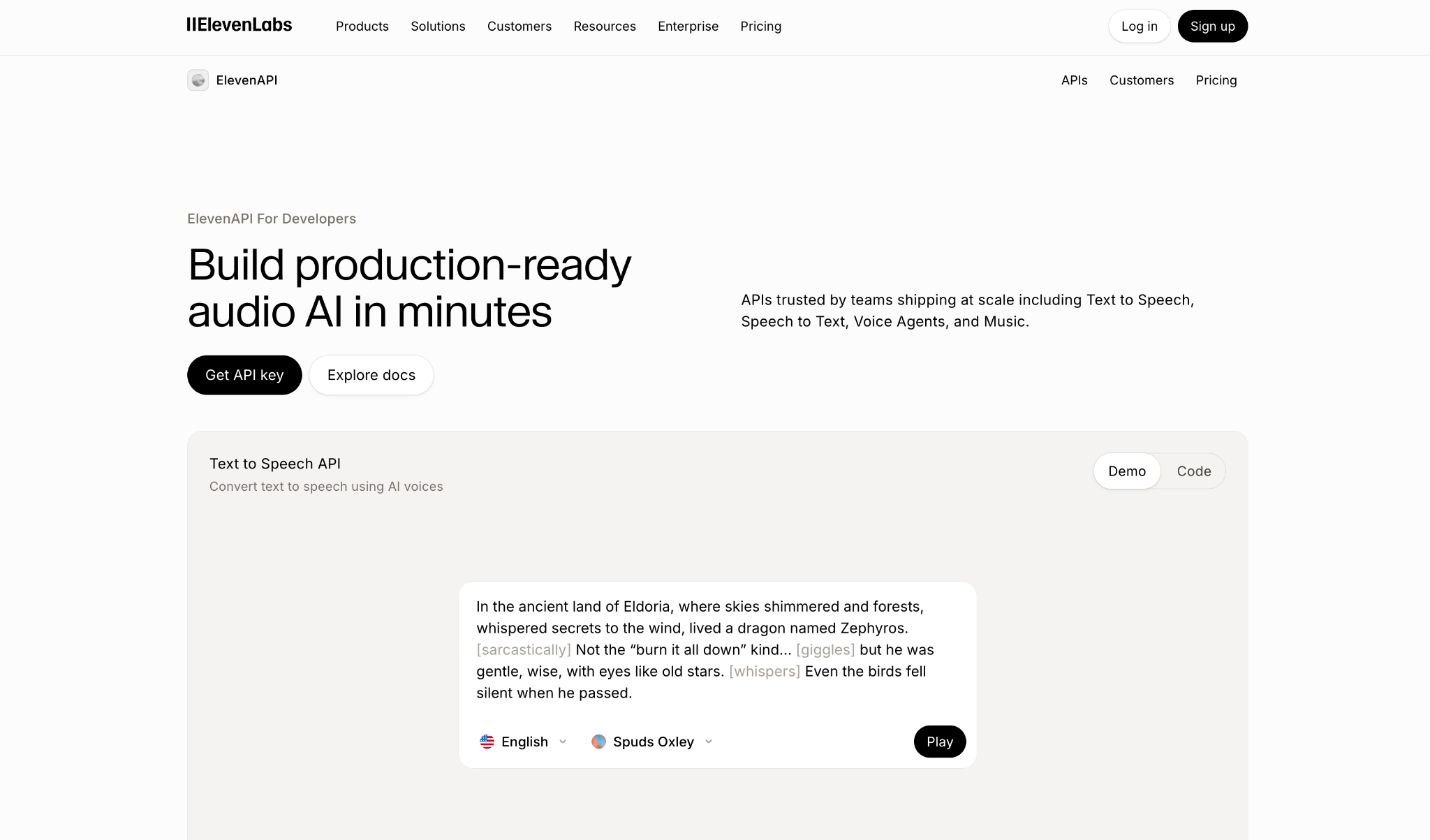
What it does: ElevenLabs is a voice AI platform whose API serves text-to-speech across several model families, from the expressive Eleven v4 to the low-latency Flash v2.5, with voice cloning and a library of 20,000+ voices.
Best for: Product teams that want one API key for narration and live playback, plus cloned brand voices, without adding a second vendor.
Eleven v4 covers 90+ languages for expressive output, v4 Turbo targets low-latency use at a docs-stated median of about 100 ms, and Flash v2.5 accepts up to 40,000 characters per request for bulk jobs.
Streaming support also differs by model. The stream-input WebSocket rejects v3 and v4 and sends them to a separate Text to Dialogue socket, so plan your transport around the model you pick.
v4 Turbo placed sixth of the 20 timed models, with a 131 ms streaming start. The standard v4 model took 584 ms, acceptable for pre-rendered audio and slow for anything a user waits on.
Flash v2.5, the lower-cost model, read 64.4% of the hard parts correctly, the lowest score on the benchmark.
Key Features
-
Audio tags on v4 and v3: Steer delivery with inline cues like
[whispering], since those models skip SSML break tags. -
Pronunciation dictionaries: Fix brand names and acronyms once and reuse the rules on every request.
-
Quick and Professional voice cloning: Clone from a short sample to prototype, then train a higher-fidelity version for production.
Pros and Cons
Pros:
✅ 6 current models share one SDK. Moving a feature from Flash to v4 takes a one-line
model_idchange.
✅ v4 Turbo's 131 ms streaming start placed sixth on the benchmark.
✅ Official Python and JavaScript SDKs plus a CLI.
✅ v4 and v4 Turbo top the reading-accuracy board (93.8% and 93.6%).
Cons:
❌ Flash v2.5's 64.4% reading accuracy means more re-synthesis for order numbers and street addresses.
❌ SSML support is partial. Break tags cap at 3 seconds on older models, and phoneme tags are limited to
eleven_flash_v2.
❌ Free accounts get 2 concurrent requests on Multilingual v2, and a load test with 3 parallel requests already exceeds it.
What Users Say
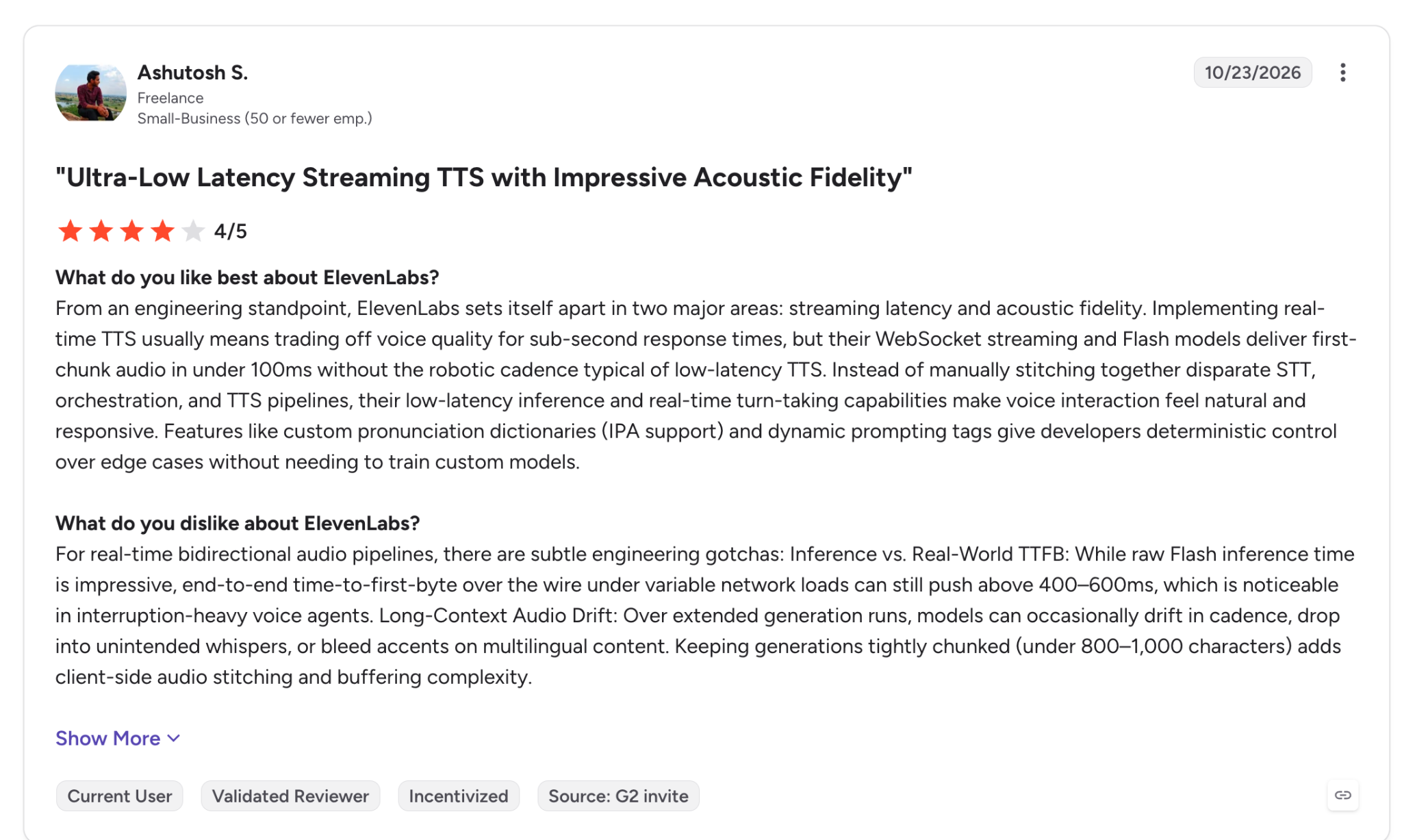
"…their WebSocket streaming and Flash models deliver first-chunk audio in under 100ms without the robotic cadence typical of low-latency TTS." (Ashutosh S., G2)
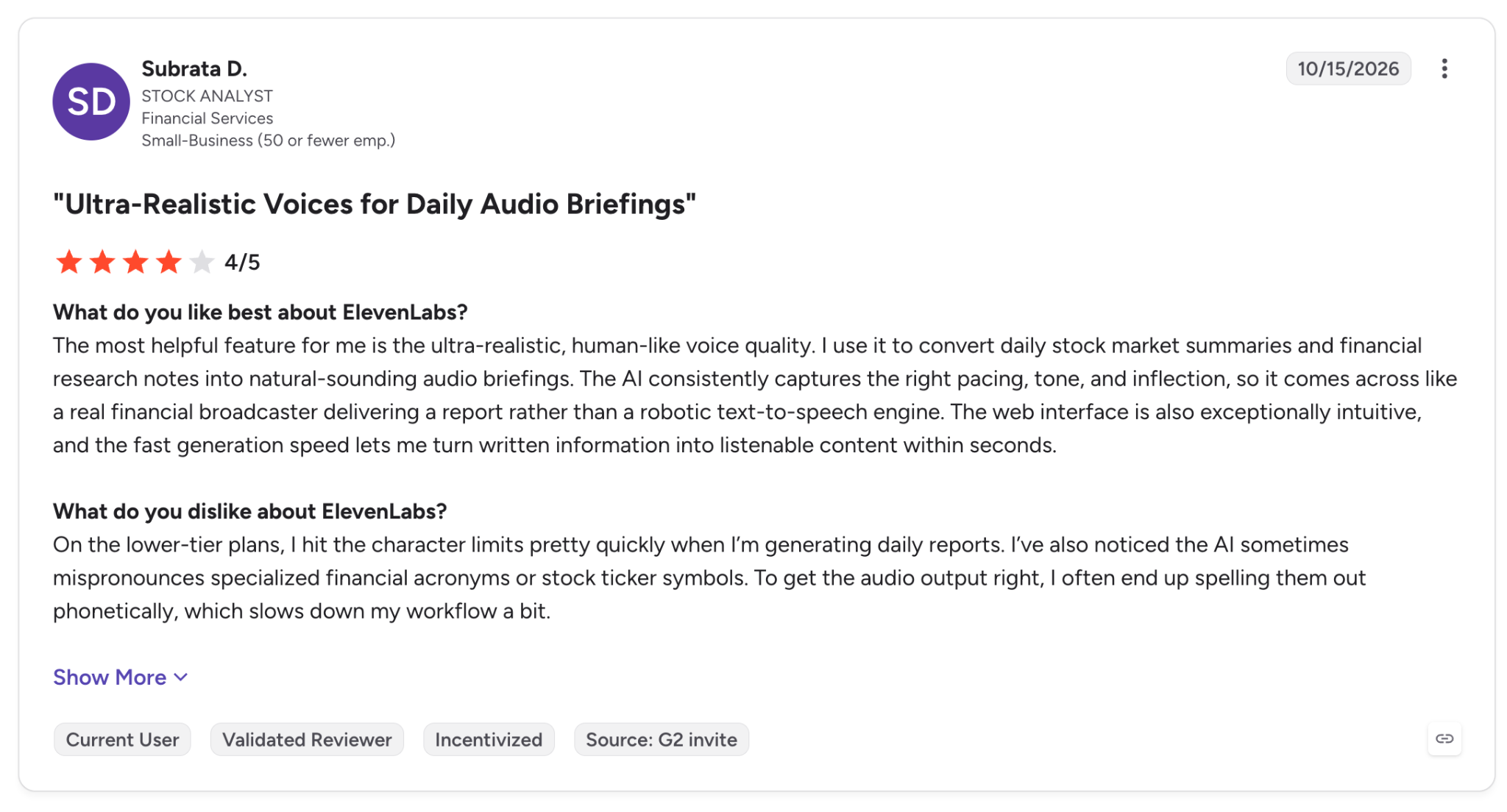
"On the lower-tier plans, I hit the character limits pretty quickly when I'm generating daily reports." (Subrata D., G2)
Pricing
ElevenLabs bills API usage in US dollars per character, with the rate set by model family, and offers pay-as-you-go usage alongside monthly plans that raise included usage and concurrency.
Monthly plans start at $6 for Starter (first month $1), then step up to $22 for Creator, $99 for Pro, $299 for Scale, and $990 for Business.
Per 1M characters, v4, v3, and v2 Multilingual cost $80, while v4 Turbo, v3 Conversational, and Flash cost $40.
For plan limits and rollover rules, see this ElevenLabs pricing breakdown by plan.
Bottom Line
ElevenLabs covers expressive narration and live playback from one API key. If your scripts contain many digits and codes, test Flash on your own data before you ship it, or move those requests to v4 Turbo, which reads them at 93.6%.
2. Inworld TTS: Best for Accurate Reading at Low Latency
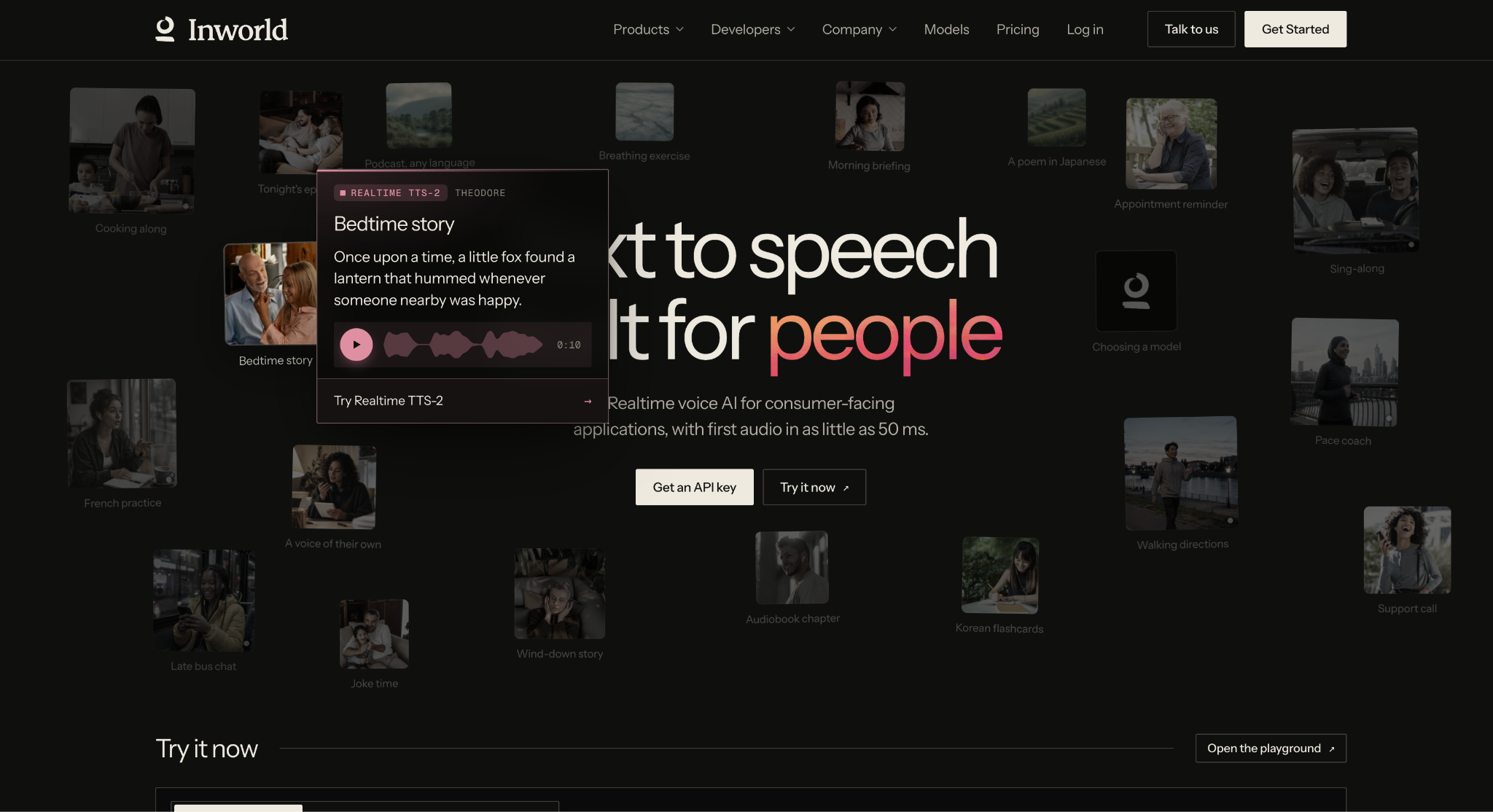
What it does: Inworld's TTS-2 API offers 2 models, TTS-2 and TTS-2 Flash, through HTTP streaming, a WebSocket, and an OpenAI-compatible endpoint.
Best for: Developers whose scripts include many numbers, confirmation codes, names, and medical terms, and who expect audio back in under 100 ms.
TTS-2 read 93.4% of the hard parts correctly, behind ElevenLabs v4 (93.8%) and v4 Turbo (93.6%), in what the benchmark treats as a five-way tie at the top. TTS-2 Flash scored 93.2% with a 45 ms median streaming start, and one sentence in ten waited 73 ms or more.
Inworld also exposes an OpenAI-compatible /v1/audio/speech endpoint that streams over SSE, so code that calls OpenAI's speech route today needs only small changes.
Inworld documents one SSML tag, <break>, capped at 20 per request, and handles pronunciation and delivery with inline IPA and bracketed tags.
Inworld discontinued TTS-1 and TTS-1 Max on June 15, 2026, and now routes requests for those IDs to newer models. Old integrations keep working, though their output can change, and they need a re-test.
Key Features
-
OpenAI-compatible endpoint: Point existing OpenAI speech code at Inworld by changing the base URL and model name.
-
Short-sample voice cloning: Build a voice from as little as 3 seconds of audio, a feature open to all users.
-
Batch synthesis (preview): Queue async jobs that are billed 20% less per character than streaming calls.
Pros and Cons
Pros:
✅ Reading accuracy in the benchmark’s top tie (93.4%), with names read at 100% and medical terms at 99% on TTS-2.
✅ TTS-2 Flash's 45 ms streaming start uses a small share of a voice agent's response time, leaving the rest for STT and the LLM.
✅ Concurrency scales from 5 requests on On-Demand to 500 on Growth, published on the pricing page.
✅ Official Python and Node.js SDKs with a single
generate()call.
Cons:
❌ For say-as and prosody control, you'll use Inworld's custom tags, since
<break>is the only SSML tag it documents.
❌ Retired model IDs route to newer models on their own, and the output can change even when your code hasn't changed.
What Users Say
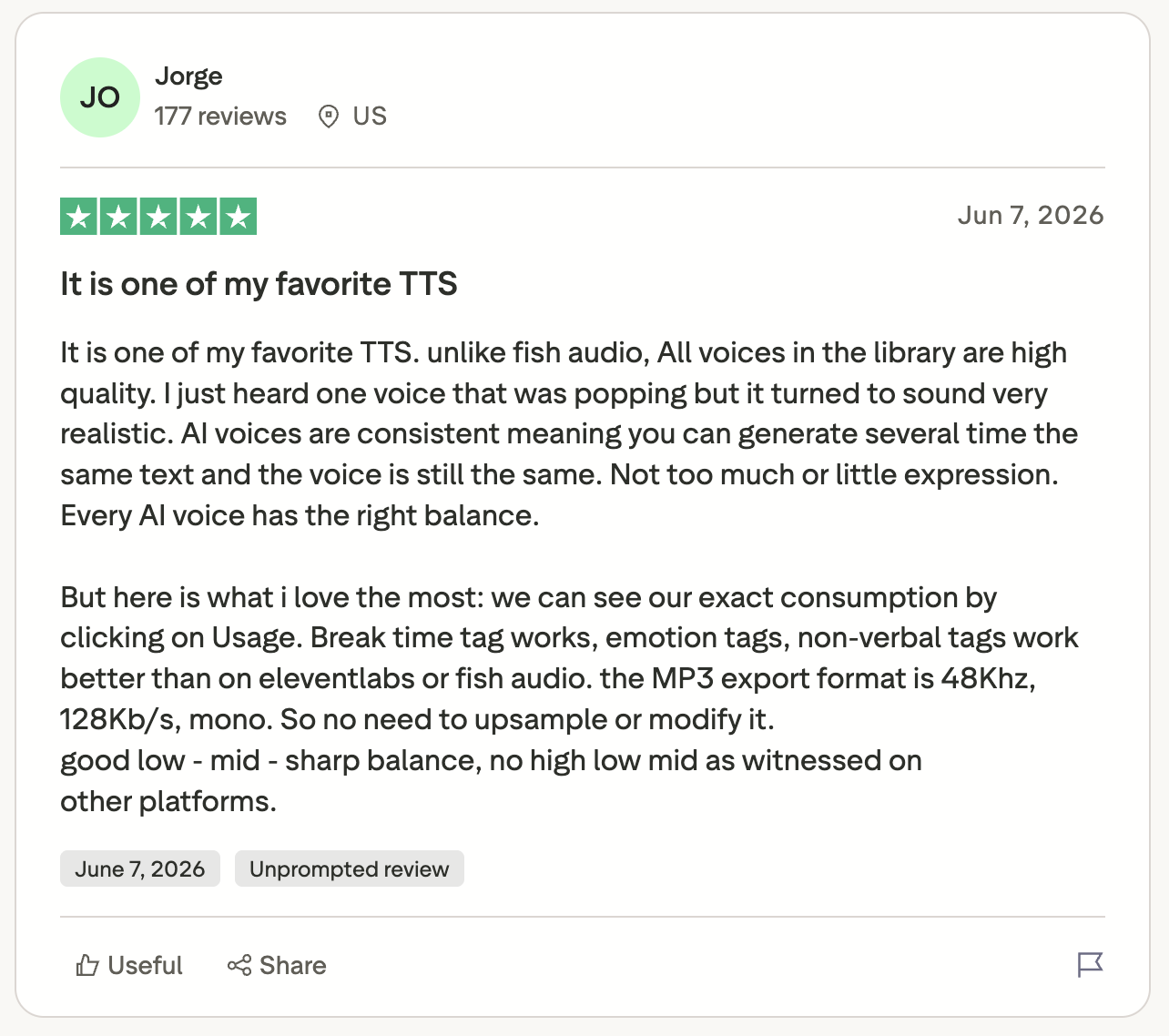
"AI voices are consistent meaning you can generate several time the same text and the voice is still the same." (Jorge, Trustpilot)
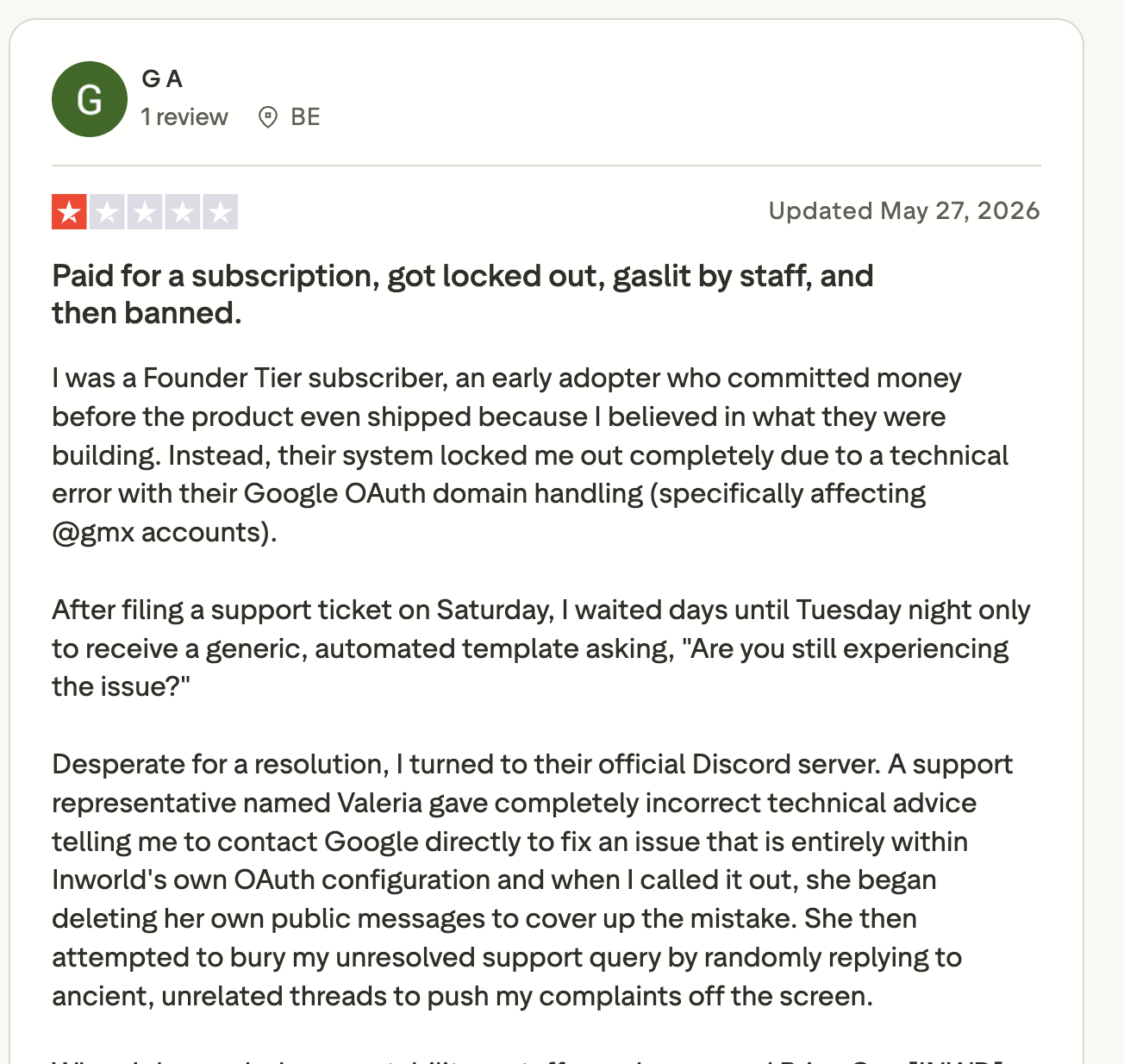
"…their system locked me out completely due to a technical error with their Google OAuth domain handling (specifically affecting @gmx accounts)." (G A, Trustpilot)
Pricing
Inworld sells monthly plans where each tier includes credits equal to its price and lowers the per-character rate.
Paid plans start at $25 a month for Creator, followed by Builder at $100, Developer at $300, and Growth at $1,500. On-Demand has no monthly fee and charges $25 per 1M characters for TTS-2 and $15 for TTS-2 Flash.
Creator lowers those rates to $20 and $10, and Growth brings them down to $12.50 and $7. Annual billing and Enterprise rates sit below that.
Bottom Line
Inworld is the one I'd integrate first for apps that read account numbers, dates, or drug names aloud. If your content pipeline depends on full SSML, Google and Azure accept it as written.
3. Cartesia Sonic: Best for Streaming With Word Timestamps
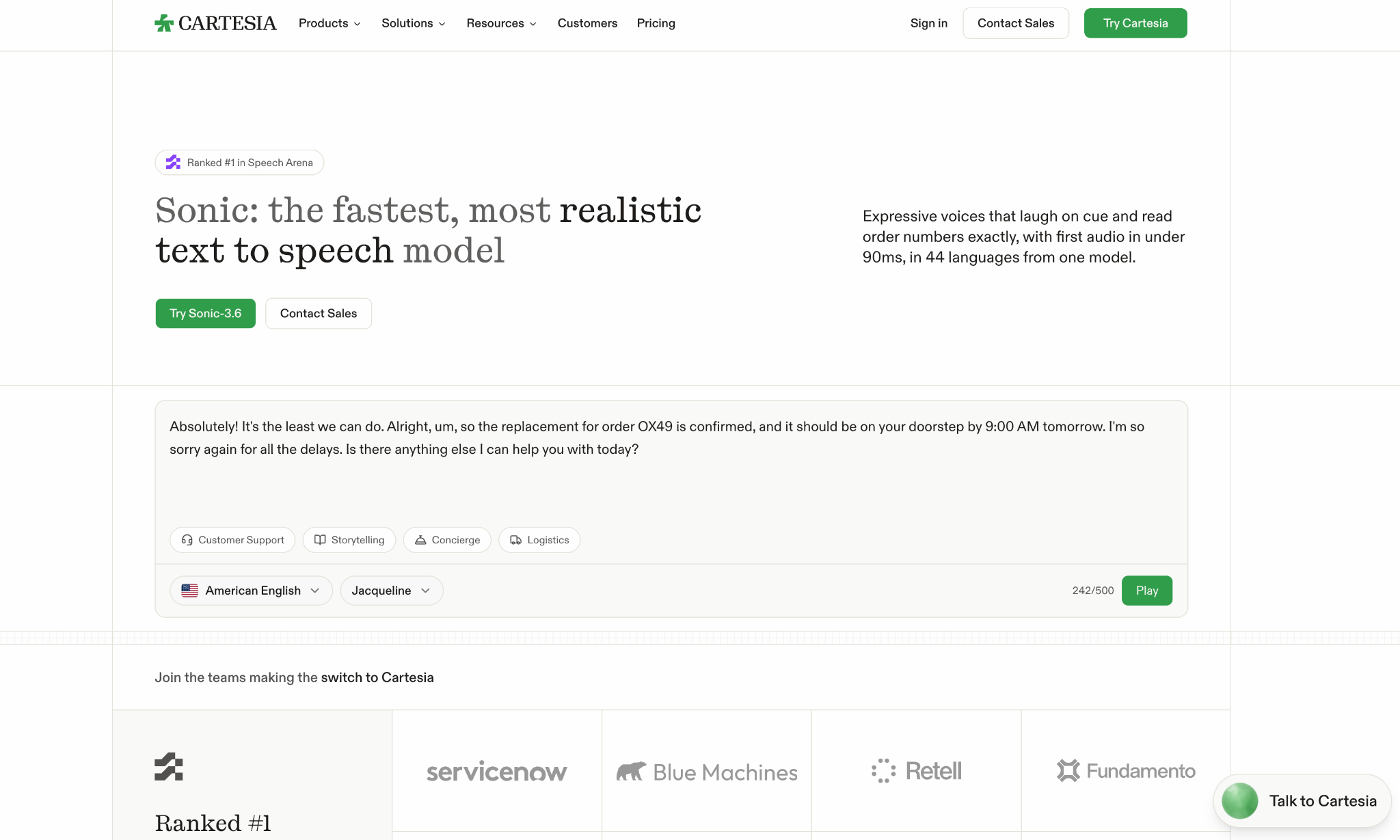
What it does: Cartesia's Sonic 3.6 API streams speech in 44 languages over raw bytes, Server-Sent Events with timestamps, or a WebSocket with continuations.
Best for: Teams building captions, lip-sync, or interruptible playback that depend on knowing exactly when each word plays.
Cartesia gives you 3 transports, and its WebSocket supports continuations and multiple contexts. You can feed an LLM's tokens as they arrive and keep separate conversations on one connection.
On speed, Sonic 3.6's 270 ms benchmark median is three times Cartesia's quoted ~90 ms, and it took 764 ms to stop after a cancel, the second-slowest stop on the benchmark, behind Sonic 3.5. Its accuracy also dips on names and places, which it read correctly 58% of the time.
Key Features
-
SSML-like tags: Adjust speed, volume, emotion, breaks, and spelling inline, with emotion control still in beta.
-
Timestamps over SSE: Get word timing with the audio, ready for captions or avatar lip-sync.
-
Pinned model snapshots: Call a dated ID like
sonic-3.6-2026-08-27so output doesn't change under you.
Pros and Cons
Pros:
✅ Timestamps come over both SSE and WebSocket, and the WebSocket adds continuations.
✅ Dated snapshot IDs, like
sonic-3.6-2026-08-27, keep the model version fixed between deploys.
✅ Cloning from 10 seconds of audio on Pro and above, and professional cloning from at least 30 minutes on Startup and above.
Cons:
❌ Weak name-and-place reading means more pronunciation fixes for directory-style content.
❌
sonic-turboandsonic-2stopped working after October 20, 2026, which forced older integrations to migrate.
What Users Say
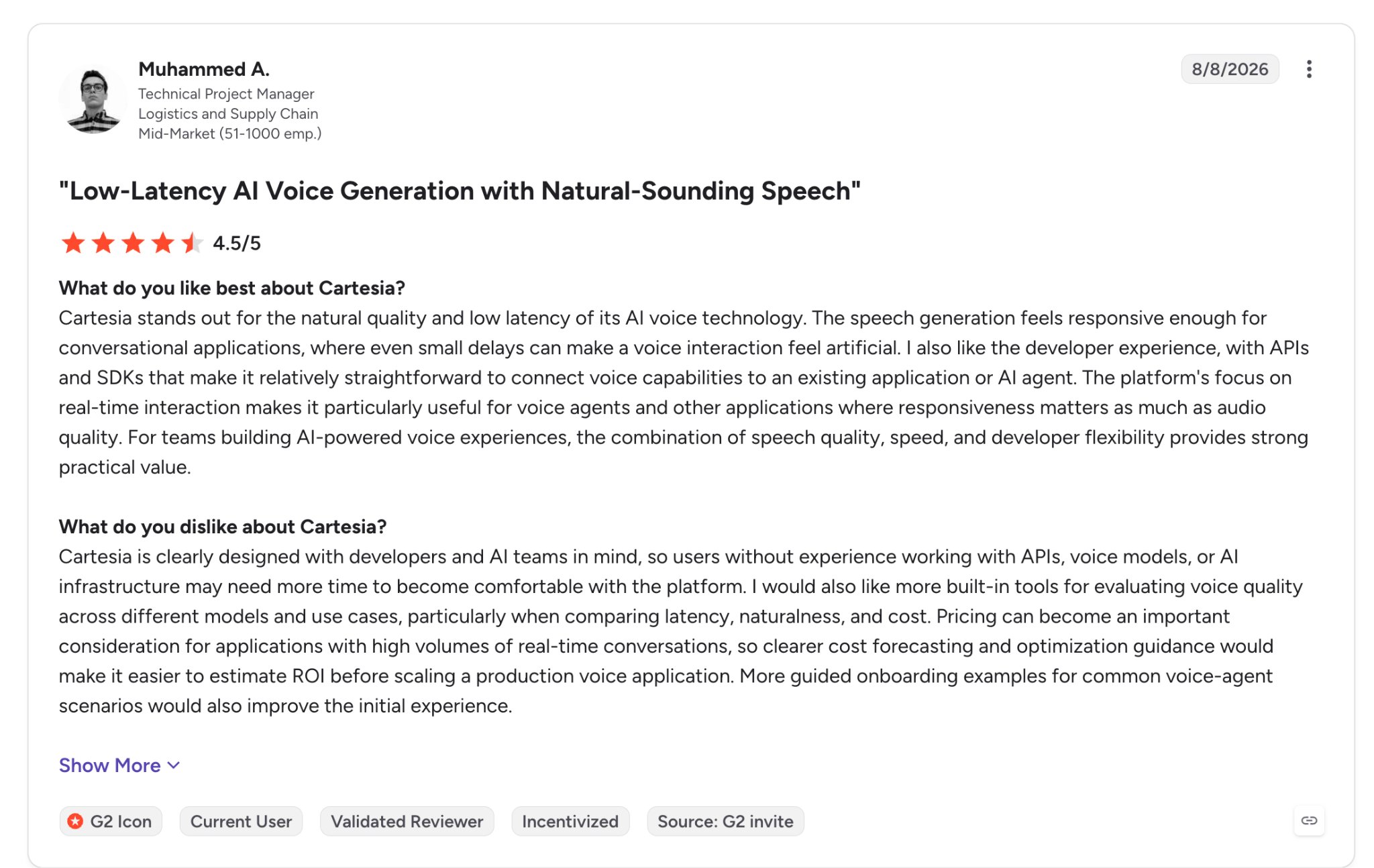
"The speech generation feels responsive enough for conversational applications, where even small delays can make a voice interaction feel artificial." (Muhammed A., G2)
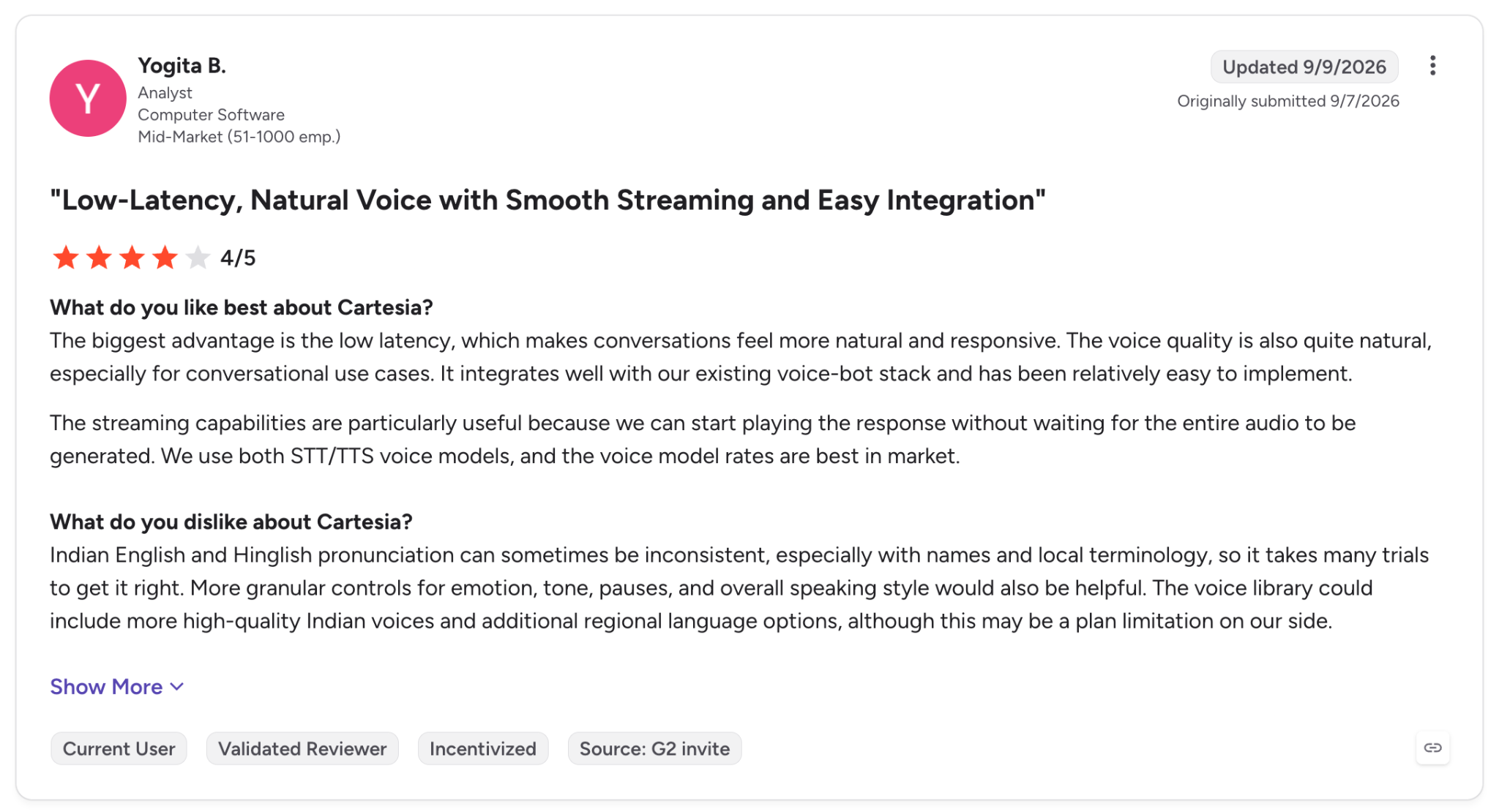
"Indian English and Hinglish pronunciation can sometimes be inconsistent, especially with names and local terminology, so it takes many trials to get it right." (Yogita B., G2)
Pricing
Cartesia bills TTS at 1 credit per character through monthly plans, with overage rates that drop on bigger tiers.
Pro costs $5 a month for 100K credits, Startup $49 for 1.25M, and Scale $299 for 8M, while Free includes 20K credits.
Overage runs $65 per 1M credits on Pro, $45 on Startup, and $38 on Scale.
Bottom Line
Cartesia suits apps that depend on timing data and socket-level control and can tolerate weaker accuracy on names. If names matter, Inworld TTS-2 read them at 100%, against 58% for Sonic 3.6.
4. Deepgram Aura-2: Best for Teams Already on Deepgram STT
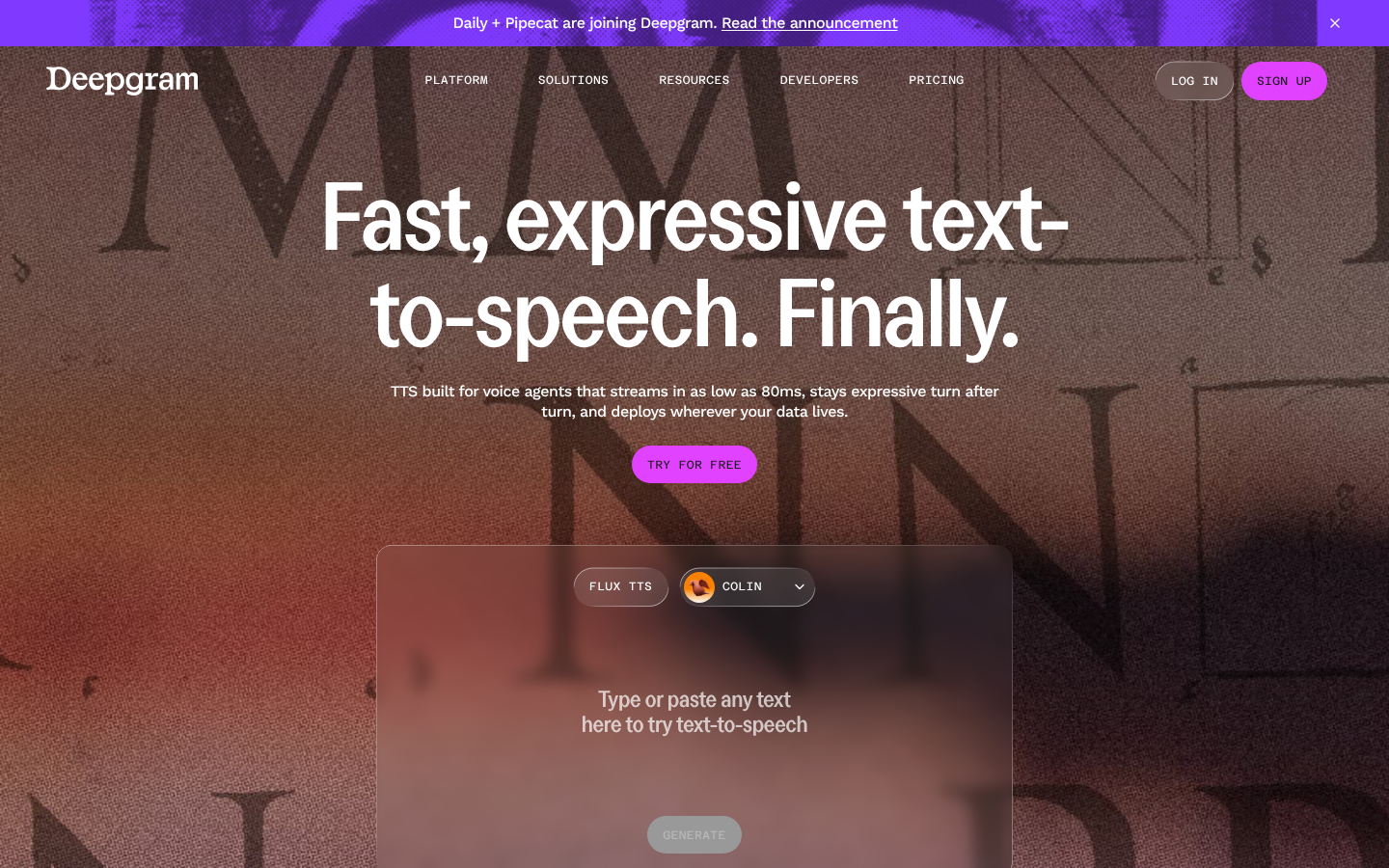
What it does: Deepgram serves Aura-2 over REST and WebSocket in 7 languages, from the same platform, API key, and SDK as its speech-to-text.
Best for: Anyone already transcribing with Deepgram who wants speech output billed on the same account.
Deepgram's Python SDK makes synthesis a single speak.v1.audio.generate() call, and the REST response streams with chunked transfer encoding.
Aura-2 placed fourth of 20 with a 126 ms median streaming start and stopped within 40 ms of a cancel. One sentence in ten still waited 449 ms or more.
Aura-2 also stays at 7 languages, and Deepgram now recommends Flux TTS, priced separately, for new builds, so a new project may be better off starting on Flux.
Key Features
-
WebSocket streaming: Send text in pieces and play audio as it returns, for agents that speak while the LLM writes.
-
Flux TTS on
/v2/speak: The newer model adds native text normalization (numbers, dates, abbreviations) in 10 languages, English included, priced separately from Aura-2. -
Shared platform with Nova STT: Transcription and synthesis in one app, with a single set of credentials.
Pros and Cons
Pros:
✅ $200 in free credit that doesn't expire, with no card required.
✅ Stops within 40 ms of a cancel, among the fastest on the benchmark.
✅ Official SDKs in Python, JavaScript, .NET, Go, and Java.
Cons:
❌ A short language list, and no SSML documentation for Aura-2.
❌ Healthcare scripts will need checking, since Aura-2 read medical terms at 86% on the benchmark.
❌ Voice cloning runs through sales, listed as Contact sales.
What Users Say
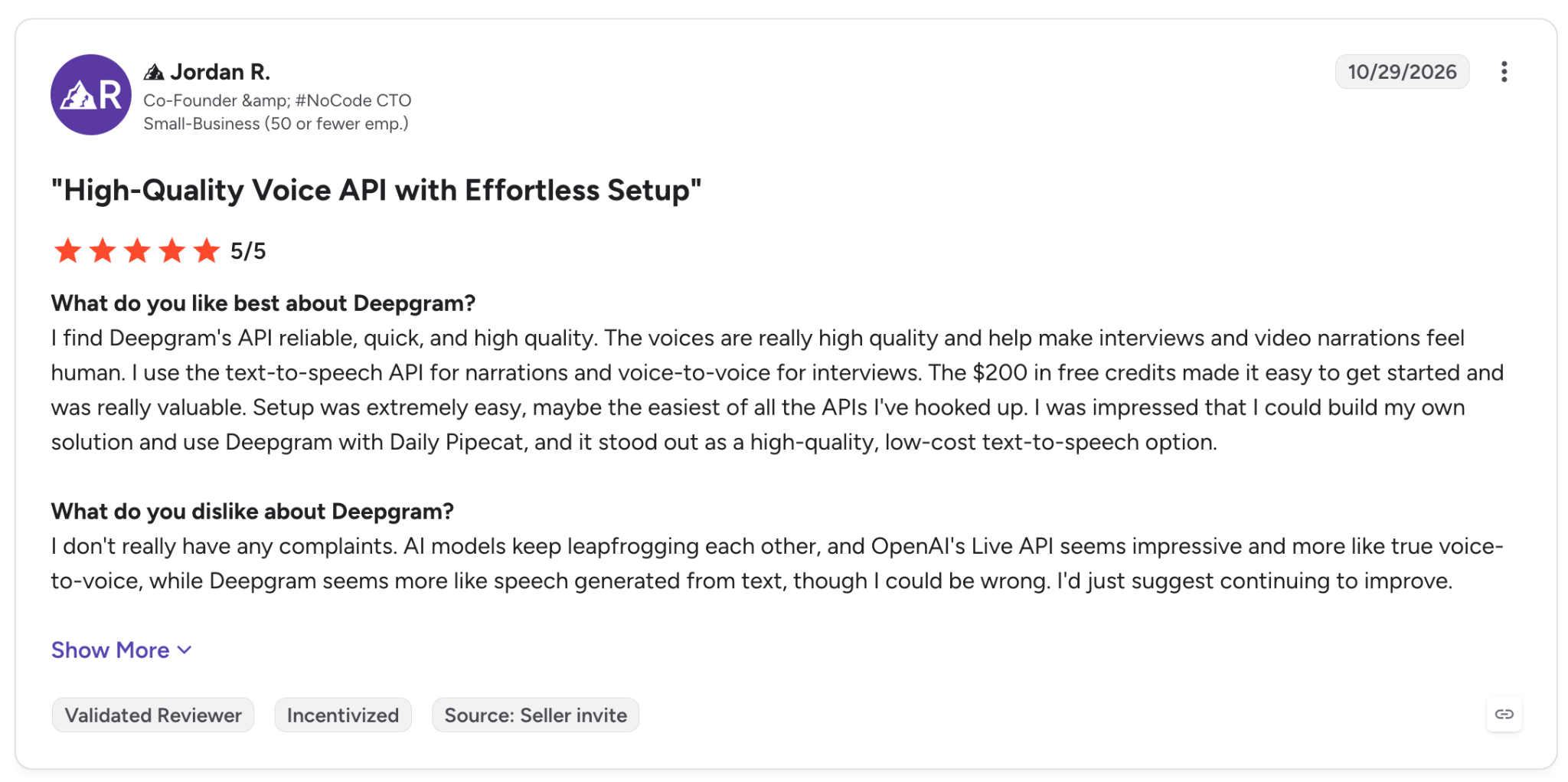
"Setup was extremely easy, maybe the easiest of all the APIs I've hooked up." (Jordan R., G2)
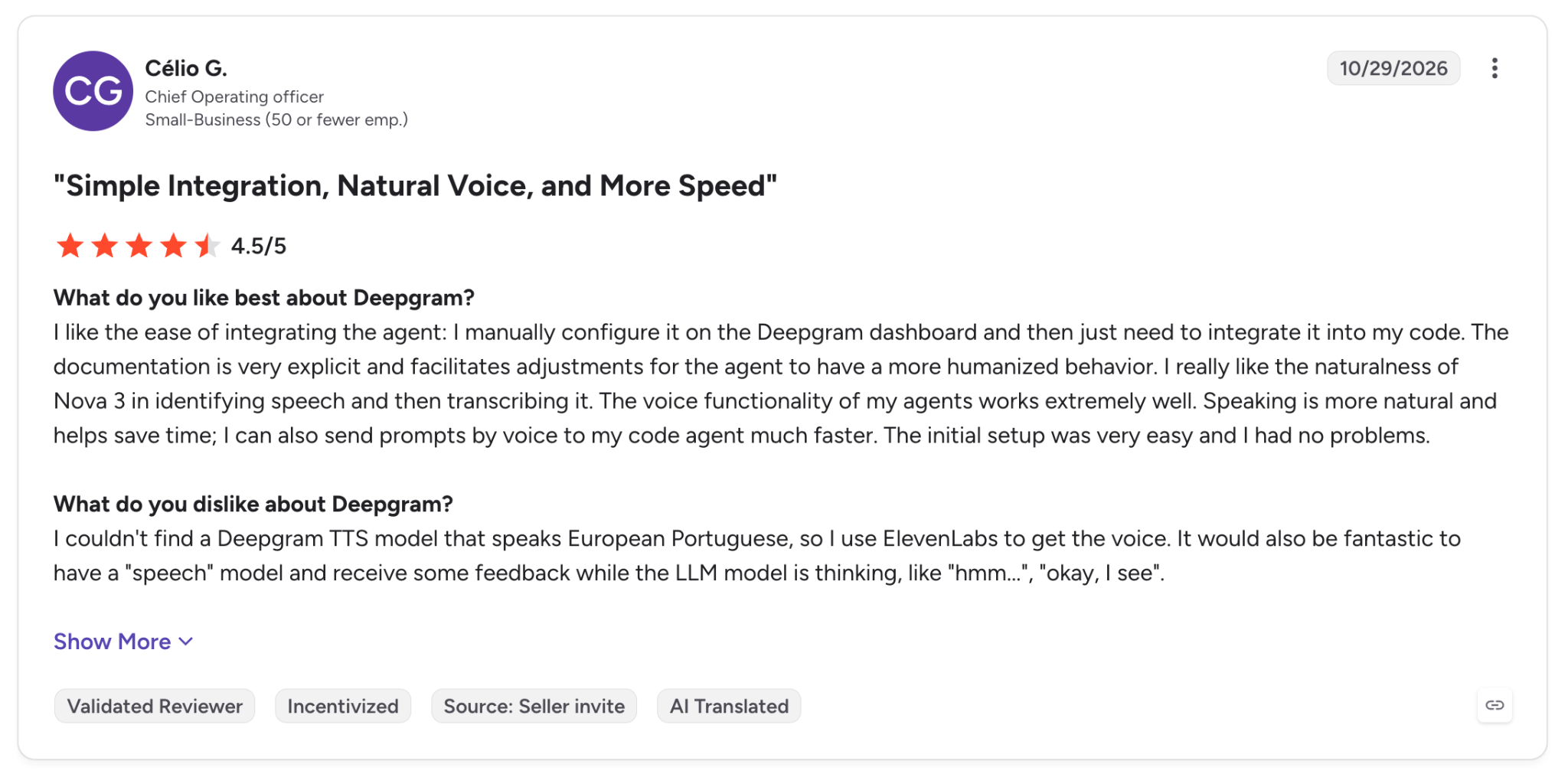
"I couldn't find a Deepgram TTS model that speaks European Portuguese, so I use ElevenLabs to get the voice." (Célio G., G2)
Pricing
Deepgram bills Aura-2 per 1,000 characters on pay-as-you-go, with lower rates on the prepaid annual Growth plan.
Aura-2 costs $30 per 1M characters on pay-as-you-go and $27 on Growth, while Flux TTS costs $45 on both. Growth starts at $4,000 a year in prepaid credits, and there's no monthly subscription plan.
Bottom Line
If Deepgram already handles your transcription, Aura-2 adds speech output with the same API key and SDK. Past 7 languages, or once you need SSML, move the workload to Google or Azure.
5. Google Cloud Text-to-Speech: Best for Full SSML Across 75+ Languages
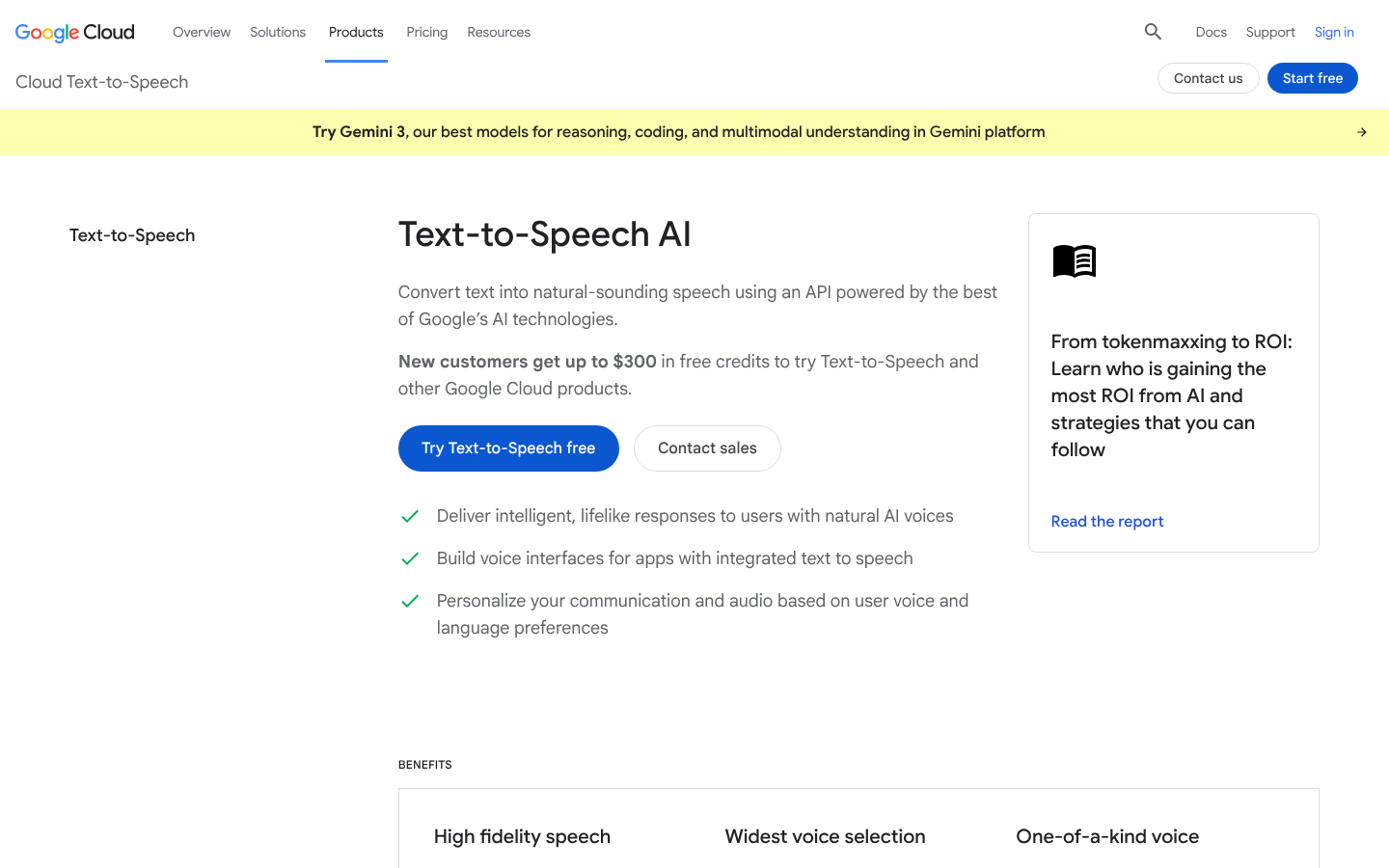
What it does: Google Cloud Text-to-Speech offers 380+ voices across 75+ languages and variants. They span several voice families, including Standard, WaveNet, Neural2, Studio, Chirp 3: HD, and the token-priced Gemini-TTS.
Best for: Teams shipping in many locales that want full SSML and one cloud bill alongside the rest of their Google Cloud stack.
Google and Azure have the deepest SSML implementations here, and Google's support varies by voice family. The full tag list runs from say-as and phoneme to prosody, audio, and mark, which matters for IVR prompts and anything full of dates or currency.
Newer voices accept less of that list. Chirp 3: HD supports a subset of tags on synchronous requests, and Google still labels that support Preview.
Streaming narrows it further, since the docs state that SSML isn't supported for streaming requests. For each request, you choose between markup and the bidirectional StreamingSynthesize call.
Default quotas allow 1,000 requests per minute per project and 200 for Chirp 3, and streaming tops out at 100 concurrent sessions.
The per-request cap is more relevant for your code. At 5,000 bytes, it determines how you split text into chunks, and since it counts bytes, languages with multibyte characters hit it sooner.
Key Features
-
StreamingSynthesize: Send text and receive audio over one bidirectional stream, with PCM and Opus among the output codecs, without SSML. -
Short-sample custom voice: Create a Chirp 3: HD voice from 10 seconds of audio, for allow-listed accounts.
-
8 client libraries: Official SDKs for C++, C#, Go, Java, Node.js, PHP, Python, and Ruby.
Pros and Cons
Pros:
✅ Monthly free usage of 4M characters on Standard and WaveNet, and 1M on Chirp 3: HD, Neural2, and Studio.
✅ One of the two fullest SSML tag sets among these 12, for batch requests.
✅ $300 in credits for new Google Cloud customers, in addition to the free tier.
Cons:
❌ No SSML on streaming, and Chirp 3: HD's SSML subset is still in Preview.
❌ Voice families price very differently, and Studio voices cost 40 times the Standard rate per character.
❌ Only Gemini 3.8 Flash-Lite TTS was timed, at 729 ms on full sentences. Google publishes no figure for Chirp 3: HD, Neural2 or WaveNet.
What Users Say
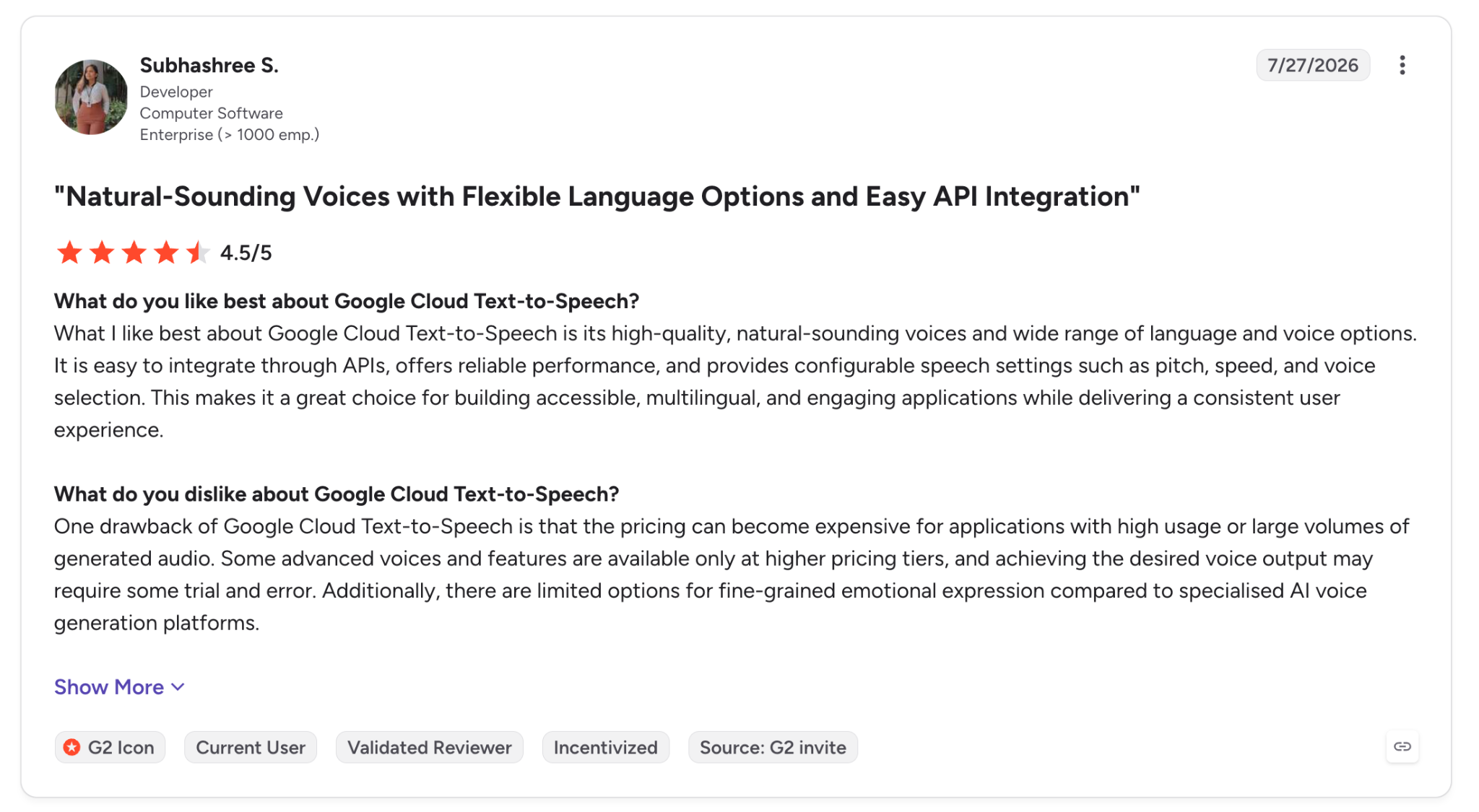
"It is easy to integrate through APIs… and provides configurable speech settings such as pitch, speed, and voice selection." (Subhashree S., G2)
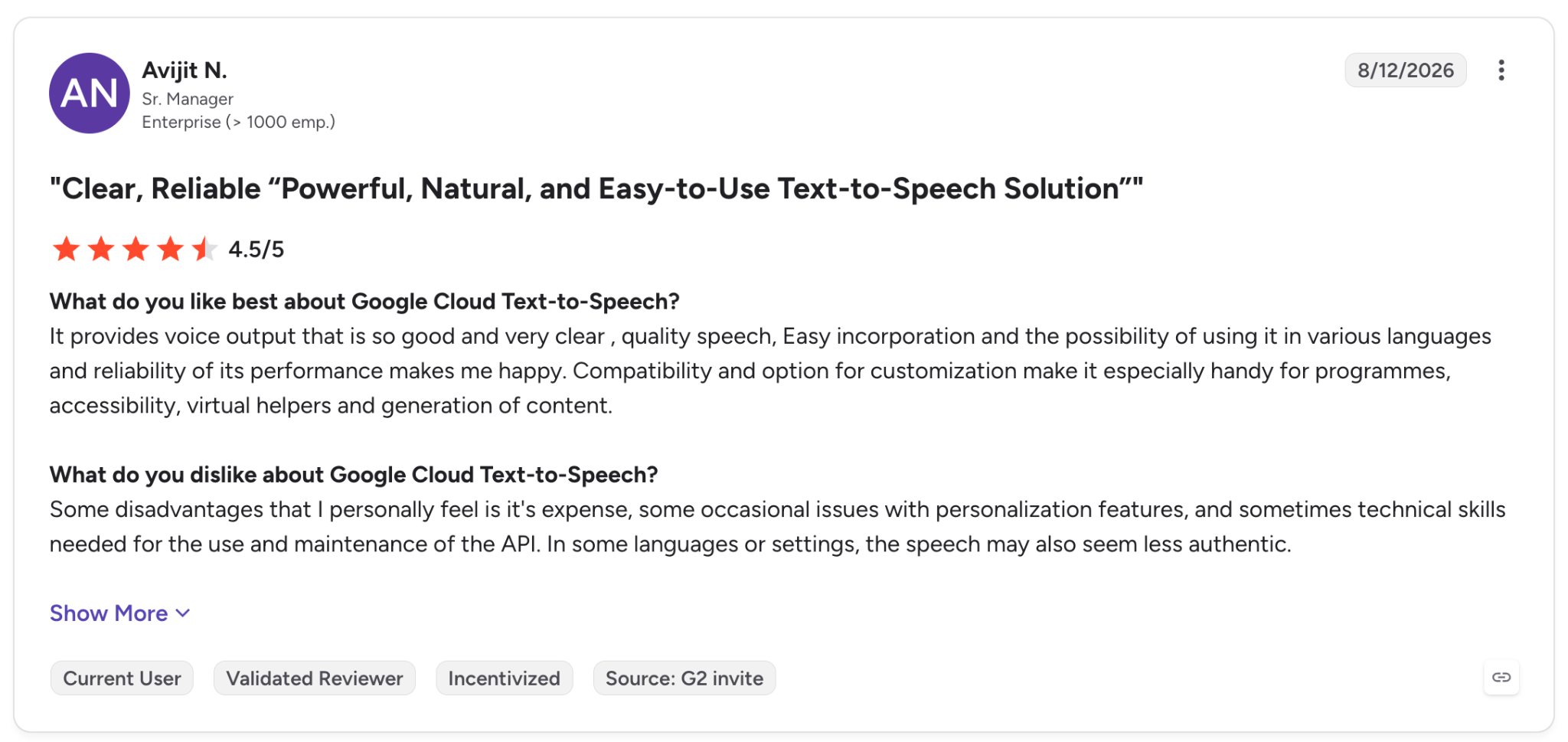
"Some disadvantages that I personally feel are its expense… and sometimes technical skills needed for the use and maintenance of the API." (Avijit N., G2)
Pricing
Google bills pay-as-you-go per 1M characters, with a separate rate for each voice family and a monthly free allowance. Standard and WaveNet voices cost $4 per 1M characters, Neural2 $16, Chirp 3: HD $30, and Studio $160.
Gemini-TTS bills per token instead, starting at $0.50 per 1M text tokens and $6 per 1M audio tokens on Gemini 3.8 Flash-Lite TTS (Preview) through December 31, 2026. From January 1, 2027, that rises to $1.00 and $12 per 1M tokens.
Bottom Line
Google's main advantage is SSML depth across 75+ languages, backed by a free tier of 4M characters a month on Standard and WaveNet voices. If your app needs markup and streaming in the same request, that's the one combination Google can't give you.
6. Azure AI Speech: Best for Enterprise Custom Voices
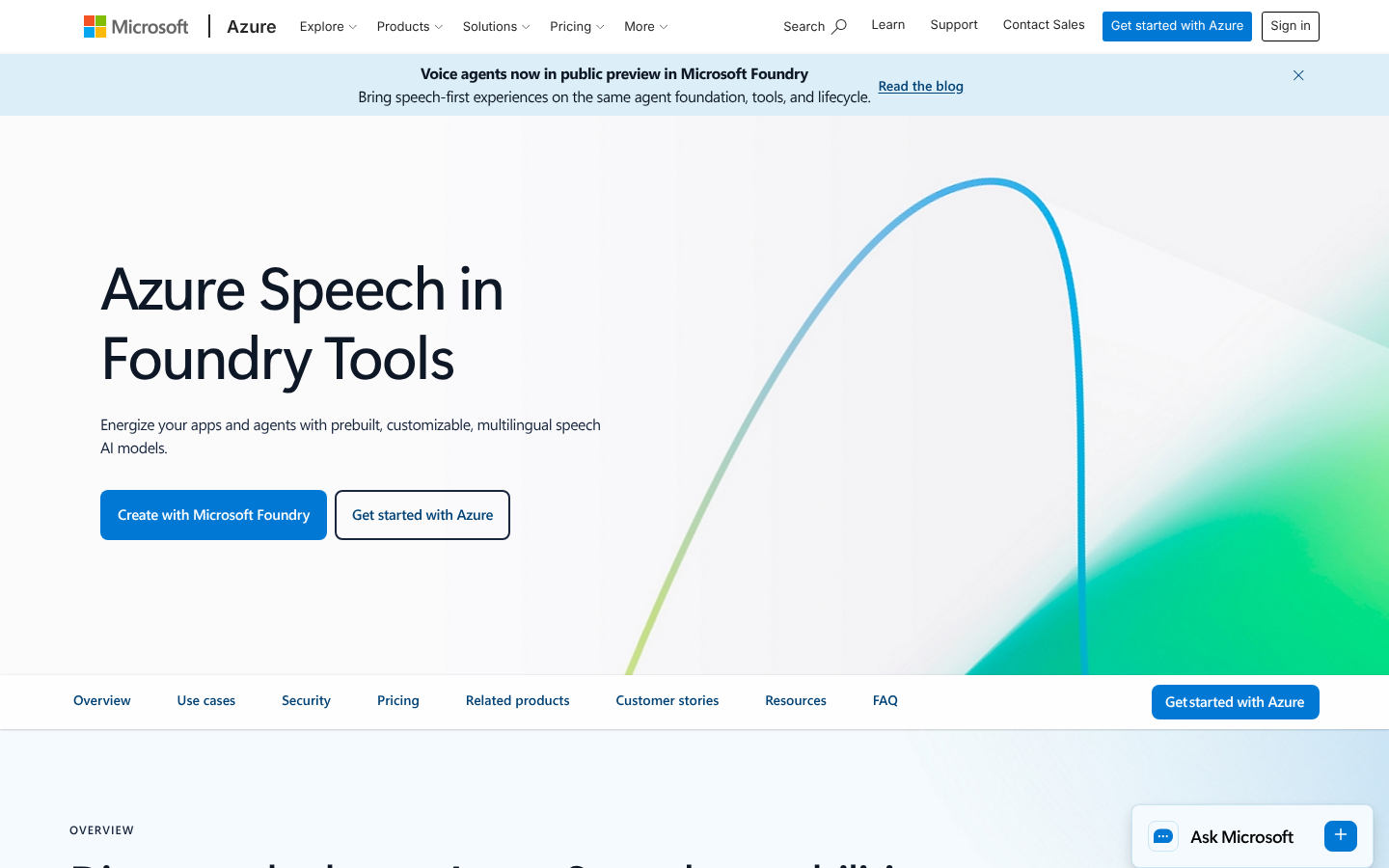
What it does: Azure AI Speech is Microsoft's speech service, with neural and HD voices in 100+ languages and locales, plus custom neural voices. You can deploy it in the cloud or in containers on your own hardware.
Best for: Enterprise buyers who want a branded custom voice or deep SSML control, sometimes on their own infrastructure.
Azure's Speech SDK talks to the service over WebSocket, and the newer v2 endpoint accepts streaming text input, which lets you push LLM tokens in as they're generated. That path is limited to C#, C++, and Python for now.
The HD tier adds expressiveness, with 500+ released voices on DragonHD Omni (700+ counting earlier and AI-generated ones) and a Microsoft-stated HD latency under 300 ms.
It also narrows SSML. Standard neural voices keep the full SSML tag set, but neither DragonHD nor DragonHD Omni accepts prosody, and only Omni supports express-as styles.
Custom Neural Voice is a Limited Access feature. You apply, wait for Microsoft's approval, and only then train a brand voice, so add that wait to any client timeline.
Key Features
-
Custom Neural Voice: Train a professional brand voice, hosted on a dedicated endpoint.
-
Containers: Run neural TTS in containers on your own infrastructure, with disconnected mode available after Microsoft approves a request.
-
Batch synthesis API: Generate long audio files asynchronously, with a limit of 100 requests per 10 seconds.
Pros and Cons
Pros:
✅ Speech SDK in 8 languages, Swift and Go among them.
✅ The F0 tier gives 0.5M free characters per month on neural voices.
✅ The default synthesis quota is 30 transactions per second and can be raised to 1,000.
Cons:
❌ The streaming text input path doesn't accept SSML or OpenAI voices.
❌ Custom voice access requires an application, which slows down a first build.
What Users Say
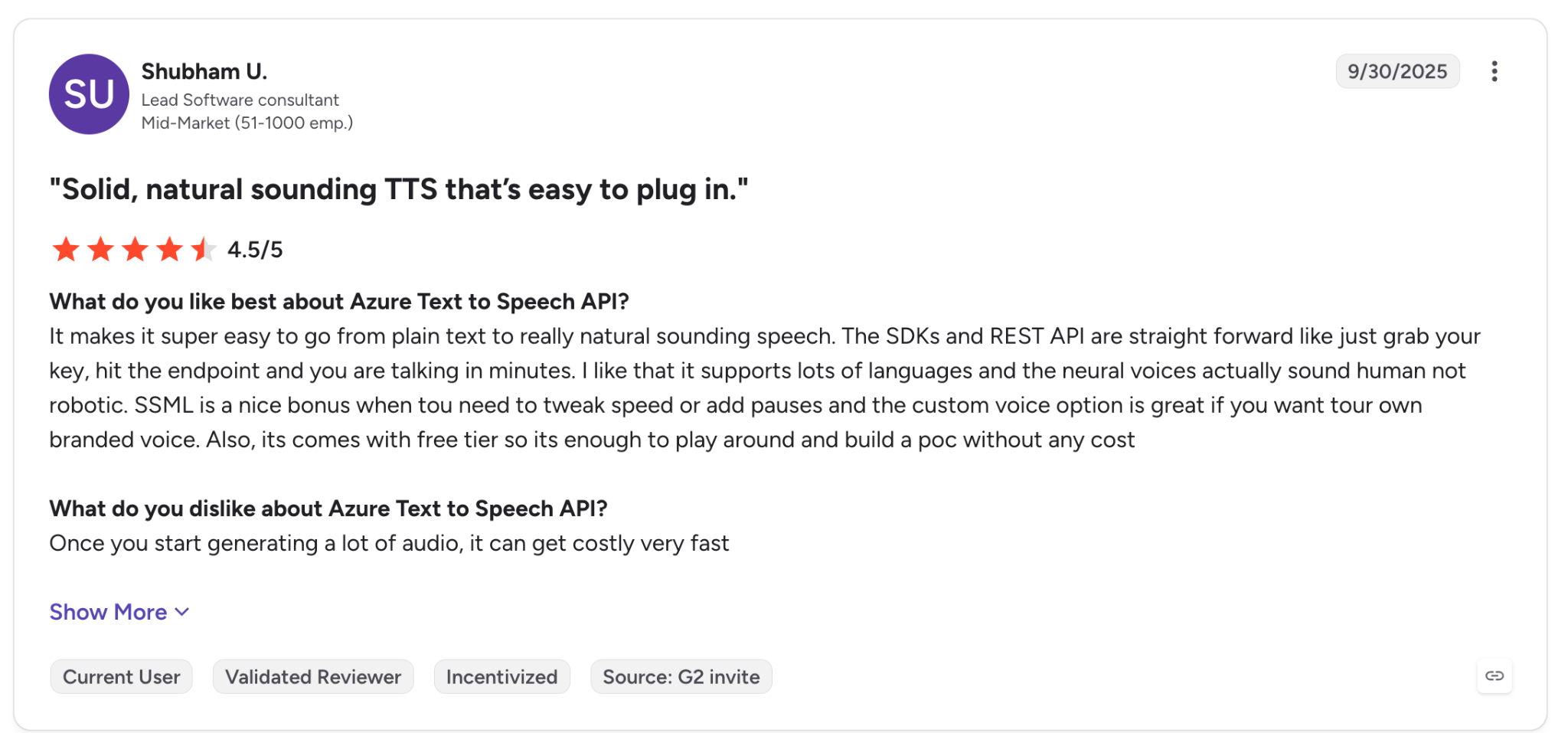
"The SDKs and REST API are straight forward like just grab your key, hit the endpoint and you are talking in minutes." (Shubham U., G2)
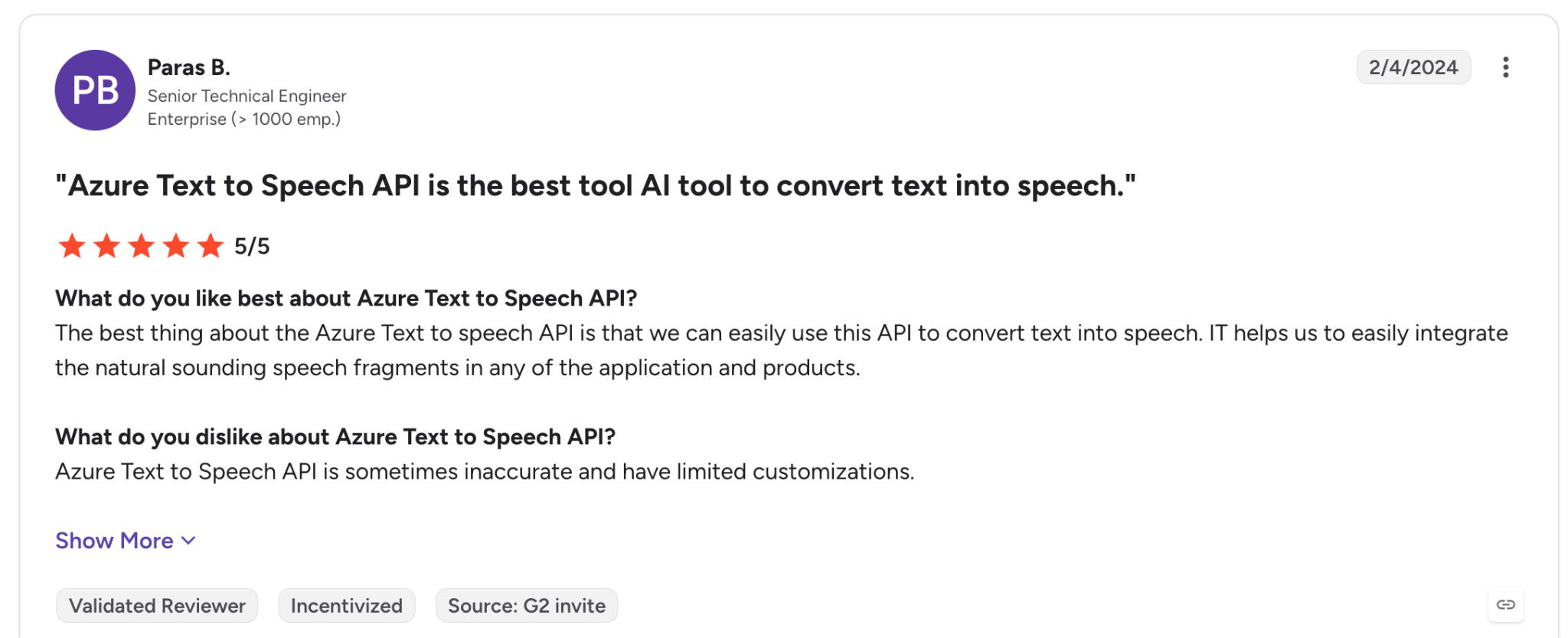
"Azure text-to-speech API is sometimes inaccurate…" (Paras B., G2)
Pricing
Azure bills pay-as-you-go per 1M characters by voice type, and offers monthly commitment tiers for neural voices at high volume.
Neural voices cost $15 per 1M characters in US East, and Custom Neural synthesis costs $24, or $48 on HD. The monthly commitment tier starts at $960 for 80M characters, which works out to $12 per 1M.
Bottom Line
Choose Azure when procurement rules, data residency, or a custom brand voice drive the decision. A small team that only wants a default voice gets no benefit from Azure's custom-voice and container options.
7. Amazon Polly: Best for AWS-Native Workloads
What it does: Amazon Polly, AWS's text-to-speech service, offers 100+ voices in 40+ languages and variants across 4 engines (Standard, Neural, Long-Form, and Generative).
Best for: AWS shops that want IAM and billing in one place, with output landing straight in S3, and standard voices that tie Google's for the lowest list rate on this page.
If your stack lives on AWS, Polly runs on the IAM credentials and SDK you already use. A Boto3 call to synthesize_speech returns an audio stream, and StartSpeechSynthesisTask writes long jobs straight to S3, up to 100,000 billed characters each.
Bidirectional streaming over HTTP/2 works only on Generative, and Generative and Neural run at 8 TPS by default against 80 for Standard. A high-traffic app can hit that limit while its bill is still small.
Standard handles every SSML tag except the newscaster style, while Neural, Long-Form, and Generative accept part of the set, with the <emphasis> tag missing.
Key Features
-
4 engines: Switch between cost and quality on each request with the
Engineparameter. -
Async synthesis to S3: Offload long-form audio jobs without holding a connection open, up to 100,000 billed characters per job.
-
Brand Voice: Build an exclusive custom voice through an engagement with the Polly team.
Pros and Cons
Pros:
✅ Free tier of 5M Standard characters per month, plus 12-month allowances on Neural, Long-Form, and Generative.
✅ Official AWS SDKs for Python, JavaScript, Java, Go, .NET, Kotlin, PHP, Ruby, and C++.
✅ Standard voices tie Google Standard for the lowest list rate among hosted APIs here.
Cons:
❌ Voice cloning means a Brand Voice engagement with the Polly team, arranged through your AWS account manager.
❌
SynthesizeSpeechcaps at 3,000 billed characters per call. Anything longer needs chunking.
❌ No published latency figure, and Polly wasn't on the benchmark.
What Users Say
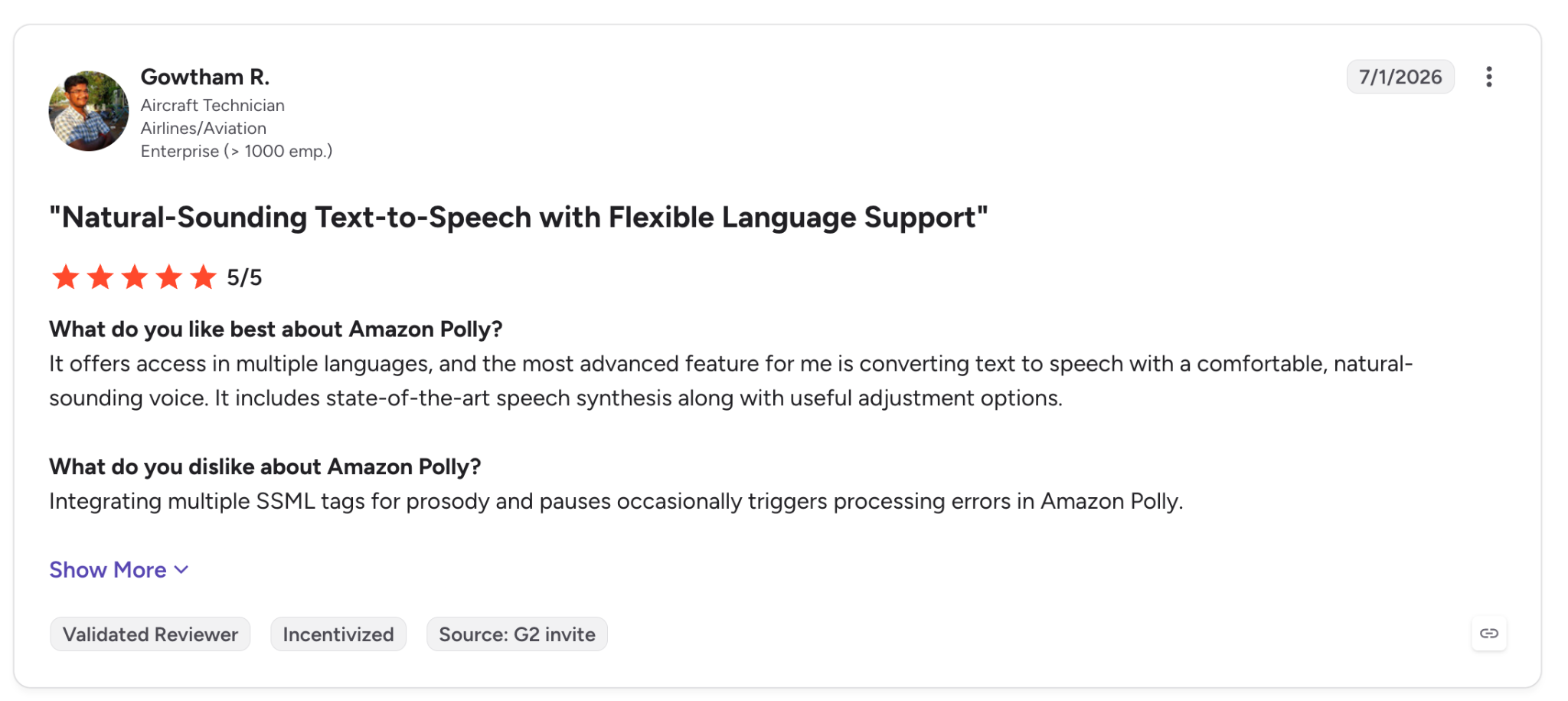
"Integrating multiple SSML tags for prosody and pauses occasionally triggers processing errors in Amazon Polly." (Gowtham R., G2)
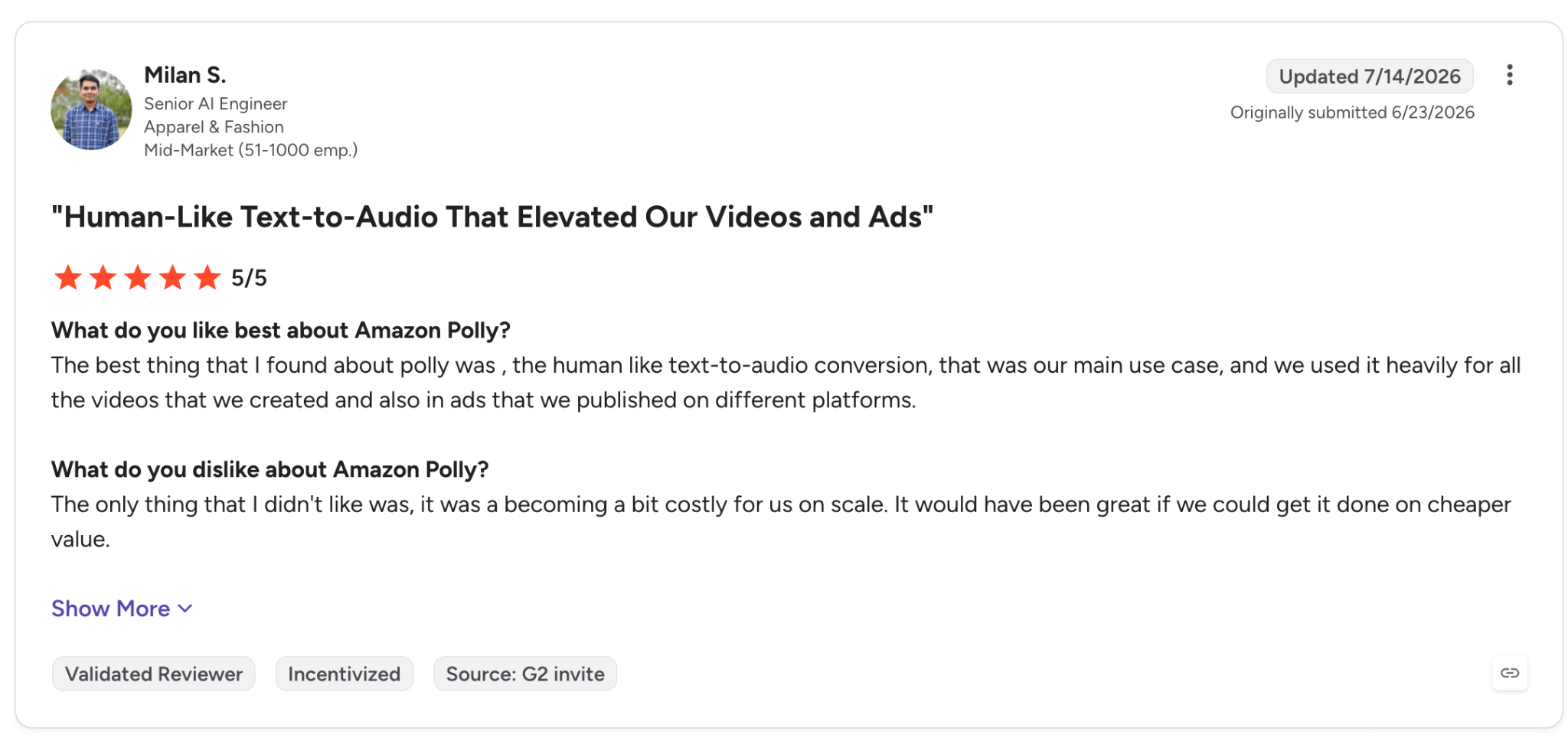
"The only thing that I didn't like was, it was becoming a bit costly for us on scale." (Milan S., G2)
Pricing
Polly is pay-as-you-go per 1M characters, priced by engine, with no subscription plans. Standard voices cost $4 per 1M characters, Neural $16, Generative $30, and Long-Form $100, all billed monthly for the characters you process.
Bottom Line
AWS shops that synthesize large volumes with standard voices can keep their workload on Polly. If you move to Neural or Generative voices, check that the 8 TPS default covers your traffic. For expressive voices, look to ElevenLabs, Inworld, or Cartesia.
8. OpenAI TTS: Best for Prompt-Steered Delivery
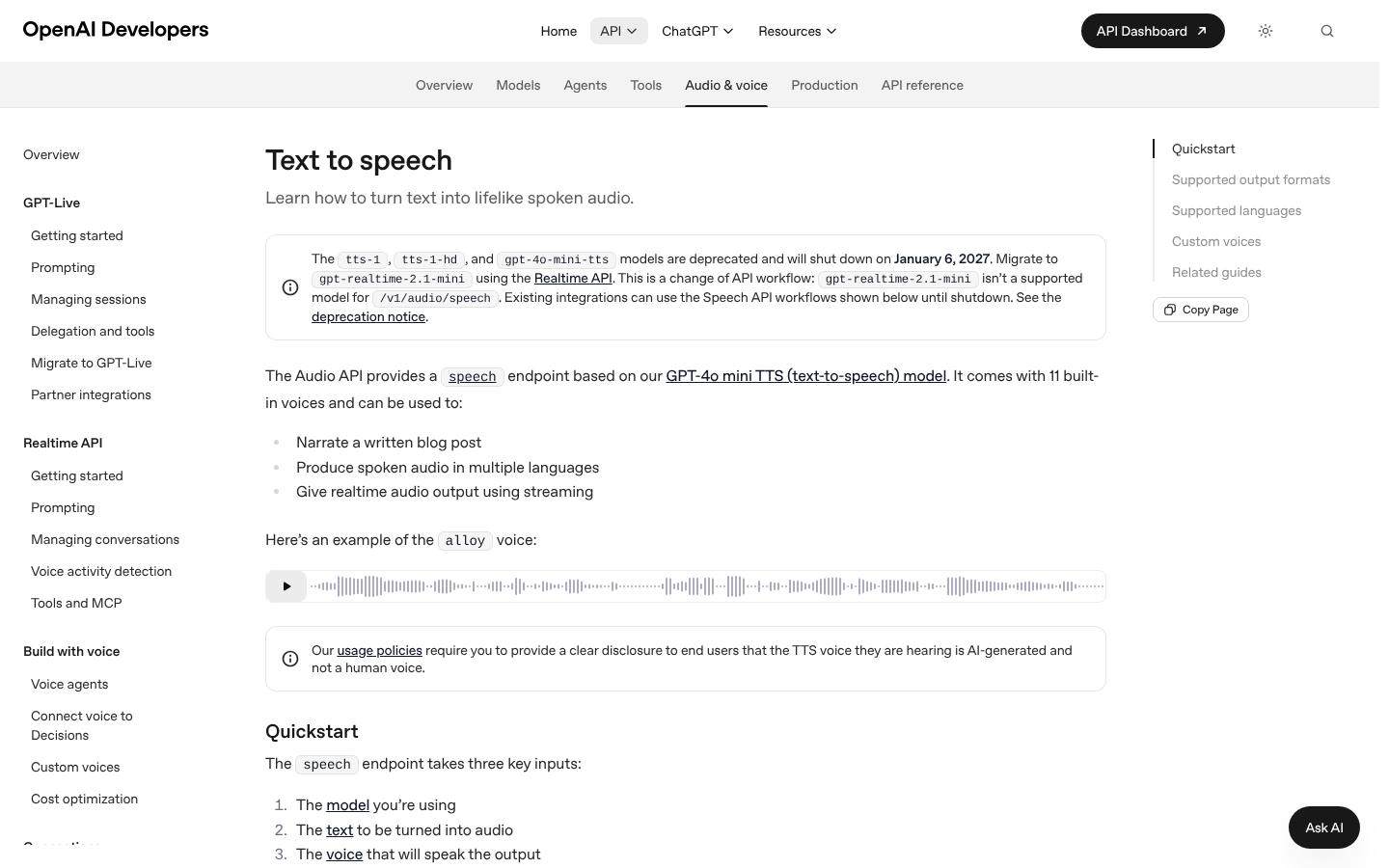
What it does: OpenAI's Speech API generates audio from text with gpt-4o-mini-tts, tts-1, and tts-1-hd, using 13 stock voices. The gpt-4o-mini-tts model also accepts an instructions field that steers tone and pacing in plain English.
Best for: Backends already calling OpenAI that want to add spoken output without a new vendor, and that can plan a migration.
OpenAI states that all three speech models are deprecated and will shut down on January 6, 2027. It points migration to its newer speech-to-speech model, which /v1/audio/speech doesn't accept.
Until then, the reason to pick OpenAI is the instructions field, which is limited to gpt-4o-mini-tts (tts-1 and tts-1-hd ignore it). You can add "speak in a calm, slower tone" to the request and hear the change. For voice choice, OpenAI recommends marin and cedar for quality.
The benchmark scored gpt-4o-mini-tts at 78% on numbers, 78% on codes and addresses, and 96% on names, and timed it at 688 ms on full sentences, with no streaming-start figure.
Voices are tuned for English. Input caps at 4,096 characters per request, so long scripts need chunking.
Key Features
-
Instructions field (gpt-4o-mini-tts): Describe the delivery you want in text, with no markup.
-
Streaming responses: Chunked transfer encoding, plus SSE on gpt-4o-mini-tts.
-
Custom voices: Create a voice from a consent recording, limited to eligible customers.
Pros and Cons
Pros:
✅ Uses the OpenAI SDK and key you work with today, with official SDKs in 6 programming languages.
✅ Rate limits run from 2,000 to 10,000 requests per minute, depending on usage tier.
✅ The instructions field sets tone and pacing in plain English, with no markup.
Cons:
❌ The January 6, 2027 shutdown makes any new integration a short-lived one.
❌ No SSML, and no free tier on any of the three speech models.
❌ Voices are tuned for English, which limits multilingual apps.
What Users Say
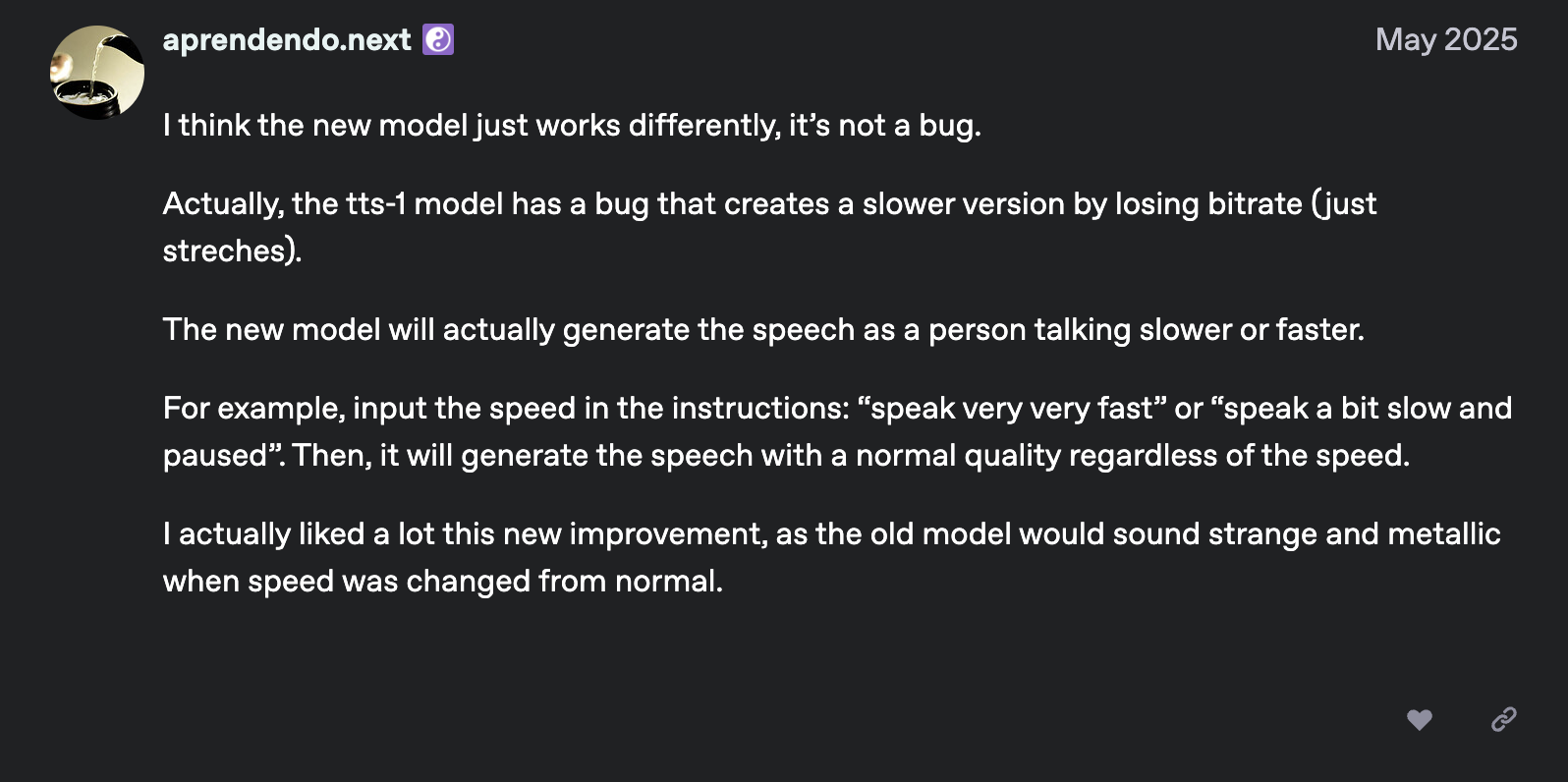
"The new model will… generate the speech as a person talking slower or faster." (aprendendo.next, OpenAI Developer Community)
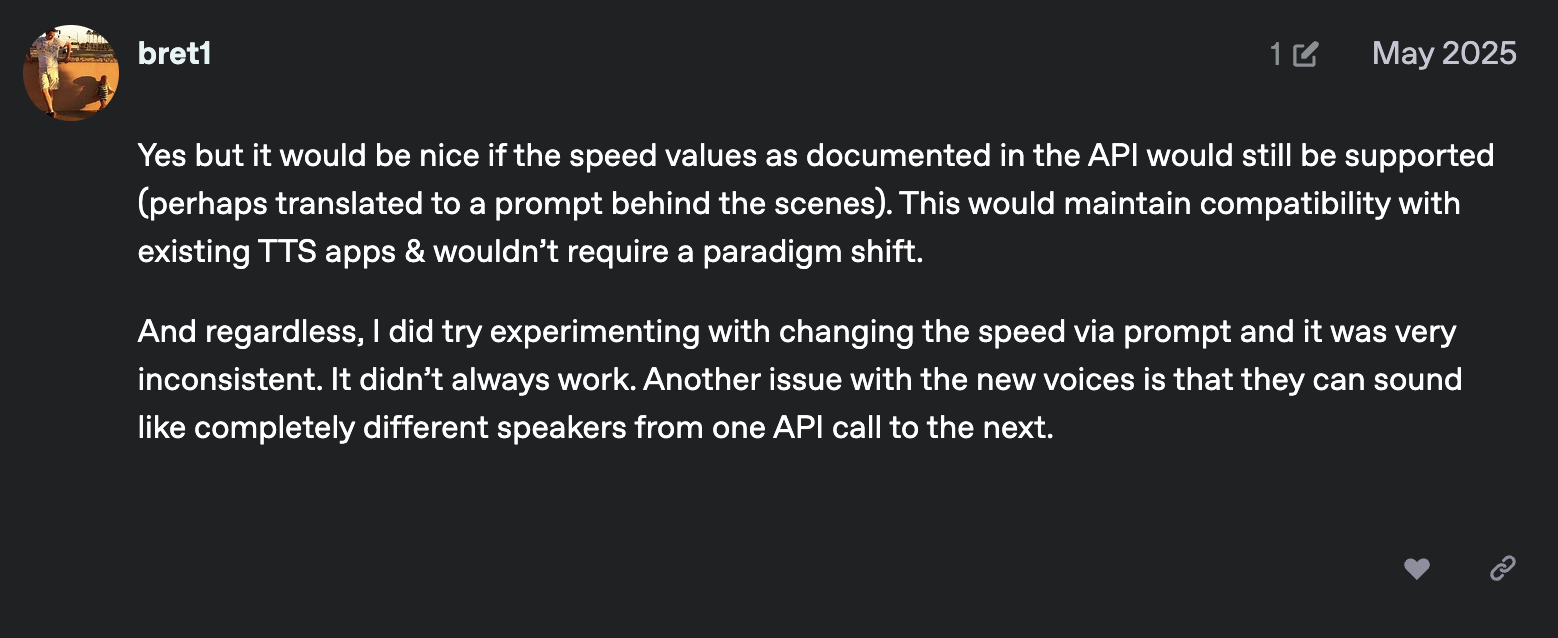
"Another issue with the new voices is that they can sound like completely different speakers from one API call to the next." (bret1, OpenAI Developer Community)
Pricing
OpenAI bills pay-as-you-go, per 1M characters on tts-1 and tts-1-hd and per token on gpt-4o-mini-tts. tts-1 costs $15 per 1M characters and tts-1-hd $30.
Bottom Line
OpenAI TTS is a fast addition for an app on its SDK, as long as you treat it as a temporary option until the shutdown. For a voice layer you'll keep for years, choose ElevenLabs or Inworld.
9. MiniMax Speech: Best for Long-Form Async Narration
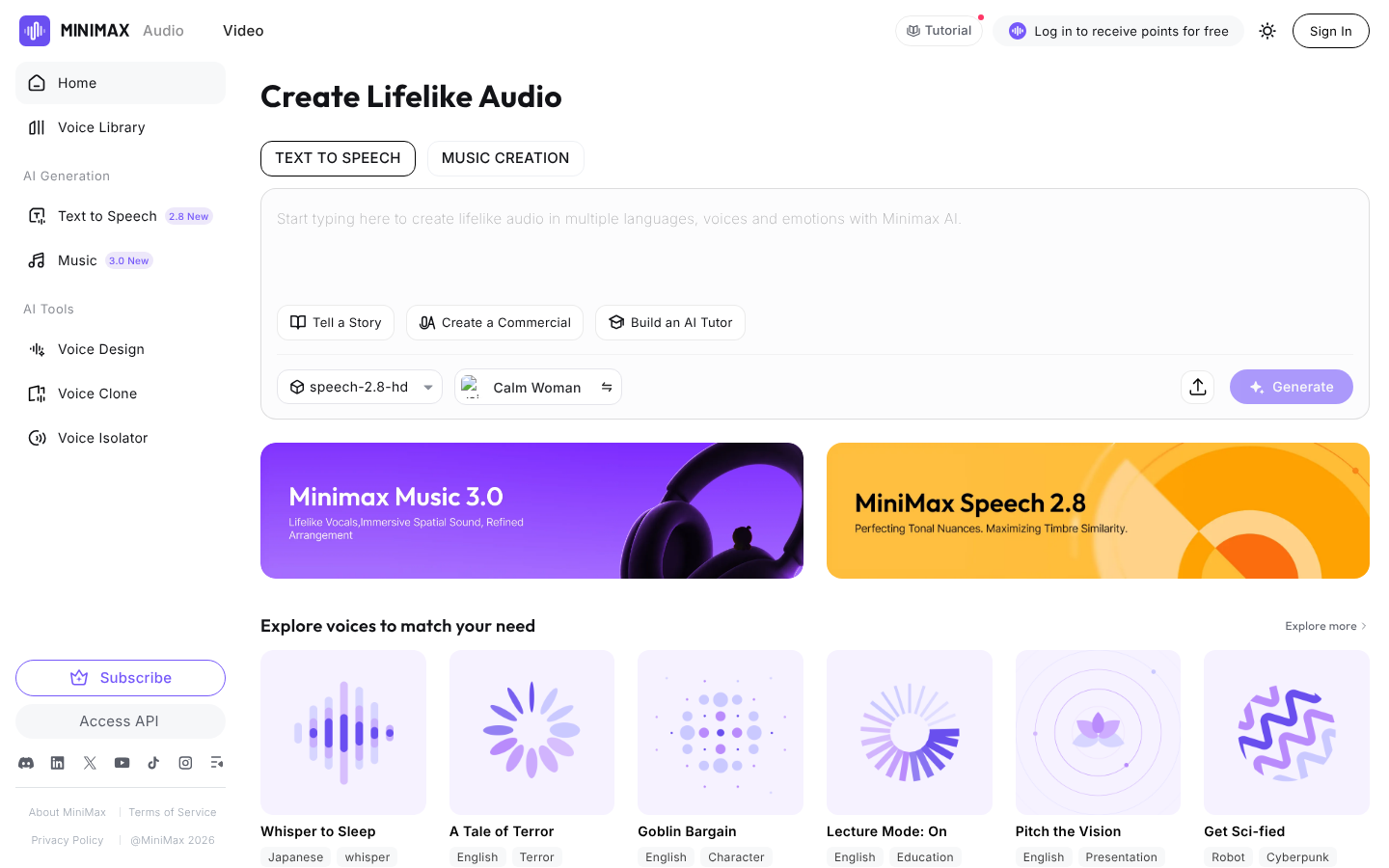
What it does: MiniMax Speech 2.8 comes in HD and Turbo variants, covers 40 languages, and runs over sync, streaming, bidirectional WebSocket, and async long-form endpoints.
Best for: Audiobook, course, and long-script producers whose scripts would otherwise mean heavy chunking code.
MiniMax's async API takes up to 100,000 characters of direct text per request, or 1M per zipped task, while the sync endpoint caps at 10,000, so a full chapter goes in as one job.
Speech 2.8 adds paralinguistic tags such as (laughs) and (sighs), plus a <#x#> pause marker from 0.01 to 99.99 seconds. It's all MiniMax's own markup, so existing SSML templates need rewriting.
MiniMax doesn’t ship a dedicated speech SDK, which leaves you calling raw HTTP or WebSocket and slows the first build. Throughput starts low too, with a default limit of 60 requests per minute.
Key Features
-
Async long-form API: Submit up to 1M characters per task (as a zip) and fetch the finished audio later.
-
Bidirectional WebSocket: Stream text in and audio out on one connection.
-
Rapid voice cloning: Clone from 10 seconds to 5 minutes of source audio, charged per voice.
Pros and Cons
Pros:
✅ Async tasks take up to 1M characters, the largest input among these 12.
✅ Streaming runs over SSE or WebSocket, with a bidirectional WebSocket as well.
✅ Monthly audio plans raise the rate limit as high as 800 RPM.
Cons:
❌ You'll write your own client, starting from the docs' Python
requestsand curl examples.
❌ No free speech credits on the pricing page, and MiniMax has no benchmark numbers.
What Users Say
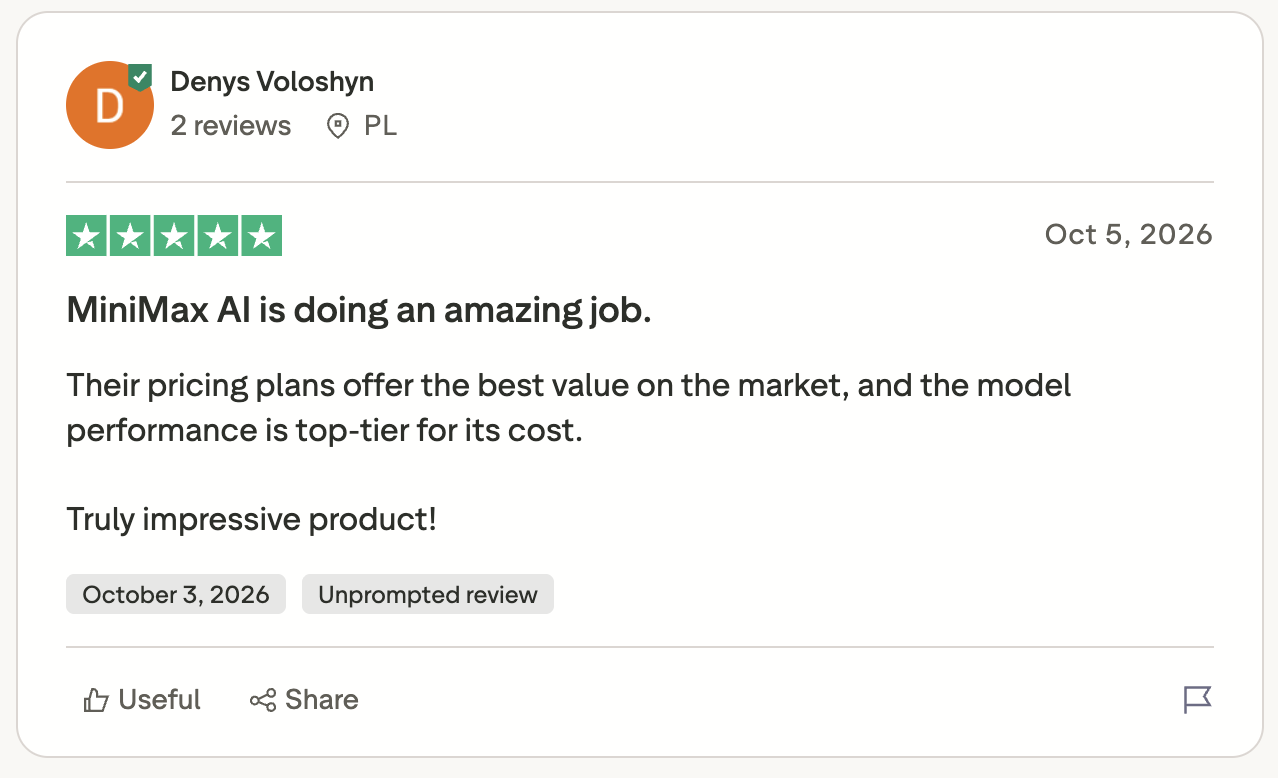
"Their pricing plans offer the best value on the market, and the model performance is top-tier for its cost." (Denys Voloshyn, Trustpilot)
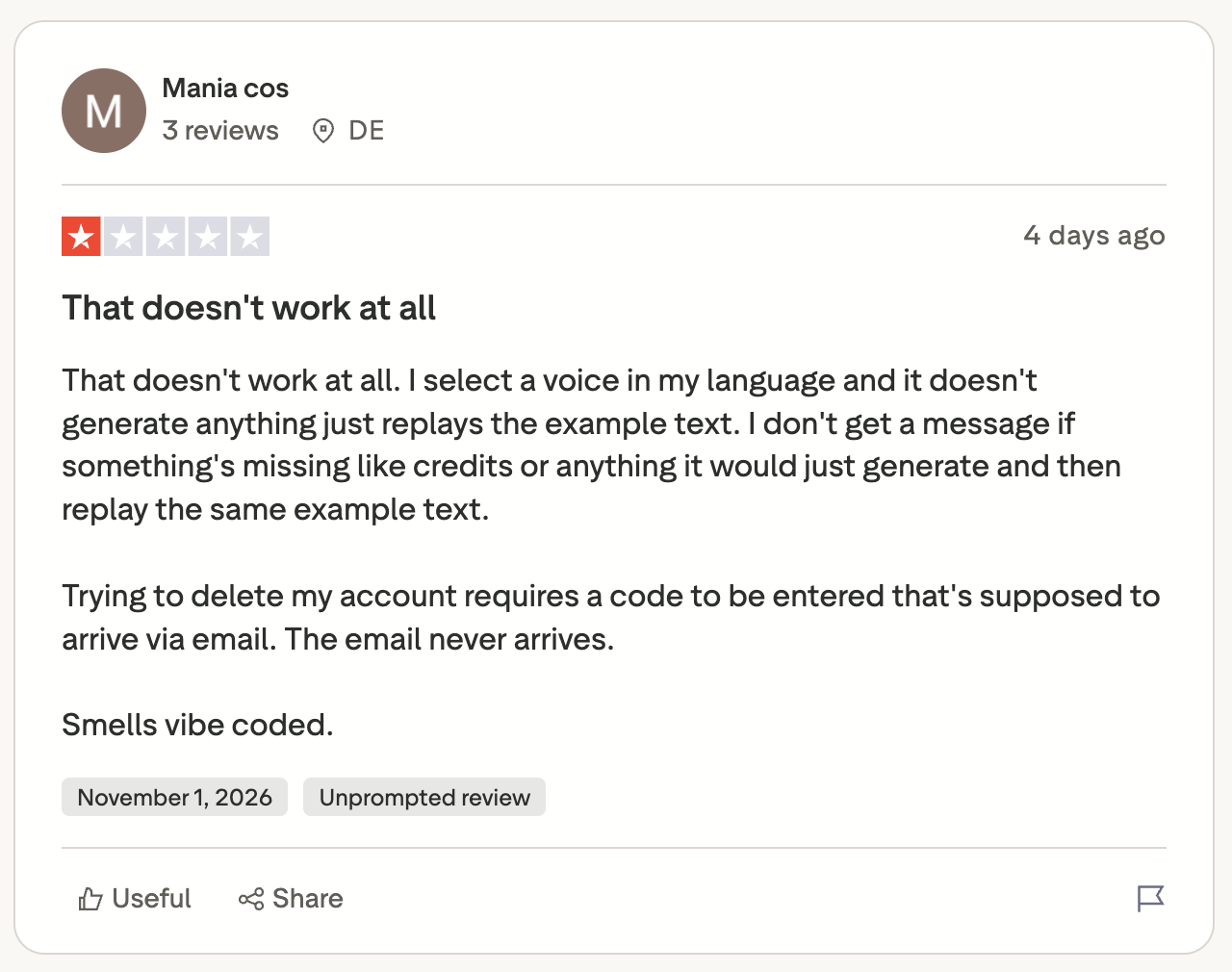
"I select a voice in my language and it doesn't generate anything, just replays the example text." (Mania cos, Trustpilot)
Pricing
MiniMax sells monthly audio subscriptions measured in audio points, alongside pay-as-you-go rates per 1M characters by model.
Monthly audio plans start at $5 for Starter, then $30 for Standard, $99 for Pro, $249 for Scale, and $999 for Business. On pay-as-you-go, speech-2.8-hd costs $100 per 1M characters and speech-2.8-turbo $60.
Bottom Line
Use MiniMax for long offline jobs if your team is willing to write its own client. For interactive apps, ElevenLabs, Inworld, Cartesia, and Deepgram all ship SDKs that save you that work.
10. Murf Falcon: Best for Low-Cost Regional Streaming
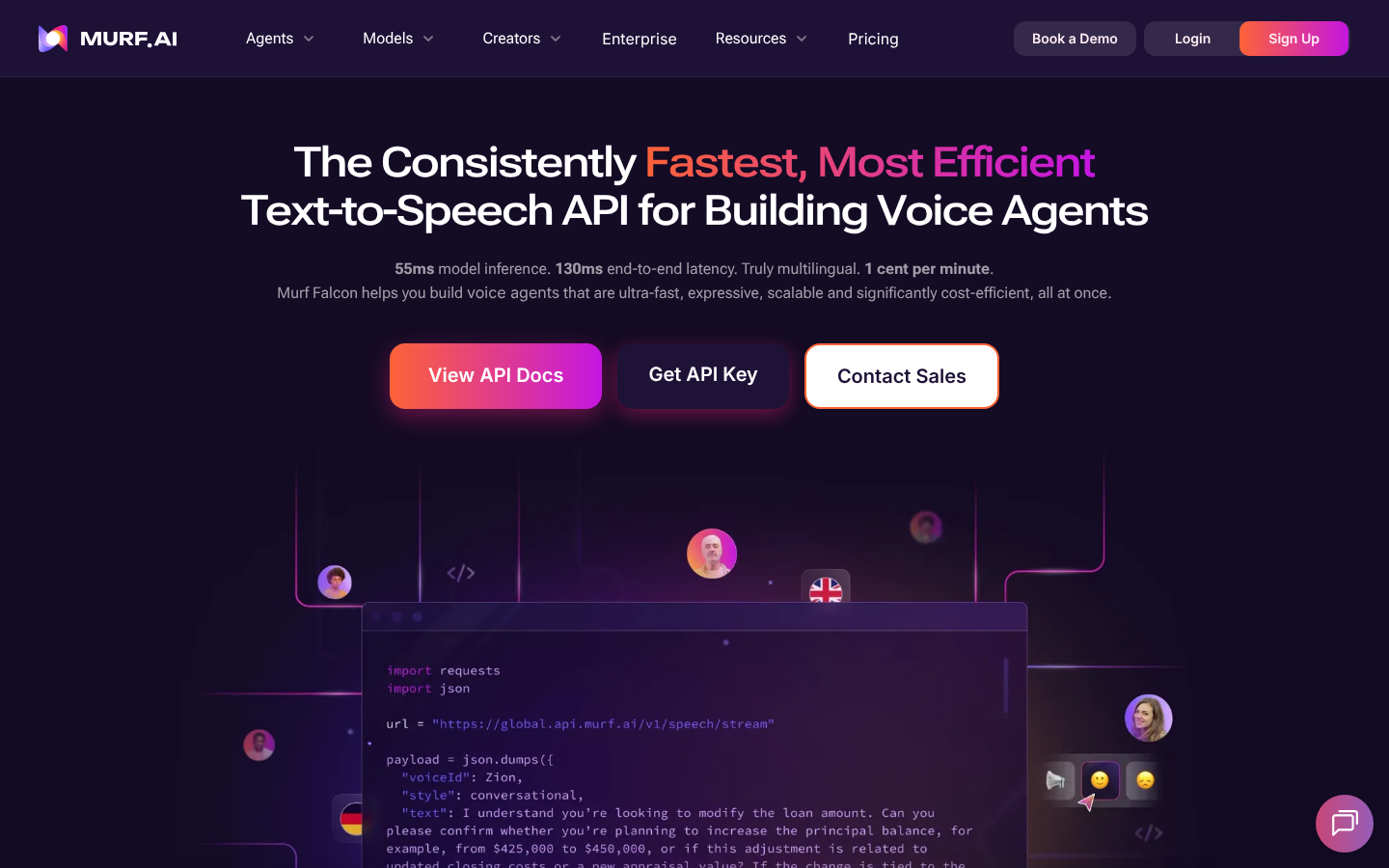
What it does: Murf's API serves Falcon 2.1, a streaming text-to-speech model, and Gen2, a non-streaming model, with 150+ voices across 35 languages and 20+ speaking styles.
Best for: Budget-sensitive teams that want streaming TTS from endpoints in several regions and can work with a Python SDK.
Falcon 2.1 streams over chunked HTTP and WebSocket from a global endpoint plus regional ones, and Murf's docs put its time to first audio under 100 ms.
Murf's marketing page cites different numbers, 55 ms of model inference and sub-130 ms to first audio.
On the benchmark, Falcon 2.1 started streaming in 63 ms, third of the 20 timed models, took 144 ms on full sentences, and went silent 0 ms after a cancel. It read 89.3% of the hard parts correctly, about 4 points behind the top group.
Gen2 outputs native 44.1 kHz audio and is batch-only, since Murf retired it from streaming. Use Falcon for live playback and Gen2 for files.
Free and pay-as-you-go accounts get 5 concurrent Falcon requests in US-East and 2 everywhere else, a tight limit for traffic outside the US.
Key Features
-
Regional endpoints: Route requests to a region near your users to reduce network latency, though free accounts get only 2 concurrent requests outside US-East.
-
Pronunciation dictionary: Map words to IPA or say-as pronunciations on both models, through Murf's own dictionary format.
-
Voice cloning (Enterprise): Clone from up to 30 seconds of audio, or commission a professional voice that Murf's team delivers in 1 to 4 weeks.
Pros and Cons
Pros:
✅ 100,000 free characters to start, and they don't expire.
✅ One of the lowest per-character rates among the streaming models here.
✅ An official Python SDK, listed in Murf's API docs.
Cons:
❌ Node.js apps call REST directly, since the docs list only a Python SDK.
❌ No SSML, and pause syntax is a Gen2 feature.
❌ 89.3% reading accuracy trails the top group by about 4 points, so test scripts heavy on order numbers and codes.
What Users Say
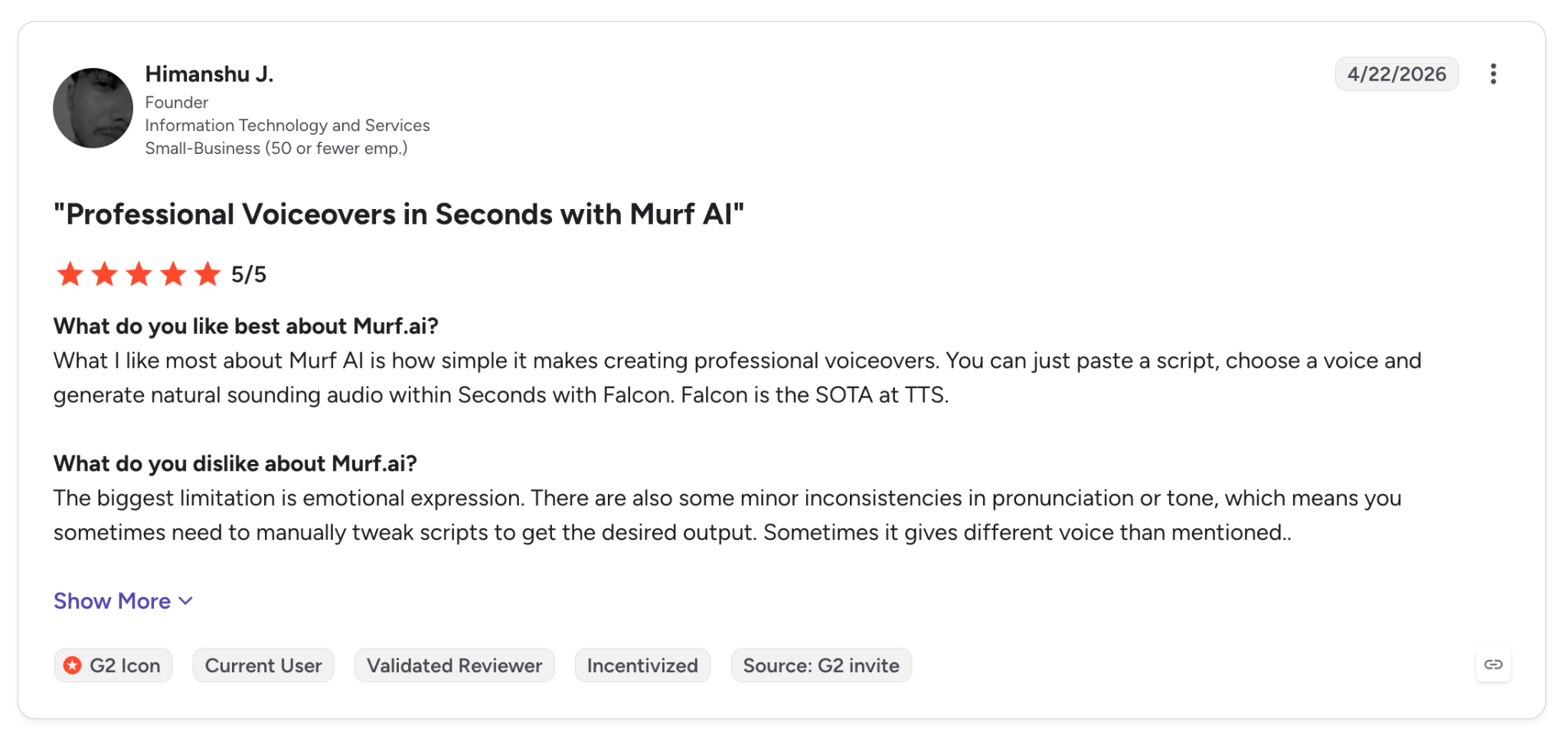
"You can just paste a script, choose a voice and generate natural sounding audio within Seconds with Falcon." (Himanshu J., G2)
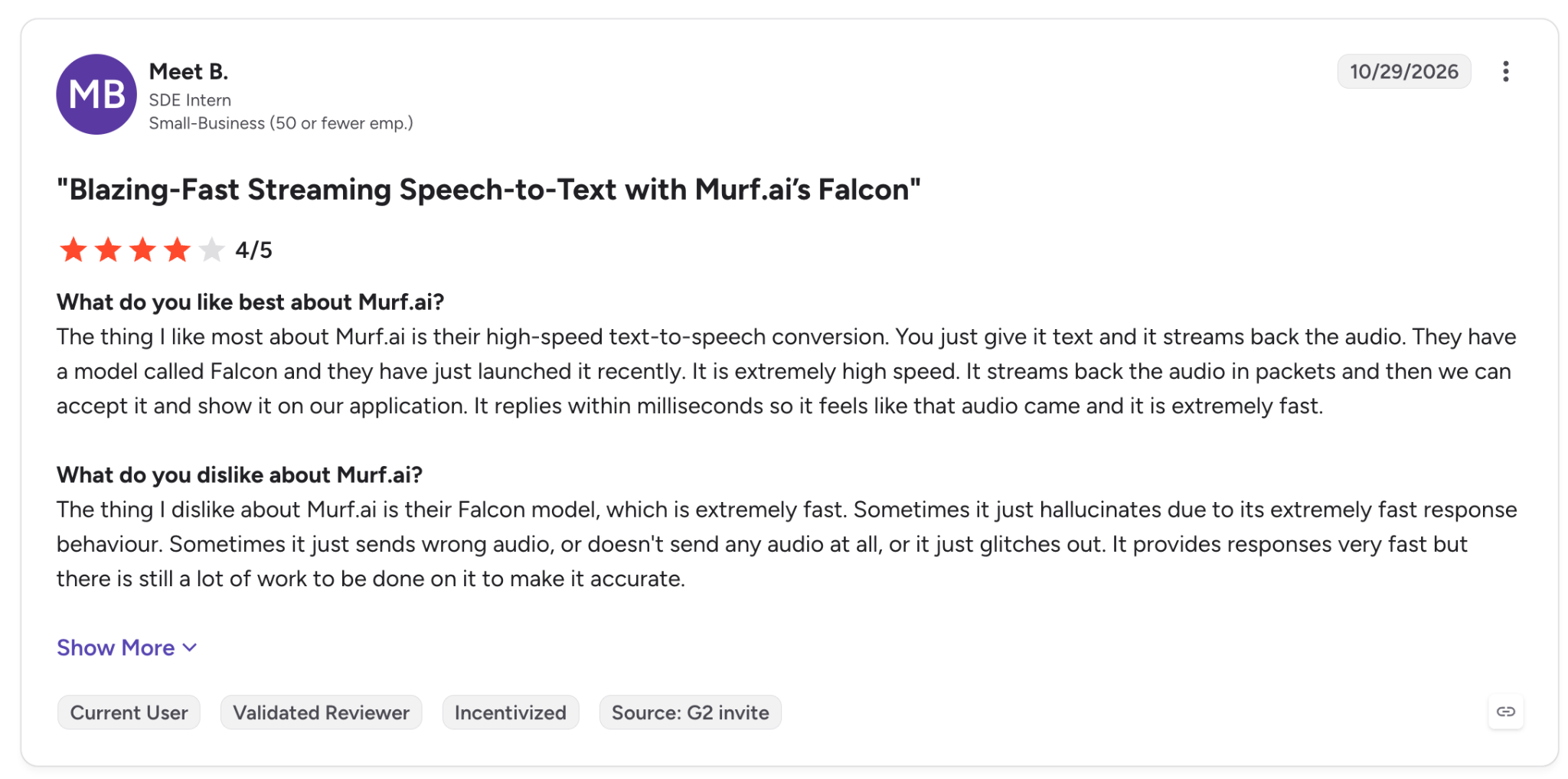
"Sometimes it just sends wrong audio, or doesn't send any audio at all, or it just glitches out." (Meet B., G2)
Pricing
Murf's API runs on a free trial, pay-as-you-go per 1,000 characters, and custom Enterprise plans. Falcon 2.1 costs $10 per 1M characters on pay-as-you-go, and Gen2 costs $30. Purchased credit never expires.
Bottom Line
Murf is worth a load test if price per character drives your decision and your users are close to a supported region. If you need SSML or a Node.js SDK, Google and Azure offer both.
11. Rime: Best for English Conversational Apps
What it does: Rime runs 2 current models. Coda is its flagship, with 313 voices in 10 languages, and Mist v3 is a low-latency model with 78 voices in 4 languages.
Best for: English-first conversational apps that require phonetic control over names and brand terms.
Rime works without an SDK, and the official TTS quickstart runs on Python's standard library. It sends a single POST to coda.api.rime.ai and streams the WAV to disk in 4 KB chunks.
The packages Rime does publish, rime-api for Python and @rimelabs/api for npm, carry message schemas for its standalone engine. Your own code still handles connections and auth.
185 of Coda's 313 voices are English, and Dutch has one. English apps also get the pronunciation tools, with spell() on both models, an X-SAMPA lexicon on Coda, and custom pauses on Mist v3.
Rime states about 37 ms P50 for Mist v3, and the benchmark clocked Mist v3 at 293 ms and Coda at 269 ms, both in the middle of the 20 timed models.
Key Features
-
Custom lexicon: Define X-SAMPA pronunciations for Coda in 6 languages.
-
Phonemes in brackets: Spell out exact sounds inline on English Mist v3.
-
HTTP and WebSocket streaming: Both transports work on both models.
Pros and Cons
Pros:
✅ $50 of usage free every month, and you can sign up without a card.
✅ Mist v3 read medical terms at 100% on the benchmark.
✅ Any HTTP client works, and the quickstart has zero dependencies.
Cons:
❌ Voice cloning isn't self-serve: it belongs on Rime's top plans and requires 30 to 60 minutes of clean recordings.
❌ Arcana retired from the cloud API on August 15, 2026, so older integrations had to move to Coda.
❌ Rime publishes no concurrency numbers, so load-test before launch.
What Users Say
"That’s the most condescending AI personality I’ve ever encountered." (lambertb, Reddit)
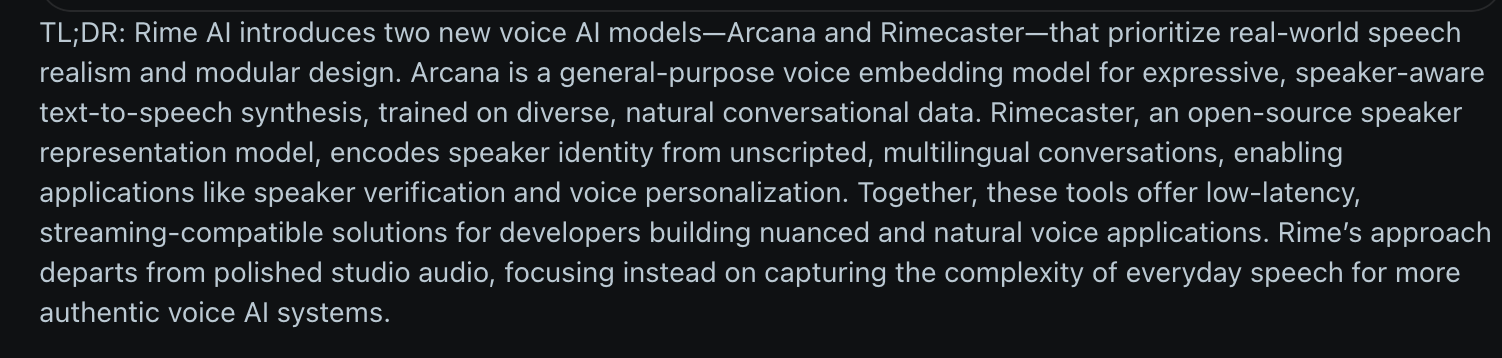
"Rime’s approach departs from polished studio audio, focusing instead on capturing the complexity of everyday speech for more authentic voice AI systems." (Verified user, Reddit)
Pricing
Rime meters TTS per minute of generated audio (about 1,000 characters per minute), with a free plan, a no-fee Flex plan, and a monthly Scale plan.
On Flex, Mist v3 costs $0.030 per minute and Coda v2 $0.050, billed monthly to your card. Scale costs $100 a month, includes $100 of credit, and lowers those rates to $0.024 and $0.040.
Bottom Line
Rime is strongest in English-heavy apps where you control pronunciation line by line. For many languages or self-serve cloning, ElevenLabs and Google offer more.
12. Kokoro: Best for Self-Hosted and Offline Synthesis
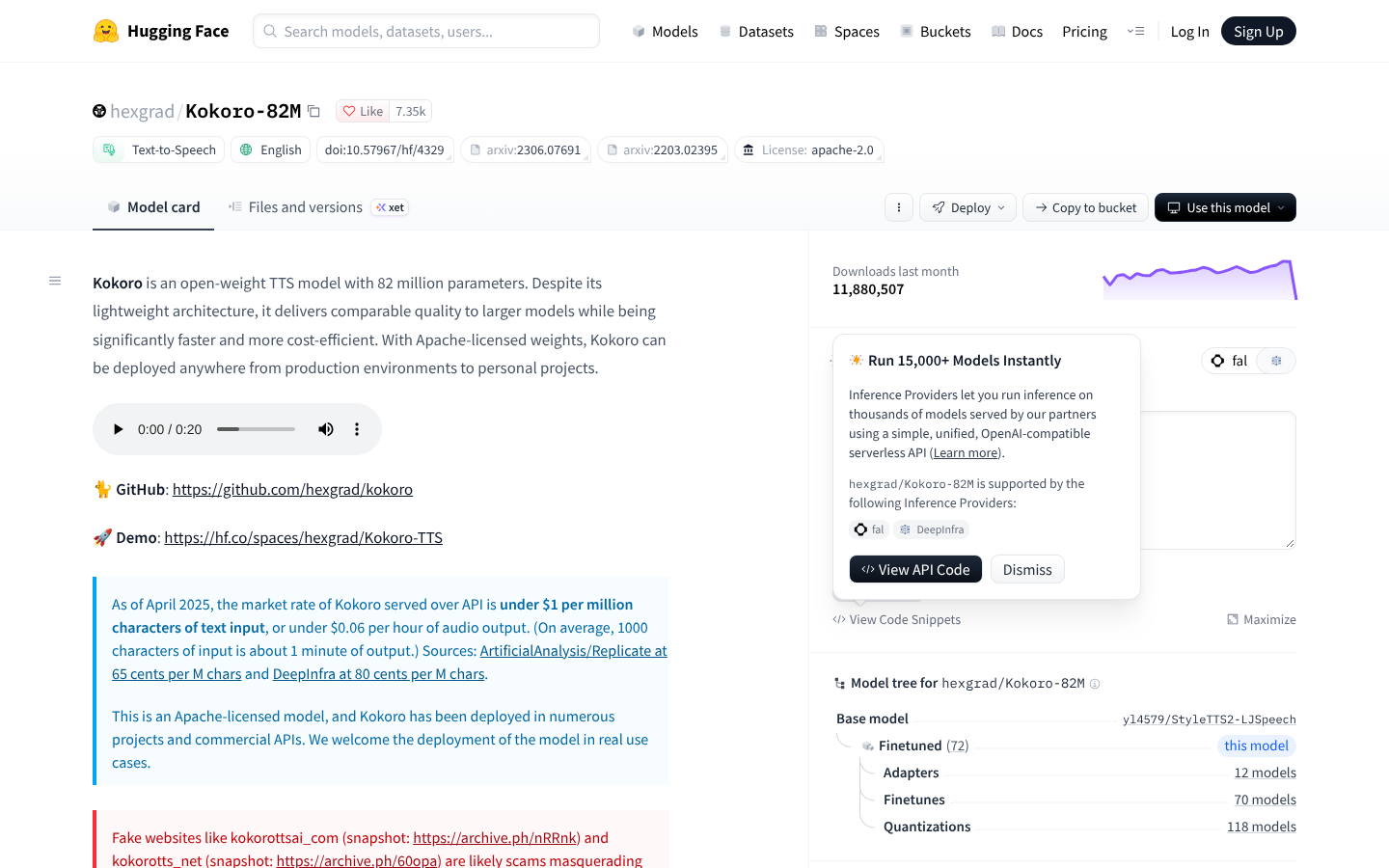
What it does: Kokoro is an open-weight text-to-speech model with 82 million parameters, released under Apache-2.0, that runs locally through a Python package or in the browser through kokoro-js.
Best for: Developers who run synthesis offline or on in-house GPUs, with no per-character bill.
Kokoro is the one open-weight option in this roundup. You pip install kokoro, add espeak-ng, and call KPipeline, which yields audio segments you can play as they're generated.
At 82M parameters, Kokoro is small enough for kokoro-js to run it in the browser over WebAssembly or WebGPU.
Version 1.0 ships 8 languages and 54 voices and leaves out voice cloning and SSML. An open GitHub issue also reports Italian clips truncated to 0.3 seconds on kokoro 0.7.x builds (the current release is 0.9.4).
Key Features
-
Phoneme override markup: Write [Kokoro](/kˈOkəɹO/) to force a pronunciation inline.
-
kokoro-js: Run the model in Node.js or the browser with quantized weights.
-
Apache-2.0 license: Use it commercially and modify it without a contract.
Pros and Cons
Pros:
✅ Your data stays on your machine, and there's no API key to manage.
✅ The same model runs in Node.js and the browser through kokoro-js.
✅ A Python package (
kokoro) and a JavaScript package (kokoro-js).
Cons:
❌ A short language list, and non-English quality lags English, per GitHub issues from users testing Italian.
❌ You own hosting and uptime, and there's no SLA.
What Users Say
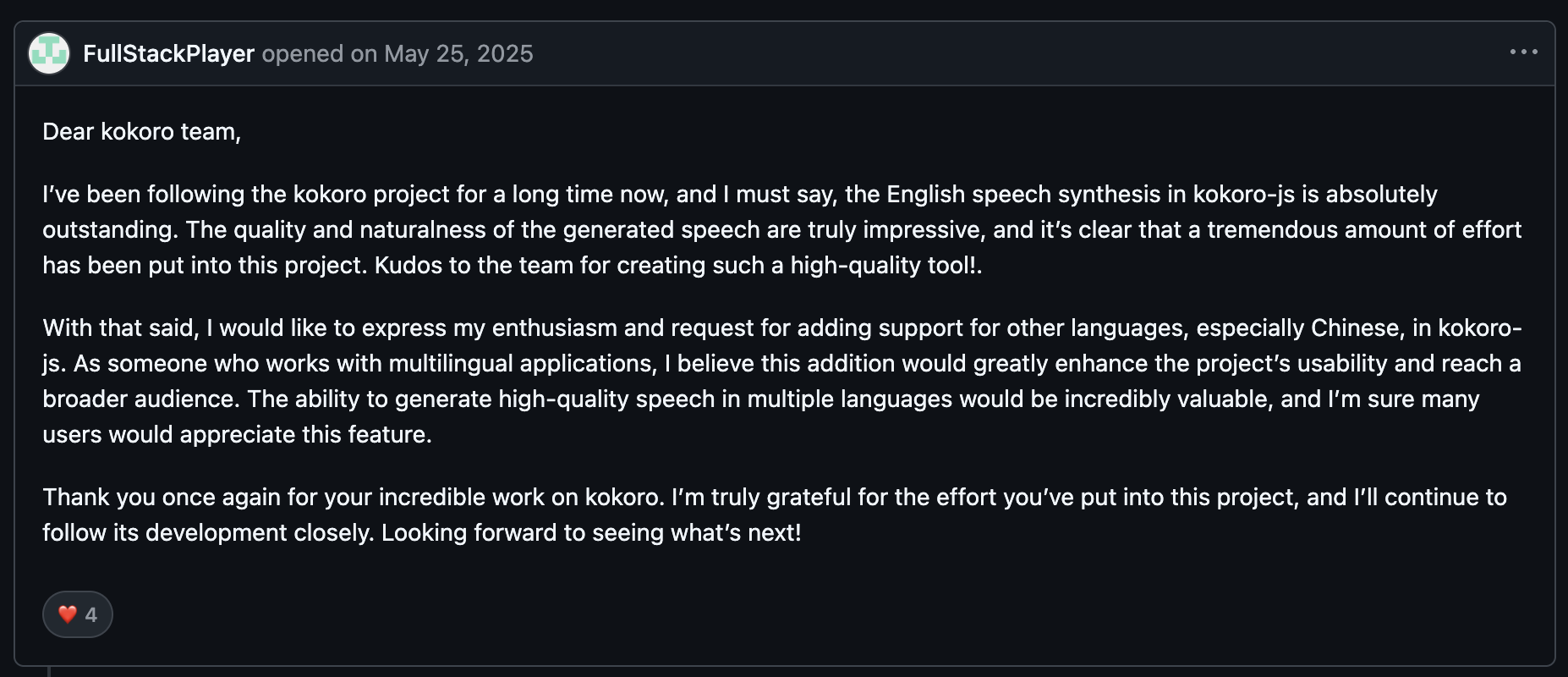
"I've been following the kokoro project for a long time now, and I must say, the English speech synthesis in kokoro-js is absolutely outstanding." (FullStackPlayer, GitHub)
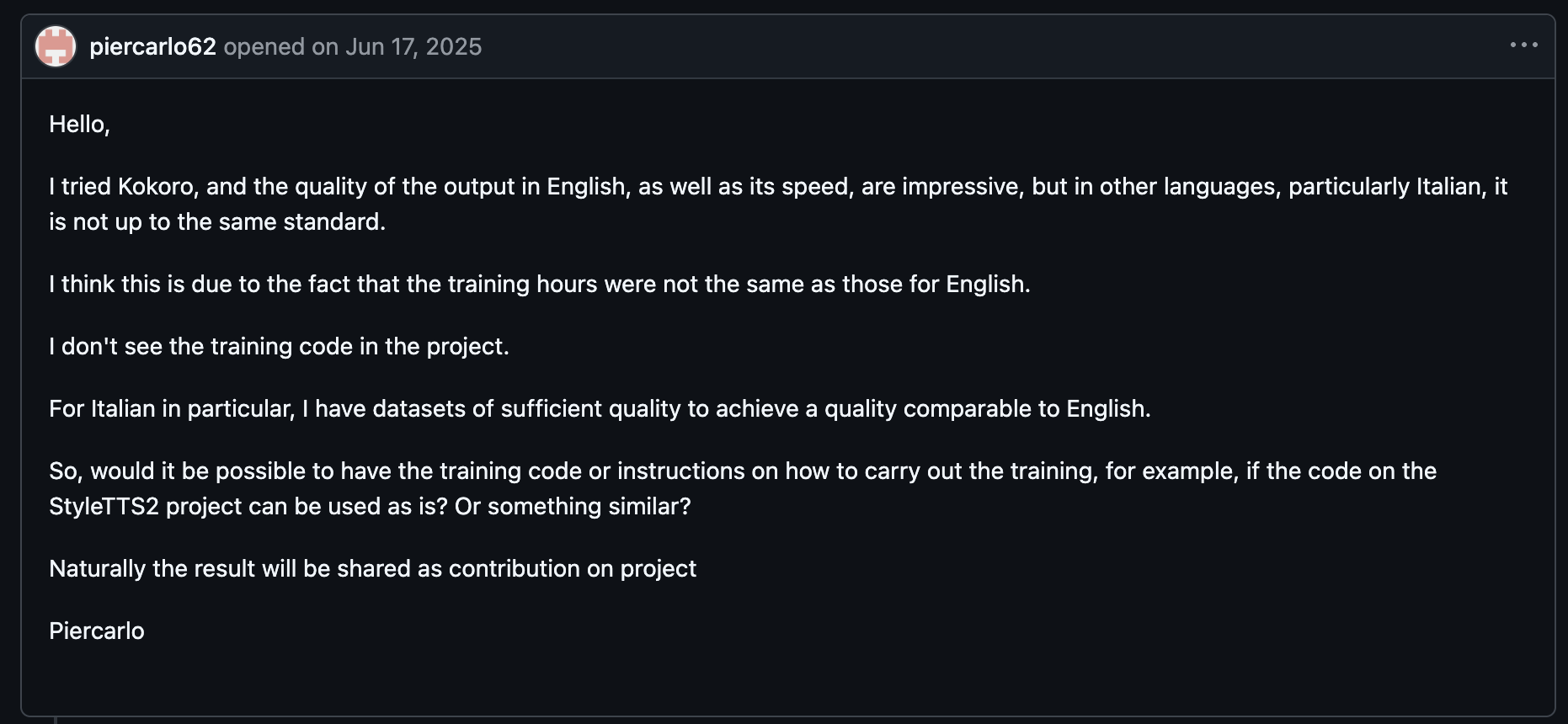
"I tried Kokoro, and the quality of the output in English, as well as its speed, are impressive, but in other languages, particularly Italian, it is not up to the same standard." (piercarlo62, GitHub)
Pricing
Kokoro is free and open source under Apache-2.0. You pay for the compute, or for a third-party host if you'd rather call it as an API.
Bottom Line
Kokoro is my pick for offline apps and privacy-bound prototypes, and for anything that runs in the browser. For multilingual production traffic, Google (75+ languages) and Azure (100+) support far more languages than Kokoro's 8.
Which Text-to-Speech APIs Are Free?
OpenAI and MiniMax are the only hosted APIs here without a free path, and the other 9 vary a lot. Some reset monthly, some expire after 12 months, and some are one-time credits.
| API | Free Allowance | Type |
|---|---|---|
| Google Cloud TTS | 4M chars (Standard, WaveNet), 1M (Chirp 3: HD, Neural2, Studio) | Monthly |
| Amazon Polly | 5M chars Standard; 1M Neural, 500K Long-Form, 100K Generative | Standard monthly; others monthly for 12 months |
| Azure AI Speech | 0.5M chars on neural voices (F0) | Monthly |
| ElevenLabs | 10K chars (v4, v3, Multilingual v2) or 20K (Flash) | Monthly |
| Cartesia | 20K credits | Monthly |
| Rime | $50 of usage | Monthly |
| Inworld | Up to 70 minutes of TTS | Included on On-Demand plan |
| Deepgram | $200 credit | One-time, no expiry |
| Murf | 100K chars | One-time trial |
| Kokoro | Unlimited (self-hosted) | Open source |
Cheapest option: For hosted APIs, Amazon Polly Standard has the lowest list rate on this page, at $4 per 1M characters. Google charges the same for its Standard voices, but lists them as a legacy model, $4 per 1M characters. Kokoro costs nothing beyond your own compute.
For expressive voices on a budget, compare Murf Falcon and Inworld TTS-2 Flash on your scripts.
TTS APIs for Voice Agents
For a voice agent, the ranking is decided by streaming start and stop times after an interruption, and reading accuracy on phone numbers, and each one takes many test calls to measure.
Among the models on this list, Inworld TTS-2 Flash (45 ms, 93.2% accuracy) and Murf Falcon 2.1 (63 ms) led on speed, behind only Gradium, followed by Deepgram Aura-2 (126 ms) and ElevenLabs v4 Turbo (131 ms).
Stopping is a separate test. Grok TTS, Soniox, and Murf Falcon 2.1 went silent at 0 ms after a cancel, and Deepgram Aura-2 stopped within 40 ms.
How to Call a text-to-speech API in Python and JavaScript
The 3 snippets below, taken from official quickstarts, follow one pattern. You authenticate, pick a voice and model, send text, and read the audio bytes.
Python, with the ElevenLabs SDK (from the ElevenLabs quickstart):
from ``dotenv ``import ``load_dotenv
from elevenlabs.client import ElevenLabs
from elevenlabs.play import play
import os
load_dotenv()
elevenlabs = ElevenLabs(
  api_key=os.getenv("ELEVENLABS_API_KEY"),
)
audio = elevenlabs.text_to_speech.convert(
    text="The first move is what sets everything in motion.",
    voice_id="JBFqnCBsd6RMkjVDRZzb",  # "George" - browse voices at elevenlabs.io/app/voice-library
    model_id="eleven_v4",
    output_format="mp3_44100_128",
)
play(audio)
JavaScript/TypeScript, with the same SDK:
import ``{ ElevenLabsClient, play } ``from ``"@elevenlabs/elevenlabs-js"``;
import "dotenv/config";
const elevenlabs = new ElevenLabsClient();
const audio = await elevenlabs.textToSpeech.convert(
  "JBFqnCBsd6RMkjVDRZzb", // "George" - browse voices at elevenlabs.io/app/voice-library
  {
    text: "The first move is what sets everything in motion.",
    modelId: "eleven_v4",
    outputFormat: "mp3_44100_128",
  }
);
await play(audio);
Python with no SDK, streaming over plain HTTP (from Rime's five-minute quickstart):
import ``json
import os
import urllib.request
RIME_API_KEY = os.environ["RIME_API_KEY"]
headers = {
    "Accept": "audio/wav",
    "Authorization": f"Bearer {RIME_API_KEY}",
    "Content-Type": "application/json"
}
payload = {
    "text": "Hello! This is Rime speaking.",
    "speaker": "celeste"
}
data = json.dumps(payload).encode("utf-8")
request = urllib.request.Request(
    "https://coda.api.rime.ai/",
    data=data,
    headers=headers,
    method="POST"
)
with urllib.request.urlopen(request) as response:
    with open("output.wav", "wb") as f:
        while chunk := response.read(4096):
            f.write(chunk)
print("Audio saved to output.wav")
The raw HTTP version shows the steps an SDK handles for you. You send JSON, read chunks as they arrive, and write or play them. When you swap the endpoint details and payload fields, the same loop applies to Deepgram, OpenAI, and Murf, which also stream over chunked HTTP.
SDK and Streaming Support Matrix
A ⚠️ marks partial support, and the cell names the catch. "Own markup" means the vendor uses its own tags in place of SSML, so existing SSML templates need rewriting.
| API | Python SDK | JS/TS SDK | HTTP Streaming | WebSocket | SSE | SSML |
|---|---|---|---|---|---|---|
| ElevenLabs | ✅ | ✅ | ✅ | ✅ (not v3/v4) | ✅ | ⚠️ Partial |
| Inworld TTS | ✅ | ✅ | ✅ | ✅ | ✅ | ⚠️ break only |
| Cartesia Sonic | ✅ | ✅ | ✅ | ✅ | ✅ | ⚠️ SSML-like tags |
| Deepgram Aura-2 | ✅ | ✅ | ✅ | ✅ | ❌ | ❌ Own markers |
| Google Cloud TTS | ✅ | ✅ | ⚠️ Bidirectional RPC | ❌ | ❌ | ✅ (not on streaming) |
| Azure AI Speech | ✅ | ✅ | ⚠️ Via SDK | ✅ | ❌ | ✅ |
| Amazon Polly | ✅ | ✅ | ⚠️ HTTP/2, Generative only | ❌ | ❌ | ⚠️ Partial on newer engines |
| OpenAI TTS | ✅ | ✅ | ✅ | ⚠️ Speech-to-speech API only | ✅ (gpt-4o-mini-tts only) | ❌ Prompt instructions |
| MiniMax Speech | ❌ | ❌ | ✅ | ✅ | ✅ | ❌ Own markup |
| Murf Falcon | ✅ | ⚠️ Not in docs | ✅ | ✅ | ❌ | ❌ Own markup |
| Rime | ⚠️ Schemas only (optional) | ⚠️ Schemas only (optional) | ✅ | ✅ | ❌ | ❌ Own markup |
| Kokoro | ✅ (local) | ✅ (local) | ⚠️ Local generator | ❌ | ❌ | ❌ Phoneme markup |
Pricing Gotchas: What Inflates a TTS Bill
These costs push a TTS budget above its per-character rate:
-
Voice family multipliers. Google prices Studio voices at 40 times its Standard rate, and Polly Long-Form at 25 times Standard. Switching the voice family in a config file changes the per-character rate on every request that follows.
-
Billing units other than characters. Cartesia counts credits (1 per character, about 750 to 800 per audio minute), Rime meters minutes (about 1,000 characters each), Inworld states its free tier in minutes, and gpt-4o-mini-tts bills tokens. Convert everything to cost per 1M characters before comparing.
-
Re-synthesis from misreads. On the benchmark, reading accuracy ranged from 93.8% (ElevenLabs v4) to 64.4% (ElevenLabs Flash v2.5), two models from the same vendor. Each misread clip you regenerate costs a second synthesis, and a misread you don't catch goes out to a user.
-
Concurrency caps that force an upgrade. ElevenLabs Free allows 2 requests on Multilingual v2, Cartesia Free allows 2, and Murf allows 2 outside US-East. A traffic spike can force a plan upgrade even when monthly usage stays flat.
-
Per-request input limits. OpenAI caps input at 4,096 characters and Google at 5,000 bytes. Polly's
SynthesizeSpeechstops at 3,000 billed characters. Chunking code adds requests, and each request counts against your rate limit. -
Free tiers with an end date. Polly's Neural, Long-Form, and Generative allowances last 12 months, while its Standard allowance has no end date listed.
Cloud credits come with limits too. Google's $300 and AWS's $200 credits go to new customers, and AWS credits expire 12 months after account creation. Calculate the cost for month 13, when those allowances end.
- Model retirements. OpenAI's speech models shut down on January 6, 2027, and Cartesia's
sonic-turbostopped after October 20, 2026, so code on those models has to change.
Other vendors handled it differently. Inworld (TTS-1, June 15, 2026) routes old IDs to newer models, which keeps calls working but can change how they sound, and Rime's Arcana (August 15, 2026) needs a move to Coda. Each of these changes calls for another QA pass.
Which Text-to-Speech API Should You Choose?
Start from what your audio does. It might play live while a user waits, get rendered once and cached, or run with no network at all.
Choose ElevenLabs if you:
-
Want expressive narration and live playback from one vendor and one SDK.
-
Want cloned brand voices and a 20,000+ voice library to choose from.
Choose Inworld TTS if you:
-
Read numbers, codes, names, or medical terms aloud and can't afford misreads.
-
Call OpenAI's speech endpoint today and want a compatible endpoint.
Choose Cartesia if you:
-
Need word timestamps for captions or lip-sync.
-
Want WebSocket continuations to stream LLM tokens straight into speech.
Choose Google Cloud TTS if you:
-
Ship in dozens of locales and depend on full SSML on batch requests.
-
Want TTS on the same bill as the rest of your Google Cloud stack.
Choose Azure AI Speech if you:
-
Require a custom brand voice, on-premises containers, or enterprise procurement.
-
Want deep SSML control on standard neural voices.
Choose Kokoro if you:
-
Run synthesis offline or on-device, including in the browser.
-
Want zero per-character cost and the model weights on your own servers.
Skip this category entirely if:
-
You play a fixed set of prompts. Record them with a voice actor, or render them one time and cache the files.
-
Your audio is a short IVR menu that rarely changes, since a recorded file costs nothing per call and never mispronounces a digit.
Final Verdict
After going through 12 APIs' docs, SDKs, limits, and benchmark numbers, I found that the best API changes with the job your audio has to do.
Inworld TTS surprised me. It’s in the benchmark’s top accuracy tie (93.4% on TTS-2), and Flash posted the second-fastest streaming start (45 ms) at 93.2% accuracy.
For a broad default, ElevenLabs gives you 20,000+ voices and 6 models under one key, with v4 Turbo sixth-fastest on the benchmark and v4 at the top of the reading-accuracy board.
Cartesia leads for captions, lip-sync, and interruptible playback, where an app relies on timestamps and socket control.
Google and Azure cover many languages and full SSML. Polly serves AWS-native teams, and Kokoro handles anything that has to run without a network. Plan any OpenAI TTS work around its early-2027 shutdown.
Test Your Text-to-Speech API Before Your Users Hear It
Your callers will hear your TTS voice read their order number over a bad cell connection, then cut it off mid-word to correct a digit. Test for that call before launch.
Cekura runs simulated conversations against your voice agent with the TTS provider you chose and scores every call on latency and pronunciation, plus how it handles interruptions, then keeps scoring live calls in production.
Cekura integrates natively with Retell, Vapi, ElevenLabs, LiveKit, Pipecat, Bland, and more, so it adds a testing layer to the stack you run.
Cekura supports SOC 2, HIPAA, and GDPR compliance, covering transcript redaction, role-based access, and audit trails.
If your team is putting a TTS model in front of callers, book a demo and see how simulated voice testing plugs into your stack.
Frequently Asked Questions
What is the best text-to-speech API?
The best text-to-speech API depends on your workload. ElevenLabs v4 posted the top reading-accuracy score (93.8%) on Cekura’s benchmark, ahead of v4 Turbo (93.6%) and Inworld TTS-2 (93.4%), though the benchmark treats the top five as a tie.
For other priorities, ElevenLabs offers the largest voice library (20,000+ voices), and Google Cloud and Azure offer the fullest SSML support.
Is Google text-to-speech free?
Yes, Google text-to-speech is free up to a monthly limit. Google Cloud Text-to-Speech includes 4M free characters per month on Standard and WaveNet voices and 1M on Chirp 3: HD, Neural2, and Studio, while Gemini-TTS has no free tier.
Which TTS API is the cheapest?
Amazon Polly Standard carries the lowest list rate among hosted APIs, at $4 per 1M characters. Google’s Standard voices cost the same but are listed as legacy. Kokoro is free to self-host under Apache-2.0, so you only pay for compute.
Is there a free text-to-speech API key?
Yes, several APIs give you a free key with usage attached. Deepgram includes a $200 credit with no card, Rime gives $50 of usage every month, and ElevenLabs, Cartesia, Azure, Google, and Polly offer monthly free allowances.
Can I use OpenAI for text-to-speech?
Yes, through the Speech API, but OpenAI has deprecated its 3 speech models and will shut them down on January 6, 2027. New builds should plan for migration or choose another provider.
Does every TTS API support SSML?
Only some TTS APIs support SSML. Google, Azure, and Polly's Standard engine support nearly all of the spec; ElevenLabs, Inworld, and Cartesia accept a few tags; and OpenAI, Deepgram Aura-2, MiniMax, Murf, and Rime use vendor-specific controls instead.
How much does a text-to-speech API cost?
A text-to-speech API costs $4 to $160 per 1M characters across the per-character APIs here, depending on the voice family and model. Premium tiers such as Google Studio or Polly Long-Form cost many times the standard rate, so the voice you pick moves the bill more than the vendor does.