
Chatbot automation testing tools exist because a chatbot that passes every scripted check still breaks the moment a live user goes off-script.
The same prompt returns a different answer next run, and a knowledge base update rewrites a response three flows away before anyone notices.
So I ran nine platforms against the same LLM support agent, each with a planted regression, a prompt injection, and a knowledge base swap. Here's what each caught, and how to pick for your agent's stage.
What Is Chatbot Automation Testing?
Chatbot automation testing runs the simulated conversations, regression checks, and adversarial probes that verify an AI chatbot behaves correctly before and after every change. Scripted QA checks a fixed input against a fixed output and passes on an exact match. That breaks the moment an LLM returns a different answer to the same prompt, which it does on almost every run.
Chatbot automation testing scores the answer against the behavior you defined, so a reworded but correct response still passes and a subtly wrong one still fails. Cekura, for instance, keeps that scoring stable by running 59 evaluators per scenario, three times each.
9 Best Chatbot Automation Testing Tools: TL;DR
-
Promptfoo: Best for open-source eval and security red teaming wired into CI.
-
Cyara: Best for enterprise contact centers running IVR and conversational AI in one toolchain.
-
Cekura: Best for full-lifecycle QA of voice and chat agents from one self-serve platform.
-
Maxim AI: Best for teams running evals across text, voice, and multimodal agents.
-
DeepEval: Best for engineers who want a Pytest-style eval framework in code.
-
Braintrust: Best for teams wiring evaluation into their development workflow.
-
Giskard: Best for RAG evaluation and vulnerability scanning against the OWASP LLM risks.
-
LangWatch: Best for open-source eval with agent simulation running in CI.
-
TestMu AI: Best for QA teams adding agent testing to a broad automation cloud.
How I Researched and Tested These Chatbot Automation Testing Tools
I set up one test subject and pointed every platform at it: an LLM-powered support agent handling refunds and appointment rescheduling, wired to a mock orders API so tool calls could succeed or fail on command.
Where a free tier or trial existed, I tested directly. For platforms behind a sales demo, I worked from official documentation, pricing pages, and published customer material, flagging where I couldn't verify a claim hands-on. Prices below come from each vendor's published pricing page, checked in August 2026 and cited in text rather than linked.
I paid attention to six things:
- Regression coverage: Whether the tool caught the single-line prompt change I planted, or let it ship.
- Behavioral scoring: Whether it evaluates against defined behaviors and non-deterministic output, not just exact-match assertions.
- Security and red teaming: How each handled the prompt injection and jailbreak attempts I ran.
- Integrations: How cleanly it connected to the agent stack rather than forcing a rebuild.
- Pricing transparency: Whether I could start without a sales call, and what the free tier covered.
- Audio and voice coverage: Whether the tool simulates accents, barge-in, and telephony conditions rather than scoring a transcript.
I left off two tools that come up a lot. Botpress didn't make it because its testing is a manual chat emulator rather than an automation suite, and BrowserStack didn't because its chatbot coverage is a bolt-on to an app-testing product, not built for conversational AI.
LangSmith is observability and evals for LangChain apps rather than a conversation-simulation suite. Deepchecks comes out of ML data and model validation, with LLM checks bolted on later. And Ragas is a RAG metrics library, not an end-to-end agent tester.
This roundup sticks to tools made to test conversational agents. For a shorter list, see these five best chatbot testing platforms.
9 Chatbot Automation Testing Tools Compared at a Glance
| 💻 Tool | ⚡ Strengths | 🎯 Best For | 💰 Starting Price (see note) |
|---|---|---|---|
| Promptfoo | Open-source eval, red teaming, CI security scans | Engineering teams shipping eval in CI | Free (open source) |
| Cyara | IVR + conversational AI assurance, global dialing | Enterprise contact center teams | Custom, demo required |
| Cekura | Simulation, production monitoring, red teaming, voice + chat | Full-lifecycle conversational AI QA | $0 pay-as-you-go (Cekura bills per voice testing minute) |
| Maxim AI | Eval, simulation, observability across modalities | Teams testing text, voice, and multimodal | Free, then $29/seat/mo |
| DeepEval | Pytest-style eval framework, RAG metrics, red teaming | Engineers writing evals in code | Free (open source) |
| Braintrust | Playground, production traces to test cases, CI gates | Teams wiring evals into development | Free, then $249/mo |
| Giskard | RAG evaluation, OWASP vulnerability scanning | RAG and security-focused testing | Free (open source) |
| LangWatch | Open-source eval, agent simulation in CI | Code-first teams wanting simulation in CI | Free |
| TestMu AI | Agent testing on a broad automation cloud, KaneAI | QA teams adding agent testing to automation | Free, then $19/mo |
Note: starting prices use different units. Maxim AI and LangWatch bill per seat, Braintrust and Confident AI (DeepEval's hosted platform) bill a flat rate per organization, Cekura bills per testing minute. Compare on your expected usage, not the headline number.
1. Promptfoo: Best for Open-Source Eval and Security Red Teaming
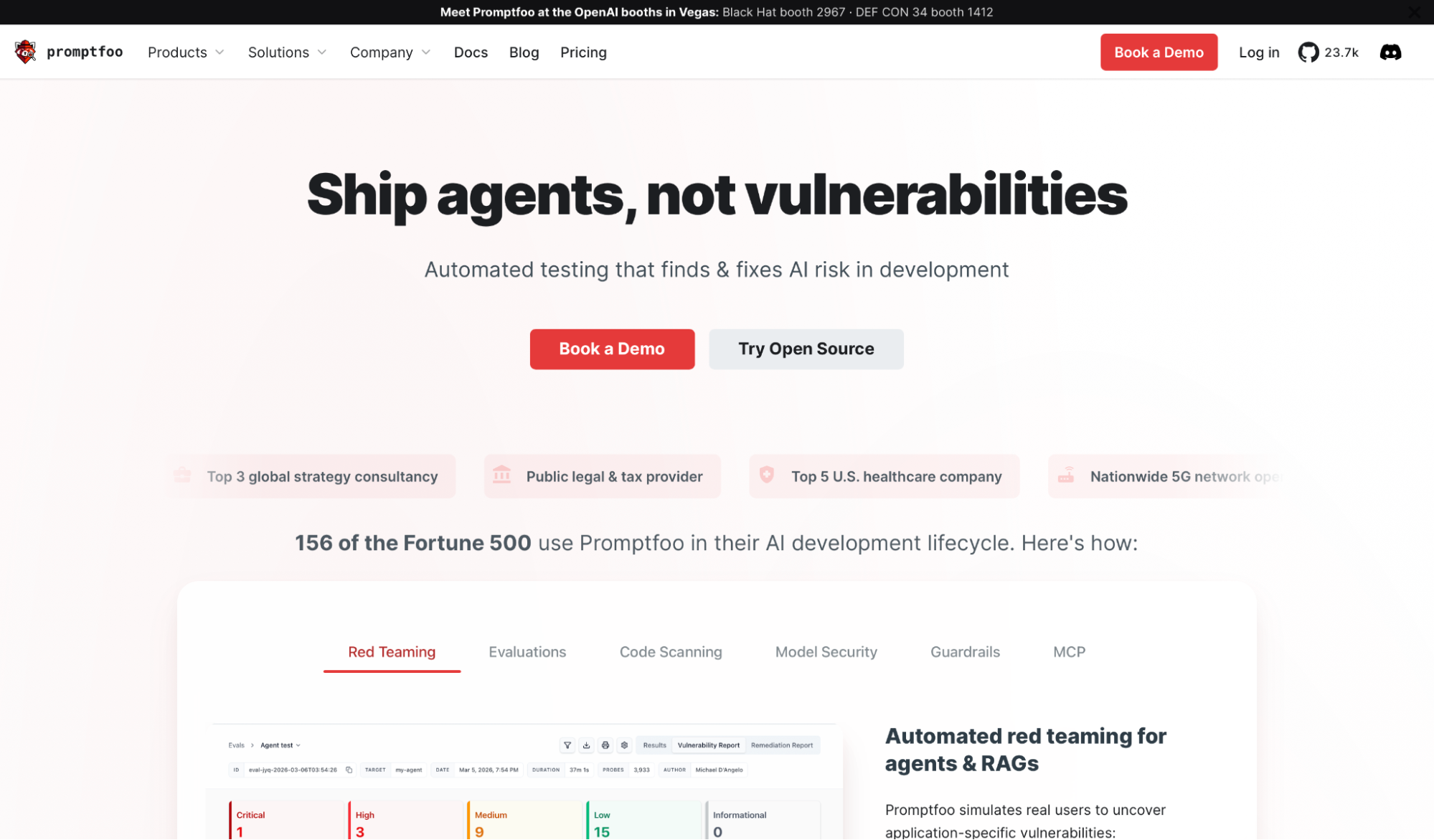
What it does: Promptfoo is an open-source tool for testing LLM applications, combining prompt and model evaluation with automated red teaming and vulnerability scanning.
Best for: Engineering teams that want their chatbot evaluations and security tests to run in the same CI pipeline as their code, without a per-seat license.
Setup was a config file and a command. I pointed Promptfoo at my support agent, wrote assertions in YAML, and compared three prompt variants in about fifteen minutes. The regression I planted showed up as a failed assertion on the next run, exactly where a code diff would catch a broken unit test.
The red teaming is where it pulled ahead. The adversarial suite generated its own attack probes, landing the prompt injection I had planted plus two jailbreak paths I hadn't thought to write, each finding coming back with the exact input that triggered it.
One caveat before you commit. Promptfoo agreed to be acquired by OpenAI on 9 March 2026, subject to customary closing conditions, which Promptfoo posted on its own blog. The open-source project stays MIT-licensed and self-hostable, but it's worth watching how the roadmap shifts under new ownership.
Key Features
- CI/CD security scanning: Runs in GitHub, GitLab, and Jenkins, with remediation notes posted in pull requests.
- Broad provider support: Works with major model providers without locking you into one vendor.
- Self-hosting: Runs locally or on your own infrastructure, so test data never leaves your environment.
Pros and Cons
Pros:
✅ Free and open source, with red teaming included at 10k probes per month on the Community tier.
✅ Config-and-code workflow slots into an existing CI pipeline without extra setup.
✅ Adversarial probe generation surfaces attack paths you wouldn't script by hand.
✅ SOC 2 and ISO 27001 certified, which is rare for an open-source project.
Cons:
❌ The config-first approach assumes engineering comfort. Non-technical QA teams will struggle without a developer.
❌ Its audio and telephony coverage targets red teaming voice models, not full conversational voice simulation. Teams that need accent and barge-in flow testing will want a dedicated voice tool alongside it.
What Users Say
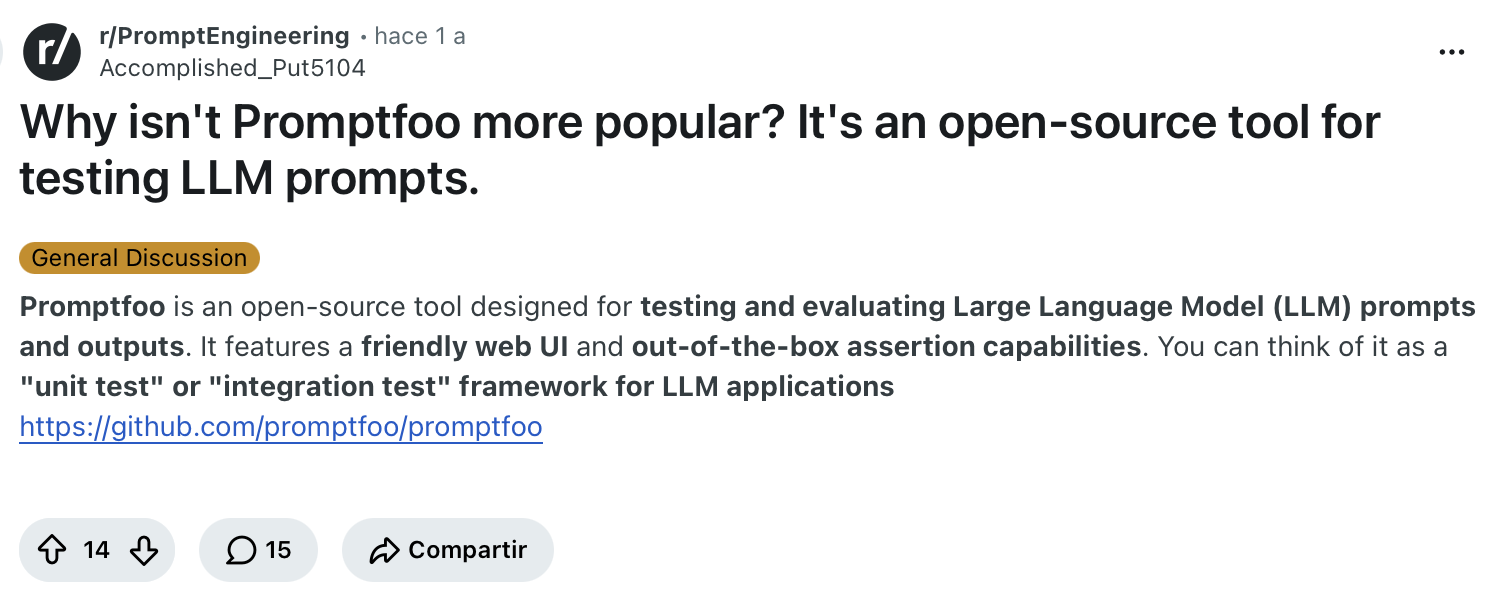
"It features a friendly web UI and out-of-the-box assertion capabilities. You can think of it as a "unit test" or "integration test" framework for LLM applications." (Verified User, Reddit)
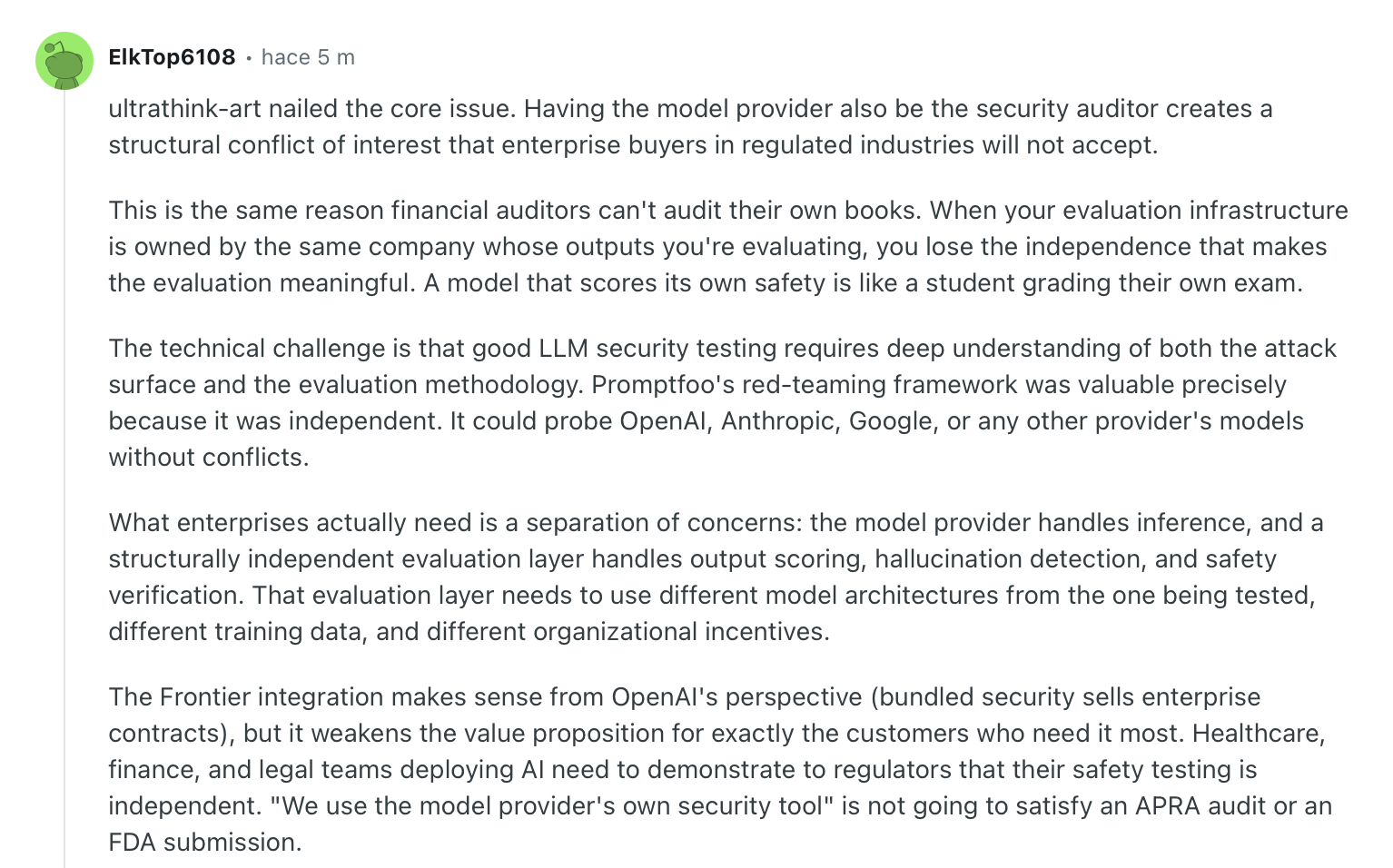
"Promptfoo's red-teaming framework was valuable precisely because it was independent. It could probe OpenAI, Anthropic, Google, or any other provider's models without conflicts." (Verified User, Reddit)
Pricing
The Community tier is free forever, including red teaming at 10k probes per month and self-hosting. Enterprise and On-Premise are custom-priced.
Bottom Line
Promptfoo is what I'd open first on a text-based chatbot with a CI pipeline already in place. Teams that need a no-code interface or full audio simulation should look further down this list.
2. Cyara: Best for Enterprise IVR and Conversational AI Assurance
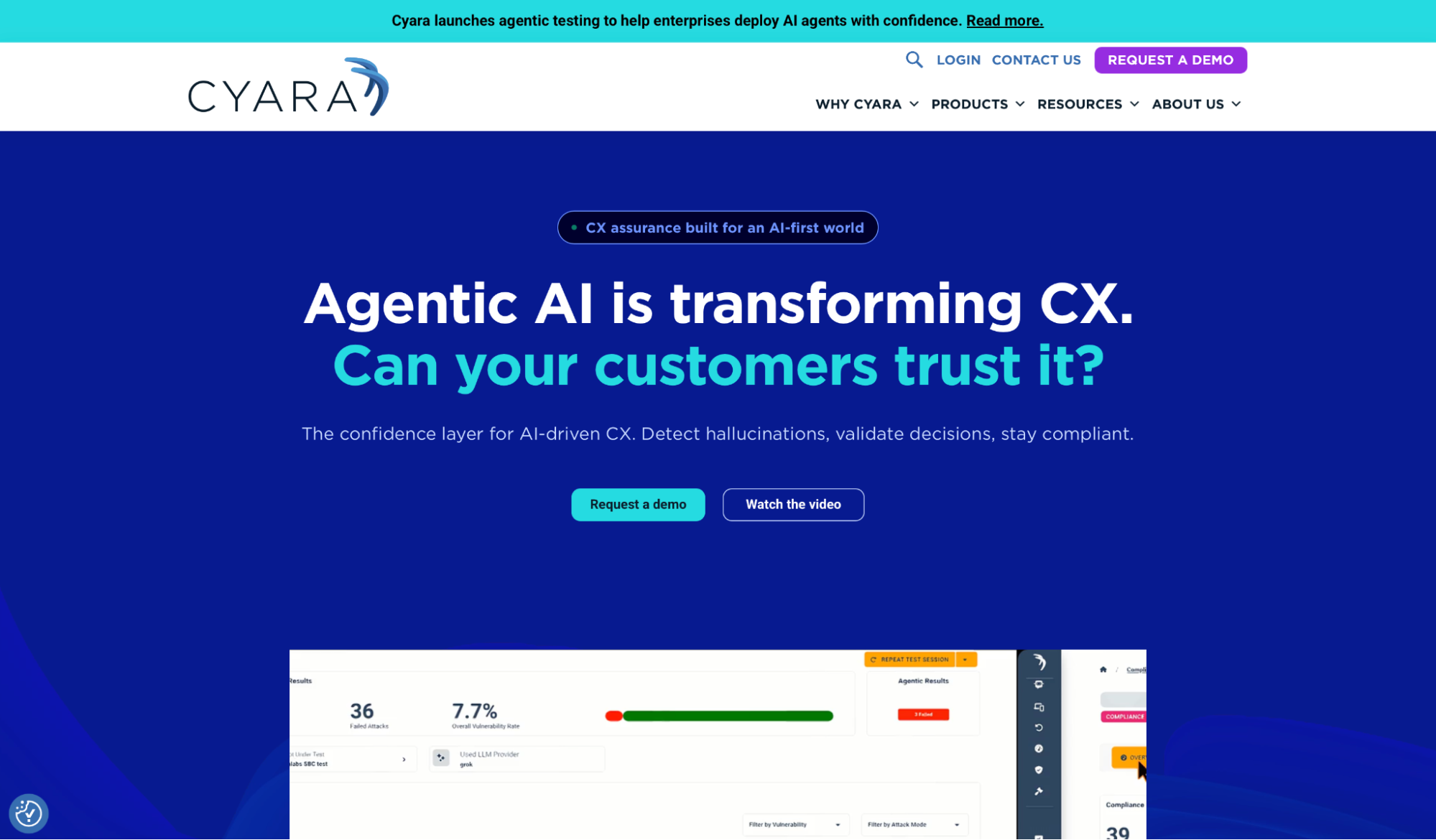
What it does: Cyara is a customer experience assurance platform that tests and monitors voice, digital, messaging, and conversational AI channels from one place, with chatbot testing handled by its Botium module.
Best for: Enterprise contact center teams that keep legacy IVR running while validating new AI agents within the same QA toolchain.
Cyara has no self-serve sandbox, so I worked from its documentation rather than a live account. It's aimed at large organizations testing conversational AI and traditional IVR in parallel, not a startup shipping one chatbot.
That breadth is the whole pitch. Botium tests conversational AI across 55+ chatbot technologies while Voice Assure covers IVR and telephony in 145+ countries and 420+ carriers, both feeding one set of dashboards.
A Forrester Total Economic Impact study commissioned by the platform, announced January 2020, put the payoff at 283% ROI over three years with payback in under three months. For a regulated enterprise piloting AI agents on infrastructure it already runs, that's worth sitting through the sales process.
Key Features
- Goal-based AI agent testing: Validates intent handling, multi-turn flows, and edge cases, including hallucination detection.
- Cyara AI Trust: Dedicated modules for fact-checking, misuse, privacy, and bias in generative AI.
- Production monitoring: Continuous synthetic interactions run against live agents to catch drift.
Pros and Cons
Pros:
✅ The broadest coverage here of both legacy IVR and modern AI agent assurance in one toolchain.
✅ Named deployments at AT&T, Microsoft, Vodafone, and Liberty Mutual show it holds up at enterprise scale.
✅ No-code campaign builder lets QA teams run tests without engineering support.
Cons:
❌ Oversized for a standalone chatbot with no legacy infrastructure behind it.
❌ No public pricing or self-serve trial, so evaluation starts with a sales call.
What Users Say
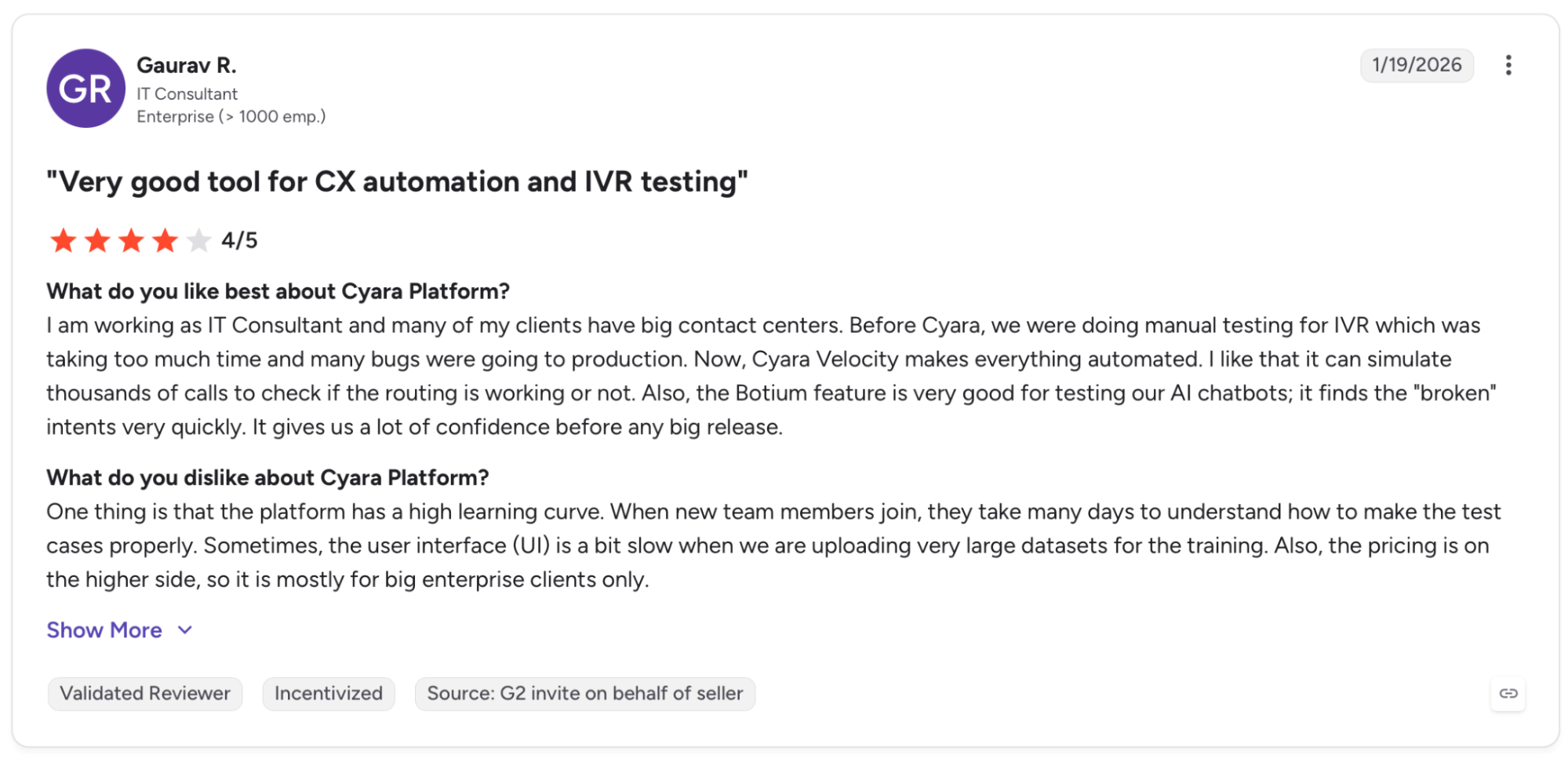
"Before Cyara, we were doing manual testing for IVR, which was taking too much time, and many bugs were going to production." (Gaurav R., G2)
"Cyara platform has a steep learning curve as well as a high cost." (Simon O., G2)
Pricing
The platform doesn't publish pricing. Every plan is custom and quoted after a demo.
Bottom Line
Cyara makes sense for enterprises running IVR and AI agents side by side and willing to go through procurement. If you're shipping a single LLM chatbot and want to start testing this afternoon, it's more platform than you need.
3. Cekura: Best for Full-Lifecycle Conversational AI QA
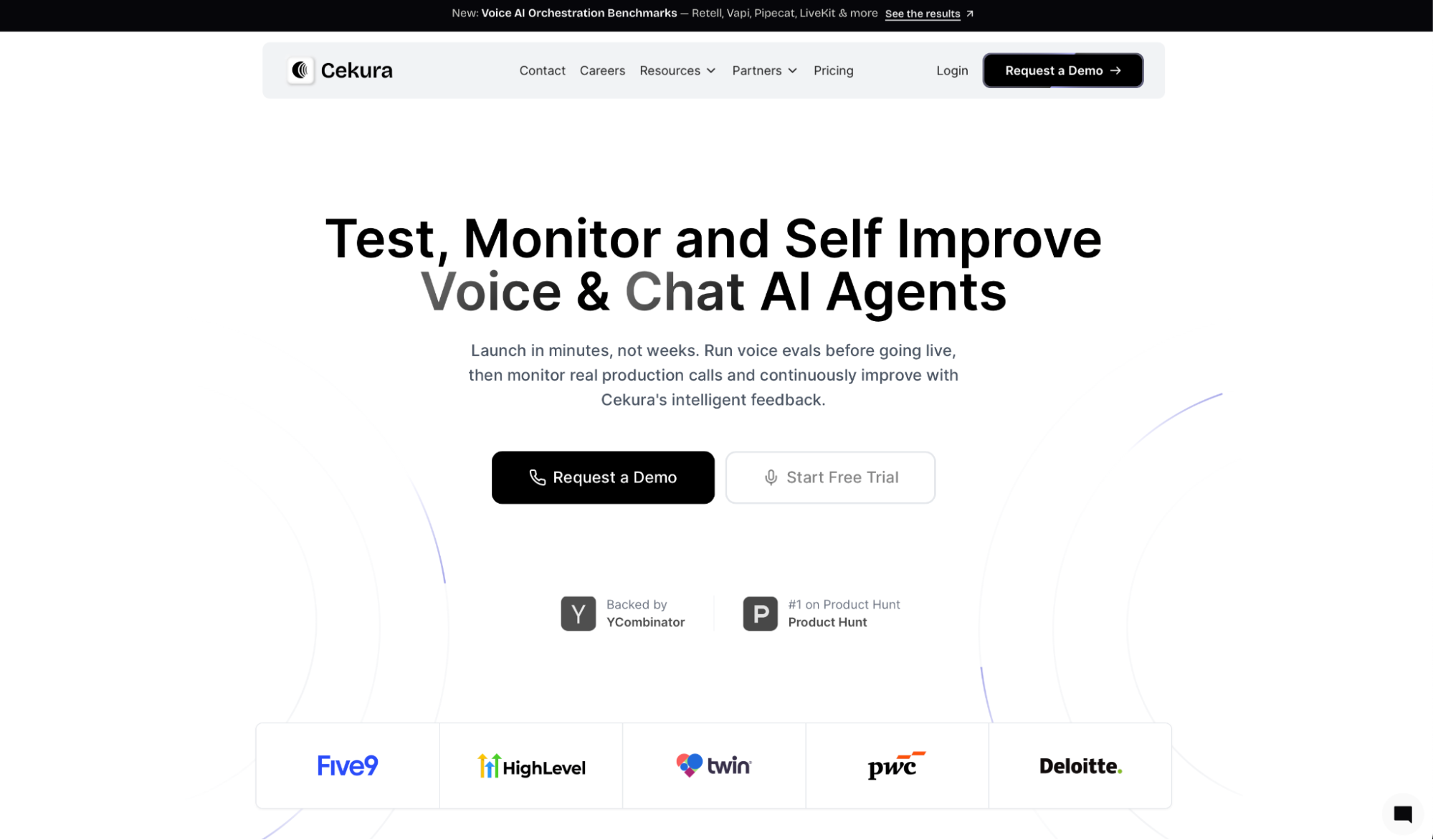
What it does: Cekura runs automated simulation, evaluation, and monitoring for chat and voice agents, covering the full QA cycle from pre-production testing through live production analysis on a single platform.
Best for: Conversational AI teams that want simulation, behavioral scoring, regression, and production monitoring from a single self-serve platform instead of stitching together three.
I connected my chat agent via the API and had automated scoring running in under 10 minutes, with no sales call in between. Every run came back scored on instruction-following, relevancy, and missed intents, and my planted regression failed its behavioral check on the first pass.
The red teaming suite went further than most here on multi-turn attacks. Cekura ran its pre-built adversarial scenarios and surfaced a prompt injection path through a tool call I hadn't covered myself, the kind of multi-turn attack that single-turn evals skip.
What makes that useful over time is the feedback loop. Failed conversations feed back into the next run instead of sitting in a log, so the test set sharpens itself. That loop is more than a team shipping its first agent needs on day one, but it pays off once you've got live traffic to learn from.
Key Features
- Pre-production simulation: Runs thousands of simulated conversations before launch, covering edge cases manual testing skips.
- Behavioral scoring: Scores each run on instruction-following, relevancy, and missed intents, with LLM judges you can tune to your rules.
- Multi-turn red teaming: Pre-built adversarial scenarios stress-test against jailbreaks, prompt injection, and data extraction.
- Production monitoring: Reads live calls and chats for drop-offs and sentiment, then turns failures into new test cases.
- CI/CD integration: Fires the full suite on every prompt, model, or knowledge base change before it ships.
- Infrastructure testing: Validates latency, uptime, and failover so the agent keeps answering when a provider slows down or a connection drops mid-call.
- Cross-platform benchmarking: One byte-identical agent scored across six voice orchestration platforms showed a 33.3-point spread, using 59 evaluators run three times. The same evaluator design runs against chat agents.
Native integrations connect without extra config for Retell, VAPI, ElevenLabs, LiveKit, Pipecat, Bland, and more.
Those native integrations let you add a testing and monitoring layer on top of what you already run, rather than rebuilding it.
Pros and Cons
Pros:
✅ Replaces separate simulation, monitoring, and red-teaming tools with a single platform, so teams stop stitching together point solutions
✅ Supports SOC 2, HIPAA, and GDPR compliance.
✅ Scores conversations on behavior rather than exact match, so non-deterministic output doesn't break the test.
Cons:
❌ The self-improvement loop only earns its keep once you have production traffic, so a pre-launch team pays for capability it can't use yet.
❌ Newer than the legacy platforms here, with a smaller third-party review footprint.
What Users Say
"The silent production failure detection is what catches my eye. When you're running AI agents in prod, the scariest failures are the ones where nothing errors out; it just gives bad output for days without anyone noticing." (Mykola Kondratiuk, Product Hunt)

"This feels like Datadog but for AI behavior instead of infrastructure. That's a good positioning. Congratulations!" (Kumar Abhishek, Product Hunt)
Pricing
The pay-as-you-go plan starts at $0 with the first user free and 300 credits, then $0.25 per voice testing minute. Startup is $500 per month, and Enterprise is custom.
Bottom Line
Cekura is where I would start for a chat or voice agent that needs simulation, regression, and monitoring without a procurement cycle, since it's live with your own data in about ten minutes.
A team still validating its first happy-path flow can wait on the production side until it has traffic to feed it.
4. Maxim AI: Best for Teams Running Evals Across Modalities
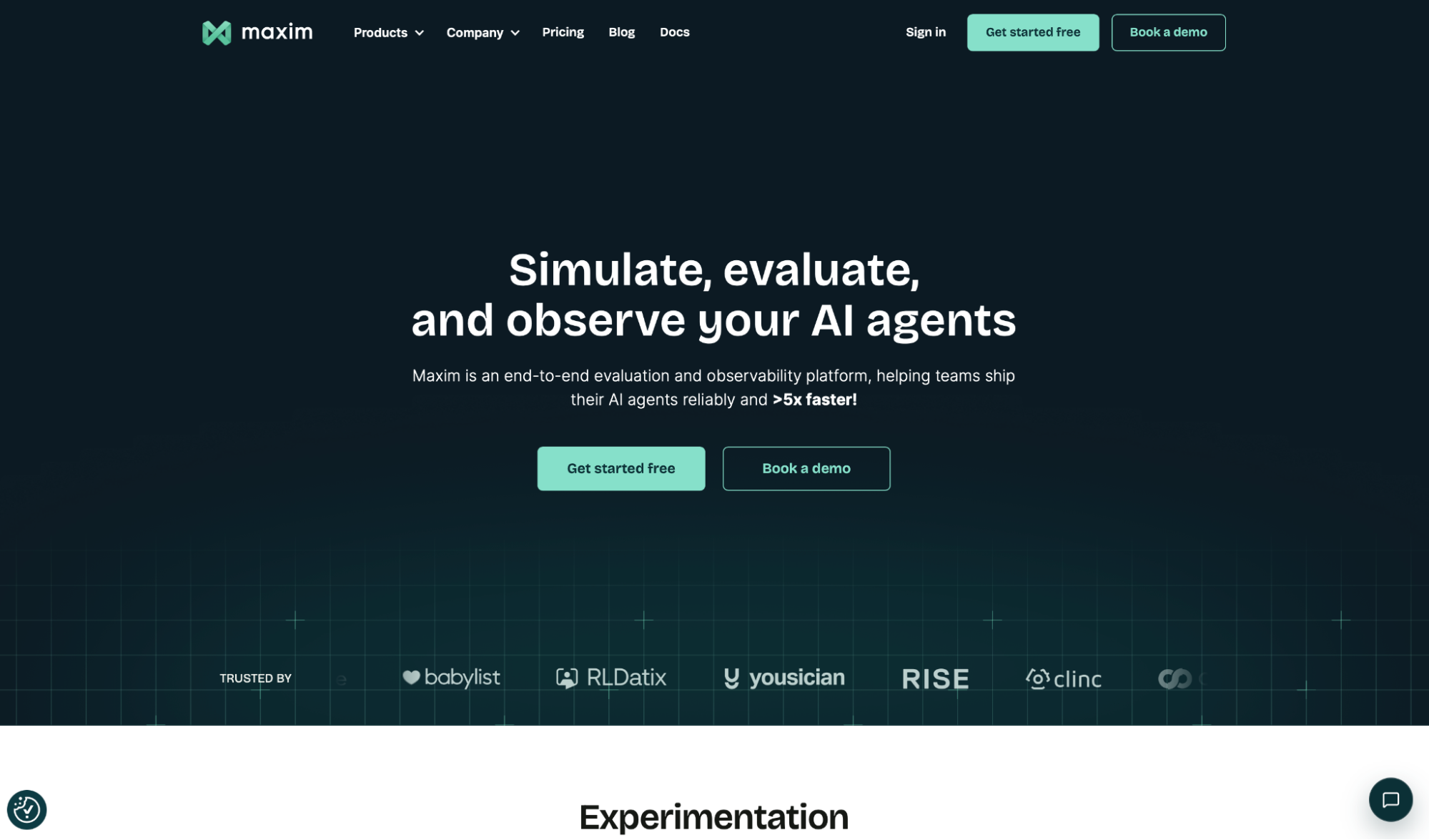
What it does: Maxim AI is an evaluation and observability platform for AI agents that covers text, voice, and multimodal capabilities in a single system, with built-in prompt experimentation, simulation, and production monitoring.
Best for: Engineering and product teams already running evals on text or multimodal agents who would rather fold chatbot testing into that workflow than stand up a separate tool.
Most of my hours went into the Prompt IDE. Setting up two variants of my support prompt on the same dataset took one afternoon, and the side-by-side view showed one variant handling refund edge cases cleanly while the other introduced a policy detail.
A single-pass eval would have averaged out that difference.
The evaluator store is where a mixed team gains the most. Instead of writing every scorer from scratch, I used prebuilt evaluators for hallucination and task completion, then added a custom metric for my refund rule.
A product manager on the team could set up the same comparison without touching code.
Key Features
- Agent simulation: Runs multi-turn scenarios across user personas, up to thousands of test cases.
- Evaluator store: Pre-built and custom evaluators spanning LLM-as-judge, programmatic, and statistical checks.
- Human-in-the-loop: Annotation pipelines for building golden datasets with domain experts.
Pros and Cons
Pros:
✅ Handles text, voice, and multimodal agents in one platform, so a team testing across modalities needs no second tool.
✅ Pre-built evaluators cut the setup time for a first eval to minutes.
✅ Carries the fullest compliance set on this list, with SOC 2 Type II, ISO 27001, HIPAA, and GDPR on Enterprise.
Cons:
❌ Documentation assumes engineering context, so non-technical teams will need support to get started.
❌ Voice testing runs through VAPI or Twilio and stops short of carrier-layer audio diagnostics.
What Users Say
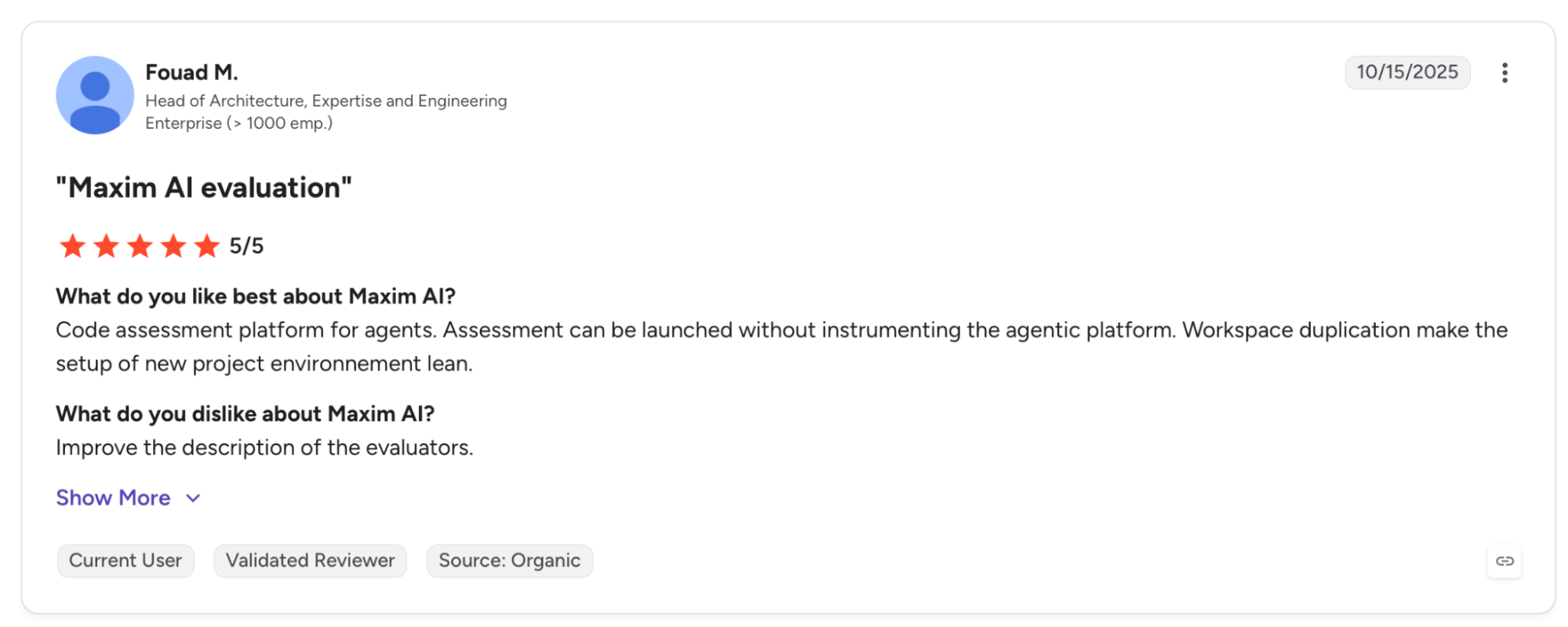
"Assessment can be launched without instrumenting the agentic platform. Workspace duplication makes setting up a new project environment lean." (Fouad M., G2)
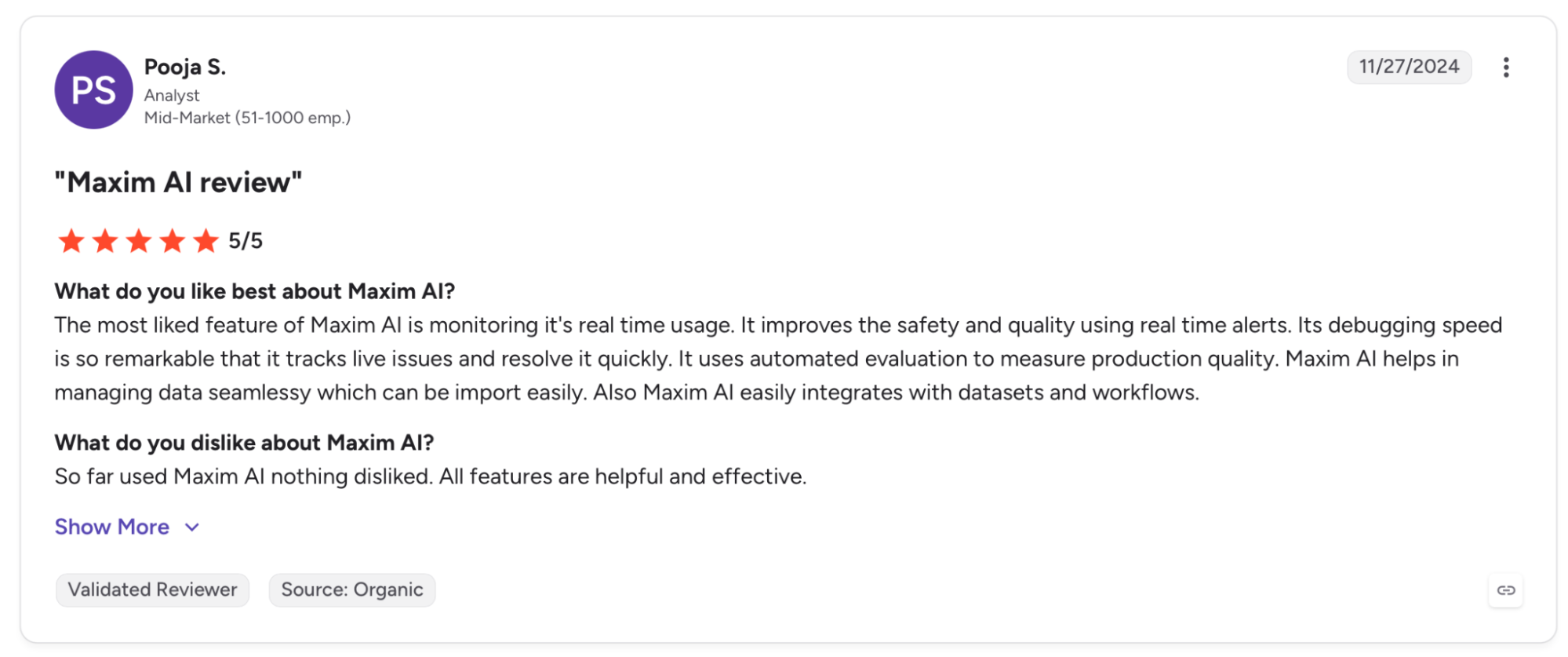
"So far used Maxim AI; nothing disliked. All features are helpful and effective." (Pooja S., G2)
Pricing
The Developer plan is free for up to three seats. Professional is $29 per seat per month, and Business is $49 per seat per month, both with a 14-day trial. Enterprise is custom.
Bottom Line
Reach for Maxim AI when you already run evals across modalities and want chatbot testing in the same place. If your only concern is one text chatbot, a lighter open-source tool will get you there faster.
5. DeepEval: Best for Engineers Who Want Evals in Code
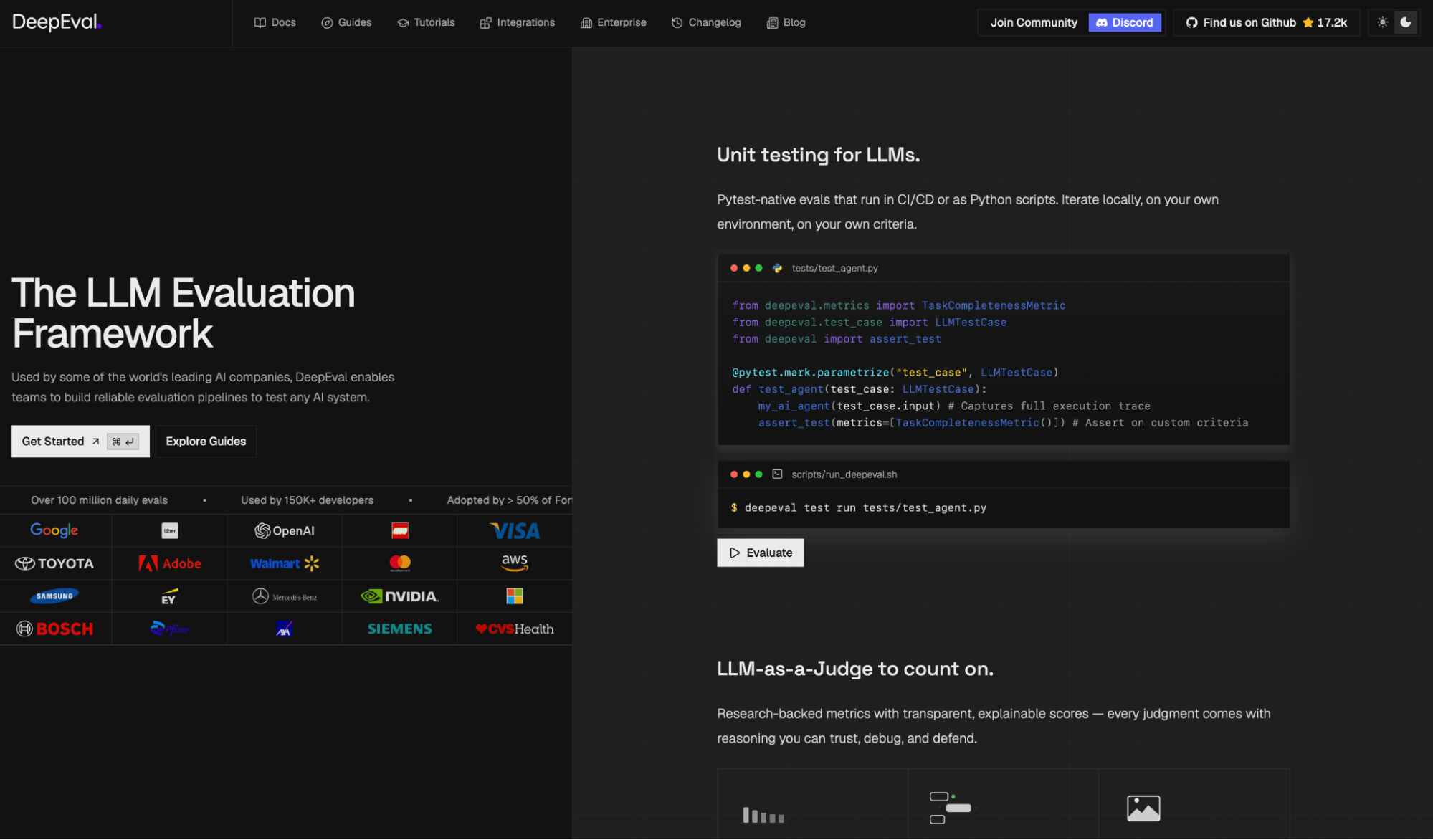
What it does: DeepEval is an open-source LLM evaluation framework that works like Pytest, letting engineers write and run chatbot evals as unit tests directly in their codebase.
Best for: Engineers who would rather define evals in Python next to their application code than click through a dashboard.
If you've written a Pytest suite, DeepEval feels familiar fast. I wrote assertions for my refund agent, ran them from the terminal, and got pass/fail results scored on answer relevance and faithfulness. The planted regression failed its faithfulness check, pointing straight at the response that drifted.
The metric library runs deep for open source. G-Eval let me define a custom scoring criterion in plain language, and RAG metrics caught my agent answering from the wrong document. Red teaming lives in DeepTeam, a separate framework, so it's a second install.
Key Features
- G-Eval and custom metrics: Define scoring criteria in plain language or build deterministic metric graphs.
- RAG metrics: Answer relevancy, faithfulness, contextual recall, and precision, all included by default.
- CI/CD ready: Runs in any pipeline, so evals gate a merge the way unit tests do.
Pros and Cons
Pros:
✅ Free and open source under Apache 2.0, with a deep metric library for the price.
✅ Feels natural to engineers who already think in test suites, with almost no new mental model.
✅ Custom criteria through G-Eval avoid hand-coding every scorer.
Cons:
❌ Code-only, so a non-technical QA lead has no interface to work from.
❌ Red teaming needs the separate DeepTeam framework rather than shipping in the core.
❌ Dashboards, alerting, and collaboration live in the paid Confident AI platform, not the free library.
What Users Say
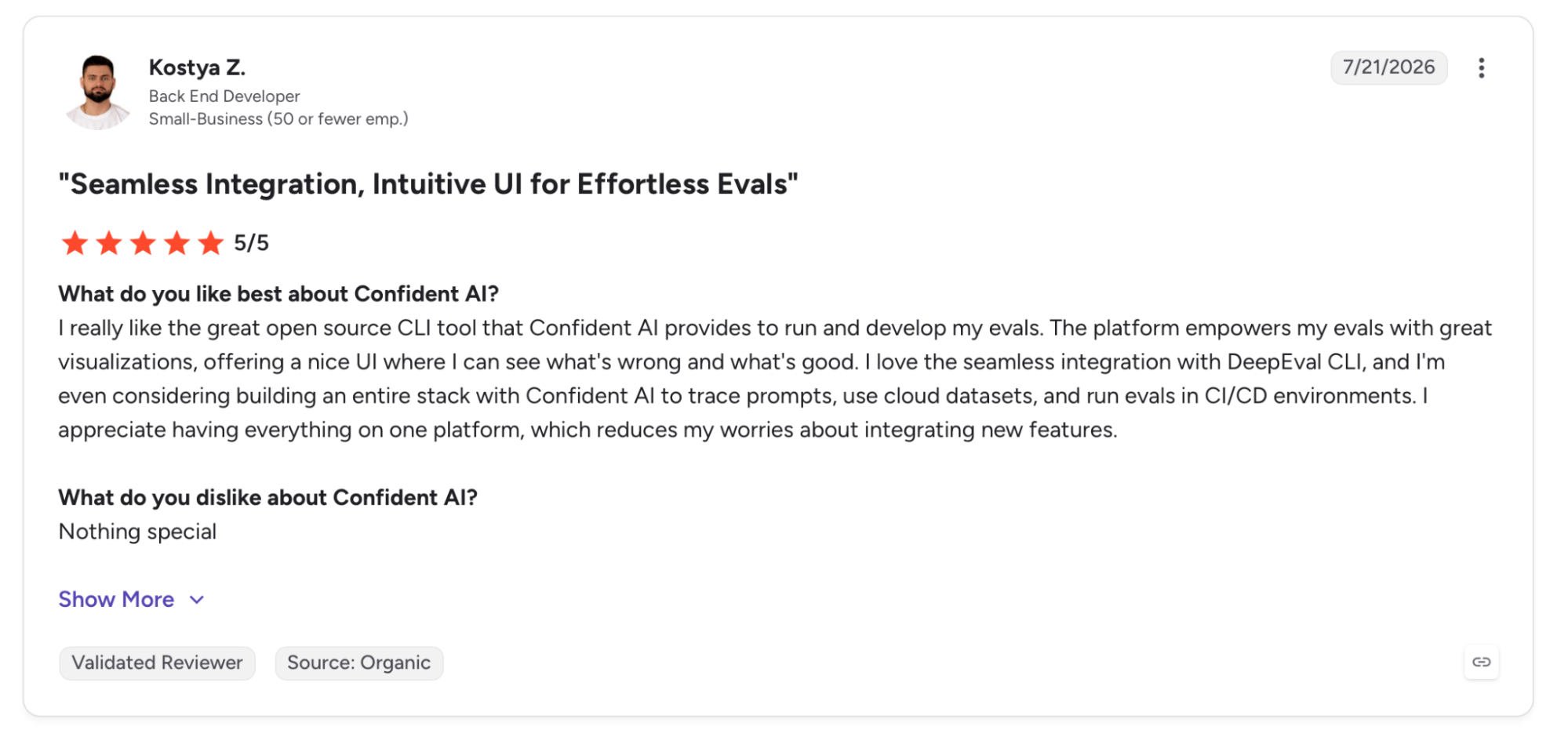
"The platform empowers my evals with great visualizations, offering a nice UI where I can see what's wrong and what's good." (Kostya Z., G2)
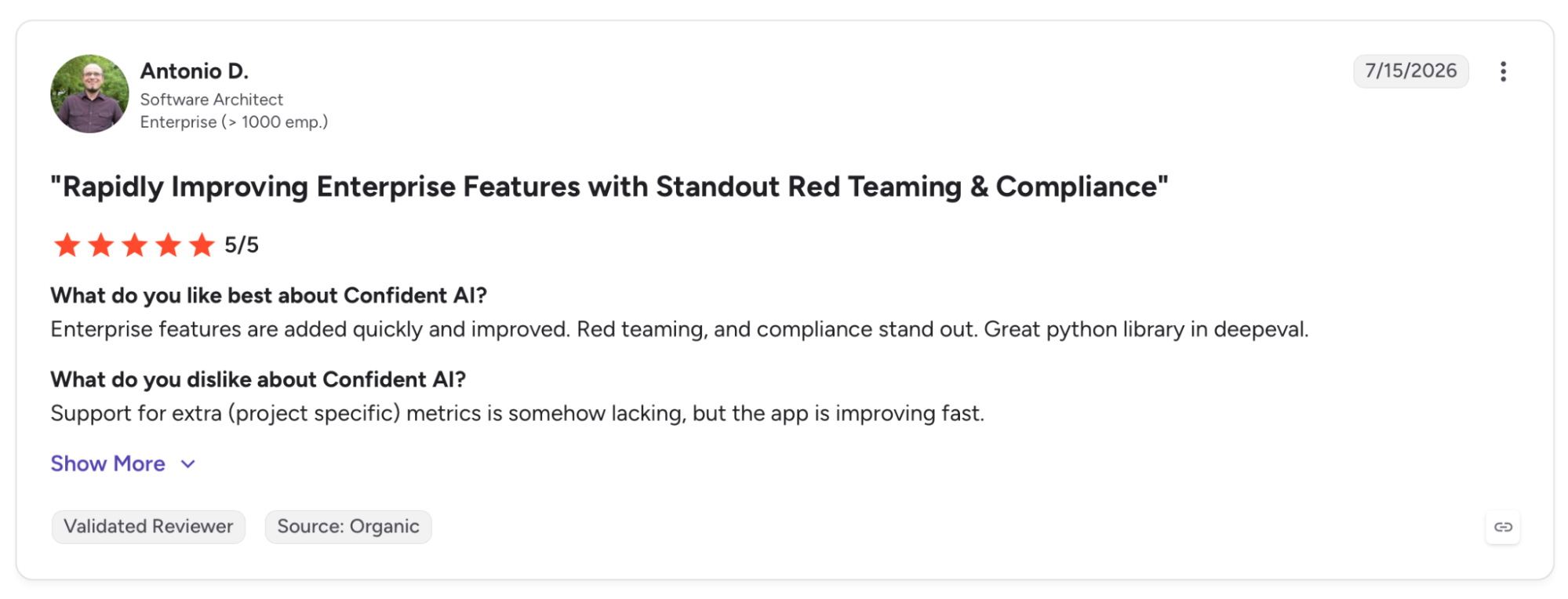
"Support for extra (project-specific) metrics is somehow lacking, but the app is improving fast." (Antonio D., G2)
Pricing
The DeepEval framework is free and open source. The hosted Confident AI platform offers a free tier, a Starter plan at $200 per month, and a Team plan at $2,000 per month, with Enterprise plans available on request.
Bottom Line
DeepEval suits an engineering team that wants evals living in the repo, versioned like any other test. Teams that need a visual workflow or built-in red teaming will want to pair it with the paid platform or look elsewhere.
6. Braintrust: Best for Wiring Evaluation Into Development
What it does: Braintrust is an eval and observability platform for LLM applications that ties production traces, datasets, scoring, and CI quality gates together in one workflow.
Best for: Teams already running evals on text agents who want structured prompt experimentation and production traces feeding their test cases.
On the free Starter tier, I had a production trace converted into a test case with one click, no manual tagging. I ran two prompt variants through the playground against one dataset, and Loop generated a custom scorer from a plain-English description of my refund rule, surfacing a regression I'd missed by hand.
Audio is where it runs out of room. Braintrust has no built-in audio engine, so accent simulation, barge-in handling, and telephony scenarios need a partner integration. A non-issue for a text chatbot, a split toolchain for a voice agent.
Key Features
- Loop: Generates eval scorers from plain-language descriptions instead of hand-coded logic.
- Playground: Lets PMs and engineers iterate on prompts against production datasets without a handoff.
- GitHub Actions CI: Runs evals on every pull request and posts pass or fail before merge.
Pros and Cons
Pros:
✅ One-click path from production trace to regression test removes the manual tagging step.
✅ Playground opens prompt iteration to non-engineers against production data.
✅ Notion, Dropbox, and Vercel run production eval workflows on it, a strong signal it holds up at scale.
Cons:
❌ No built-in audio simulation engine, so accent, barge-in, and telephony scenarios need a partner integration, though native traces and scorers do cover voice evaluation.
❌ The free tier caps data retention at 14 days, which stings when comparing experiments across sprints.
What Users Say
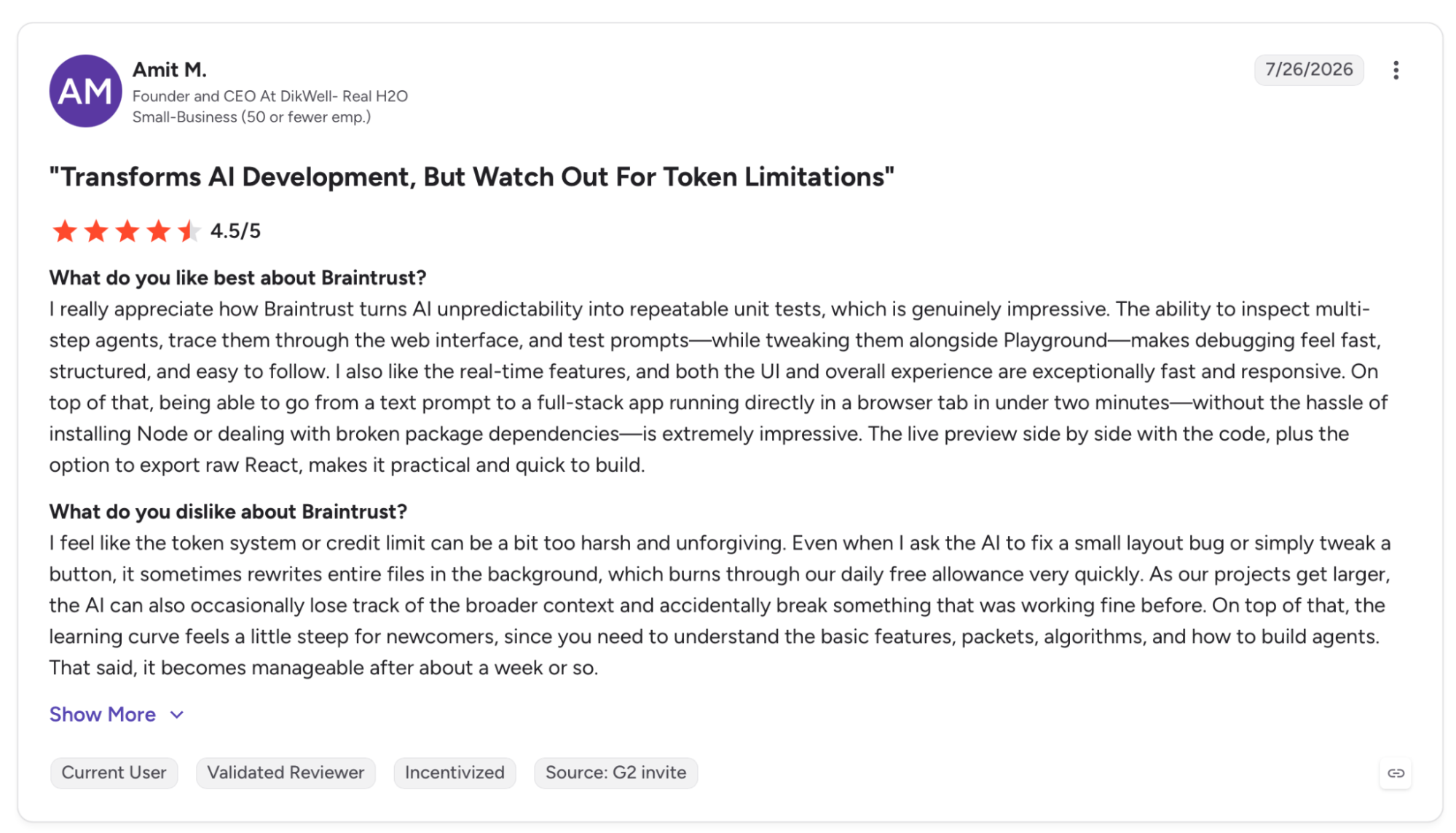
"I really appreciate how Braintrust turns AI unpredictability into repeatable unit tests, which is genuinely impressive." (Amit M., G2)
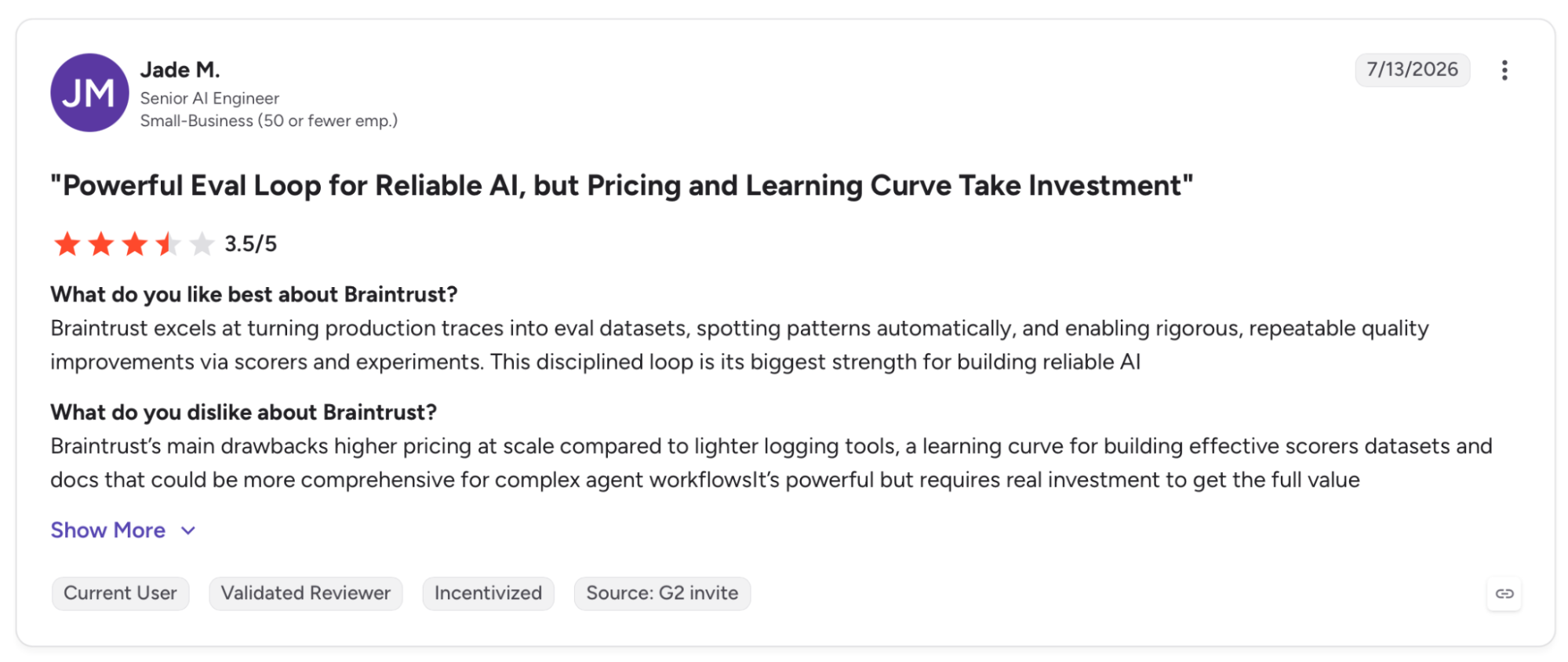
"Braintrust’s main drawbacks are higher pricing at scale compared to lighter logging tools, a learning curve for building effective scorer datasets, and docs that could be more comprehensive for complex agent workflows." (Jade M., G2)
Pricing
The Starter tier is free with 14-day retention. Pro is $249 per month with 30-day retention and RBAC, and Enterprise is custom.
Bottom Line
Braintrust works best for a team building structured eval infrastructure for a text chatbot from the ground up. If audio simulation is your main concern, Cekura goes deeper on that layer.
7. Giskard: Best for RAG Evaluation and Vulnerability Scanning
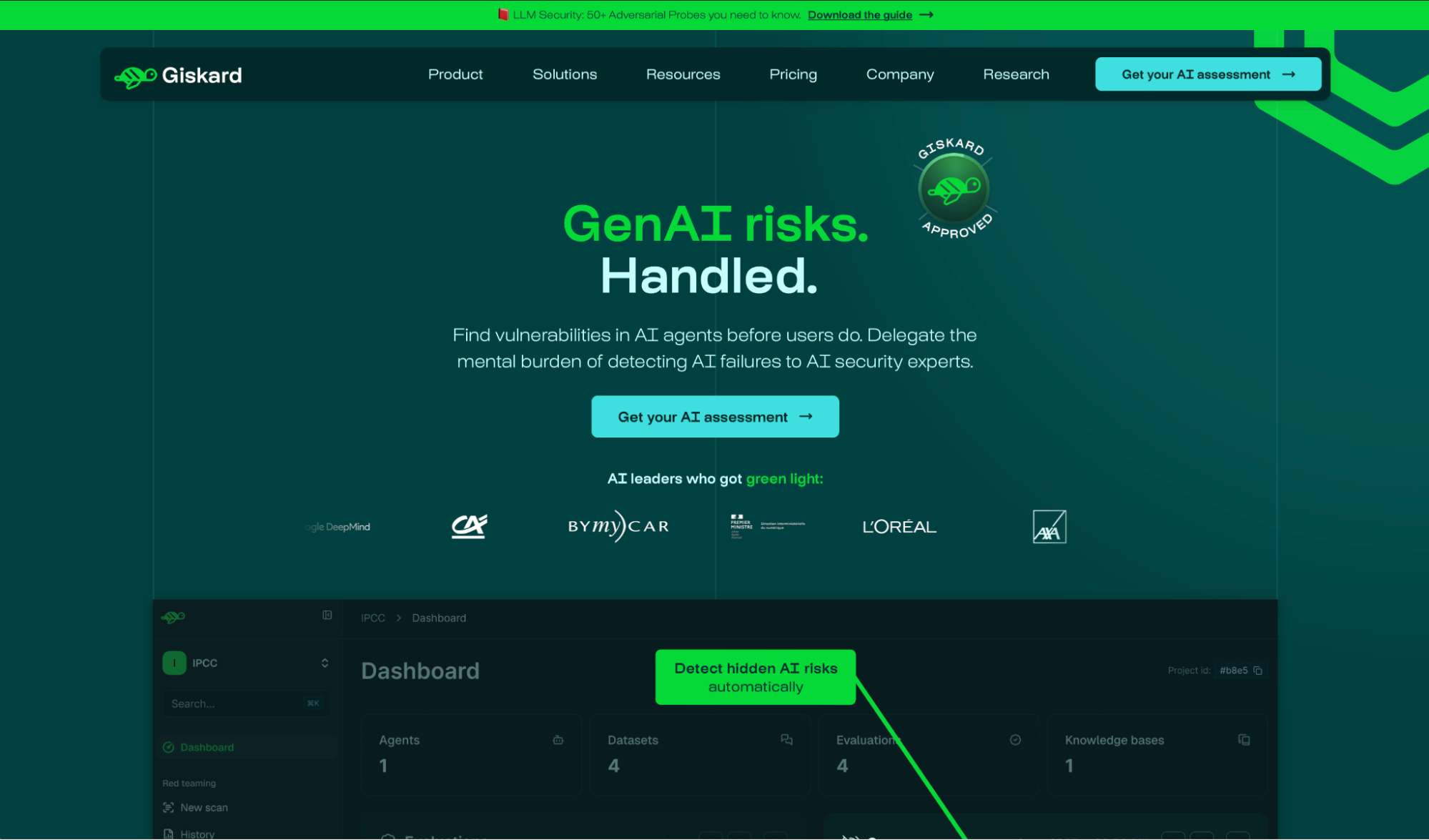
What it does: Giskard is an open-source Python library for testing ML and LLM systems, with a vulnerability scanner and a RAG evaluation toolkit that check chatbots against the OWASP LLM risk categories.
Best for: Teams whose main worry is a RAG chatbot inventing answers or leaking data, and who want a scanner organized around documented security risks.
I ran the Giskard scan by pointing it at the API endpoint; no instrumentation required. It generated adversarial inputs across the OWASP LLM Top 10 and flagged a data-disclosure path plus a hallucination on an out-of-scope question.
RAGET then auto-generated a question set from my knowledge base and scored groundedness, catching the same wrong-document retrieval I'd seen elsewhere.
One thing to understand before adopting it. Giskard is mid-rewrite. v2 remains available, but the team lists it as no longer actively maintained, and the v2-only tabular scan has no v3 successor. For LLM agents, v3 supersedes the old scanner and RAGET with giskard-scan's vulnerability_scan and quality_scan, so check which API your workflow targets. It works today, but know which half you're depending on.
Key Features
- Black-box testing: Detects hallucinations, harmful content, and PII disclosure without model internals.
- RAGET: Auto-generates question and reference-answer sets from a knowledge base to score RAG groundedness.
- Giskard Hub: The enterprise tier adds 50+ automated adversarial probes and continuous red teaming.
Pros and Cons
Pros:
✅ Free and open source under Apache 2.0, purpose-built around documented LLM security risks.
✅ Black-box approach means you only need an API endpoint to start scanning.
✅ SOC 2 Type II, HIPAA, and GDPR compliant, with EU or US data residency.
Cons:
❌ The v2 library it grew out of is no longer actively maintained, and the tabular scan has no v3 equivalent, so migration work lands on you.
❌ Enterprise Hub pricing is not published, so the paid tier is quote-only.
❌ Python-first, so a non-technical reviewer cannot run a scan unassisted.
What Users Say
"I particularly appreciate its intuitive interface and robust features, which make handling complex tasks simple and efficient." (Andrew Han Zheng, Product Hunt)
"Ensuring the production quality of your models and reducing your technical debt is for sure a needed step but mostly not implemented by ML teams around the world." (David G. Ortega, Product Hunt)
Pricing
The core library is free and open source. The Giskard Hub for production deployments is enterprise-only and quoted on request.
Bottom Line
Giskard is worth it when RAG accuracy and security are your top concerns and your team lives in Python. If you need a maintained, all-in-one platform with a UI, the version split makes it a harder sell.
8. LangWatch: Best for Open-Source Eval With Simulation in CI
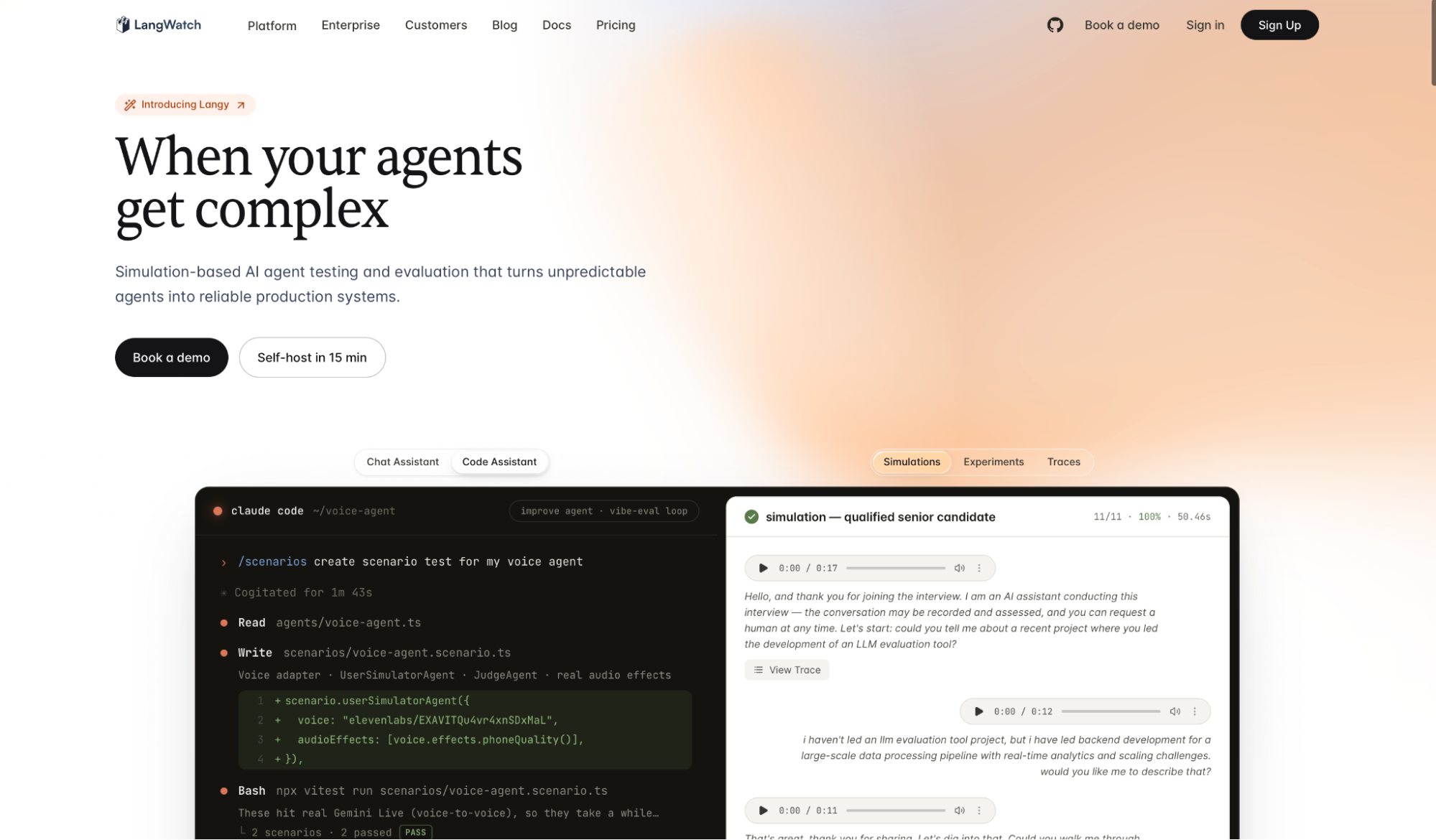
What it does: LangWatch is an open-source LLM engineering platform covering evaluation, observability, and agent simulation, with a Scenario framework that runs conversation tests in CI.
Best for: Code-first teams that want simulated conversations to run against their chatbot in the pipeline, without a microphone or a separate manual test workflow.
I had a simulated conversation test running in CI in under thirty minutes with LangWatch Scenario, no manual calls involved. It drove a scripted user with a custom persona, scored each turn on plain-English criteria, and posted pass or fail before the merge. My planted one-line regression blocked the merge, exactly the behavior I want from a CI gate.
The architecture takes a minute. LangWatch handles datasets, scoring, and the UI, while Scenario runs the simulation through tests you write in Pytest or Vitest. Engineers will find that split natural; anyone used to a no-code dashboard will not.
Key Features
- DSPy optimization: Tunes prompts from evaluation feedback using Stanford's DSPy framework.
- OpenTelemetry-native tracing: Framework-agnostic observability across most LLM stacks.
- Self-hosting: Apache-2.0 licensed with a self-hostable deployment for strict data residency.
Pros and Cons
Pros:
✅ Open source with an active repo, so teams can audit, extend, and self-host it.
✅ Headless voice-to-voice and text simulation runs in CI without a microphone or manual calls.
✅ ISO 27001 reports and GDPR compliance available on request, covering the baseline for EU deployments.
Cons:
❌ Simulation tests are written in Pytest or Vitest, which puts them out of reach for no-code QA teams.
❌ No named enterprise customers in its documentation, so production-scale proof is thin.
What Users Say
"The platform’s open-source nature and focus on agentic testing make it a powerful tool for developers who treat AI like software." (Andrew Joia, Product Hunt)
"We find value in iterative evaluation with tools like DSPy and RAGAS, to production optimization features like jailbreak detection + document & topic tracking, all with a great dashboard and UI." (Xico Casillas, Product Hunt)
Pricing
The Developer plan is free, and Growth runs $34 per core-seat per month plus usage, at $6 per 100k events above the 200k monthly allowance**.** Self-hosting is free, and Enterprise is custom.
Bottom Line
LangWatch belongs on the shortlist for an engineering team that wants open-source control with simulation baked into CI. Teams that need a no-code workflow or named enterprise references will find a closer fit above.
9. TestMu AI: Best for Adding Agent Testing to an Automation Cloud
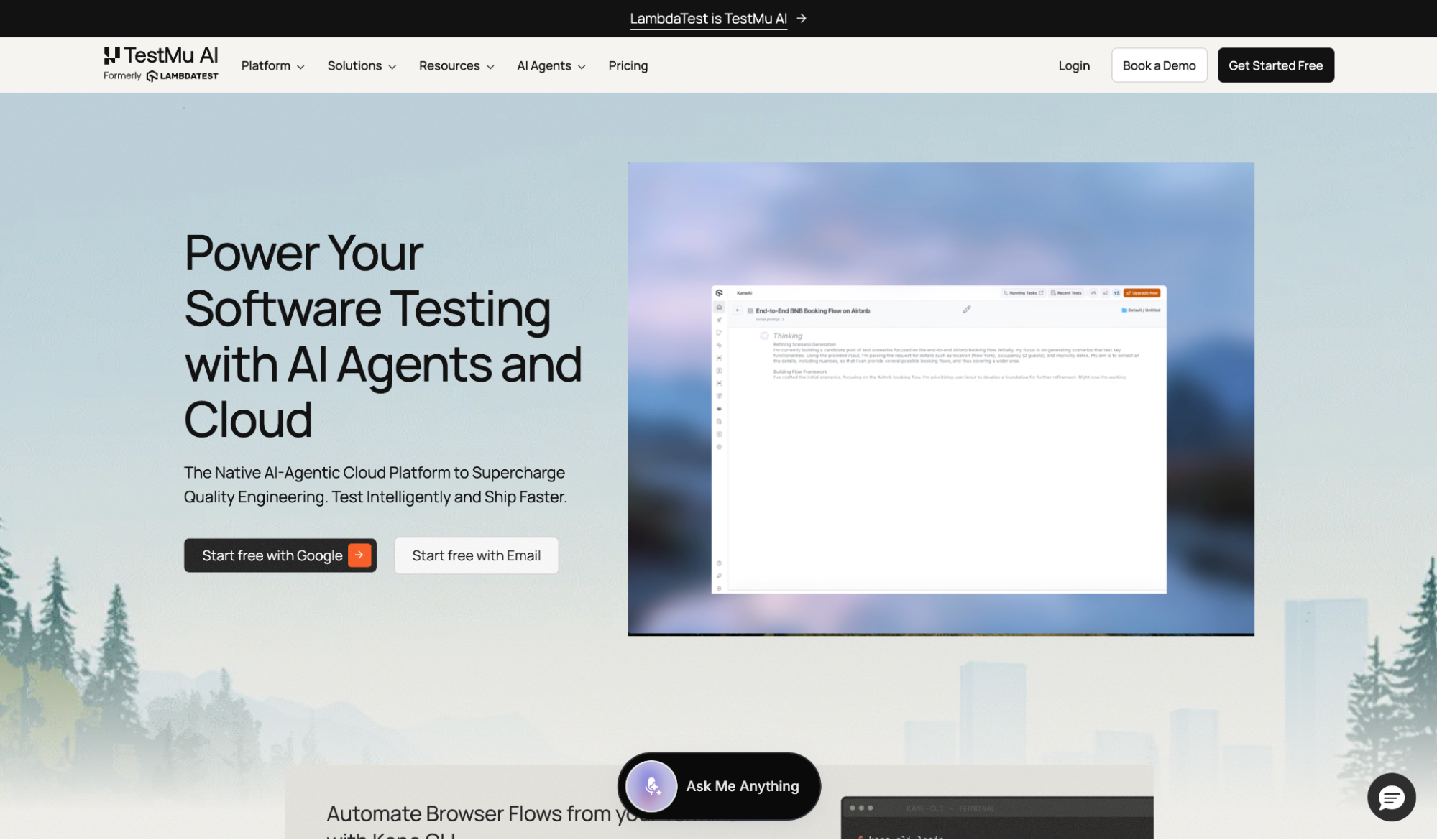
What it does: TestMu AI, formerly LambdaTest, is a broad test-automation cloud that has added a dedicated Agent Testing product for validating chatbots, voice assistants, and calling agents alongside its cross-browser and app testing.
Best for: QA teams already running their web and mobile automation on LambdaTest who want to add chatbot testing without onboarding a separate vendor.
TestMu AI is not a dedicated chatbot tester like the rest of this list. It's a mature automation platform that layered on agent testing, and that history cuts both ways. On the upside, the Agent Testing product connected to my chat agent without an SDK and scored it on hallucination, bias, and context awareness, generating scenarios from an uploaded PRD.
For a team already using this platform for browser and device testing, folding in chatbot QA avoids a second vendor. For one starting fresh with only a chatbot, the surrounding automation cloud is weight you aren't using.
Key Features
- Agent Testing: Scores chat, voice, and calling agents on hallucination, bias, and conversation-flow metrics.
- Go-Live Assessment: Returns a production-readiness verdict before you deploy an agent.
- KaneAI: A GenAI agent that authors and runs end-to-end tests from natural language.
Pros and Cons
Pros:
✅ Adds chatbot testing to an established automation cloud, so existing users skip a new vendor.
✅ No-SDK setup connects a chat agent in under thirty minutes.
✅ Scenario generation from a PRD gives non-technical QA a starting test set.
Cons:
❌ Agent testing is a recent module on a general platform, not a purpose-built conversational AI tool.
❌ Agent Testing is free to start, but usage tiers beyond that are quote-only, so you cannot model the cost of scale up front.
❌ The wider platform is overhead for a team that only needs to test a chatbot.
What Users Say
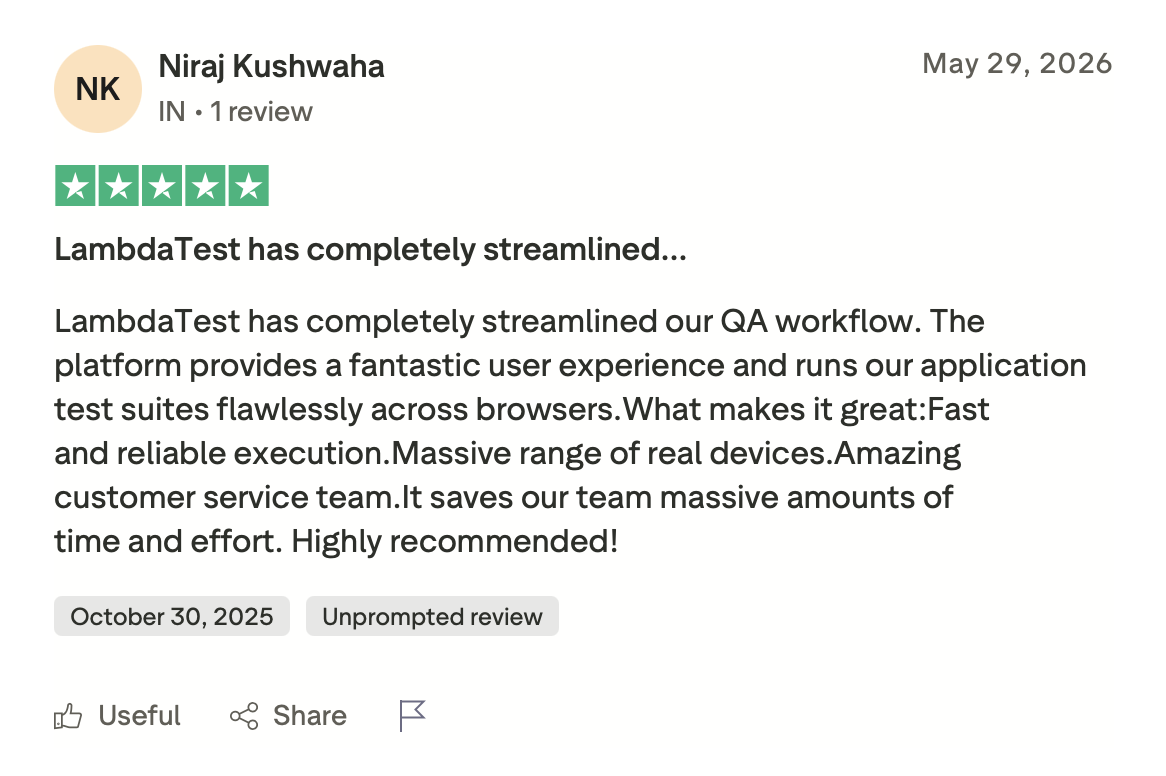
"LambdaTest has completely streamlined our QA workflow. The platform provides a fantastic user experience and runs our application test suites flawlessly across browsers." (Niraj Kushwaha, Trustpilot)
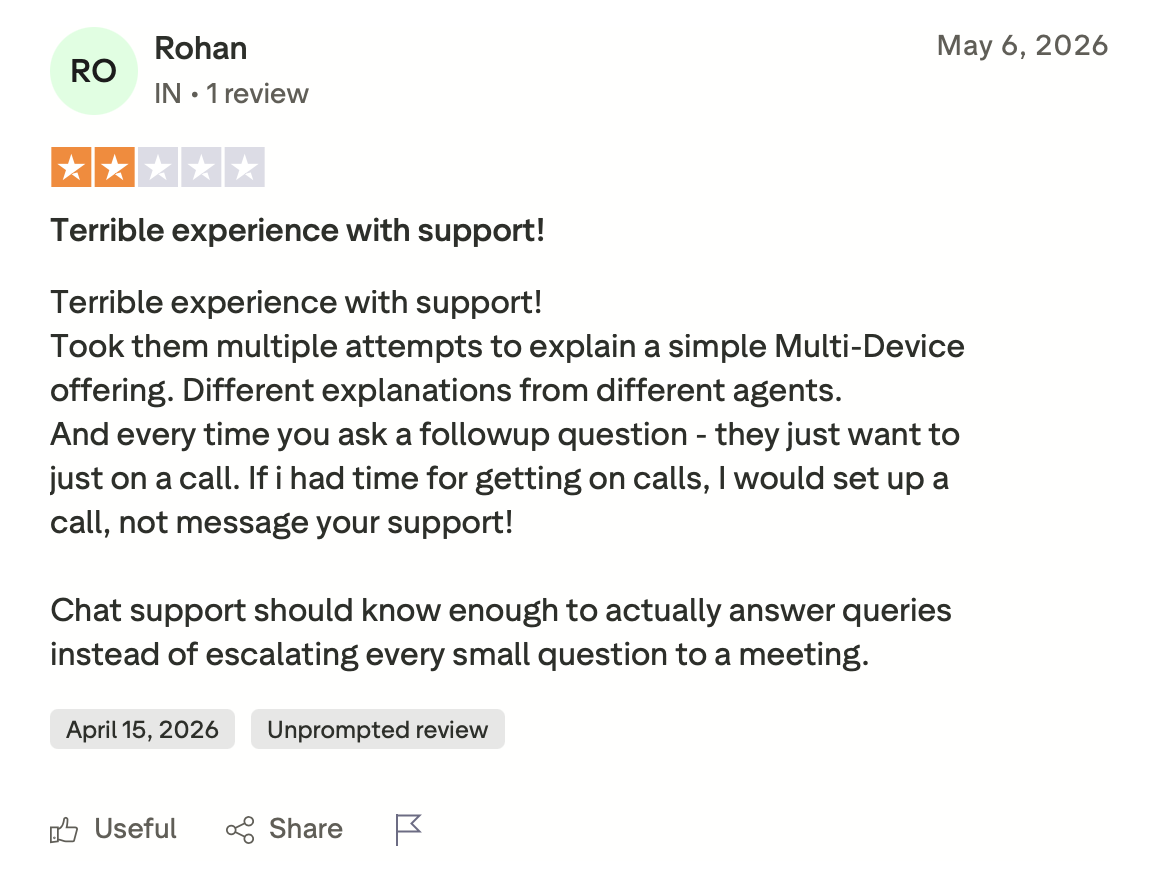
"Terrible experience with support! Took them multiple attempts to explain a simple Multi-Device offering. Different explanations from different agents." (Rohan, Trustpilot)
Pricing
Kane CLI plans start free with 200 monthly credits, then $19 per month for Starter and $99 for Pro. Agent Testing and Enterprise are quoted on request.
Bottom Line
TestMu AI is the easy call for a QA team already standardized on the platform that wants chatbot coverage in the same place. A team testing only a chatbot will get there faster with a focused tool.
What to Test in a Chatbot
A test suite has to catch the ways an AI agent fails, not just whether it replies. Start with intent recognition, whether the agent maps messy phrasing to the right goal, and hallucination, whether it invents facts or policies that aren't in its knowledge base. Then check context retention, whether it holds details across turns instead of losing them three replies later, and fallback handling for when a question or a tool call breaks.
The rest are easy to skip and expensive to miss: latency on voice, security against prompt injection and data extraction, multilingual accuracy when a user switches language, and regression, the flow that worked last week and broke on the last deploy without anyone noticing.
What ties these together is behavioral scoring, since the same input can produce a different answer each run. That's the layer Cekura works at, scoring every run on instruction-following, relevancy, and missed intents so most of those checks land in one pass.
How to Test a Chatbot: A 7-Step Workflow
The order matters here, since each step builds on the one before it and skipping one leaves the later steps with less to work from. Here's how:
-
Define the behaviors that matter. Write down what a correct answer looks like for each flow before you test, so scoring has a target.
-
Build a test set from real conversations. Pull actual user messages and edge cases, not just the happy path you designed for.
-
Simulate conversations at scale. Run the agent through hundreds of multi-turn scenarios across personas instead of spot-checking by hand.
-
Score against defined behavior so a reworded but correct answer still passes.
-
Red team for security. Throw prompt injection, jailbreaks, and data-extraction attempts at the agent to find holes before an attacker does.
-
Gate every change in CI. Fire the suite on each prompt, model, or knowledge base update so a regression blocks the merge instead of shipping.
-
Monitor in production. Score live conversations for drift and turn the failures into new test cases.
Which Chatbot Automation Testing Tool Should You Choose?
Picking the right tool depends on where your agent is in its lifecycle, whether your team writes code or needs no-code, and which failure you can least afford to ship.
Choose Cekura if you:
- Need simulation, regression, and production monitoring for a chat or voice agent from one self-serve platform.
- Are deploying in healthcare or fintech and need SOC 2, HIPAA, and GDPR coverage without a procurement cycle.
Choose Promptfoo if you:
- Want eval and security red teaming running in the same CI pipeline as your code, at no license cost.
- Ship a text chatbot and would rather write assertions in config than click through a dashboard.
Choose Cyara if you:
- Run a contact center testing new AI agents alongside legacy IVR and want one toolchain for both.
- Operate in a regulated enterprise where global dialing coverage matters as much as the testing itself.
Choose an open-source framework (DeepEval, Giskard, LangWatch) if you:
- Want your evals versioned in the repo and run by engineers who already think in test suites.
- Need full control to audit, extend, or self-host the tooling.
Skip this category entirely if:
- Your chatbot is still an early prototype with no defined flows. Test those by hand first, then bring in a platform once they stabilize.
- Your only use case is a single-language FAQ chatbot where a manual review after the fact is enough.
Final Verdict
After two weeks across nine chatbot automation testing tools, no single one won every test, and the best fit depends on your stack.
The biggest surprise was Cekura, which flagged a prompt-injection path the transcript-only tools skipped, and did it on a self-serve plan with no procurement in the way.
For a text chatbot with a CI pipeline, Promptfoo caught more failures than anything else here with the least setup and no license cost. For enterprises running IVR and AI agents together, Cyara is the strongest option here for covering both.
Teams already running evals can go two ways. Maxim AI folds chatbot testing into a multimodal workflow, while Braintrust is the stronger pick for building structured eval infrastructure from scratch.
Engineers who want evals in code have DeepEval, Giskard for RAG and security, and LangWatch for CI simulation. TestMu AI integrates with teams already on its automation cloud.
Ready to Catch Chatbot Failures Before Your Users Do?
Plenty of tools score a single response. Cekura runs the full multi-turn conversation before launch and keeps scoring it in production, so edge-case manual-testing misses show up in a test run instead of a support ticket.
You connect your agent, and every simulation and live chat is automatically scored based on the behaviors you define.
If your team runs chat or voice agents in production, book a demo and see how automated simulation testing fits into your stack.
Frequently Asked Questions
How do you do automation testing for a chatbot?
You run simulated conversations and score responses against expected behaviors. Automated tools generate test cases, replay them on every prompt or model change, and flag regressions before users hit them.
Is there an AI tool for chatbot automation testing?
Yes, several, including Promptfoo, Cekura, and Maxim AI. They generate test scenarios, score non-deterministic responses, and run adversarial red teaming that scripted tests miss.
How do you QA test an AI chatbot?
Validate functional flows, score behavior against defined criteria, run regression tests after every change, and red team for security. Behavioral scoring is the piece to get right, because the same input can produce a different answer each run.
What is the difference between chatbot testing and traditional QA?
The main difference is determinism. Traditional QA checks fixed outputs against fixed inputs, whereas chatbot testing evaluates expected behaviors because LLM-powered bots return different answers each run.
What is the best chatbot automation testing tool?
The best chatbot automation testing tool depends on your stack, but Cekura and Promptfoo led my tests. Cekura fits chat or voice agents needing simulation and monitoring in one self-serve platform; Promptfoo wins for a text chatbot on a CI pipeline at no license cost.
How much do chatbot automation testing tools cost?
Chatbot automation testing tools cost from $0 to a few hundred dollars a month. Promptfoo, DeepEval, Giskard, and LangWatch are free and open source. Paid tiers start at $19/mo (TestMu AI), $29/seat/mo (Maxim AI), and $249/mo (Braintrust Pro).