
Your regression suite passes every night, and callers still land in the wrong queue. AI IVR testing software is supposed to catch that, though most suites still check a menu tree while the thing answering behind option 2 is a language model with no fixed script to assert against.
Over two weeks, I pointed five platforms at the same line. It had a four-option keypad menu up front, an LLM appointment agent behind option 2, and a warm transfer to a human at the end.
Then I planted three failures. A misroute three nodes deep, a prompt edit that changed how the agent confirmed dates, and a caller who abandons the menu halfway through.
Below is which of these IVR automation testing tools caught which, what each one costs, and how to choose when half your IVR is keypad and half is language model.
TL;DR: AI IVR Testing Software
- Cekura: Best for scoring the AI agent that answers behind the menu.
- Cyara: Best for enterprises validating legacy IVR and AI agents from one toolchain.
- Klearcom: Best for in-country call path and toll-free number testing worldwide.
- IR Collaborate: Best for IVR load testing and round-the-clock experience validation.
- Keysight Eggplant: Best for testing the desktop and back-office systems your IVR routes into.
How I Researched and Tested These AI IVR Testing Tools
Over two weeks, I put the same three planted failures through all five platforms on one live healthcare line. Where a trial or self-serve signup existed, I fired them at the agent directly and read the reports.
For sales-led platforms, I worked from product documentation, published customer stories, and release notes, then compared what each vendor measures against what it markets.
The stakes here are easy to underrate. A Gartner survey found that only 14% of customer service issues get fully resolved in self-service, and just 36% even for issues customers rate as very simple.
Every platform was scored on six things:
- Keypad coverage: whether it sends digit sequences, star codes, and PINs, then confirms where the call landed.
- Conversation coverage: whether it varies accent, noise, and barge-in timing, or replays one clean audio file.
- Scoring under non-determinism: whether a reworded correct answer passes and a subtly wrong one fails.
- In-country reach: whether the call travels a real local route or a lab connection.
- Production monitoring: whether scoring continues after go-live or stops at the pre-launch gate.
- Pricing transparency: whether you can see a number without booking a sales call.
Three tools nearly made it. Bespoken crawls call flows well, though the entry Self-Serve Professional tier runs $2,000 a month for 5,000 interactions and one user. Hammer is mid-rebrand into VistaCX under Infovista. Hamming scores conversations sharply but stays light on keypad menu discovery.
Running one line through all five showed me which platforms assert on the tone and stop at the transfer, and which only read the transcript once the damage is done, a split the Cekura guide to conversational AI testing unpacks further.
5 Best AI IVR Testing Software Tools: Quick Comparison
| 💻 Tool | ⚡ Strengths | 🎯 Best For |
|---|---|---|
| Cekura | Simulation, DTMF tags, red teaming, monitoring | LLM agents behind a menu |
| Cyara | IVR discovery, 145+ countries, AI agent assurance | Enterprise contact centers |
| Klearcom | 100+ countries, audio quality, 24/7 triage | Global call path checks |
| IR Collaborate | Load testing, CX validation, observability | Peak-volume readiness |
| Keysight Eggplant | Model-based testing, computer vision | Agent desktop and back office |
Per Cekura's benchmarks, which ran 82 scenarios across seven voice agent configurations, reliability across three consecutive runs ranged from 75.6% on Retell down to 30.5% on Gemini Live, and mean response time from 1.27s on ElevenLabs to 3.08s on Vapi.
Pricing units differ by vendor. Four of the five quote per environment or per test volume. Compare on your expected monthly call count rather than headline price.
1. Cekura: Best for Scoring the AI Agent Behind the Menu
What it does: Cekura runs pre-production simulation, infrastructure checks, red teaming, and live monitoring for voice and chat agents, with failed calls feeding back into later test runs.
Best for: Voice AI engineers whose IVR is a keypad front door into a language model, who want both layers scored in one run.
Setup against a VAPI agent took about five minutes, and the first run flagged the reworded date confirmation that two other platforms passed over.
Writing the IVR test cases took longer than the setup, since the tree has to be described node by node. Red teaming later surfaced a data-extraction path at the transfer point I had missed.
Key Features
Testing & Simulation
- IVR and DTMF tags:
<ivr>and<dtmf>tags plus a Receive DTMF toggle drive menu entry, documented in the IVR and voicemail guide. - Conditional Actions: verify exact behavior at nodes where approximation is unacceptable.
Monitoring
- Production monitoring and CI/CD: live call scoring plus a regression gate on every prompt or model change.
Pros and Cons
Pros:
✅ Keypad entry and open conversation scored in the same run.
✅ Self-serve signup with no procurement cycle.
✅ SOC 2-, HIPAA-, and GDPR-compliant: transcript redaction, role-based access, and audit trails.
Cons:
❌ Credit consumption across features makes monthly volume hard to forecast.
❌ No in-country carrier network, so global path testing needs a second tool.
What Users Say
Quotes below are excerpted from the dislike field of otherwise positive reviews; ratings are given in each attribution.

"I've been tracking it since the Vocera days, it's evolved impressively and keeps getting better.” (Rohan Chaubey, Product Hunt)
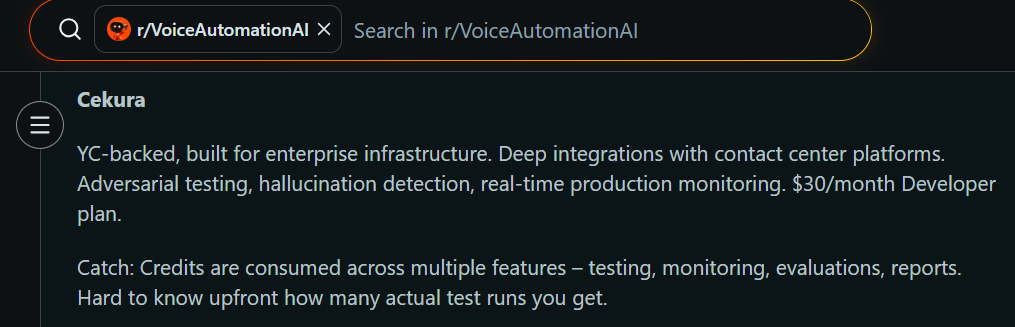
"Credits are consumed across multiple features, testing, monitoring, evaluations, reports. Hard to know upfront how many actual test runs you get." (r/VoiceAutomationAI, Reddit)
Pricing
Pay as you go carries no base fee. Voice testing costs $0.25 per minute, monitored calls $0.05 each, and chat replies $0.025 each. That tier includes 10 concurrent calls, one project, and one free seat, with additional seats at $30 per user monthly.
The Startup plan is $500 a month for roughly 2,000 test minutes, 10,000 monitored calls, 50 concurrent calls, and 10 seats. Enterprise is custom and annual.
Every account opens with 300 free credits, around 60 minutes of voice testing, with no expiry and no credit card.
Bottom Line
I'd point a voice AI engineer here first, because it was the only platform that graded my keypad path and the conversation behind it in one run. If you need in-country carrier coverage, the enterprise platforms above handle that better.
2. Cyara: Best for Enterprise IVR and AI Agent Assurance
What it does: Cyara runs IVR testing, conversational AI assurance, and agentic workflow validation from a single platform.
Best for: Enterprise contact centers keeping a legacy menu tree alive while validating new AI agents from the same QA toolchain.
There is no self-serve sandbox, so evaluation starts with a demo, and the documentation makes the premise obvious fast.
Cyara documents automatic call-flow discovery, which is the capability my planted misroute would test, and it is the only platform here that maps the tree without you describing it first.
Key Features
- Velocity for IVR discovery: auto-generates test scripts from your live call flow.
- Voice Assure across 145+ countries: true in-country dialing over 420+ carriers.
- Botium for conversational AI: validates intent handling and multi-turn behavior.
Pros and Cons
Pros:
✅ Covers legacy IVR discovery and AI agent assurance in one toolchain.
✅ Named deployments at AT&T, Microsoft, and Dexcom.
✅ No-code campaign building for QA staff without engineering support.
Cons:
❌ No published pricing and no trial.
❌ Oversized for a single conversational line.
What Users Say
Quotes below are excerpted from the dislike field of otherwise positive reviews; ratings are given in each attribution.
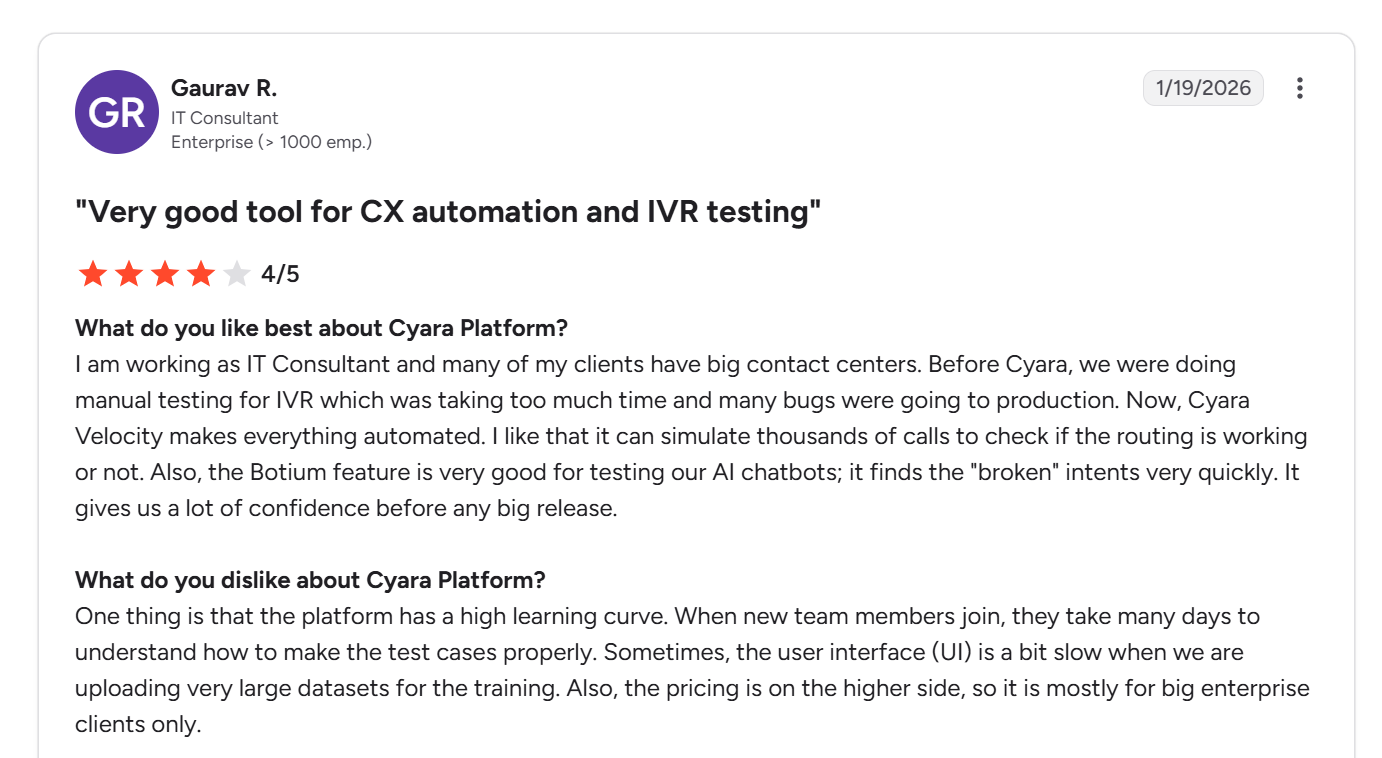
"Cyara Velocity makes everything automated. I like that it can simulate thousands of calls to check if the routing is working or not. " (Gaurav R., G2)
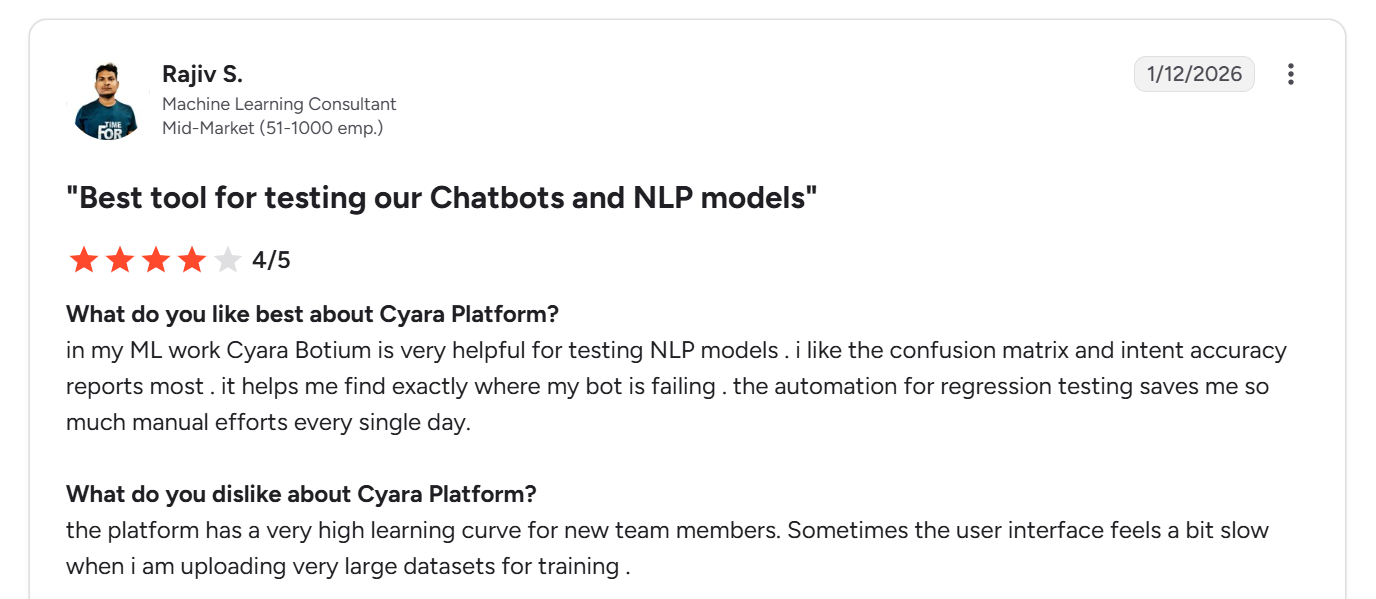
"The platform has a very high learning curve for new team members." (Rajiv S., G2)
Pricing
Custom pricing across all plans. A demo is required before access.
Bottom Line
I'd recommend Cyara to any enterprise still running a real menu tree alongside a new agent, because nothing else here covers both properly. Skip it if your whole footprint is one AI line and a phone number.
3. Klearcom: Best for In-Country Call Path and Number Testing
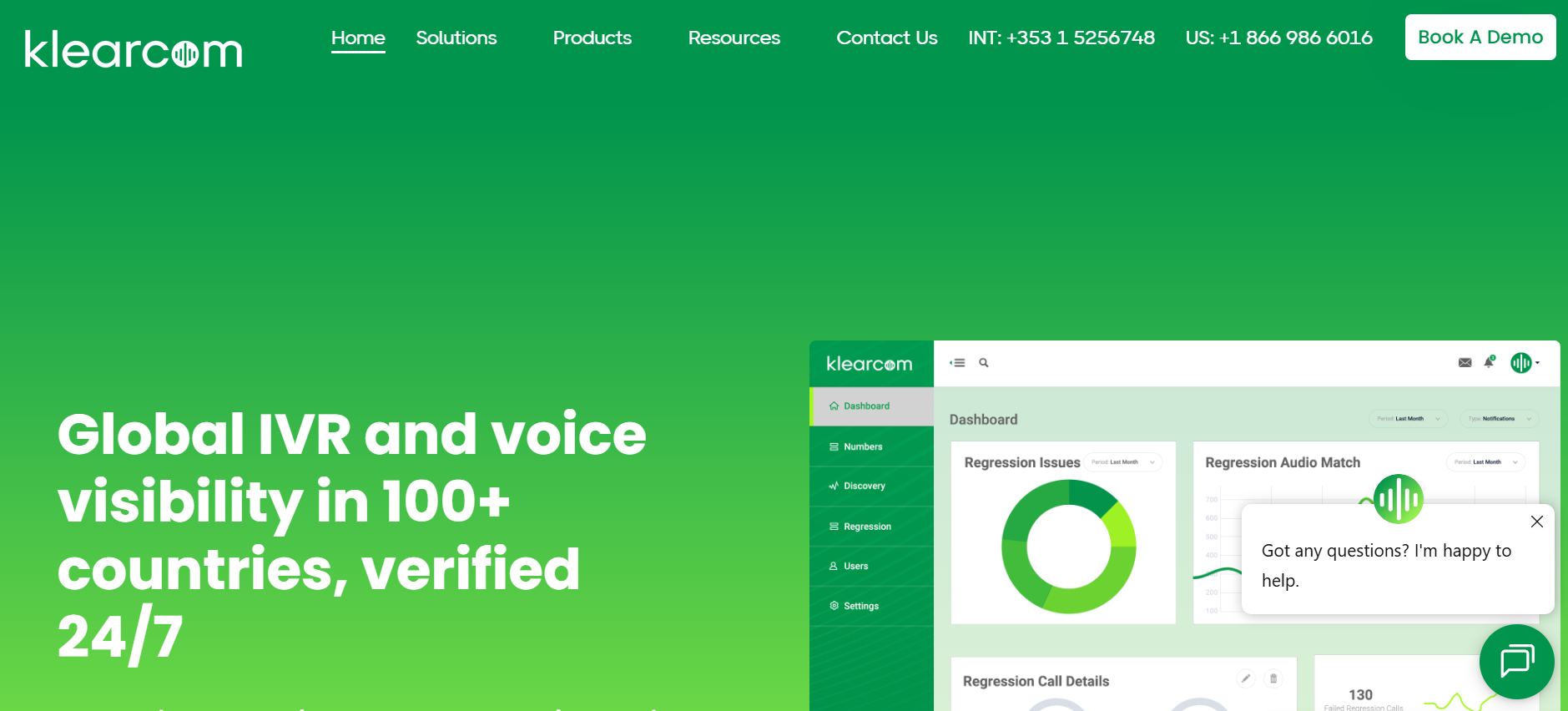
What it does: Klearcom tests toll and toll-free numbers, IVR paths, and audio quality from inside 100+ countries, with nothing installed into your stack.
Best for: Multinational contact centers that need proof that a caller in Brazil reaches the same menu a caller in Ohio does.
This one validates the road rather than the driver, with calls originating on real local carriers, two to four per country.
Klearcom would not have caught any of my planted failures, and that is the correct outcome. Mine were logic problems, and Klearcom watches for the regional faults your internal monitoring cannot see, a layer the Cekura guide to voice quality testing covers in depth.
Key Features
- 100+ country coverage: fixed line and GSM testing through local carriers.
- Speech and DTMF intent testing: confirms intent engines read local-language responses correctly, with IVR messaging transcribed and translated across 100+ languages.
- Digits travel as RFC 4733 named telephone events rather than as audio, which is why a menu that answers correctly on a local carrier can still fail across an international leg.
- Audio fingerprinting and MOS scoring: measures quality at each stage of the call.
Pros and Cons
Pros:
✅ Zero integration work, since it dials in from outside your network.
✅ Catches regional outages your own monitoring will never surface.
✅ Documents legacy call flows during a platform migration.
Cons:
❌ Validates the call path rather than the agent's judgment.
❌ Custom pricing only, with no trial.
What Users Say
Quotes below are excerpted from the dislike field of otherwise positive reviews; ratings are given in each attribution.
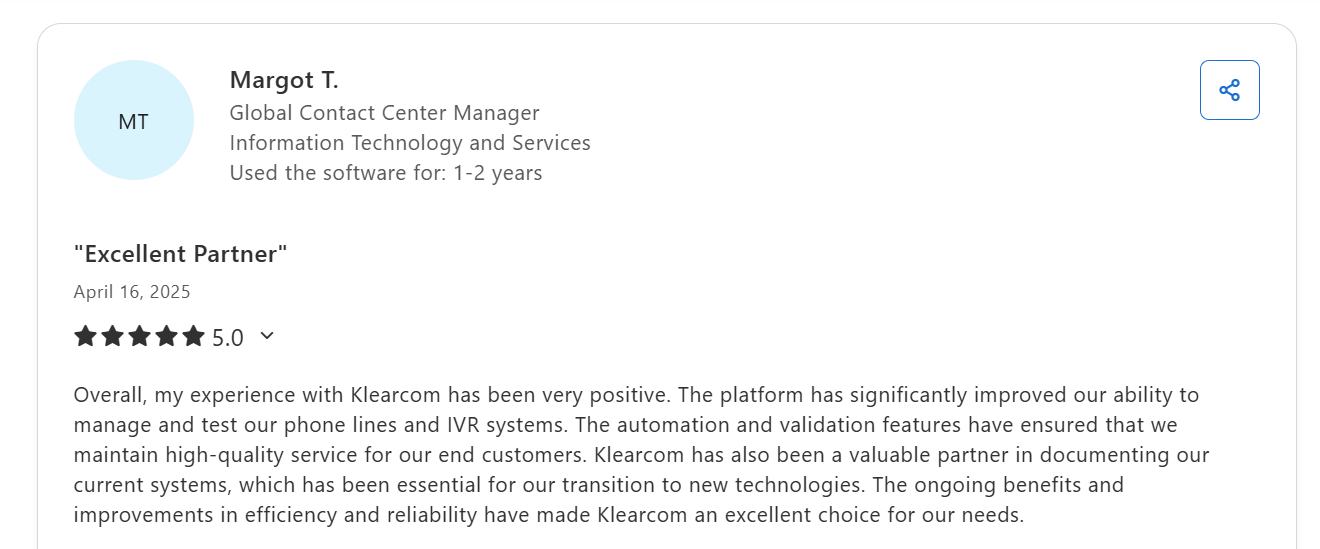
"The platform has significantly improved our ability to manage and test our phone lines and IVR systems." (Margot T., Global Contact Center Manager, Capterra)
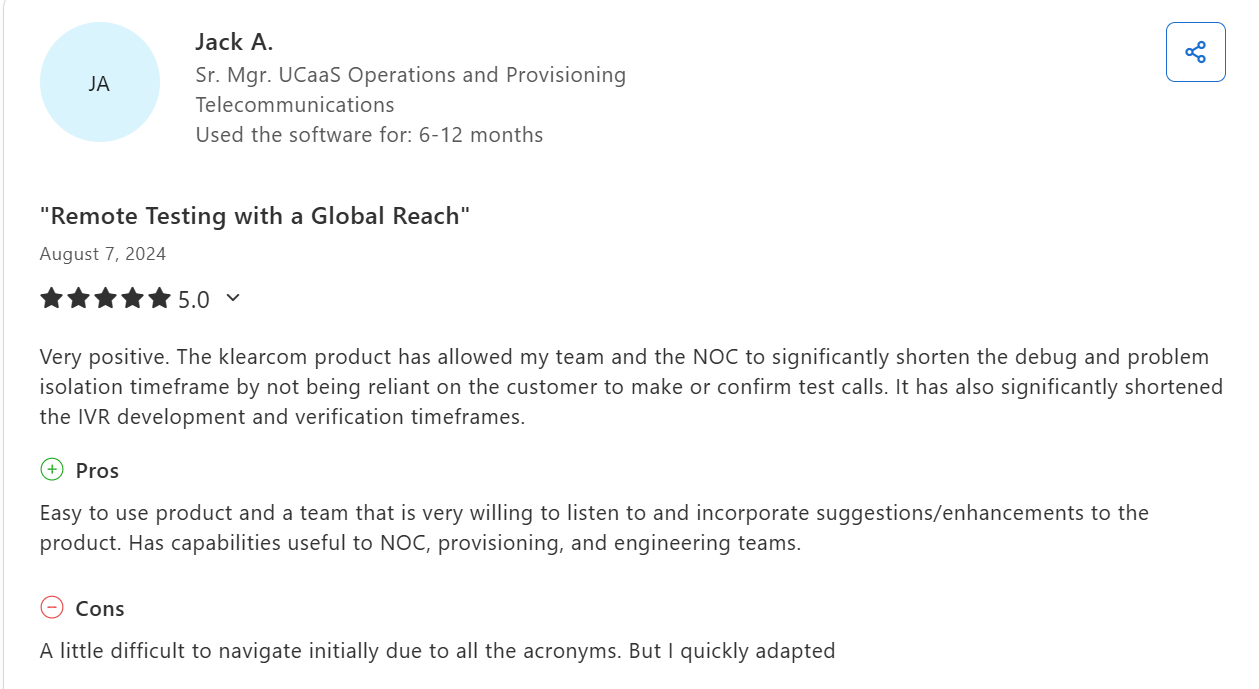
"A little difficult to navigate initially due to all the acronyms. But I quickly adapted." (Jack A., Sr. Mgr. UCaaS Operations and Provisioning, Telecommunications, Capterra)
Pricing
Custom, scoped to country coverage and test frequency. Quotes come through Klearcom directly.
Bottom Line
I'd pair Klearcom with something that scores the conversation, since on its own it answers a different question entirely. A single-country operation will never touch the coverage it pays for.
4. IR Collaborate: Best for IVR Load Testing and CX Validation
What it does: IR Collaborate combines contact center observability with a testing suite that places real telephony calls to validate IVR behavior and simulate peak load.
Best for: Enterprises that need proof the IVR holds at peak load before a seasonal spike or a product launch drives volume through it.
HeartBeat is the piece that matters here. It dials your live numbers around the clock and replicates real customer interactions, so degradation surfaces before a customer reports it.
StressTest then answers the question nobody else on this list asks, which is whether your carrier actually provisioned the lines you paid for.
Key Features
- HeartBeat CX validation: automated calling around the clock over real telephony, reporting live.
- StressTest for IVR load: cloud-based peak simulation ahead of seasonal spikes.
- Prognosis observability: coverage that spans Cisco, Avaya, Genesys, Microsoft Teams, and 50+ platforms in total.
Pros and Cons
Pros:
✅ Load and stress testing that reaches carrier provisioning problems.
✅ One dashboard covering testing and live observability.
✅ Strong multi-vendor coverage for hybrid estates.
Cons:
❌ Built around monitoring, so conversational scoring stays shallow.
❌ IR publishes very few third-party reviews of the testing modules specifically, so independent verification of Collaborate is thin.
What Users Say
Quotes below are excerpted from the dislike field of otherwise positive reviews; ratings are given in each attribution.
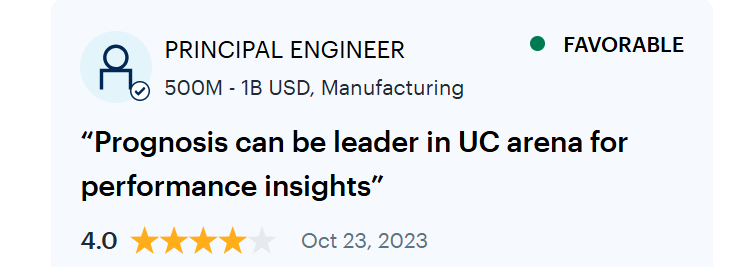
"Prognosis can be leader in UC arena for performance insights." (Verified User. Principal Engineer, Gartner Peer Insights)
Pricing
Not published. Every deployment is scoped and quoted through IR.
Bottom Line
I'd buy IR for the peak-volume question, and the provisioning check nobody else runs. It will confirm the line held, and say nothing about whether the agent answered well.
5. Keysight Eggplant: Best for the Systems Behind the Handoff

What it does: Eggplant models how an application is used, then generates and runs thousands of test paths through it using image and text recognition rather than code hooks.
Best for: Enterprises validating the agent desktop, CRM, and back-office screens the IVR routes callers into, especially on legacy or virtualized systems.
Start with the honest part, because Eggplant does not dial phone numbers and does not send DTMF tones.
What it covers is the half of the journey the other four ignore, since a hanging agent desktop after the transfer is invisible to any menu test. It reads screens the way a person does, reaching Citrix sessions and legacy green screens that DOM-based tools cannot touch.
Key Features
- Model-based test generation: builds thousands of paths from one journey model instead of scripted cases.
- Intelligent computer vision: OCR and image recognition with no access to source code required.
- Eggplant Performance: load testing across network infrastructure, web services, and distributed applications.
Pros and Cons
Pros:
✅ Tests systems no other tool here can reach, including virtual desktops and legacy UIs.
✅ Needs no source code access, which suits secured environments.
✅ One test can carry a journey from screen through to database confirmation.
Cons:
❌ No telephony, no DTMF, and no conversational scoring.
❌ Reviewers report a steep learning curve and occasional OCR misreads.
What Users Say
Quotes below are excerpted from the dislike field of otherwise positive reviews; ratings are given in each attribution.
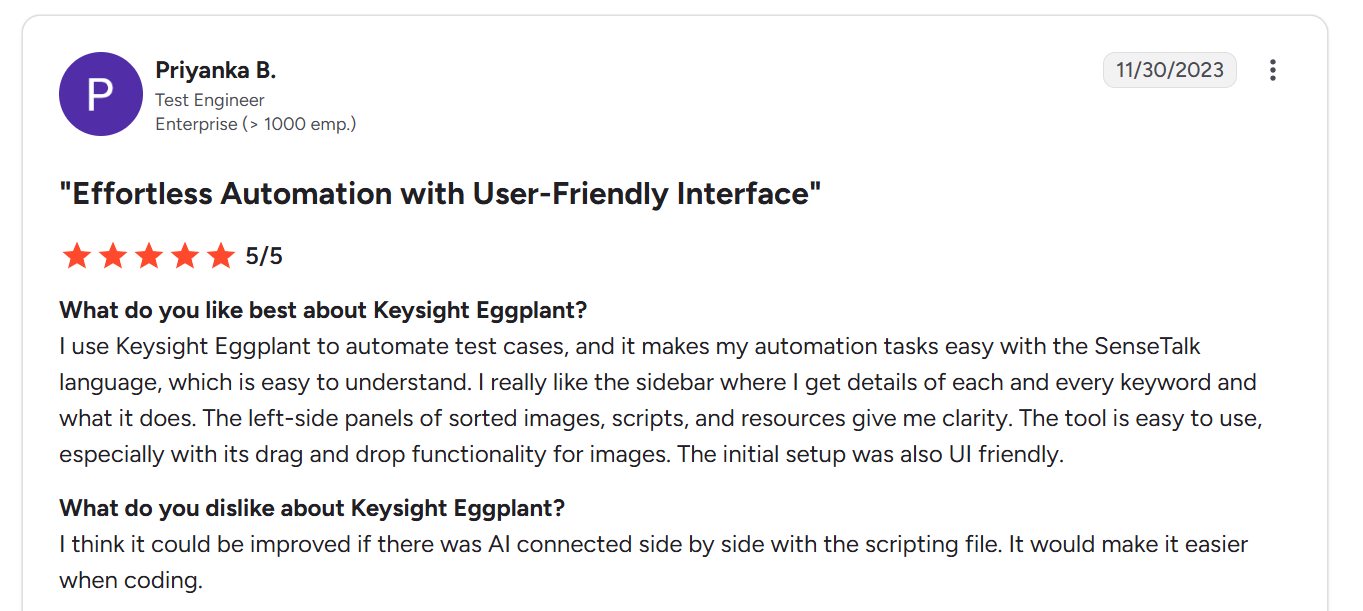
"The tool is easy to use, especially with its drag and drop functionality for images." (Priyanka B. Test Engineer, G2)
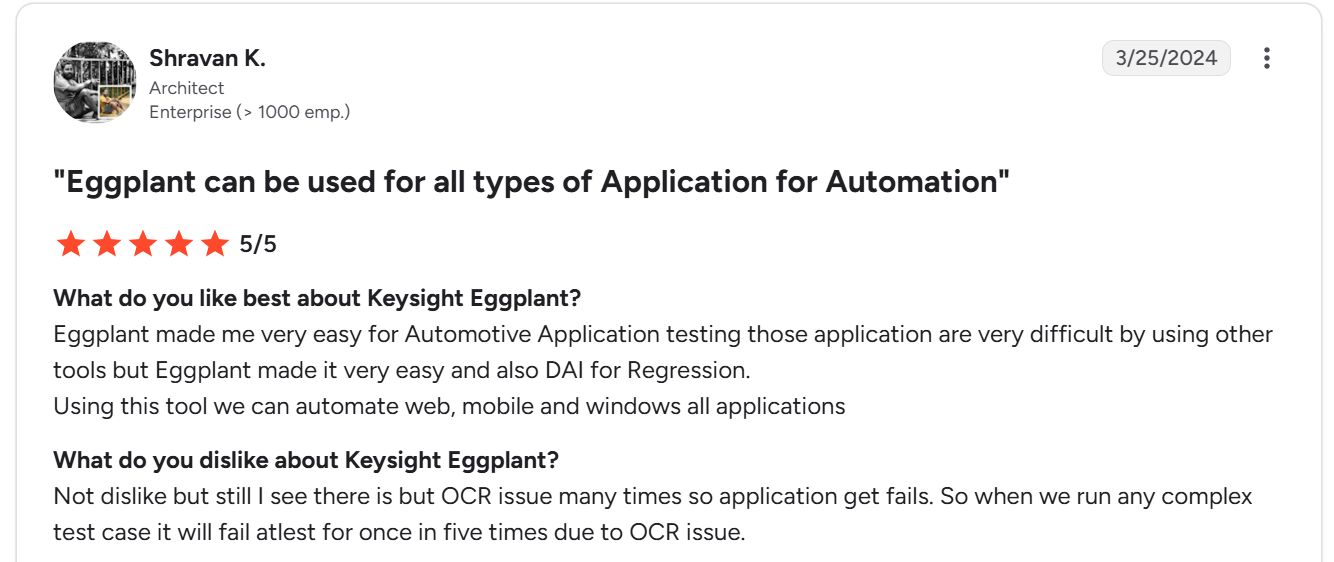
“Not dislike but still I see there is but OCR issue many times so application get fails. So when we run any complex test case it will fail atlest for once in five times due to OCR issue." (Shravan K., Architect, G2, 5/5 review).
Pricing
Not published. A free trial exists, and plans are quoted through Keysight.
Bottom Line
My advice is to treat Eggplant as coverage for what happens after the transfer, paired with something that actually dials. On its own it will never place a call into your IVR.
Which AI IVR Testing Tool Should You Choose?
Match the tool to whichever layer of your call flow is most likely to fail, because none of these leads on all of them.
If you are still choosing between manual and automated coverage of the menu itself, the Cekura guide to IVR testing types and methods covers that layer.
Choose Cekura if you:
- Have a language model answering behind the menu and need conversation quality scored, not just menu paths.
- Want a regression gate that runs on every prompt, model, or voice provider change.
Choose Cyara if you:
- Run an enterprise contact center where the legacy menu still carries real call volume.
- Want IVR discovery and AI agent assurance under one contract.
Choose Klearcom or IR Collaborate if you:
- Need proof that callers in every country reach the same working prompts.
- Have a seasonal peak coming and no idea whether your carrier provisioned the lines.
Choose Keysight Eggplant if you:
- Keep losing callers after the transfer, inside the agent desktop or a legacy back-office screen.
- Test secured or virtualized systems where code-level access is off the table.
Skip this category entirely if:
- Your line is a two-option menu with no agent behind it and no planned changes.
- You are still prototyping and have not settled which call flows are worth asserting against.
Final Verdict
These five AI IVR testing tools separate along one line, which is whether they were built for a keypad, a carrier, a screen, or a conversation. Cyara is the only one covering more than one of those with real depth, and it charges enterprise money for the privilege.
Klearcom owns geography. IR owns peak load and answers a provisioning question nobody else raises. Eggplant owns everything after the transfer and nothing before it. Cekura goes deepest on the agent itself once the caller stops pressing keys.
Pick the layer most likely to fail, then test the seam where your menu hands the caller to the agent.
That handoff is where the planted misroute lived. Klearcom watches the carrier path, IR watches load, and Eggplant never dials a number, so a routing error inside the menu sits outside what all three are built to see.
Test the Seam Where Your Menu Meets the Agent
Cekura runs simulated callers against both halves of the handoff. DTMF tags drive the keypad tree node by node, and open-ended conversations run against the agent behind it, all in one test, with regression gates on every prompt or model change.
The full lifecycle covers three layers:
Pre-production:
- Auto-generated test scenarios from your call flow, keypad, and conversational.
- Red teaming that probes jailbreaks and data extraction on the agent behind the menu.
Infrastructure:
- Interruption, background noise, and per-turn latency scoring under load.
- Side-by-side comparisons before you swap a model, TTS, or telephony provider.
Observability:
- Production call monitoring with drop-off analysis and tool-call tracing on every conversation.
Native integrations work out of the box for LiveKit, Pipecat, VAPI, Retell, ElevenLabs, and Telnyx, so the agent you deploy is the agent that gets tested.
Book a demo to plant your own failure scenarios and watch Cekura score both sides of the handoff against your own stack.
Frequently Asked Questions
What is the best AI IVR testing software for enterprise contact centers?
Cyara suits enterprise contact centers running a legacy menu tree alongside newer AI agents, since it covers both under one vendor, though the modules license separately. Klearcom fits better when the problem is regional call paths, and Cekura when a language model answers behind the menu**.**
Can you automate IVR testing with AI?
Yes, you can automate IVR testing with AI. Platforms generate test scenarios from your call flow, simulate different accents and background noise, then score every call without a person dialing in.
Is IVR testing the same as voice agent testing?
No, IVR testing is not the same as voice agent testing. IVR testing checks a fixed path against exact expected output, whereas voice agent testing scores an open conversation.
How do you test DTMF input on an AI voice agent?
You test DTMF input by sending digit sequences at set points in the call, then asserting on where the call landed. The agent needs the ability to receive tones mid-conversation.
How much does AI IVR testing software cost?
AI IVR testing software ranges from usage-based self-serve pricing, around $0.25 per minute, up to custom enterprise quotes. Four of the five tools here require a sales conversation before you see a number.