Real-time voice agent call monitoring means scoring every call as it completes and alerting the moment a metric fails, not in a sample days later. Once auto-fetch is on, Cekura pulls completed Vapi, Retell, ElevenLabs and Bland calls every 30 seconds, or receives them by webhook, scores latency, interruptions, tool calls and outcomes, and posts failures to Slack.
TL;DR
-
Real-time voice agent call monitoring runs on two clocks: the voice platform and carrier report on a call while it is live, and Cekura scores what was said once it ends.
-
Cekura works on the second clock: it ingests each completed call, scores it against your metrics, and fires a Failure alert as soon as a failing evaluation lands.
-
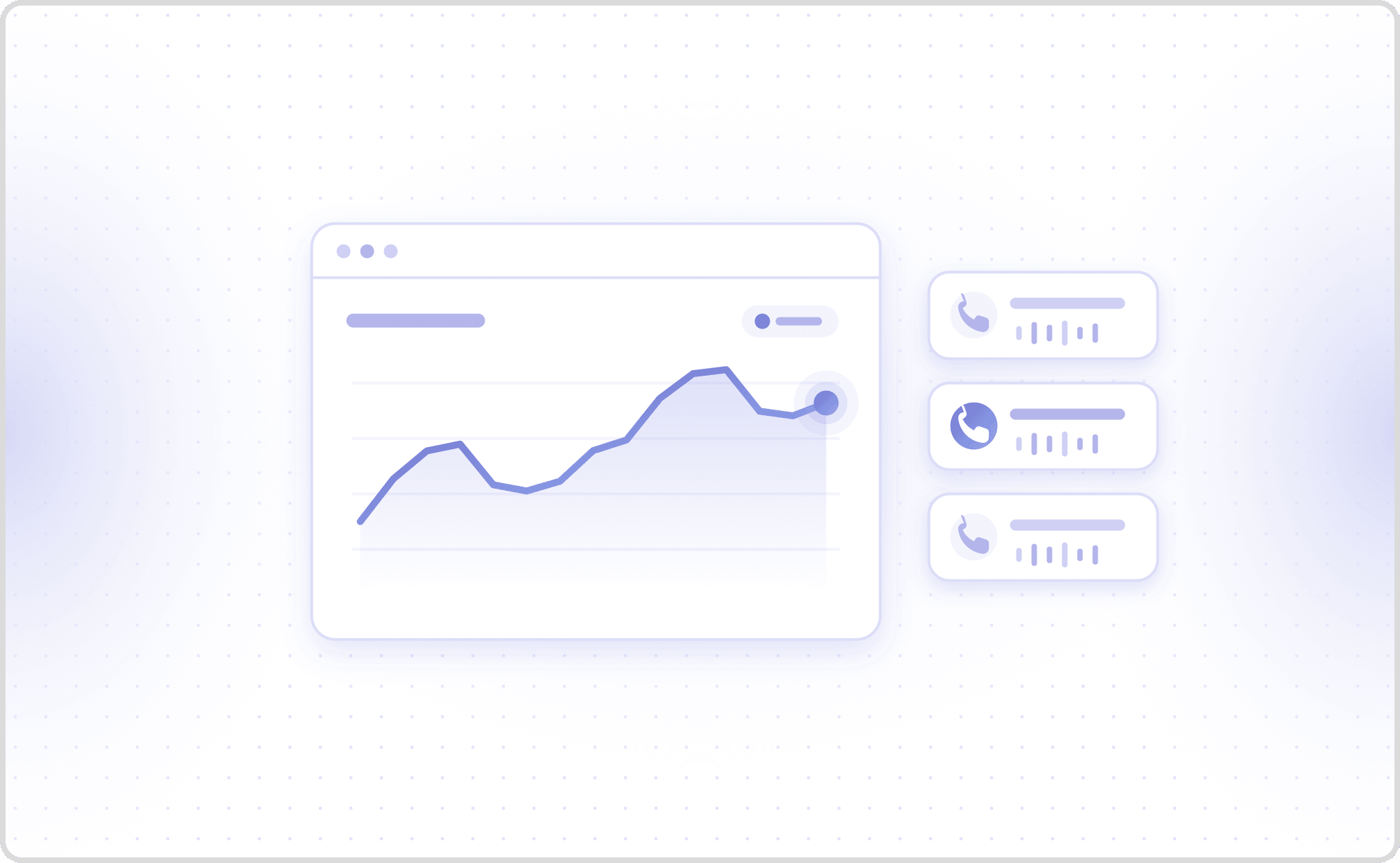
Cekura measures latency from the stereo recording on every agent turn and reports P25 through P99, so a slow tail stays visible behind a healthy average.
-
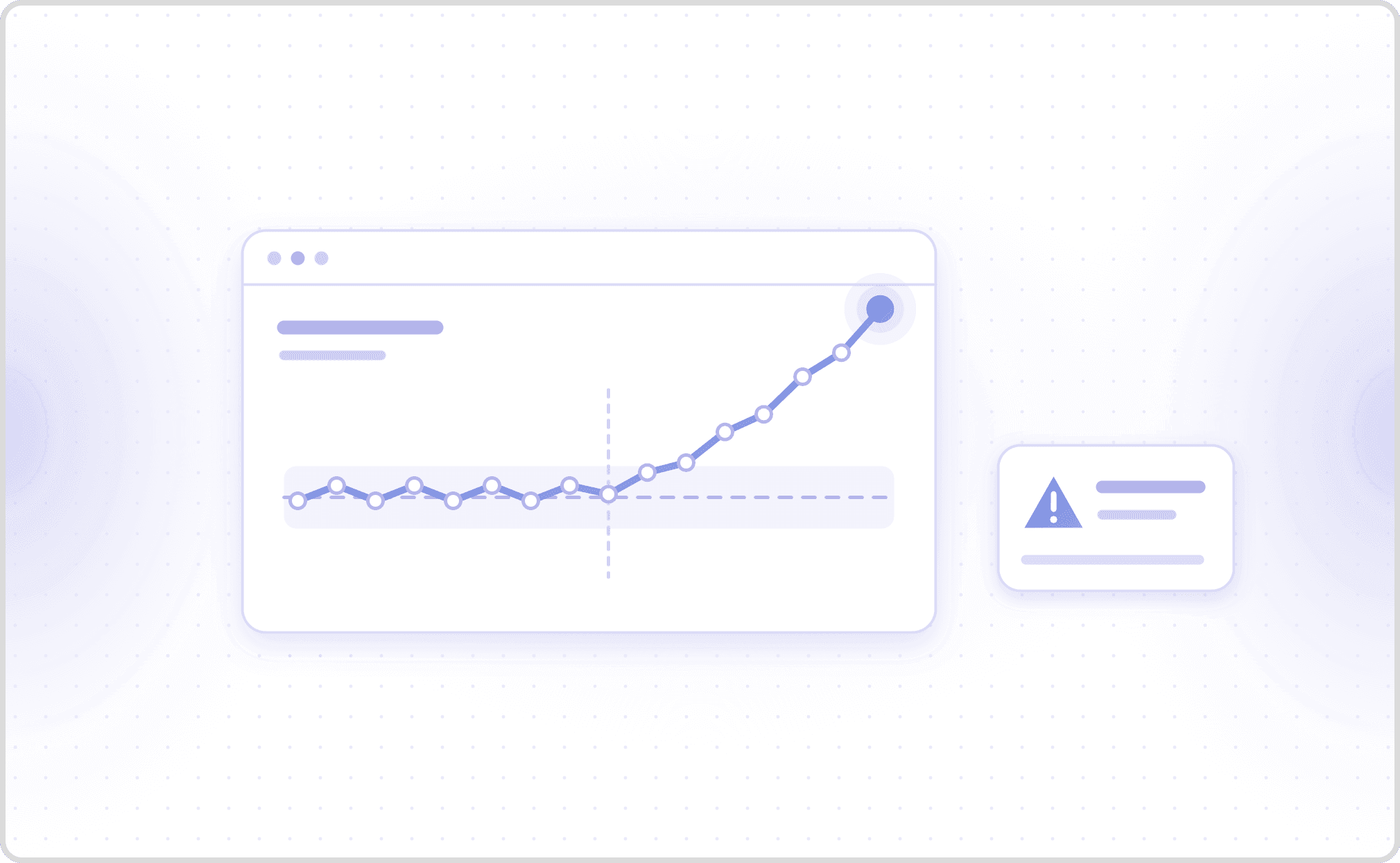
Cekura offers five alert types, Failure, Trend, Threshold, New failure mode and Failure mode spike, each routed to a Slack channel with a link to the call that fired it.
-
Cekura's pricing page lists $0.05 per monitored call on pay-as-you-go, and roughly 10,000 monitored calls a month on the $500 Startup plan.
What is real-time voice agent call monitoring?
Real-time voice agent call monitoring is the practice of watching production calls as they happen and scoring each one as soon as it ends, so a broken flow surfaces within minutes rather than in next week's manual QA sample, which reaches only a small share of calls.
The work runs on two clocks. The in-call clock belongs to the voice platform. Vapi's live call control returns a listenUrl that streams a call's audio over WebSocket while it is in progress and a controlUrl that can inject a message mid-call, and Vapi's server events report each status change from ringing to in-progress to ended.
The per-call clock belongs to the evaluation layer. Cekura works there: Cekura scores the recording and transcript of each completed call against the metrics you define, then alerts on the result. Neither clock replaces the other. A network warning cannot tell you the agent booked the wrong date, and a transcript score cannot rescue a call that is still in progress.
Which signals should real-time voice agent call monitoring track on every call?
Real-time voice agent call monitoring tracks four layers on every call, and Cekura scores three of them: conversation timing, infrastructure and business outcome, while the carrier reports the network.
The network layer comes from the carrier. Twilio's Voice Insights SDK events raise a high-jitter warning when jitter exceeds 30 ms in 3 of the last 5 samples, and low-mos when MOS falls below 3.5 in 3 of the last 5. Those events cover calls made through Twilio's Voice SDKs. For thresholds on audio itself, see voice audio quality monitoring for AI agents.
Cekura scores the other three layers from the recording. Cekura measures latency as the gap between the caller finishing and the agent's first audible response, using VAD on the stereo audio, and reports P25 through P99; P99 latency is where averages hide the failures. Cekura also counts interruptions, detects silence, and checks tool calls and the expected outcome.
Infrastructure failures are common enough to watch for. In Cekura's frozen benchmark of 8 voice agent configurations, the Infrastructure Issues metric scored between 72.36% and 100% of each configuration's 246 retained calls as clean, with calls that never connected kept in the denominator. Those were simulated benchmark calls, not production traffic.
How do alerts turn voice agent call monitoring into real-time incident response?
Alerts are what make voice agent call monitoring real-time: Cekura attaches each alert to one metric, evaluates it as scored calls arrive, and posts to Slack with a Go to call button that opens the call that fired it. Cekura's alerts documentation defines five types.
| Alert type | Fires when | Example setting |
|---|---|---|
| Failure | A single call fails the metric | No tuning: fires once per failing call |
| Trend | The metric drifts from its rolling baseline, measured by an EWMA | Balanced preset: 50-call window, 2.0 standard deviations, alpha 0.30 |
| Threshold | A numeric metric crosses a value you set | Latency above 500 ms on 3 of the last 50 calls |
| New failure mode | A root-cause category appears that Cekura has not seen for that metric | Minimum calls before firing, default 1 |
| Failure mode spike | A known failure mode jumps against its own history | Balanced preset: 5 or more calls in 24 hours and 3 times the 7-day baseline rate |
Cekura's Failure alert is the one to put on a workflow step the agent must never skip, such as a recording disclosure. Trend alerts catch slow decline, but they need a few full windows of calls before they can fire, so a new trend alert on a low-traffic metric stays quiet at first. Cekura does not fire alerts on calls that failed because of an internal Cekura platform error, which keeps the channel about your agent. Every alert can be scoped with filters to one agent, region or customer segment. Cekura also posts each evaluation result to a webhook you set, so scores can reach your own database or dashboard. Cekura's GitHub Actions integration runs your test scenarios on every pull request or on a schedule.
Which tools handle real-time voice agent call monitoring, and should you build or buy?
Of the tools that handle real-time voice agent call monitoring, Cekura answers whether the agent did its job, while platform and carrier tools answer whether the call is live and the line is healthy.
| Option | Sees the call while live | Scores what the agent said and did | Alerts on quality | Cost basis | Setup |
|---|---|---|---|---|---|
| Cekura | Not for scoring: the LiveKit and Pipecat SDKs capture audio, tool calls, logs and traces during the call, and Cekura scores it once it ends | Yes: latency, interruptions, tool calls, outcome, LLM-judged metrics | Five alert types to Slack | $0.05 per monitored call, or about 10,000 calls in the $500 Startup plan | Enable auto-fetch, send a webhook, add the LiveKit or Pipecat SDK, or call the custom API |
| Voice platform events and live call control | Yes: status events, partial transcripts, audio stream | No: you write the scoring | Only what you build | Included with the platform | You write event handlers |
| Carrier network analytics, such as Twilio Voice Insights | Yes: jitter, packet loss, MOS, round-trip time | No | Network warnings only | Set by the carrier | Set up with the carrier |
| Manual QA sampling | No | Yes, on a small sample | No | Reviewer hours | None |
| In-house pipeline | If you build it | If you build graders | If you build it | Engineering time plus model tokens | Build the five systems below |
Building in-house means running five systems that are not your agent: a webhook receiver for every provider, storage for recordings, graders for each metric, a baseline and drift detector, and Slack routing that does not page anyone on a one-off spike. Each grader then needs calibrating against human labels before its alerts can be trusted. It wins when call data cannot leave your network. Choose Cekura when the question is whether calls worked and alerts should reach Slack; choose the platform's live events when you must see a call before it ends. Cekura replaces that pipeline with ingestion connectors and predefined metrics, and Cekura's client-side redaction script strips PII before a call reaches Cekura.
What are the best practices for implementing real-time voice agent call monitoring in customer service?
Implementing real-time voice agent call monitoring in customer service with Cekura comes down to two decisions: which calls get scored, and which alerts deserve a human.
-
Score critical workflow checks on every call. Cekura's metric sampling evaluates a fixed share of calls, exactly 30 of every 100 at 30%, and its docs advise keeping sampling off for critical boolean workflow metrics.
-
Page on Failure alerts, review the rest. Each Cekura alert picks its own Slack channel: send compliance Failure alerts to on-call, the rest to review. A threshold of 3 breaches in 50 calls ignores one slow call and still catches a sustained regression.
-
Check the judge's consistency before trusting its alerts. Kawin Mayilvaghanan, Siddhant Gupta and Ayush Kumar tested 18 LLMs on 3,000 contact-center transcripts: average flip rates on binary judgments ran from 5.4% to 13.0% by model when only an identity, context or style cue changed. These were human-agent calls, and the rate measures consistency, not accuracy. Cekura's metric optimizer tunes a metric against labelled calls.
-
Turn every alert into a test. Cekura's optimization loop writes scenarios from failing production calls and reproduces the failure first. You can also replay production calls against a new model version.
Frequently asked questions
What are the best tools for real-time voice agent call monitoring?
Cekura is the evaluation layer among the best tools for real-time voice agent call monitoring, and the voice platform's own live events are the other layer: live events show what is happening now, and Cekura scores whether the agent did its job. Cekura ingests completed calls from Vapi, Retell, ElevenLabs, Bland, LiveKit, Pipecat or a custom API, scores each one, and alerts to Slack.
How much does real-time voice agent call monitoring cost?
Cekura's pricing page lists $0.05 per monitored call on pay-as-you-go, with one seat free, and roughly 10,000 monitored calls a month on the $500 Startup plan. Cekura's docs describe the underlying meter as credits per metric run, with audio metrics such as latency and silence at 0 credits, and the pricing page states the per-call rate. Sampling cuts cost on high-volume agents by scoring a fixed share of calls.
Does Cekura handle real-time voice agent call monitoring?
Yes. Cekura ingests production calls by webhook, by auto-fetch every 30 seconds for Vapi, Retell, ElevenLabs and Bland, through its LiveKit and Pipecat SDKs, or through a custom API. Cekura scores each call on predefined and custom metrics and fires Failure, Trend, Threshold, New failure mode and Failure mode spike alerts to Slack. Cekura does not intervene in a call while it is live.
Can real-time voice agent call monitoring meet compliance and audit requirements?
Yes. Cekura's Startup plan lists a signed BAA and DPA with 90-day log retention, and Enterprise adds SSO, SCIM, audit logs and a VPC or on-prem option. Cekura can redact PII after ingestion, or a client-side script removes it before anything leaves your network. Cekura's Pipecat SDK can hold audio until the caller consents.
How quickly does a production call show up in Cekura?
With auto-fetch enabled, Cekura checks Vapi, Retell, ElevenLabs and Bland for new completed calls every 30 seconds, so a call appears within about 30 seconds of ending. The option is off by default. Cekura's docs recommend the webhook setup when calls must appear in real time. Once a call is scored, a Failure alert fires immediately, while Trend alerts wait for enough calls to build a baseline.