
This Vapi review cuts through the setup guides. The platform works, but the gap between what it promises and what non-engineers experience in production is worth knowing before you commit.
Quick Verdict
What it does well: Vapi gives developers genuine control over their stack, with support for 16 LLM variants, 18 voice providers, and latency around 800ms depending on the models you pick.
Where it falls short: Pricing layers stack fast, and support outside the enterprise is basically a Discord thread. There's no native layer for pre-production call testing or live monitoring. Teams typically pair Vapi with another tool like Cekura for that coverage.
Who it's best for: Engineering teams building custom, high-volume voice products who need to choose their own providers at every layer of the stack.
What Is Vapi?
Vapi (Voice API) is a developer-first platform for building, testing, and deploying AI voice agents over the phone and web. It connects a speech-to-text engine, a large language model, and a text-to-speech provider into a single real-time pipeline.
If your team wants control over every layer of a call, from how the agent transcribes audio to how it generates the spoken reply, that's the team Vapi was designed around.
Key Features
One thing that stands out in this Vapi review is how many features the platform packs in. Breaking it into groups makes it easier to judge.
Core Infrastructure
- Real-time voice orchestration: Vapi runs three components in sequence. A speech-to-text engine that transcribes the caller, a language model that decides what to say, and a text-to-speech engine that speaks the reply. The whole loop targets response times between p.
- Real-time voice orchestration: Vapi runs three components in sequence. A speech-to-text engine that transcribes the caller, a language model that decides what to say, and a text-to-speech engine that speaks the reply. The whole loop targets response times between 500 and 700ms.
- Bring Your Own Model (BYO) architecture: You pick the providers at each layer. For transcription, that means Deepgram, AssemblyAI, or Whisper. For reasoning, you can run OpenAI, Claude, or a custom model. For voice output, you choose between ElevenLabs, Azure, or Play.ht. Switching any of them does not require rebuilding your setup.
- Language coverage and scale: Over 100 languages are available through whichever providers you configure. The infrastructure handles over one million concurrent calls once your routing is configured.
Builder Tools
- Flow Studio visual builder: A drag-and-drop editor that is fine for sketching a basic conversational flow. Once you need branching conditions, error handling, or anything tied to external data, you move into the API.
- Workflows (formerly Blocks): Heavier than Flow Studio, with multi-step logic, live API calls mid-conversation, and conditional routing based on what the caller says.
- Squads: Connect multiple specialized agents so calls transfer between them without the handoff resetting the conversation. Teams use it for multi-stage flows like medical intake or sales qualification, where a single agent prompt is not enough.
Integrations & Data
- Tool calling and webhooks: Vapi fires requests to external systems during a live call, so the agent pulls records from a CRM, checks availability, or updates an order without putting the caller on hold.
- Knowledge Base: Upload PDFs or CSVs, and the agent references them through the Query Tool during calls. No direct sync with support platforms like Zendesk or Help Scout.
- Call analysis and Custom Boards: Each conversation generates a summary, a success score, and structured data that feeds into your CRM. Custom Boards sit on top of that, letting you track the numbers your team actually cares about.
Compliance & Limits
- Compliance: HIPAA (US healthcare data regulation) and SOC 2 Type II (security audit standard) are available on the Enterprise tier or for an extra fee of $1,000 on the pay-as-you-go tier. ISO 27001 (international security certification) and role-based access controls are not included by default.
- Limitations: No native SMS or chat, phone numbers are only in the US and Canada, call history is capped at 14 days outside the enterprise plan, and there's no in-dashboard environment to test your agent before going live.
Vapi Reviews: What Real Users Are Saying
The feature list looks solid on paper. What people actually experience after going live is a different story.
Pros
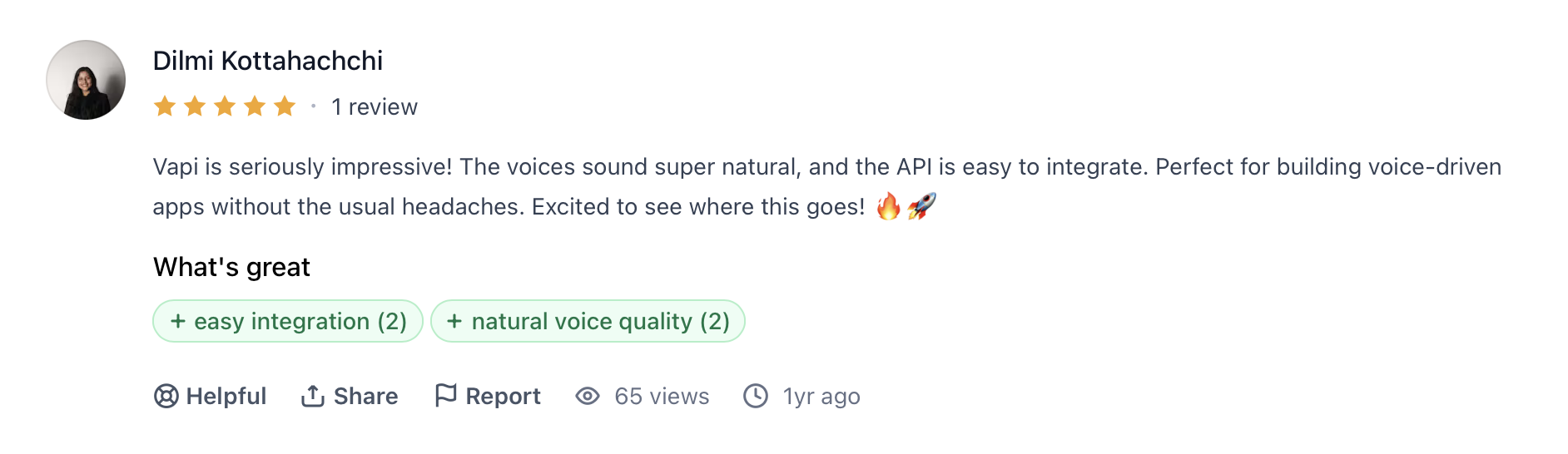
✅ "Vapi is seriously impressive! The voices sound super natural, and the API is easy to integrate. Perfect for building voice-driven apps without the usual headaches." — Dilmi Kottahachchi, Product Hunt
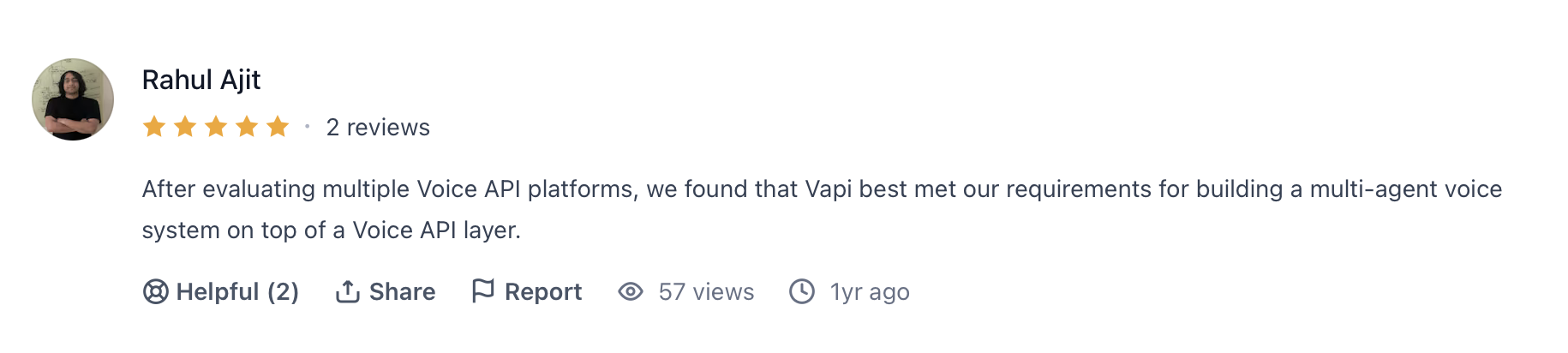
✅ "After evaluating multiple Voice API platforms, we found that Vapi best met our requirements for building a multi-agent voice system on top of a Voice API layer." — Rahul Ajit, Product Hunt

✅ "Thank you, VAPI for offering excellent speech to text API's and being easy to connect to Twilio. Could not have launched without you!" — Peter Van Doorn, Product Hunt
Cons
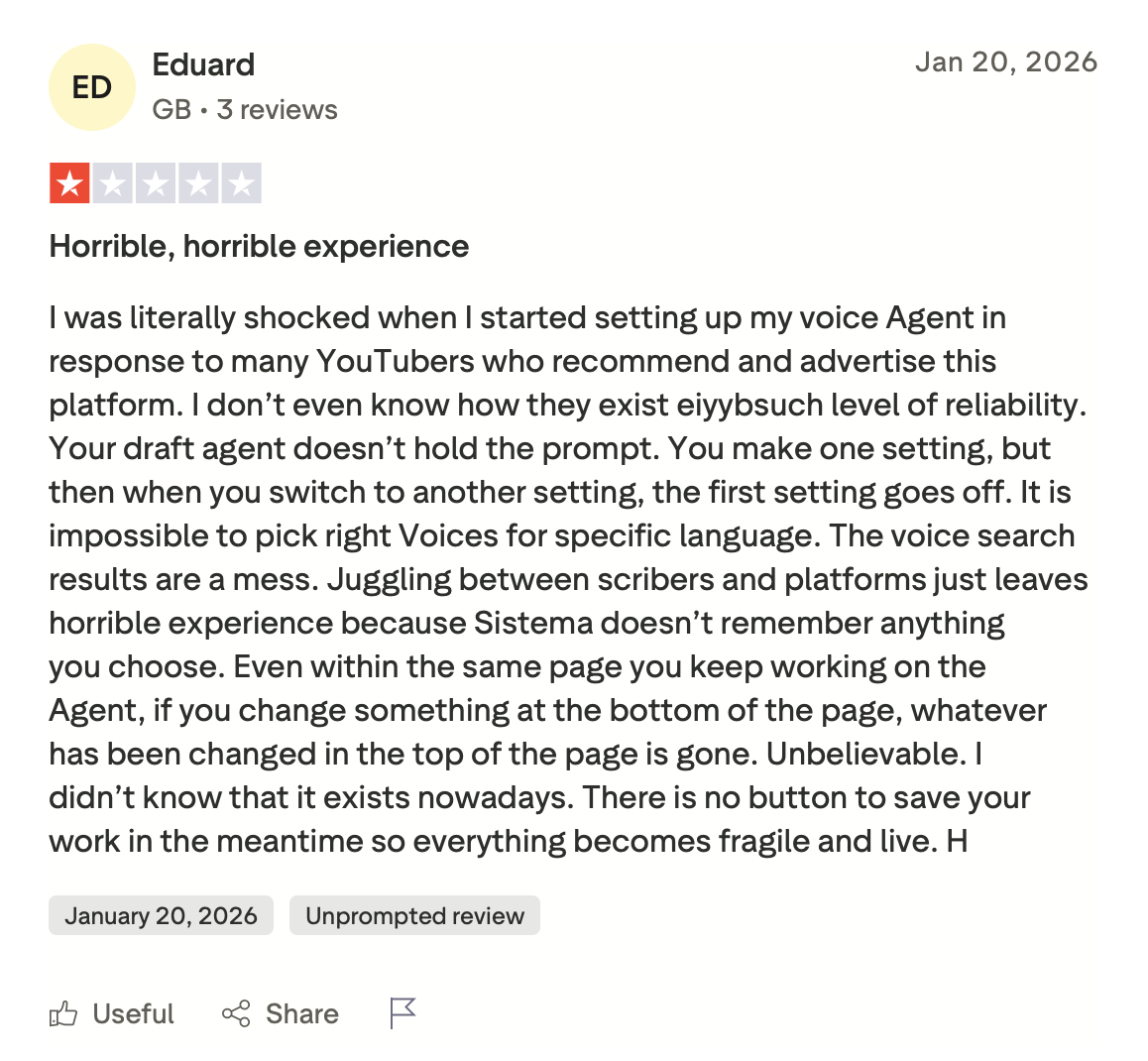
❌ "Your draft agent doesn't hold the prompt. You make one setting, but then when you switch to another setting, the first setting goes off." — Eduard, Trustpilot
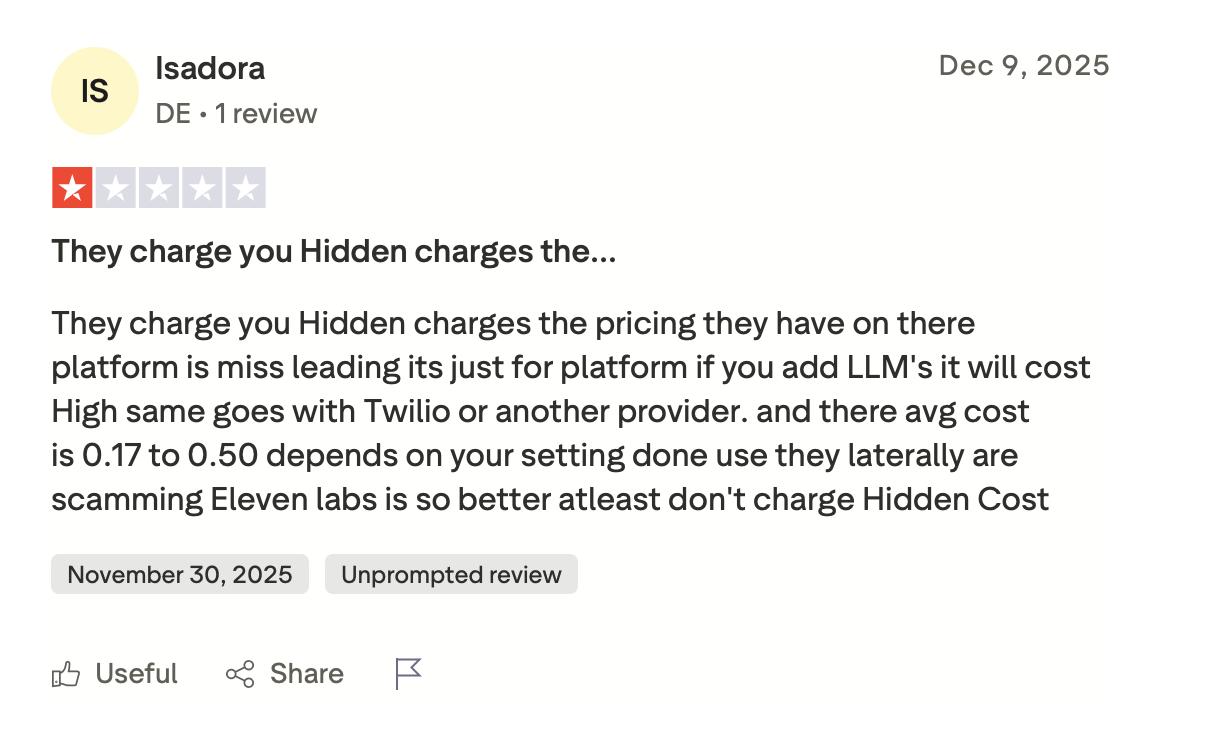
❌ "They charge you hidden charges. The pricing they have on their platform is misleading. It's just for the platform. If you add LLMs, it will cost high. Same goes with Twilio or another provider." — Isadora, Trustpilot
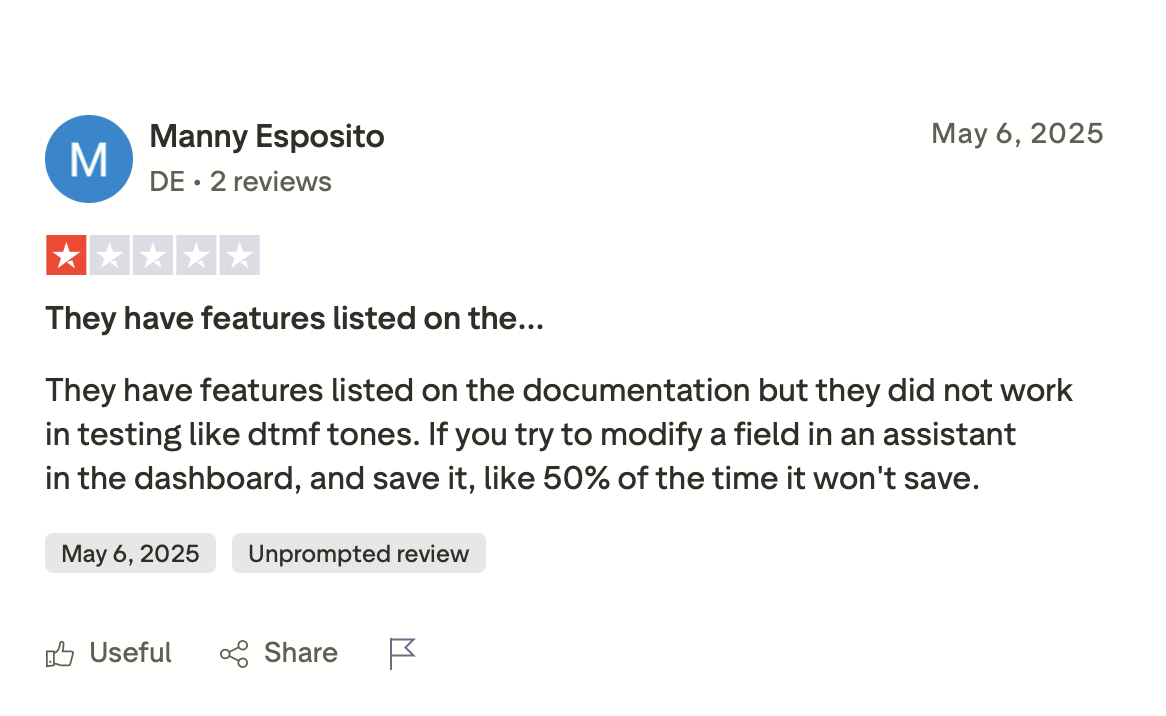
❌ "They have features listed on the documentation, but they did not work in testing, like DTMF tones." — Manny Esposito, Trustpilot
Overall, users who come in with a clear technical setup tend to get solid results. The complaints that show up most consistently are hidden pricing layers and features that work in documentation but not in production.
My Personal Take on Vapi
I tested Vapi by building a restaurant order-taking assistant using GPT-4o Mini and a custom prompt. With Smart Endpointing active and latency tuned to the 750-900ms range, the voice agent felt natural in a way that simpler no-code alternatives cannot match.
What frustrated me was the gap between the product's ceiling and its floor. When everything works, Vapi is a solid infrastructure. When something breaks, you're largely on your own unless you are on an enterprise plan.
The friction points users report are real. Prompts don't save, models ignore instructions, and charges appear without warning. The workflow builder has improved, but it still falls short of what competitors offer at the same price point.
The praise for flexibility and the frustration with pricing are both completely justified. Vapi rewards engineers who treat it as programmable infrastructure, and it consistently disappoints those who come in expecting something closer to a finished product.
Is Vapi Right for You?
Based on this Vapi review, the answer depends less on the platform and more on who's running it.
Who will love it:
- Developer teams that need to own every layer of their voice stack and have the backend knowledge to configure, maintain, and debug it over time.
- Teams running high-volume calling operations where sub-second response times and provider flexibility matter more than a polished dashboard.
Who should avoid it:
- Non-technical founders or small teams who need to ship fast without writing backend code. The no-code builder covers the basics, but anything beyond a simple flow requires engineering support.
- Businesses with unpredictable call volumes and no tolerance for usage-based billing across multiple providers. Without close monitoring, costs drift fast.
The Missing Layer: How Cekura Keeps Vapi Working in Production
Vapi gives you the infrastructure to build. But it doesn't give you visibility into whether your agent performs once real callers are on the line. Most teams find out something is wrong after the fact, when a caller drops off or a prompt update breaks the flow.
Cekura runs on top of Vapi and fills that gap. You add a testing and monitoring layer on top of what you already have, without touching your existing setup.
Pre-launch:
- Testing at scale: Thousands of simulated calls run before go-live, catching the edge cases that only surface when real callers push your agent off-script.
- Interruption detection: When the agent talks over a caller or cuts off mid-sentence, Cekura catches those timing patterns before they become a habit.
Live monitoring:
- Latency tracking: Pinpoints where slowdowns originate in the pipeline so you know exactly what to fix after each update.
- Conversation replay: When something breaks, replay that exact exchange against your updated configuration to confirm the fix held.
Iteration & optimization:
- CI/CD integration: Every time you swap an LLM, update a prompt, or change a voice provider, Cekura runs your full test suite before anything reaches production.
- A/B testing: Compare multiple versions of your agent against the same call scenarios and review results in one place.
- Custom evaluation: Score every call on accuracy, missed intents, and incorrect responses using your own criteria.
Compliance:
- SOC 2, HIPAA, and GDPR compliant: Transcript redaction, role-based access, and audit trails included.
Native integrations work out of the box for VAPI, Retell, ElevenLabs, LiveKit, Pipecat, Bland, and more.
Are you building on Vapi and want to verify your agent performs under real conditions? Schedule a demo with Cekura to see how it can run on top of Vapi and boost your results.
Final Verdict
After this in-depth Vapi review, if you need full control over your voice stack and have the engineering bandwidth to run it, Vapi is hard to beat.
But if you want something you can ship fast, maintain without a developer, or budget predictably, there are better options.
Frequently Asked Questions
Is Vapi Free to Use?
No, Vapi isn't free. New accounts get $10 in trial credits, roughly 150 to 200 minutes depending on your model setup, and all usage after that is billed per minute.
How Much Does Vapi Cost Per Minute?
Vapi costs between $0.07 and $0.25 per minute in real configurations. The base orchestration fee is $0.05, but speech-to-text, your language model, and text-to-speech each add their own cost on top.
Is Vapi Good for Non-Developers?
No, Vapi isn't a good fit for non-developers. Conditional logic, external data, and multi-agent setups require backend code, and without an engineer on the team, you'll hit a wall before you ship anything meaningful.
Is Vapi HIPAA Compliant?
Vapi is HIPAA compliant, but it comes with a $1,000 add-on fee. ISO 27001 is not available on any plan.
What Is the Difference Between Vapi and Retell AI?
The main difference between Vapi and Retell AI is who they're built for. Vapi gives developers full control over their model stack. Retell trades that flexibility for a simpler setup that non-technical users can actually manage.
What Support Does Vapi Offer?
Standard users get a community Discord with 25,000+ members. Dedicated technical support and guaranteed response times are available only with an enterprise plan.