
LLMStudio usually means LM Studio, a desktop app that runs open models offline on your own machine, but two other projects share the name. I read the vendor docs for LM Studio and H2O LLM Studio, plus the TensorOps README, to sort out which one you need.
LM Studio is free for work use and runs on Apple Silicon Macs, Windows, and Linux. If you came here for fine-tuning or an API gateway, jump to the H2O LLM Studio and TensorOps LLMstudio section.
TL;DR: What Is LLMStudio?
Three developer tools share the name, and each does a different job. LM Studio runs open models offline and serves them through a local API, H2O LLM Studio fine-tunes models, and TensorOps LLMstudio proxies LLM API calls. Match the tool to the job.
What Is LLMStudio? The 30-Second Answer
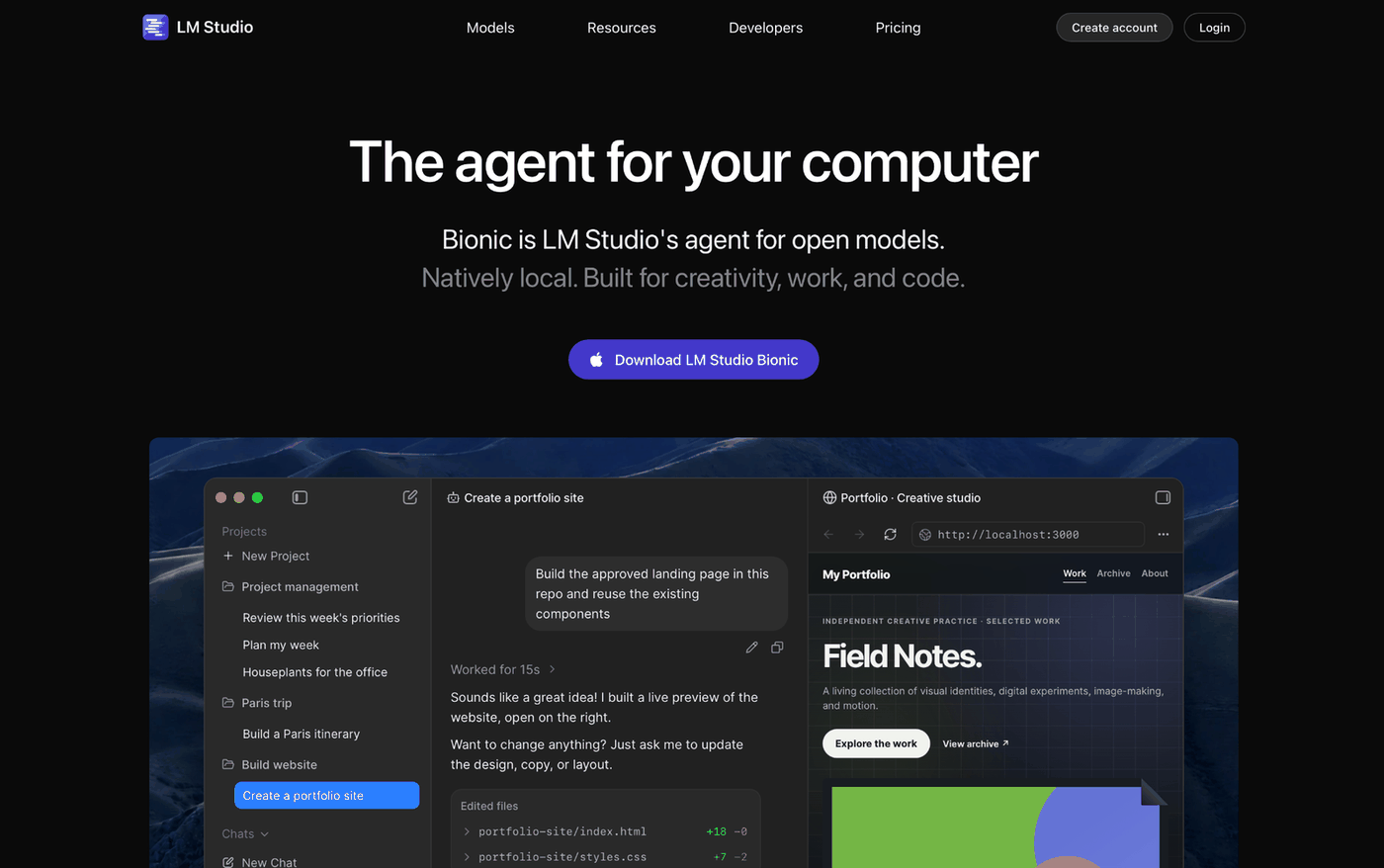
LLMStudio is a name several tools share, but it most often means LM Studio, a desktop app that downloads open models and lets you chat with them on your own computer.
The other two developer tools handle narrower jobs, and a few newer enterprise platforms have borrowed the name too. The table below sorts them out.
LM Studio costs nothing to download and has been free for use at work since July 2025. It runs on macOS, Windows, and Linux.
Key Features
-
Offline model execution. Once the model files are downloaded, LM Studio loads them without an internet connection, and a document you drag into a chat stays on your computer too (Discover search and model downloads still need one).
-
Model downloader. The app's downloader pulls models from Hugging Face. In the Discover tab you search by keyword or
user/modelstring, and the search bar accepts a full Hugging Face URL. Variants such as Q3_K_S and Q_8 are quantizations, so each one trades some quality for a smaller file. -
Chat with documents. You can attach .docx, .pdf, and .txt files to a chat. A short file goes into the context whole, while a long one goes through retrieval (RAG), which the docs say sometimes needs tuning and experimentation.
-
OpenAI-compatible local server. Point an OpenAI client at
http://localhost:1234/v1and it talks to whichever model you've loaded. The endpoints are/v1/chat/completions,/v1/completions,/v1/embeddings,/v1/models, and/v1/responses.
Beyond those endpoints, the developer docs add the lmstudio-js and lmstudio-python SDKs plus the LM Studio REST API. Anthropic-compatible endpoints are listed there too.
- Bionic agent. Bionic, LM Studio's agent for open models, comes with the Free plan and its limited web search. It creates and edits documents, and it handles coding tasks and automations. It also transcribes your voice locally, all on top of the MLX and llama.cpp runtime.
How Does LLMStudio Work?
Once you load a model, LM Studio keeps it in memory and exposes it via a chat window and a local API. Loading means allocating memory for the model's weights in your RAM, so the file size and your RAM decide what runs.
The product comes in three pieces. The LM Studio app is the graphical interface, llmster is a headless daemon that runs without a GUI, and lms is the command-line tool that controls both.
To serve a model, open the Developer tab and toggle "Start server", or run lms server start from a terminal. The server can also be exposed to other devices on your local network.
AnythingLLM, a separate chat app, connects the same way. Its docs say to download LM Studio first and start its own inference server before connecting AnythingLLM.
What you can load depends on your hardware, and the system requirements differ by platform:
-
macOS: Apple Silicon (M1 to M4) and macOS 14.0 or newer, with 16GB+ RAM recommended. An 8GB Mac may still run smaller models with modest context sizes. Intel Macs aren't supported.
-
Windows: x64 needs AVX2 instruction set support. The docs recommend at least 16GB of RAM and at least 4GB of dedicated VRAM. ARM (Snapdragon X Elite) is supported.
-
Linux: Ubuntu 20.04 or newer, shipped as an AppImage, on x64 or ARM64.
How Does LM Studio Compare With Ollama?
LM Studio and Ollama both host open models on your own hardware and speak an OpenAI-style API, so Ollama is the closest comparison. They differ on interface and license.
| Dimension | LM Studio | Ollama |
|---|---|---|
| Interface | Desktop app with Discover, Chat, and Developer tabs | Desktop app and CLI, plus a REST API at localhost:11434/api/chat and the ollama-python and ollama-js libraries |
| License | Own terms: personal or internal business use | MIT |
| Platforms | macOS (Apple Silicon), Windows (x64, ARM), Linux (AppImage) | macOS, Windows, Linux, Docker image |
| Local API base URL | http://localhost:1234/v1 | http://localhost:11434/v1/ |
| Paid cloud plans | Bionic+ at $20 USD/month, Pro at $100 USD/month | Pro at $20/month or $200/year billed annually, Max at $100/month, Team at $500/month, and Enterprise with custom pricing |
Hosting models on your own hardware costs nothing on either tool, so the prices above cover only the optional cloud plans. They were verified against vendor pages on October 8, 2026, so confirm with the vendor before you commit.
LM Studio is the easier first setup, because browsing, downloading, loading, and chatting all happen in one window. Ollama makes more sense when the model server runs in Docker or the license has to be MIT.
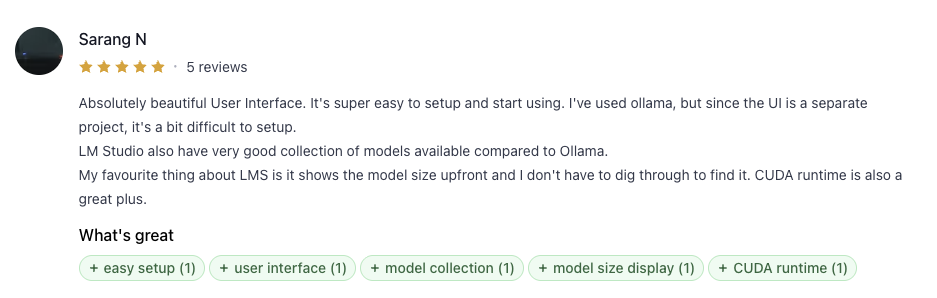
Sarang N, who has used both, wrote on Product Hunt that with Ollama, "since the UI is a separate project, it's a bit difficult to setup," and that LM Studio has a "very good collection of models available compared to Ollama."
Where Do H2O LLM Studio and TensorOps LLMstudio Come In?
If you searched for fine-tuning or an LLM gateway, start with the table below.
| Tool | Type | Best For | Starting Price |
|---|---|---|---|
| LM Studio | Desktop app and API server | Chatting with open models and serving them to your own code | $0 (Free plan), own terms |
| H2O LLM Studio | No-code fine-tuning GUI | Fine-tuning models on an NVIDIA GPU | $0, Apache 2.0 |
| TensorOps LLMstudio | LLM proxy and tracker | Routing and logging calls to OpenAI, Anthropic, and Google | $0, MPL-2.0 |
H2O LLM Studio fine-tunes models with LoRA and 8-bit training, and it supports DPO/IPO/KTO optimization. It needs Ubuntu 16.04+ with at least one recent NVIDIA GPU (24GB of GPU memory recommended for larger models), so a Mac or a CPU-only laptop cannot run it. The interface runs at localhost:10101.
TensorOps LLMstudio has LLM Proxy Access for OpenAI, Anthropic, and Google models, plus Monitoring and Logging. It also adds a Prompt Playground UI and Batch Calling.
Routing with fallback comes with it too. Install it with pip install 'llmstudio[proxy, tracker]' and start it with llmstudio server --proxy --tracker.
The README marks its docs site as "coming soon," and the notebook examples are the learning path until it lands. Its license is MPL-2.0.
What Do the Docs and Reviewers Say About LM Studio?
This piece draws on the vendor docs and the six Product Hunt reviews, which average 5.0 stars as of October 2026. I haven't run LM Studio on my own hardware, and six reviews is a small sample, so the praise below comes from a small group of users.
Pros
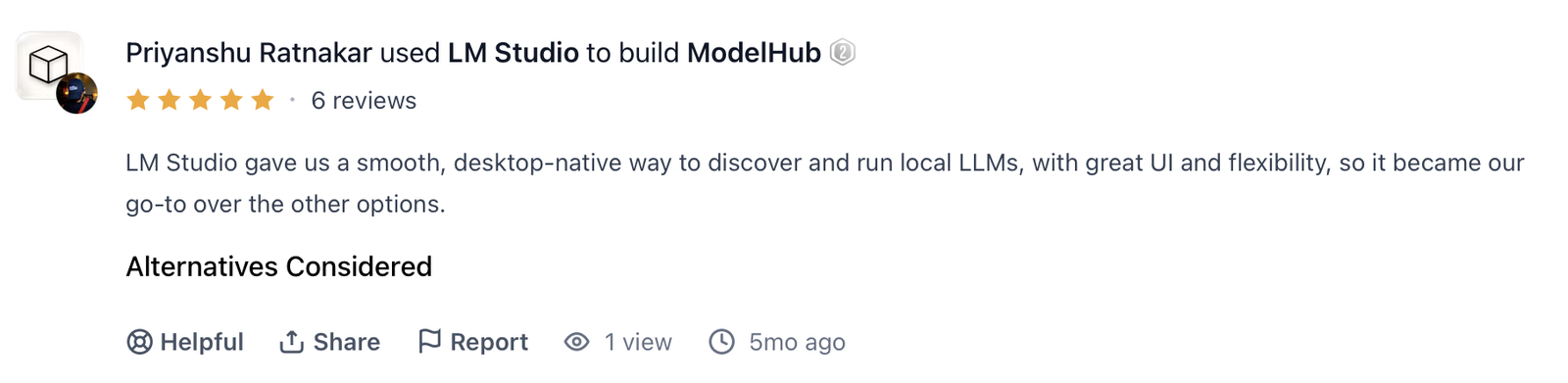
- Reviewers like the setup. Sarang N wrote, "Absolutely beautiful User Interface. It's super easy to setup and start using." Priyanshu Ratnakar, who used LM Studio to build ModelHub, called it "a smooth, desktop-native way to discover and run local LLMs."
The docs back that up with a short path to a first chat, from install through Discover and download to loading the model in Chat.
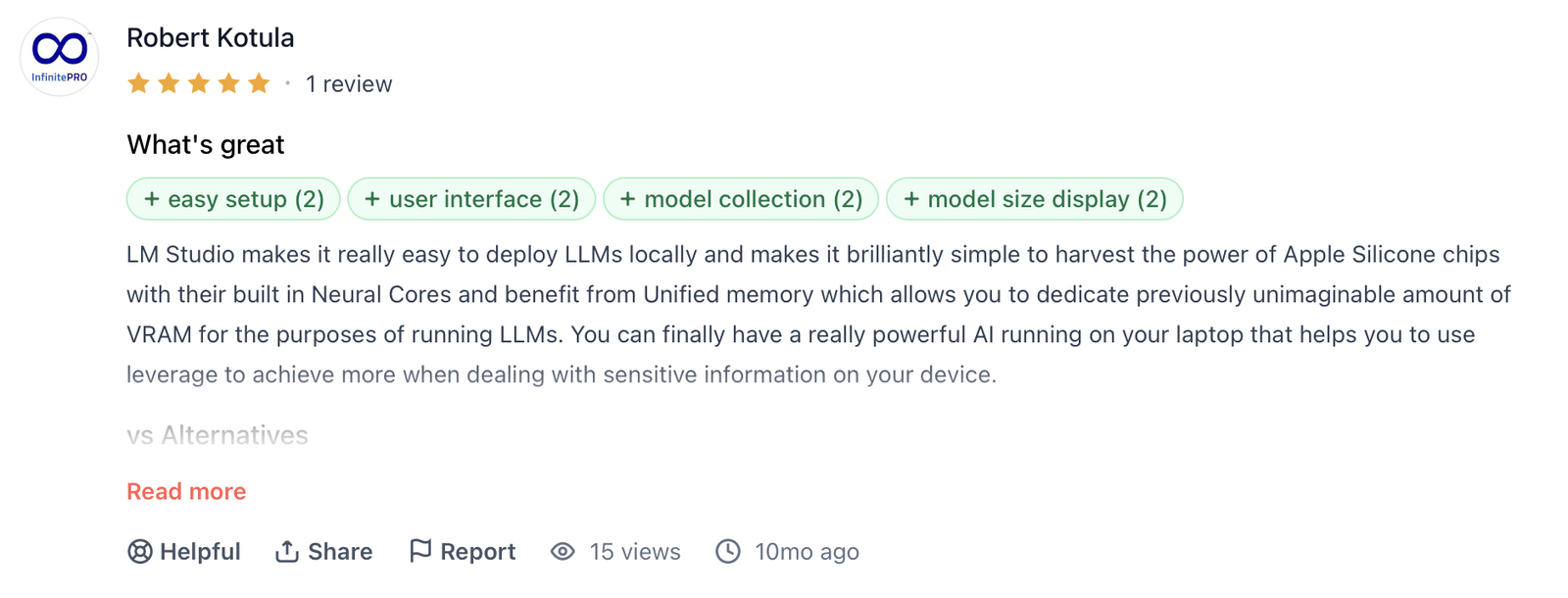
- Apple Silicon support. Robert Kotula pointed to the Apple Silicon angle, writing, "LM Studio makes it really easy to deploy LLMs locally and makes it brilliantly simple to harvest the power of Apple Silicone [sic] chips…"
The requirements page agrees, since Apple Silicon is the only Mac chip LM Studio supports.
-
Private by default. Chat, document chat, and the local server all work offline once the model is on disk. Ievgen Khoptiar, who used LM Studio to build VoiSistant, summed it up as "Integrated for local, private LLM processing."
-
Developer tooling. The tooling goes beyond the GUI, from the SDKs and REST API to the llmster headless daemon.
Cons
-
8GB machines and Intel Macs are limited or unsupported (see system requirements above).
-
License terms. LM Studio's terms limit use to personal or internal business purposes and bar modification, derivative works, sublicensing, and distribution.
Ollama is MIT and H2O LLM Studio is Apache 2.0, so anyone who plans to modify or redistribute the software will want to start from one of those.
Should You Use LM Studio? My Take
If you want an LLM running on a machine you control, LM Studio runs it from a single app. The other two LLMStudio projects handle narrower jobs, and the choice comes down to your hardware and your license needs.
Who Should Use LM Studio?
-
Developers who want a local OpenAI-compatible endpoint to develop code against, since local models run on your own hardware instead of a metered API.
-
Apple Silicon owners with 16GB+ RAM who want to try several open models quickly.
-
People working with files that shouldn't leave the machine, because, per the docs, chat attachments are processed locally.
-
Anyone choosing between quantization variants of the same model, which Discover lists as separate downloads.
Who Should Skip LM Studio?
-
If you plan to fine-tune a model. H2O LLM Studio was designed for that, though it needs an NVIDIA GPU.
-
If you run your model server in Docker, or ship MIT-licensed software. Ollama suits that job better.
-
If you use an Intel Mac, which LM Studio doesn't support.
Is LM Studio Free? What You Pay for in 2026
Yes, the app is free, and two paid plans add cloud features. Bionic+ at $20 USD / month brings US-hosted open source models, discounted bulk tokens, and web search and page extraction.
Pro at $100 USD/month comes with 5× usage limits and early access to new features. The Free plan costs $0 and includes Bionic and local models on llama.cpp and MLX, plus offline voice transcription, LM Link for up to 5 devices, and limited web search.
The pricing page lists both plans per month and shows no annual option or discount. Bionic cloud inference runs with zero data retention.
How to Get Started With LM Studio in 5 Steps
Check your hardware first, since model size dictates which models you can run.
-
Check your RAM and chip against the requirements above. On Windows x64, confirm AVX2 support too.
-
Install the app from the download page. Pick the build for your platform.
-
Download a model in the Discover tab. Search by name, such as "Llama," and pick a quantization variant that your RAM can hold.
-
Load it in the Chat tab. Open the model loader, select your download, and start the conversation. Attach a PDF if you want to try document chat.
-
Start the server. Toggle "Start server" in the Developer tab, then set your OpenAI client's base URL to
http://localhost:1234/v1.
Try the full loop with a small model first, from download and load through chat and one API call. Then move to larger models, up to what your RAM allows.
LM Studio Best Practices From the Docs
Go offline after the downloads finish. Searching Discover, downloading models, fetching runtimes, and using the in-app updater all depend on a network connection. Models already on disk run offline.
RAG queries work best in the source's own words. The RAG docs advise you to "provide as much context in your query as possible" and to mention terms you expect in the document.
Quantization is worth testing on your own prompts. Run the same prompt through two quantizations and compare the answers before you settle on one.
Point a judge setup at LM Studio. If you score a local model's answers with a second LLM as judge, LM Studio's endpoint speaks the OpenAI API, so any judge setup that accepts a custom base URL can use it.
Two mistakes to avoid:
-
Installing MCP servers you haven't vetted. LM Studio has been a Model Context Protocol (MCP) Host since version 0.3.17, and the docs warn: "Some MCP servers can run arbitrary code, access your local files, and use your network connection."
-
Pairing a big model with a big context on 8GB. Use smaller models and modest context sizes there.
Testing an Agent Before It Reaches Live Users
In LM Studio, you see how a model answers your prompts on your own machine. An agent serving live users adds new checks, such as whether it recovers when a caller interrupts mid-sentence and whether a compliance disclaimer still fires after a prompt update.
Cekura covers those checks by running thousands of synthetic voice and chat conversations ahead of release and monitoring live calls afterward.
Pre-Production
- Simulated multi-turn conversations before go-live check workflow completion and hallucinations, including after a prompt change. Conversation replay runs a broken production call against your updated agent to confirm the fix works.
Infrastructure Testing
- Cekura tests how the agent holds up against interruptions, plus the latency and audio-path problems that single-turn evals and text-only traces can miss.
Production Monitoring
- Live calls are monitored for drift and interruption patterns, with alerts when a metric moves off baseline.
Cekura's observability guide lists barge-in detection and interruption latency as voice-specific signals alongside text-based LLM observability. LLM monitoring is the ongoing measurement of how an LLM application behaves in production.
Cekura has native integrations with Retell, Vapi, ElevenLabs, LiveKit, Bland, and Pipecat, among others. You add a testing and monitoring layer on top of what you already run.
For regulated teams, Cekura holds SOC 2 Type II, HIPAA, and GDPR compliance. It redacts sensitive entities such as card and Social Security numbers before transcripts are stored, and it has a read-only viewer role.
Book a demo to see how Cekura tests your agent before live callers reach it.
My Verdict on LLMStudio
Of the three LLMStudio options, I'd install LM Studio first if you want a model running today. It's one desktop app with a local API that existing OpenAI client code can point at, and it has a Free plan.
Start with the small-model loop from the steps above, then point one OpenAI client at http://localhost:1234/v1. When an agent you prototype with LM Studio reaches live users, Cekura runs simulated conversations against it and monitors its live calls.
Frequently Asked Questions
What Is LLMStudio?
LLMStudio is the name of three tools. LM Studio is a desktop app that downloads and runs open language models locally. H2O LLM Studio is a no-code fine-tuning interface, and TensorOps LLMstudio is a proxy and tracker for LLM API calls.
Is LM Studio Free?
Yes. The app costs nothing for personal or work use, and the Free plan is $0. The paid plans are Bionic+ at $20 USD / month and Pro at $100 USD / month, and both add cloud features.
What Is LM Studio Used For?
People use LM Studio to chat with open models offline and ask questions about their own documents. Developers also point OpenAI-compatible clients at http://localhost:1234/v1 to build against a model running on your own hardware.
What Is the Difference Between LM Studio and Ollama?
The main difference between LM Studio and Ollama is the interface and the license. LM Studio comes with a graphical interface under its own terms, while Ollama is MIT-licensed with a REST API and an official Docker image.
What Is the Best Tool for Testing an AI Agent Running on a Local Model?
Cekura adds the conversation-level testing layer once the agent talks to live users, running simulated voice and chat conversations before launch and monitoring production calls afterward. LM Studio's role is running and serving the model.