
I tested over 15 conversational AI platforms for deployment speed and reliability under real conversation load. The pattern became clear: the technology works. Testing and monitoring are where most implementations break down.
This guide covers which platforms actually deliver in production and what separates reliable conversational AI deployments from those that fail when it matters.
9 Best Conversational AI Platforms: At a Glance
Here's how they compare on the factors that matter most when choosing a conversational AI platform:
| 🖥️ Platform | 🎯 Best For | 💰 Starting Price | ⚡ Key Strength |
|---|---|---|---|
| Retell AI | Developer-first voice automation | From $0.07/min | Highest multi-step workflow adherence in our testing |
| Synthflow | No-code voice agent deployment | Pay-as-you-go or custom enterprise plans | Fast setup, production-ready voice |
| VAPI | Full infrastructure control | Free, usage-based | Maximum configurability for dev teams |
| Telnyx | Voice agents with telephony built in | From $0.05/min | Carrier network and AI stack in one vendor |
| Murf AI | Voice-first AI agents with natural speech | Free plan, paid from $19/month | Lifelike, multilingual voice quality |
| Bland AI | High-volume outbound calls | Free, usage-based | Raw speed and scale at the enterprise level |
| ElevenLabs | Teams that prioritize voice quality | Free, usage-based | Best-in-class voice realism |
| Dialora | SMB voice agent automation | From $39/month (200 mins) | Predictable pricing, vertical templates |
| Cognigy | Enterprise omnichannel contact centers | Custom enterprise pricing | Proven at a global scale, Gartner-recognized |
How I Evaluated These Tools
Most conversational AI platforms get reviewed on features and pricing. I looked at something different: what happens when the conversation gets messy, and whether the system still completes the task correctly.
I tested these tools, ranging from traditional scheduling platforms to full voice AI agents, looking for one thing: reliability under pressure.
What I Looked For
I focused on five things:
- Conversational logic: Can it handle requests like "move this to Tuesday if the weather clears up"?
- Tool-call accuracy: Does it write correctly to the calendar, CRM, or payment processor without creating duplicates?
- Integrations: Does it connect cleanly with Google Calendar, Outlook, Zapier, or Twilio?
- Multi-step management: Can it handle complex, multi-turn conversations with the same reliability as simple ones?
- Monitoring: Does it give me a way to audit what the AI actually did, not just what it said?
How I Tested Each Tool
I ran each tool through four stages:
- Onboarding: How fast could I get a working agent into a real channel? Anything that required more than a few minutes of configuration before a first test was a red flag.
- Stress testing: I tested scenarios with accents, background noise, and mid-conversation changes to see if the logic held.
- End-to-end validation: I tracked every interaction from the first voice prompt to the final system action using Cekura, checking for silent failures and incorrect outputs.
- Performance auditing: I reviewed the logs for each tool. If something failed, how easy was it to find out why?
1. Retell AI: Best for Custom Conversational AI Voice Agents
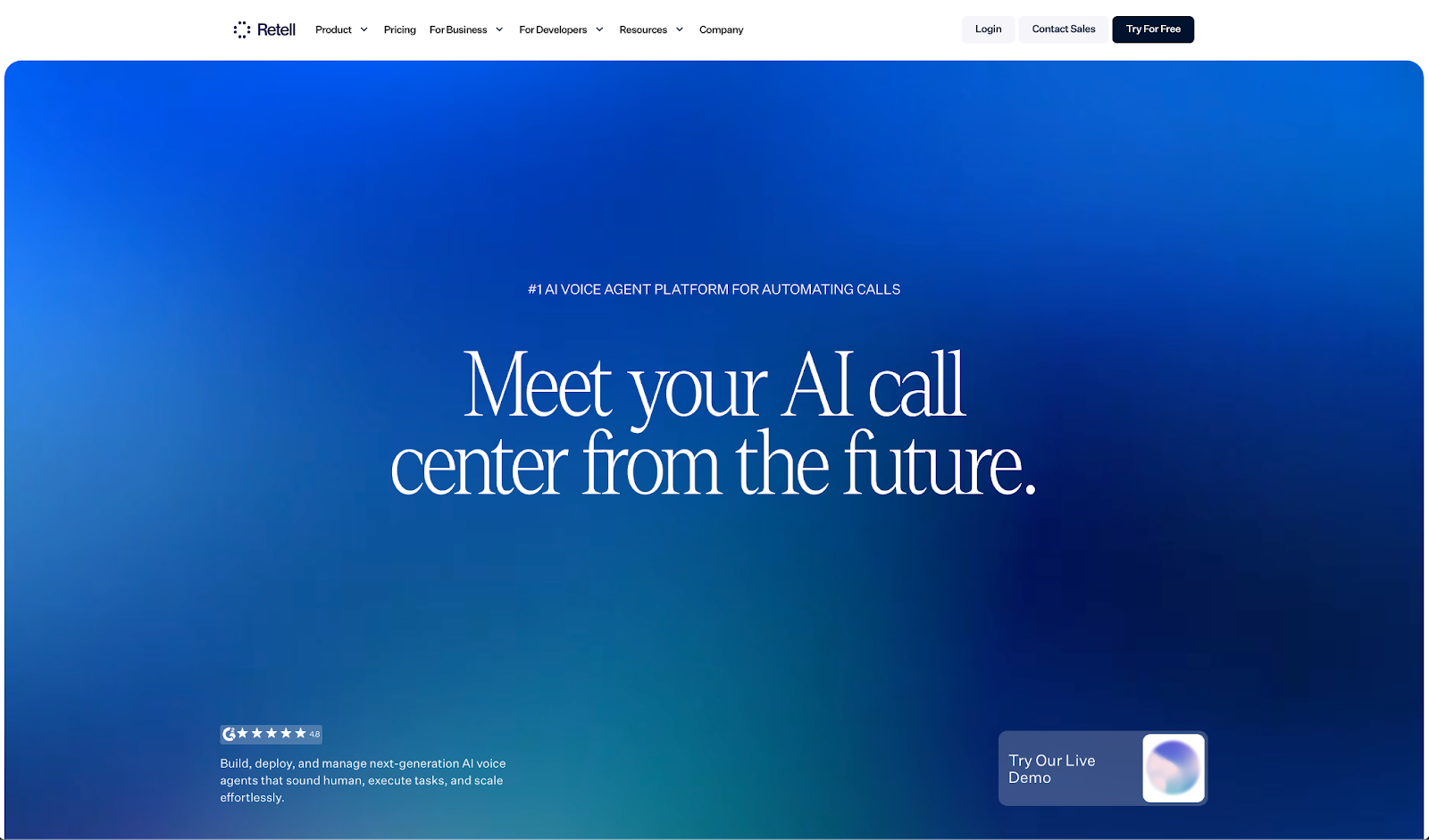
What it does: Retell is an LLM-based voice AI for automating inbound and outbound calls, covering inbound and outbound conversations, lead qualification, and customer service at scale.
Who it's for: Mid-size to large teams in healthcare and SaaS that need low-latency, enterprise-grade voice agents with deep customization.
I tested Retell by running it through interruption-heavy conversation scenarios. The ~600ms latency held up, and real-time function calling completed tasks without losing the thread.
Setup is where smaller teams will hit a wall: without a technical lead, configuration takes longer than expected.
Key Features
- Ultra-Low Latency: ~600ms with natural conversation flow
- Turn-Taking Model: Handles interruptions cleanly
- Real-Time Function Calling: Executes tasks and updates CRMs mid-call
- Streaming RAG: Pulls from your knowledge base in real time
- Agentic Framework: Drag-and-drop flows with HIPAA and SOC2 guardrails
Pros
✅ Highest workflow adherence of any platform in our benchmark testing, including strict end-to-end task completion
✅ Voice realism is among the best in this category
✅ Scales to millions of calls with unlimited concurrency
✅ Native integrations with HubSpot, Twilio, and major CRMs
Cons
❌ Support runs through Discord and email, with premium Slack only on enterprise plans
❌ Setup complexity is real for non-technical teams
❌ Latency can reach 800ms
What Users Say
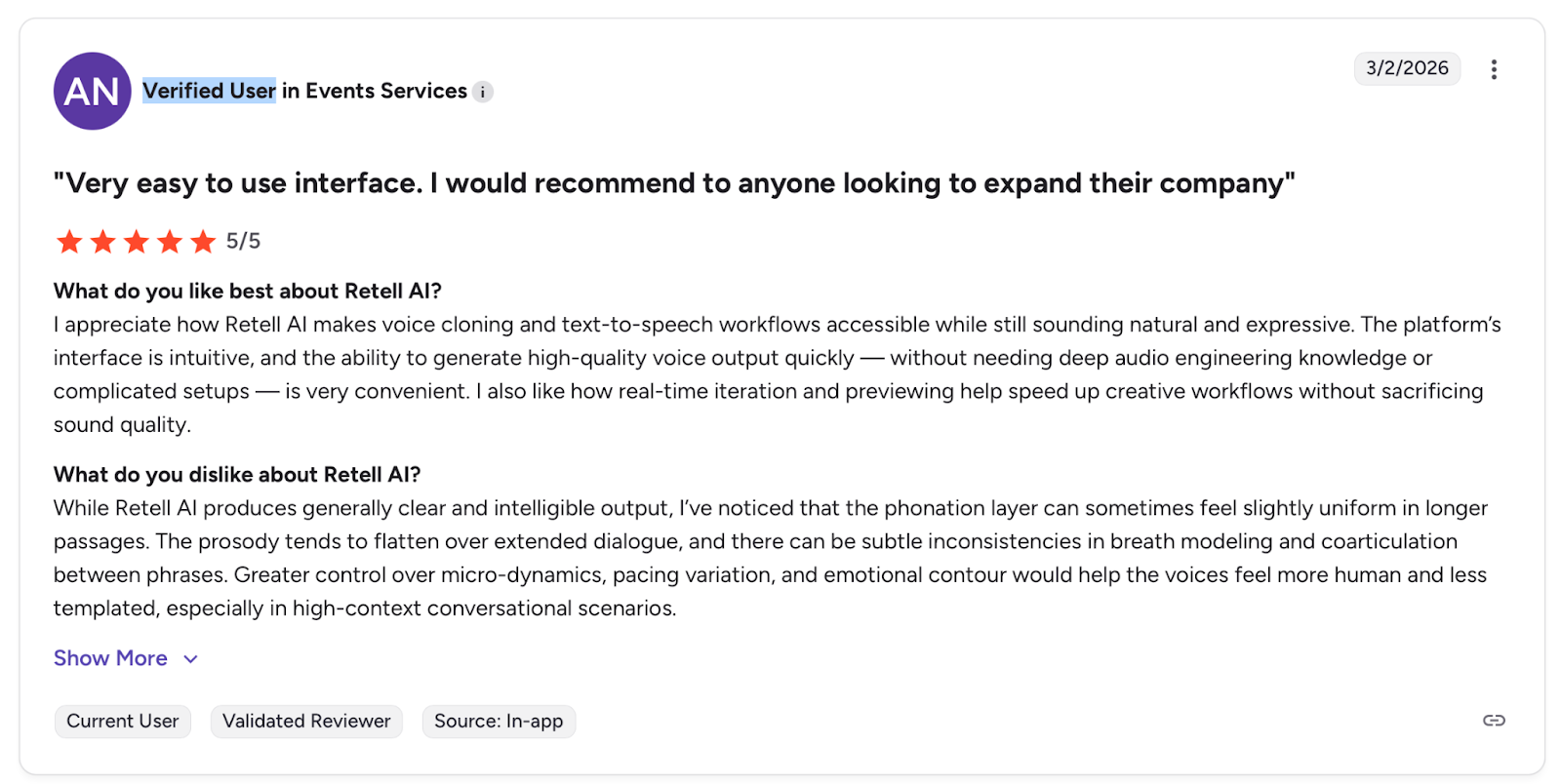
Pro: "I appreciate how Retell AI makes voice cloning and text-to-speech workflows accessible while still sounding natural and expressive." — Verified User, G2
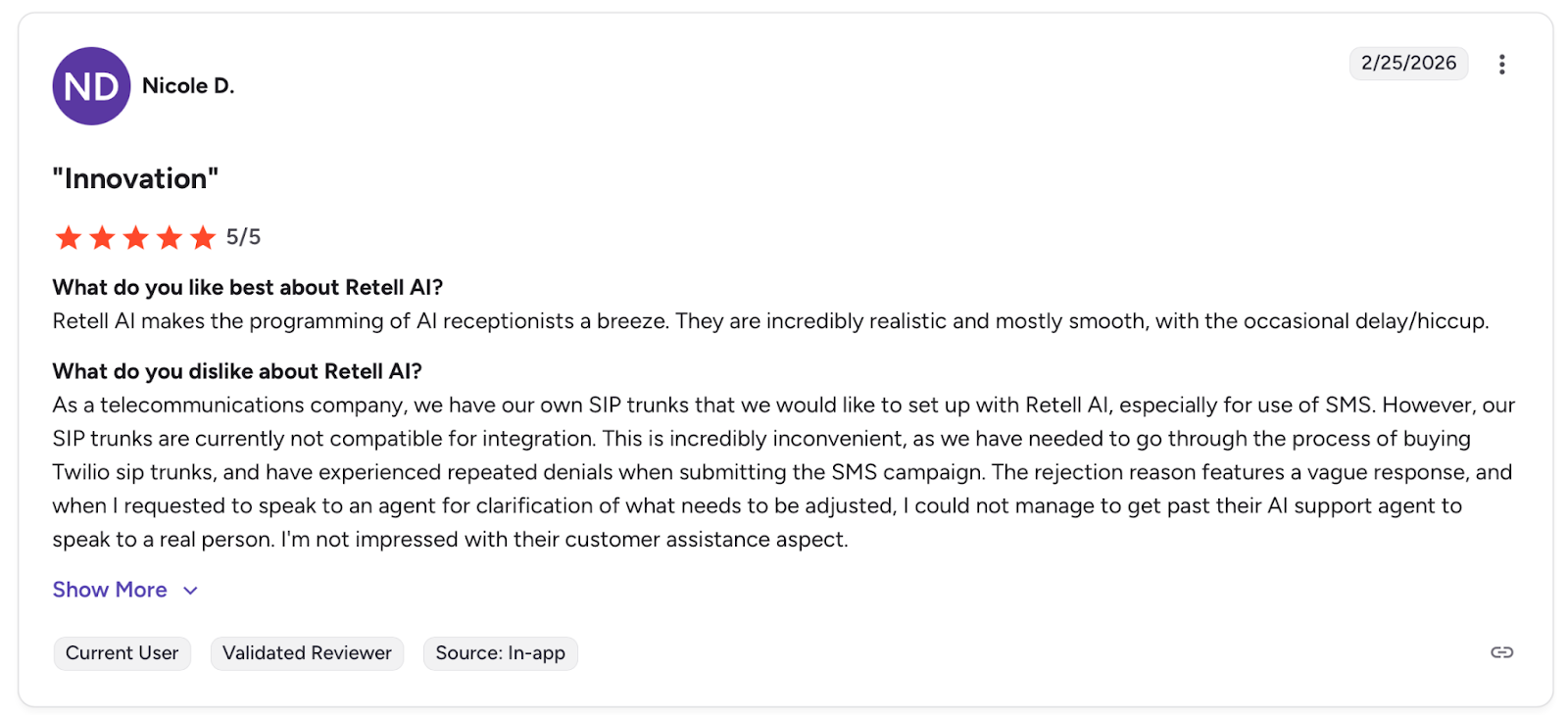
Con: "I'm not impressed with their customer assistance aspect." — Nicole D., G2
Pricing
Starts at $0.07/min (voice engine only). The total cost typically reaches $0.13–$0.31/min with LLM, telephony, and voice provider fees.
Bottom Line
I'd recommend Retell for technical teams that want granular control over conversational agent behavior. If you're short on developer resources, Synthflow's no-code builder is the faster starting point.
Before You Go Live
Retell gives you granular control over every layer of the agent, but that complexity creates more surface area for silent failures. Use Cekura to validate function calls and CRM writes across interruption-heavy scenarios before scaling.
2. Synthflow: Best for No-Code Conversational AI at Enterprise Scale
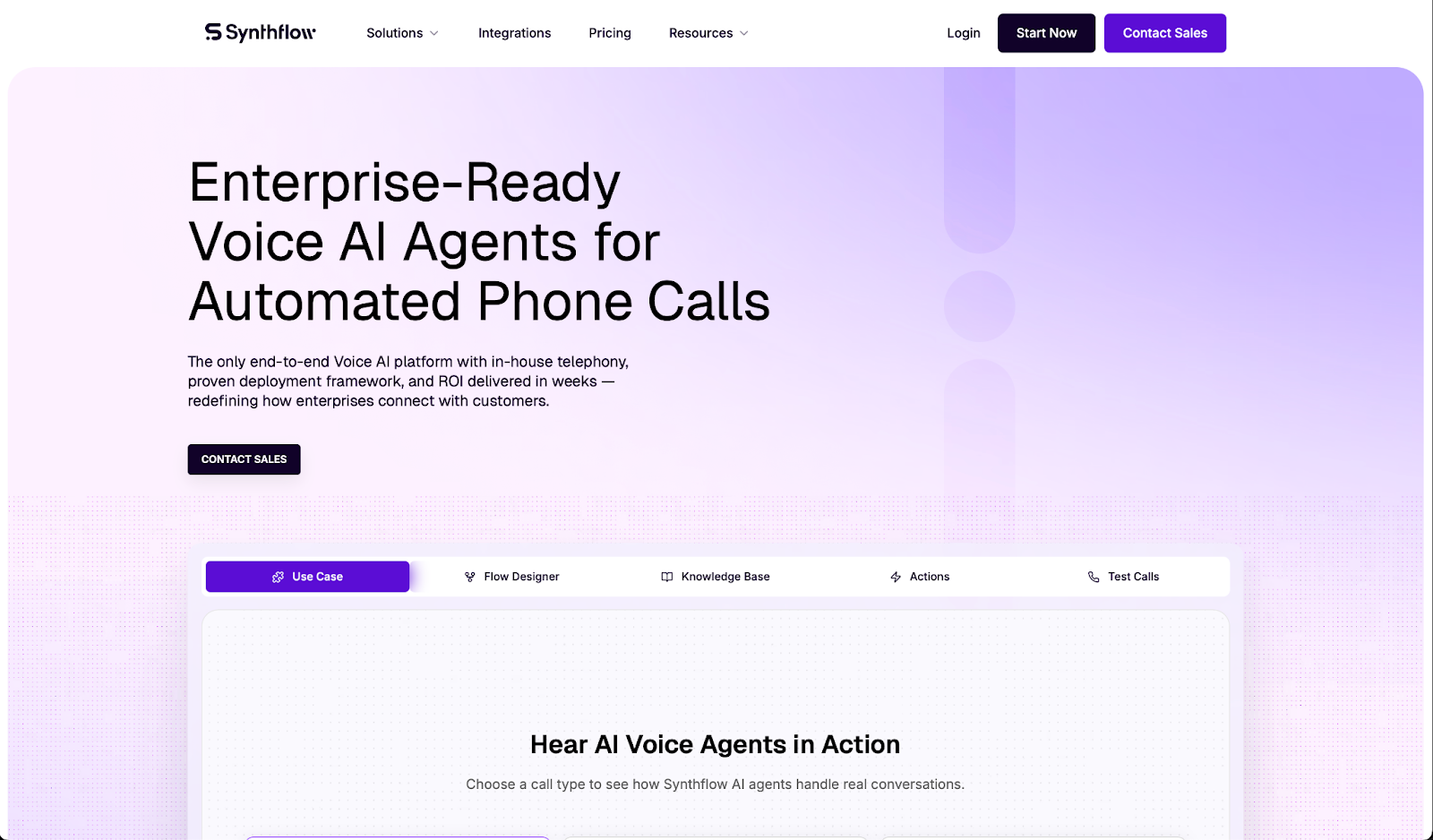
What it does: Synthflow is a no-code platform for building AI voice agents that handle inbound and outbound calls, covering inbound and outbound conversations, lead qualification, and customer service 24/7.
Who it's for: Healthcare, real estate, and BPO teams running high call volumes who need conversational AI automation without heavy engineering.
I built a voice agent using their BELL framework and had it handling live conversation scenarios in under an hour. The multi-agent system handled complex conversation flows without losing context.
But edge cases exposed real gaps: strong accents triggered frequent misreads, and email capture inside conversation flows failed more than once.
Key Features
- BELL Framework: No-code agent building with built-in auto-testing
- Multi-Agent System: Modular subflows for inbound, outbound, and escalation scenarios
- Custom Telephony: Sub-100ms infrastructure latency, SIP/PBX integration, 99.99% uptime
- 200+ Integrations: HubSpot, Zapier, Cal.com, and major CRMs
- Real-Time Monitoring: Call analytics and fine-tuning from your own data
Pros
✅ Non-technical teams can set it up and manage it
✅ HIPAA and SOC2 compliant
✅ Medbelle reported 60% scheduling efficiency gains
Cons
❌ Struggles with accents and complex queries
❌ Workflow adherence drops sharply on long, multi-step tasks in our benchmark testing
❌ Pricing escalates fast at high call volumes
❌ API inconsistencies reported in production
What Users Say
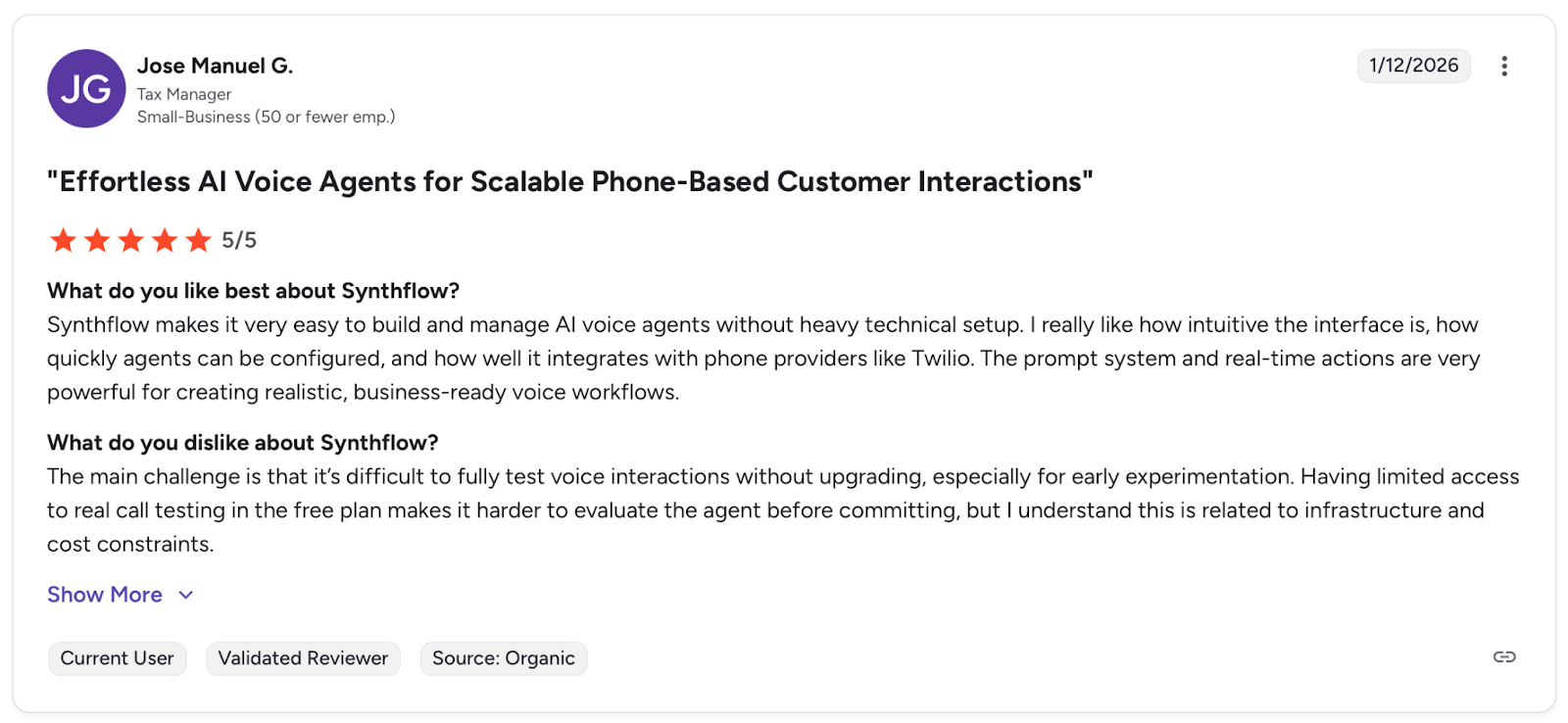
Pro: "Synthflow makes it very easy to build and manage AI voice agents without heavy technical setup." — Jose Manuel G, G2
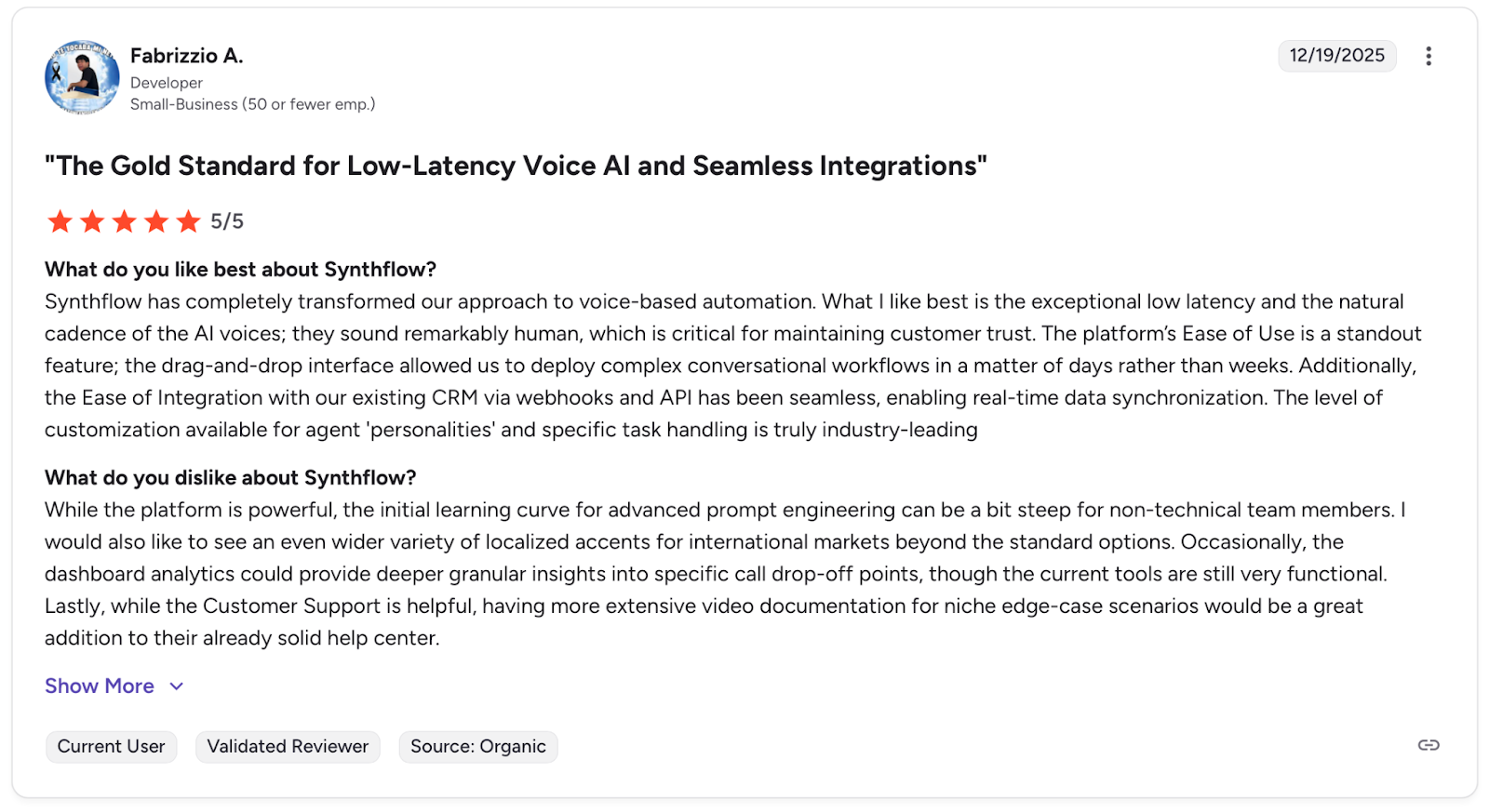
Con: "While the platform is powerful, the initial learning curve for advanced prompt engineering can be a bit steep for non-technical team members." — Fabrizzio A., G2
Pricing
Synthflow has pay-as-you-go or enterprise plans. The pay-as-you-go model is free to start, then usage-based pricing. It's ideal for builders, pilots, and small-scale deployments. The enterprise plan is custom pricing and ideal for scaling teams handling 10,000+ minutes/month.
Bottom Line
I'd recommend Synthflow for enterprise teams that need compliant, no-code conversational AI at scale. If you need more control over agent behavior, I'd point you toward Retell AI.
Before You Go Live
Synthflow's no-code setup gets you live fast, but accent misreads and dropped data fields surface under real conversation load. Run it through Cekura before you go-live to catch those failures before they reach real customers.
3. Vapi: Best for Developers Who Need Full Infrastructure Control
What it does: Vapi is a highly configurable API platform for building custom voice AI agents, with thousands of pre-made templates and support for bring-your-own LLM, transcription, and TTS models.
Who it's for: Developer teams at startups and enterprises that need full control over voice infrastructure for conversational AI, lead qualification, and customer service at scale.
VAPI is not a turnkey conversational AI tool. It's infrastructure.
I tested it by building a custom conversational agent using their API and pre-made templates, and the flexibility is real: you can swap models, configure latency, and connect any external tool.
But the dashboard is dense, and without a developer lead, you will spend more time configuring than deploying.
Key Features
- Configurable API: Thousands of templates, bring-your-own LLM, transcription, and TTS
- Real-Time Streaming: Low-latency audio with live tool calls for task execution and CRM updates
- Test Suites: Simulate calls to catch hallucinations before production
- 100+ Languages: Including emotion detection across major languages
- Guardrails: Hallucination prevention and HIPAA-compliant security
Pros
✅ Maximum flexibility for developer teams
✅ Scales to millions of calls with fast deployment
✅ Active development with strong documentation
Cons
❌ Dashboard is overwhelming for non-technical users
❌ Support is primarily Discord-based, with no dedicated account management
❌ Latency below 750ms can cause interruptions and overlapping speech
What Users Say
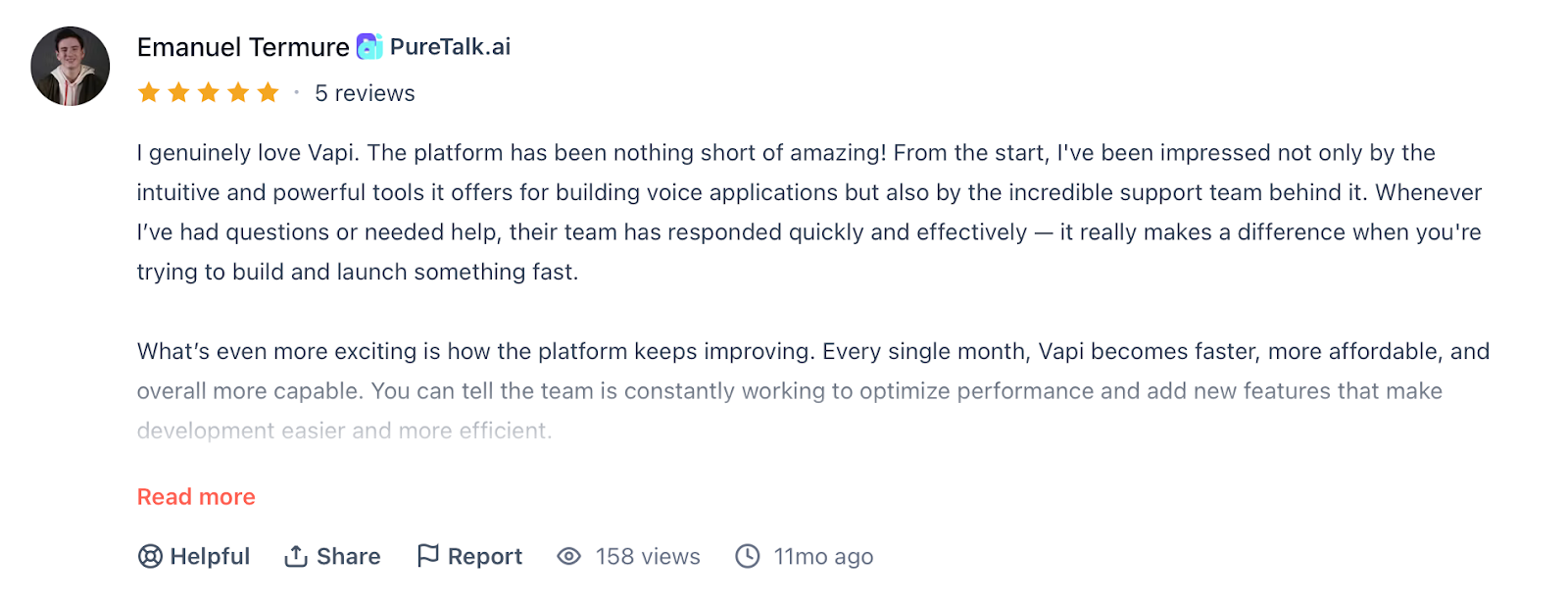
Pro: "Whenever I've had questions or needed help, their team has responded quickly and effectively." — Emanuel Termure, Producthunt
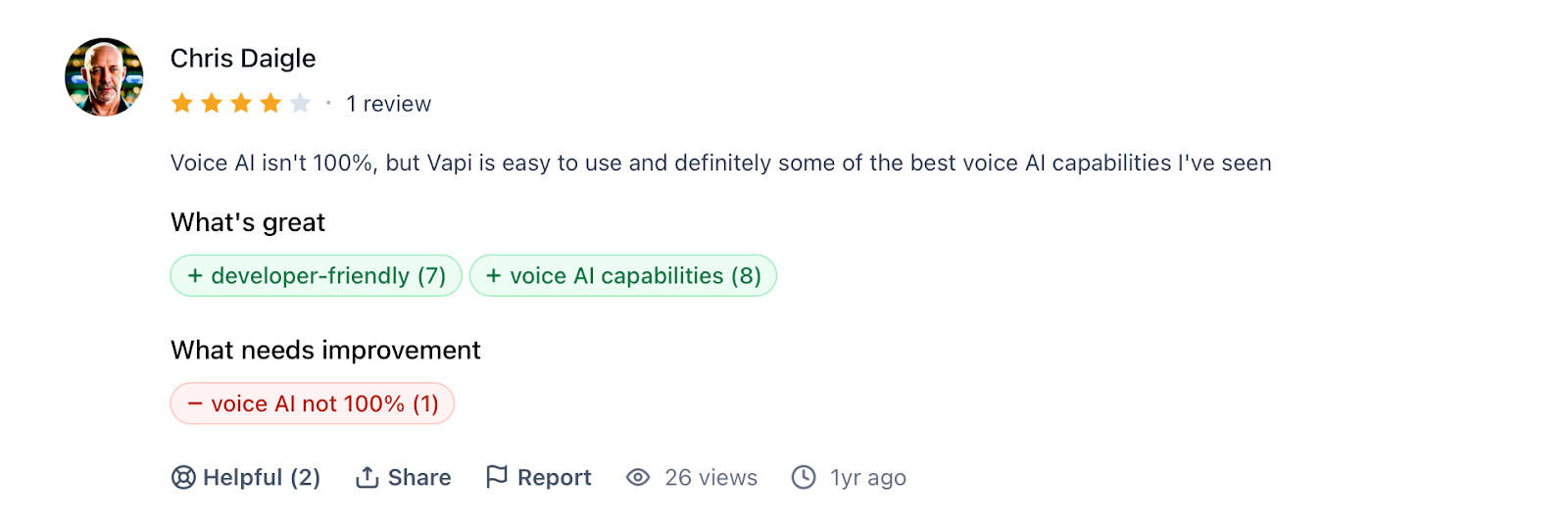
Con: "Voice AI isn't 100%, but Vapi is easy to use and definitely some of the best voice AI capabilities I've seen." — Chris Daigle, G2
Pricing
Free, usage-based pricing starts at $10, then $0.05/min. An enterprise custom plan is available on request.
Bottom Line
I'd choose VAPI if your team has the engineering resources to build and maintain a fully custom conversational AI agent. If you need something faster to deploy without heavy configuration, Bland AI is the better option.
Before You Go Live
VAPI is infrastructure, not a turnkey tool. The more custom the build, the harder it is to know what's breaking. Cekura plugs directly into your pipeline to test every configuration change before it ships.
4. Telnyx: Best for Voice Agents With Telephony Built In
What it does: Telnyx runs a voice AI agent platform on its own global carrier network, with orchestration, STT, TTS, and inference present on the same infrastructure.
Who it's for: Engineering teams building phone-based agents in regulated or latency-sensitive verticals (healthcare, financial services, logistics) that want telephony and the AI stack from one vendor.
I tested a Telnyx AI voice agent on live inbound phone calls, and the structural pitch holds up: because Telnyx owns the network, audio never hops between a telephony provider and a separate AI provider. In our Experiment 01 runs, swapping the LLM from the pinned gpt-4.1 to in-network Kimi K2.6 cut median turn latency from 2.46s to 1.44s.
The trade-off is that Telnyx is infrastructure-first: teams that want a polished no-code builder will get to a working agent faster elsewhere.
Key Features
- Owned Carrier Network: Calls and inference run on the same infrastructure
- Flat Voice Engine Rate: Orchestration, STT, and TTS at $0.05/min
- Engine Choice: Swap STT and TTS providers per assistant (AssemblyAI, Deepgram, Rime, and others)
- Native Telephony: Numbers, SIP trunking, and programmable call control built in
- Compliance: SOC 2 Type II, HIPAA, PCI DSS Compliant, ISO 27001
Pros
✅ Sub-200ms round-trip latency on an owned network
✅ 500 concurrent calls included, no monthly platform fee
✅ Telephony and AI stack on one contract
Cons
❌ LLM tokens billed separately from the $0.05/min rate
❌ No published STT word-accuracy benchmarks
❌ Less no-code polish than Synthflow or Retell; expects a technical team
What Users Say
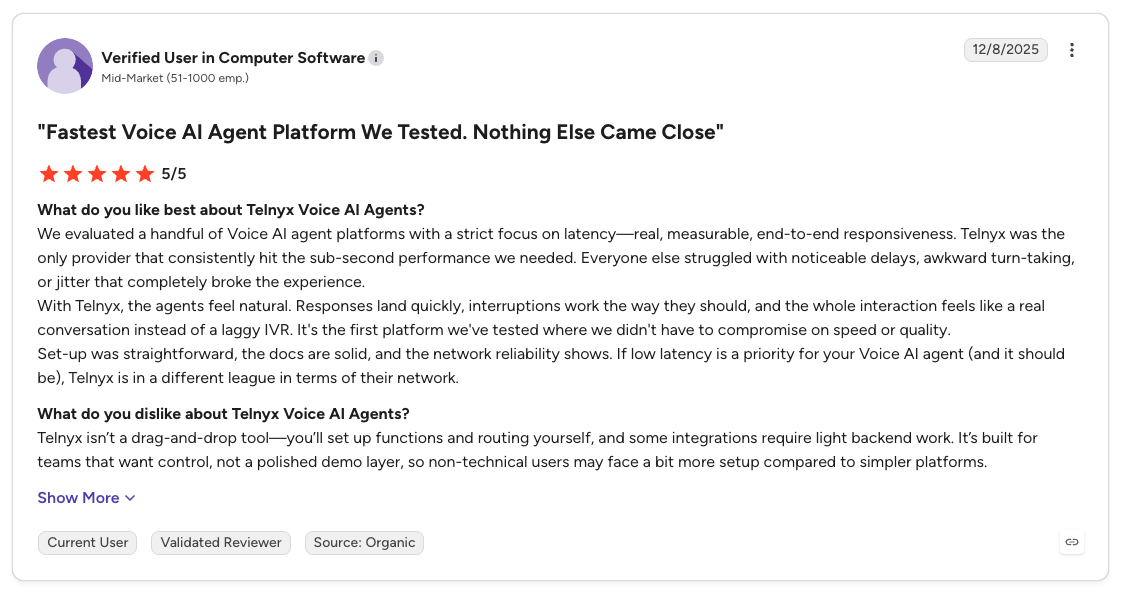
Pro: "If low latency is a priority for your Voice AI Agent (and it should be), Telnyx is in a different league in terms of their network." — Verified User, G2
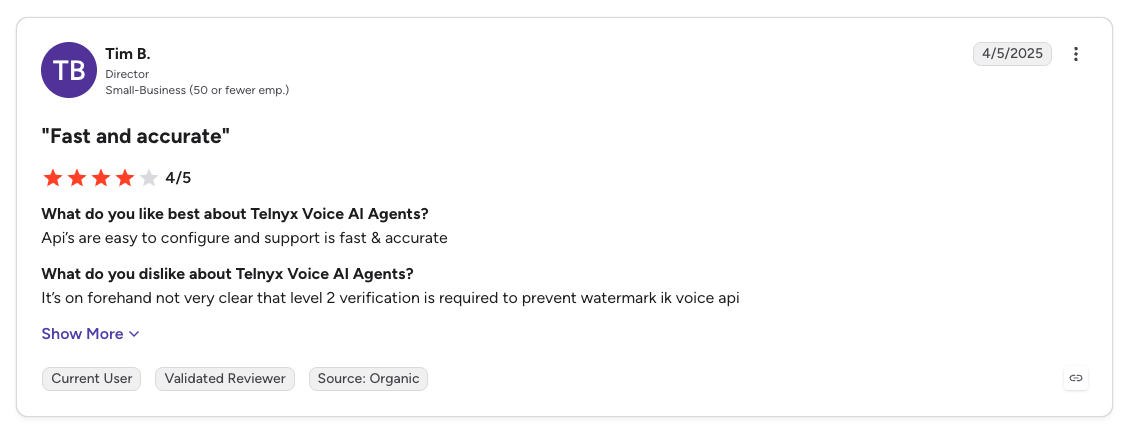
Con: "It's on forehand not very clear that level 2 verification is required." — Tim B., G2
Pricing
The voice engine is $0.05/min covering orchestration, STT, and TTS. Telephony starts at $0.002/min and LLM usage is billed per token. Pay-as-you-go, self-serve signup.
Bottom Line
Telnyx fits teams that treat voice agents as infrastructure rather than an app: the appeal is owning the whole path from phone number to model output for low-latency call paths. If you'd rather assemble components individually, other platforms provide more flexibility.
Before You Go Live
An owned network removes cross-vendor latency, but conversation design still breaks in production. Running Cekura simulations against a Telnyx agent before launch catches the turn-taking and tool-call failures that infrastructure alone can't prevent.
5. Murf Conversational AI: Best for Voice-First AI Agents With Natural Speech
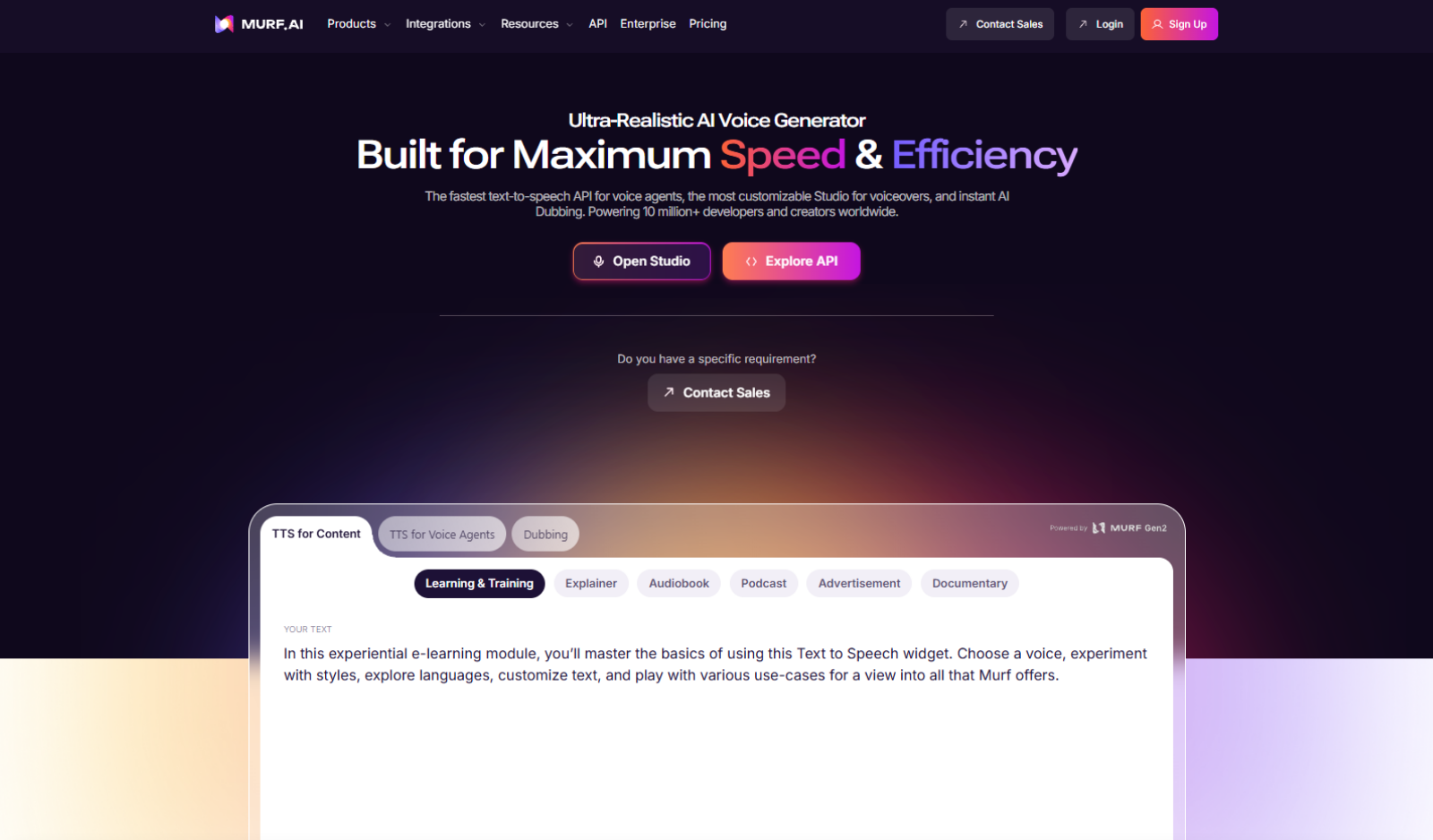
What it does: Murf's Conversational AI helps businesses handle everyday conversations across email, chat, and calls. It can answer common questions, manage appointment requests, guide users through simple actions, and support service-related conversations while keeping the experience fast and natural.
Who it's for: Murf is useful for teams that want to reduce manual conversation handling and improve response quality. It works well for support departments, sales operations, call centers, online stores, finance teams, healthcare providers, and other service-based businesses that manage frequent customer queries.
Murf stands out for its lifelike, multilingual voice quality, which helps businesses deliver natural and clear customer interactions. It also supports warm handover to human agents when a conversation needs personal attention. For enterprise teams, Murf offers strong security and compliance, massive scalability, flexible control, and ultra-low latency performance (≤ 800 ms). This makes it useful for businesses that want smoother customer communication without reducing speed, quality, or reliability.
Key Features
- Lifelike, Multilingual Voice Quality: Delivers natural and clear customer conversations across different languages and accents
- Works Across Email, Chat, and Calls: Helps businesses manage customer conversations across multiple communication channels
- Enterprise Security & Compliance: Supports secure customer communication for businesses that handle sensitive data and enterprise workflows
- Massive Scalability: Helps teams manage high conversation volumes without reducing speed, quality, and consistency
- Ultra-Low Latency Performance: Keeps customer interactions fast, smooth, and responsive across live conversations
Pros
✅ Natural and clear voice quality
✅ Easy to use for non-technical teams
✅ Good voice variety and accent options
✅ Useful for training, sales, support, and marketing content
Cons
❌ Free plan is very limited
❌ Advanced features may require setup support
❌ Pricing may feel high for small teams
What Users Say
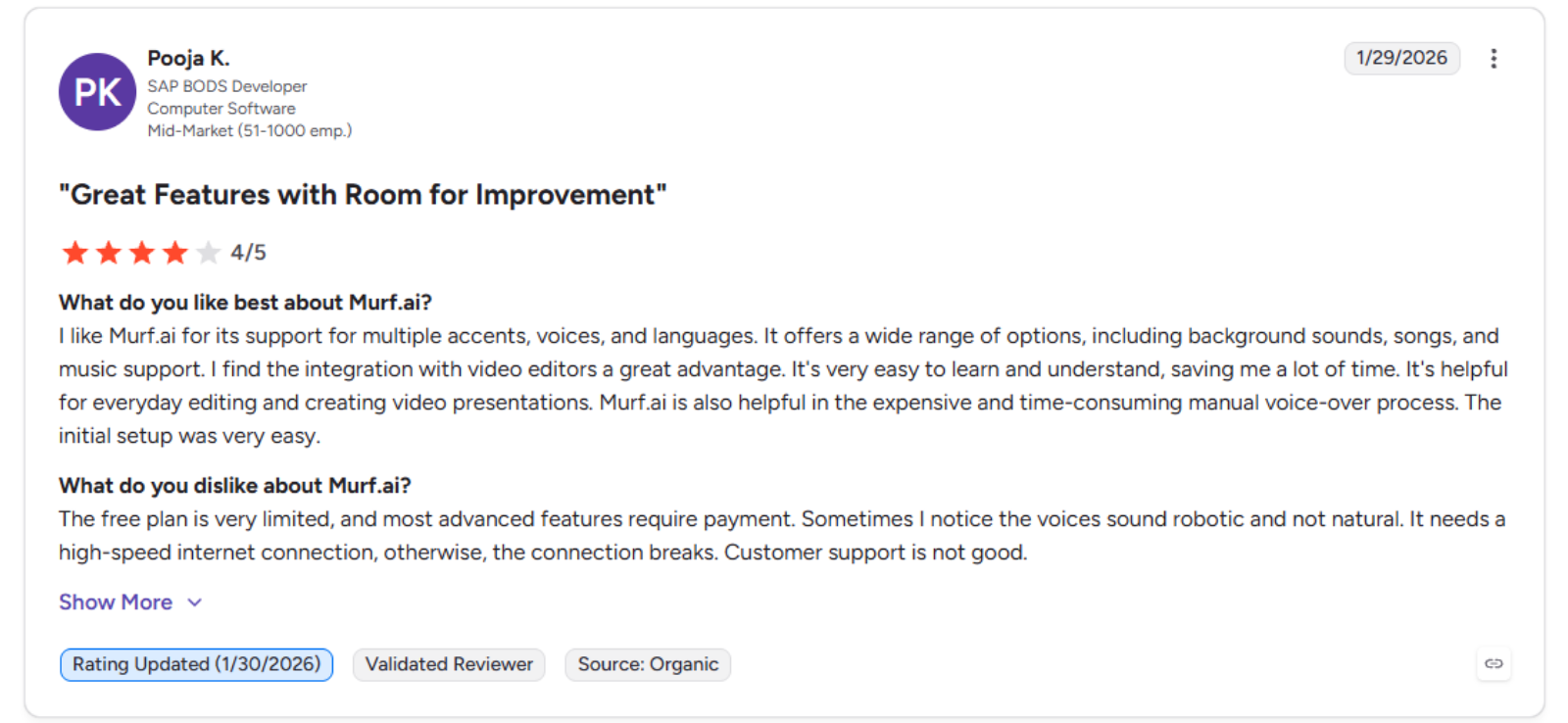
Pro: "I like Murf.ai for its support for multiple accents, voices, and languages. It offers a wide range of options, including background sounds, songs, and music support." — Pooja K., G2
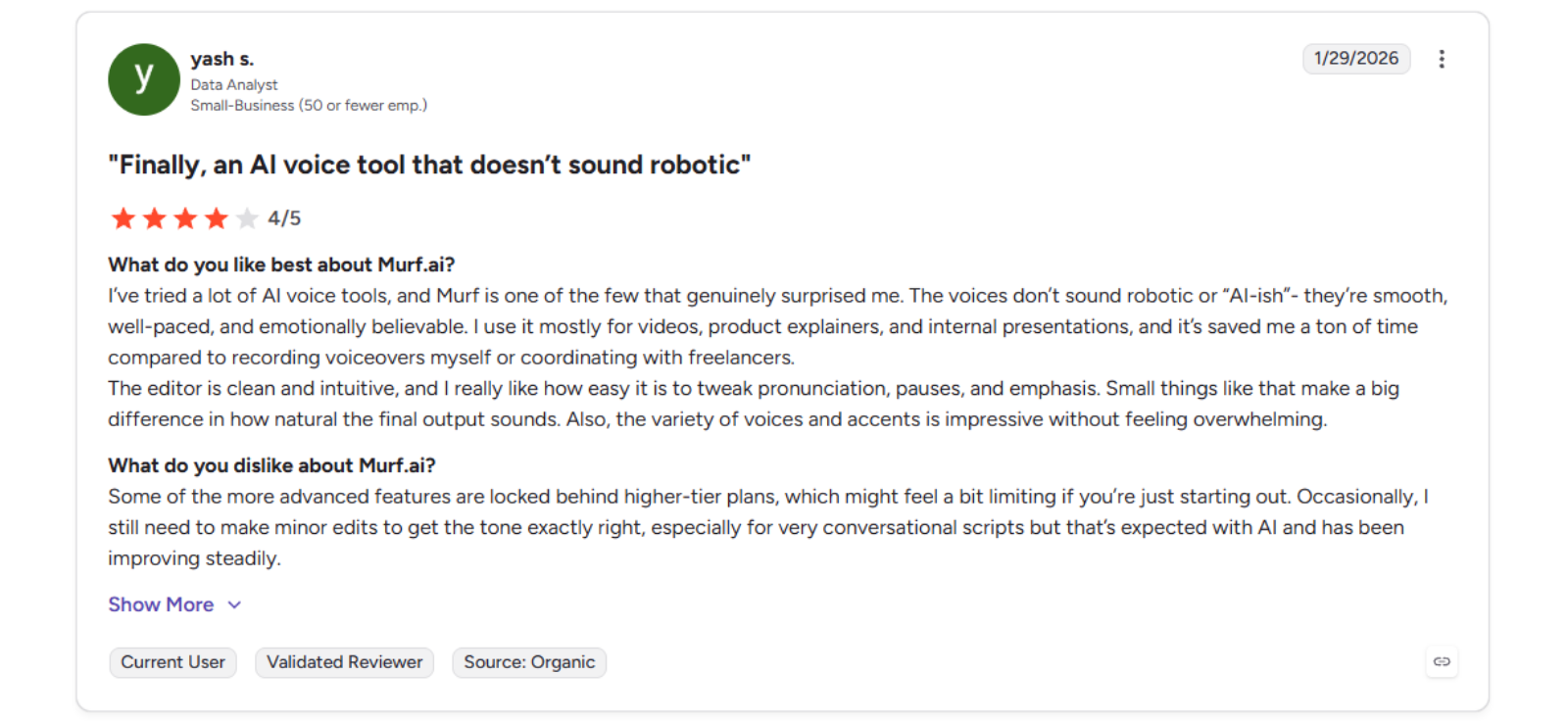
Con: "Some of the more advanced features are locked behind higher-tier plans, which might feel a bit limiting if you're just starting out." — Yash s., G2
Pricing
Murf offers a free plan. Paid plans start at $19/month for Creator and $66/month for Business. Enterprise pricing is custom.
Bottom Line
Murf Conversational AI is a good fit for teams that want natural, multilingual, and scalable customer conversations across email, chat, and calls. It works well for customer support, sales, appointment handling, FAQs, and routine service workflows. The platform is especially useful for businesses that need fast responses, smooth human handover, strong security, and better control over customer communication.
Before You Go Live
Before launching Murf Conversational AI, test it with real customer questions, common support cases, and difficult edge cases. Check response accuracy, conversation flow, language quality, fallback replies, and handover to human agents. Also make sure your FAQs, SOPs, customer data, and business workflows are updated so Murf can deliver accurate and reliable conversations across email, chat, and calls.
6. Bland AI: Best for High-Volume Outbound Conversational AI at Scale
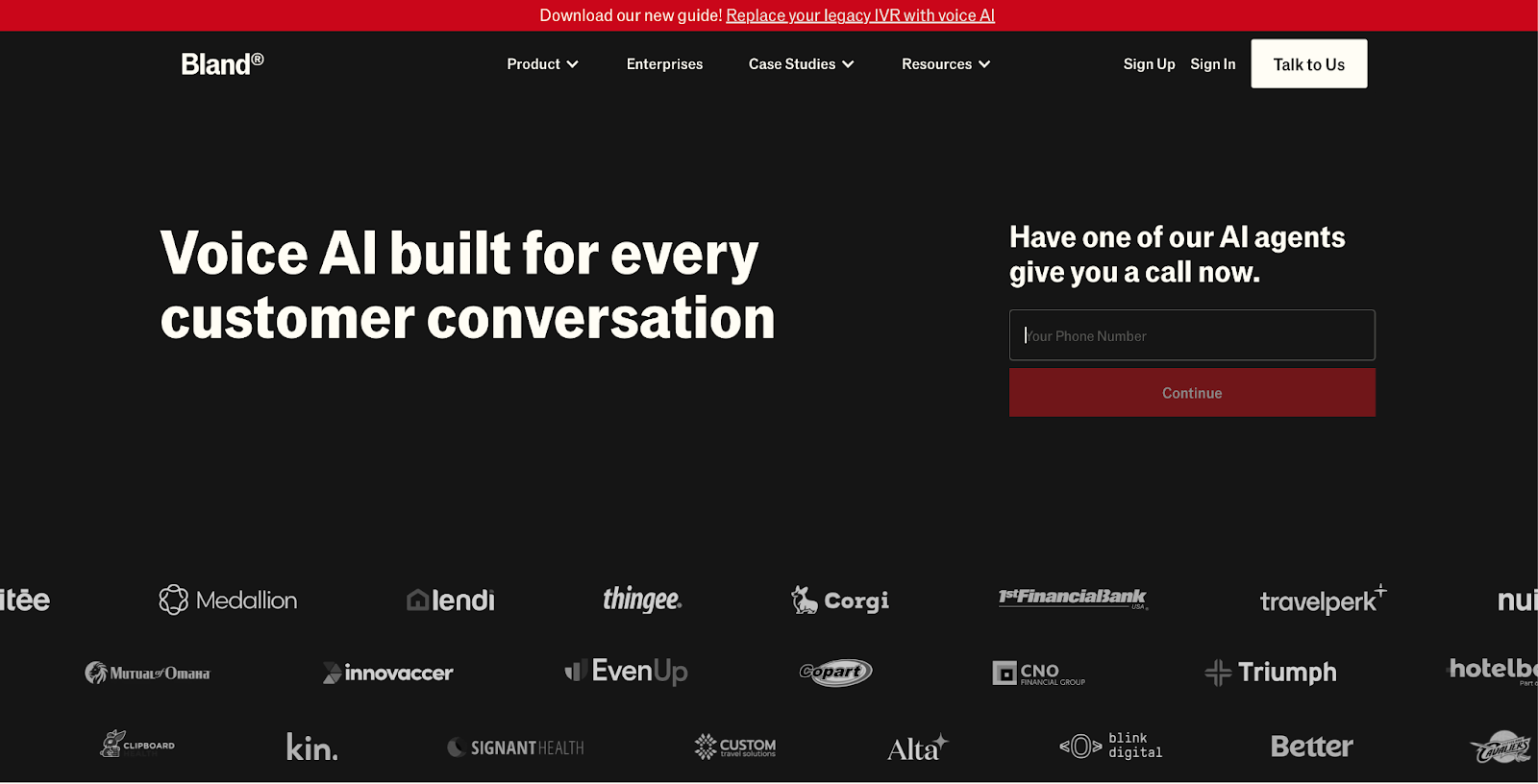
What it does: Bland Voice AI is a platform for automating phone conversations at enterprise scale, covering outbound conversations, customer support, and sales across any language or country.
Who it's for: Enterprise teams at call centers and sales operations that need high-volume outbound conversational AI with custom-trained voice models.
Bland's latency is the real differentiator here, consistently in the 700-900ms range. I tested it on multi-prompt conversation flows, and the pathway logic held up under complex scenarios better than most tools in this list.
The tradeoff is everything outside the core call experience: support is nearly non-existent, the dashboard requires a developer, and pricing is hard to predict at scale.
Key Features
- Custom Trained Models: Fine-tune on your own recordings with dedicated servers
- Omni-Channel: Calls, SMS, and chat with up to 1M concurrent calls
- Strict Guardrails: Control tone and vocabulary to keep agents on script
- Forward Deployed Engineers: Custom agent builds handled by Bland's team
- Advanced Analytics: Sentiment analysis and call scoring
Pros
✅ Sub-700-900ms range latency with fluid conversation flow
✅ Scales to enterprise with dedicated GPUs and multi-regional infrastructure
✅ Strong multi-prompt pathway control for complex conversation logic
Cons
❌ Support is Discord-only with no dedicated account management
❌ Non-technical teams will struggle with setup and troubleshooting
❌ Pricing is opaque and escalates fast at high volume
What Users Say
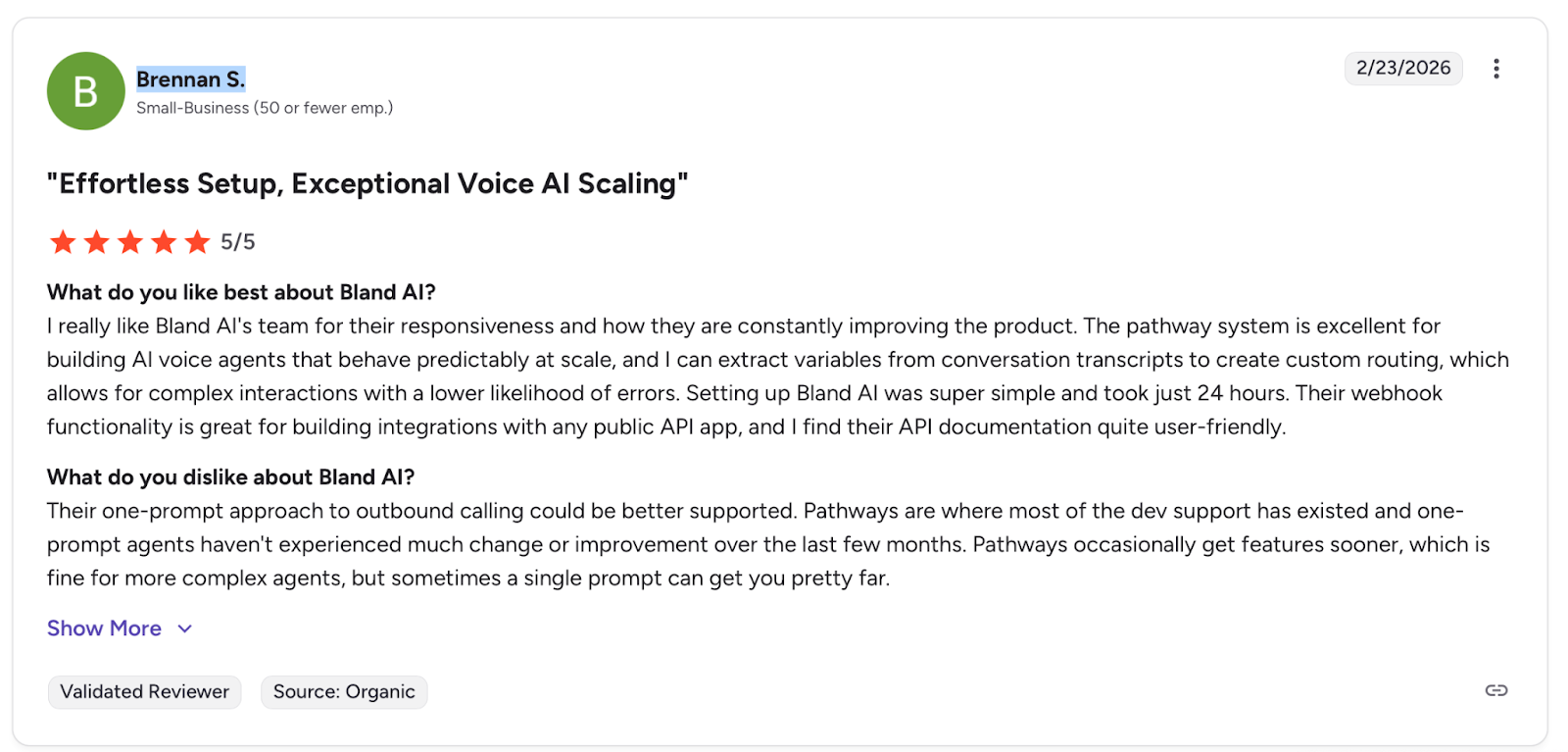
Pro: "The pathway system is excellent for building AI voice agents that behave predictably at scale." — Brennan S., G2
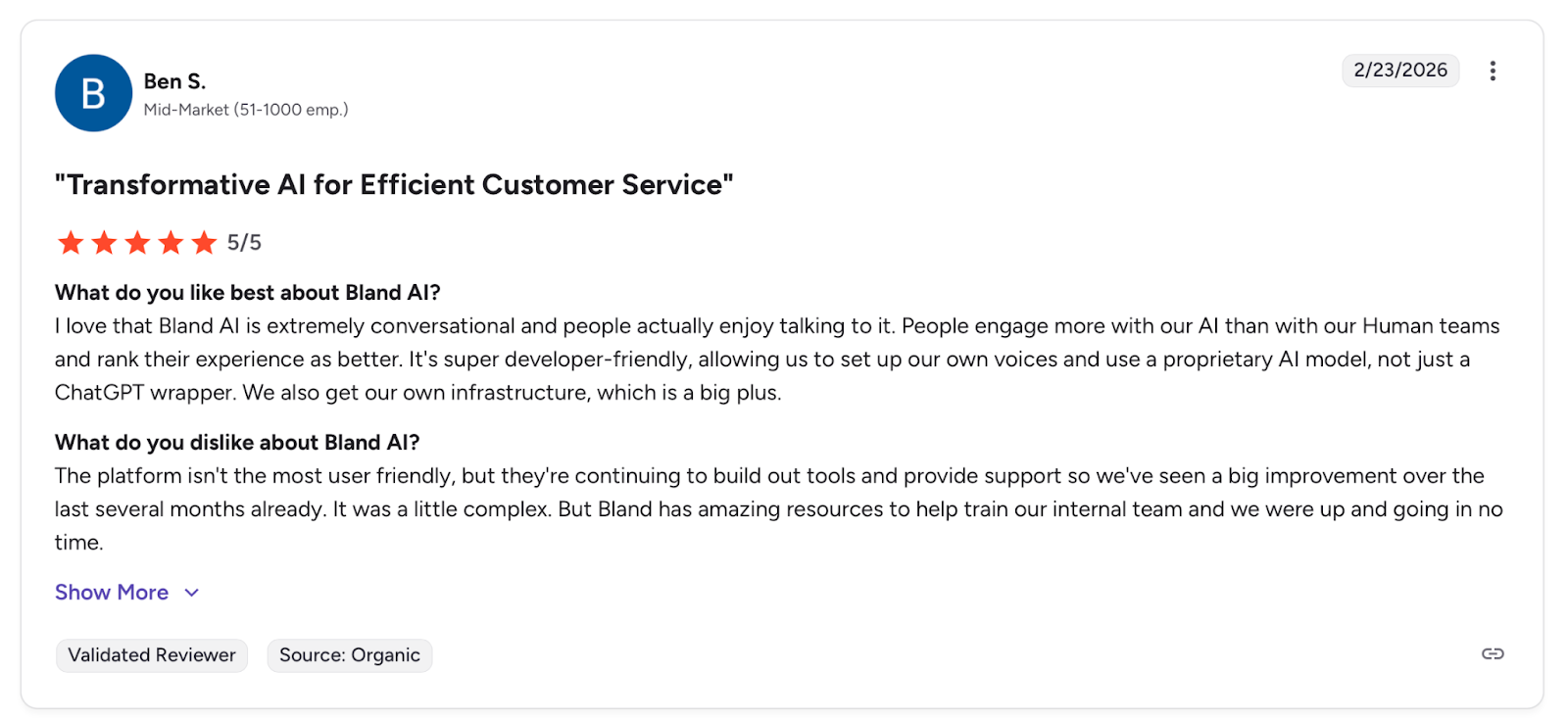
Con: "The platform isn't the most user friendly." — Ben S., G2
Pricing
Free, usage-based pricing per minute or custom Enterprise pricing is available on request.
Bottom Line
I'd recommend Bland AI for enterprise teams that prioritize raw speed and scale for outbound conversational AI. If voice quality and accessibility for non-technical teams matter more, I'd look at ElevenLabs instead.
Before You Go Live
Bland handles volume well, but silent failures at scale are costly in conversational AI. Cekura monitors every conversation in production and alerts you the moment something breaks in the flow.
7. Elevenlabs Conversational AI: Best for Teams That Prioritize Voice Quality
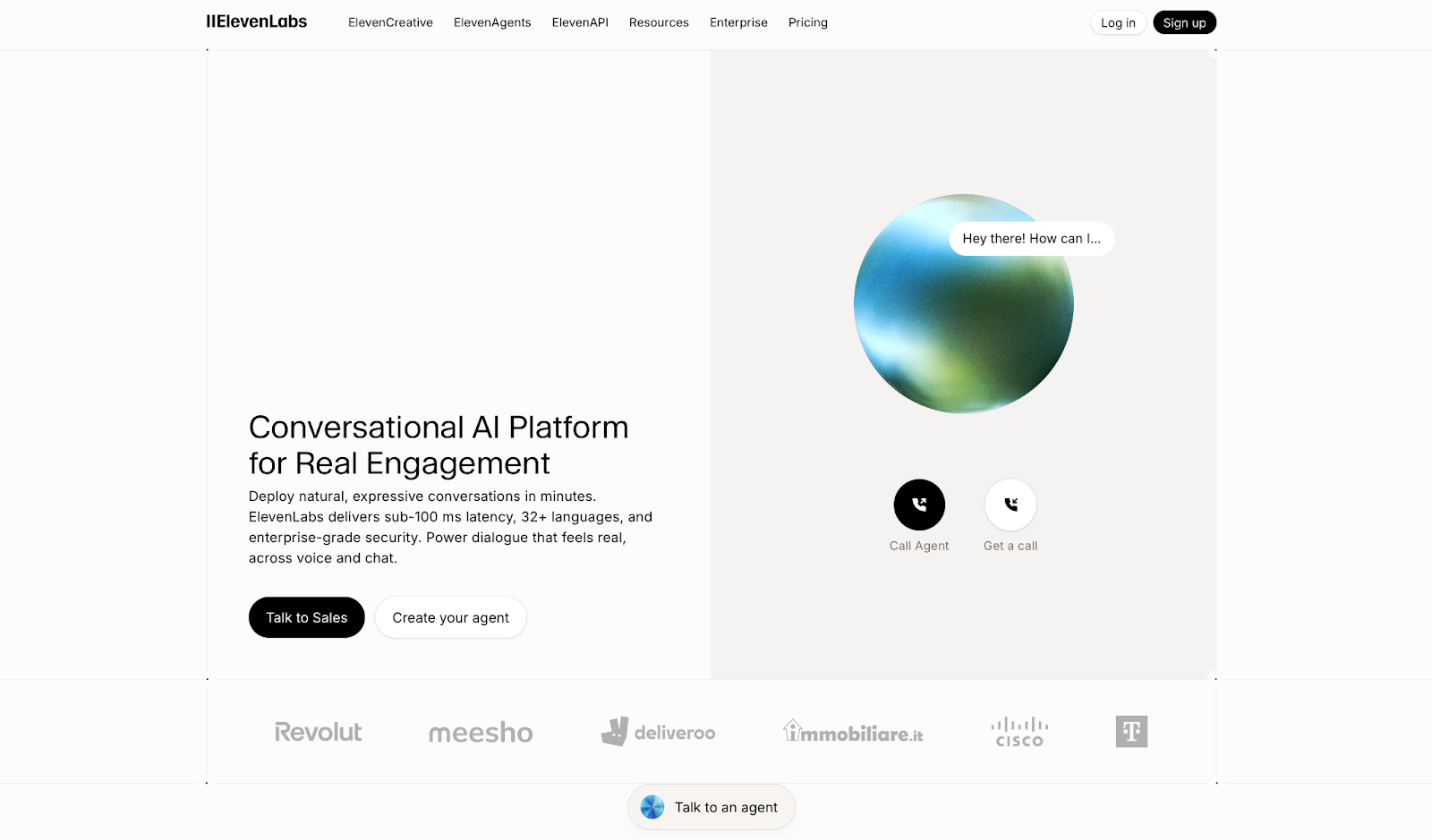
What it does: Elevenlabs conversational voice AI platform for deploying natural, expressive conversational agents in minutes, with ~75ms TTS latency (synthesis layer only), 32 languages, and enterprise security.
Who it's for: Business teams in customer support, inbound scheduling, and sales that need a human-quality voice without heavy engineering.
ElevenLabs stands out from every other tool in this list on one thing: voice quality.
I tested it on inbound conversation scenarios, and the natural pacing and emotional nuance made interactions feel closer to a real conversation than any other platform here. Non-technical teams can have an agent running in minutes.
The gap shows up in workflow depth: it handles the conversation well but lacks the backend automation and knowledge integration that full support operations need.
Key Features
- ~75ms TTS Latency: Speech synthesis layer only; full end-to-end conversational latency is substantially higher
- 32 Languages: Multilingual support with emotional nuance across models, including 32 languages on Flash v2.5
- Custom AI Agents: Built for support, scheduling, sales, and ecommerce
- Voice Cloning: Brand-aligned voices with real-time RAG
- Enterprise Security: HIPAA-compliant with human transfer workflows
Pros
✅ Best voice realism in this category, by a clear margin
✅ Fastest setup of any tool tested, no engineering required
✅ Works across support, customer service, gaming, and L&D use cases
Cons
❌ Not built for complex workflow automation or deep knowledge integration
❌ Pronunciation inconsistencies with numbers and uncommon words
❌ Billing and credit system is confusing, with no dedicated support outside of the Enterprise plan
What Users Say
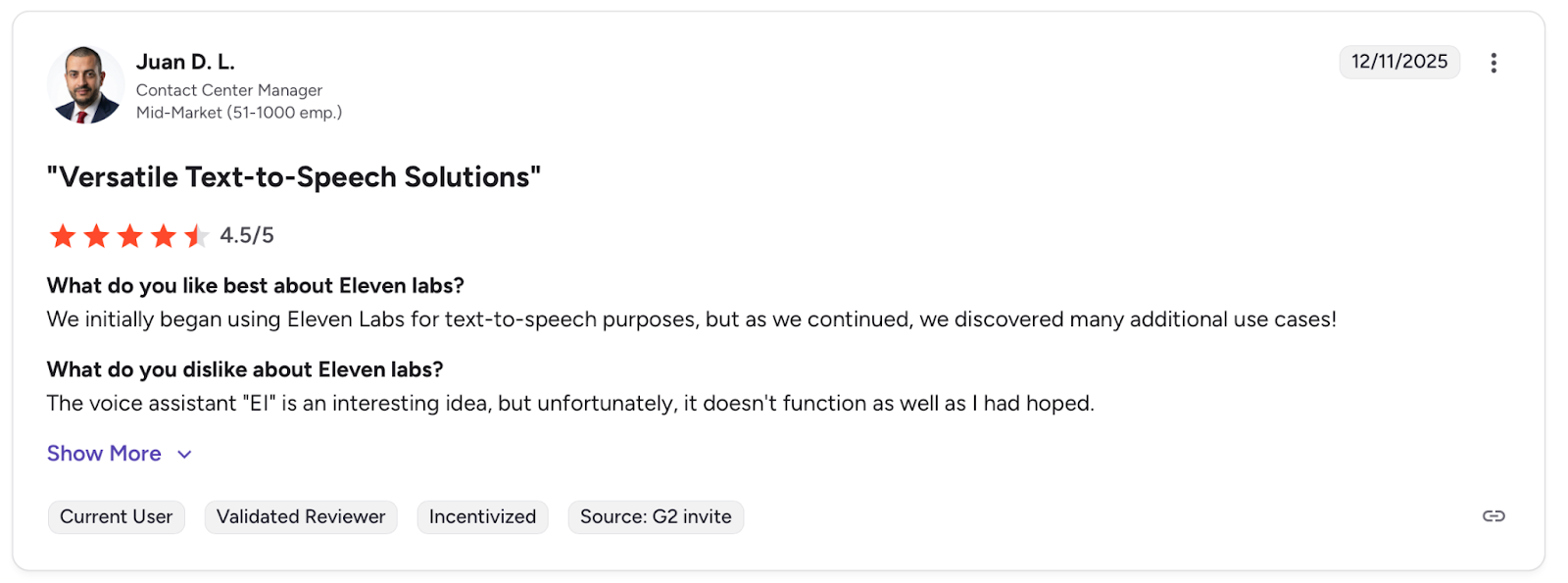
Pro: "We initially began using Eleven Labs for text-to-speech purposes, but as we continued, we discovered many additional use cases!" — Juan D. L., G2
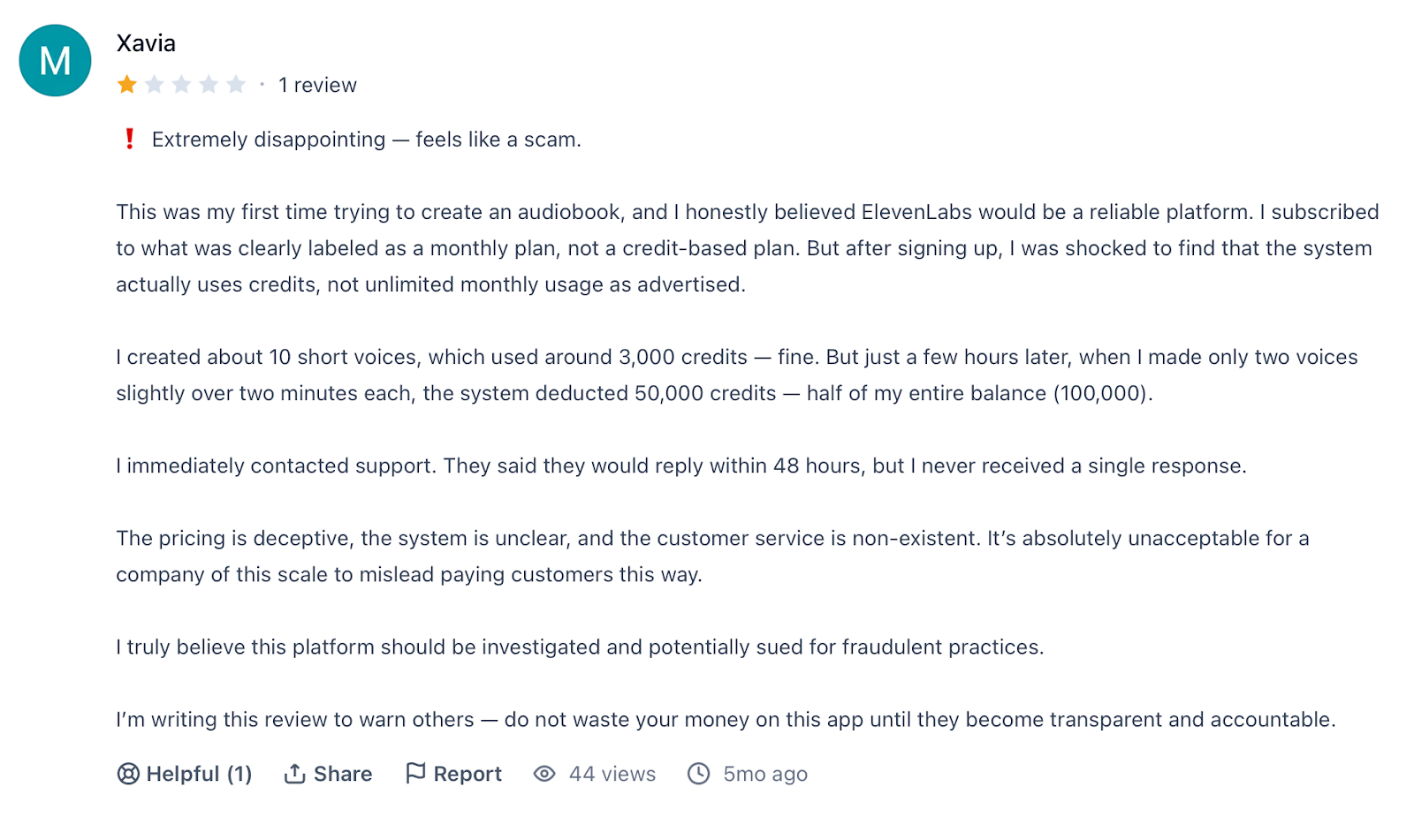
Con: "The pricing is deceptive, the system is unclear, and the customer service is non-existent." — Xavia, Producthunt
Pricing
Free, usage-based pricing, with Enterprise pricing on request.
Bottom Line
I'd recommend ElevenLabs for teams where voice quality is the priority and technical resources are limited. If you need deeper workflow automation and backend control, Retell AI or VAPI are the stronger options.
Before You Go Live
ElevenLabs gets agents live fast, but what the agent says and what actually happens in your backend are two different things. Cekura validates that every conversation completes correctly, not just sounds good.
8. Dialora: Best for Small Businesses Running Outbound Sales Campaigns
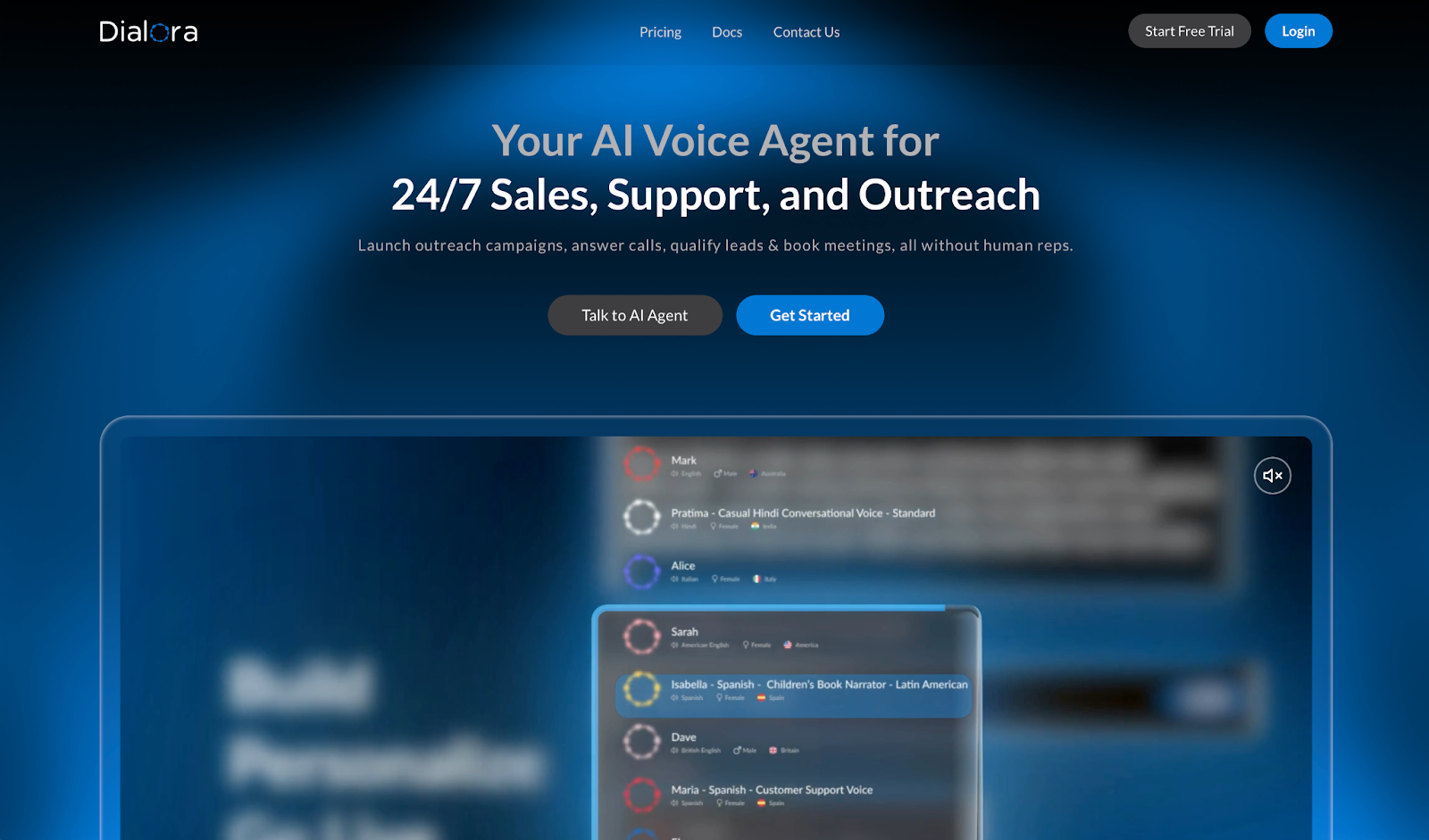
What it does: Dialora provides voice agents for outbound calling, inbound qualification, and lead conversion. It handles sales campaigns, answers customer inquiries, and syncs with CRM platforms to track conversations and schedule meetings.
Who it's for: Small business owners, agencies, and SaaS founders in real estate, restaurants, healthcare, and recruiting that need automated dialing without hiring reps.
Dialora.ai stood out during testing for deployment speed. I uploaded a contact list and configured schedules. The agent started dialing within hours. The setup handled time zone scheduling automatically, which eliminated manual coordination.
The limit showed up in conversation quality. Speech recognition struggled with anything beyond basic responses, and the agent interrupted speakers multiple times during longer exchanges.
Foreign-language performance is weaker, according to user reports, with the bot missing context when conversations require nuance.
Those gaps would matter when qualifying prospects with complex needs.
Key Features
- Smart outbound campaigns: Upload contacts and schedule automated dialing across time zones.
- Inbound qualification: Screen inquiries, capture data, and route conversations automatically.
- CRM integration: Sync with existing platforms and trigger workflows from outcomes.
- Multi-language voices: Support regional accents across English, Spanish, Turkish, and more.
- Compliance tools: Security features include SSO, audit logs, and encryption.
Pros
✅ Setup takes hours rather than days to get voice agents handling inquiries.
✅ Round-the-clock coverage ensures no missed opportunities outside business hours.
✅ CRM sync keeps interaction data and appointments aligned with existing workflows.
Cons
❌ Speech recognition understands only basic responses and struggles with accents.
❌ Workflow builder feels clunky based on user feedback compared to visual platforms with drag-drop interfaces.
What Users Say
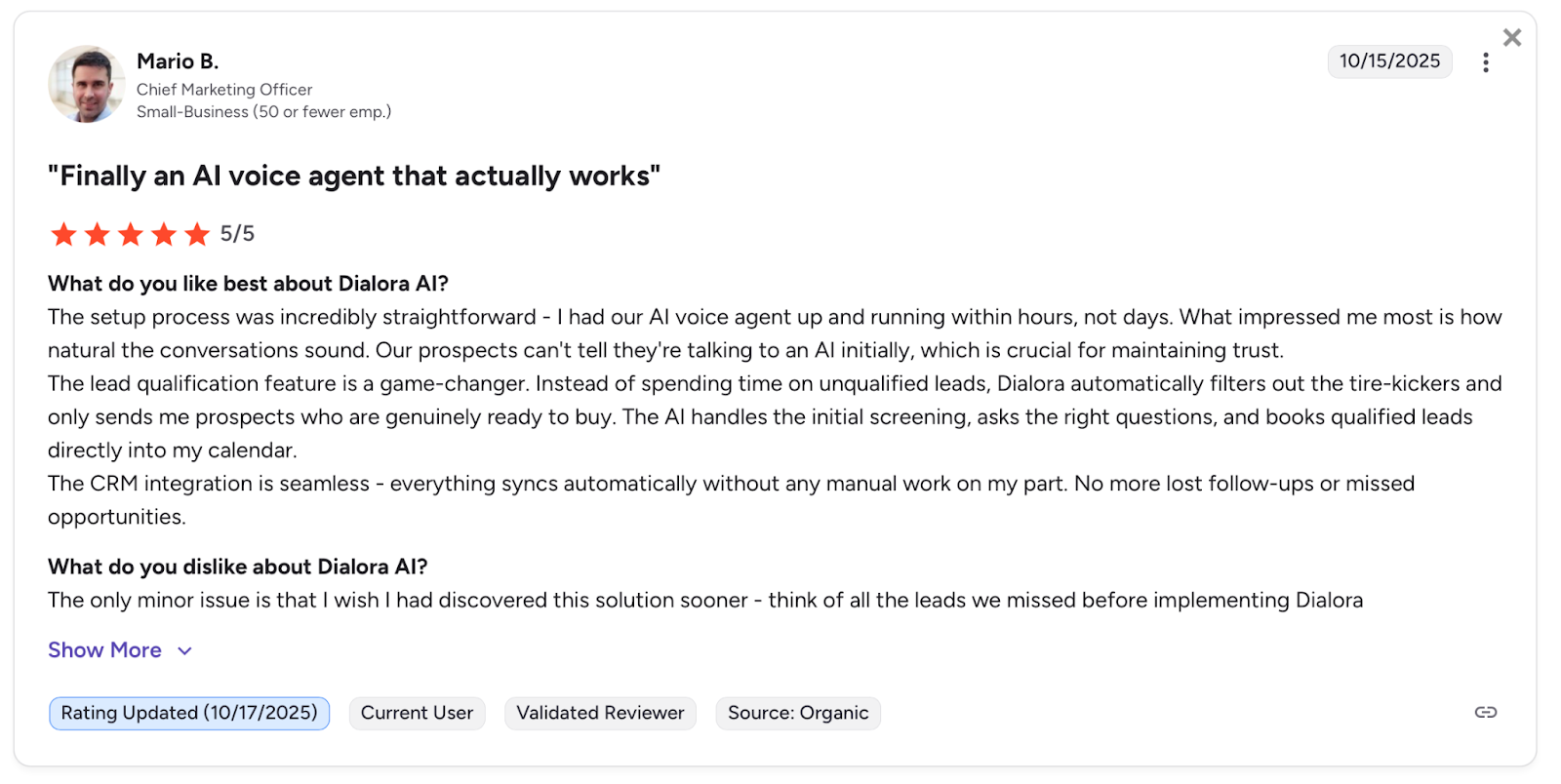
Pro: "I had our AI voice agent up and running within hours, not days." — Mario B., G2
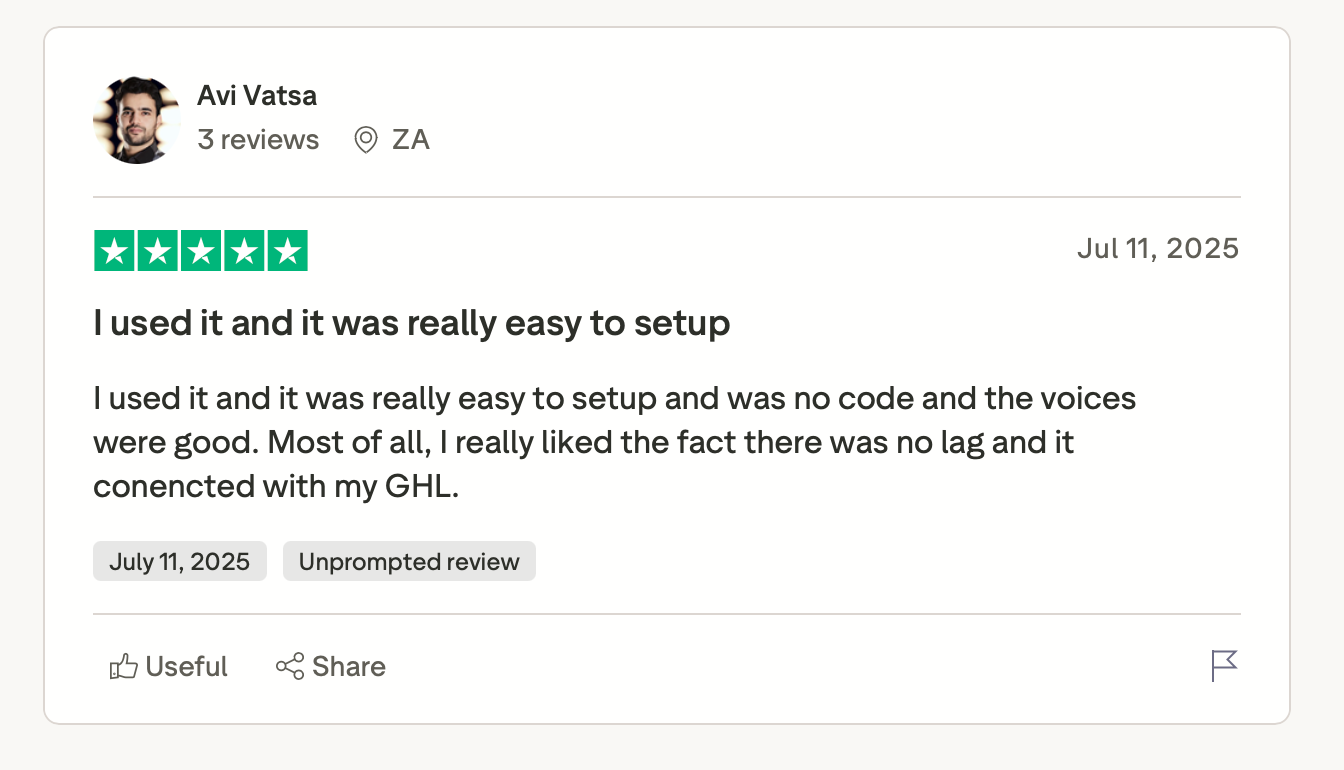
Pro: "I used it and it was really easy to set up and there was no code and the voices were good." — Avi Vatsa, Trustpilot
Pricing
Dialora uses flat monthly pricing starting at $39/month for 200 minutes, with all-inclusive plans up to enterprise.
Bottom Line
I'd recommend Dialora for small businesses that need quick outbound dialing for straightforward prospect qualification and can work with basic speech recognition. If your conversations require nuanced exchanges or multi-language accuracy, Retell AI handles complex scenarios more reliably.
Before You Go Live
Dialora deploys fast, but speech-recognition gaps and interruption issues surface quickly under real conversation load. Run your scripts through Cekura before going live to catch where the agent breaks down before it reaches real customers.
9. Cognigy: Best for Global Enterprises Running Omnichannel Contact Centers
What it does: Cognigy is an enterprise conversational AI platform for deploying voice and chat AI agents across contact centers at scale.
Who it's for: Large enterprises in finance, telecom, and healthcare that need to automate customer interactions without replacing existing contact center infrastructure.
I tested Cognigy on a multi-turn voice scenario with calendar and CRM connected. The conversation logic held up well, and non-technical team members could manage the flow builder without outside help.
Getting to that point was the real challenge. Setup takes significantly longer than anything else on this list, and the initial configuration assumes you have someone technical driving it.
Key Features
- Hybrid AI Understanding: Combines language models with rules-based logic to keep complex conversations on track
- Knowledge Base Integration: Pulls from internal docs to give agents accurate answers without manual scripting
- Visual Flow Builder: No-code editor for designing conversation paths and managing agent handoffs
- Omnichannel Coverage: Runs across voice, chat, WhatsApp, and SMS on top of your existing contact center setup
- Performance Analytics: Tracks resolution rates, customer satisfaction, and automation impact in real time
Pros
✅ Named a Leader in the 2025 Gartner Magic Quadrant for Conversational AI
✅ Deploys on-premise, private cloud, or SaaS for global enterprise compliance needs
✅ Low-code approach lets business users manage and improve flows without dev support
Cons
❌ Voice latency lags behind platforms built specifically for phone calls
❌ Implementation takes months before you see a measurable impact
❌ No unified testing environment, so voice and LLM setup require separate staging before launch
What Users Say
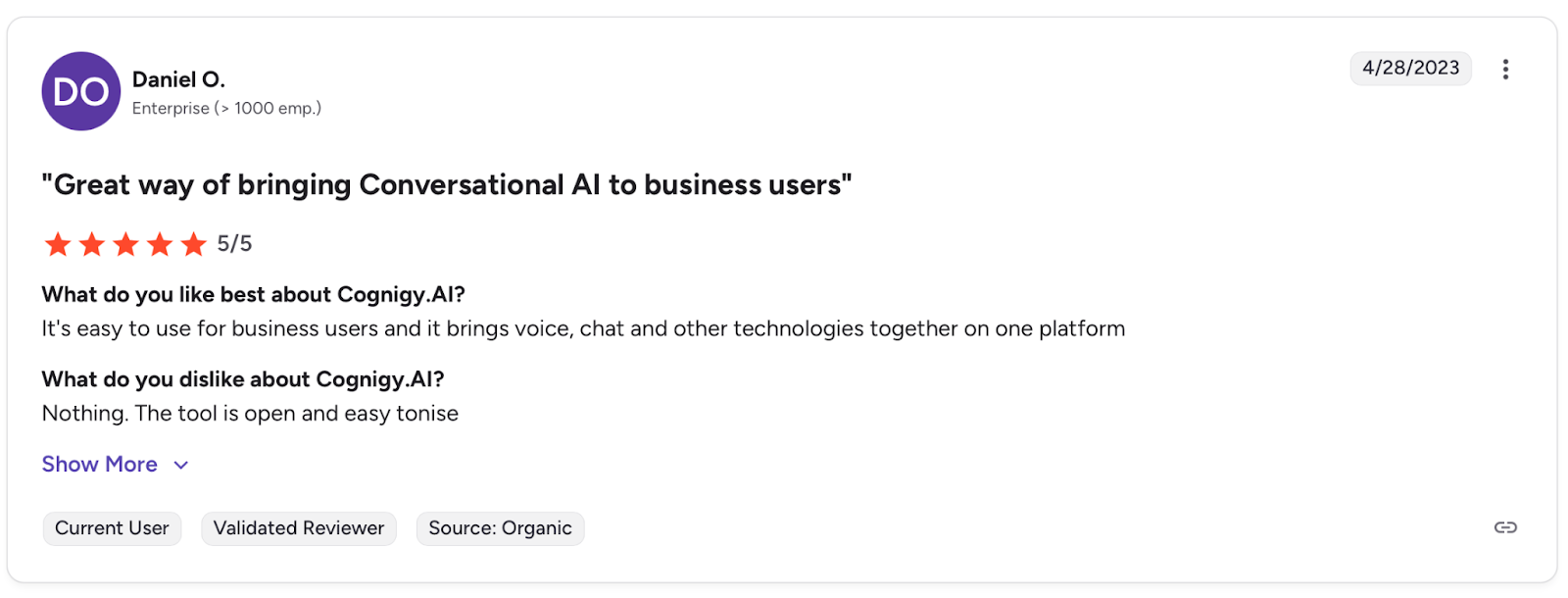
Pro: "It's easy to use for business users and it brings voice, chat and other technologies together on one platform." — Daniel O., G2
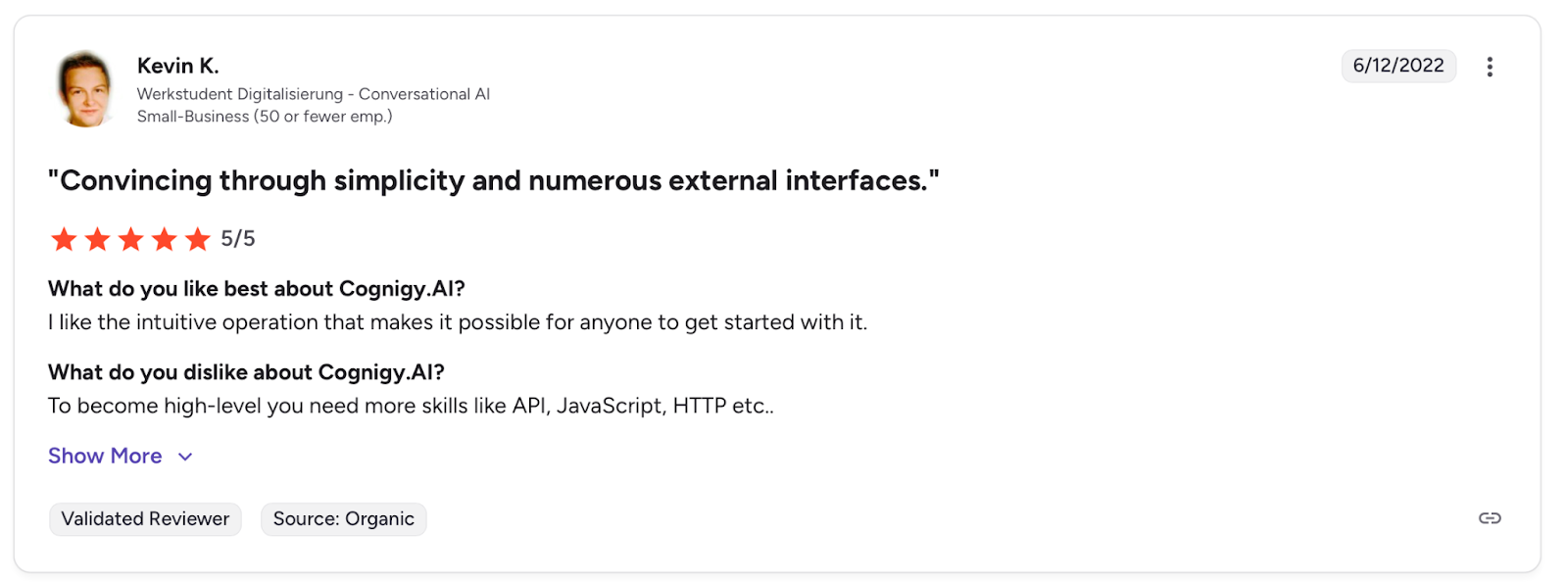
Con: "To become high-level you need more skills like API, JavaScript, HTTP etc." — Kevin K., G2
Pricing
Cognigy uses custom pricing that's negotiated directly with the sales team. Voice, chat, and LLM workloads are billed separately.
Bottom Line
I'd recommend Cognigy for enterprises with the internal resources and timeline to implement omnichannel AI properly. If you need to move faster without a technical lead on staff, Synthflow gets you to production in weeks, not months.
Before You Go Live
Cognigy's complexity creates blind spots between staging and production, and your staging environment won't surface everything. Use Cekura to validate intent accuracy and CRM writes before launch, so nothing breaks when it reaches real customers.
Which Conversational AI Platform Should You Choose?
The right platform depends on where you are in your AI deployment journey, what your team looks like, and how much technical control you need. Choose:
- Retell AI if you have a development team that wants full control over conversation logic and can handle technical configuration.
- Synthflow if you need voice automation fast without developer involvement and want a no-code setup for inbound and outbound calling.
- VAPI if your team has the engineering resources to build a fully custom voice agent from the ground up.
- Telnyx if you want the phone network and the agent stack from one vendor, with flat per-minute pricing and compliance certifications in place from day one.
- Murf AI if you want natural, multilingual voice-first conversations across email, chat, and calls with smooth human handover.
- Bland AI if you are running high-volume outbound campaigns and need raw speed and scale at an enterprise level.
- ElevenLabs if voice quality is your top priority and you need agents to live quickly without heavy engineering.
- Dialora if you are a small business running outbound sales campaigns and need affordable, predictable monthly pricing.
- Cognigy if you are a global enterprise that needs proven omnichannel AI across a complex contact center operation.
Avoid these tools if you:
- Only need a simple FAQ chatbot. Most platforms here are overkill for basic questions and answers.
- Have no technical resources and need something working in hours with zero configuration. None of these platforms is truly zero-setup at scale.
How to Know Your Conversational AI Agent Actually Works
Most teams find out their agent is broken the same way: a customer complaint that should have never reached a human.
Conversational AI tends to fail quietly. An agent responds confidently with outdated information or loses track of the conversation mid-call, and no one flags it. There's no error message, no alert. The call completes, and the failure stays invisible until it compounds.
The platforms on this list are built to deploy agents. None of them are built to tell you when those agents start drifting from what you intended. That's what Cekura is for.
What Cekura Does That No Conversational AI Platform Does
I run Cekura on top of whichever platform I'm testing. It's the only way to know what's actually happening once an agent is live.
- Testing at scale: Thousands of simulated conversations run before go-live, catching the edge cases that only surface when real people start talking to your agent.
- Interruption detection: When the agent talks over a user or cuts off mid-sentence, it's usually a timing problem nobody flagged. Cekura catches those patterns before they become a habit.
- Latency tracking: Measures where slowdowns originate in the pipeline so you know exactly what to fix after each deployment.
- Conversation replay: When something breaks in production, replay that exact exchange against your updated agent to confirm the fix actually worked.
- Custom evaluation: Score every conversation on accuracy, missed intents, and incorrect responses using your own criteria.
- CI/CD pipeline integration: Every time you update a prompt, swap a model, or change a voice provider, Cekura runs your full test suite automatically before anything goes live.
- A/B testing across platforms and models: Compare multiple versions of your agent against the same scenarios, whether you are testing different platforms or model providers (LLM, STT, TTS), and review the results in one place.
- SOC 2 Type II certified: No raw transcript storage, verified security standards throughout.
Native integrations work out of the box for Retell AI, VAPI and ElevenLabs, among others. You don't rebuild anything. You add a testing and monitoring layer on top of what you already have.
Ready to see how it works? Schedule a demo with Cekura.
My Final Verdict
Most tools I tested help you get started. Fewer support the ongoing reliability work that matters once you go live. Retell and VAPI win on control, Synthflow on setup speed, ElevenLabs on voice quality, and Cognigy on enterprise scale.
Deploy whichever fits your team, then add Cekura on top to make sure it keeps working the way you built it.
Frequently Asked Questions
What Is the Best Conversational AI Platform in 2026?
The best platform depends on what you need. Retell AI gives developer teams the most control over how agents behave and holds up best on multi-step workflow adherence. Synthflow gets you live faster with a no-code builder. Cognigy is the strongest option for global enterprises running complex contact center operations.
Whatever platform you choose, pair it with Cekura to validate that everything works correctly before it reaches real customers.
What Is Conversational AI, and How Does It Work?
Conversational AI lets automated systems understand and respond to human language through text or voice.
These systems turn speech into text, process meaning, generate responses, and connect with your existing tools. They handle tasks like answering questions, completing requests, and routing calls.
Which Conversational AI Platforms Are HIPAA Compliant?
Retell AI, Synthflow, ElevenLabs, Telnyx, and Cekura support HIPAA compliance for healthcare use. Telnyx also carries SOC 2 Type II, PCI DSS Compliant, and ISO 27001. Cognigy offers compliance options for enterprise customers. Verify current certifications with each vendor before using them in regulated environments.
Do I Need Developers to Use a Conversational AI Platform?
It depends on which one you choose. Synthflow and Dialora work for non-technical users with no-code builders and templates. Retell AI, VAPI, and Bland AI need developers to set up and maintain. Cognigy assumes a technical lead from day one.