
Choosing the wrong provider for your voice agent means latency that kills conversational flow, quality that falls apart outside English, or pricing that makes no sense at scale. These are the best TTS for AI voice agents worth building on in 2026.
8 Best TTS for AI Voice Agents: Quick Comparison
Each provider wins on something different. Here's where they stand.
| 💻 Tool | 🎯 Best For | ⭐ Standout Feature | 💰 Starting Price |
|---|---|---|---|
| ElevenLabs | Voice quality + fast setup | 70+ languages, turn-taking model | $6/month |
| Cartesia Sonic 3 | Lowest latency | 40ms TTFA, SSM architecture | Free, $4/month (Pro) |
| Telnyx | One-vendor voice stack on owned telephony | Per-assistant routing across 10 voice engines | $0.003/1K chars |
| Inworld AI | Benchmark quality at scale | #1 Artificial Analysis, credit rollover | $25/month |
| Deepgram Aura-2 | Regulated industry accuracy | Domain-tuned pronunciation, no markup | Pay-as-you-go |
| OpenAI TTS | OpenAI ecosystem teams | Plain-language voice prompting | Pay-as-you-go |
| Hume AI Octave 2 | Emotionally aware agents | Contextual delivery via LLM backbone | Free, $3/month (Starter) |
| Speechmatics Flow | Compliance without contracts | HIPAA + SOC 2 on free tier | Pay-as-you-go |
How I Researched and Tested These TTS Tools
I evaluated each provider through the same set of tests across interruption-heavy calls, medical and financial scripts, and multilingual edge cases where most models quietly fall apart.
Then I ran each through 200+ Cekura simulations for off-script callers, noisy environments, accented speech, and multi-turn flows, rather than focusing only on clean demos. I also looked at:
- Voice quality: How natural the output sounds on short functional responses like confirmations and handoffs, where most models lose their footing.
- Latency: Time to first audio under real conditions, measured end-to-end, not just at inference.
- Integrations: How each provider connects to telephony, LLMs, and orchestration frameworks like Pipecat and Vapi.
- Pricing: What the bill actually comes to at 500K characters per month versus 5M, and where the pricing model breaks down.
- Production readiness: Compliance documentation, concurrency limits, and what happens when something fails.
Testing across these dimensions showed which providers are built for production and which are still optimized for a demo. I compared my results and what each provider claims against user reviews from G2, Reddit, and Product Hunt to cross-check real-world experience.
1. ElevenLabs Conversational AI: Best for Teams That Prioritize Voice Quality
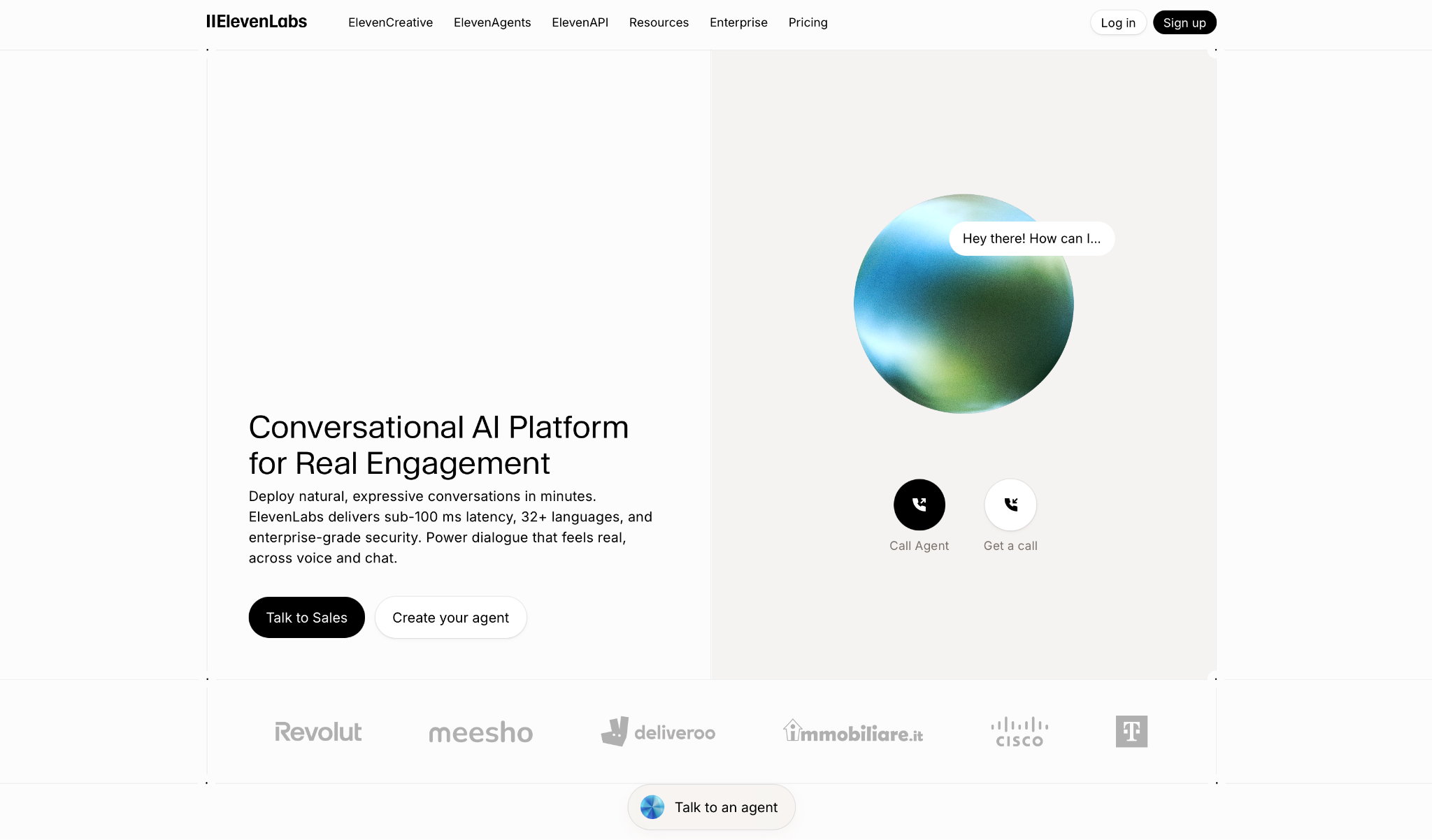
What it does: ElevenLabs Conversational AI deploys expressive voice agents across voice and chat, with a single pipeline that integrates transcription, reasoning, and voice synthesis to cut the dead air that makes most agents feel robotic.
We put it through a full ElevenLabs review if you want the deep dive.
Who it's best for: Customer support, inbound scheduling, and sales teams that need a voice agent that sounds human without building the infrastructure themselves.
I tested it on inbound support scenarios using Flash v2.5. The pacing is noticeably better than anything else on this list. The turn-taking model stops the agent from cutting in mid-sentence, something most platforms still get wrong.
A non-technical team can have it running in under an hour. No SDK, no configuration overhead. Where it falls short is control. API pricing runs on a separate track from subscription credits, so production teams end up tracking two bills. If you want to bring your own LLM, you need a server-side setup that sits entirely outside the visual builder.
Key Features
- ~75ms TTS Latency: Synthesis layer only. Full end-to-end latency runs substantially higher in production.
- 70+ languages with automatic detection: Eleven v3 switches mid-conversation without manual configuration or added latency.
- 10,000+ voices + voice cloning: Instant cloning from short clips, with professional cloning on Creator plans and above.
- Native integrations: Direct connectors for Twilio, Genesys, HubSpot, Zendesk, Stripe, Cal.com, and 7,000+ apps via Zapier.
- Enterprise security: HIPAA-compliant with EU data residency and BAAs on Enterprise plans.
Pros and Cons
Pros:
✅ Best voice realism in this category, by a clear margin
✅ Fastest setup of any tool tested, no engineering required
✅ HIPAA compliance and EU data residency with BAAs on Enterprise
Cons:
❌ API and subscription credits are billed separately, with no unified view across both
❌ Multilingual v2/v3 costs 2x more per character than Flash. Multilingual agents get expensive fast
❌ Bringing your own LLM requires server-side setup outside the visual builder
What Users Say
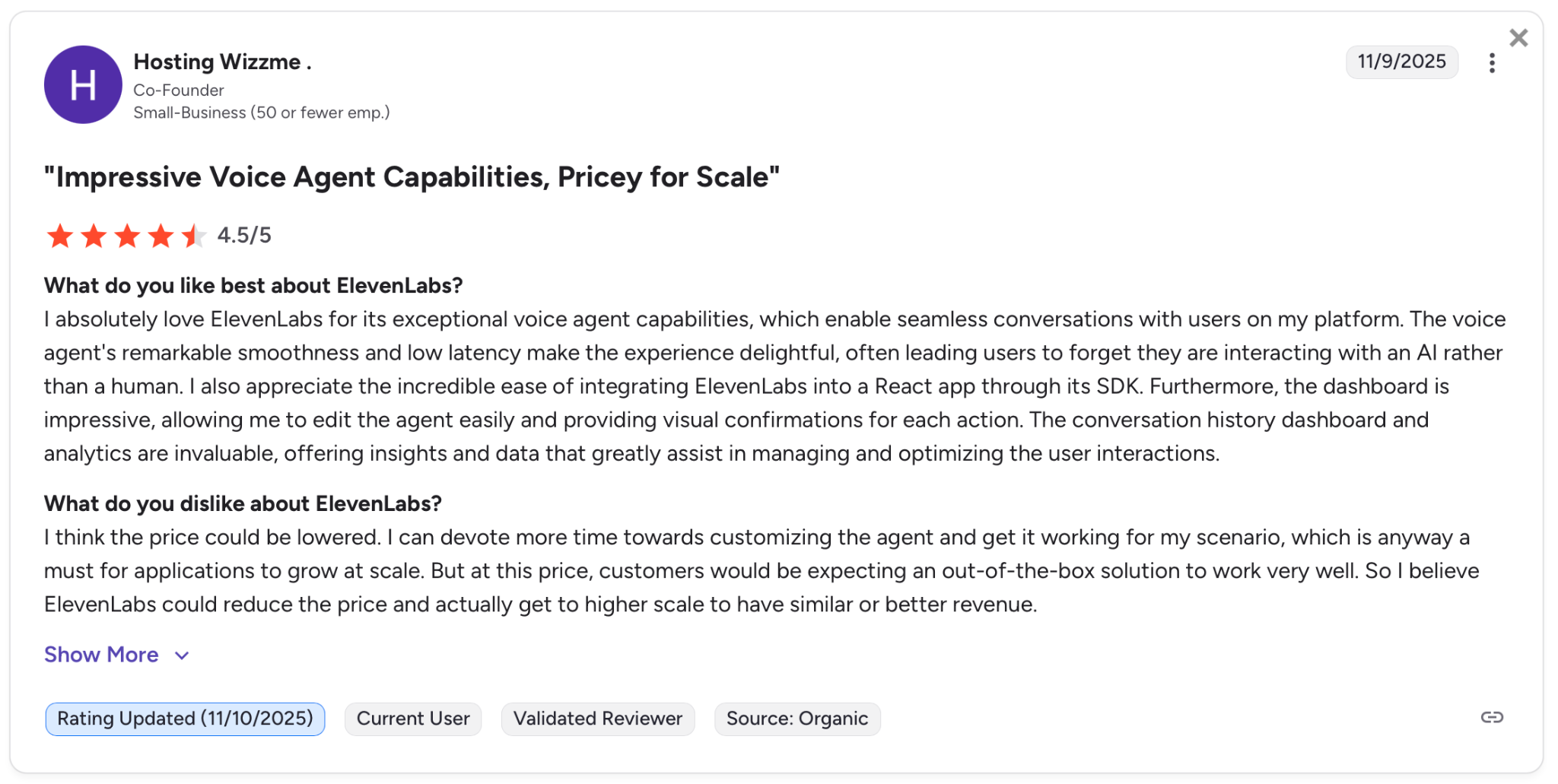
"The voice agent's remarkable smoothness and low latency make the experience delightful." — Hosting Wizzme, G2
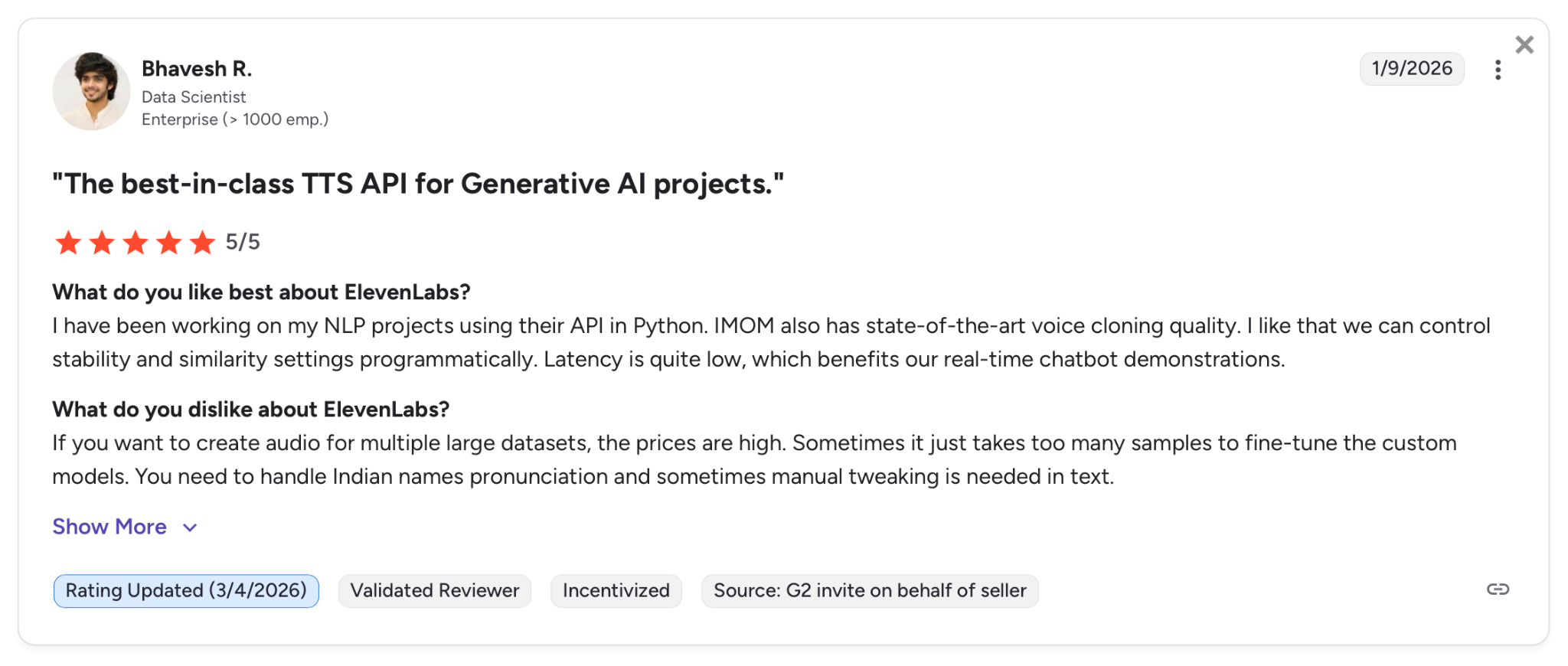
"If you want to create audio for multiple large datasets, the prices are high." — Bhavesh R., G2
Pricing
ElevenLabs Conversational AI offers a free tier with 15 minutes of calls at $0.08/minute. The Starter plan is a common choice. It runs $6/month and adds a commercial license, text messages, and 75 included minutes.
Our ElevenLabs pricing breakdown maps out credits, overages, and plan jumps in detail.
ElevenLabs' other paid plans include:
- Creator at $22/month, with the first month only $11
- Pro at $99/month
- Scale for $299/month
- Business at $990/month
For Enterprise pricing, contact their sales team.
Bottom Line
I'd recommend ElevenLabs for teams where voice quality is a priority and setup speed matters. If you need clean API billing and full LLM control without a separate server, look at Cartesia or Inworld.
2. Cartesia Sonic 3: Best for Teams Where Latency Is the Deal-Breaker
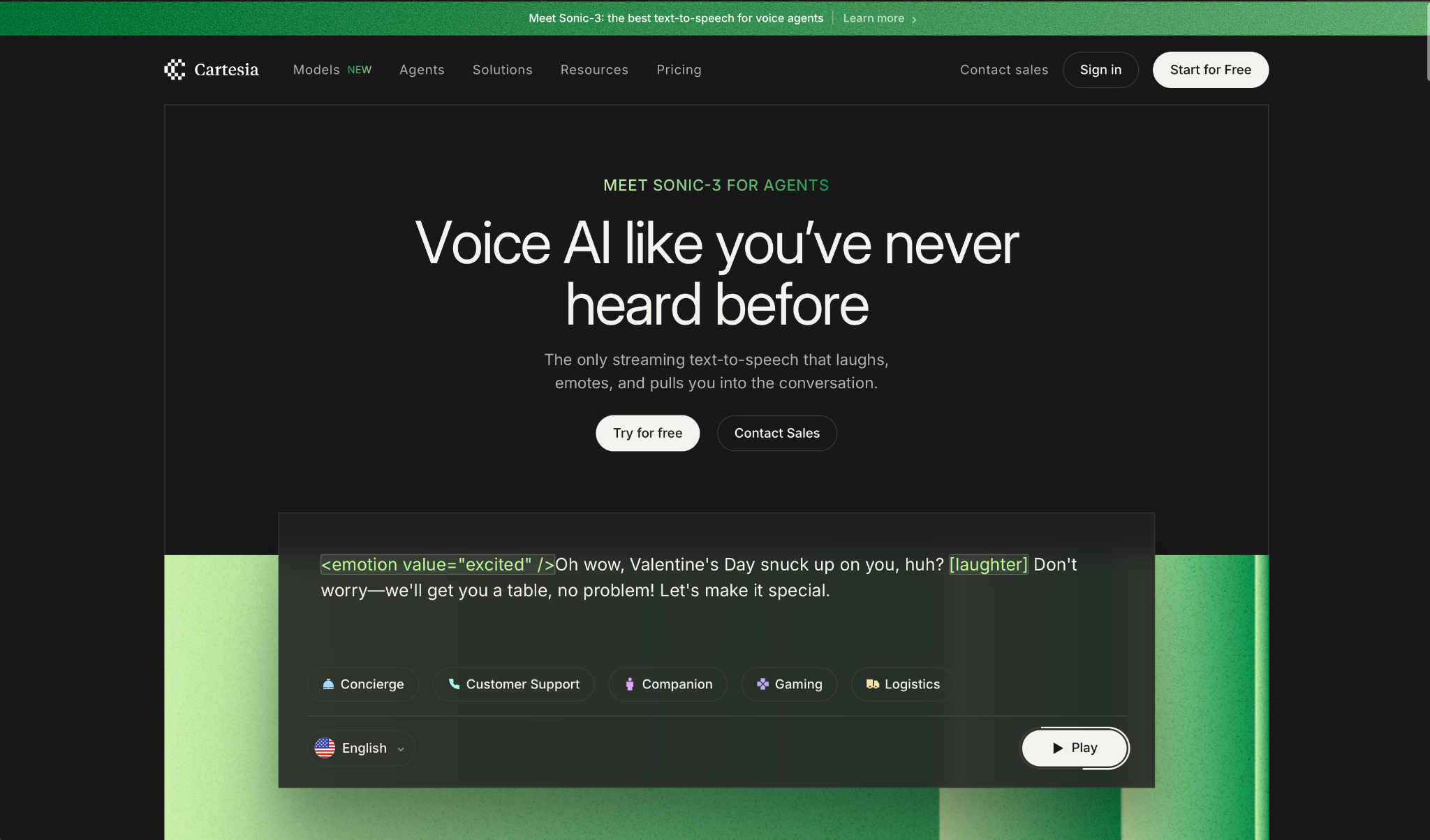
What it does: Cartesia builds streaming TTS and STT purpose-built for production voice agents, where response time determines whether a conversation feels real or broken.
Who it's best for: Engineering teams building live customer interactions and phone-based agents that cannot afford the half-second delays most providers deliver.
I tested Sonic-3 on interruption-heavy call scenarios, and the difference is noticeable. The agent responds before the caller even registers a pause.
Sonic-Turbo pushes that further using an SSM architecture (State Space Models instead of Transformers), which is what keeps latency at 40ms even under load, something transformer-based models struggle with at scale.
Where it comes up short is in breadth and cost predictability. The language library doesn't cover what global deployments need, and the LLM usage during calls is currently free as a promotional rate with no committed timeline, which makes long-term cost modeling a guess.
Key Features
- Sonic-Turbo at 40ms TTFA: Fastest time-to-first-audio on the market. Sonic-3 at 90ms trades some speed for higher naturalness.
- 42 languages: Covers major commercial markets across Europe, Asia, Latin America, the Middle East, and parts of Africa.
- Instant and Pro Voice Cloning: Instant cloning at no extra cost per plan. Pro Voice Cloning from the Startup tier.
- Line (voice agent platform): Built-in telephony support, call analytics, GitHub integration, and full observability without third-party tooling.
- Model versioning: Pinned snapshots let you lock a specific version in production without surprise behavior changes.
Pros and Cons
Pros:
✅ Lowest time-to-first-audio in this category, with no direct competitor at this price point
✅ All products are available on every plan, including free
✅ Pro plan at $4/month is the most competitive commercial entry point on this list
Cons:
❌ 42 languages against 70+ on ElevenLabs, a real gap for multilingual enterprise deployments
❌ LLM usage during calls is free only as a limited-time promotion, making long-term budget planning unstable
❌ No out-of-the-box persona scoping or custom pronunciation controls for brand names
What Users Say
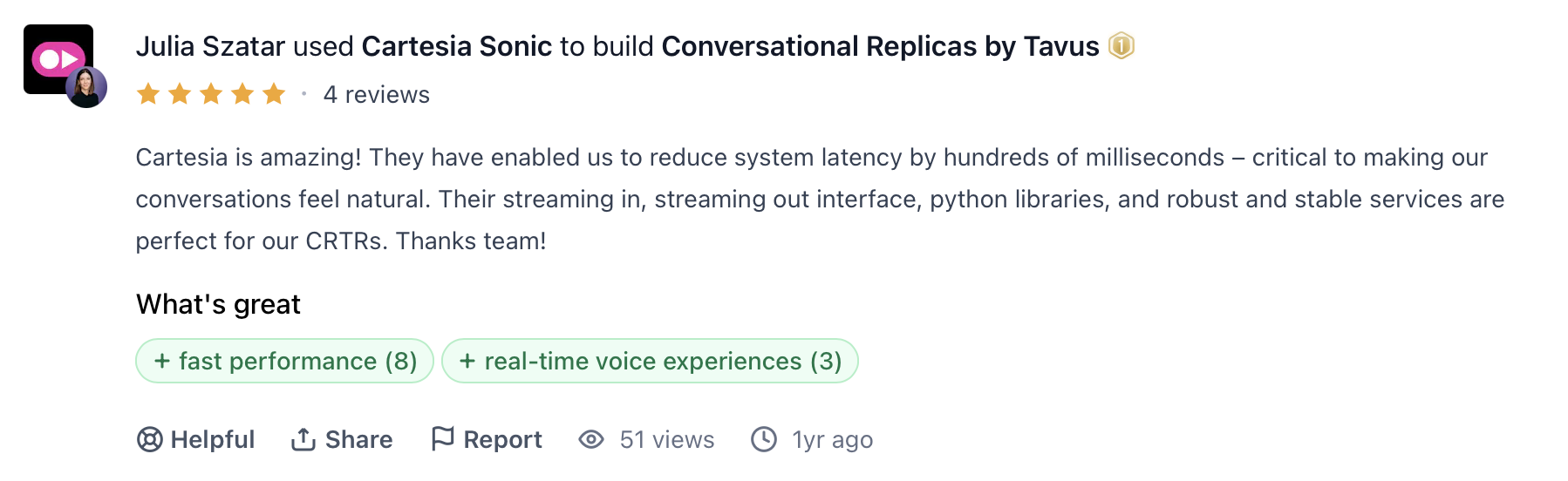
"Cartesia is amazing! They have enabled us to reduce system latency by hundreds of milliseconds." — Julia Szatar, ProductHunt
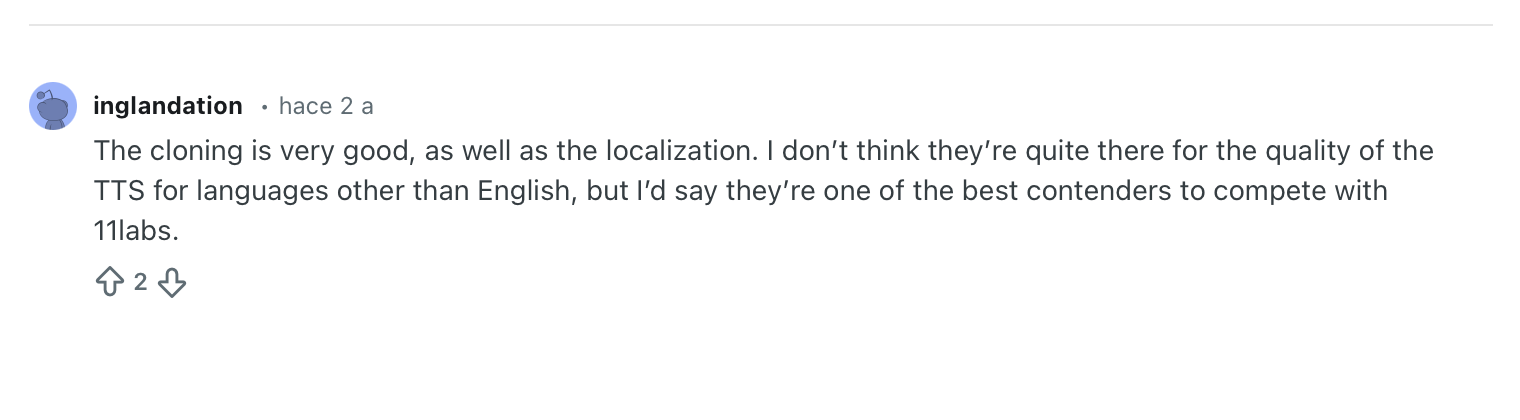
"I don't think they're quite there for the quality of the TTS for languages other than English." — Verified User, Reddit
Pricing
Cartesia offers a free plan and paid plans starting at $4/month (Pro, billed annually). Teams or businesses with large-scale use cases may prefer either the Startup plan at $39/month or Scale at $239/month. For Enterprise pricing, contact their sales team.
Bottom Line
I'd recommend Cartesia for teams where raw response speed is the deciding factor and the deployment stays within major commercial languages. If you need broader multilingual reach or out-of-the-box agent personas, ElevenLabs or Inworld are the stronger options.
3. Telnyx: Best for Teams That Want One Vendor From Synthesis to Phone Network
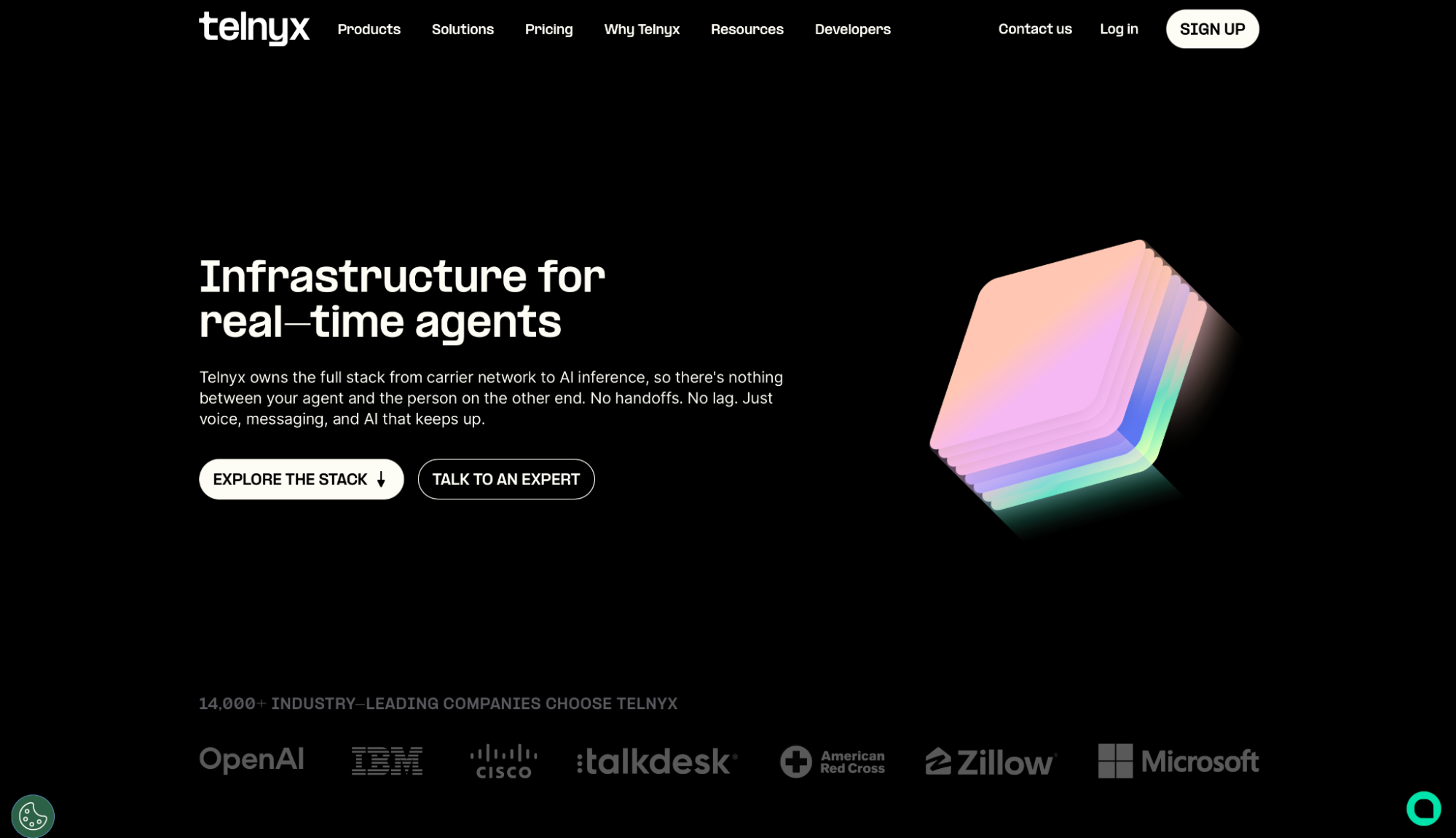
What it does: Telnyx serves TTS inside its voice AI platform, synthesizing speech on the same carrier network that delivers the call.
Who it's best for: Teams running phone-based voice agents that want TTS, STT, and telephony consolidated under one provider and one bill.
Telnyx is a different shape of TTS vendor. Instead of one flagship voice model, it hosts a catalog: in-house Natural and NaturalHD voices alongside hosted Rime, MiniMax, Inworld, Qwen3TTS, Resemble, and Murf engines, with bring-your-own-key ElevenLabs and Azure. Voices are swappable per assistant, so teams can A/B different voices against real callers without changing providers or contracts.
Since synthesis, transcription, and call termination run on the Telnyx-owned network, there's no vendor-to-vendor hop anywhere in the audio path. Full pipeline round trips run under 200ms in production.
Where it comes up short is voice research itself. Telnyx isn't training frontier prosody models. Its in-house voices are built for agents and IVR rather than expressive narration, and the expressiveness ceiling is whichever third-party engine you route to.
Key Features
- Voice catalog routing: In-house Natural and NaturalHD plus nine third-party engines, selectable per assistant without separate contracts.
- Telephony-native delivery: Synthesis and call termination on the same owned network, removing the cross-vendor audio hop.
- Bundled voice engine: TTS ships with STT and orchestration at a flat $0.05/min for voice agents.
- Standalone per-character pricing: From $0.000003/char base, $0.000048/char for NaturalHD voices.
- Compliance posture: SOC 2 Type II, HIPAA, PCI DSS Compliant, ISO 27001, GDPR with EU-deployed infrastructure.
Pros and Cons
Pros:
✅ One vendor from synthesis to phone network, no integration layer to maintain
✅ Swap TTS engines per assistant; A/B voices in production without a second provider
✅ Base rate of $0.003 per 1K characters undercuts most flagship voice models
Cons:
❌ No published TTFB benchmark for TTS in isolation; latency figures are pipeline-level
❌ In-house voices trail ElevenLabs and Cartesia on expressiveness and emotional range
❌ The latency advantage assumes Telnyx telephony. As a standalone TTS API called from another stack, the co-location argument disappears
What Users Say
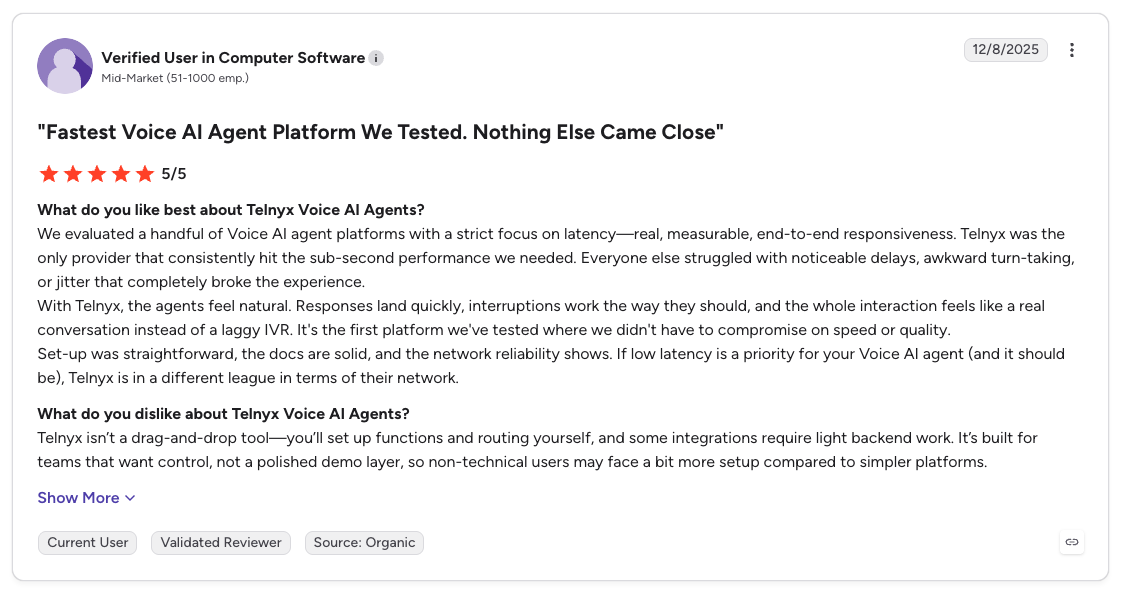
"If low latency is a priority for your Voice AI Agent (and it should be), Telnyx is in a different league in terms of their network." — Verified User, G2
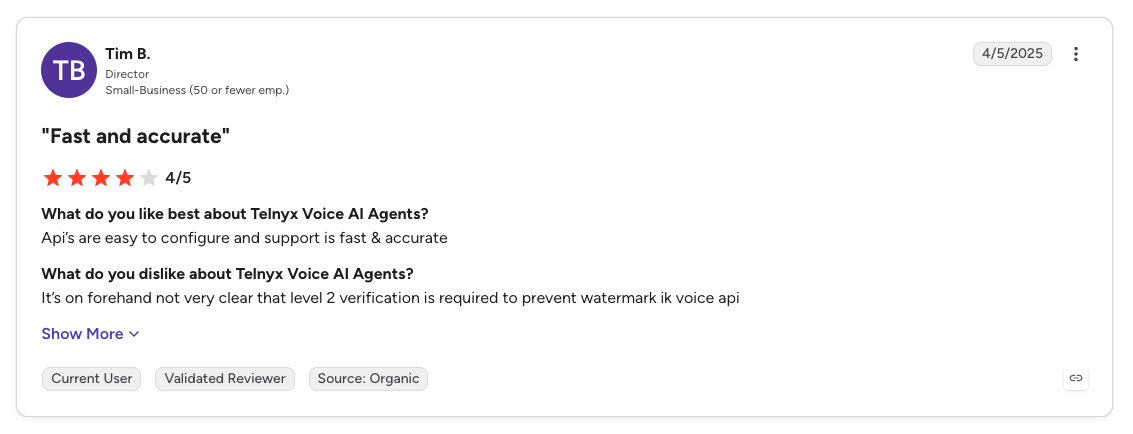
"It's on forehand not very clear that level 2 verification is required." — Tim B., G2
Pricing
Self-serve and pay as you go. Base Telnyx voices are $0.000003 per character with NaturalHD at $0.000048. Hosted third-party engines are priced individually (Rime at $0.00002/char, for example). For voice agents, TTS is bundled with STT and orchestration at $0.05/min. Enterprise volume pricing requires a sales conversation first.
Bottom Line
Telnyx is the consolidation play: pick it when the phone call is the product and vendor count is the enemy. If pure voice quality is the deal-breaker, ElevenLabs and Cartesia remain the stronger picks.
4. Inworld AI: Best for Teams That Need Top Benchmark Quality at Scale
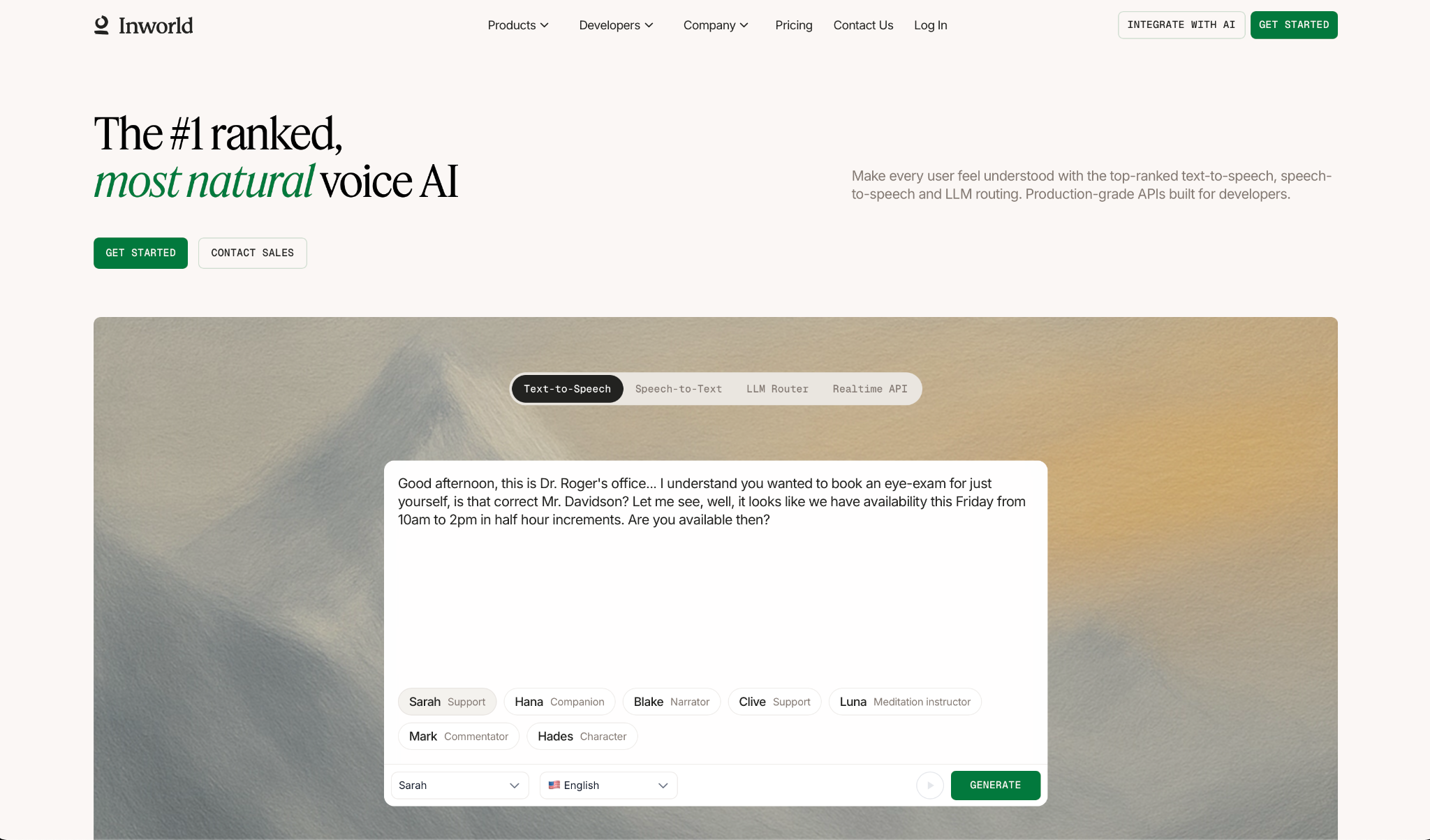
What it does: Inworld builds streaming TTS and STT for production voice agents, with sub-200ms latency and a pricing structure that discounts as usage grows.
Who it's best for: Developers scaling voice agents to production who need proven benchmarks, compliance options, and costs that don't spike under load.
I tested the Max model on conversational scenarios, and the results hold up on the short functional responses that break most models. Audio starts playing before the full sentence is generated, so there's no pause between thought and speech.
The gaps are language coverage and self-serve access. The language library handles most commercial markets but stops well short of a global rollout.
Setting up Professional Voice Cloning also requires a sales conversation, which adds friction when a team needs to move fast.
Key Features
- Sub-200ms streaming TTS: Audio generates as it synthesizes over WebSocket, with no buffering step. Mini hits under 100ms for flows where every millisecond counts.
- TTS-1.5 Max and Mini: Max for maximum expressiveness, starting at $50/1M characters on base plans. Mini starts at $25/1M for interactions where speed matters more than nuance.
- 220+ LLM Router: A single OpenAI-compatible endpoint with automatic failover across 200+ models, including OpenAI, DeepSeek, and Gemini.
- Voice cloning from 5 seconds: Instant cloning on all plans, including the free tier. Pro cloning as an add-on at the $1,500 tier.
- On-prem deployment: Full data sovereignty on H100/B200 hardware for regulated industries that cannot use shared cloud infrastructure.
Pros and Cons
Pros:
✅ Ranked #1 on Artificial Analysis Speech Arena, the most widely cited independent TTS leaderboard
✅ Credits roll over for up to 3 months, which smooths out variable usage across billing cycles
✅ HIPAA compliance, BAA coverage, and Zero Data Retention available as add-ons at the Growth tier, without requiring a full Enterprise contract
Cons:
❌ Timestamp alignment adds latency and works in English and Spanish only. All other languages are experimental
❌ HIPAA, BAA, and Zero Data Retention are add-ons with no published pricing
❌ Realtime API and Agent Runtime costs are not public. Full pipeline budgeting requires a sales call
What Users Say
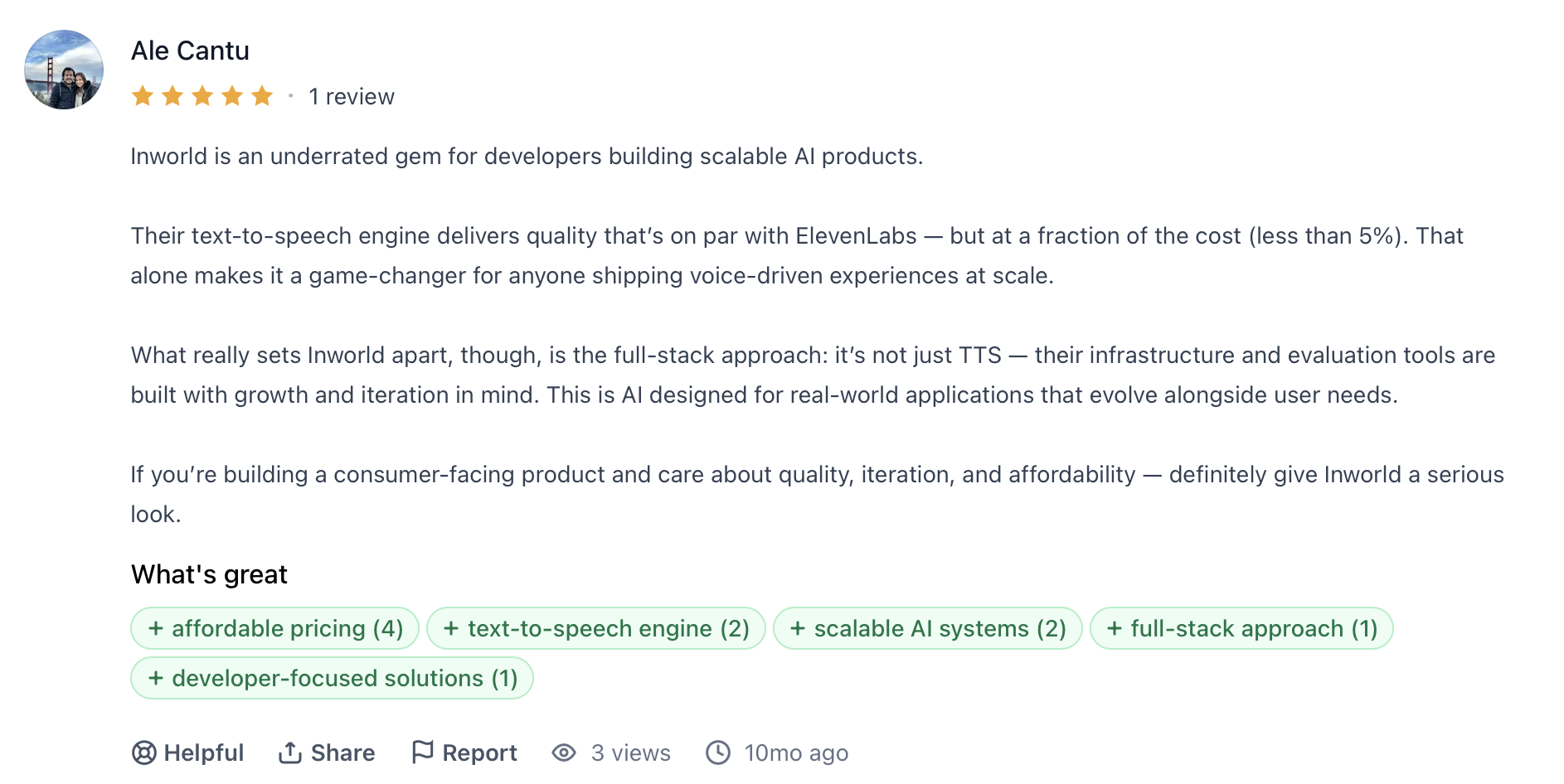
"What really sets Inworld apart, though, is the full-stack approach: it's not just TTS — their infrastructure and evaluation tools are built with growth and iteration in mind." — Ale Cantu, ProductHunt
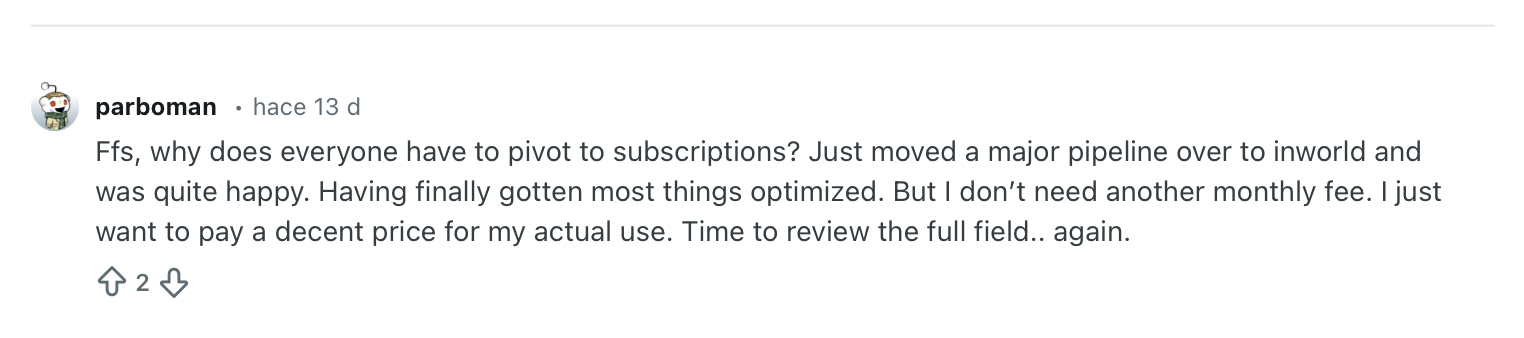
"Ffs, why does everyone have to pivot to subscriptions? Just moved a major pipeline over to inworld and was quite happy." — Verified User, Reddit
Pricing
Inworld offers a free On-Demand tier and paid plans starting at $25/month (Creator) up to $1,500/month (Growth). For Enterprise pricing, contact their sales team.
Bottom Line
I'd recommend Inworld for teams that need the highest independently benchmarked TTS quality at a price that drops with volume. If the deployment needs to go beyond major commercial languages, Cartesia or ElevenLabs covers more ground.
5. Deepgram Aura-2: Best for Enterprise Contact Centers in Regulated Industries
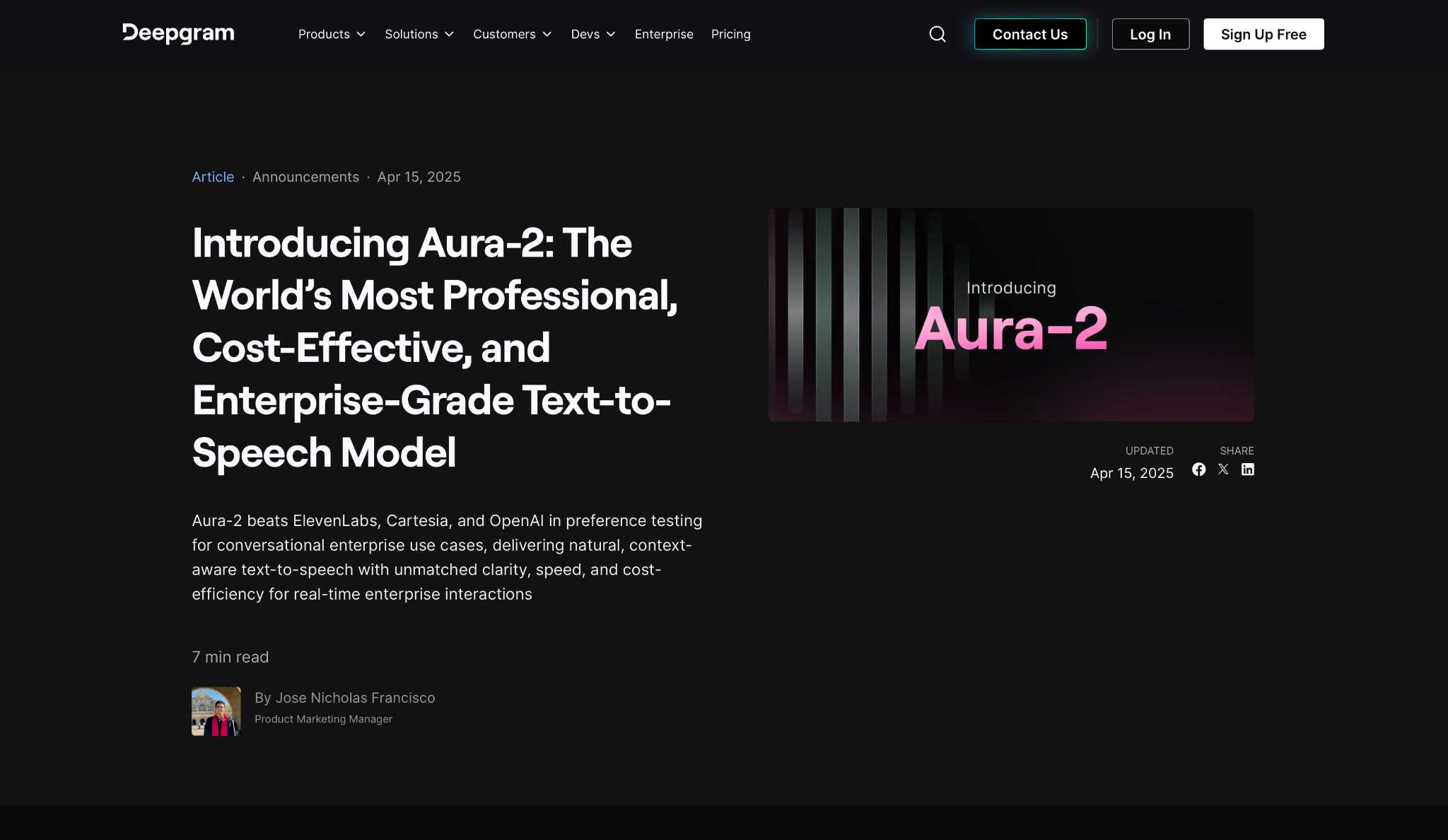
What it does: Deepgram Aura-2 is a TTS model built for enterprise voice agents, with domain-tuned speech accuracy for high-stakes environments where generic models consistently fall short.
Who it's best for: Engineering teams running high-volume phone operations in healthcare, finance, and other compliance-heavy verticals where mispronounced terms break caller trust.
Most voice agent teams spend hours fixing pronunciation after deployment. A wrong drug name or a mangled account number costs time and credibility to fix after the fact.
Aura-2 removes that step because it was trained on real call-center recordings, not on generic speech. I tested scripts that would normally require custom markup on every other provider here and shipped them without a single fix.
The trade is coverage. It works with localized accents, within regulated verticals, and within teams willing to go through sales for custom voices. Outside those boundaries, you're looking at a second provider.
Key Features
- Domain-tuned pronunciation: Reads medical terms, legal disclaimers, and alphanumeric codes accurately without markup.
- 40+ English voices with localized accents: US regional, Australian, Filipino, and other English-speaking variants, each mapped to a business context.
- Unified STT and TTS infrastructure: Both run on the same Enterprise Runtime, cutting the handoff latency between separate providers.
- Enterprise Runtime with passive learning: Adapts from real call data as new terms appear in live calls, with no intervention required.
- BYO-LLM and BYO-TTS Voice Agent API: Four configuration modes at transparent per-minute rates, from $0.050/min with a full custom stack.
Pros and Cons
Pros:
✅ $0.030/1K characters is one of the most competitive rates for enterprise-grade TTS on this list
✅ Running both STT and TTS on shared infrastructure eliminates the latency that comes from routing audio through two different vendors
✅ SOC 2 Type I and II, HIPAA, GDPR, and PCI confirmed for production deployments
Cons:
❌ Only supports 7 languages (English, Spanish, French, German, Dutch, Italian, Japanese). Any other language means a second provider
❌ No published voice customization on any self-serve plan
❌ No SSML support. Pacing and emphasis are automated, not yours to control
What Users Say
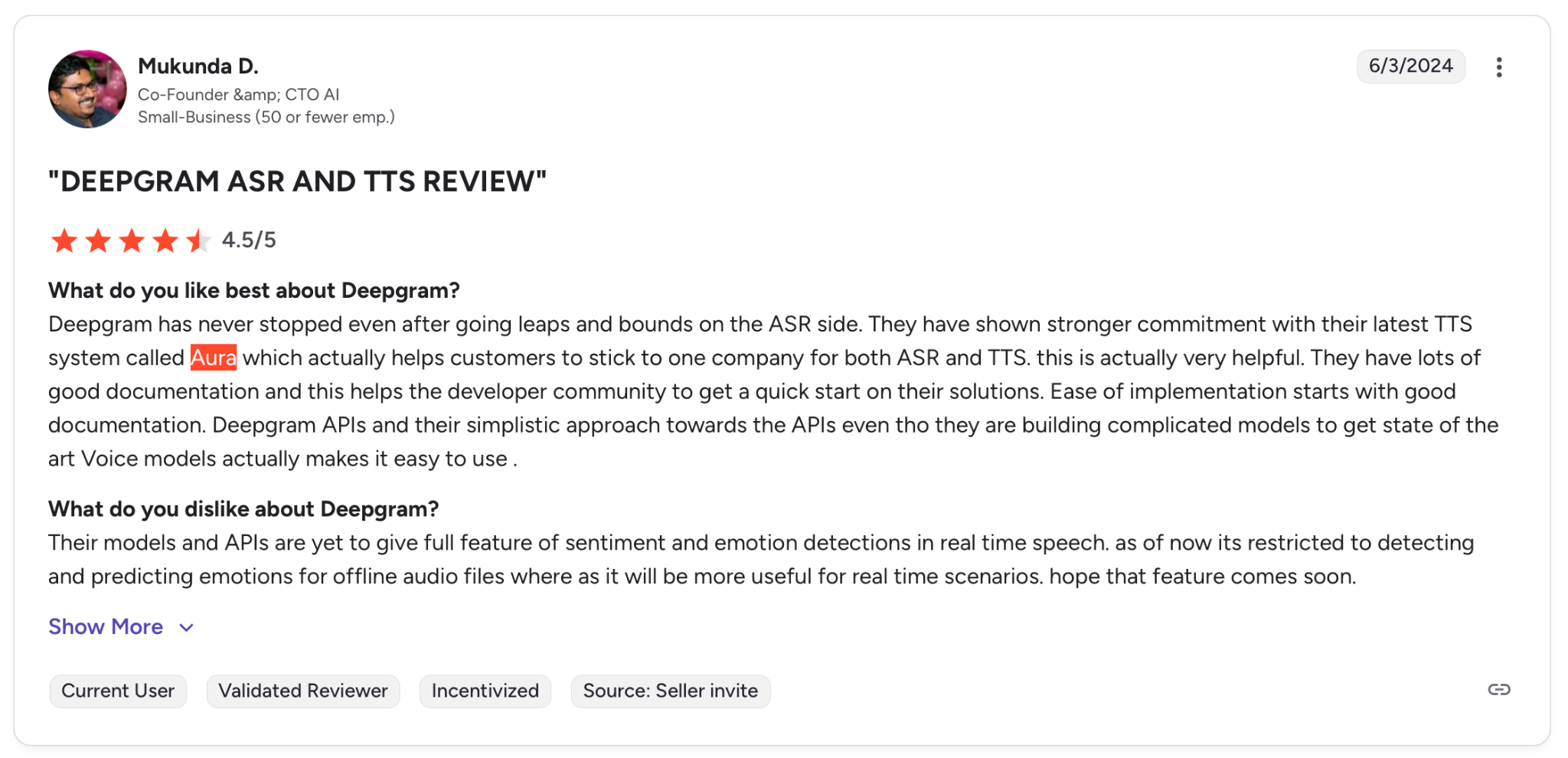
"They have shown a stronger commitment with their latest TTS system called Aura, which actually helps customers to stick to one company for both ASR and TTS." — Mukunda D., G2
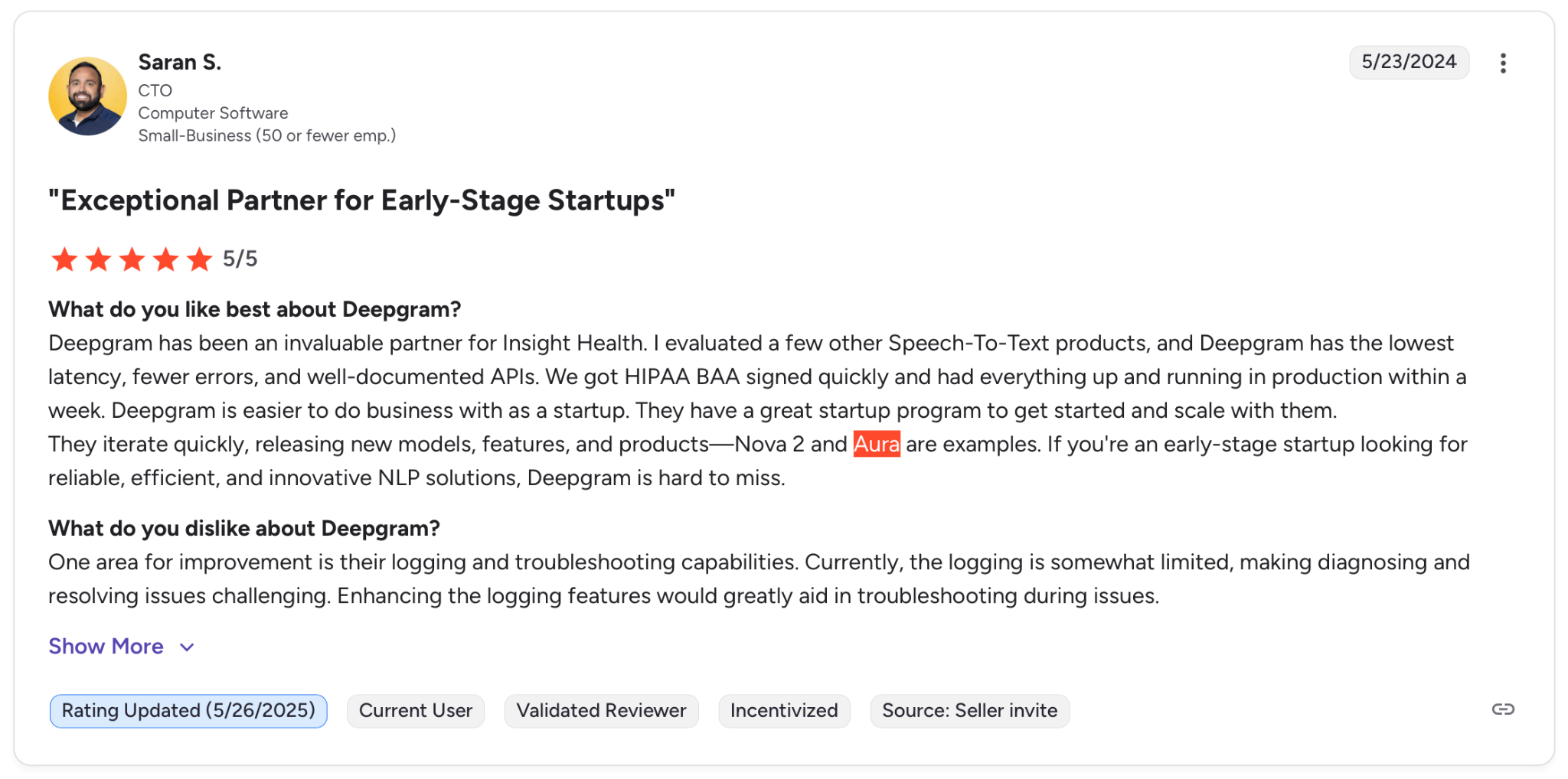
"One area for improvement is their logging and troubleshooting capabilities." — Saran S., G2
Pricing
Deepgram offers a pay-as-you-go tier with $200 in credits and no credit card required. Teams with higher volume can move to the Growth plan, which starts at $4,000/year and includes up to 20% off pay-as-you-go rates. For Enterprise pricing, contact their sales team.
Bottom Line
I'd recommend Deepgram for phone operations in regulated industries where terminology accuracy outweighs voice variety. If you need multilingual coverage or cloning without a sales call, ElevenLabs or Cartesia covers more ground.
6. OpenAI TTS: Best for Teams Already Building on the OpenAI Stack
What it does: OpenAI TTS converts text to speech via API, with broad multilingual input support, 13 built-in voices, and a newer model that takes plain-language instructions to control tone and pacing.
Who it's best for: Developer teams already using OpenAI for their LLM and transcription layers who want to add voice without managing a second vendor or billing system.
I tested it inside an existing GPT-based agent and had voice output running in under ten minutes. No new account, no second dashboard. If you're already on OpenAI, there's genuinely nothing to set up.
It falls apart outside that setup. There's no voice cloning. Quality drops noticeably in non-English outputs, and the newest model bills on tokens rather than characters, making cost estimation messier than with every other provider on this list.
Key Features
- Natural language voice prompting: gpt-4o-mini-tts accepts plain-text instructions to shape how the voice sounds, with no markup or parameter tuning required.
- 57 languages: The widest input coverage on this list, though output consistency varies across them.
- Single API key for the full stack: Every OpenAI product, including Whisper and GPT, runs under one account and one bill, with no separate authentication.
- 6 output formats: standard delivery (MP3, AAC), low-latency streaming (Opus, WAV), lossless archiving (FLAC), and raw uncompressed audio (PCM).
- Content ownership: API terms explicitly assign full rights over generated audio to the account holder.
Pros and Cons
Pros:
✅ The standard model is one of the lowest published rates on this list
✅ Plain-language prompting on the newest model replaces SSML entirely for expressive control
✅ One API key covers the full OpenAI product range with no additional vendor management
Cons:
❌ No voice cloning of any kind. The docs state this as a hard limit, not a roadmap item
❌ The voice catalog was built around English. Accent accuracy across the other 56 supported inputs is not guaranteed
❌ gpt-4o-mini-tts bills on output tokens, not per character. Per-interaction cost is harder to predict than fixed per-character rates
What Users Say
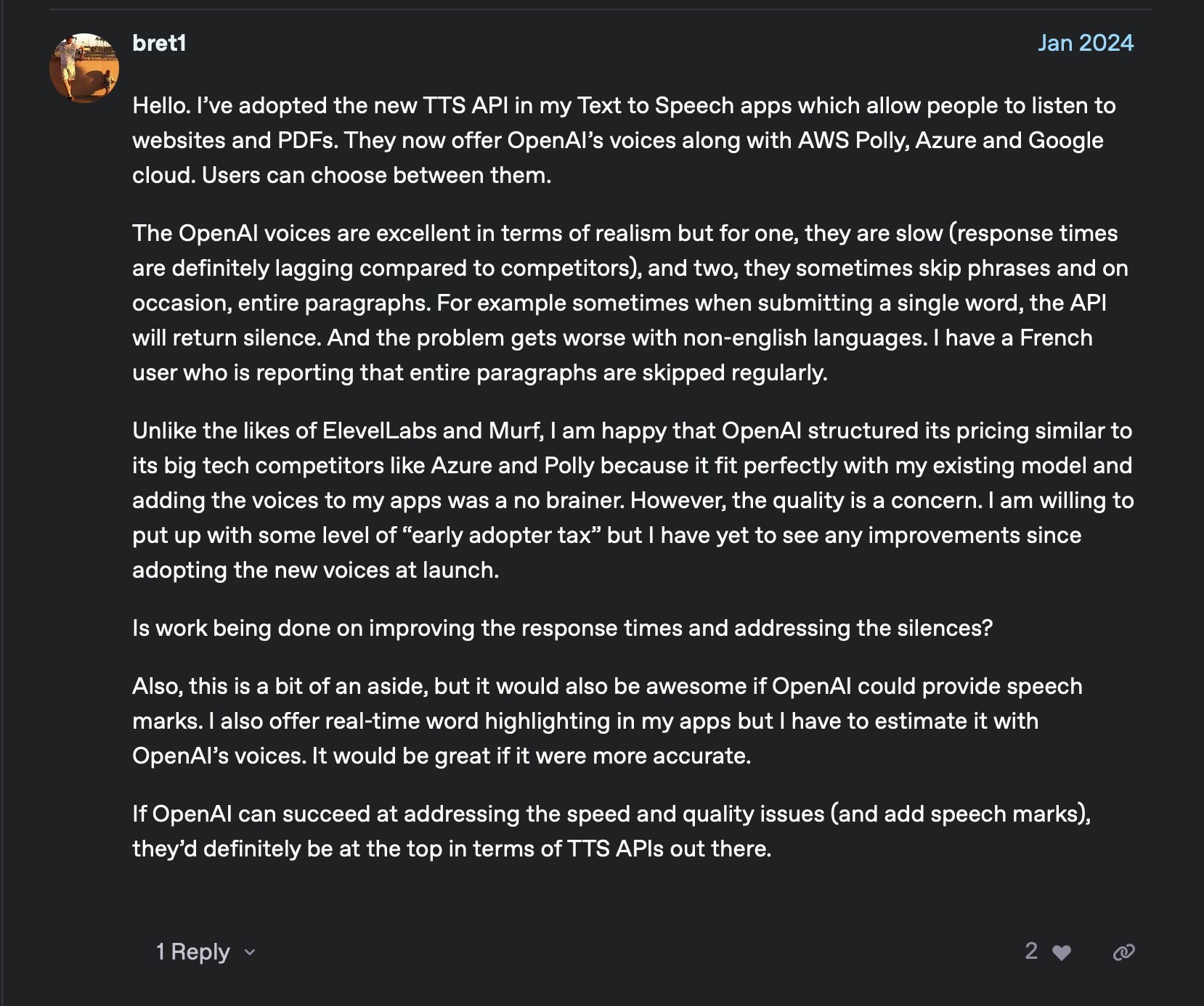
"I am happy that OpenAI structured its pricing similar to its big tech competitors like Azure and Polly because it fit perfectly with my existing model, and adding the voices to my apps was a no brainer." — Verified User, OpenAI Community
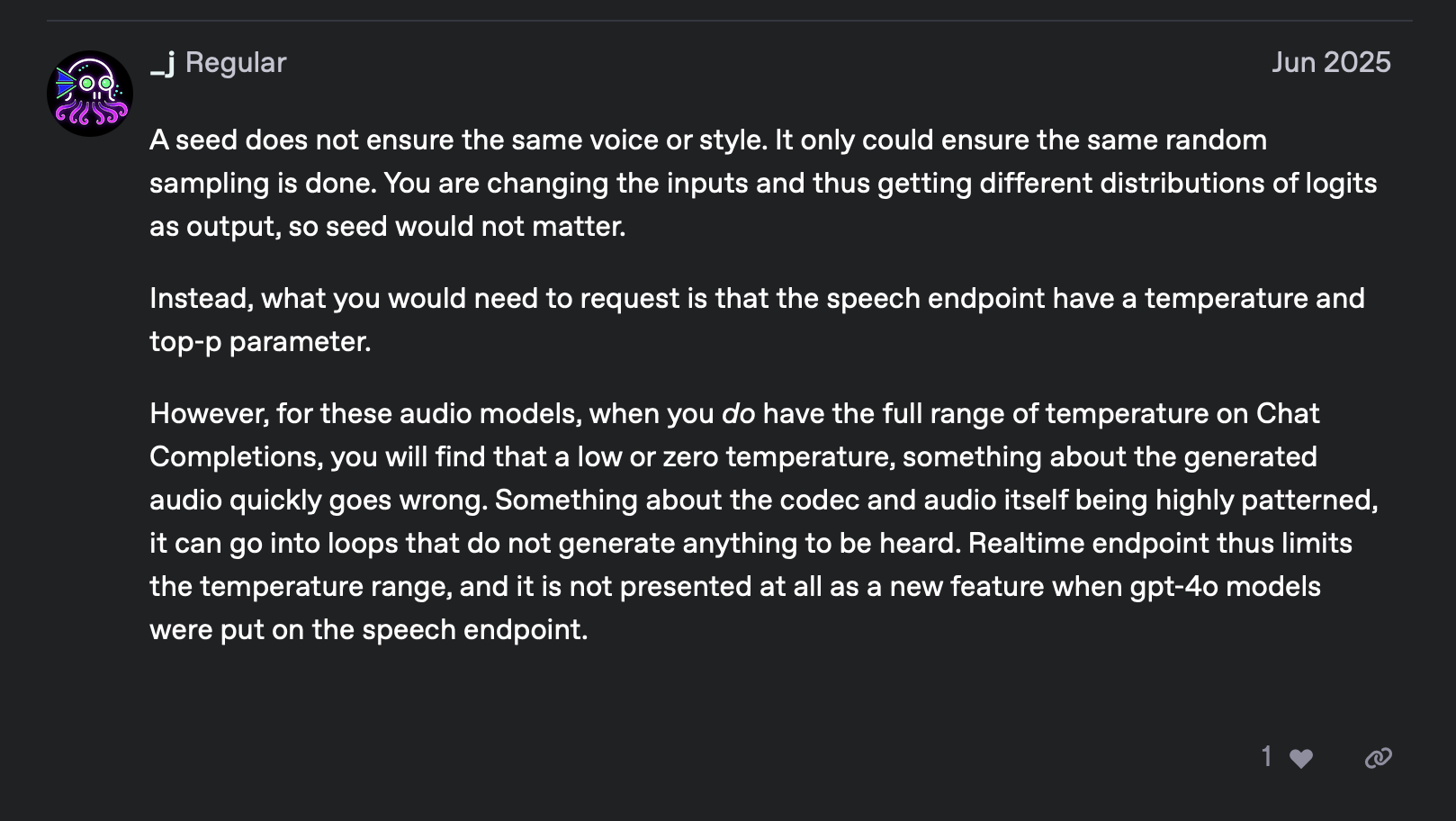
"A seed doesn't ensure the same voice or style. It could only ensure the same random sampling is done." — Verified User, OpenAI Community
Pricing
OpenAI TTS is pay-as-you-go. Pricing varies by model, with rates starting at $15 per 1M characters. For high-volume capacity, contact their sales team.
Bottom Line
I'd recommend OpenAI TTS for teams whose stack is already built on OpenAI and who need to add voice quickly and simply. If you need voice cloning, consistent non-English output, or predictable per-character billing, the other providers on this list are better fits.
7. Hume AI Octave 2: Best for Voice Agents That Need to Read the Room
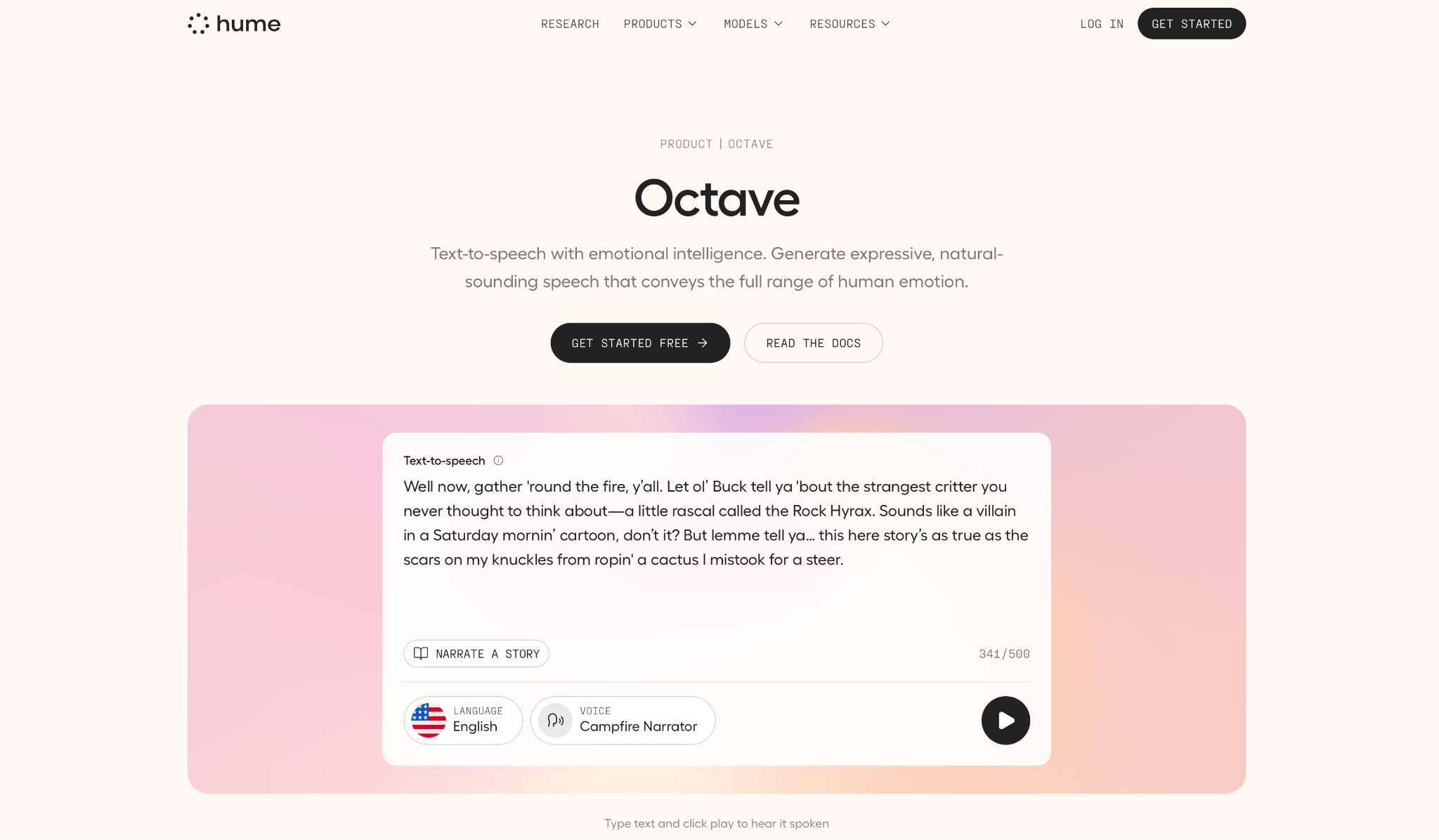
What it does: Hume Octave 2 is a speech-language model that reads for meaning before generating audio, producing emotionally calibrated speech rather than applying pronunciation rules to characters.
Who it's best for: Developers building applications where tone matters as much as accuracy, including mental health tools, companion agents, and customer interactions where flat delivery breaks the experience.
Unlike every other provider on this list, Octave 2 doesn't just read text. It understands it, shifting delivery on its own as scripts move from calm to urgent, with no instruction or tags required.
Production constraints are real. Language coverage is narrow, and building cloned voices into a production API requires a sales call. Two standout features, voice conversion and phoneme editing, were announced but not yet released as of April 2026.
Key Features
- Contextual output via language model backbone: The same model that understands the text controls the vocal performance, inferring when to whisper or pull back without explicit direction.
- Voice design from text prompts: Generate any voice from a plain description, like warm customer support agent or stern medical professional, without a reference recording.
- Instant voice cloning across 16 languages: Clone from 15 seconds of audio, with cross-lingual transfer that predicts the speaker's accent in the target language.
- Voice conversion and phoneme editing (coming soon): Swap one voice for another while preserving timing and articulation, built for dubbing and post-production workflows.
- Sub-200ms TTFB: Achieved via SambaNova inference chips, with dedicated deployments pushing below one cent per minute.
Pros and Cons
Pros:
✅ Unlimited voice creation on all plans, including the free plan. The most generous policy on this list
✅ Starter plan is the lowest paid entry point across all eight providers here
✅ Emotional register is inferred from context. No tags, no parameter tuning required
Cons:
❌ Programmatic voice cloning is locked to the top tier. At the $500 Business tier, you can build them in the platform, but not call them via API
❌ Voice conversion and phoneme editing had no release date seven months after the Octave 2 launch
❌ SOC 2 and HIPAA compliance are Enterprise-only with no self-serve path
What Users Say
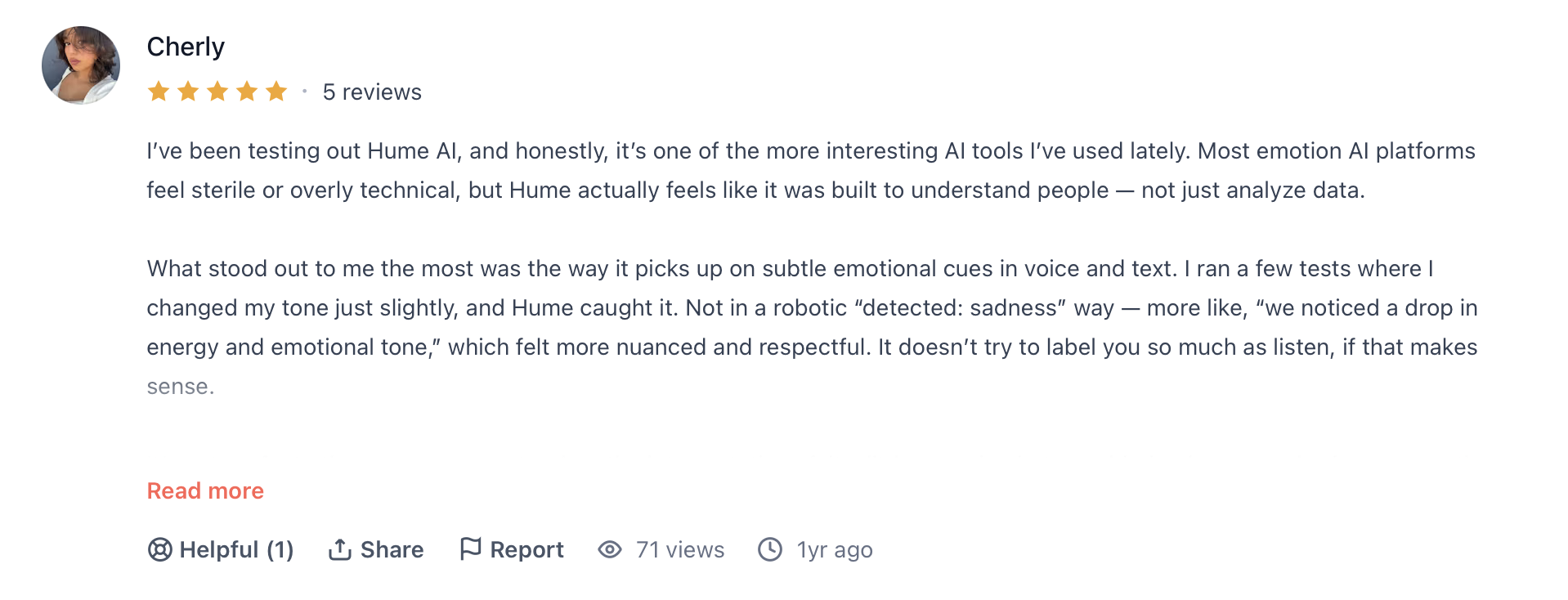
"Most emotion AI platforms feel sterile or overly technical, but Hume actually feels like it was built to understand people — not just analyze data." — Cherly, Product Hunt
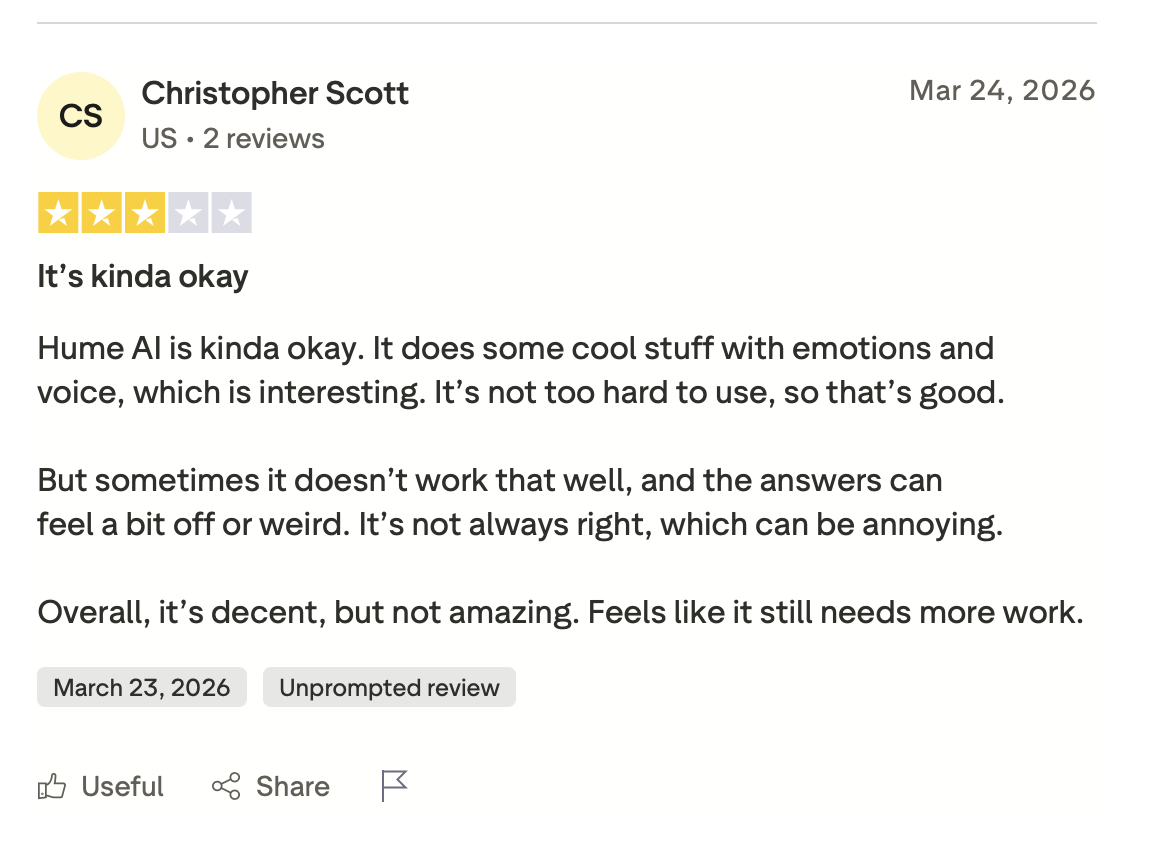
"Hume AI is kinda okay. It does some cool stuff with emotions and voice, which is interesting. It's not too hard to use, so that's good." — Christopher Scott, Trustpilot
Pricing
Hume offers a free plan and paid plans starting at $3/month (Starter) up to $500/month (Business). There are plan options for every scale. Contact their sales team for custom Enterprise pricing.
Bottom Line
I'd recommend Hume for applications where emotional register is part of the product. If your priority is multilingual coverage at scale or compliance without a sales call, the other providers on this list are better equipped.
8. Speechmatics: Best for Teams That Need HIPAA Before They Need Scale
What it does: Speechmatics is a voice agent pipeline that combines real-time speech recognition, turn detection, and TTS in a single API, with HIPAA, SOC 2, GDPR, and ISO 27001 compliance available without a paid plan.
Who it's best for: Engineering teams in regulated industries that need certified infrastructure from day one without a procurement process.
No other provider on this list offers all four certifications without a sales call or a contract. For regulated industries, that changes the evaluation entirely.
Timing is the real risk. The official docs flag it as not yet production-ready for all teams, and behavior may change without notice. The Free and Pro plans are also capped at 50 hours per month and three concurrent sessions, with no self-serve path to raise either cap.
Key Features
- SLM-based turn detection: A small language model reads speech patterns and audio context together to decide when the caller has finished, going beyond silence detection.
- Speaker locking: Identifies and locks onto a specific voice in a multi-speaker environment, ignoring background conversation without noise suppression.
- 55+ language STT with custom dictionary: Add domain-specific terms without retraining the model.
- Full compliance on all plans: HIPAA, SOC 2 Type II, GDPR, and ISO 27001 are all available from the free tier.
- On-premises deployment via Kubernetes: Fully documented via Helm chart, with support for local LLM and TTS services.
Pros and Cons
Pros:
✅ Full certification coverage on free and Pro plans, the most accessible setup on this list
✅ The free plan includes 50 hours of voice agent pipeline, the most generous free quota on this list
✅ Startup grant of $50,000 in credits with dedicated onboarding, the highest published free credit here
Cons:
❌ Flow has no confirmed production-ready status. The API docs state that behavior may change at any time
❌ TTS output is English only. The 55-language recognition doesn't carry through to the full conversation loop
❌ Output audio is locked to raw PCM (uncompressed audio) at 16kHz. Any other delivery format requires client-side conversion
What Users Say
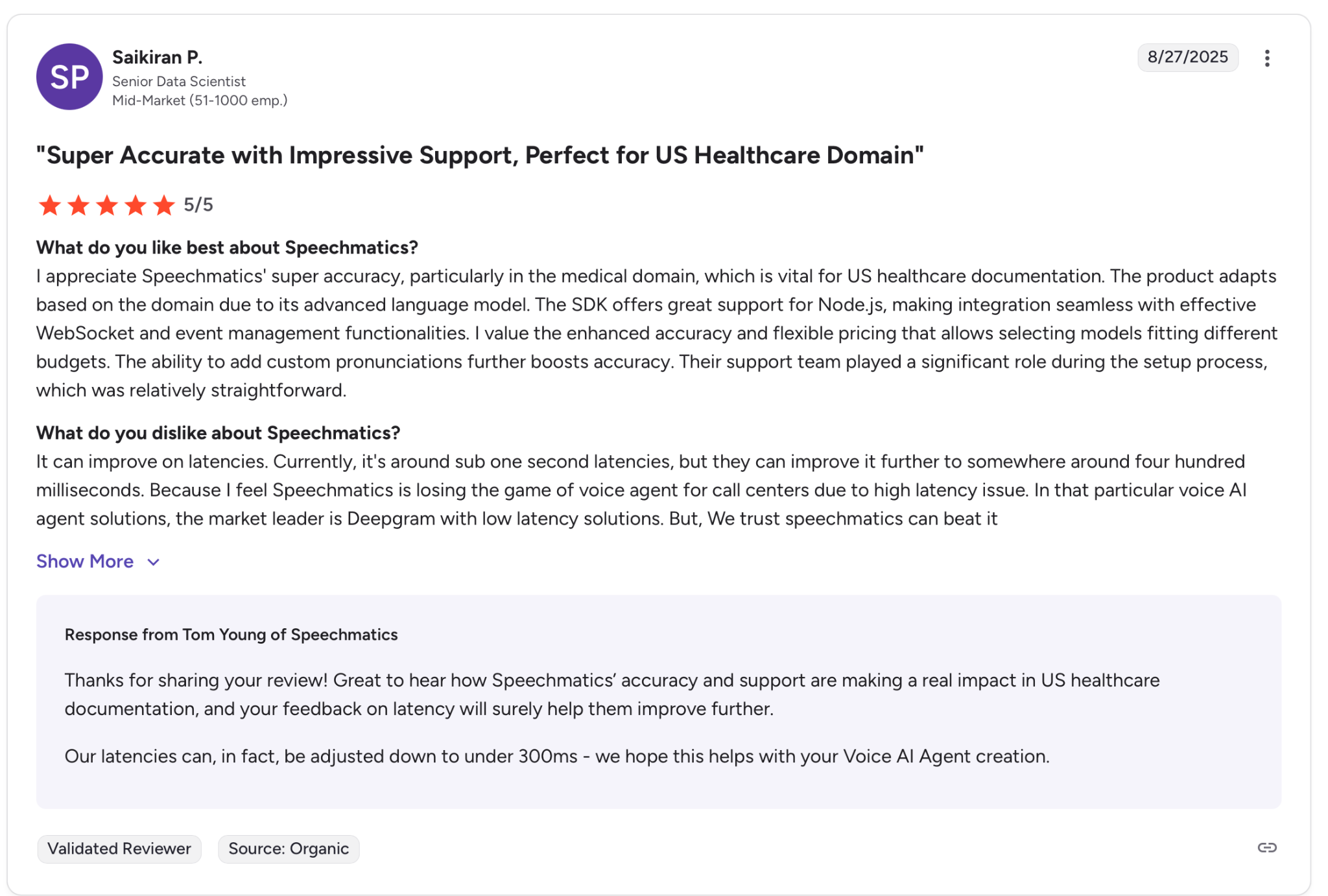
"The product adapts based on the domain due to its advanced language model." — Saikiran P., G2
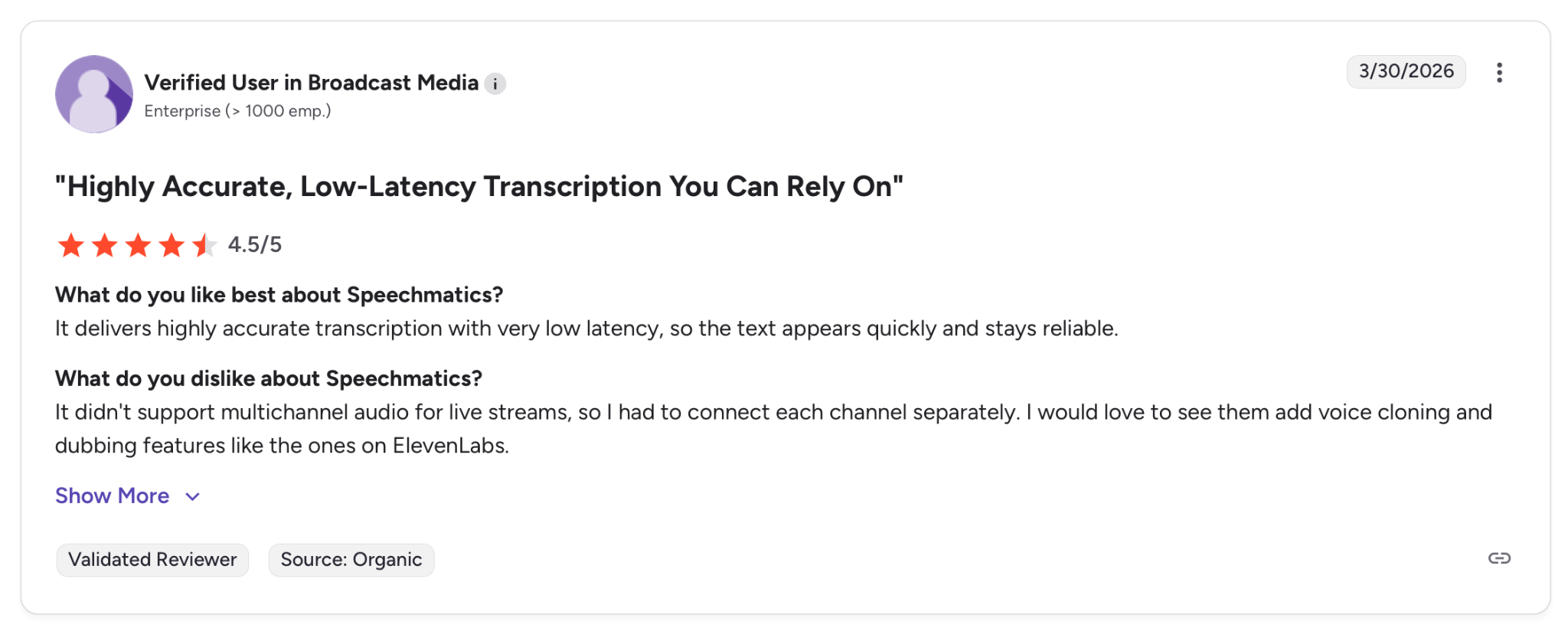
"It delivers highly accurate transcription with very low latency, so the text appears quickly and stays reliable." — Verified User, G2
Pricing
Speechmatic offers a free plan with 480 minutess of STT and 1 million characters of TTS per month. The Pro tier is pay-as-you-go, starting at $0.24/hour with no monthly fee. You need to book a demo to get Enterprise pricing.
Bottom Line
I'd recommend Speechmatics for teams where certified infrastructure is a hard requirement from day one. If you need a fully released product with multilingual TTS or published per-minute agent rates, the other providers here are further along.
Which TTS Provider Should You Choose?
No single provider wins across every dimension. The right choice depends on what your agent has to do, where it runs, and what happens if it fails.
Choose ElevenLabs if you:
- Need the most natural-sounding voice out of the box
- Want a non-technical team to have an agent running without engineering support
Choose Cartesia if you:
- Are building telephony or real-time interactions where every millisecond counts
- Need the lowest time-to-first-audio at a competitive price
Choose Telnyx if you:
- Run phone-based agents and want TTS, STT, and telephony consolidated with one provider
- Want to A/B voices across engines (Rime, MiniMax, Inworld, NaturalHD) without managing multiple TTS contracts
Choose Inworld if you:
- Are scaling to high character volumes and need pricing that decreases as you grow
- Want the top-ranked model on independent benchmarks without a custom contract
Choose Deepgram if you:
- Run a contact center in healthcare, finance, or legal where pronunciation errors cost you
- Need unified STT and TTS on a single infrastructure
Choose OpenAI TTS if you:
- Already have an OpenAI-based agent and want to add voice without a second vendor
- Prefer controlling voice behavior through plain-language prompts instead of parameters
Choose Hume if you:
- Are building a mental health tool, companion agent, or any experience where emotional tone is part of the product
- Want contextual delivery without writing SSML or engineering emotion into every response
Choose Speechmatics if you:
- Need HIPAA, SOC 2, GDPR, and ISO 27001 from the first day without an Enterprise contract
- Are comfortable building on a product that is still in early access
Skip this category entirely if:
- Your agent only handles single-language, low-stakes interactions, and a basic cloud TTS from any major provider already covers your needs
- You need a fully no-code voice agent platform. These are TTS APIs, not agent builders
What's the Best TTS for AI Voice Agents?
If voice quality is your starting point, ElevenLabs is the strongest default. For everything else, the right pick depends on where your agent runs and what it can't afford to get wrong.
How to Know Your TTS Works Once It Goes Live
Every provider on this list gives you a voice. None of them tells you whether it holds up once a real caller is on the line. Most teams find out something is wrong after the fact, when a caller drops, or a transcript looks wrong.
Cekura runs on top of whichever provider you choose and closes that gap through:
- Testing at scale: Thousands of simulated calls run before go-live, catching the edge cases that only surface when real callers push your agent off-script.
- Interruption detection: When the agent talks over a caller or cuts off mid-sentence, Cekura catches those timing patterns before they become a habit.
- Latency tracking: Measures where slowdowns originate in the pipeline so you know exactly what to fix after each update.
- CI/CD integration: Every time you swap a TTS model, update a prompt, or change a voice provider, Cekura runs your full test suite before anything goes live.
- Conversation replay: When something breaks in production, replay that exact exchange against your updated configuration to confirm the fix held.
- A/B testing: Compare multiple versions of your agent against the same call scenarios and review results in one place.
- Custom evaluation: Score every call on accuracy, missed intents, and incorrect responses using your own criteria.
- SOC 2-, HIPAA-, and GDPR-compliant: Transcript redaction, role-based access, and audit trails.
Native integrations work out of the box for Retell, VAPI, ElevenLabs, LiveKit, Pipecat, Bland, and more. You don't rebuild anything. You add a testing and monitoring layer on top of what you already have.
Building a voice agent and want to know if your TTS holds up under real calls? Schedule a demo with Cekura to see how it tests and monitors your agent in production.
Frequently Asked Questions
What Is TTS for AI Voice Agents?
TTS (Text-to-Speech) for AI voice agents converts written text into spoken audio during live conversations, letting your automated system respond to callers in real time. These APIs plug into voice agent platforms and handle pronunciation and emotional tone without manual recording.
Is ElevenLabs Better Than OpenAI TTS?
Whether ElevenLabs is better than OpenAI TTS depends on your needs. ElevenLabs wins on voice quality with more natural-sounding output, 70+ languages, and voice cloning built in. OpenAI TTS costs $0.015 per 1,000 characters and works seamlessly if you're already running GPT models and Whisper transcription under one API key.
What Is the Cheapest TTS for Voice Agents?
Telnyx's base Natural voices cost $0.003 per 1,000 characters, which is the lowest rate in this article. Among the standalone TTS APIs here, OpenAI's standard model is next at $0.015 per 1,000 characters.
Deepgram Aura-2 costs $0.030 per 1,000 characters and accurately reads medical terms and legal disclaimers without markup. That saves hours of manual pronunciation fixes in healthcare and finance, making Deepgram cheaper in practice for regulated industries.
Do I Need HIPAA Compliance for My Voice Agent?
Yes, if your voice agent handles protected health information in the United States, like appointment scheduling, insurance verification, and patient communications.
ElevenLabs, Deepgram, Inworld, Telnyx, and Speechmatics all offer HIPAA-compliant infrastructure. Only Speechmatics offers this on free and paid plans, without an Enterprise contract.