
AI appointment booking promises 24/7 availability without human intervention. After evaluating 20+ SaaS tools, I kept finding the same thing: the tools aren't the problem. Testing, or the lack of it, is. I ran every tool in this list through Cekura to catch what standard demos miss.
This guide covers which tools actually deliver, and what separates teams that get results from those that don't.
5 Best AI Appointment Booking Tools: At a Glance
Here's how the five best AI appointment booking tools compare at a glance:
| 🖥️ Tool | 🎯 Best For | 💰 Starting Price | 🔗 Cekura Integration |
|---|---|---|---|
| Sierra | Enterprise-grade conversational booking at scale | Custom, sales-led | API and WebSocket |
| Giga | High-volume voice support at enterprise scale | Custom, sales-led | API and WebSocket |
| Replicant | Automating high-volume contact center calls | Custom, sales-led | API and WebSocket |
| PolyAI | Human-sounding voice agents at enterprise scale | Custom, usage-based | API and WebSocket |
| Decagon | AI-native customer support with agentic workflows | Custom, sales-led | API and WebSocket |
How I Evaluated These Tools
Most AI booking tools get reviewed on features and pricing. I looked at something different: what happens when the conversation gets messy, and whether the system still completes the booking correctly.
I tested these tools, ranging from traditional scheduling platforms to full voice AI agents, looking for one thing: reliability under pressure.
What I Looked For
I focused on five things:
- Conversational logic: Can it handle requests like "move this to Tuesday if the weather clears up"?
- Tool-call accuracy: Does it write correctly to the calendar, CRM, or payment processor without creating duplicates?
- Integrations: Does it connect cleanly with Google Calendar, Outlook, Zapier, or Twilio?
- Multi-step management: Can it handle cancellations and reschedules with the same reliability as initial bookings?
- Monitoring: Does it give me a way to audit what the AI actually did, not just what it said?
How I Tested Each Tool
I ran each tool through four stages:
- Onboarding: How fast does it connect to an existing calendar? Anything over five minutes was a red flag.
- Stress testing: I tested scenarios with accents, background noise, and mid-conversation changes to see if the logic held.
- End-to-end validation: I tracked every tool call from the first voice prompt to the final calendar entry using Cekura, manually checking time zones and attendee details.
- Performance auditing: I reviewed the logs for each tool. If a booking failed, how easy was it to find out why?
1. Sierra: Best for Enterprise-Grade Conversational Booking at Scale

What it does: Sierra is an enterprise AI agent platform that books appointments, updates orders, and manages CRMs mid-conversation, across chat, voice, SMS, WhatsApp, and email.
Who it's for: Mid-to-large enterprise CX and support teams that need a compliant, multi-channel booking agent without rebuilding their existing stack.
I tested Sierra through a multi-step booking flow that required rescheduling and live CRM updates across channels. The agent handled turn-taking cleanly and actions fired without losing the booking state during the call.
Configuring guardrails for complex flows took longer than expected. Without a dedicated technical lead, that overhead scales with every additional integration.
Key Features
- Agent OS: Builds, tests, and deploys agents that take action inside connected systems, from booking to order updates.
- Multi-Channel Deployment: A single agent runs across chat, SMS, WhatsApp, email, and voice.
- Agent Studio & SDK: No-code builder for product teams with engineering tools for custom workflows and CI/CD.
- Agent Data Platform: CRM and data warehouse integration that pulls customer history and account details into every interaction.
- Monitoring & Observability: Call logs, latency tracking, and interaction history for continuous performance tuning.
Pros
- ✅ Takes real action mid-conversation: order updates, CRM writes, and ticket resolution without human handoff
- ✅ One agent deployed across all channels reduces bot sprawl
- ✅ Strong compliance tooling with guardrails, data masking, and audit logs
Cons
- ❌ Platform can run slowly under load with occasional bugs in production
- ❌ Advanced flows require dedicated engineering and DevOps resources
- ❌ Native integration library is thinner than more mature platforms
What Users Say
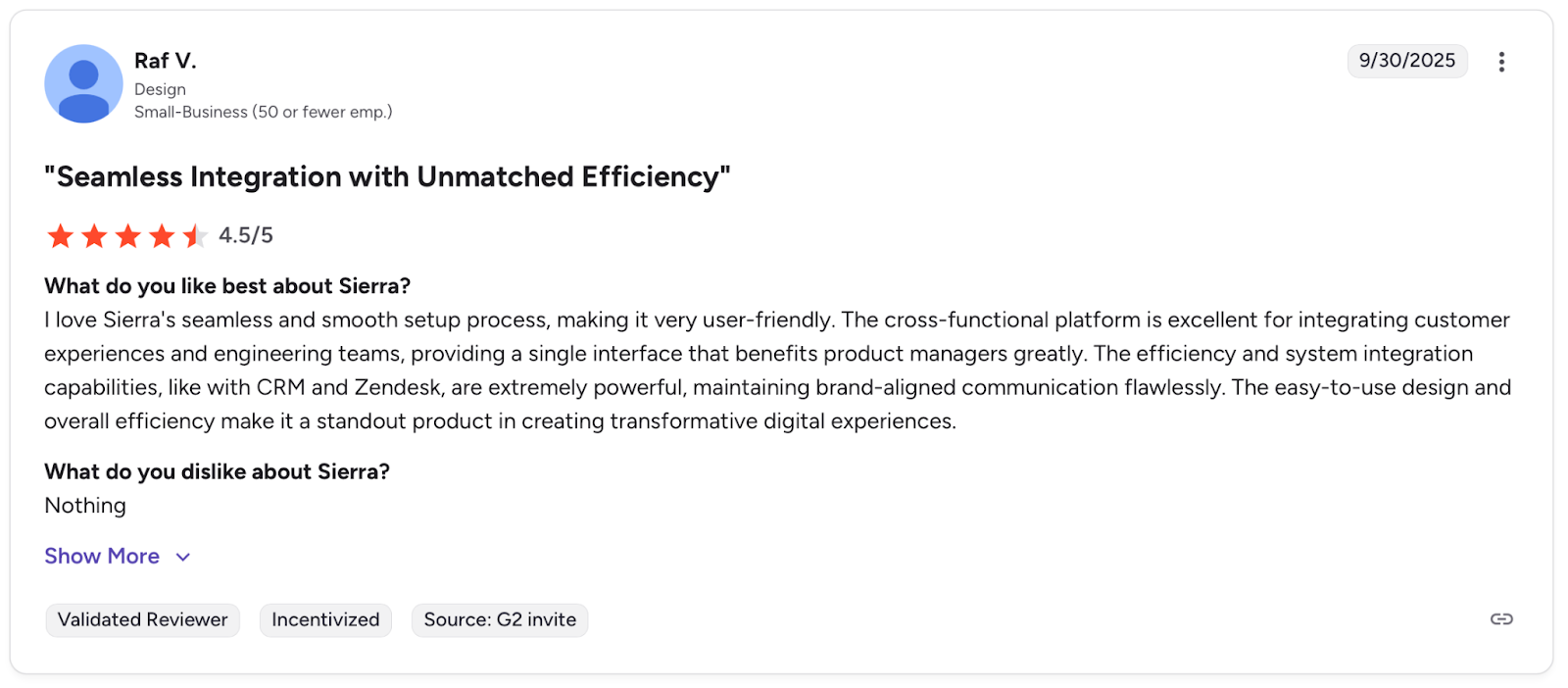
Pro: "The cross-functional platform is excellent for integrating customer experiences and engineering teams." — Raf V., G2
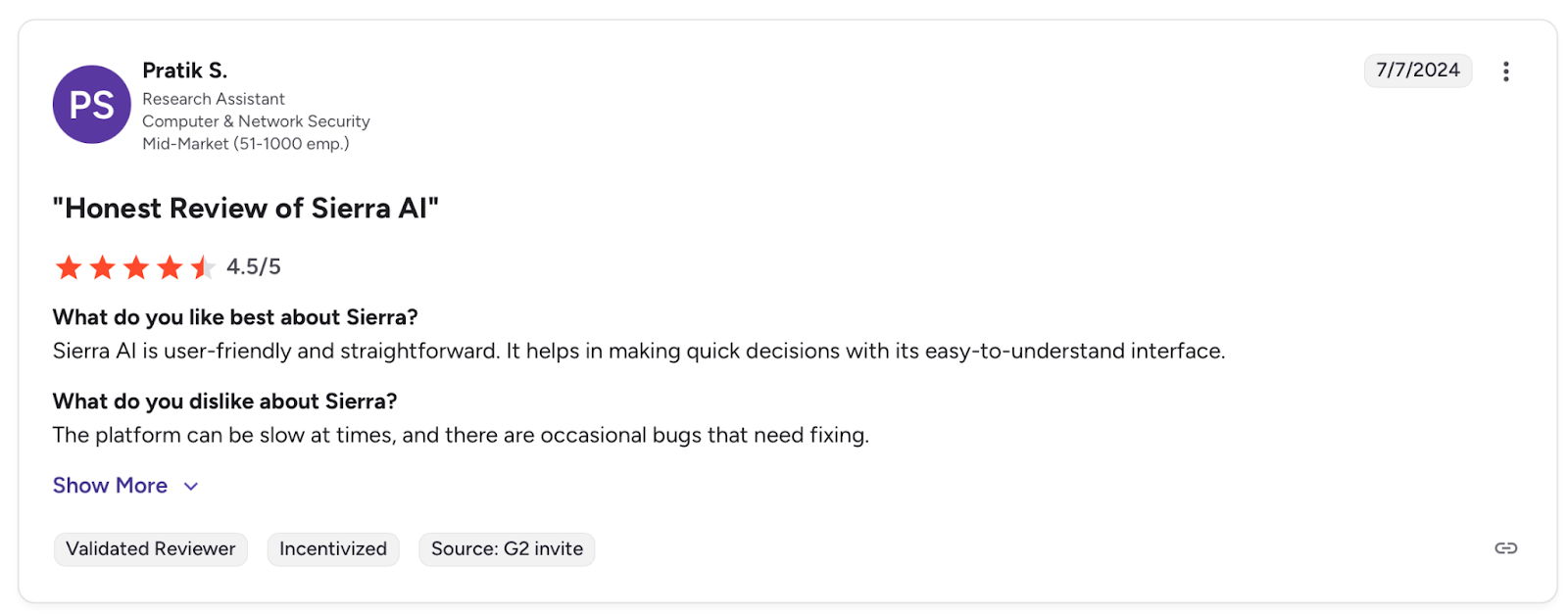
Con: "The platform can be slow at times, and there are occasional bugs that need fixing." — Pratik S., G2
Pricing
Sierra uses custom enterprise pricing based on interaction volume, customization scope, and integration complexity.
Bottom Line
I'd recommend Sierra for enterprise teams running high volumes across multiple channels who need booking automation tied directly into their existing systems. If your team is lighter on engineering resources, PolyAI is worth considering.
Before You Go Live
Sierra's multi-channel setup creates multiple surface areas for failure. Run it through Cekura before go-live to catch context drops, CRM write failures, and guardrail gaps before they hit real customers.
2. Giga: Best for High-Volume Voice Support at Enterprise Scale
What it does: Giga is an enterprise voice AI platform built for high-volume inbound support. Its agents handle complex cases across voice and chat, picking up on tone and accent to resolve calls without escalation.
Who it's for: Large B2C enterprises running high call volumes who need multilingual voice automation with strong compliance requirements and flexible deployment options.
I tested Giga through a high-volume inbound booking simulation requiring live escalation decisions and multilingual handling. The voice quality held up across accents, and the agent recovered cleanly from interruptions.
Connecting to non-standard backend systems required custom API work, and latency climbed when multiple internal systems were involved in the same call.
Key Features
- Voice Experience: Low-latency agents that handle tone, interruptions, and accents naturally
- Agent Canvas: Low-code builder for deploying agents across voice and chat.
- Smart Insights: Identifies policy gaps and resolution opportunities from live call data.
- Multilingual Support: Detects and maintains customer language across voice and chat.
- Compliance: SOC 2, HIPAA, and GDPR with cloud and on-premise deployment options.
Pros
- ✅ Proven at scale with DoorDash, achieving a 90%+ DWR (Did We Resolve) rate based on production data collected September–October 2025, with fewer escalations and faster resolution paths
- ✅ Voice quality handles accents, interruptions, and tone shifts consistently in production environments
- ✅ Strong compliance tooling with cloud and on-premise options for regulated industries
Cons
- ❌ Connecting to legacy CRMs and back-office systems requires custom integration work
- ❌ Sub-second latency depends on stable APIs and drops when multiple internal systems are involved
- ❌ Resolution metrics from controlled environments are harder to maintain in complex, fast-moving verticals
What Users Say
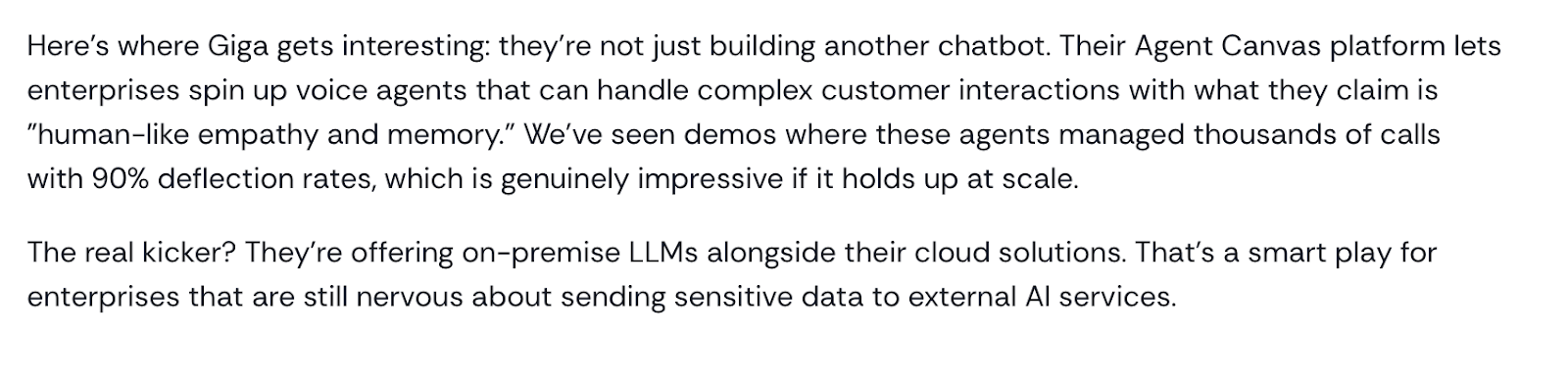
Pro: "Lets enterprises spin up voice agents that can handle complex customer interactions" — Homebase
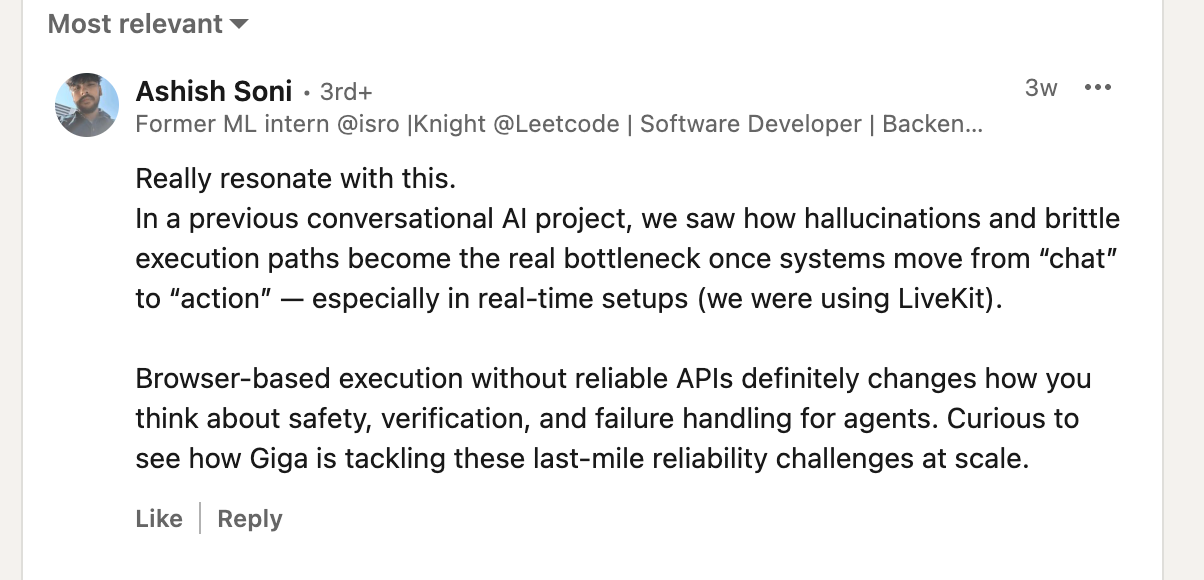
Con: "Curious to see how Giga is tackling these last-mile reliability challenges at scale." — Ashish Soni, G2
Pricing
Giga uses custom enterprise pricing. Deployment scope, call volume, and integration complexity drive the final cost.
Bottom Line
I'd recommend Giga for large B2C teams running millions of support calls who need voice quality and compliance at scale. For teams running older backend systems, budget for integration work upfront and consider comparing Sierra's native connector library before committing.
Before You Go Live
Giga's voice quality holds up in controlled environments, but production performance depends heavily on the cleanliness of your backend integrations. Run it through Cekura before launch to catch latency spikes and escalation failures before they affect real customers.
3. Replicant: Best for Automating High-Volume Contact Center Calls
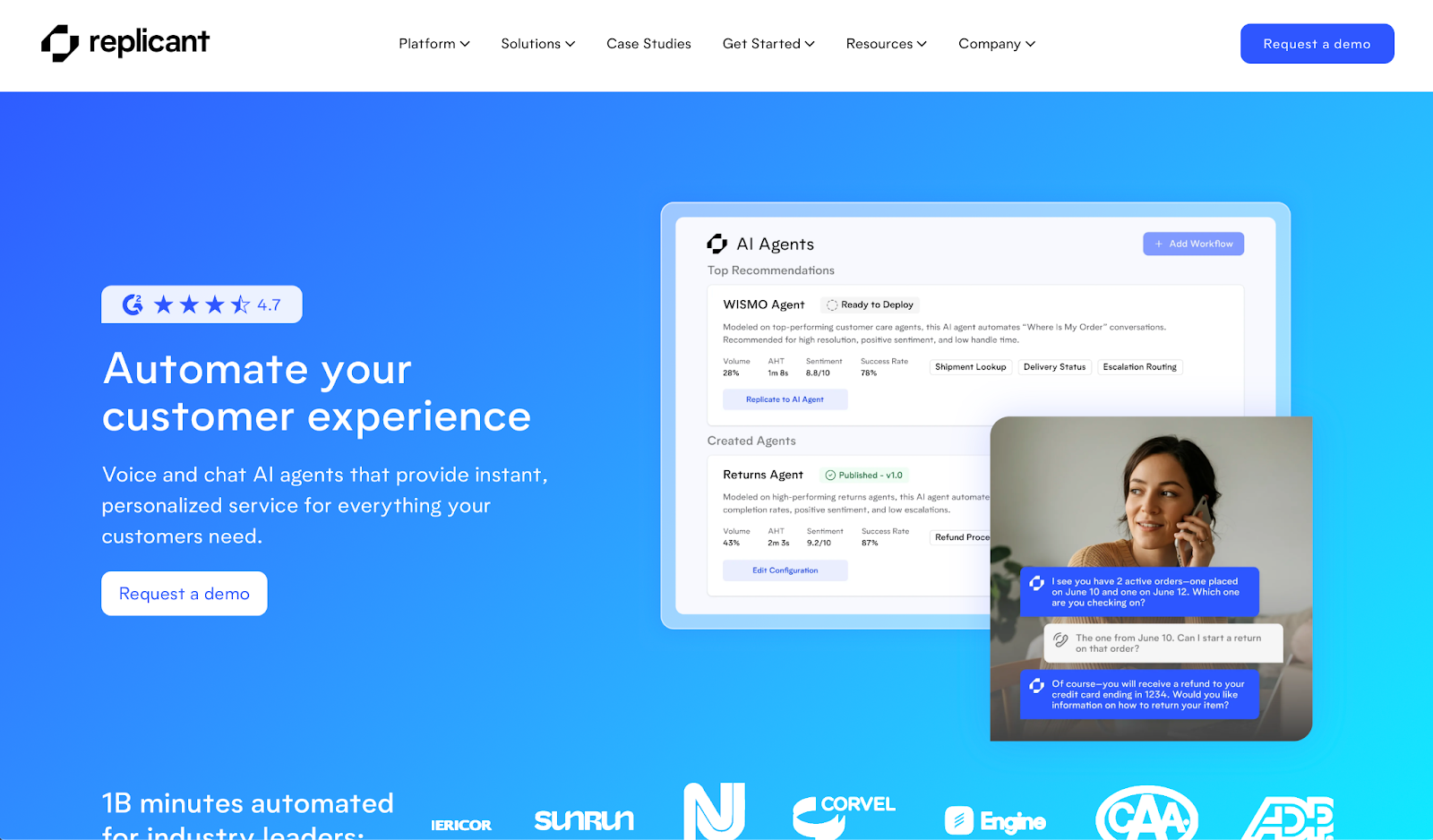
What it does: Replicant automates inbound support calls by replicating how top-performing human agents handle them, covering payments, logistics, and retention without escalating to a live agent.
Who it's for: Large B2C contact centers running high call volumes who need measurable call deflection and deep integration with existing back-office systems.
I tested Replicant through an inbound support simulation covering payment disputes and rescheduling flows. The agent handled back-and-forth conversations cleanly, and per-call retraining made it straightforward to spot and fix failures.
Flow updates require going through the Replicant team directly, which adds real wait time every time something needs adjusting.
Key Features
- Conversation Intelligence: Flags agent failures and enables per-call retraining from live data.
- Human Agent Modeling: Analyzes top-performer patterns to shape AI agent behavior.
- Chat AI: Handles complex support conversations integrated with CRM and back-office systems.
- Reporting: Call analytics covering resolution rates, CSAT, and drop-off points out of the box.
- Uptime: Upper availability for enterprise contact center environments.
Pros
- ✅ Resolves roughly 50% of payment-related calls without transferring to a live agent (achieved with Sunrun)
- ✅ Per-call retraining makes it easy to improve performance from real failures
- ✅ Strong out-of-the-box reporting with resolution rates and CSAT from day one
Cons
- ❌ Flow changes require going through the Replicant team, slowing independent updates
- ❌ Multilingual support is limited, creating gaps for global customer bases
- ❌ Scaling to new use cases depends on how much quality call data you have
What Users Say
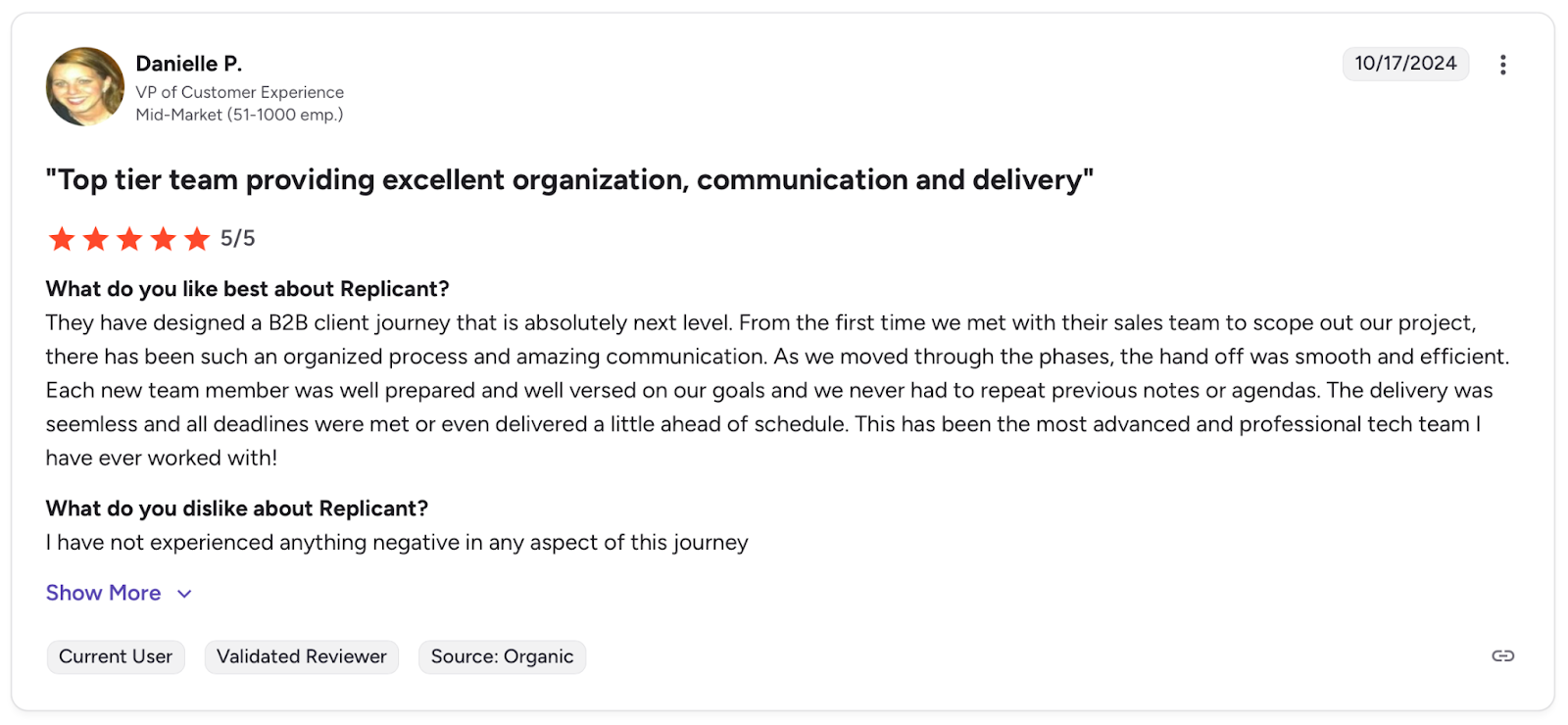
Pro: "They have designed a B2B client journey that is absolutely next level." — Danielle P., G2
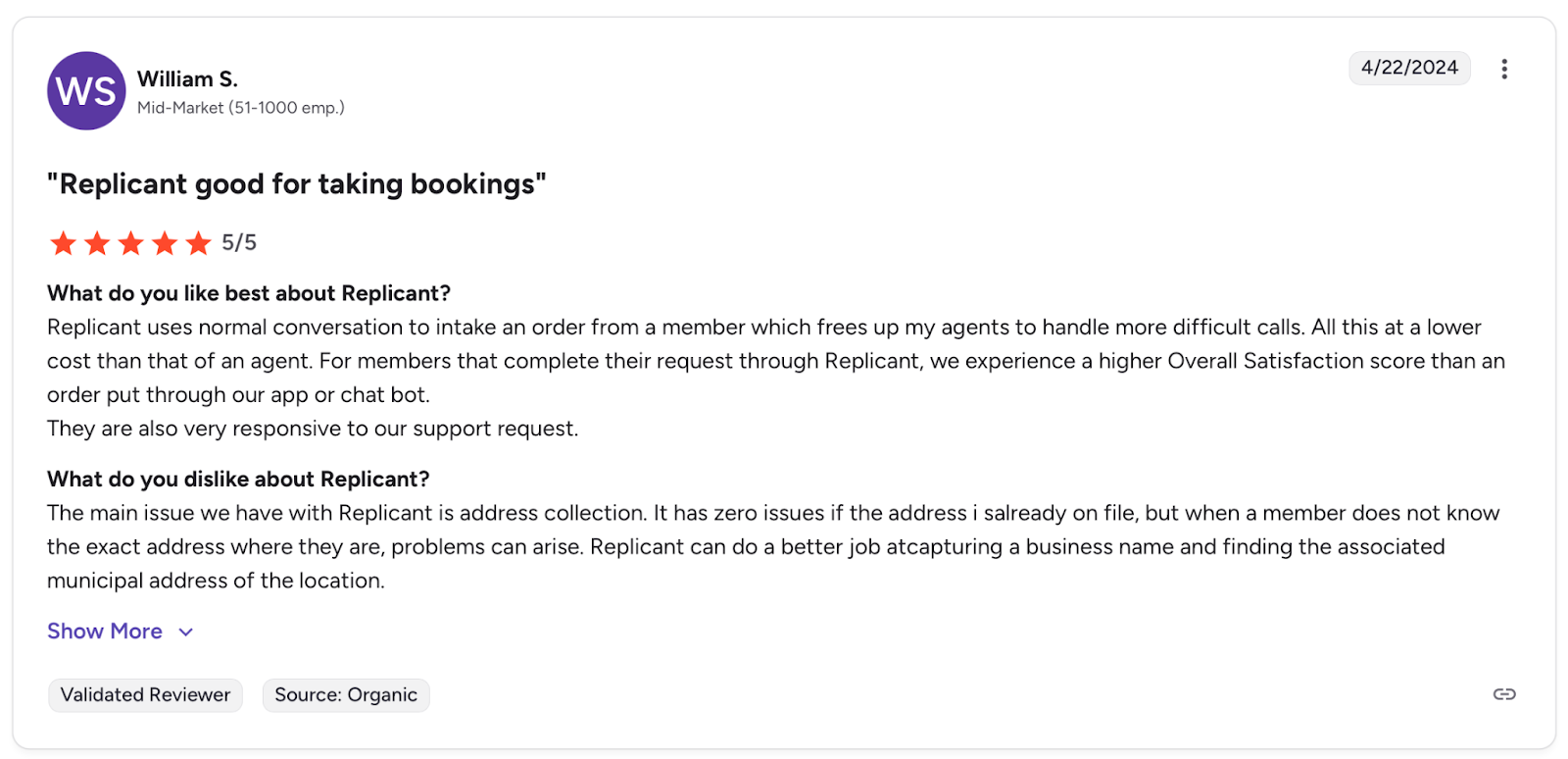
Con: "The main issue we have with Replicant is address collection." — William S., G2
Pricing
Replicant uses custom enterprise pricing based on call volume, use case complexity, and integration scope.
Bottom Line
I'd recommend Replicant for contact center teams that need reliable call deflection and strong reporting from day one. For teams that iterate frequently on agent behavior, Giga offers more direct configuration control.
Before You Go Live
Replicant's per-call retraining is strong, but relying on the vendor for changes can leave edge cases unresolved longer than expected. Run it through Cekura before launch to catch failure patterns before they reach real customers.
4. PolyAI: Best for Human-Sounding Voice Agents at Enterprise Scale
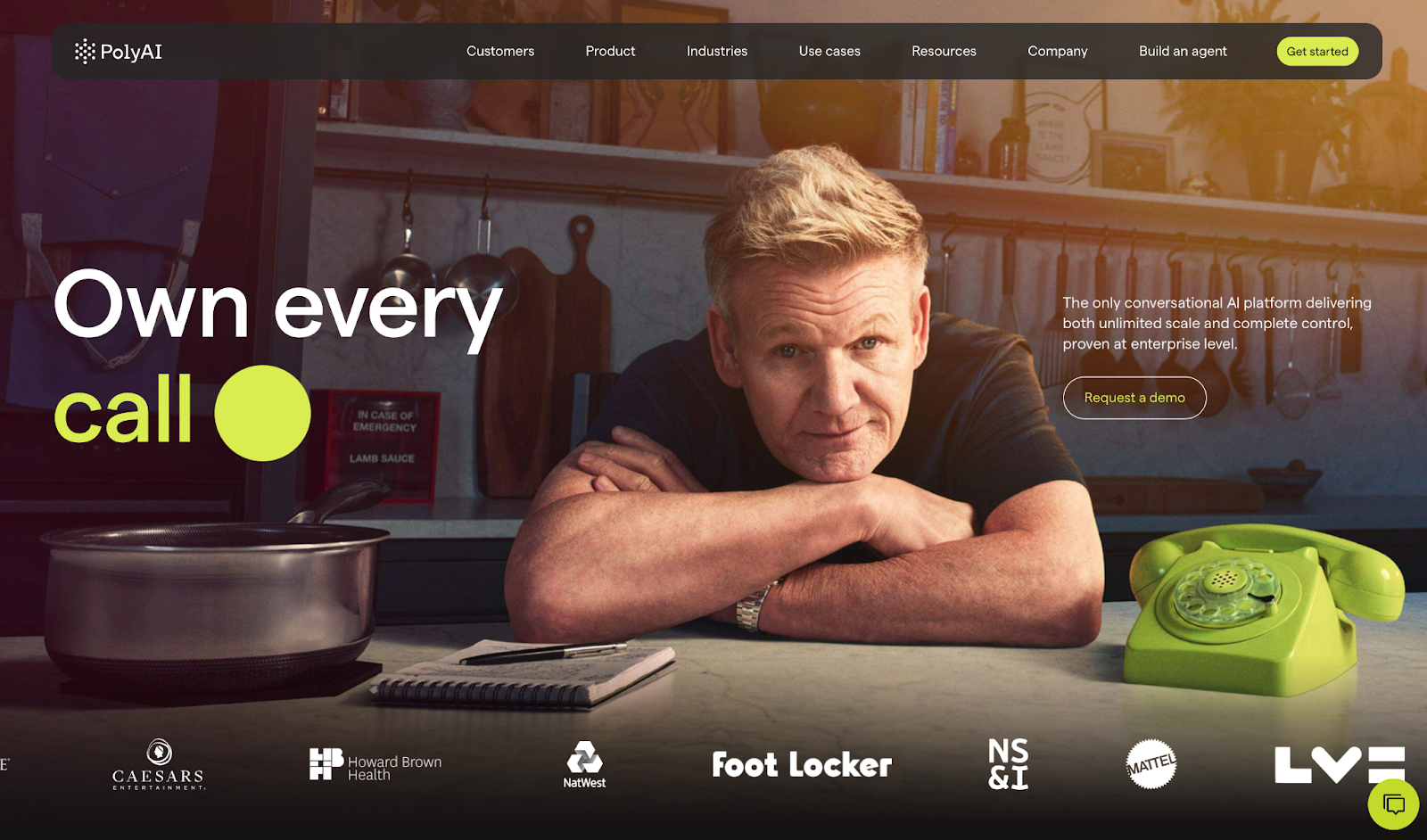
What it does: PolyAI handles complex support calls across voice, chat, and SMS, resolving transactions, bookings, and authentication without needing a human on the line.
Who it's for: Large enterprises in banking, insurance, retail, and hospitality that need brand-consistent voice automation with strong compliance requirements.
I tested PolyAI through a booking flow requiring authentication and rescheduling across channels. The voice quality was the most natural I encountered in this category, handling interruptions and topic shifts cleanly.
Analytics were harder to work with, and without a sandbox, changes go live without a way to validate them first.
Key Features
- Voice AI Agents: Handles authentication, bookings, and transactions with a human-sounding voice.
- Agent Studio: Single build deploys across voice, chat, and SMS with unified CSAT tracking.
- Smart Analyst: Query call patterns in plain language to identify improvement opportunities.
- Integrations: Pre-built connectors for Salesforce, NICE, Genesys, and major contact center platforms.
- Compliance: SOC 2, HIPAA, and GDPR with built-in escalation controls.
Pros
- ✅ Voice quality handles interruptions and topic shifts more naturally than any platform I tested
- ✅ Containment rates of 80 to 87% from day one, based on deployments in hospitality and retail
- ✅ Deploys in roughly four weeks, even in enterprise environments
Cons
- ❌ Analytics are limited out of the box, requiring third-party tools for deeper insights
- ❌ No sandbox or self-service builder, so changes go through the PolyAI team
- ❌ Latency sits between 750ms average, which shows in fast-paced conversations
What Users Say
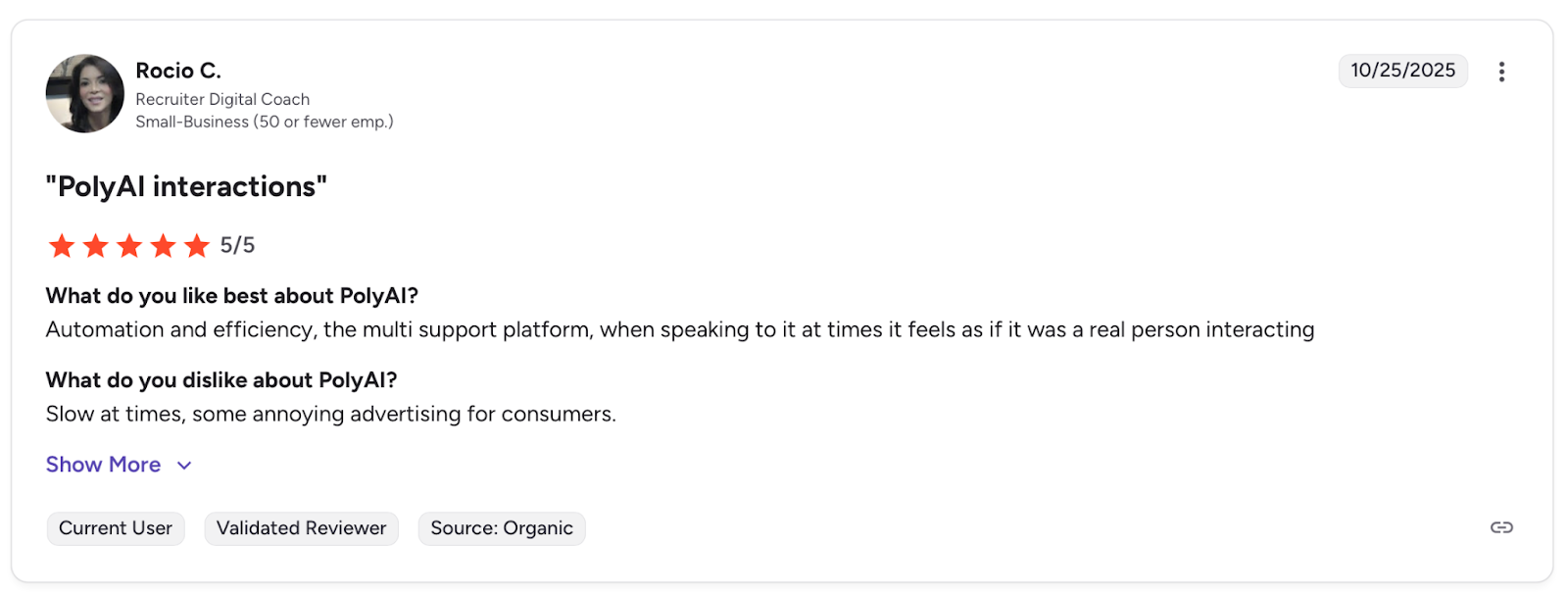
Pro: "The multi support platform, when speaking to it at times it feels as if it was a real person interacting." — Rocio C., G2
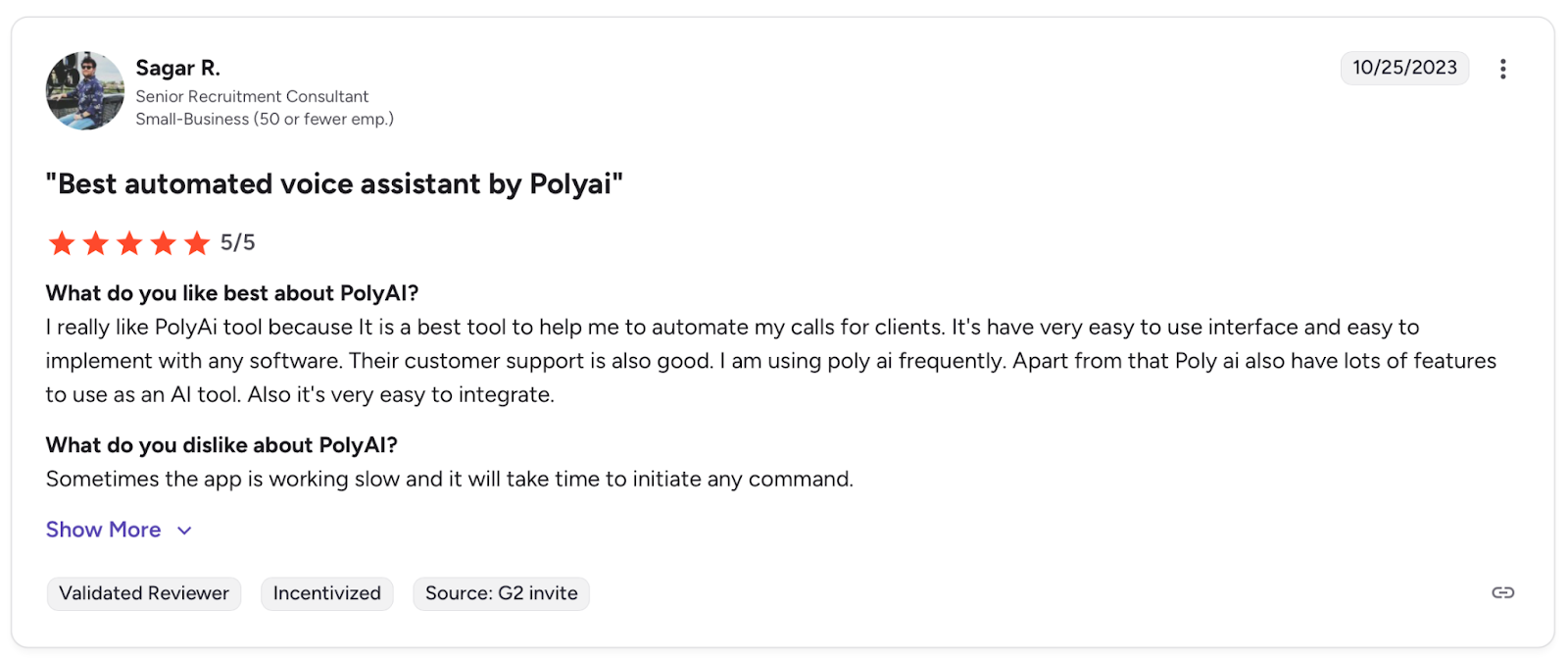
Con: "Sometimes the app is working slow and it will take time to initiate any command." — Sagar R., G2
Pricing
PolyAI uses custom enterprise pricing based on call volume and integration scope. Pricing is structured around operational cost rather than seat licenses.
Bottom Line
I'd recommend PolyAI for enterprise teams where voice quality and fast deployment are the priority. For teams that need deeper analytics and more configuration control, Replicant is worth comparing.
Before You Go
Live PolyAI's voice quality is strong. But without a sandbox, untested changes go live immediately. Run it through Cekura to catch edge cases in authentication flows before they affect real customers.
5. Decagon: Best for AI-Native Customer Support With Agentic Workflows
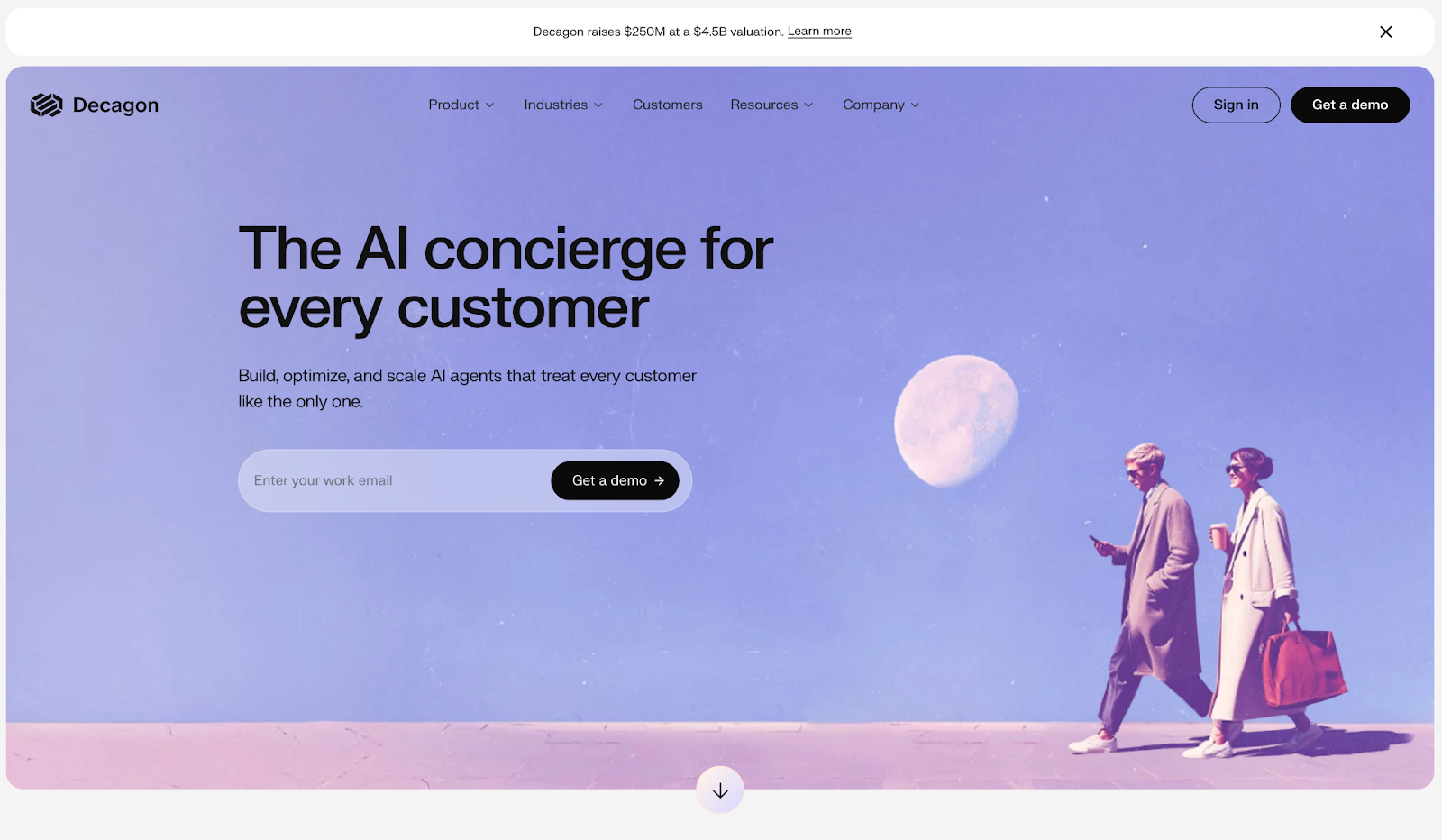
What it does: Decagon is an enterprise AI platform that deflects, resolves, and triages support tickets across chat, voice, and email. Its agents execute real actions like refunds, order updates, and account changes without needing a human on the line.
Who it's for: Mid-to-large SaaS, fintech, and subscription businesses that need high ticket deflection and deep integration with billing and CRM systems.
I tested Decagon through a support flow covering refunds and account updates integrated with Stripe. The agent handled the full workflow cleanly, and ticket deflection scored almost perfectly from day one.
Tracing why the agent made specific decisions was harder. In compliance-heavy environments, that lack of visibility creates real friction.
Key Features
- AOPs: Define agent workflows in plain language instead of complex configuration scripts.
- Omnichannel Memory: Chat, voice, and email share the same information layer across channels.
- Voice AI: Customizable tone, speed, and style for brand-aligned voice interactions.
- Watchtower: Tracks resolution rates, fallback triggers, and frustration signals.
- Integrations: Native connectors to Zendesk, Stripe, and internal APIs so agents can complete tasks inside your existing tools.
Pros
- ✅ Deflects up to 80% of tickets from day one with little setup required
- ✅ Reduces support costs based on Stripe and SaaS customer deployments
- ✅ Agents execute full workflows, from refunds to order updates, without escalating to a live agent
Cons
- ❌ Platform is still maturing, with key features like regression testing only recently added
- ❌ Agent decision-making is hard to trace, complicating audits in regulated environments
- ❌ Agent Assist is currently limited to Zendesk, reducing flexibility for teams on other helpdesks
What Users Say
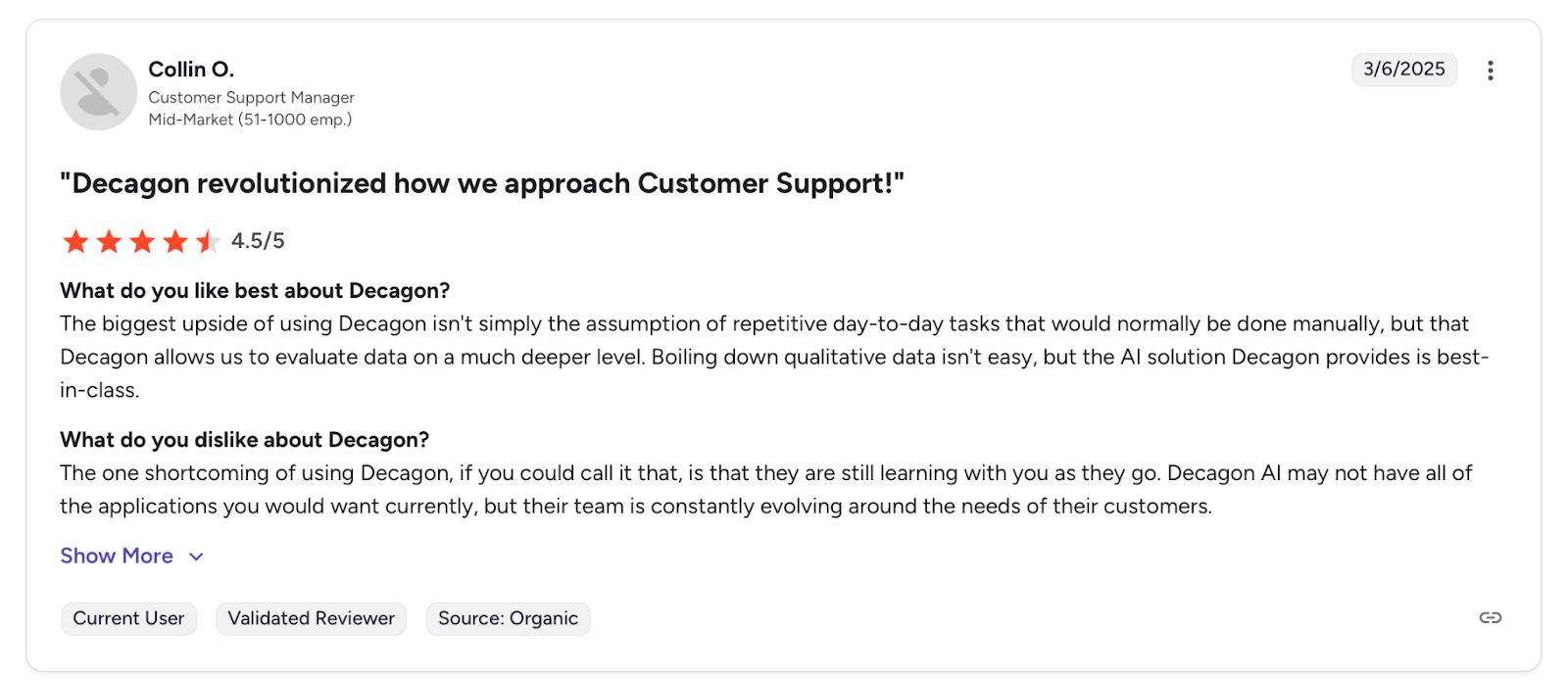
Pro: "Decagon allows us to evaluate data on a much deeper level." — Collin O., G2
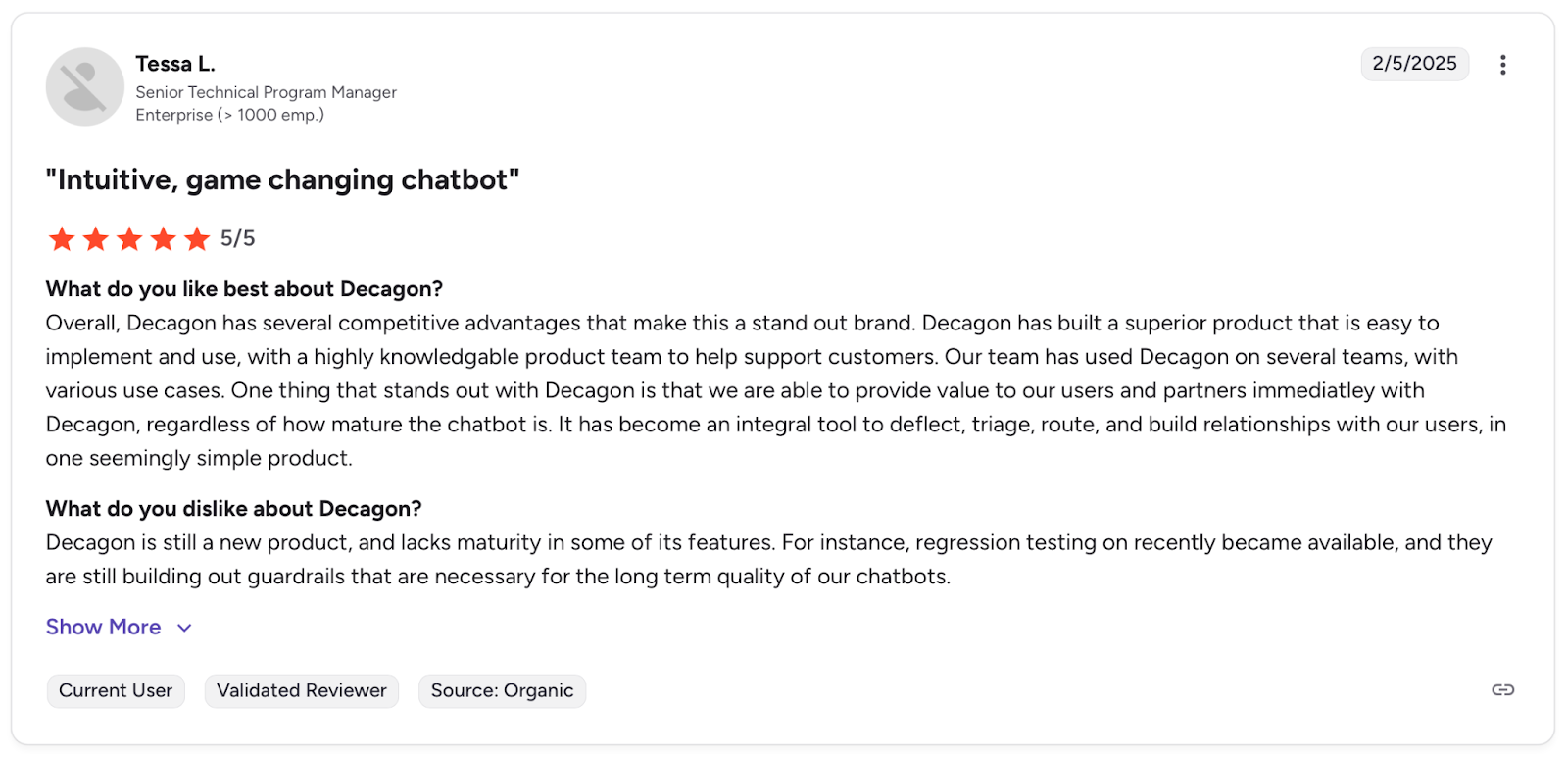
Con: "Decagon is still a new product, and lacks maturity in some of its features." — Tessa L., G2
Pricing
Decagon uses custom enterprise pricing based on ticket volume, workflow complexity, and integration scope.
Bottom Line
I'd recommend Decagon for SaaS and fintech teams that need high deflection and agents that act inside billing and support systems. In regulated environments where audit trails are required, Sierra's governance tooling is the stronger option.
Before You Go Live
Decagon deploys fast and deflects well, but limited traceability means failures are harder to diagnose. Run it through Cekura before launch to catch workflow gaps and fallback failures before they reach real customers.
Which AI Appointment Booking Tool Should You Choose?
Every tool in this list handles AI appointment booking differently, and the right choice depends on what your team actually needs to run and maintain it.
- Choose Sierra if you run a large enterprise operation across multiple channels and need an agent that books appointments and takes real action inside your existing systems.
- Choose Giga if you are a large B2C team handling millions of support calls and need voice quality and compliance at scale, and have the budget for custom integration work.
- Choose Replicant if you run a high-volume contact center and need reliable call deflection and strong reporting from day one without building agent logic from scratch.
- Choose PolyAI if voice quality and fast deployment are your top priorities, and your team can work within a managed service model for configuration changes.
- Choose Decagon if you are a SaaS or fintech team that needs high-ticket deflection and agents that take real action inside billing and support systems.
Skip all of these if you only need basic scheduling links, simple calendar management, or lightweight appointment reminders. Tools like Calendly or Cal.com will handle that at a fraction of the cost and complexity.
The Missing Piece: How to Know Your Booking Agent Actually Works
Every tool in this list automates the conversation. None of them tells you when the booking actually failed.
That's the gap. An agent can sound perfect on a call and still confirm a slot that is already taken, skip a cancellation update, or mishandle time zone differences. You find out only when a client complains.
The failures that hurt most don't show up in call logs. Silence detection misfires. Interruptions trigger at the wrong moment. A slot gets confirmed that was already taken. They surface in churn, not dashboards.
What Cekura Does That No Booking Tool Does
I use Cekura on top of whatever voice or chat system is already in place. It catches failures before they reach real customers.
- AI agent testing at scale: Thousands of simulated conversations run against your agent before it goes live, catching edge cases that manual testing misses.
- Interruption and latency tracking: When the agent talks over users or feels unresponsive, it's usually a timing problem deep in the pipeline. Cekura flags these issues before they become a pattern.
- Conversation-level observability: Every failure, repeated response, or wrong action is tied to a specific moment in the conversation, not buried in an average. You see exactly what broke and when.
- Real conversation replay: When something breaks in production, replay that exact conversation against your updated agent to confirm the fix actually works.
- CI/CD pipeline integration: Every time you update your agent, whether it's a new prompt, a different AI model, or a voice change, Cekura runs your full test suite automatically before anything goes live.
- A/B testing across platforms and models: Run the same scenarios against different platforms or model providers (LLM, STT, TTS) and compare results side by side before you commit to a stack.
- SOC 2 Type II certified: No raw call transcripts stored, verified security standards throughout.
Every change to your agent, whether it's a prompt update, a new LLM, or a different TTS provider, can shift behavior in ways that are impossible to catch manually. Cekura runs your full conversation scenarios against every change before it ships, so regressions don't reach production.
Ready to see what is breaking in your booking agent before your clients do? Schedule a demo with Cekura.
My Final Verdict
After testing all five platforms, the honest answer is that no single tool wins across every scenario.
The right choice depends on what your team can actually build and maintain:
- Sierra for enterprise teams that need agents to act across multiple channels, not just answer questions.
- Giga for when call volume is massive and voice quality cannot slip.
- Replicant for contact centers that need deflection numbers and reporting they can show leadership.
- PolyAI if your customers will notice the difference between a good voice and a great one.
- Decagon for SaaS and fintech teams that need the AI to act inside billing and support systems.
But here is what none of them solve on their own: you will not know if your booking agent is actually working until something breaks in production. That is not a tool problem. It's a problem of testing and monitoring.
Deploy whichever platform fits your team, then add Cekura on top to make sure every booking actually completes.
Frequently Asked Questions
What Is the Best AI Appointment Booking Tool?
It depends on your scale and use case. Sierra for multi-channel enterprise booking, Giga for voice quality at massive volumes, Replicant for call deflection and reporting, PolyAI for fast deployment and natural voice, and Decagon for teams that need agents acting inside billing systems.
What Is the Difference Between a Scheduling Tool and a Voice AI Booking Agent?
A scheduling tool sends a link and waits. A voice AI booking agent picks up the phone, holds a real conversation, handles rescheduling, and updates your calendar and CRM without anyone lifting a finger.
What Is the Best Tool to Test and Monitor an AI Appointment Booking Agent?
Cekura is the strongest option. It runs simulated conversations before you go live and monitors production in real time so you know your agent is working exactly as it should. Schedule a demo to see how it performs under real conditions.
What Happens When an AI Booking Agent Fails Silently in Production?
The agent finishes the call, the customer assumes they are booked, and nothing is actually saved. You find out when they show up, and there's no record of the appointment.