
After testing over 15 AI call answering services by forwarding real calls, running edge cases, and checking how each one holds up when a caller doesn't explain themselves clearly, only 7 made the cut. Here's what separated them.
7 Best AI Answering Services: Quick Comparison
Here's how the seven services stack up before we get into the details.
| 💻 Tool | 🎯 Best For | 💰 Starting Price | ⚡ Standout Feature |
|---|---|---|---|
| Sona by Quo | Teams replacing their phone stack | $15/user/mo | Shared team inbox with instant transcripts |
| Smith.ai | Professional services needing human backup | $95/mo | AI + live agent hybrid |
| Rosie AI | Home services and trades | $49/mo | Trains from your website automatically |
| Goodcall | Full call flow control | $66/agent/mo | Unlimited minutes, custom logic paths |
| Dialzara | Fastest setup on a tight budget | $29/mo | 40+ voice options, live in 10 minutes |
| Upfirst | Solopreneurs who want simplicity | $24.95/mo | Per-call billing, no charges for spam |
| Allo | Small sales teams replacing their phone system | $45/user/month | Phone system and AI answering in one plan |
How I Researched & Tested These AI Answering Services
I signed up for each service, forwarded calls from a real business line, and ran every tool through the same scenarios.
What I tested each service on:
- Voice quality and latency: Whether the AI sounded natural and responded fast enough that callers didn't notice the gap.
- Setup friction: How long it took to go from signup to a live, configured agent, and how much technical knowledge was required.
- Integration depth: Whether it is connected to calendars, CRMs, and other tools without extra configuration.
- Pricing transparency: Whether the monthly cost was clear from the start, including overages, add-ons, and plan limitations.
- Off-script handling: How each agent performed when a caller didn't follow the expected flow, asked something unexpected, or changed their request mid-conversation.
- Production validation: I used Cekura, an automated QA and observability platform for Voice AI agents, to generate 100+ test cases, run simulated calls across edge cases, and monitor live call performance after deployment, finding the gaps that only appear when real callers go off-script.
That combination gave me a clearer picture of which services actually work when it matters.
1. Sona by Quo: Best for Growing Teams Replacing Their Phone Stack
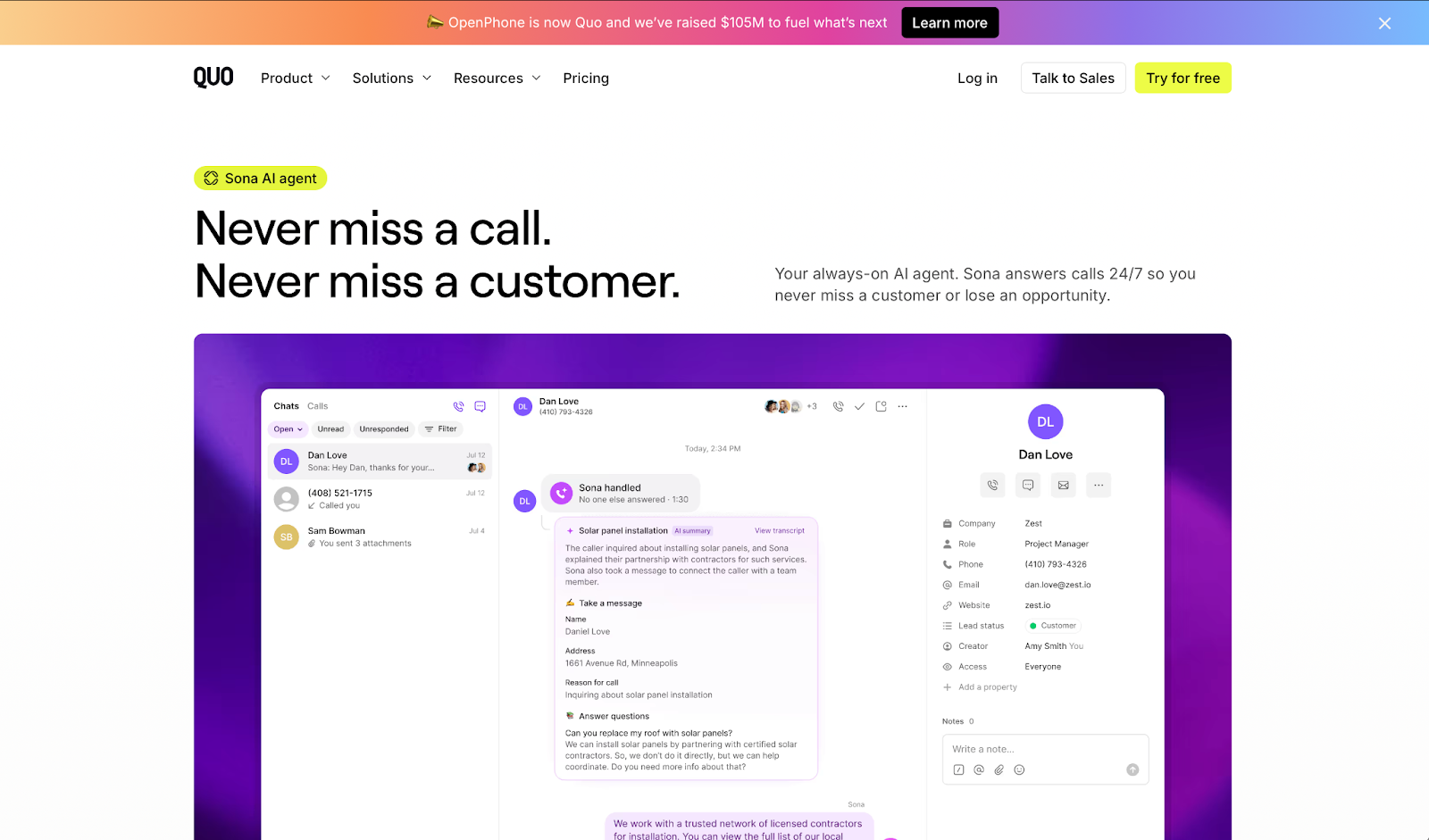
What it does: Sona is Quo's built-in AI agent that answers calls 24/7, captures caller details, and handles FAQs inside the same inbox your team already uses.
Best for: Growing teams that want a phone system and AI answering in one platform, without forwarding calls to an external service.
I had Sona live in under ten minutes. What surprised me was the visibility: every call lands in the shared team inbox seconds after it ends, with the full transcript and AI summary ready for whoever picks up the follow-up. That removes much of the usual back-and-forth when teams split call coverage among people.
Key Features
- Unified inbox: Every Sona call lands where your team already works, with the full transcript and caller details visible to everyone within seconds of the call ending.
- Customizable call flows: You control when Sona steps in and what it asks. The drag-and-drop builder requires no coding.
- Knowledge base training: Upload your hours, services, pricing, and FAQs. Sona draws from that to answer callers accurately without manual scripting.
- Automatic SMS during calls: Sona texts booking links or forms to callers mid-conversation. No one on your team needs to touch a keyboard.
- CRM sync: Native integrations with HubSpot and Salesforce automatically log every call, with AI-generated tags to categorize conversations for easier follow-up.
Pros
✅ Fully embedded in your phone system, no third-party forwarding or split inbox.
✅ Team-wide call visibility with transcripts and summaries in seconds.
✅ Sends SMS mid-call automatically, a feature most answering services don't offer.
Cons
❌ English only, no multilingual support.
❌ Sona is not available during the 7-day free trial and requires a paid plan to test.
❌ Costs add up at higher call volumes since each call is billed individually.
What Users Say
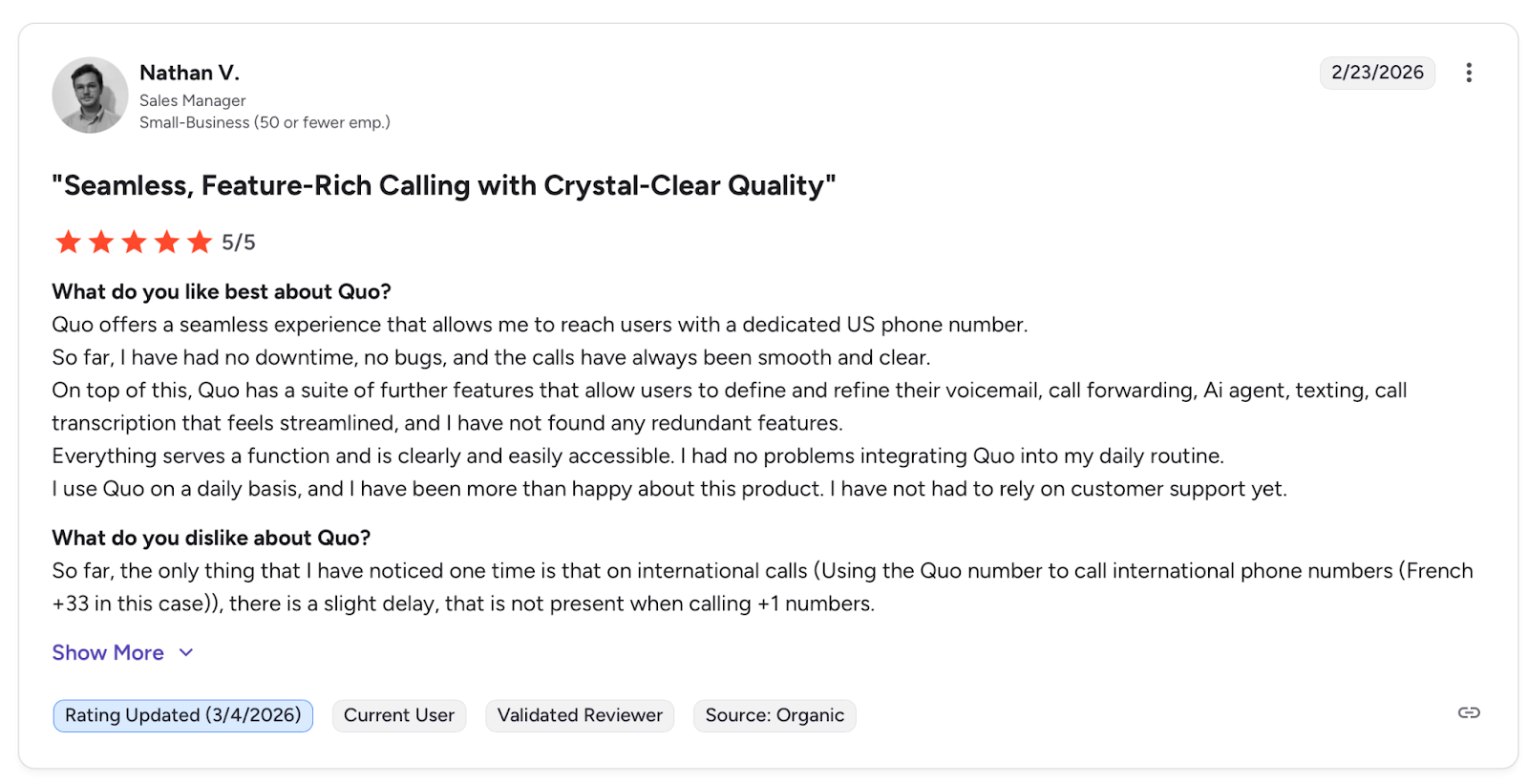
Quo offers a seamless experience that allows me to reach users with a dedicated US phone number. — Mathan B., G2
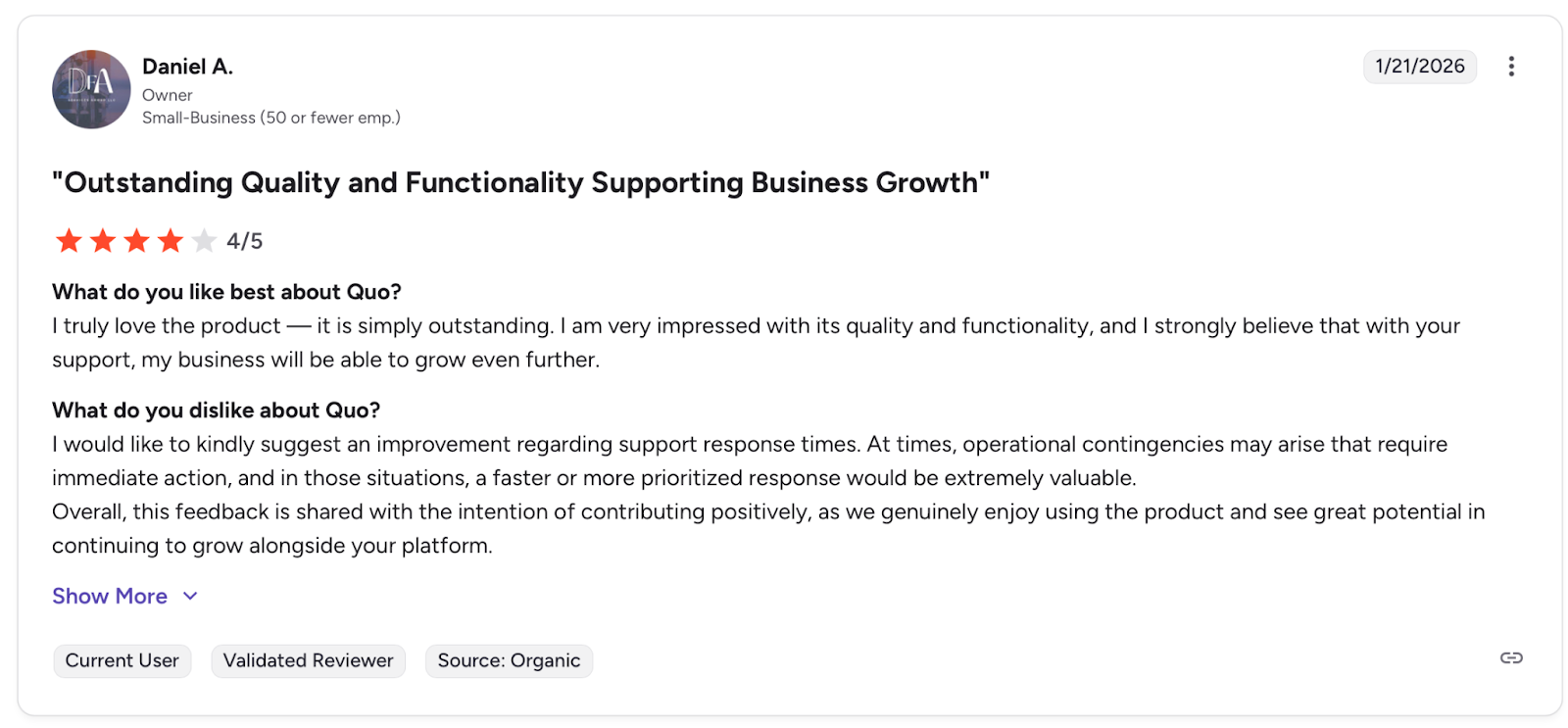
I would like to kindly suggest an improvement regarding support response times. — Daniel A., G2
Pricing
Sona's Starter plan starts at $15/user/month when billed annually. The Business plan starts at $23/user/month and adds more call handling and automation features. The Scale plan offers more advanced automation and AI support, starting at $35/user/month. There's also a 7-day free trial available, but Sona requires a paid plan to test.
Bottom Line
Sona is the right fit for teams already evaluating Quo as their phone system. If you only need basic AI answering, standalone services deliver more value per dollar.
Before You Go Live
Prompt changes and knowledge base updates can break call flows without any visible error. Cekura simulates thousands of inbound call scenarios, including callers who go off-script or trigger edge cases, surfaces failures before any real customer hits them, and monitors live calls after launch so nothing drifts unnoticed.
2. Smith.ai: Best for Businesses Not Ready to Go Fully AI
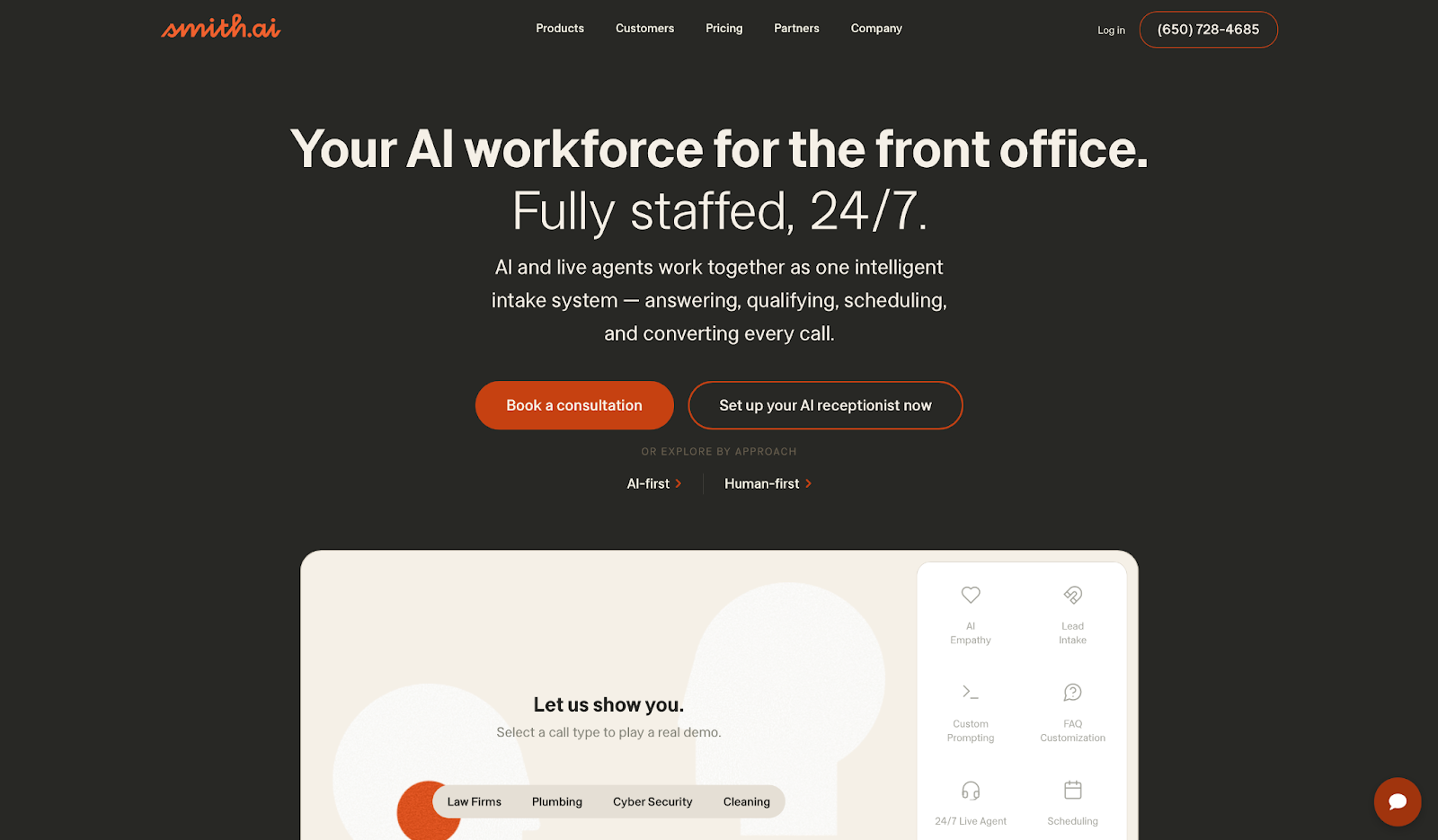
What it does: Smith.ai combines AI call handling with live North America-based agents who step in when the conversation gets too involved for automation.
Best for: Law firms, medical practices, and professional services businesses where a fumbled call directly affects client trust.
I tested Smith.ai by running calls through several scenarios, including edge cases where a caller changed their request mid-conversation. The handoff from AI to human was smooth enough that I had to check the transcript to confirm it had happened.
Key Features
- AI plus human backup: The AI handles routine calls while live agents step in when a conversation gets too complicated. Callers can request a human at any point without being put on hold.
- Lead qualification built in: Every plan includes intake and lead screening with up to 10 custom questions per call.
- Appointment scheduling: The AI books directly into Calendly and other calendar tools during the call.
- Call playbooks: Configure different handling for new leads, existing clients, and unknown callers. Each group gets its own script and routing logic.
- 7,000+ integrations: Connects natively with Clio, HubSpot, Salesforce, Zapier, and Make. Call details are pushed to your CRM automatically after each conversation.
Pros
✅ Human fallback means no caller gets left without a proper answer.
✅ Trained on over 10 million calls with deep experience in professional services intake.
✅ Bilingual support in English and Spanish included on select plans.
Cons
❌ AI struggles with off-script requests and relies on human agents to recover.
❌ Voice options are limited, and callers cannot choose a different AI voice.
❌ Some users report the AI marks calls as handled when a human actually intervened.
What Users Say
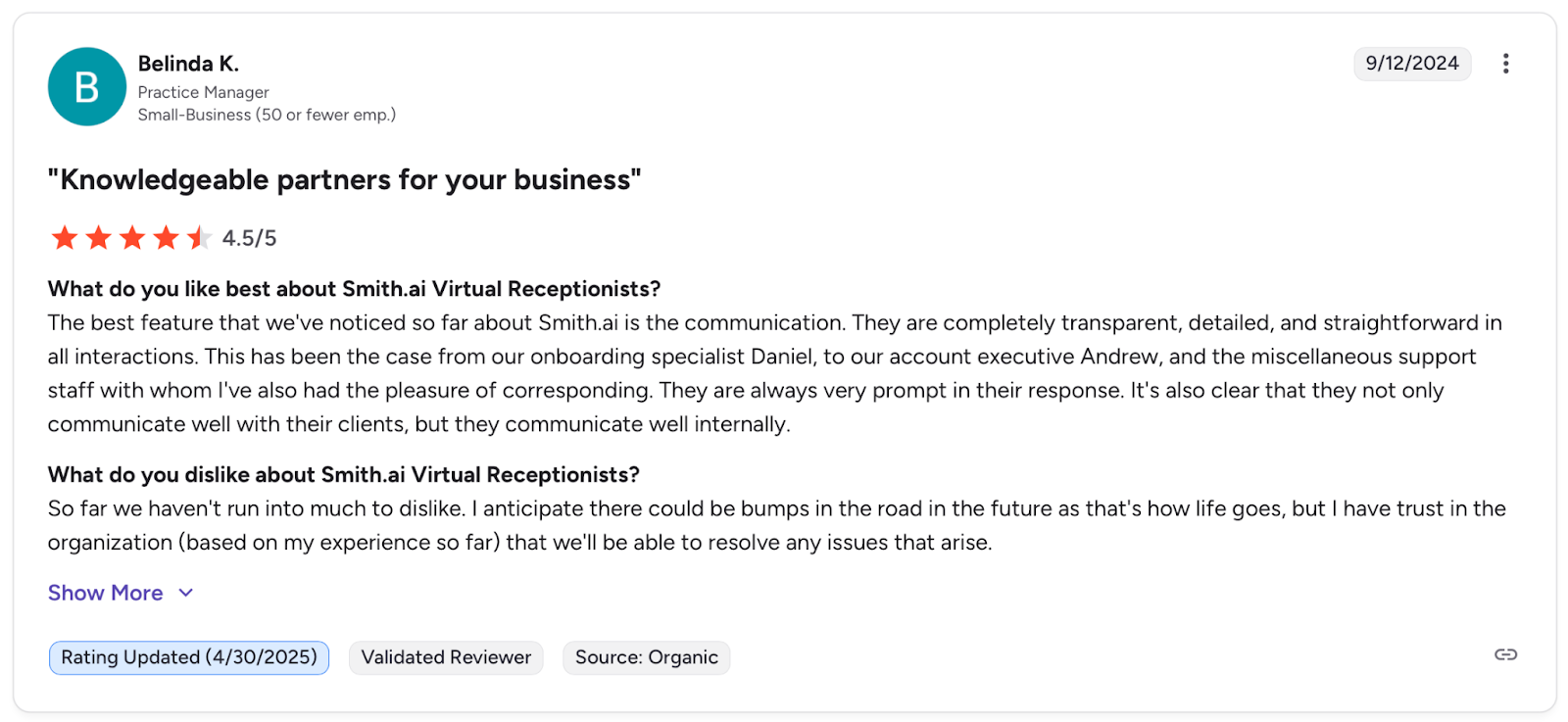
The best feature that we've noticed so far about Smith.ai is the communication. — Belinda K., G2
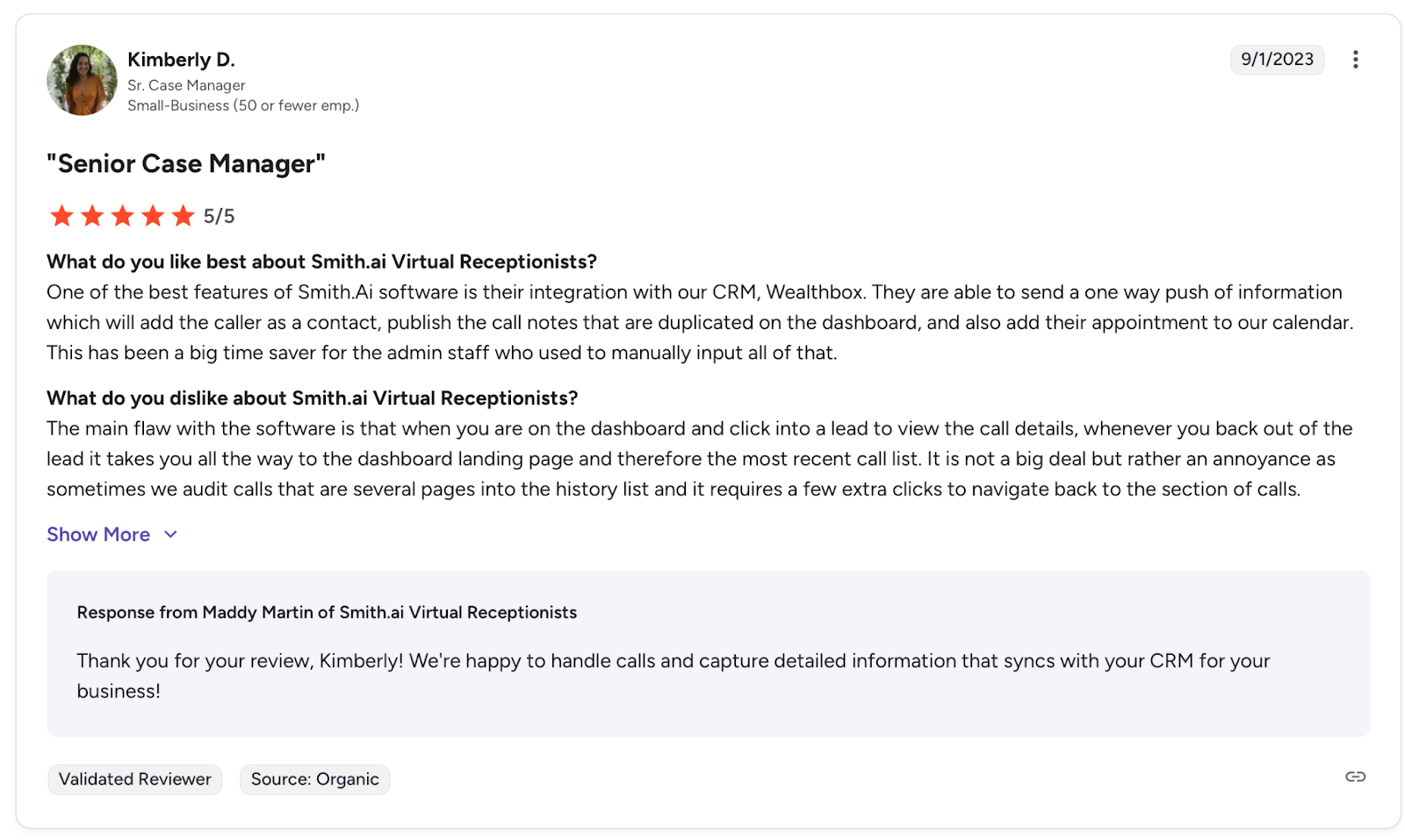
The main flaw with the software is that when you are on the dashboard and click into a lead to view the call details. — Kimberly D., G2
Pricing
Smith.ai's Do It Yourself plan is a self-service, month-to-month plan for simple call flows, starting at $95/month.The annual Done For You plan starts at $500/month and includes guided plans with setup, customization, and optimization. There's a 30-day money-back guarantee on all plans.
Bottom Line
Smith.ai is the right fit for professional services businesses where a mishandled call has real consequences. For routine inquiries, a pure AI service covers the same ground without the human overhead.
Before You Go Live
The AI-to-human handoff logic still needs validation for your specific scenarios. Use Cekura to confirm every transition works before going live, and to catch any handoff that breaks in production without listening to each call manually.
3. Rosie: Best for Home Services and Trades
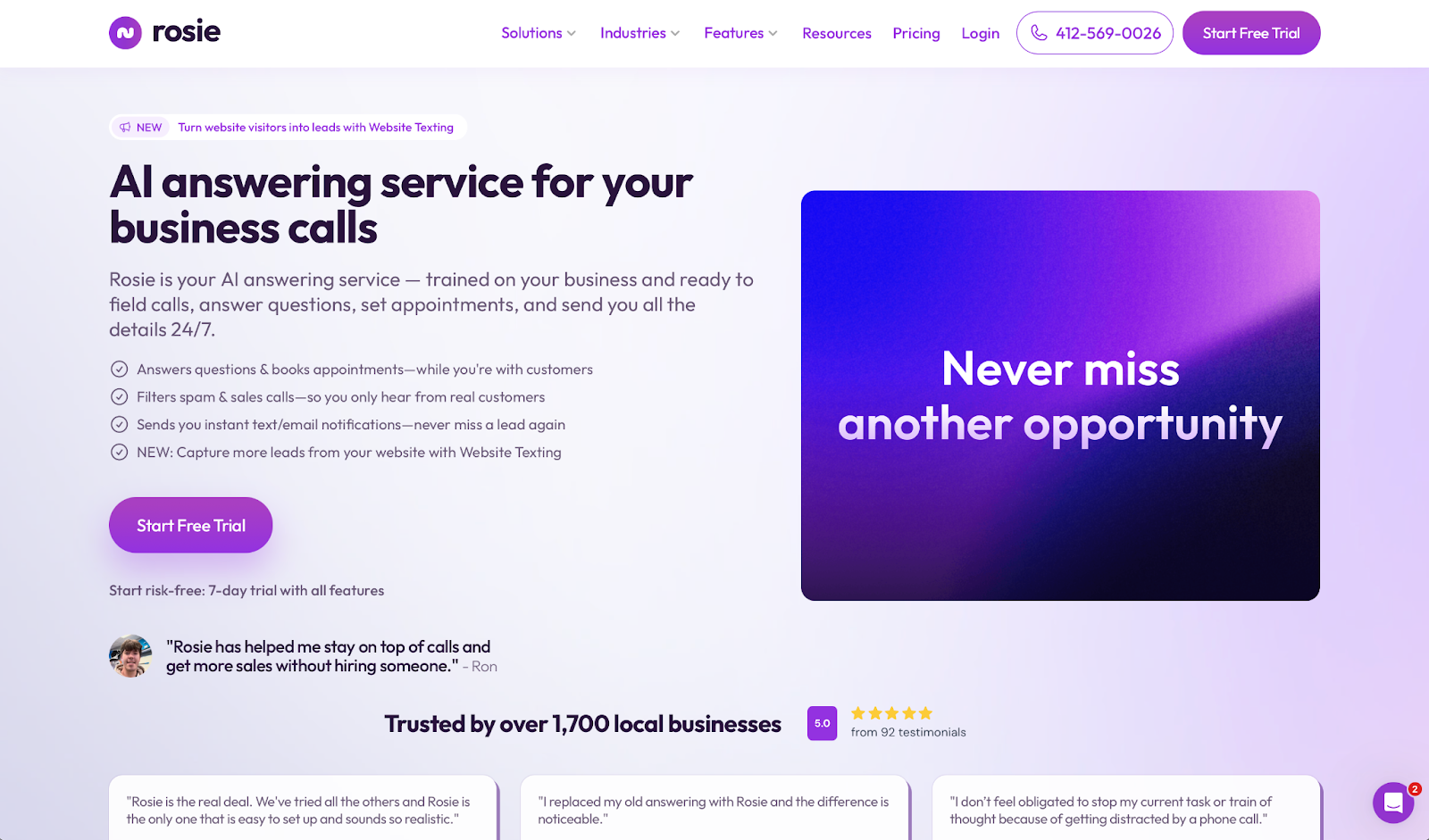
What it does: Rosie is an AI answering service that trains on your website and Google Business Profile, then answers calls, captures messages, and books appointments around the clock.
Best for: HVAC, plumbing, electrical, roofing, and other home services businesses that miss calls while out on jobs.
Rosie pulls your hours, services, and location from your existing online profiles, so it already knows your business before the first call.
During testing that showed: even callers who didn't explain themselves clearly got the right questions without the conversation feeling like a form.
Key Features
- Trains on your existing assets: Rosie scans your website and Google Business Profile to build its knowledge base. You can be live without writing a single script.
- Bilingual by default: English and Spanish support is included on every plan, with automatic language detection during the call.
- Appointment booking: Connects directly to Google Calendar, Calendly, Acuity, and Appointlet to book slots during the call on Scale plans and above.
- Smart spam filtering: Rosie identifies robocalls and sales calls before they reach you, keeping your call log focused on genuine inquiries.
- Call summaries and transcripts: Every call produces a summary and full transcript, sent by email or SMS as soon as it ends.
Pros
✅ Setup takes minutes by pulling from your existing website and Google profile.
✅ Bilingual support included on every plan, not locked behind a higher tier.
✅ Appointment booking connects directly to major calendar tools.
Cons
❌ Appointment booking and call transfers are only available on higher-tier plans.
❌ Transcripts occasionally miss details, requiring a full recording review.
❌ API access is limited, making custom dashboard builds difficult.
What Users Say
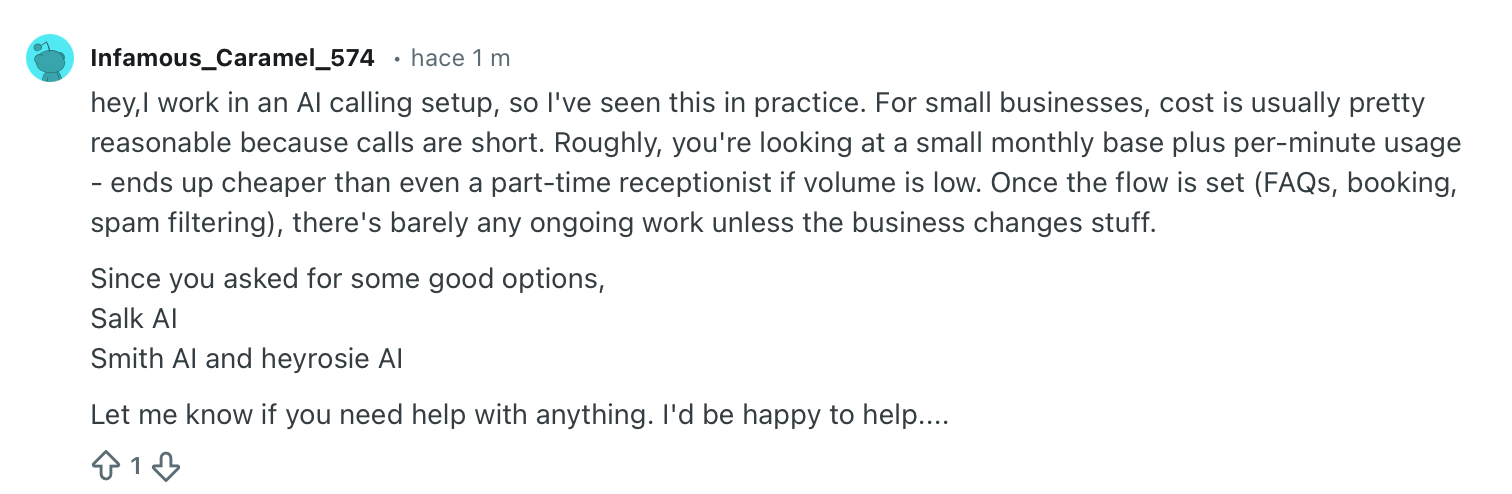
For small businesses, the cost is usually pretty reasonable because calls are short. — Verified User, Reddit

You can try using the generic ones, but I assure you that the clients won't be happy at all with the conversation. — Verified User, Reddit
Pricing
Rosie has four pricing tiers:
- The Professional plan: Is ideal for small business owners or solo owners and starts at $49/month.
- The Scale plan: Starts at $149/month and adds appointment booking and call transfers.
- The Growth plan: Starts at $299/month and includes training files for more complex businesses.
- The Custom plan: Great for businesses with multiple locations and starts at $999/month.
There's a 7-day free trial on all plans.
Bottom Line
Rosie is the right fit for home services businesses losing leads to voicemail. Outside the trades, the industry-specific design offers less value.
Before You Go Live
Edge cases quickly surface gaps in the knowledge base. Use Cekura before going live to run test calls, and after launch to automatically flag where the knowledge base falls short.
4. Goodcall: Best for Businesses That Want Full Control Over Call Flows
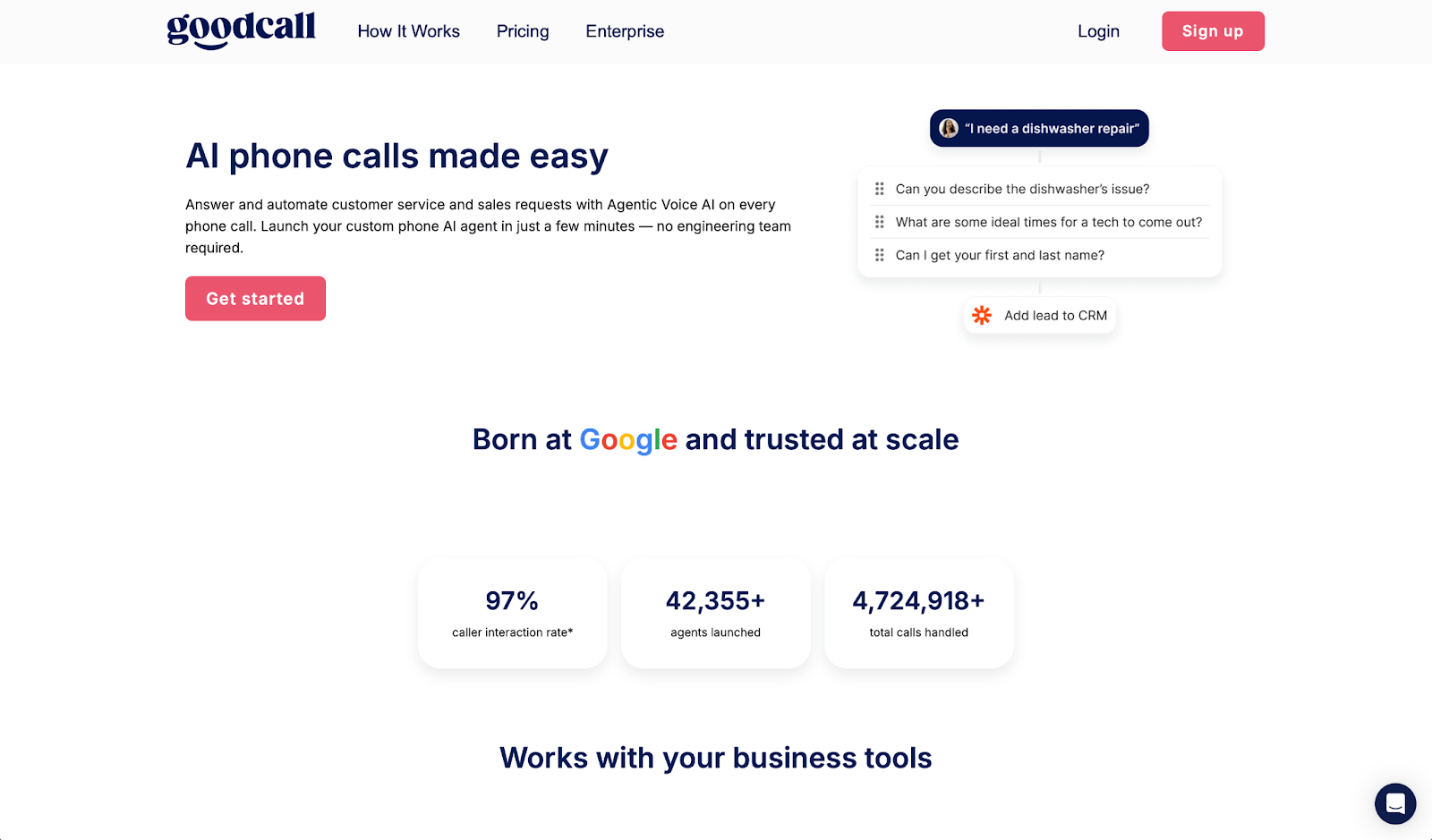
What it does: Goodcall is an AI phone agent that lets you build precise call flows using a visual builder, defining exactly how the agent handles each type of caller and situation.
Best for: Business owners who want to define the logic behind every call interaction rather than let the system decide on its own.
Building a Goodcall agent means setting exactly what it asks and how it responds, so the conversation goes where you need it. That precision takes longer to configure than services that automatically train on your website, but it pays off when your calls require specific qualification steps.
Key Features
- Skills and flows builder: Define what the agent knows and how it guides each conversation, with conditional paths that adjust based on what the caller says.
- Unlimited minutes on every plan: Billed by unique customers per month, so call duration never affects what you pay.
- Performance dashboard: Tracks automation rate, call duration, and caller intent per interaction so you can see exactly where calls go wrong.
- HIPAA compliance: Available on all plans, including healthcare practices and any business handling private client data.
- Zapier integration: Connects to Google Calendar, ServiceTitan, HubSpot, and thousands of other tools to carry call data into the rest of your stack automatically.
Pros
✅ More call flow control than any other service in this list.
✅ Unlimited minutes with no per-call or per-minute billing surprises.
✅ HIPAA compliant on all plans, accessible to healthcare and sensitive-data businesses.
Cons
❌ Setup takes significantly longer than plug-and-play alternatives.
❌ Call routing across multiple locations requires frequent manual adjustments.
❌ Support response times are slow, particularly during initial configuration.
What Users Say
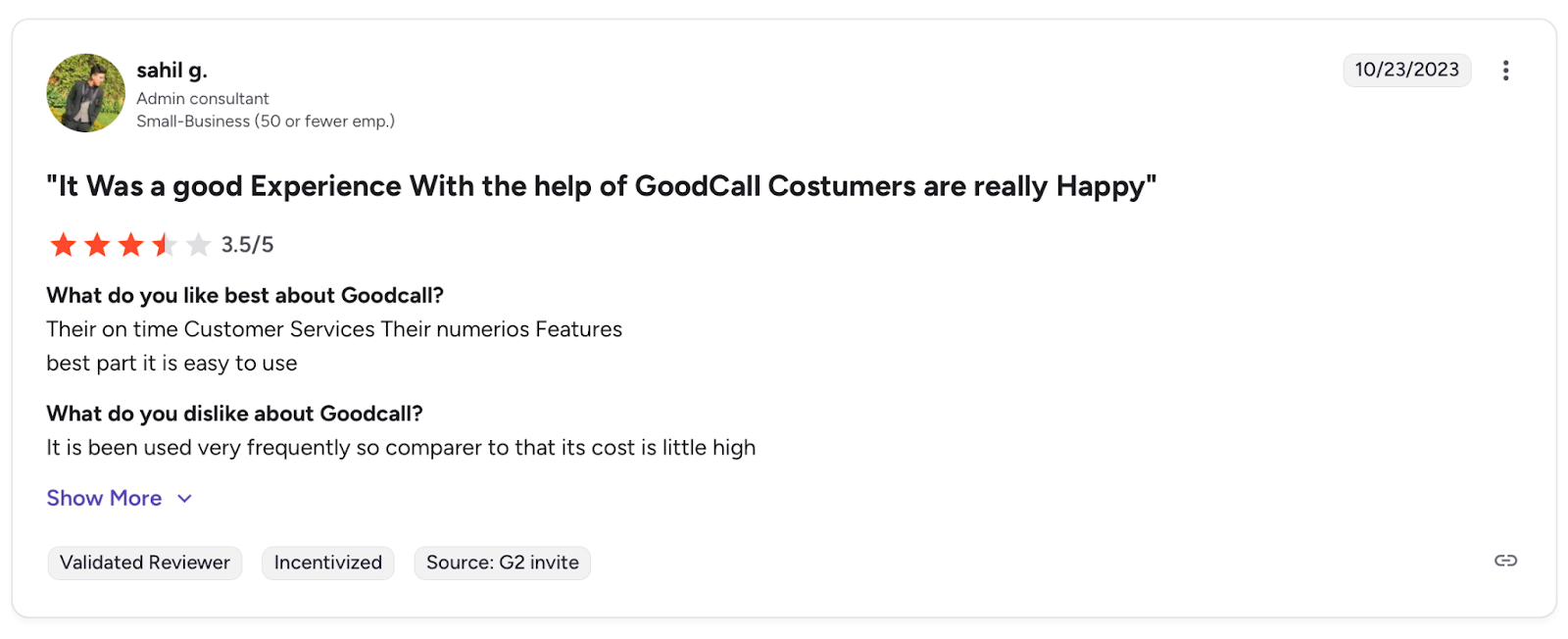
Their on time Customer Services. Their numerous Features. Best part it is easy to use. — Sahil G., G2

This is a fun app... I wonder if you could build in a loyalty (coupon, discount) flow into the voice UX to create revenue-focused outcomes for SMBs. — John Wantz, Product Hunt
Pricing
Goodcall offers three pricing tiers:
- Starter: $66/user/month (billed annually)
- Growth: $108/user/month (billed annually)
- Scale: $208/user/month (billed annually)
There's also a 14-day free trial, no credit card required.
Bottom Line
Goodcall is worth the setup investment for businesses with specific intake requirements. Faster options exist if you just need calls answered.
Before You Go Live
Complex branching logic creates more places for things to break quietly. Use Cekura to validate every path before going live and monitor those same paths in production without manual call reviews.
5. Dialzara: Best for Getting Live Fast on a Tight Budget
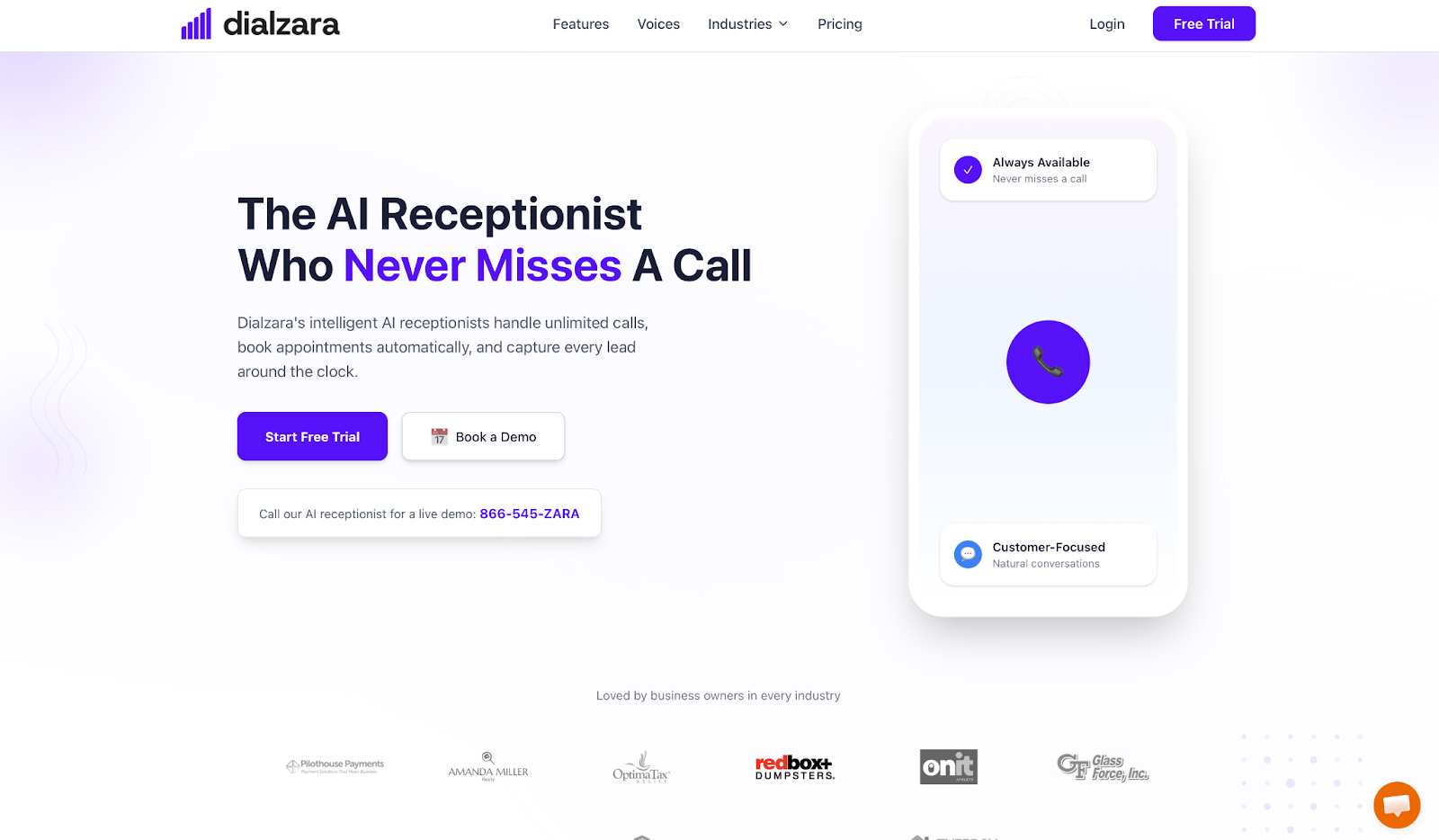
What it does: Dialzara is an AI receptionist that picks up inbound calls, filters spam, and schedules appointments, with over 40 voice options and a 10-minute onboarding process.
Best for: Small businesses that need professional call handling immediately, without a lengthy onboarding process or a large monthly commitment.
I had Dialzara live in about eight minutes: describe your business, pick a voice, and forward your number. What surprised me was how natural several of the 40+ voices sound, natural enough that most callers won't notice.
Key Features
- 40+ voice options: The largest voice library in this list, letting you match the agent's tone to your brand rather than accepting a default.
- Unlimited simultaneous calls: Every inbound call gets answered immediately, regardless of how many come in at once.
- Call screening and spam filtering: Blocks robocalls and solicitations before they reach your team, so the calls that do come through are worth taking.
- Appointment booking: Connects to Google Calendar and Outlook to book slots directly during the call on Pro plans and above.
- Summaries by email: After every conversation, Dialzara sends a summary to your inbox with the caller's details and key points.
Pros
✅ Live in under ten minutes with no technical setup required.
✅ Largest voice selection of any service in this list.
✅ No contracts or setup fees, with the freedom to switch or cancel anytime.
Cons
❌ Limited presence on G2 and Capterra makes independent verification harder.
❌ Custom CRM workflows require additional configuration through Zapier.
❌ Call routing across multiple locations needs manual adjustment to work reliably.
What Users Say
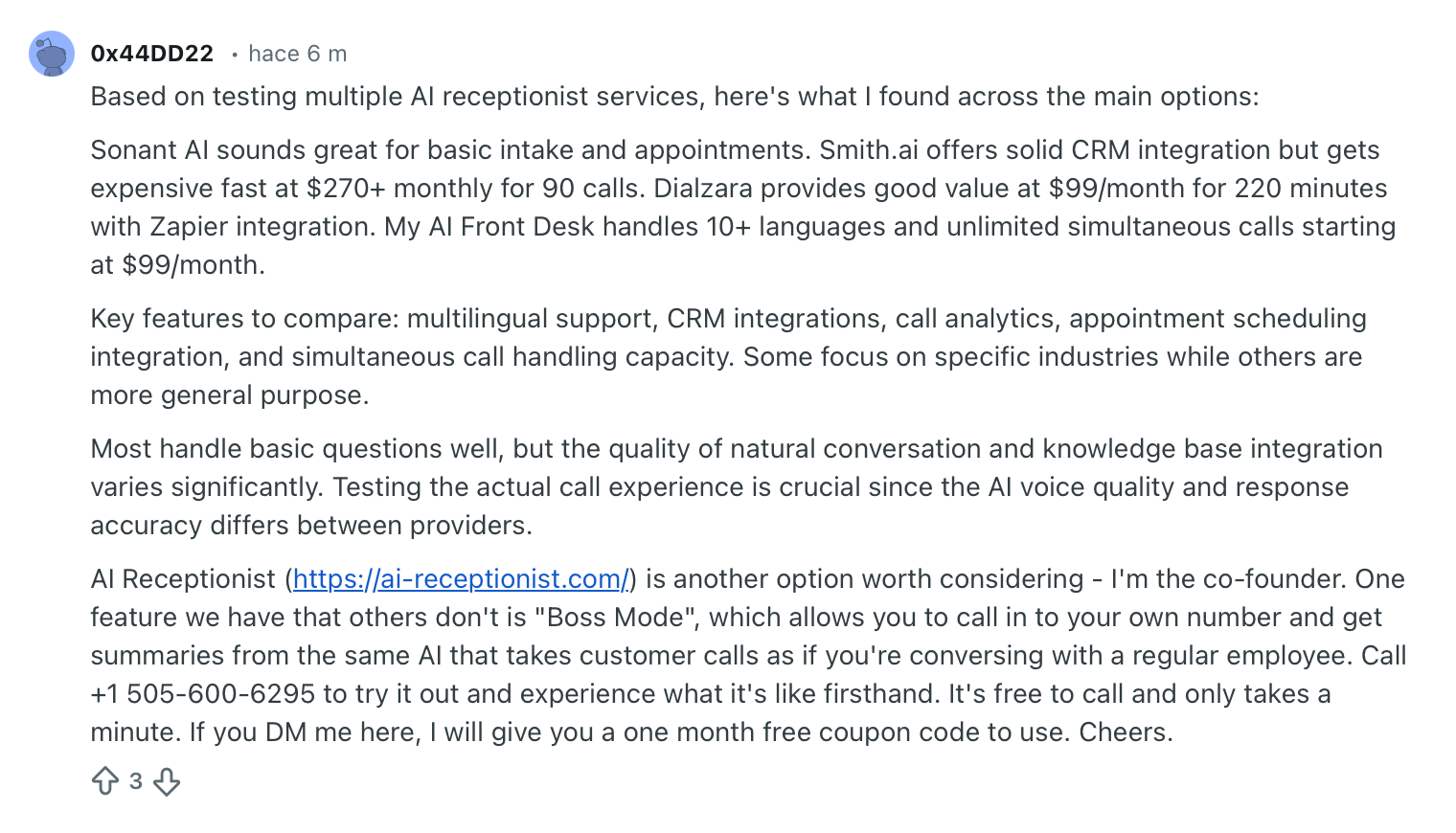
Dialzara provides good value at $99/month for 220 minutes with Zapier integration. — Verified User, Reddit
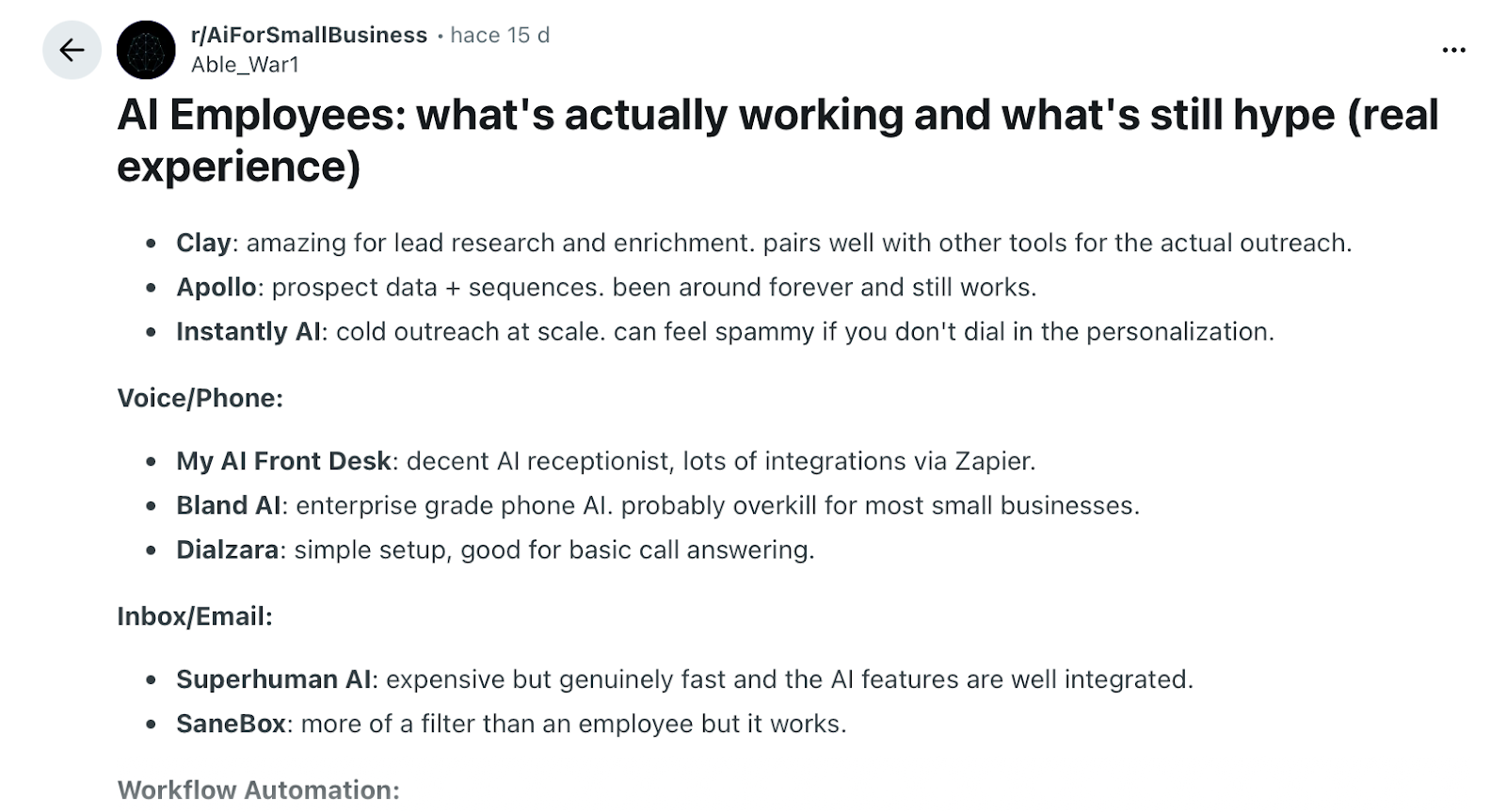
Simple setup, good for basic call answering. — Verified User, Reddit
Pricing
Dialzara has three pricing tiers:
- Business Lite: Includes 60 minutes of talk time for $29/month.
- Business Pro: Up to 220 minutes of talk time for $99/month.
- Business Plus: Includes 500 minutes of talk time for $199/month.
Dialzara doesn't require contracts or setup fees.
Bottom Line
Dialzara is the quickest way to get into AI call answering on this list. The limited review history is worth noting for larger teams. But for a first test, the barrier to entry is low enough to try it.
Before You Go Live
Voice quality is strong out of the box, but the agent's responses depend entirely on what you feed it. Test your most common call scenarios through Cekura before forwarding real calls, and analyze call quality at scale once live.
6. Upfirst: Best for Solopreneurs Who Want Pure Simplicity
What it does: Upfirst is an AI answering service built for small businesses that need professional call coverage without a complicated setup.
Best for: Solo operators and very small teams that want calls handled immediately, without per-minute billing or complex configuration.
Upfirst is the most stripped-back service on this list, and that simplicity is a deliberate choice. There's no workflow builder or routing logic to configure. You describe your business, set your instructions, and it starts answering. That same philosophy carries into billing: per-call pricing means spam and short, wrong-number calls don't count against your plan.
Key Features
- Per-call billing: Spam calls, calls under 15 seconds, and calls where the caller doesn't speak are not charged. You only pay for real interactions.
- 90+ languages: Automatic language detection with no additional setup, one of the broadest language libraries in this category.
- Appointment scheduling: Connects to Google Calendar, Outlook, and Clio to book slots during the call on all plans.
- Texts during calls: Upfirst can send a booking link, pricing page, or directions to the caller while the conversation is still happening.
- Zapier integration: Links to thousands of tools for routing lead information to your CRM or spreadsheet after each call.
Pros
✅ Per-call billing protects against charges from spam and short hangups.
✅ 90+ languages with automatic detection included on every plan.
✅ 14-day free trial with no credit card required.
Cons
❌ No API available, limiting custom reporting and advanced integrations.
❌ Spam screening occasionally misclassifies calls and requires manual rule adjustments.
❌ Per-call overages add up quickly during high-volume periods.
What Users Say
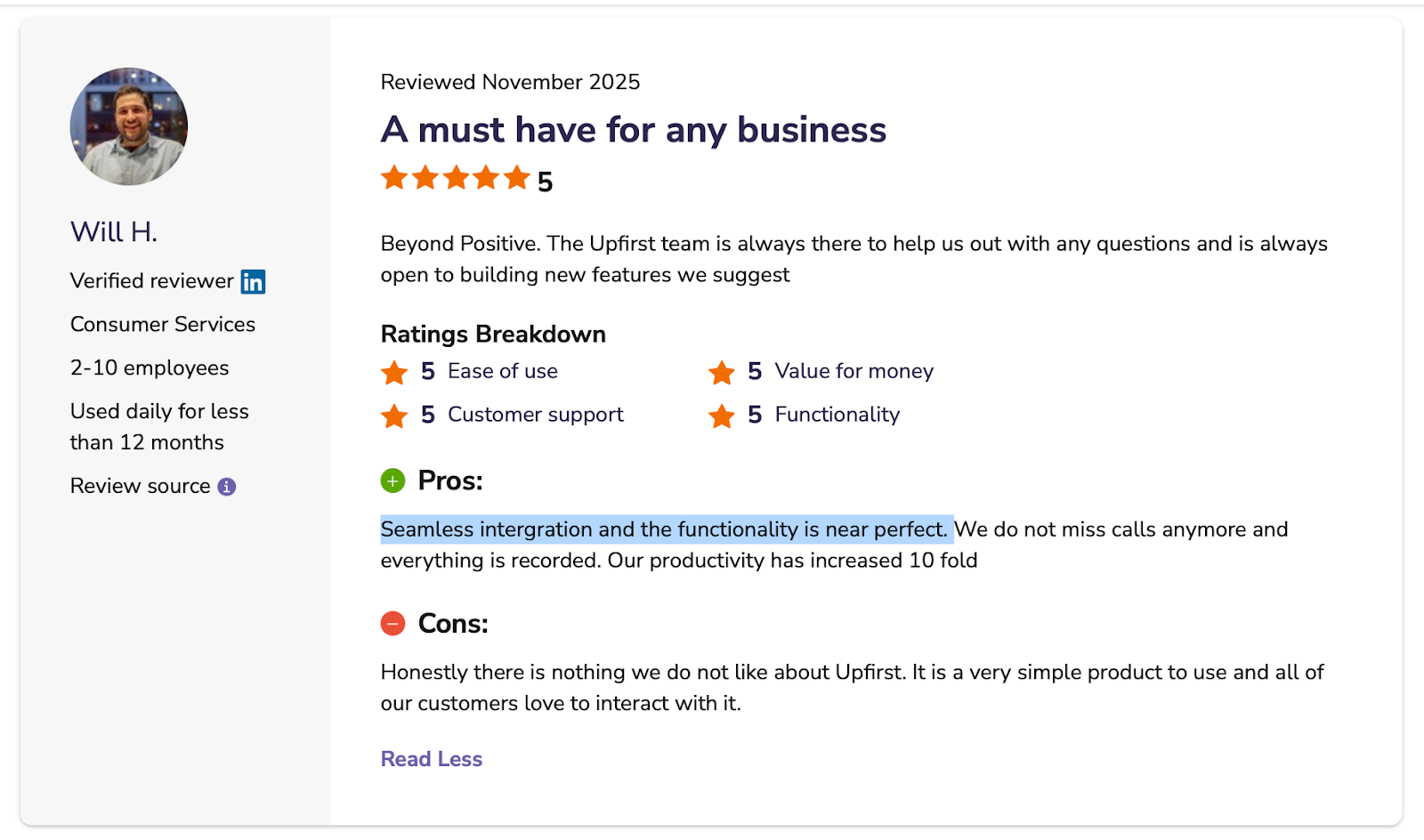
Seamless integration and the functionality is near perfect. — Will H., Software Advice
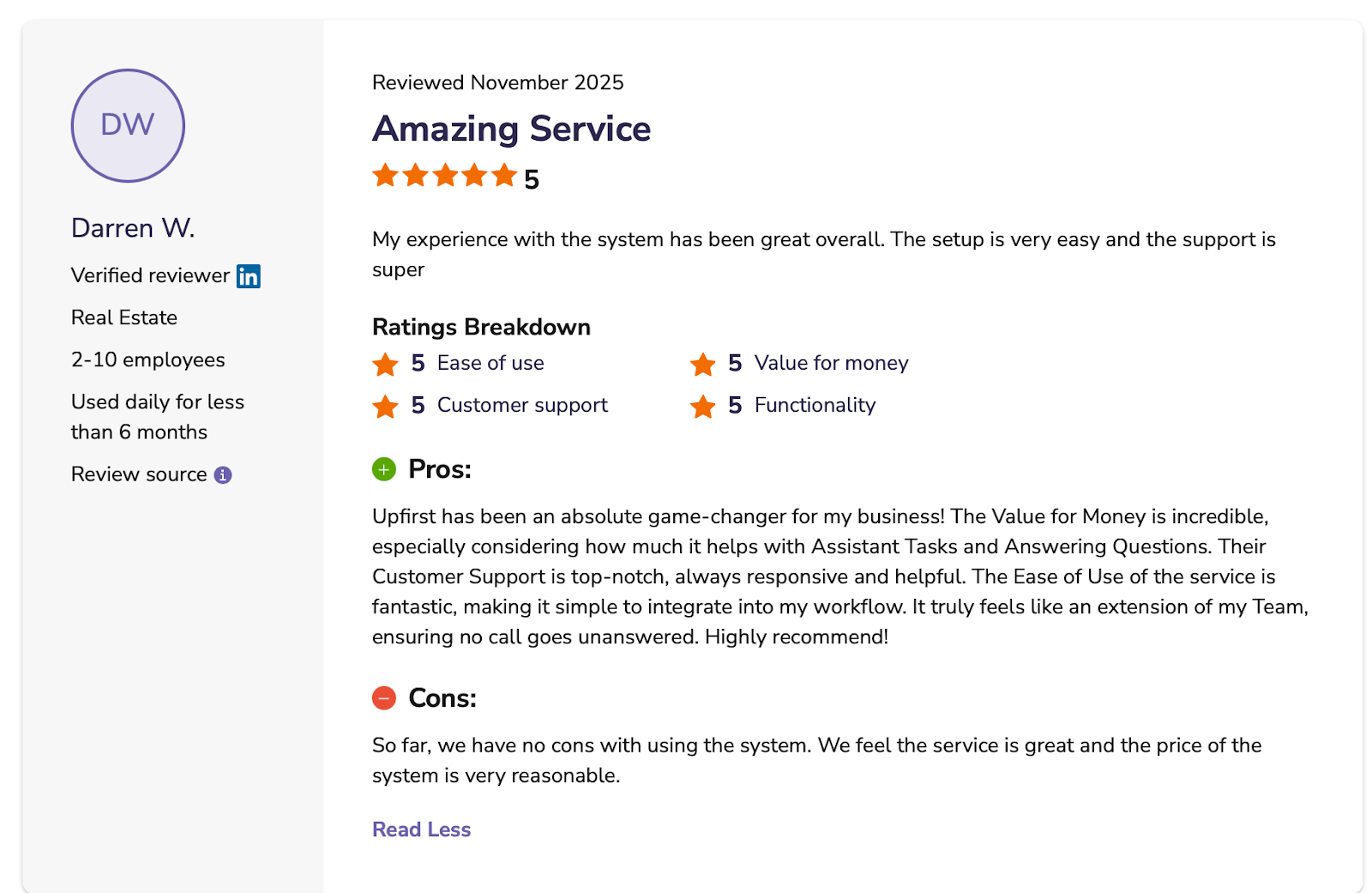
Their Customer Support is top-notch, always responsive and helpful. — Darren W, Software Advice
Pricing
Upfirst offers four pricing plans:
- Starter: Up to 30 calls for $24.95/month (billed monthly)
- Premium: Includes 90 calls for $59.95/month (billed monthly)
- Pro: Up to 300 calls for $159.95/month (billed monthly)
- Scale: Includes 600 calls for $299/month (billed monthly)
Upfirst doesn't require contracts or setup fees. Plus, they offer a 14-day free trial, no credit card required.
Bottom Line
Upfirst is the right fit for solo operators who want calls answered without managing a system. For businesses with more than 100 calls a month, the per-call cost makes other options on this list more economical.
Before You Go Live
Upfirst is straightforward to configure, but the agent's accuracy depends entirely on the instructions you give it. Run your most common scenarios through Cekura to catch gaps before going live and to monitor every conversation automatically after launch.
7. Allo: Best for Small Sales Teams That Want Phone System and AI in One Place
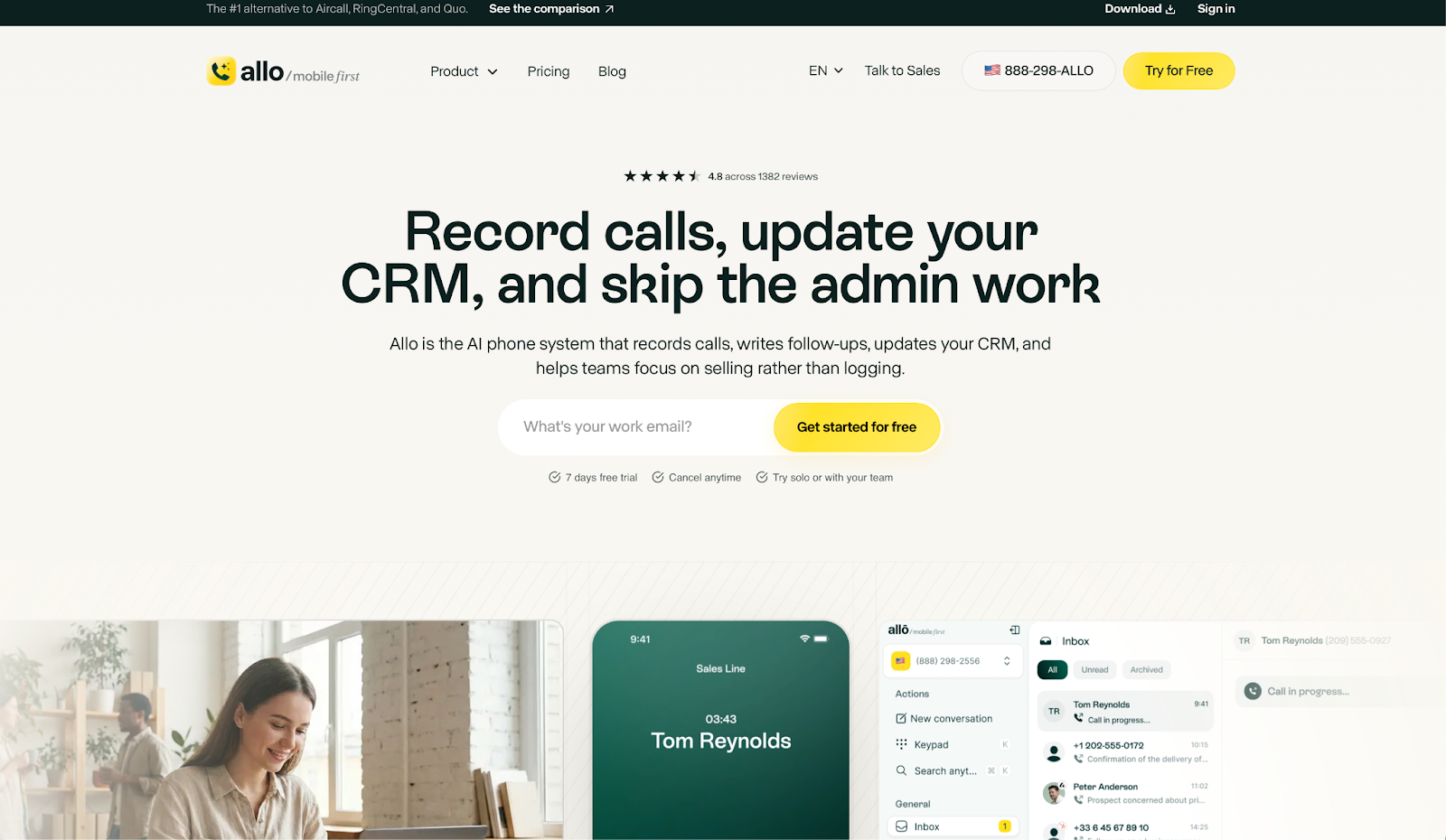
What it does: Allo is an AI-native phone system that combines VoIP calling with a built-in AI receptionist, automatic call summaries, and CRM sync on a single flat-rate plan.
Best for: Small sales teams and solo operators who want their phone system and AI answering to work together, without managing two separate tools.
Most AI answering services sit on top of an existing phone system, which means the AI and the phone live in separate places. Allo is built differently. It's the phone system, so call recording, summaries, CRM logging, and the receptionist all run from the same app without switching tools.
Key Features
- AI receptionist included: Answers inbound calls when you're unavailable, collects caller details, and routes to the right person. These are all included in the Business plan with no add-ons required.
- Automatic call summaries: Every call produces a transcript and an AI-written summary with action items, pushed to your inbox straight after.
- Automatic follow-ups: After each call, Allo drafts a personalized email or SMS based on the conversation, ready to review and send.
- CRM sync: Connects natively to HubSpot, Salesforce, Pipedrive, and others. Automatic call logs with full recordings after each conversation.
- Mobile-first design: Built for teams working from phones rather than desk hardware. Available on iOS, Android, Mac, and Windows.
Pros
✅ Phone system and AI answering in one flat-rate plan, with no separate subscriptions.
✅ Automatic follow-up drafts reduce post-call admin work significantly.
✅ Every call is searchable, with transcripts, summaries, and recordings accessible from any device.
Cons
❌ AI receptionist features are only available on the Business plan, not the Starter plan.
❌ Custom CRM fields and complex workflows often need additional Zapier configuration.
❌ Call routing requires careful setup, as misconfigured rules send calls to the wrong person.
What Users Say
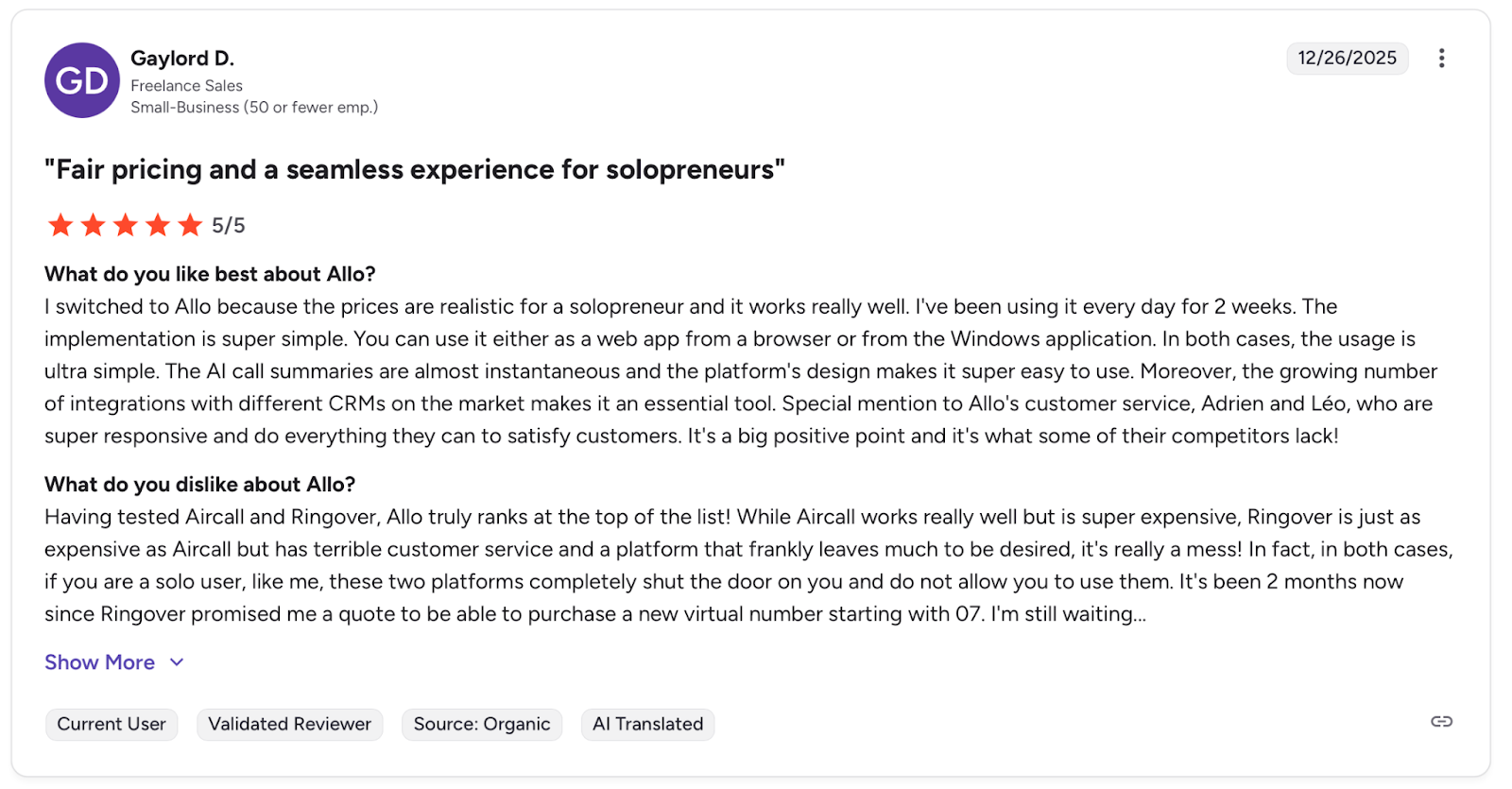
I switched to Allo because the prices are realistic for a solopreneur, and it works really well. I've been using it every day for 2 weeks. — Gaylord D., G2
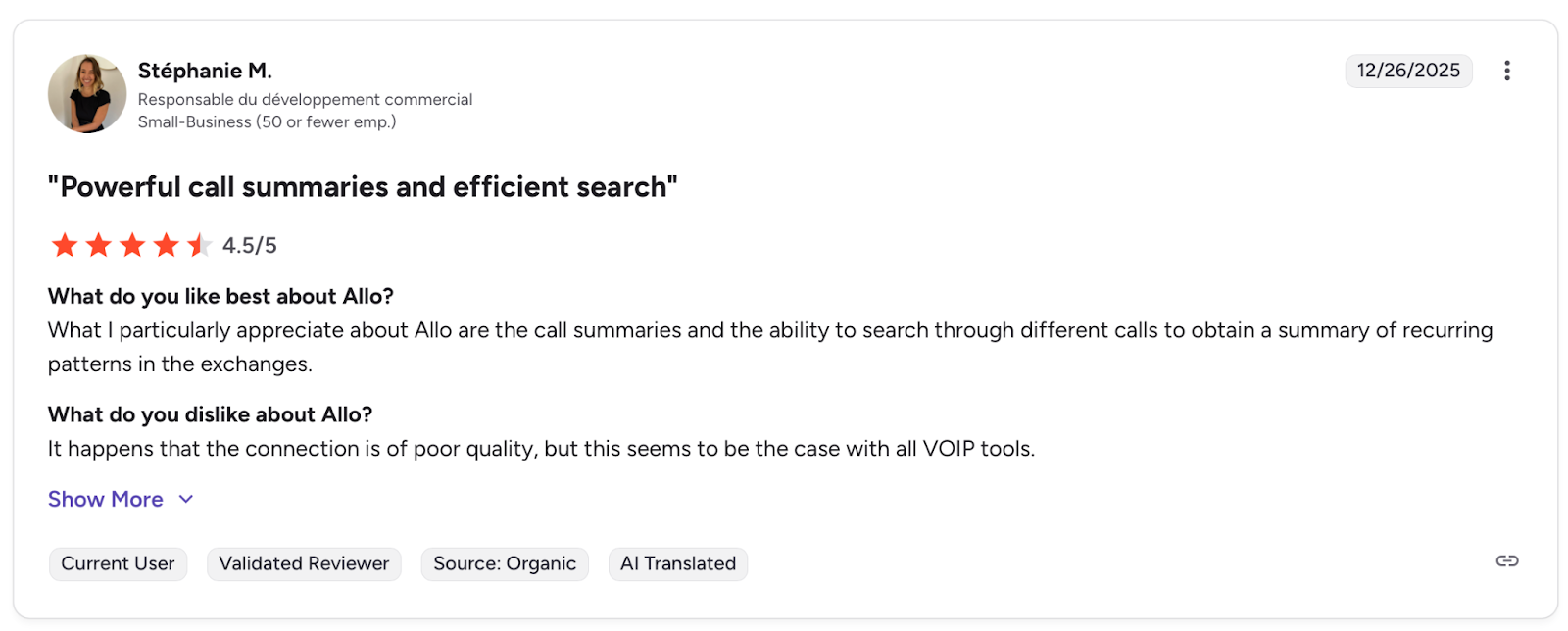
It happens that the connection is of poor quality, but this seems to be the case with all VOIP tools. — Stéphanie M., G2
Pricing
Allo's Starter plan is $216/year for a single user only. The Business plan includes all the available features, a 7-day free trial, and is $32/user/month when billed annually.
Bottom Line
Allo is the right fit for small teams already shopping for a phone system. For businesses that just need AI answering on top of what they already have, the other services on this list get there with less overhead.
Before You Go Live
Allo's AI receptionist and call flows share the same knowledge base. A change that improves one can quietly break the other. Use Cekura to test both sides before any update and to flag production regressions automatically.
Which AI Answering Service Should You Choose?
The right service depends on what your business actually looks like, not just how many calls you receive.
Choose Sona by Quo if you:
- Are already evaluating Quo as your business phone system.
- Manage calls across a team and need shared visibility on every interaction.
- Want CRM sync with HubSpot or Salesforce built into your phone platform.
Choose Smith.ai if you:
- Work in law, medicine, or professional services where every call affects client trust.
- Need a human available as backup when a conversation gets too sensitive or complicated for AI to handle well.
Choose Rosie AI if you:
- Run an HVAC, plumbing, electrical, or home services business.
- Miss calls regularly while out on jobs and lose leads to competitors who pick up.
- Want unlimited minutes so a busy season doesn't change your monthly bill.
Choose Goodcall if you:
- Want to define exactly what your agent asks and how it responds at each step.
- Have specific intake requirements that a generic answering service can't handle.
- Are comfortable spending time on configuration to get the agent responding exactly the way you need.
Choose Dialzara if you:
- Need to go live today without a lengthy onboarding process.
- Want to choose a voice that matches your brand's tone from a library of 40+ options.
- Are testing AI answering for the first time and want a low-commitment entry point.
Choose Upfirst if you:
- Are a solo operator or a very small team with under 30 calls per month.
- Want the simplest possible setup with no workflow builders or routing logic.
- Need protection from spam call charges eating into a small monthly budget.
Choose Allo if you:
- Are already shopping for a business phone system and want AI answering included.
- Need CRM logging, call summaries, and the AI receptionist to work from the same app.
- Run a small sales team that lives on mobile rather than desk hardware.
Skip all of these if: You receive fewer than 10 calls per month. At that volume, the economics don't justify a monthly subscription, and a clear voicemail with a fast callback costs nothing.
How to Know Your AI Answering Service Actually Works
Most businesses find out their agent is broken the same way: a caller complains about something that should have been handled automatically.]
AI answering services fail quietly. An agent responds confidently with outdated information, misses a booking, or loses track of a caller mid-conversation, and nothing flags it until it compounds into lost revenue.
The seven services on this list are built to answer calls. None of them are built to tell you when your agent starts drifting from what you intended. That's what Cekura is for.
What Cekura Does That No AI Answering Service Does
I run Cekura on top of whichever service I'm testing. It's the only way to know what's actually happening once an agent is live.
Here's what Cekura offers:
- Testing at scale: Thousands of simulated calls run before go-live, catching the edge cases that only surface when real callers start pushing the agent off-script.
- Interruption detection: When the agent talks over a caller or cuts off mid-sentence, Cekura catches those timing patterns before they become a habit.
- Latency tracking: Measures where slowdowns originate so you know exactly what to fix after each update.
- Conversation replay: When something breaks in production, replay that exact exchange against your updated agent to confirm the fix actually worked.
- Custom evaluation: Score every call on accuracy, missed intents, and incorrect responses using your own criteria.
- CI/CD integration: Every time you update a prompt, swap a knowledge base, or change a voice provider, Cekura runs your full test suite automatically before anything goes live.
- A/B testing: Compare multiple versions of your agent against the same call scenarios and review the results in one place.
- SOC 2 Type II certified: No raw transcript storage, verified security standards throughout.
Native integrations work out of the box for Retell, VAPI, ElevenLabs, LiveKit, or Pipecat. You don't rebuild anything. You add a testing and monitoring layer on top of what you already have.
Deploy whichever service fits your team, then schedule a demo to see how adding Cekura on top can help make sure it keeps working the way you built it.
Final Verdict
For home services businesses, Rosie AI is the clearest recommendation in this list. The industry-specific training, unlimited minutes, and bilingual support make it practical without extra setup work.
For teams replacing their phone system, Allo and Sona by Quo both make sense, depending on whether you prioritize sales workflows or team collaboration.
For anyone testing AI answering for the first time, Dialzara or Upfirst get you live fast with minimal commitment.
What most buyers overlook is what happens after setup. Prompt changes, updated FAQs, and new call flows can quietly break things. Cekura covers both sides: simulated testing before go-live and automatic observability once deployed, so you're never relying on manual reviews to know your agent is still performing as intended.
Frequently Asked Questions
What Is the Best AI Answering Service in 2026?
The best option depends on your business type. Rosie AI leads for home services, Sona by Quo for teams looking to add AI to their phone system, and Smith.ai for professional services needing a human fallback.
Can AI Answering Services Book Appointments?
Yes, most can. But availability varies by plan. Rosie requires the Scale plan, while Goodcall and Smith.ai book live during the call.
What Is the Difference Between an AI Answering Service and a Virtual Receptionist?
The main difference is whether a human answers. Smith.ai uses both AI and live agents, while Rosie, Goodcall, and Dialzara are fully automated.
Will Callers Know They're Talking to an AI?
It depends on the service. Modern voices from Rosie, Goodcall, and Dialzara are natural enough that many callers don't notice. Some regions require disclosure, so check local regulations.
How Do I Make Sure My AI Answering Service Is Working Correctly?
Review transcripts regularly and test after every change to your instructions. Cekura runs simulated calls to catch failures before they reach real customers.