
Analyzing sales and support team calls is a solved problem in 2026, but deploying AI voice agents onto your phones requires a completely new caliber of analytics software. I've compared the top conversational analytics platforms to put together this guide on the 9 worth using in 2026.
9 Best Conversational Analytics Software Platforms
| Platform | Best for | Starting price | Standout feature |
|---|---|---|---|
| Cekura | Testing and monitoring AI voice and chat agents | Custom pricing for enterprise; Developer plan starts at $30/m | Automated agent quality assurance |
| Gong | Sales conversation intelligence and rep coaching | Custom pricing | Revenue intelligence & deal risk alerts |
| Sprinklr | Enterprise CX across 30+ channels | Custom pricing | Unified customer experience management |
| Calabrio | Contact center QA with full workforce management | Custom pricing | Unified QA and workforce management |
| Qualtrics | Enterprise teams running voice-of-customer programs | Custom pricing | Omnichannel VoC and text analytics |
| CallMiner | Compliance-heavy industries | Custom pricing | Comprehensive conversational analytics |
| ZoomInfo | Sales teams in the ZoomInfo ecosystem | Custom pricing | Automated meeting summaries and CRM sync |
| Dialpad | SMB teams needing comms and analytics | Starts at $15/user/month (Standard plan, when billed annually) | Built-in AI with real-time transcription |
| Invoca | Connecting phone calls to marketing ROI | Custom pricing | Conversation intelligence for marketers |
How I Researched & Tested These Conversational Analytics Tools
I spent three weeks testing these platforms on real sales calls, support tickets, and AI agent conversations. Free trials got hands-on testing. Platforms without trials got demos combined with verified reviews from G2 and Capterra.
- Features: Checked transcription accuracy and whether insights lead to action or just sit in a dashboard.
- Usability: How fast can someone new get results? Some tools took hours, others took weeks.
- Integrations: CRM sync, dialer compatibility, and whether the tool fits into existing workflows.
- Pricing: Actual costs versus marketing pages. Platform fees, minimums, and hidden charges included.
- Use Cases: Tested each tool on sales coaching, QA scoring, compliance monitoring, and AI agent evaluation.
This testing showed me which tools deliver from day 1, and which ones fall apart once the demo ends.
1. Cekura: Best for Testing Voice and Chat AI Agents
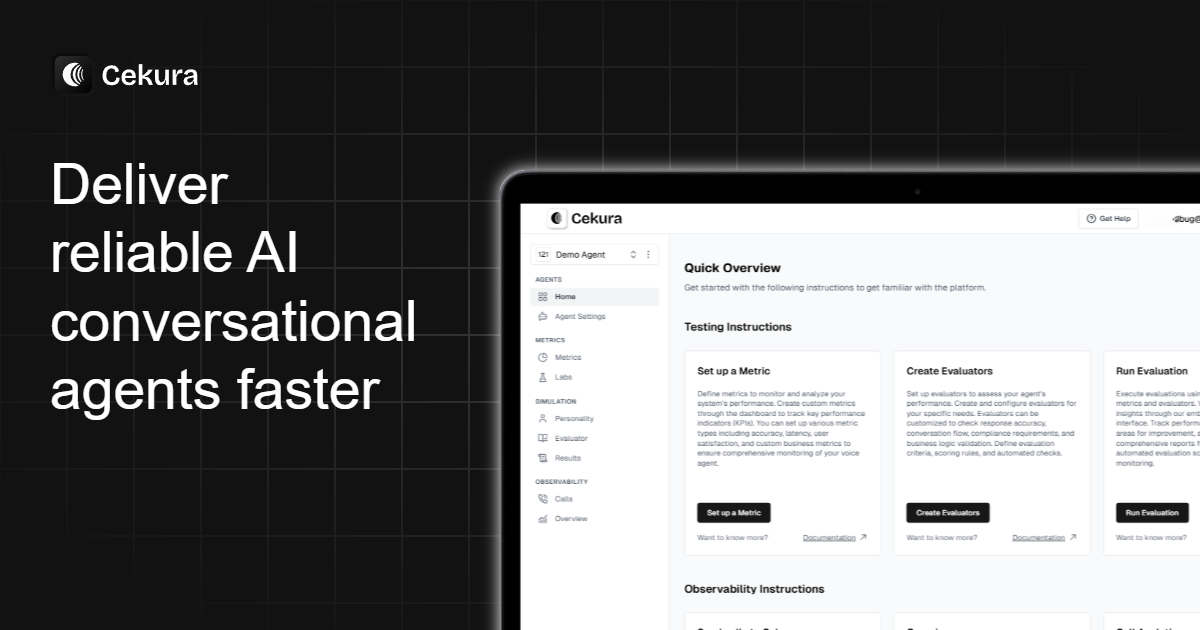
What it does: Cekura is a QA platform for voice and chat AI agents that runs automated testing before launch and monitors performance after deployment.
Best for: Teams deploying AI agents in healthcare, finance, and retail, where failures cost customers.
Most conversational analytics software was built for human calls. Cekura exists for AI agents. Instead of reviewing recordings after something goes wrong, the platform runs thousands of test scenarios before customers ever dial in. Different personas, accents, edge cases. Failures surface before they cost you. And not just prompt or model failures.
Cekura also catches infrastructure issues like early turn detection, streaming jitter, and tool latency that make an agent feel broken, even when the logic is fine.
Picture this: A voice agent handles appointment scheduling. Cekura simulates callers with background noise, interruptions, and invalid dates.
The dashboard flags exactly where things fail: A rebooking prompt that confuses it, a southern accent it can't parse. Teams fix the issue, rerun everything, and ship with confidence.
Key Features
- Infrastructure testing: Validates voice pipeline reliability, including turn detection, streaming latency, and tool response times, before changes hit production
- Chatbot testing: Evaluates chat AI agents with the same framework, so you test voice and text from one platform
- Conversation replay: Reruns past problem calls against updated versions to confirm fixes work
- Voice quality testing: Scores interactions on empathy, responsiveness, hallucinations, and latency, with custom metrics and LLM judges
- Live monitoring: Tracks every call in real time with alerts when performance drops
Pros
- ✅ Setup takes minutes with direct connections to Vapi, Retell, Bland, and ElevenLabs
- ✅ Covers testing and monitoring in one place instead of switching between tools
- ✅ Automated test scenarios eliminate manual script writing for QA teams
Cons
- ❌ Focused on AI agent analytics rather than human agent performance
- ❌ Developer plan limits of 1 project and 10 concurrent calls are fixed, though Enterprise plans offer custom limits for larger teams
What Users Say
Pro: "I did a thorough bakeoff of the options out there to improve dev velocity and stability for a voice agent, and Cekura had the most intuitive platform." — Rishi Penmetcha, Producthunt
Pro: "Highly recommend it for any enterprise or large agency building many and/or complex Voice AI applications." — Kevin Stone, Producthunt
Pricing
The developer plan starts at $30 per month (1 seat, 750 credits). Contact Cekura for custom pricing on the Enterprise plan.
Bottom Line
Cekura fits teams building AI agents that need comprehensive QA without manual testing overhead. It's strong for healthcare, financial services, and retail, where AI failures cost customers.
2. Gong: Best for Conversation Intelligence and Sales Coaching
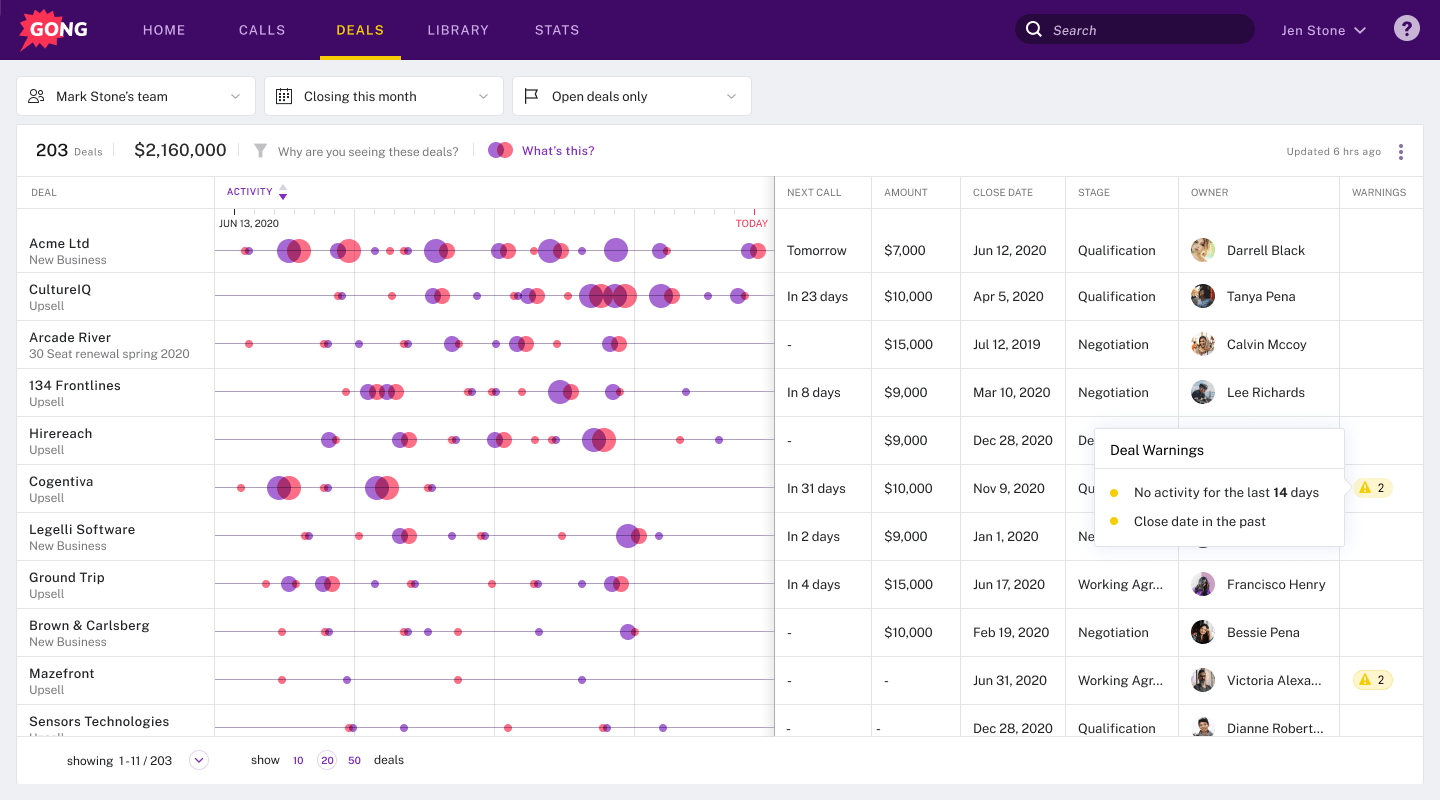
What it does: Records and analyzes sales calls to surface patterns for coaching and deal management.
Best for: Sales teams with dedicated enablement running film-room coaching sessions.
Transcription accuracy is noticeably better than most tools I've tested. The deal view flags at-risk opportunities based on what reps actually said, not what they logged in the CRM. But without someone turning those insights into coaching, you're paying for expensive call storage.
Key Features
- Call recording and analysis: Captures every sales interaction and breaks it down by topics, talk ratio, and buyer engagement signals
- AI coaching agents: Flag coaching moments in real time and track whether reps follow up on identified patterns
- Deal inspection: AI-scored pipeline view that highlights at-risk deals and validates forecast calls against actual conversation data
- Revenue intelligence: Connects conversation patterns to deal outcomes for predictive forecasting
- Team performance analytics: Tracks what separates top performers from the rest based on conversation behavior
Pros
- ✅ Film-room coaching gives managers a clear way to review and train reps on real conversations
- ✅ Transcription accuracy stands out compared to other conversation intelligence tools
Cons
- ❌ Product feels disconnected with Conversations and Engage lacking unified navigation or cross-product linking
- ❌ Add-on pricing for key features like Forecasting and Engage requires additional seat purchases beyond the base license
What Users Say
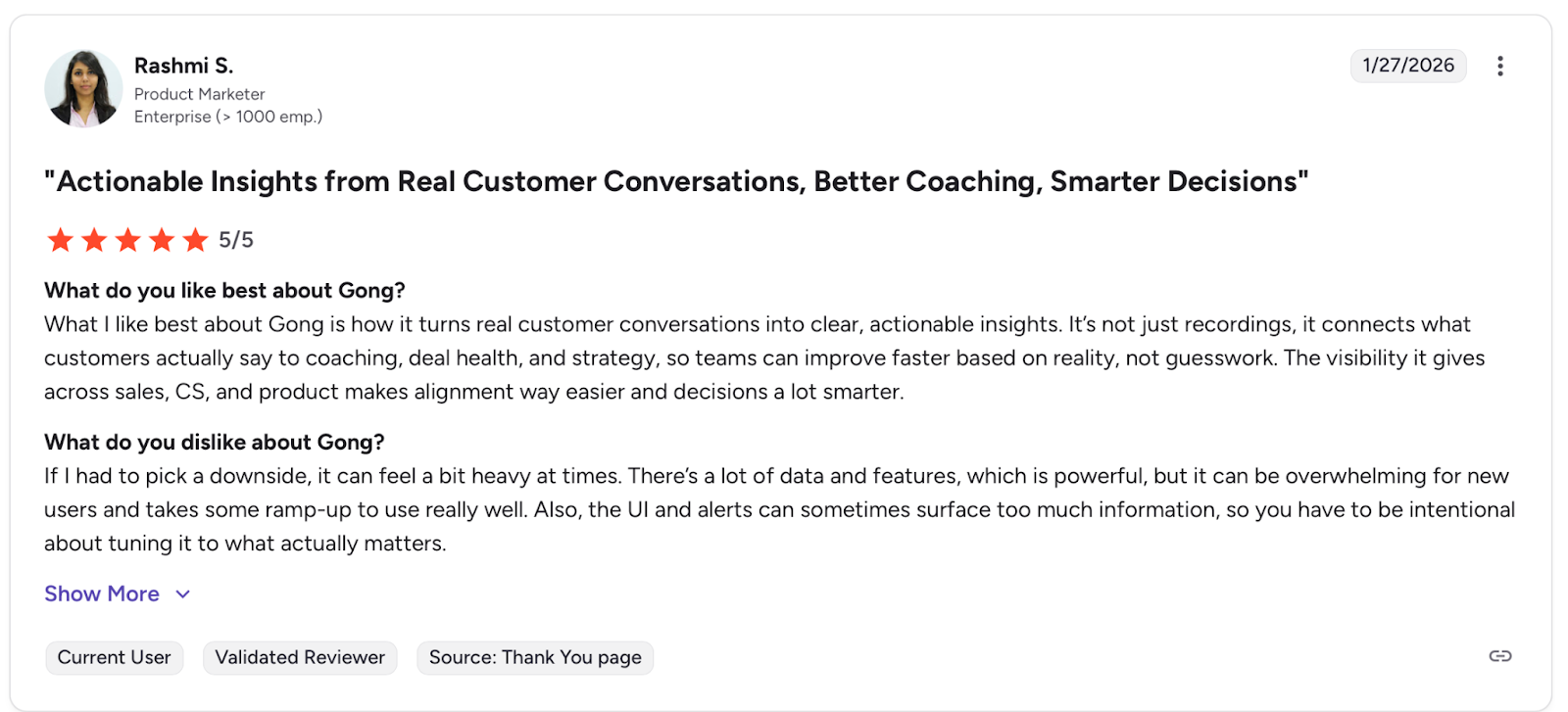
Pro: "What I like best about Gong is how it turns real customer conversations into clear, actionable insights." — Rashmi S., G2
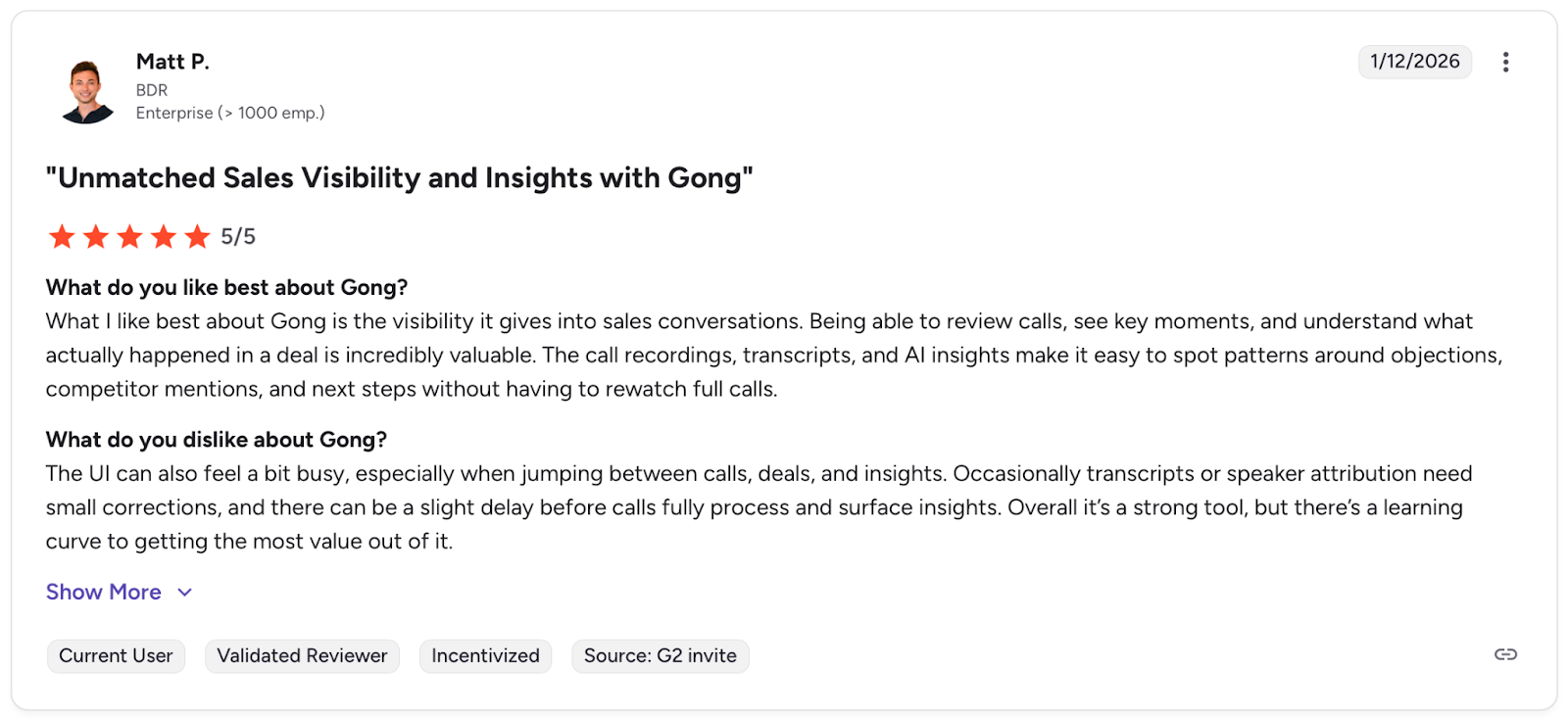
Con: "The UI can also feel a bit busy, especially when jumping between calls, deals, and insights." — Matt P., G2
Pricing
Gong offers custom pricing. Contact them for a quote.
Bottom Line
Sales teams that run film-room sessions and have dedicated enablement get the most from Gong. Without someone turning insights into coaching, it's just expensive call recording.
3. Sprinklr: Best for Enterprise Brands Unifying CX
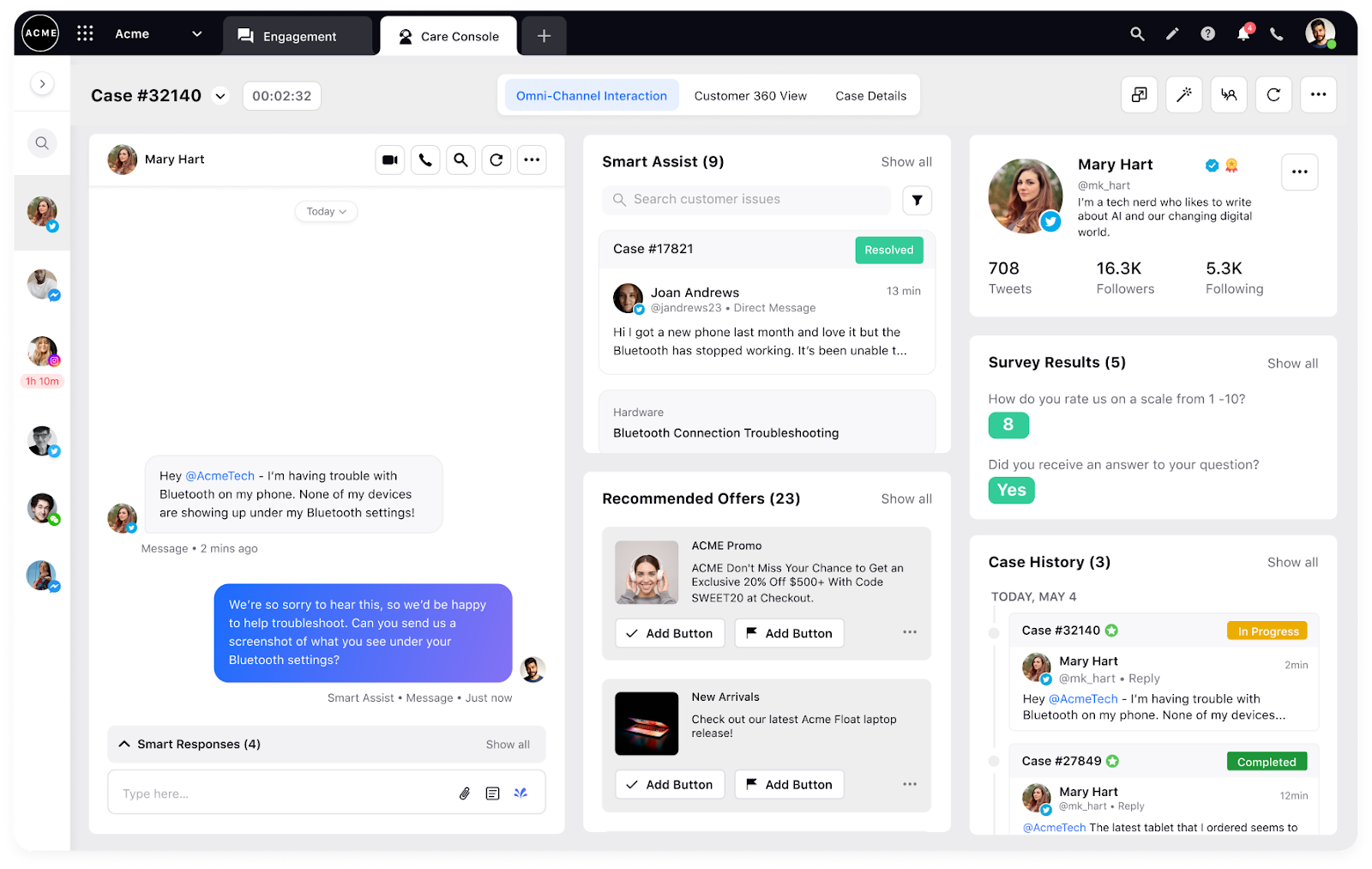
What it does: Unified CX platform covering social, marketing, engagement, and service across 30+ channels.
Best for: Enterprise brands with dedicated admins and months for implementation.
Sprinklr tries to do everything and mostly pulls it off if you have the resources. Channel coverage is unmatched, but I was overwhelmed within the first hour. This is a platform you grow into over months with dedicated training, not something you deploy and use tomorrow.
Key Features
- Unified CXM across 4 suite areas: Social listening, marketing, engagement, and customer service, all connected in one platform covering multiple channels
- Voice of customer at scale: Analyzes billions of mentions with real-time sentiment, competitive benchmarking, and root cause analysis
- Contact center AI: Automated QA across all interactions, real-time agent assist, and AI-powered coaching built into the service suite
- Omnichannel engagement: Unified customer profiles and conversation history across all touchpoints
- Enterprise analytics: Advanced reporting and insights across the entire customer journey
Pros
- ✅ Broad channel coverage gives enterprise brands visibility that single-channel tools can't match
- ✅ Social listening analytics are strong for competitive benchmarking and tracking sentiment shifts over time
- ✅ Proven at enterprise scale with documented results at Microsoft, 3M, and Cdiscount
Cons
- ❌ Interface complexity is a persistent issue, with users reporting they'll never use more than half the platform's capabilities
- ❌ Post-sale support quality drops significantly, with bug fixes taking months and support teams offering video responses instead of direct help
What Users Say
Pro: "It offers endless options to gather very valuable information about performance and social conversation." — Verified User, G2
Con: "The UI can also feel a bit busy, especially when jumping between calls, deals, and insights." — Matt P., G2
Pricing
Contact Sprinklr for a quote on their custom pricing.
Bottom Line
Sprinklr has the broadest channel coverage and deepest analytics available. The problem is getting your team to actually use it. Large enterprises with dedicated admins and extended onboarding resources will find the data valuable. Smaller teams will pay enterprise prices for a fraction of the capability.
4. Calabrio: Best for Contact Center QA With Full Workforce Management
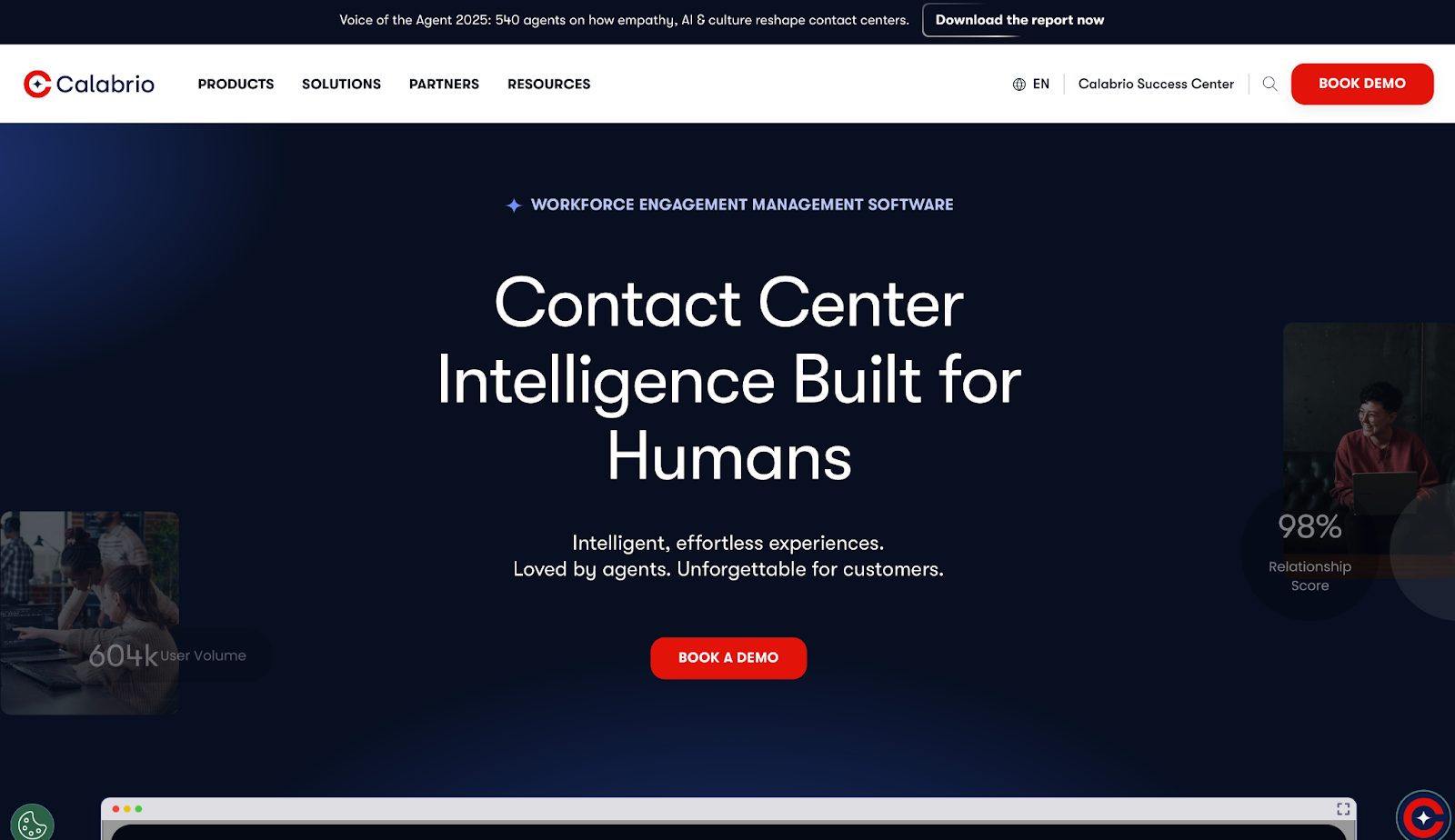
What it does: Combines automated QA, workforce management, and interaction analytics into a single contact center suite.
Best for: Mid-to-large contact centers that need QA and workforce planning under one roof.
Calabrio ONE connects quality scoring directly to scheduling, which means when scores drop, you can tell whether it's a training gap or a staffing problem without jumping between platforms. Auto QM scores every interaction with no sampling and no reviewer bias, giving managers consistent data across the board.
Key Features
- Auto QM scoring: Evaluates every interaction against your own criteria, no sampling, no manual review queues
- Workforce management: Forecasts call volume, builds schedules, and tracks adherence, all in one place
- Interaction analytics: Pulls sentiment, recurring topics, and root causes from calls and chats
- Agent engagement portal: Lets reps check schedules, review KPIs, and access coaching on their own
- Call recording with desktop sync: Ties recordings to desktop activity for compliance and quality review
Pros
- ✅ QA and workforce data in one place means fewer tools and fewer gaps between performance and scheduling
- ✅ Scores 100% of interactions automatically, so managers act on data instead of debating which calls to pull
Cons
- ❌ Custom reports need real configuration work, and teams without a dedicated admin hit walls fast
- ❌ Built for human agents, with limited support for AI agent monitoring or testing
What Users Say
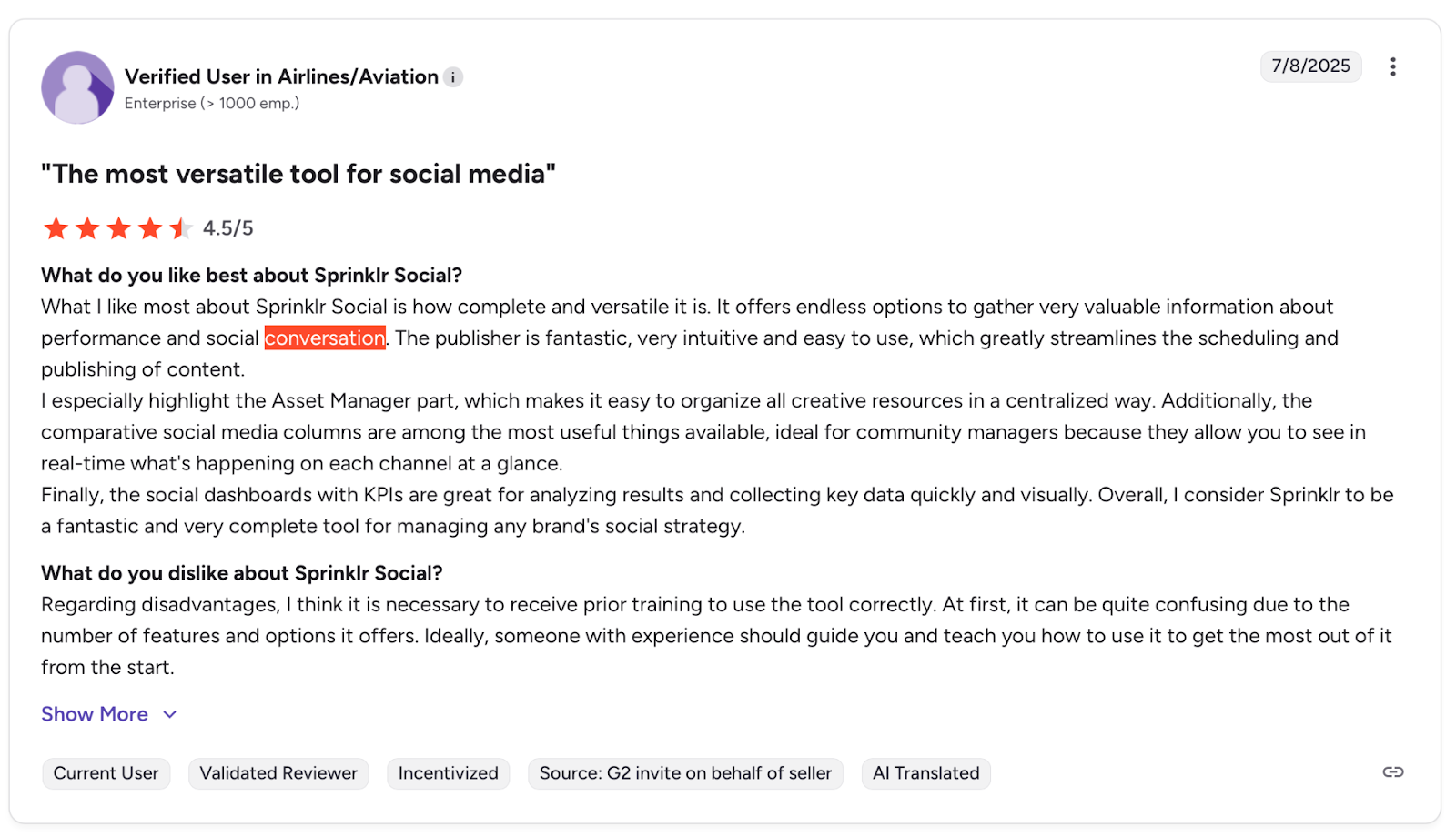
Pro: "What I like best about Gong is how it turns real customer conversations into clear, actionable insights." — Verified User, G2
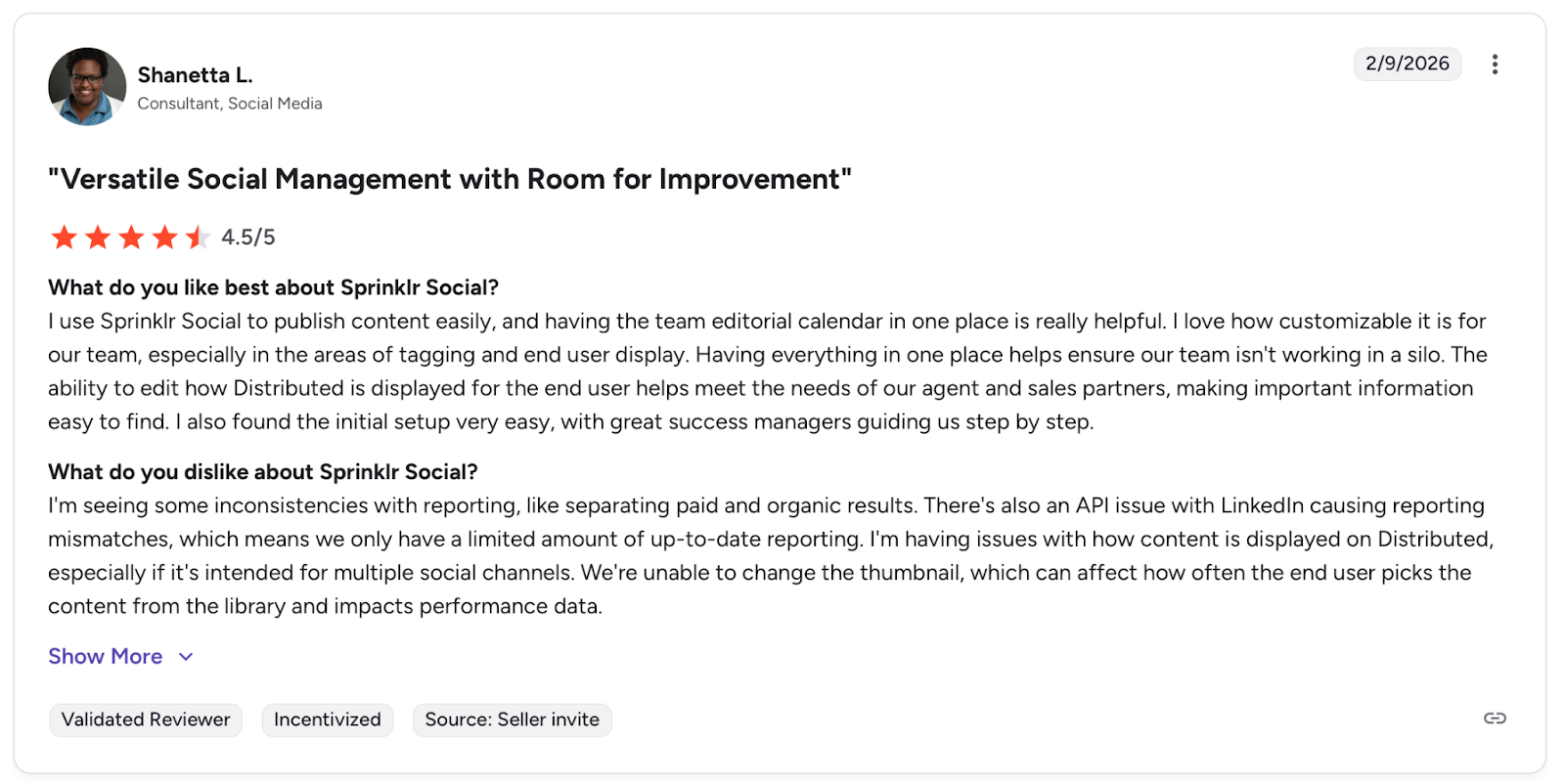
Con: "I'm seeing some inconsistencies with reporting, like separating paid and organic results." — Shanetta L., G2
Pricing
Calabrio doesn't publish its prices online. Contact sales for a custom quote.
Bottom Line
Calabrio works for contact centers that want QA and scheduling connected in one place. Without someone owning the platform internally, you won't get much past the default setup.
5. Qualtrics: Best for Omnichannel Customer Feedback and VoC Analysis
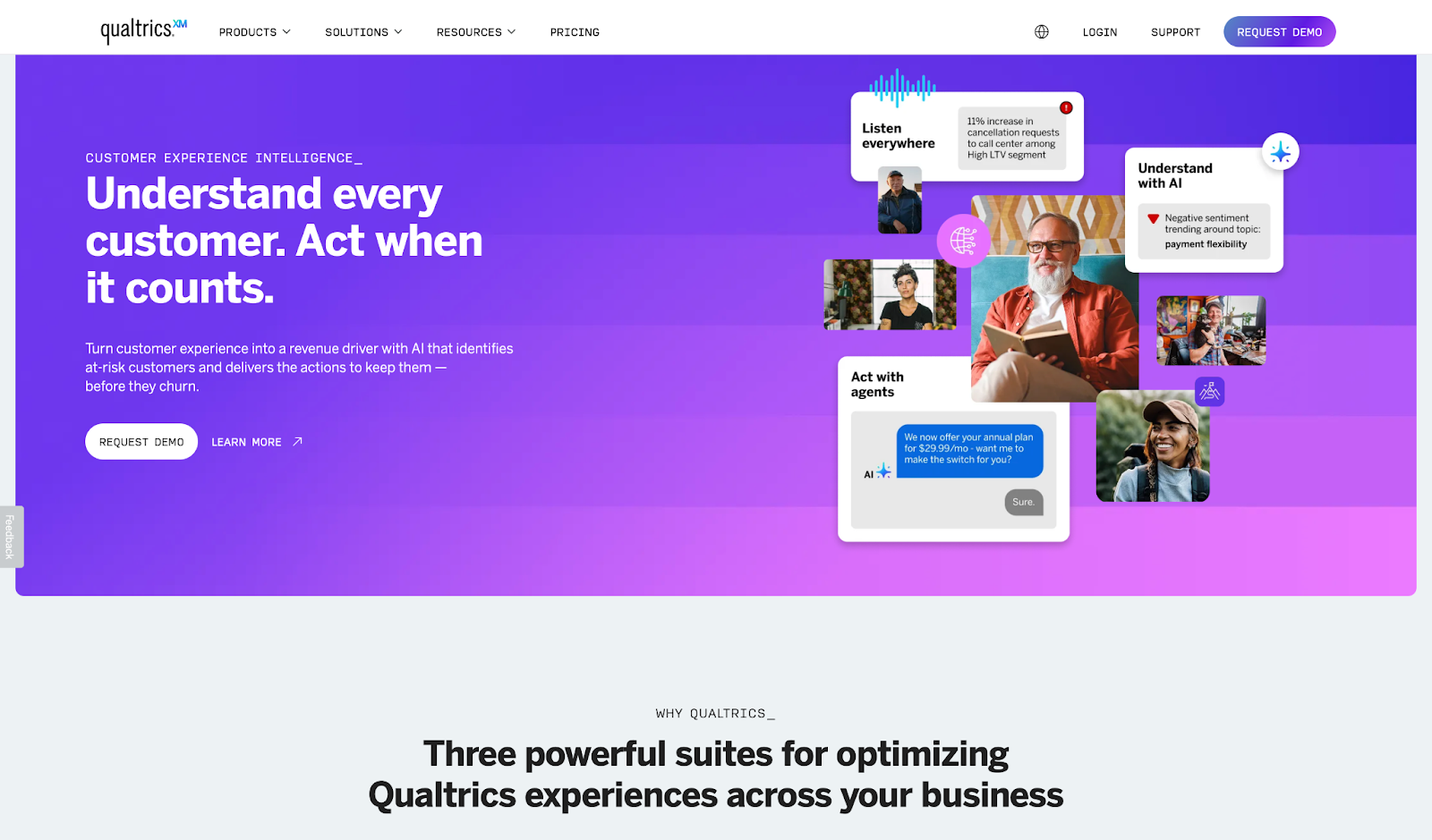
What it does: Collects and analyzes customer and employee feedback across every channel, turning unstructured data into actionable CX insights.
Best for: Enterprise teams running voice-of-customer programs across multiple business units.
Qualtrics built its reputation on survey depth and conversation analytics, and the text analytics engine is where that shows most. It pulls themes and sentiment from open responses at scale, which saves QA teams from manual tagging.
Key Features
- Survey and feedback engine: Builds complex questionnaires with conditional logic and advanced segmentation across channels
- Text and sentiment analytics: Extracts themes and sentiment from open responses automatically, with no manual tagging required
- Omnichannel CX and EX suites: Unifies customer and employee feedback from multiple channels into a single reporting view
- Workflow integrations: Connects with CRMs, BI tools, and marketing platforms with automated response alerts
- AI-driven recommendations: Surfaces suggested actions directly in dashboards for frontline managers and CX teams
Pros
- ✅ Processes large volumes of open feedback automatically, saving QA teams significant review time
- ✅ Recognized four consecutive times as a Gartner Leader for Voice of the Customer platforms
Cons
- ❌ Native reporting falls short for complex needs, so most enterprise teams export data to run their own analysis
- ❌ Licensing costs climb fast if you're not using the full stack
What Users Say
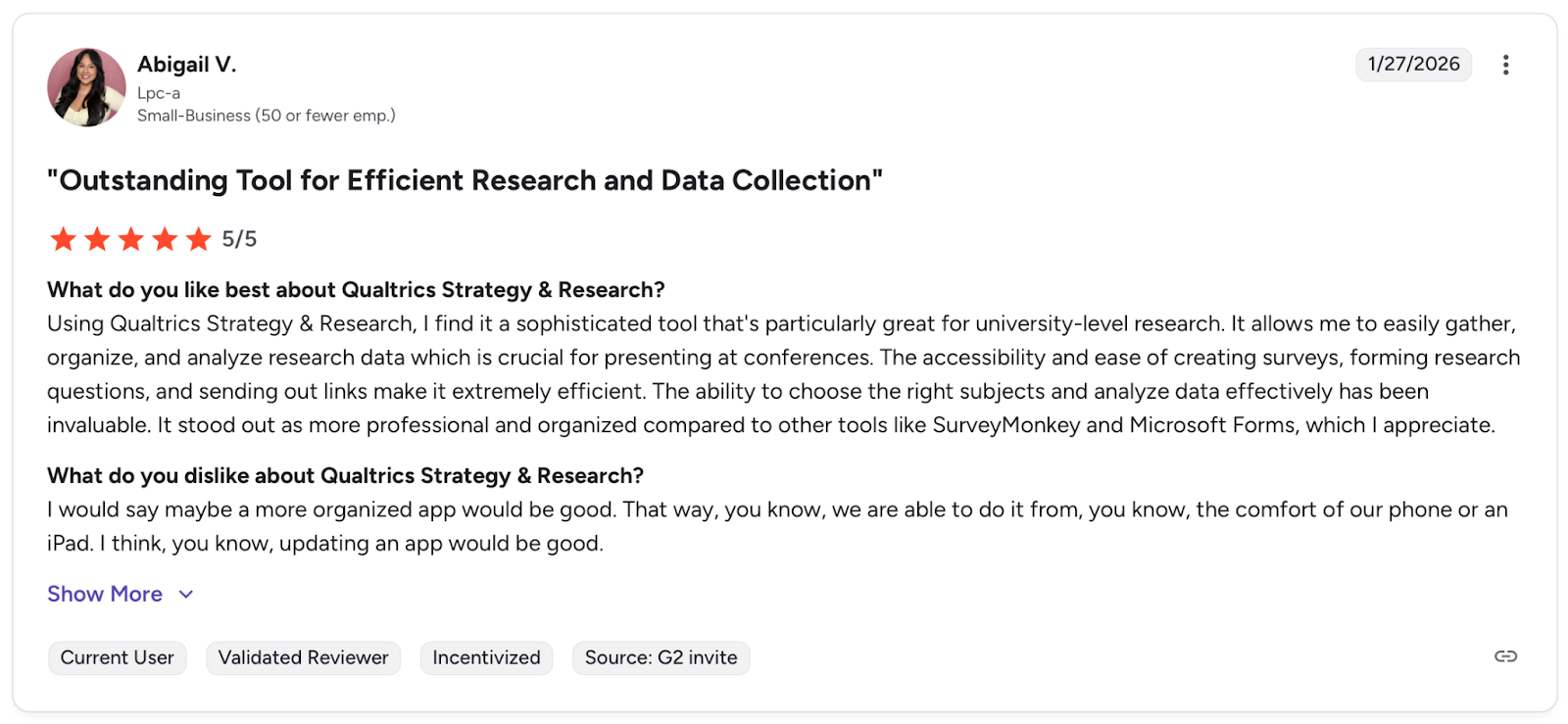
Pro: "The ability to choose the right subjects and analyze data effectively has been invaluable." — Abigail V., G2
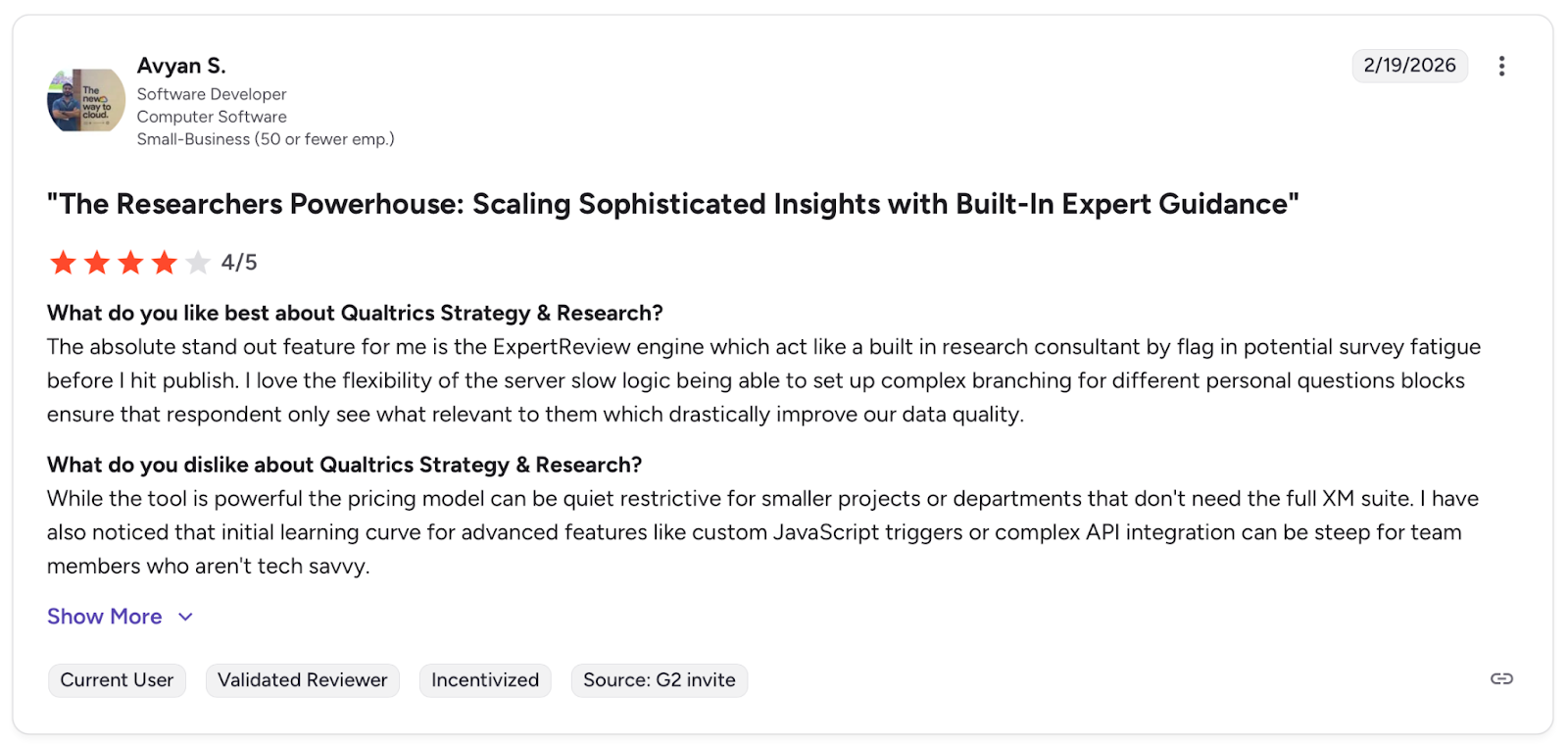
Con: "While the tool is powerful the pricing model can be quiet restrictive for smaller projects or departments." — Avyan S., G2
Pricing
Qualtrics has custom pricing. Contact sales for a quote.
Bottom Line
Qualtrics fits enterprise teams that need serious VoC depth across multiple channels. If your reporting needs go beyond what the platform offers out of the box, budget for the workarounds.
6. CallMiner: Best for Compliance-Heavy Industries With Full Call Coverage
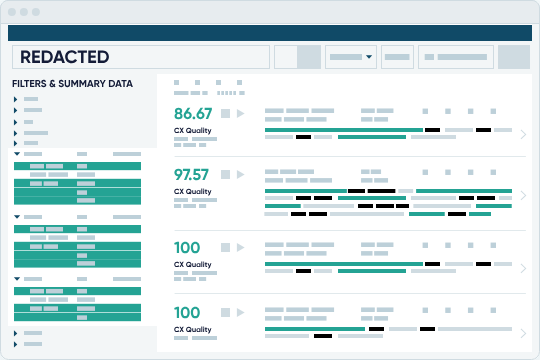
What it does: Detects compliance risks and scores agent performance across all conversations in regulated industries.
Best for: Banking, insurance, and healthcare, where one missed violation means fines.
CallMiner's compliance detection is mature with 50 out-of-the-box redaction entities for PCI, PII, and PHI protection. Root cause analysis spots systemic issues, not just individual agent mistakes.
The interface feels dated, and implementation takes months, but that's the tradeoff for enterprise-grade coverage.
Key Features
- Complete interaction analysis: Captures and scores all conversations across voice, chat, email, social, and surveys
- Compliance detection: Flags regulatory risks, missing disclosures, and script deviations in real time with automated alerts
- PCI and PII redaction: Automatically masks sensitive payment and personal data from recordings and transcripts
- Root cause analysis: Identifies why customers contact you, what drives repeat calls, and where processes break down
- Enterprise integrations: Native connections to contact center platforms, CRMs, and workforce management systems
Pros
- ✅ Full coverage means compliance teams don't rely on random sampling to catch violations
- ✅ PCI redaction is automated and built in, not an add-on or manual process
- ✅ Root cause analysis helps identify systemic issues beyond individual agent performance
Cons
- ❌ Interface shows its age and requires significant training before teams can build custom models
- ❌ The implementation timeline is longer than newer competitors, with months before full deployment
- ❌ Enterprise-only pricing puts it out of reach for smaller teams without dedicated budgets
What Users Say
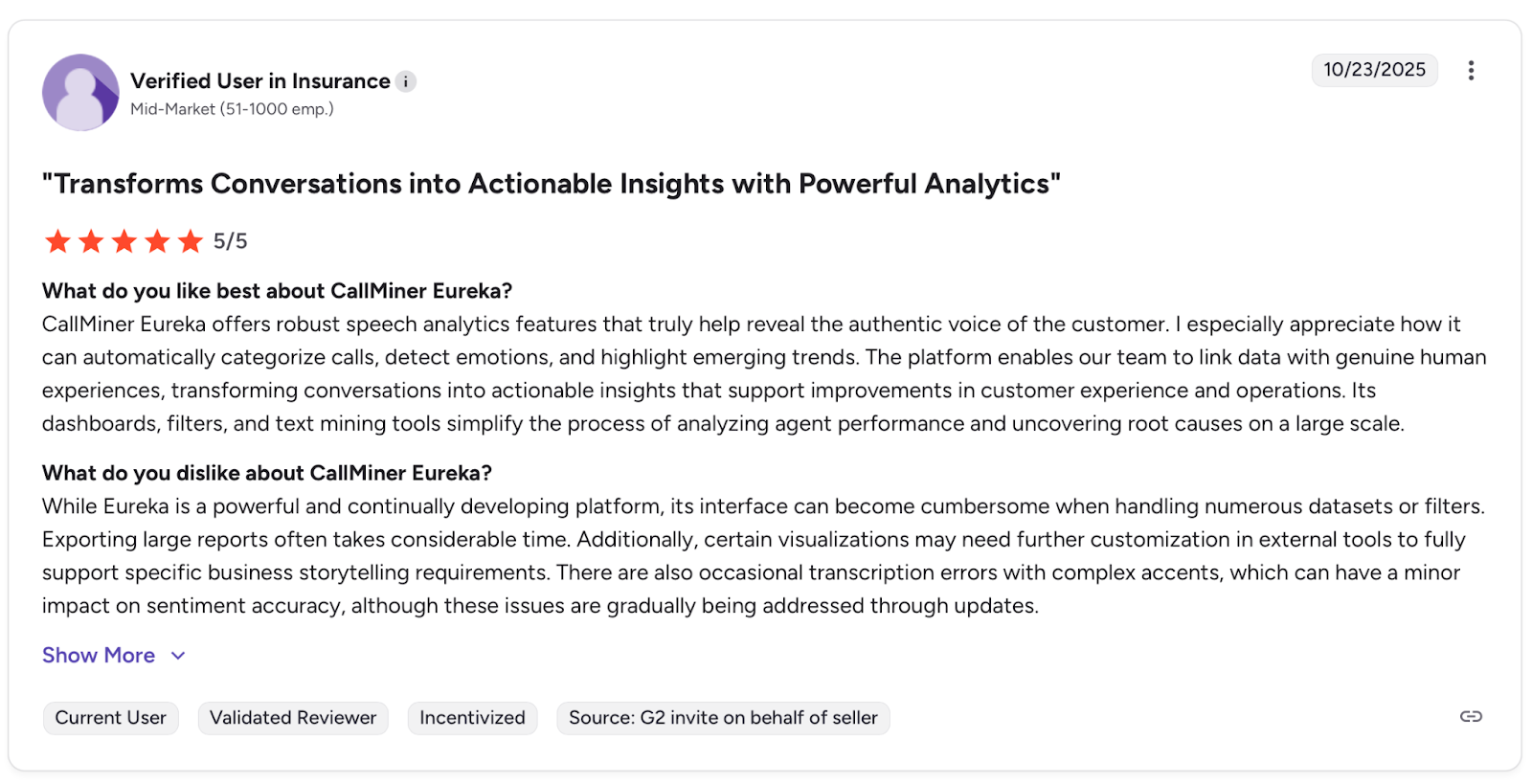
Pro: "Offers robust speech analytics features that truly help reveal the authentic voice of the customer." — Verified User, G2
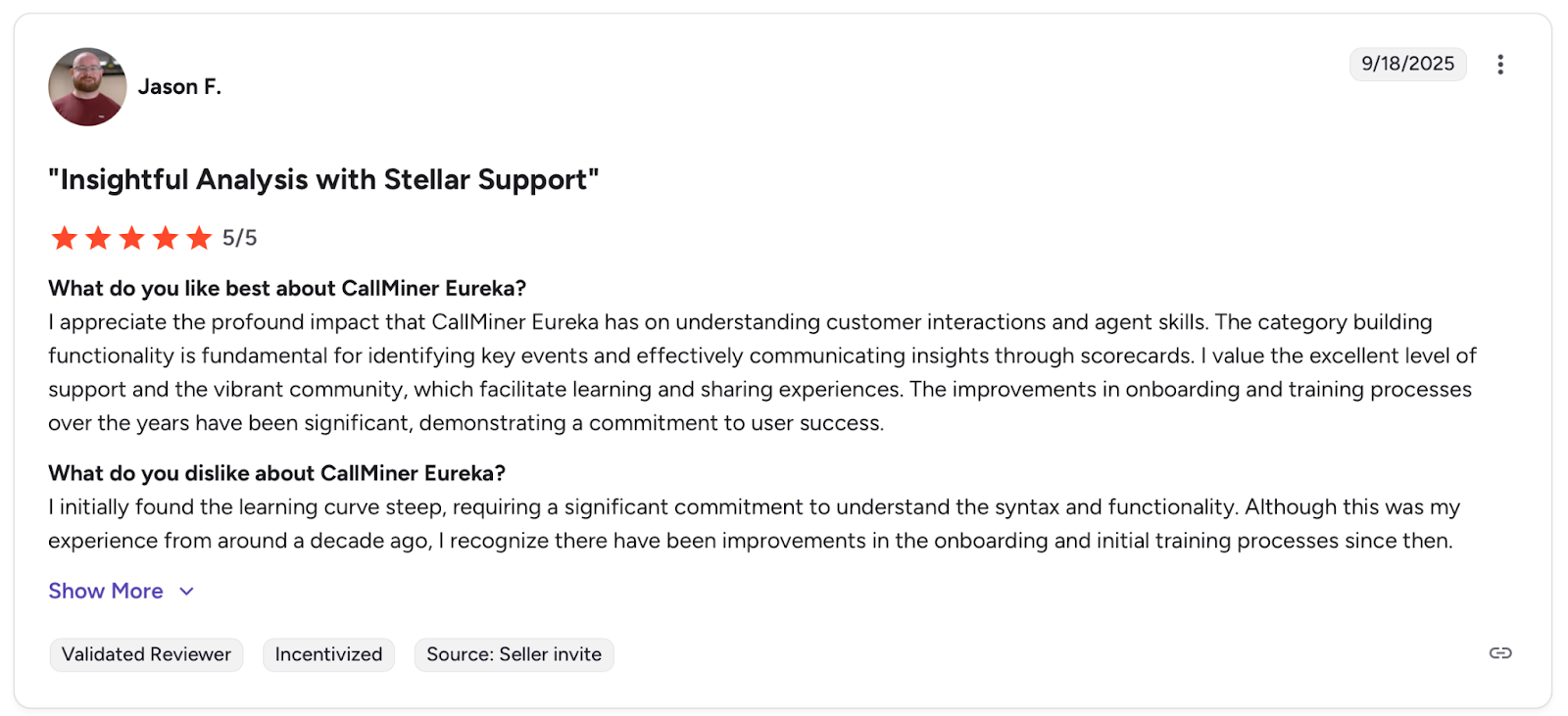
Con: "I initially found the learning curve steep, requiring a significant commitment to understand the syntax and functionality." — Jason F., G2
Pricing
CallMiner has custom pricing on multiple bundled packages, based on either user count or interaction volume. Contact sales for a quote.
Bottom Line
Banking, insurance, and healthcare teams where a single missed compliance violation triggers regulatory fines need CallMiner's mature risk detection. The interface and implementation timeline show their age, but the compliance coverage doesn't.
7. ZoomInfo: Best for Sales Teams Already in the ZoomInfo Ecosystem
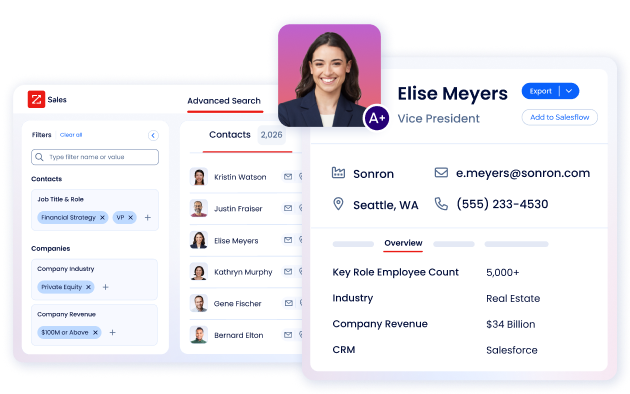
What it does: Records sales calls and emails with coaching insights integrated into ZoomInfo's B2B database.
Best for: Teams already in the ZoomInfo ecosystem.
If you're already in the ZoomInfo ecosystem, Chorus keeps everything in one place. You can clip specific call moments and send them to product or marketing without forwarding entire recordings.
Data enrichment adds useful context during deal reviews, but as a standalone tool, Gong goes deeper.
Key Features
- Snippet sharing: Clips specific moments from calls and sends them to marketing, product, or engineering with a few clicks
- Coaching scorecards: Score calls against specific behaviors and track rep improvement over time with built-in workflows
- Data enrichment: Surfaces enriched company and contact profiles directly inside conversation records
- Deal momentum tracking: Analyzes conversation patterns to identify at-risk opportunities and forecast accuracy
- Competitive intelligence: Automatically detects and categorizes competitor mentions across recorded interactions
Pros
- ✅ Snippet sharing makes it easy to get the customer's voice across departments without forwarding full recordings
- ✅ New rep onboarding gets faster when they can study top performers' calls during training
- ✅ Tagging and permissions are straightforward to set up on the admin side
Cons
- ❌ Call filters don't work reliably, making it difficult to find specific recordings on high-volume teams
- ❌ Recordings are occasionally missed without explanation, and AI summaries take longer than expected to generate
What Users Say
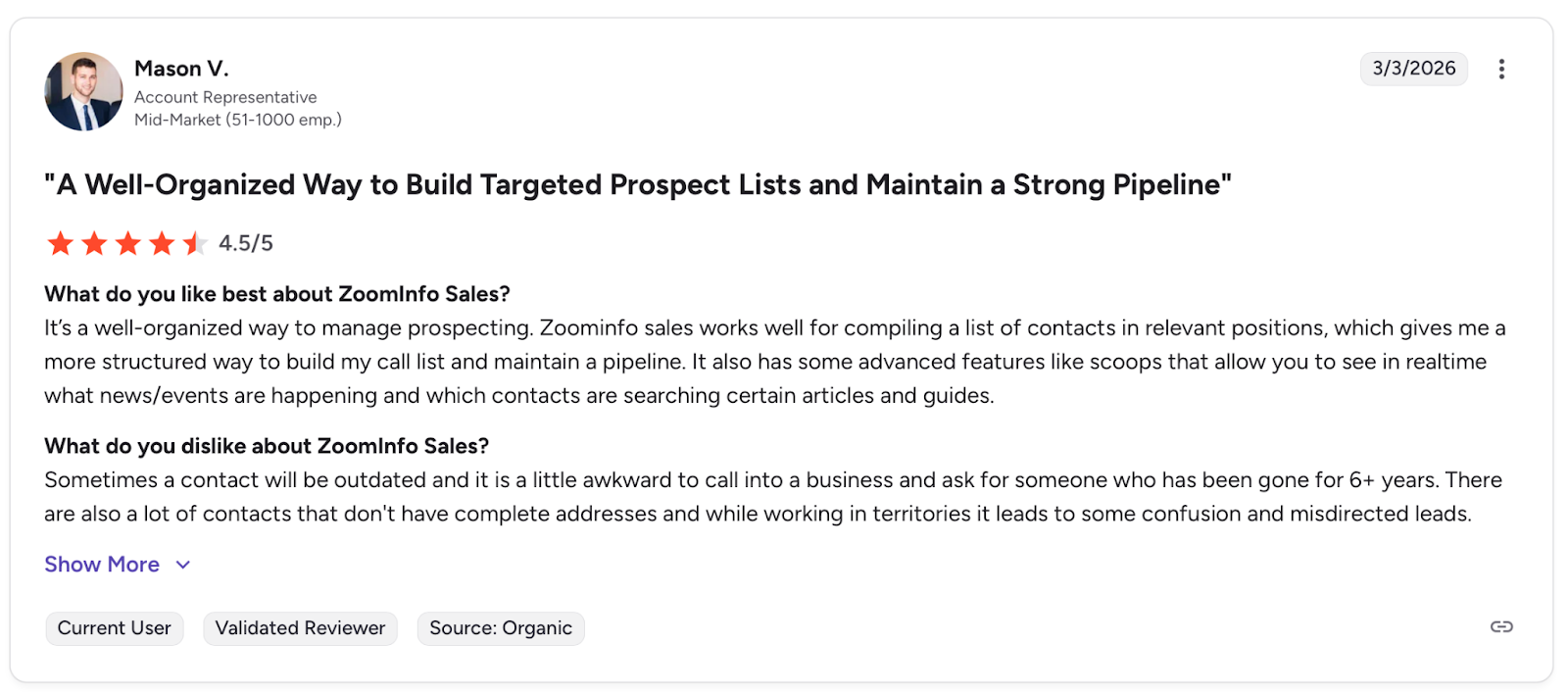
Pro: "Gives me a more structured way to build my call list and maintain a pipeline." — Mason V., G2
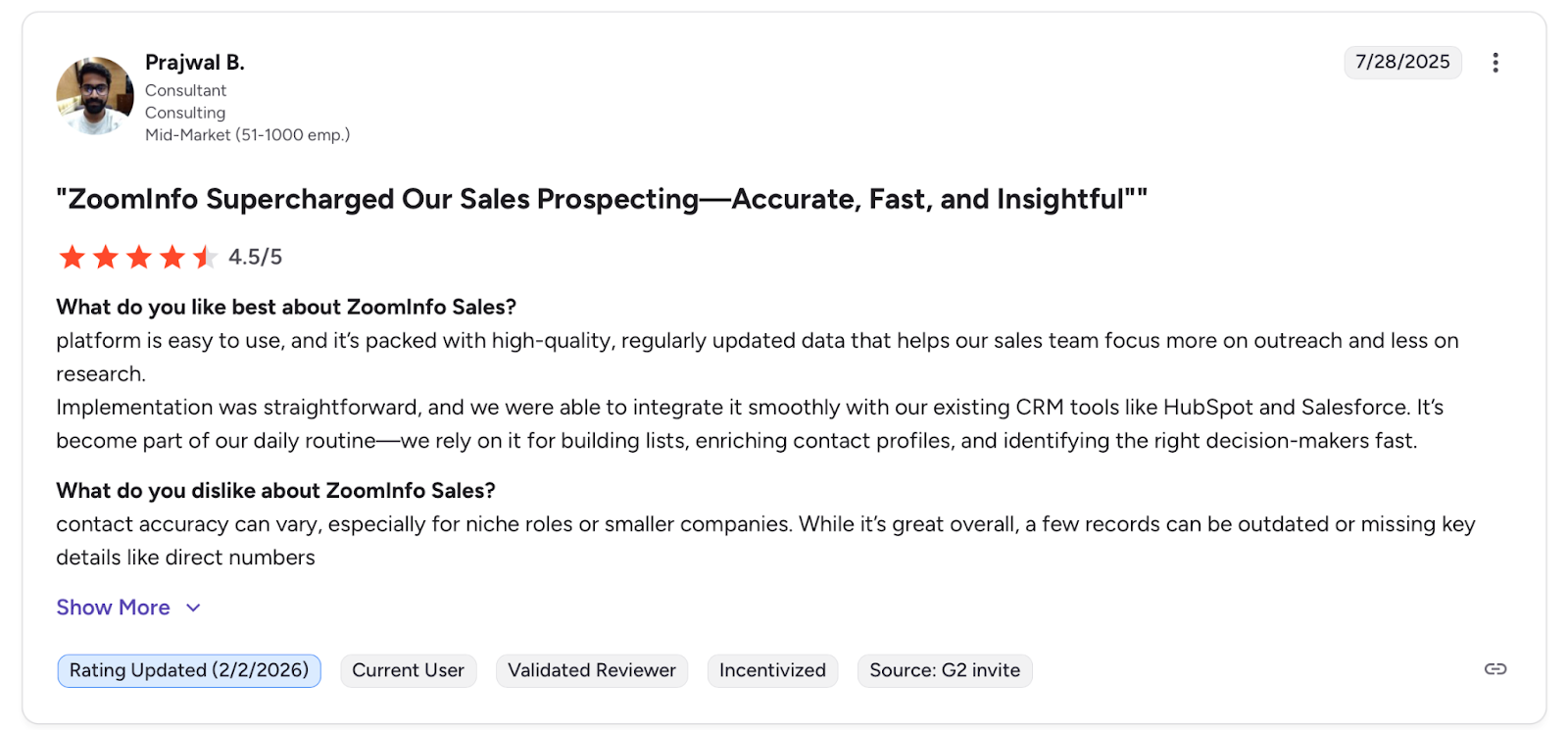
Con: "Contact accuracy can vary, especially for niche roles or smaller companies." — Prajwal B., G2
Pricing
ZoomInfo doesn't publish its prices online. Contact ZoomInfo for a custom quote.
Bottom Line
Chorus works best for teams already using ZoomInfo that want conversation intelligence without adding another vendor. The data enrichment provides useful context during deal reviews.
8. Dialpad: Best for All-In-One Business Communications With Built-in AI
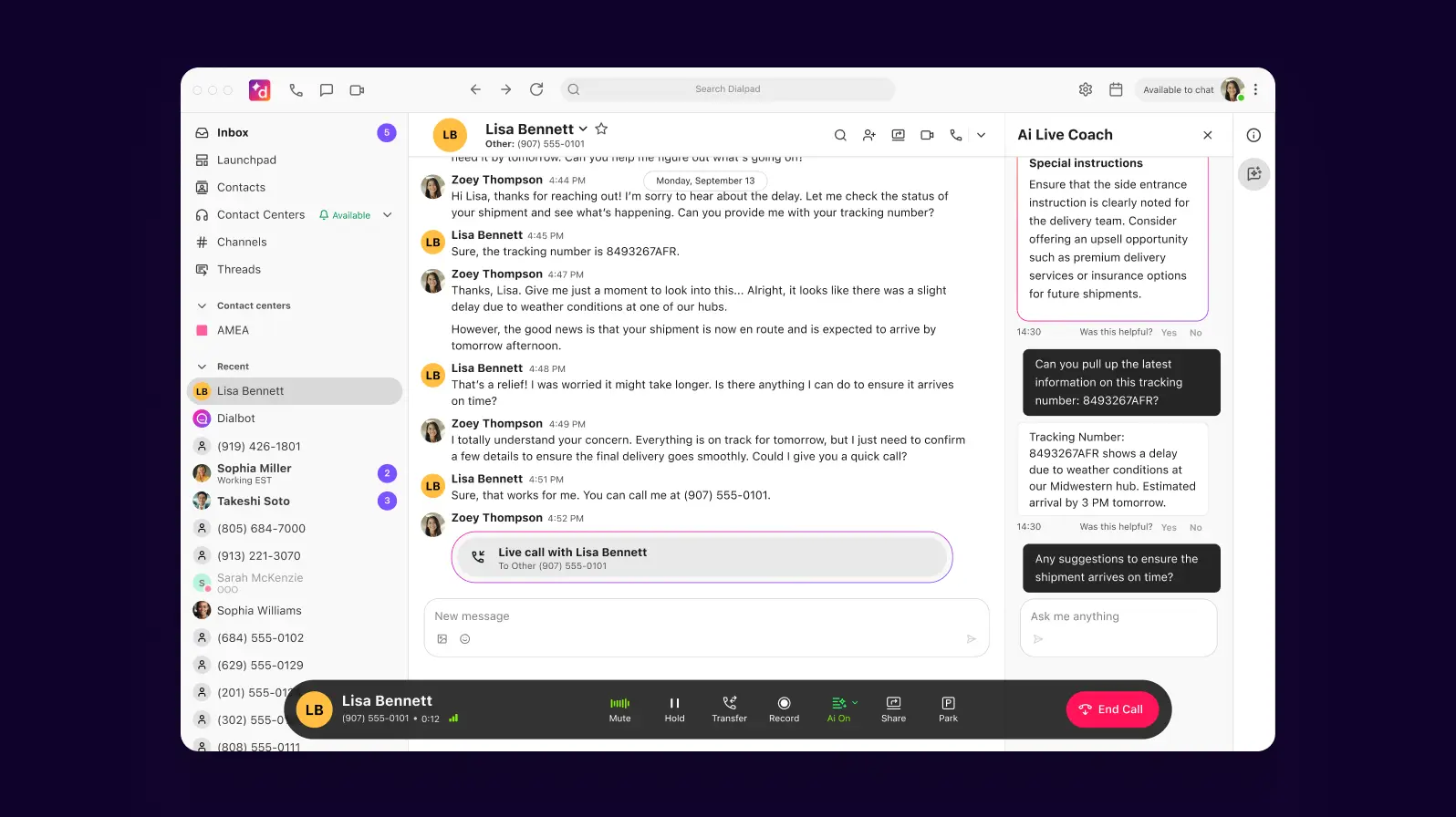
What it does: All-in-one calling, messaging, and meetings with built-in AI transcription.
Best for: SMB teams wanting unified comms at an accessible price.
I got started fast. Real-time transcription worked immediately, and AI recaps saved time on post-call notes.
Audio quality held up on stable connections, but problems showed under load. Calls dropped during longer sessions, and contact center reporting for email and chat felt incomplete.
Key Features
- Real-time AI transcription: Live call transcripts with automatic detection of action items, next steps, and post-call summaries
- Autonomous AI agents: Handle multi-step customer tasks like refunds, appointments, and order lookups across voice, chat, and email without transfers
- All-in-one communications: Calls, meetings, messaging, and video with integrations for Salesforce, Zendesk, and Microsoft Teams
- Call routing and IVR: Simple setup for directing calls and menu navigation
- Mobile-first design: Full functionality across desktop and mobile apps
Pros
- ✅ Real-time transcription captures action items during calls so reps can stay focused on the conversation
- ✅ Audio quality gets consistent praise from VoIP users for minimal delay and clarity
- ✅ Interface is intuitive with a short learning curve for new team members
Cons
- ❌ Call drop rates reported by users after extended use, with system instability issues
- ❌ Contact center reporting gaps for email and chat volume, digital engagement feels disconnected from the phone system
- ❌ Missing PCI compliance on IVRs matters for teams processing payments
What Users Say
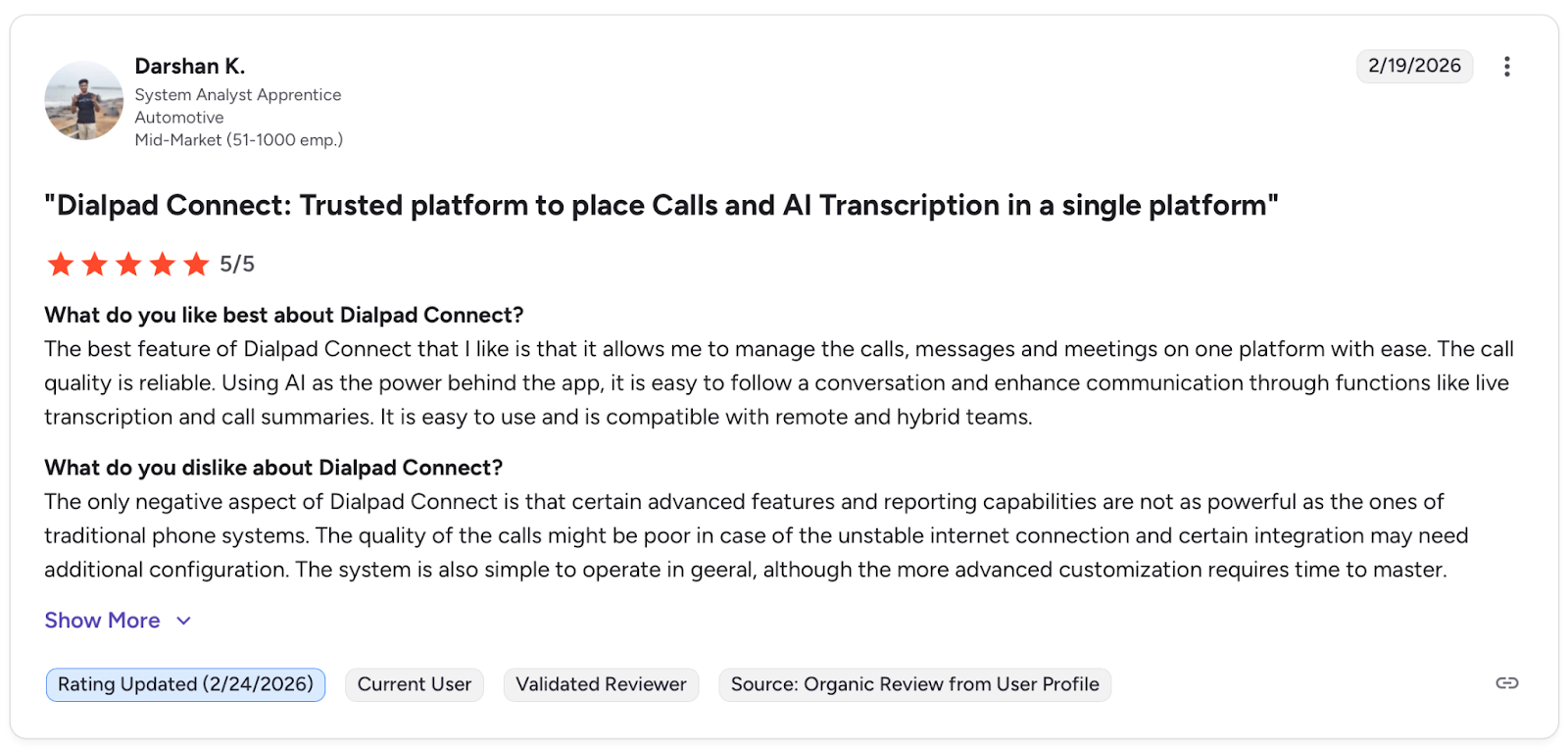
Pro: "I like that it allows me to manage the calls, messages and meetings on one platform with ease." — Darshan K., G2
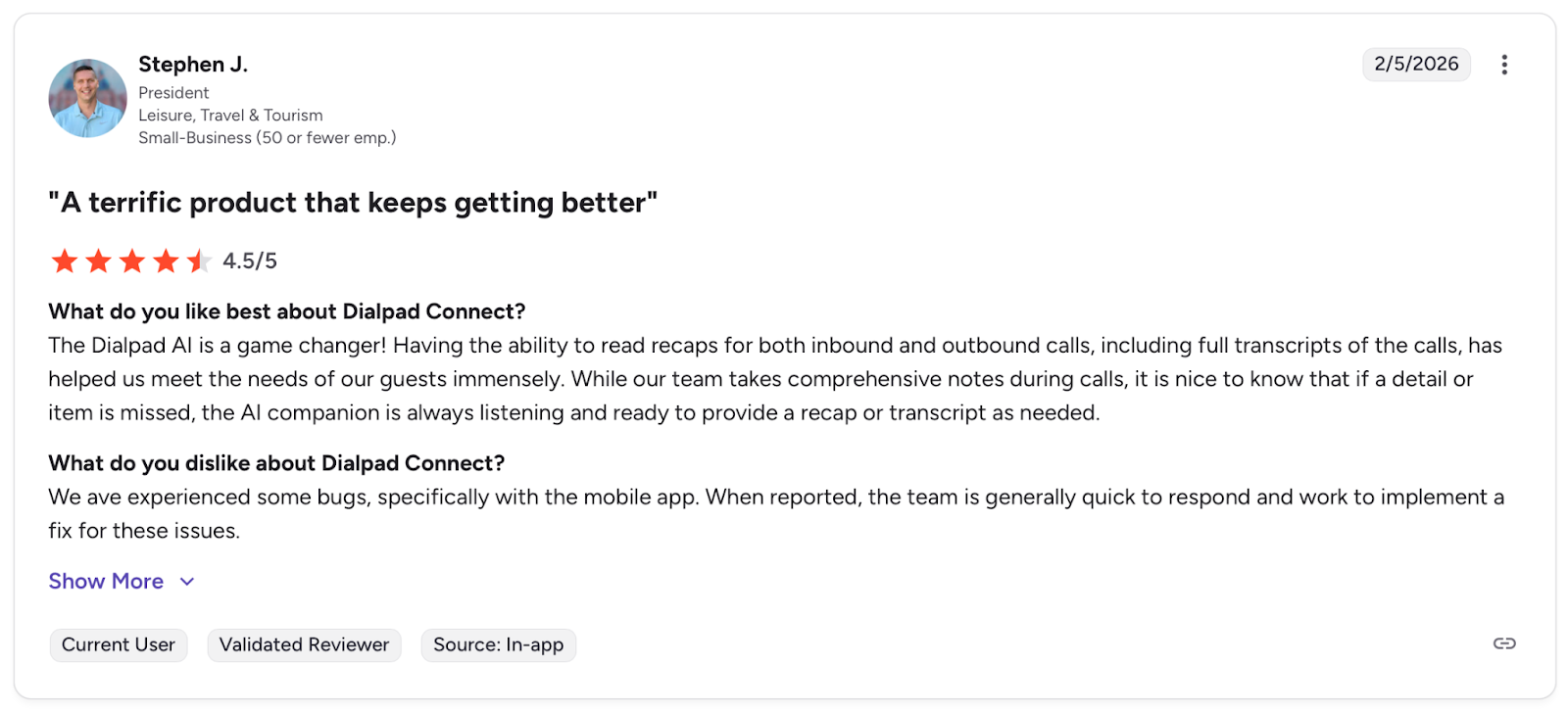
Con: "We have experienced some bugs, specifically with the mobile app." — Stephen J., G2
Pricing
The Standard plan starts at $27 per user/month when billed monthly or $15/user/month annually. The Pro plan starts at $35/user/month (monthly billing) or $25/user/month (annual). Get a custom quote for the Enterprise plan.
Bottom Line
Dialpad works for small to mid-size teams needing unified communications with solid AI transcription in one affordable platform.
9. Invoca: Best for Connecting Phone Calls to Marketing ROI
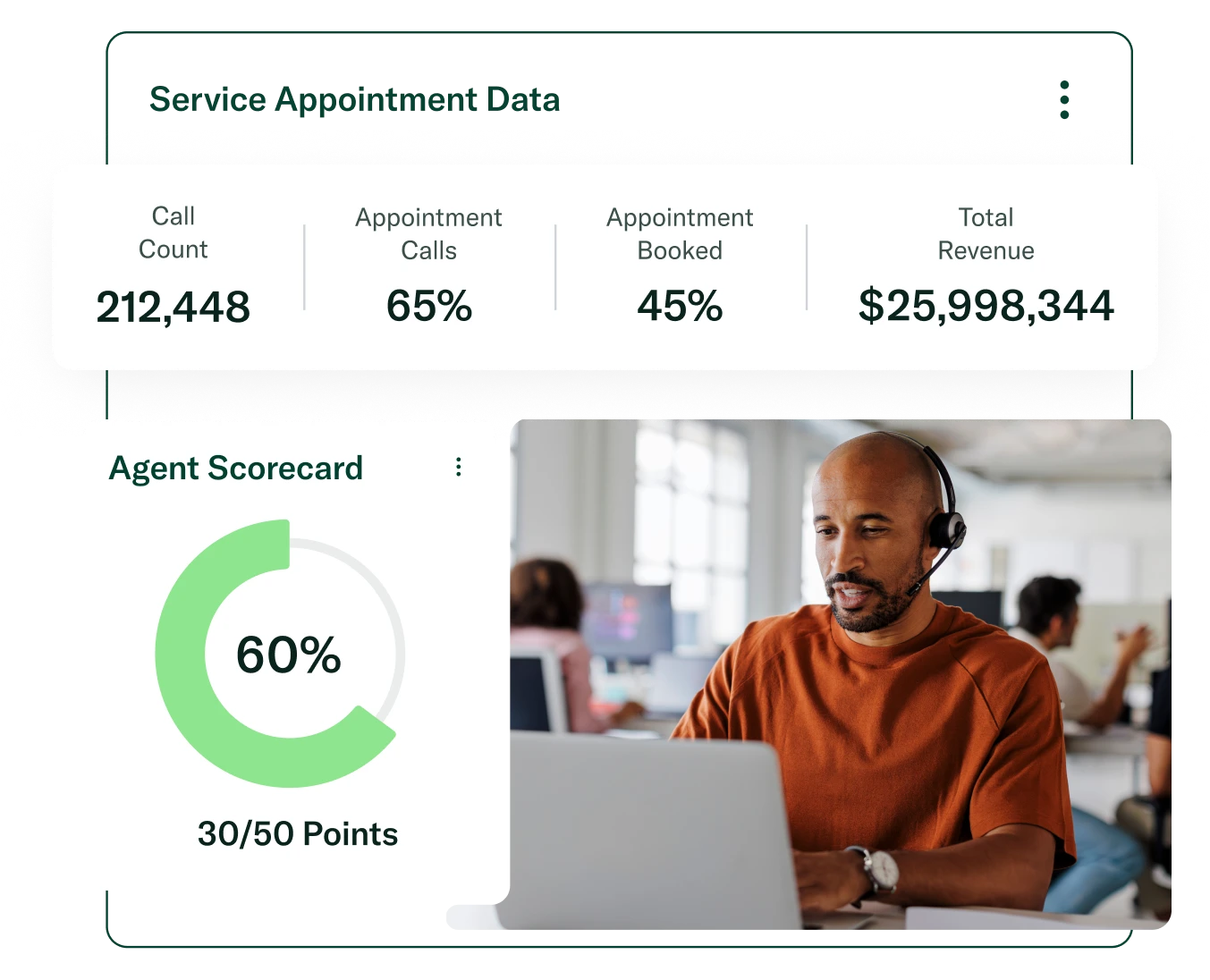
What it does: Connects phone calls to marketing campaigns and measures which ads drive conversions.
Best for: Marketing teams connecting ad spend to phone-based revenue.
Invoca closes the attribution gap Google Analytics misses. I could see which campaigns drove phone conversions, not just clicks. Signal AI tags outcomes automatically without agents needing to disposition calls.
This is pure marketing attribution, though, with no QA, coaching, or agent performance features.
Key Features
- Signal AI: Analyzes call conversations to detect outcomes like purchases, appointments, and lead quality without manual tagging
- Dynamic call tracking: Assigns unique phone numbers to campaigns and keywords to trace which marketing efforts drive calls
- Revenue attribution: Maps phone conversions directly to marketing spend across Google Ads, Meta, and other paid channels
- Automated call scoring: AI scores every call for intent and outcome without requiring agents to disposition manually
- Campaign optimization: Feeds conversion data back to ad platforms so marketing teams can optimize spend based on actual call results
Pros
- ✅ Closes attribution gaps between digital campaigns and phone-based conversions that Google Analytics misses
- ✅ Signal AI detects outcomes automatically, eliminating manual call tagging by agents or staff
- ✅ Integration with ad platforms lets marketing teams optimize spend based on actual call conversions
Cons
- ❌ Tightly focused on marketing attribution with no QA, coaching, or agent performance features
- ❌ Enterprise pricing with no self-serve option limits access for smaller marketing teams
- ❌ Call analytics depth doesn't match dedicated contact center tools for evaluating agent behavior
What Users Say
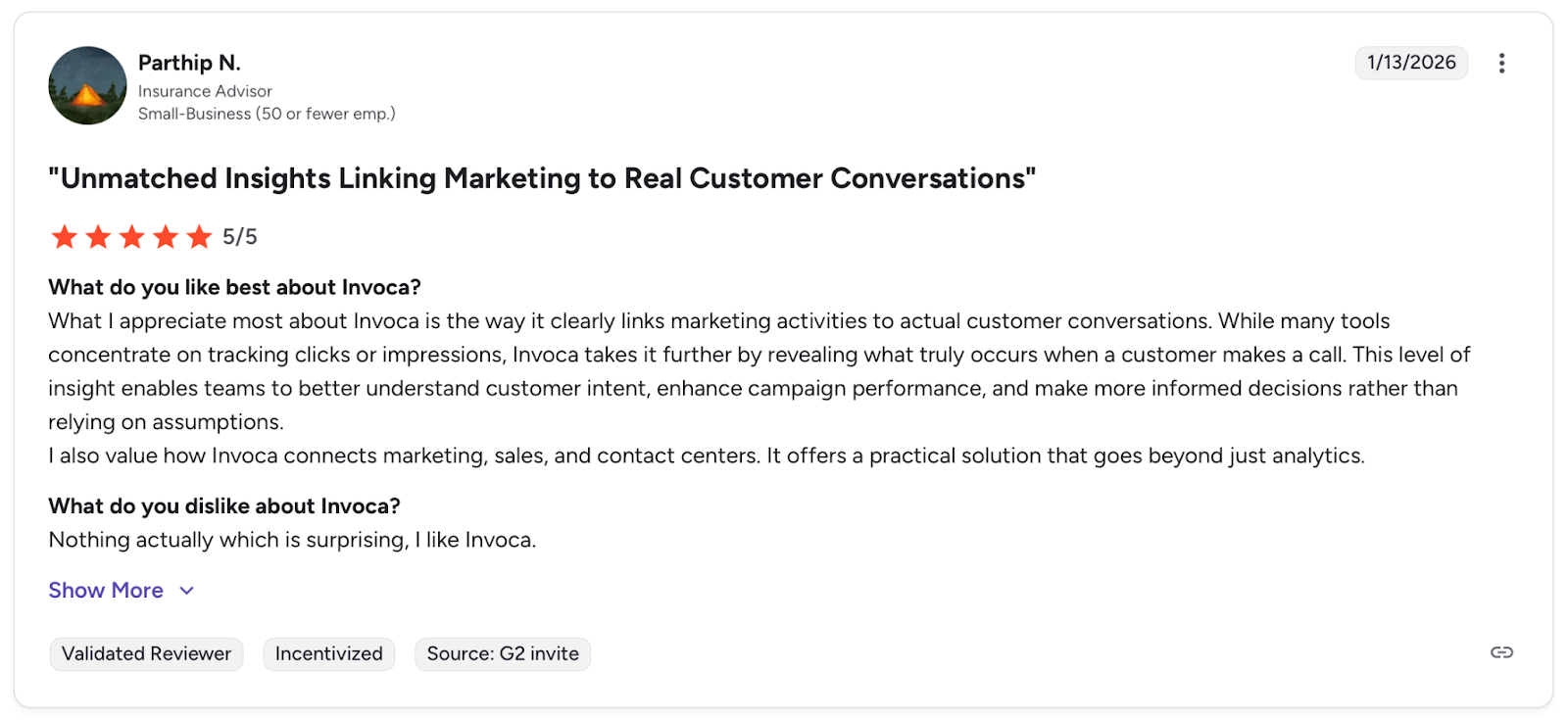
Pro: "Invoca takes it further by revealing what truly occurs when a customer makes a call." — Parthip N., G2
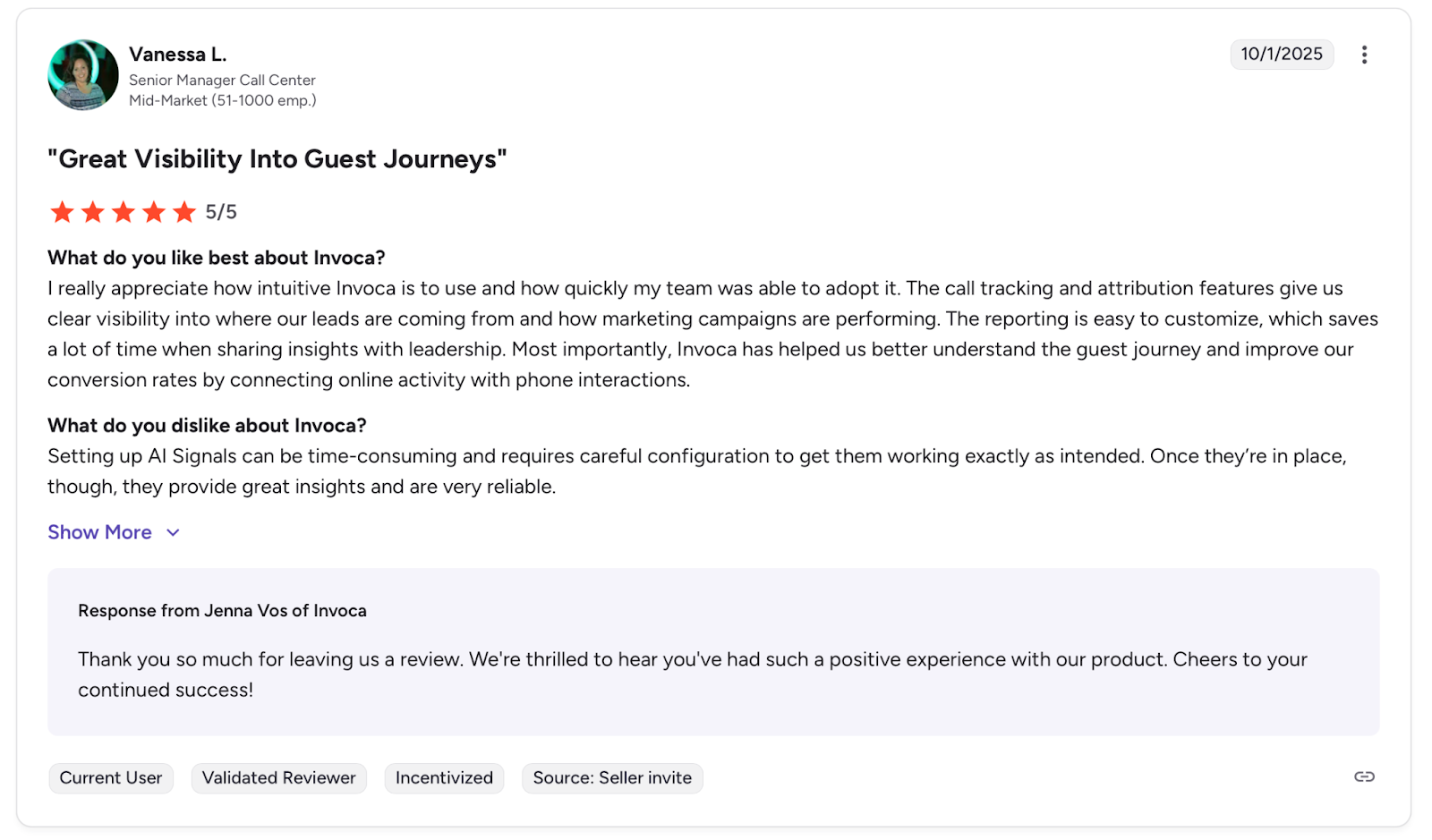
Con: "Setting up AI Signals can be time-consuming and requires careful configuration." — Shanetta L., G2
Pricing
Invoca offers three packages, based on your needs. Contact them for a custom quote.
Bottom Line
Marketing teams running paid campaigns that drive phone calls can finally connect ad spend to revenue with Invoca. It won't help with agent coaching or QA, so don't expect contact center features.
Conversation Intelligence vs. Traditional Call Listening
I've seen how traditional call monitoring works: someone listens to a handful of recordings per week, scores them manually, and the rest goes unheard. Conversation intelligence flips that by using AI to automatically transcribe, analyze, and score every interaction.
| Factor | Traditional call listening | Conversation intelligence |
|---|---|---|
| Coverage | Small sample of calls | Every interaction analyzed |
| Speed | Hours per review | Thousands processed in minutes |
| Feedback timing | Days or weeks later | Real-time during live calls |
| Scoring consistency | Varies between reviewers | Same criteria on every call |
| Compliance risk | Spot-check only | Automated flagging across all calls |
| Scalability | Breaks as volume grows | Scales without added headcount |
Tools like Gong, Calabrio, and CallMiner catch patterns across every conversation. For teams running AI agents, platforms like Cekura go further by testing those conversations before they happen.
Benefits of Conversational Analytics Platforms
I tested these platforms looking for specific outcomes. Here's what actually moved the needle.
Full Coverage Instead of Sampling
Traditional QA teams review a handful of calls per week. The platforms I tested automatically score every interaction, so compliance violations, coaching moments, and customer frustrations don't slip through.
Faster Feedback Loops
I stopped waiting days to review calls. Managers get real-time alerts when metrics drop or when agents miss required steps. Reps get coaching tied to specific calls with timestamps and context, not vague feedback from memory.
Consistent Scoring Across Reviewers
Manual QA varies depending on who's reviewing. One manager scores a call as passing, another flags the same one. AI applies identical criteria to every interaction, removing subjectivity and giving agents clearer expectations.
Compliance Risk Drops
In regulated industries like banking, healthcare, and insurance, missing a single disclosure can trigger fines. Automated flagging across all calls catches violations that manual spot-checking would miss.
Onboarding Gets Faster
New reps study top performers' real calls instead of reading scripts. Coaching tied to actual conversations shortens ramp time because reps see what works in practice, not just what a training deck says.
AI Agent Reliability Improves
For teams deploying AI agents, platforms with simulation testing catch failures before launch. Tools like Cekura run thousands of scenarios automatically, then monitor live performance after deployment.
Data-Driven Decisions Replace Gut Instincts
Product teams spot feature requests at scale instead of relying on individual tickets. Sales leaders identify winning talk tracks across hundreds of calls instead of coaching from a handful they happened to hear.
Which Conversational Analytics Tool Should You Choose?
The right platform depends on what you're analyzing and what you plan to do with the insights. Sales calls, support interactions, and AI agents each need different tools.
Choose Cekura If You:
- Deploy AI voice or chat agents that need testing before launch
- Want automated QA without manual call reviews
Choose Gong If You:
- Run a sales team with dedicated enablement resources
- Have budget for enterprise pricing and long-term contracts
Choose Sprinklr If You:
- Manage customer experience across 30+ channels globally
- Have a dedicated admin team and months for implementation
Choose Calabrio If You:
- Run a contact center that needs QA and workforce management connected in one platform
- Have a dedicated admin to own the configuration and reporting
Choose Qualtrics If You:
- Run enterprise VoC programs across multiple channels and business units
- Need serious text analytics depth without manual tagging at scale
Choose CallMiner If You:
- Operate in regulated industries where compliance violations mean fines
- Have enterprise budget and timeline for implementation
Choose ZoomInfo If You:
- Already use ZoomInfo for prospecting and data enrichment
- Want conversation intelligence without adding another vendor
Choose Dialpad If You:
- Need unified calling, messaging, and meetings in one app
- Run a small to mid-size team without enterprise requirements
Choose Invoca If You:
- Run paid campaigns that drive phone calls
- Need marketing attribution, not agent coaching or QA
Skip Conversational Analytics Entirely If You:
- Have fewer than 10 customer conversations per week
- Don't have someone who will act on the insights
What Conversational Analytics Software Doesn't Solve
Most of the tools on this list do the same core thing well: they record conversations, transcribe them, and surface patterns your team would miss if you had to do it manually. That's valuable. But it's reactive. You're analyzing what already happened.
For teams running human agents, reactive analytics is usually enough. You review calls, coach reps, and improve over time.
How Cekura fixes this:
- AI agent testing at scale: Cekura runs thousands of simulated conversations against your voice and chat AI agents before they reach real customers, catching failures that manual testing would miss.
- Real conversation replay: When something goes wrong in production, replay that exact conversation against your updated agent to verify the fix actually works, not just assume it does.
- Custom evaluation framework: Score every interaction on empathy, accuracy, hallucinations, and compliance using criteria that match your business requirements, not generic benchmarks.
- Real-time monitoring: Get instant alerts when agent performance drops, with detailed logs that show exactly where conversations break down so you can fix issues fast.
- CI/CD pipeline integration: Runs both workflow and infrastructure tests automatically with every model update, so prompt failures and pipeline regressions get caught before they reach production.
Cekura works with the platforms you're already using. It integrates with Vapi, Retell, Bland, LiveKit, ElevenLabs, Synthflow, Pipecat, Cisco in minutes, so you get comprehensive testing without rebuilding your AI infrastructure.
Schedule a demo to see what's breaking in your agent conversations.
Final Verdict
Cekura is the right choice if you're deploying AI agents and need QA that catches failures before customers do.
For human agent coaching, Gong leads in sales intelligence and Calabrio wins for noisy contact centers.
If you're connecting phone calls to marketing spend, Invoca closes that gap better than anyone else.
Pick based on what you're actually analyzing, not feature lists.
Frequently Asked Questions
What's the Difference Between Conversational Analytics and Conversation Intelligence?
Conversational analytics covers any tool that analyzes voice or text interactions, while conversation intelligence is a subset focused on sales calls.
Gong and Chorus are conversation intelligence. Sprinklr and CallMiner cover the wider conversational analytics space.
Can Conversational Analytics Software Analyze AI Agent Conversations?
Most tools were built for human-to-human interactions. For AI agent conversations, Cekura runs automated simulations and monitors live calls in production.
What Industries Benefit Most From Conversational Analytics?
Healthcare, financial services, insurance, and collections benefit most due to strict compliance requirements and high call volumes.
How Long Does It Take to Implement?
Implementation time varies. Cekura and Dialpad offer self-serve onboarding in under an hour. Enterprise platforms like Sprinklr and CallMiner take months with complex integrations.
What's the Difference Between Conversational Analytics and Speech Analytics?
Speech analytics focuses on audio: tone, silence, and talk-over detection. Conversational analytics adds text channels, sentiment, intent, and business context on top of the audio layer.