
Voice AI automation agents go live fast, but production is where the real work starts. After weeks of testing across inbound, outbound, and scheduling flows, these are the seven platforms worth building on in 2026.
What Is Voice AI Automation?
Voice AI automation is software that handles phone calls end-to-end without a human agent on the line. Teams use it for appointment scheduling, lead qualification, and inbound support.
A real estate company, for example, might deploy a voice AI agent to call every new lead within 90 seconds of form submission. The agent qualifies the budget and timeline, then books a showing directly in the CRM, all with no rep involved.
How Does Voice AI Automation Work?
An AI voice automation system is a chain of four components passing data between each other in under a second. Each layer has a distinct job, and a failure in any one of them drops the call.
The stack typically has four layers:
-
Speech-to-Text (STT): Converts the caller's spoken words into text in real time. A misread word early in a call can send the conversation logic in the wrong direction, so STT choice has an outsized effect on overall call quality.
-
LLM/Conversation Logic: Takes the transcribed text, applies conversation context, and generates the next response. GPT-4o and Claude handle multi-turn reasoning well, and this layer manages intent and memory across the call.
If a caller mentions a billing issue mid-call, the agent reroutes to a different script without dropping context.
-
Text-to-Speech (TTS): Converts the LLM's text output back into spoken audio. ElevenLabs and Cartesia are the main providers for low-latency voice. Time-to-first-audio under 200ms is the threshold where callers stop noticing the pause.
-
Telephony / Orchestration: The layer that connects everything to the actual phone infrastructure. VAPI and Retell AI handle SIP trunking and call routing, including interruption detection and CRM handoffs.
STT and TTS layers cause the most failures. Swap either one without testing, and the whole call experience degrades.
Key Use Cases for Voice AI Automation
The use cases that held up in testing were the ones built around high-volume, repeatable call patterns.
Here's how you might use voice AI automation:
Appointment Scheduling and Reminders in Healthcare: A voice AI agent calls patients 24-48 hours before their appointment, confirms attendance, and reschedules cancellations on the spot.
A 2024 PMC study found that an AI-based appointment system increased monthly attendance by 10% by identifying at-risk patients and filling slots in advance. Clinics running this free up front-desk staff for calls that actually need a human.
Debt Collection and Payment Reminders for Finances: Outbound voice AI handles overdue payment calls without the stigma that human agents can trigger. A large-scale study across 11 European countries found that AI-mediated collection calls are perceived as more efficient than human calls, and reduce stigma without diminishing consumer trust.
Collections teams run the volume here, while human agents stay on contested cases.
Lead Qualification in Real Estate: A voice agent calls new form submissions within minutes, asks qualifying questions about budget, timeline, and property type, and books showings directly into the agent's calendar.
Response speed matters here. Firms that tried to contact leads within one hour were nearly 7 times as likely to qualify the lead as those that tried even an hour later.
Inbound Customer Support for E-commerce: Voice AI handles order status and return requests without routing to a live agent. For e-commerce teams running seasonal peaks, this handles the volume spikes without adding headcount.
Voice AI Automation Best Practices
Picking the right platform covers maybe half the work. How you design, test, and maintain the agent determines whether it holds up in production or fails on the first edge case it hits.
Here are some best practices to follow:
Design for failure before you design for success: It's inevitable that your voice AI will encounter calls it can't handle.
Build explicit fallback paths from day one, with a clear escalation trigger and a graceful exit message. Otherwise, you'll get stuck patching call flows after complaints surface in production.
Start with one high-volume, low-complexity use case: Appointment reminders and payment confirmations are good starting points, because they've got predictable conversation paths and measurable outcomes.
Deploying a complex multi-intent agent on your first build multiplies the failure surface and makes it harder to diagnose what went wrong.
Test with real audio, not typed prompts: An agent that performs well in a text-based sandbox often breaks on real phone calls with background noise, accents, or interruptions. Run call simulations using actual audio recordings before going live.
This is where dedicated testing layers like Cekura become relevant if you're already in production.
Monitor conversation-level metrics, not just call volume: Completion rate and escalation rate tell you far more than total calls handled. A high completion rate with a high escalation rate usually means the agent is routing too aggressively.
These metrics need to be tracked per call scenario rather than a single aggregate.
Get consent and disclosure right before launch: In many jurisdictions, failing to disclose that a caller is speaking with an AI is a legal liability.
In the US, the FCC issued a Declaratory Ruling classifying AI-generated voices as "artificial" under the TCPA, which means calls using them generally require prior express consent from the recipient.
Build disclosure into the first five seconds of every call and make sure your consent practices meet TCPA requirements before launch.
7 Top Voice AI Automation Platforms
Before you choose a platform you need a clear picture of what each one actually costs and where each one hits its limits.
The table below cuts straight to what matters before diving into each platform in detail.
| 🖥️ Platform | ⚡ Strengths | 🎯 Best For | 💰 Starting Price |
|---|---|---|---|
| VAPI | API-first, bring your own keys, max flexibility | Developers building custom voice stacks | $0.05/minute (platform fee, model costs extra) |
| Retell AI | Pay-as-you-go, full platform access, no feature gating | Production teams that want cost predictability | $0.07/minute+ (varies by LLM and TTS) |
| Bland AI | All-in per-minute rate, no provider pass-throughs | High-volume outbound, enterprise | $0.12/minute (Build plan) |
| Synthflow | No-code builder, white-label toolkit, agencies | Agencies and no-code deployments | $0.09/minute voice engine + LLM costs |
| Voiceflow | Conversation design, omnichannel, CX teams | Enterprise CX teams, omnichannel agents | Free trial/Custom pricing |
| PolyAI | Fully managed, enterprise contact centers | Large contact centers that want a managed solution | Free trial/Custom pricing |
| Cognigy | Omnichannel enterprise, large contact centers | Enterprise contact centers at scale | Free trial/Custom pricing |
*Pricing verified directly from vendor pricing pages. Correct as of May 2026. Verify with the vendor.
How I Researched and Tested These Platforms
I spent several weeks running each platform through real call scenarios, including outbound lead qualification and multi-turn appointment booking, to see where each one holds up.
Here's what I looked at:
-
Voice Quality: I tested each platform across calls with different speaker accents and background noise. I compared how they handle interruptions and overlapping speech outside of clean demo conditions.
-
Latency: I measured response time under realistic telephony conditions, not localhost. Sub-500ms end-to-end latency is the threshold where callers stop perceiving an unnatural pause. Advertised latency numbers often only hold with default voice providers.
-
Integrations: I evaluated each platform on how cleanly it connects to CRMs, calendar systems, and telephony providers. The ones without a native connector for your stack will need custom webhook logic to close the gap.
-
Pricing: I stress-tested published per-minute rates against real usage scenarios at scale. Some platforms bundle LLM and voice costs into a single rate. Others pass through provider costs separately, which makes budgeting harder until you've run real volume.
-
Use Cases: I put each platform through outbound and multi-turn inbound call scenarios. A platform that handles lead qualification well performs differently on complex inbound support flows with conditional branching.
The Seven That Held Up in Testing
Each platform went through real inbound, outbound, and scheduling scenarios. These are the ones worth building on:
1. VAPI: Best for Developer-Built Voice Stacks
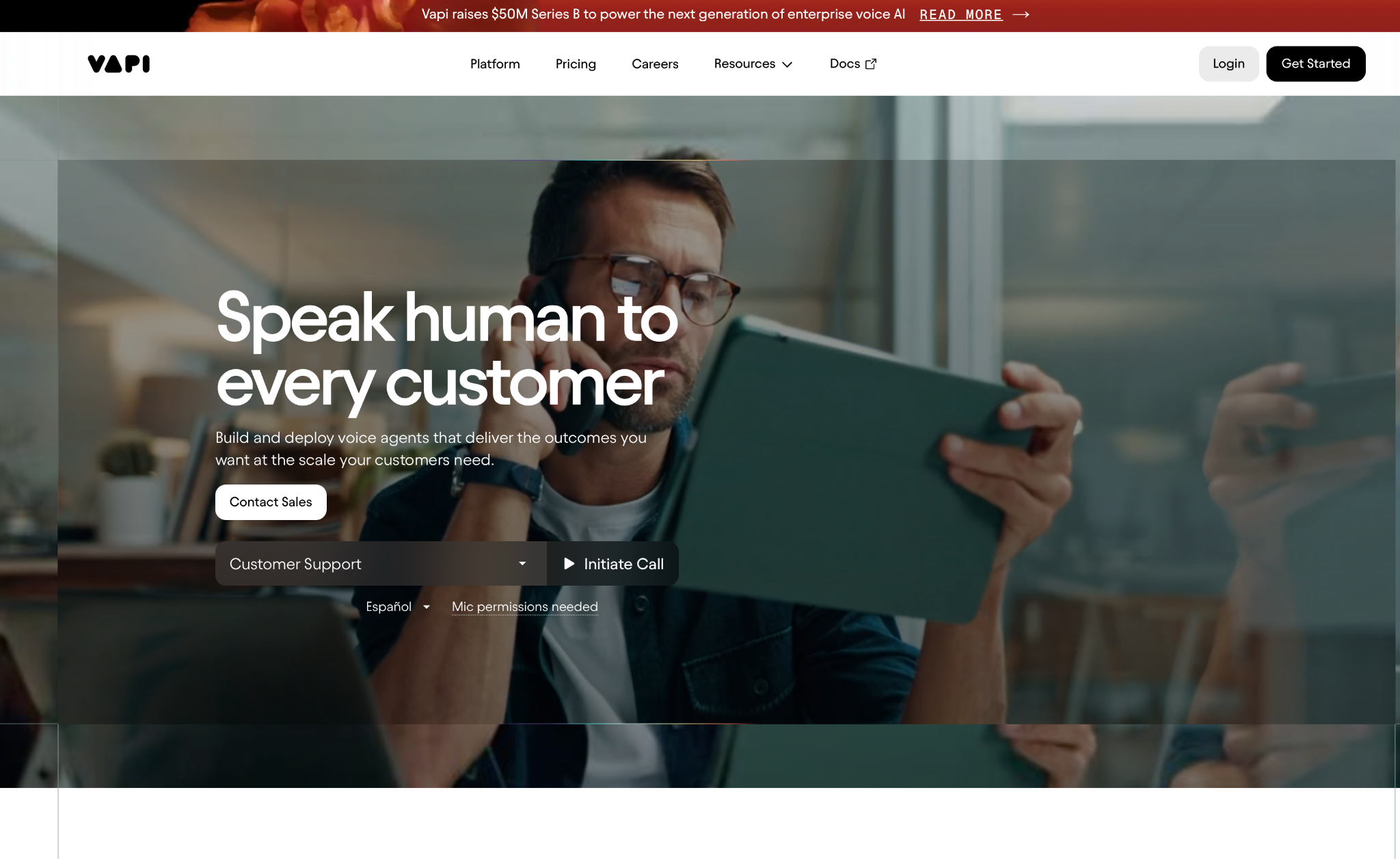
What it does: VAPI is an API-first platform that lets developers build, test, and deploy voice agents on top of their own choice of STT, LLM, and TTS providers.
Best for: Engineering teams that need full control over the underlying stack and want to bring their own API keys to keep model costs at zero on the platform side.
VAPI gives developer teams full control over every layer of the stack. You pick the STT provider, the LLM, the TTS voice, and how the agent handles interruptions, each independently. Swap one component, and nothing else in the pipeline moves with it.
The main caveat is latency consistency. Response times in production swing significantly depending on the provider config. VAPI addresses this on their own engineering blog directly, along with the optimizations needed to bring end-to-end latency below 500ms.
On top of that, the Build plan caps concurrency at 10 call slots by default, so if you're expecting volume spikes, you need to plan for that cost early.
Key Features
-
Bring Your Own Keys: Model provider costs drop to $0 when you supply your own API keys for STT, LLM, and TTS.
-
Conversational Pathways: Visual flow builder for branching call logic without writing raw prompt chains or code.
-
VAPI Monitoring: Live call dashboard with transcripts, latency metrics, and tool call logs.
-
AI Guardrails: Built-in controls to prevent hallucinations and keep agents on-script when calls go sideways.
Pros and Cons
Pros:
✅ Maximum stack flexibility, with the ability to swap any provider at any layer independently without touching the rest of the pipeline
✅ Active developer community with 25,000+ builders on Discord, strong documentation, and answers to integration questions available before you need to file a ticket
✅ HIPAA compliance available as an add-on for regulated deployments, with SOC 2 certification included on all plans
Cons:
❌ Latency can be inconsistent in production, ranging from sub-500ms to 4-5 seconds depending on provider configuration
❌ 10-line concurrency cap on the Build plan adds cost quickly for teams expecting call volume spikes
What Users Say
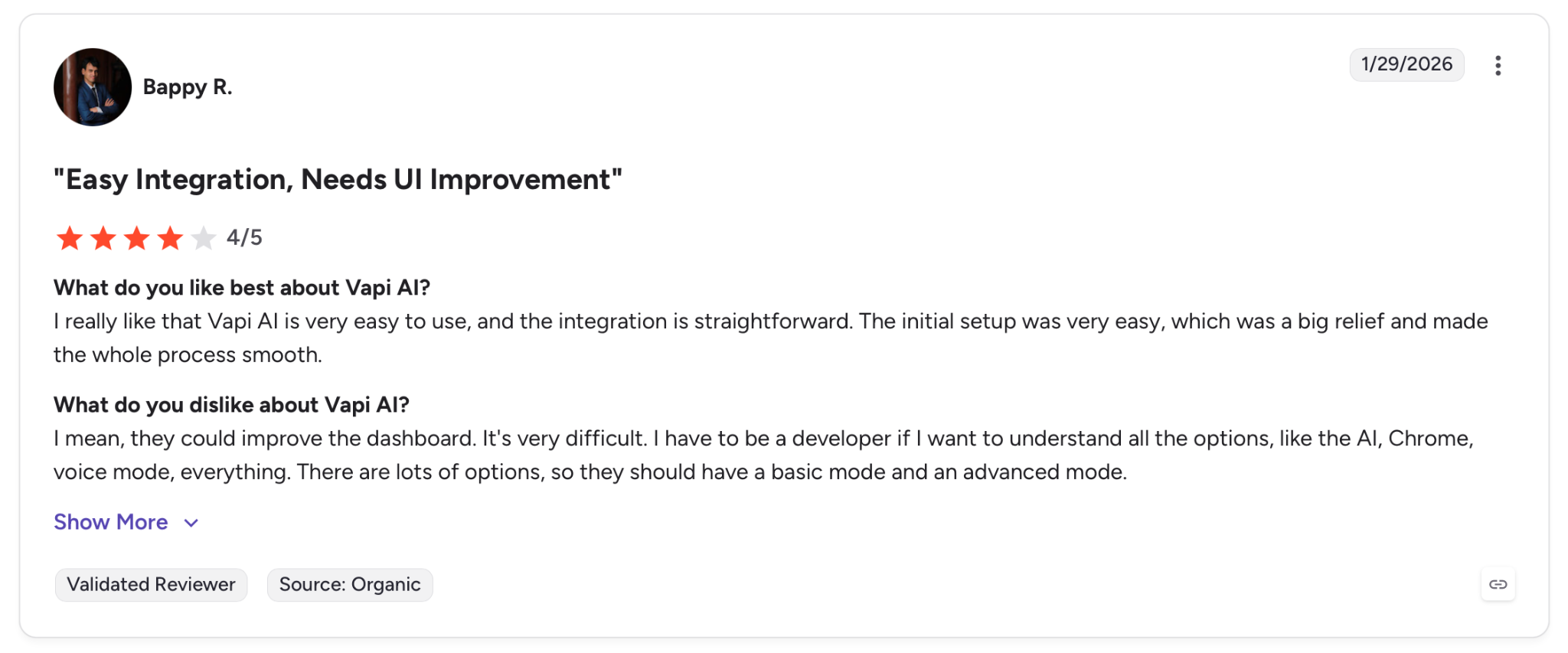
"I really like that VAPI AI is very easy to use, and the integration is straightforward. The initial setup was very easy, which was a big relief and made the whole process smooth." — Bappy R., G2
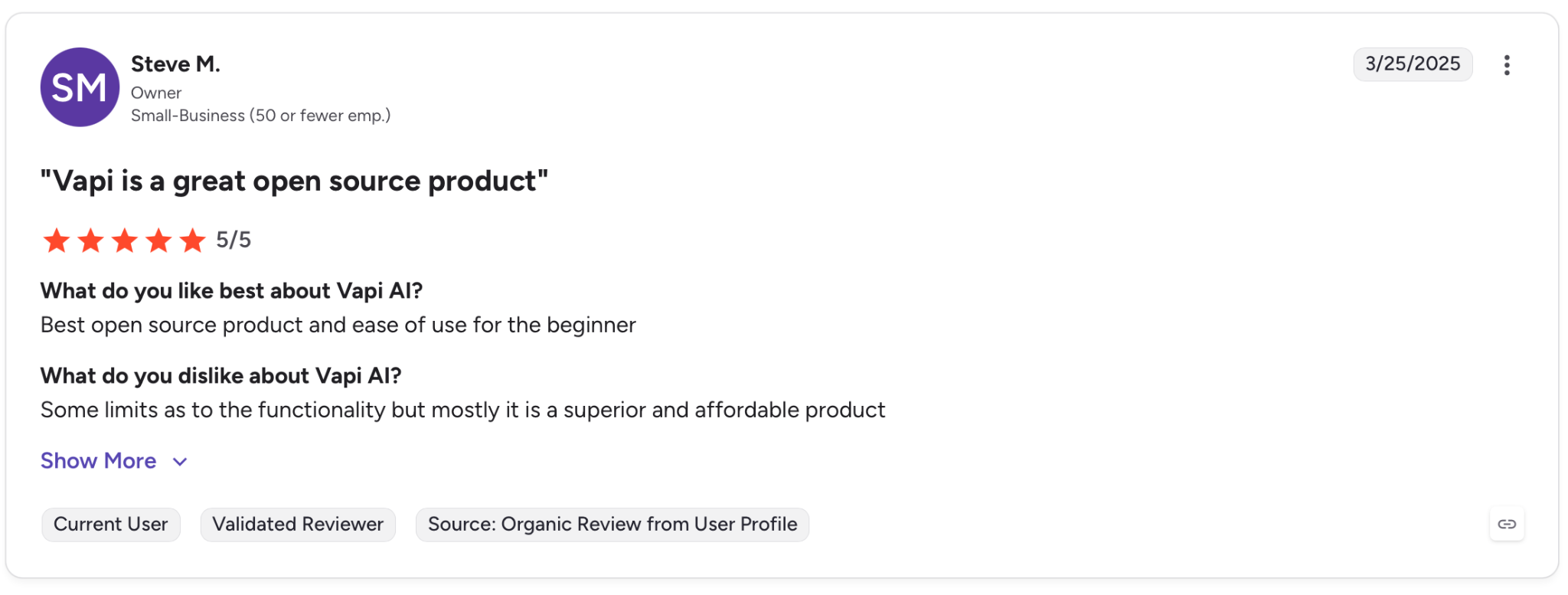
"VAPI is a great open source product" — Steve M., G2
Pricing
The Build plan charges $0.05 per minute for calls. Model fees pass through at cost, or drop to $0 with your own API keys. HIPAA is a $2,000/month add-on.
Bottom Line
VAPI works for developer teams that want to control every layer of their voice stack and are comfortable tuning for latency at the provider level. If you need consistent response times out of the box, you'll find the tuning overhead significant.
2. Retell AI: Best for Production Teams Watching Costs
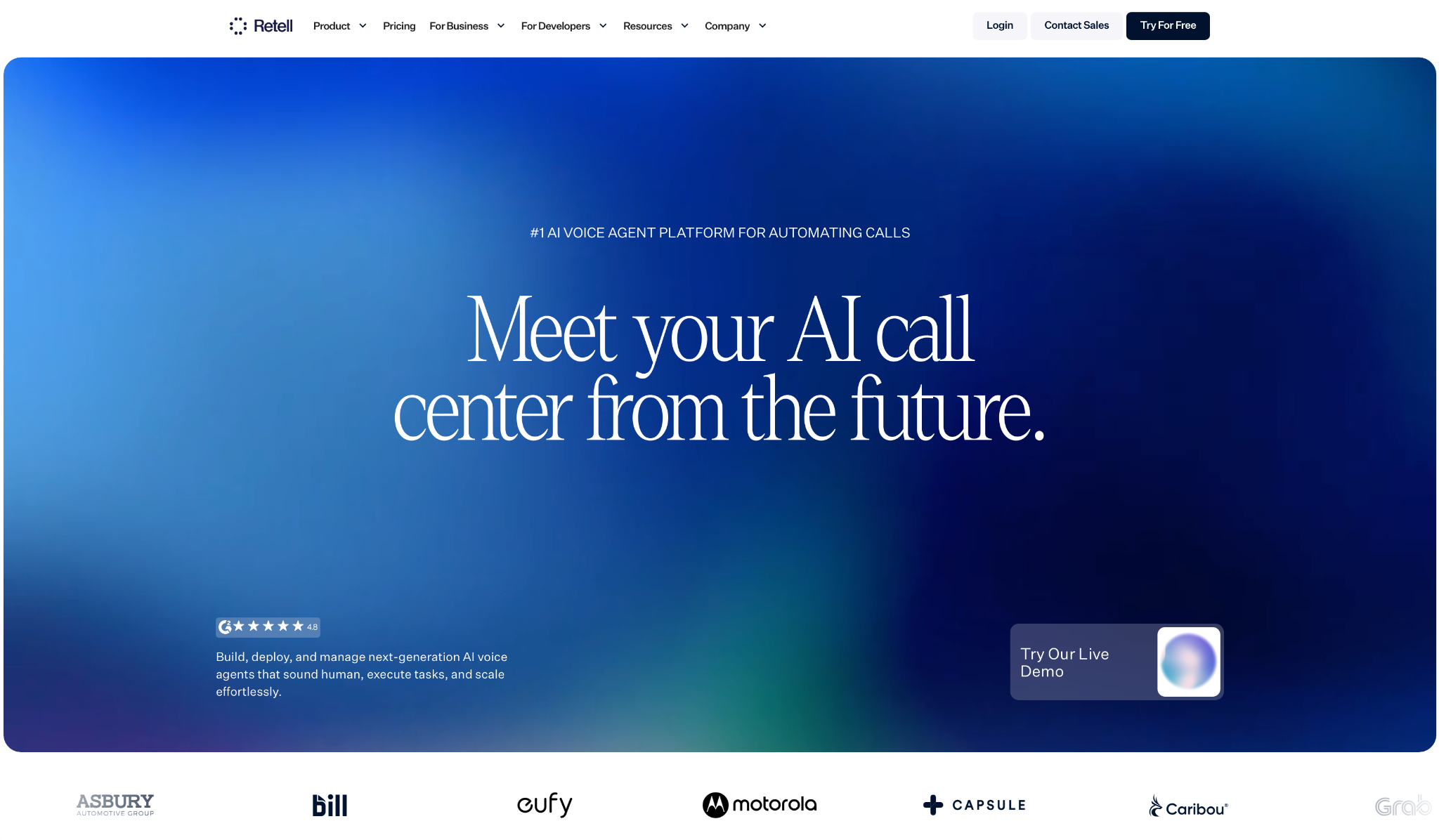
What it does: Retell AI is a full-stack voice agent platform with transparent, usage-based pricing that covers the entire pipeline (STT, LLM, TTS, and telephony) without feature gating between plans.
Best for: Teams that want to go live fast, pay only for what they use, and need HIPAA and SOC 2 compliance without an enterprise contract.
I tested Retell on an outbound lead qualification flow and had a working agent live in under an hour, with full platform access, no feature walls, and billing to the nearest second. HIPAA and SOC 2 are included without an enterprise contract.
The cost model is where teams get caught. The rate runs $0.07 to $0.31/min depending on LLM and TTS choices. A premium stack adds up faster than the headline rate suggests.
Key Features
-
Conversation Flow Builder: Visual branching logic for multi-step call flows without raw prompt engineering or custom code.
-
Post-Call Analysis: Automated call summaries, sentiment scoring, and structured data extraction after every conversation.
-
Simulation and Batch Testing: Run automated test calls against your agent before going live to catch edge cases early.
-
PII Redaction: Automatic removal of personal data from transcripts, available across all plans by default.
Pros and Cons
Pros:
✅ 20 concurrent calls included by default, with no concurrency cap on enterprise plans
✅ HIPAA-ready and SOC 2 certified from day one, with no enterprise contract required to access either
✅ PII redaction available across all plans by default, with no enterprise upgrade needed
Cons:
❌ Premium LLM and TTS combinations push the all-in rate well above the base, which makes it harder to budget at scale
❌ No white-label option, so if you're building agency or reseller products you'll need to look elsewhere
What Users Say
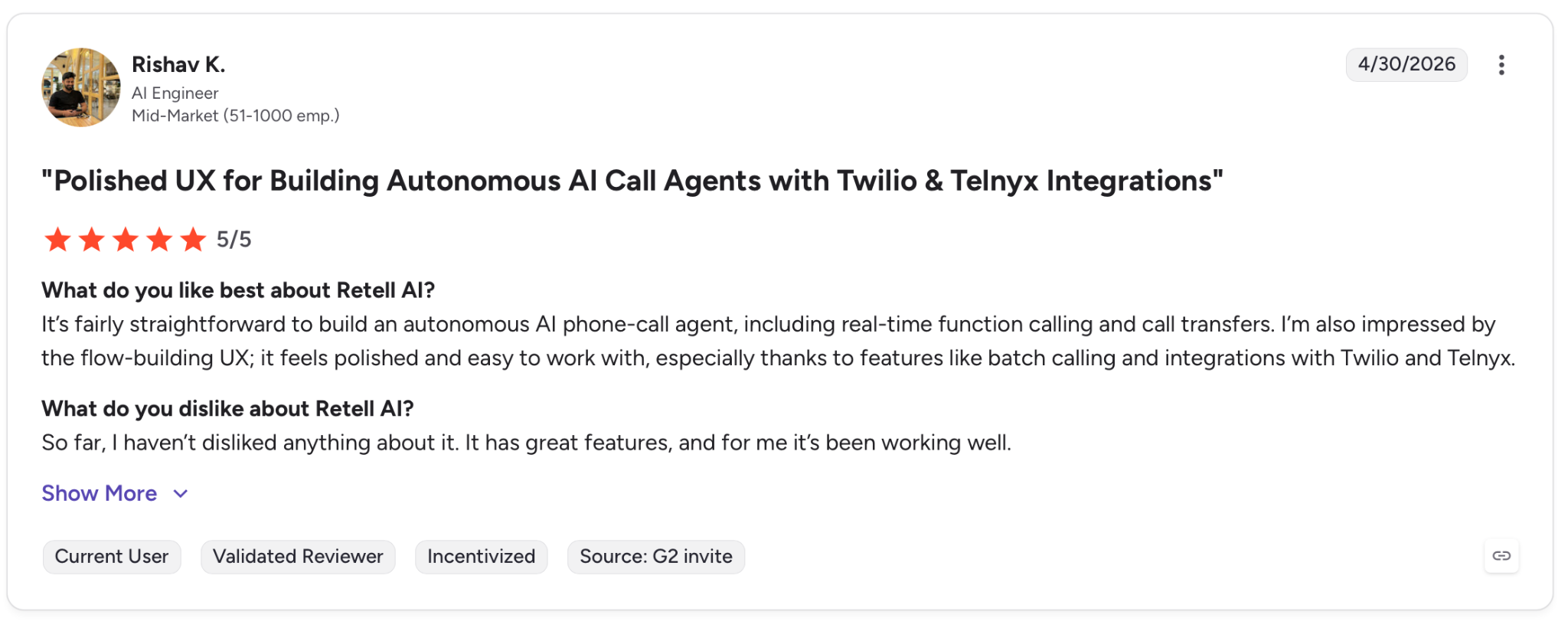
"It's fairly straightforward to build an autonomous AI phone-call agent, including real-time function calling and call transfers." — Rishav K., G2
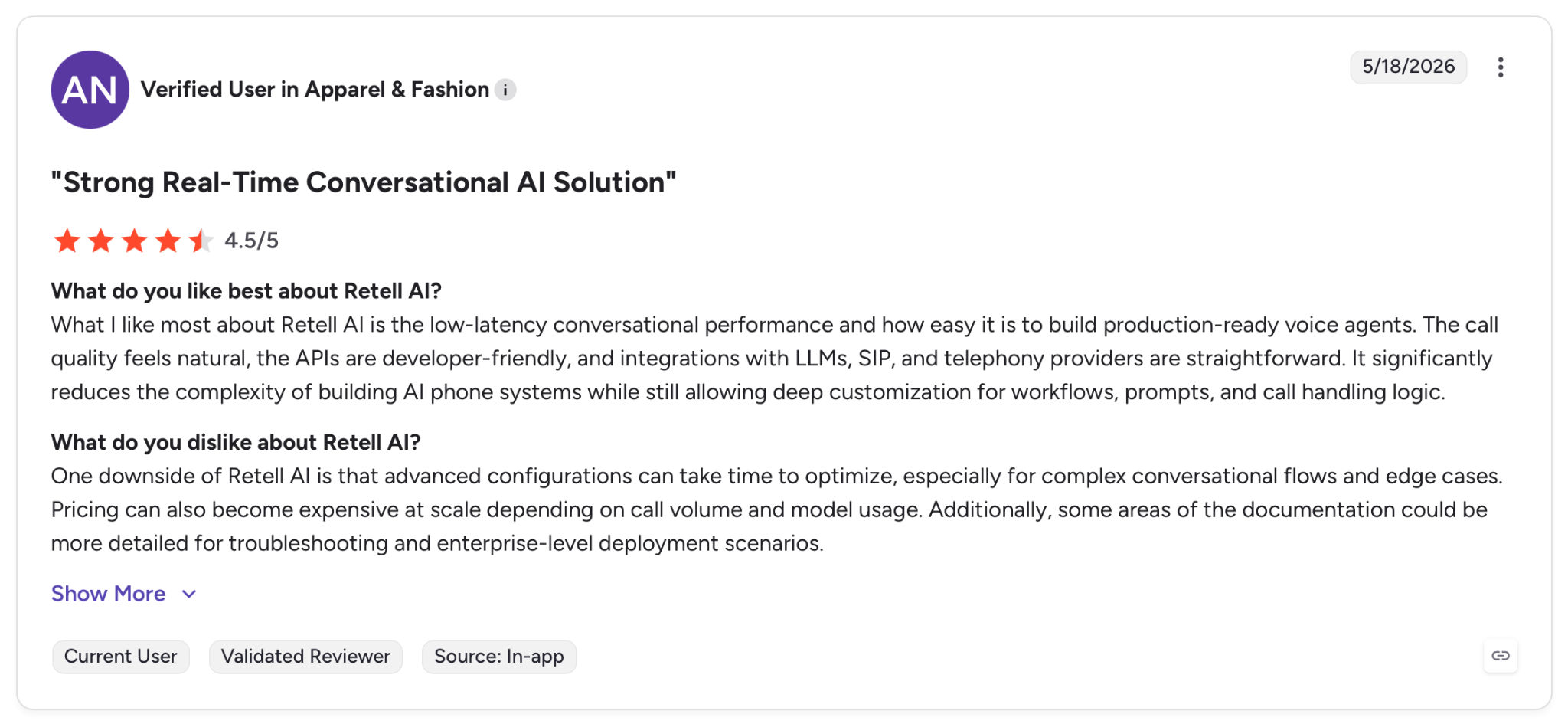
"One downside of Retell AI is that advanced configurations can take time to optimize, especially for complex conversational flows and edge cases." — Verified User, G2
Pricing
Pay-as-you-go starts with $10 in free credits, all-in pricing running $0.07–$0.31/min depending on LLM and TTS choices (voice infrastructure is $0.055/min; LLM, TTS, and telephony layer on top). Enterprise uses custom pricing with a dedicated server.
Bottom Line
Retell AI works if you want full platform capabilities without an enterprise commitment. The pricing goes up fast once you layer in premium LLMs and TTS voices, so model your actual stack costs before scaling.
3. Bland AI: Best for High-Volume Outbound at Enterprise Scale
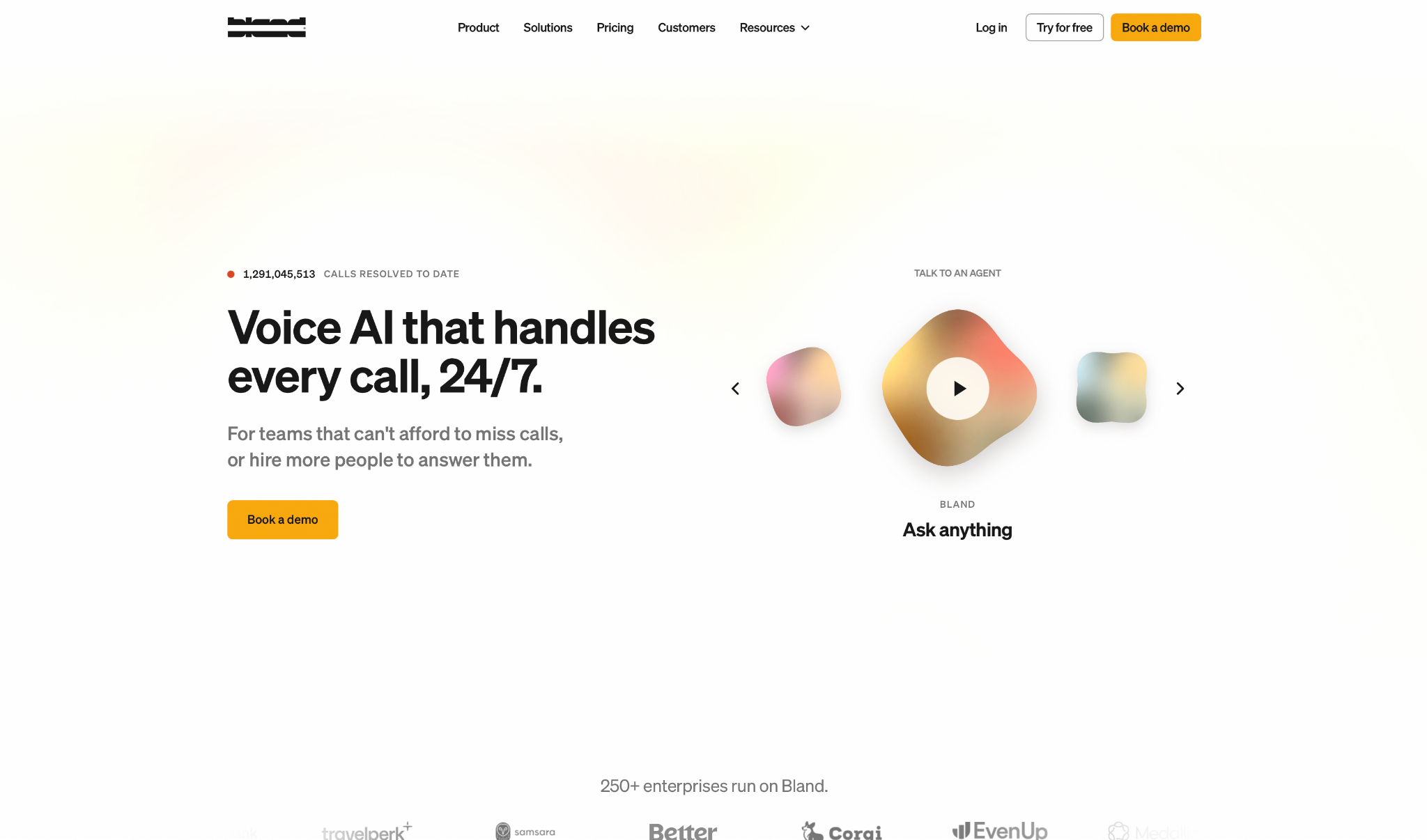
What it does: Bland AI is an enterprise voice platform built on its own infrastructure, with no third-party LLM, STT, or TTS pass-throughs, and a single all-in per-minute rate that covers the full stack.
Best for: Enterprise teams running high-volume outbound in regulated industries like healthcare and financial services, where compliance and data residency matter.
Bland's infrastructure model was what stood out in testing. The full stack runs on Bland's own hardware, which means one invoice and no provider surprises at the end of the month.
The tier wall is the main limitation. Warm transfers, guardrails, and outcome tracking only unlock on Enterprise, which means the features that make Bland worth deploying in a regulated environment aren't accessible on Build or Scale.
Key Features
-
Conversational Pathways: Visual node-based builder for branching call logic, available on all plans with no code required.
-
Tornado Mode: Automated fail-and-fix loop that stress-tests agent behavior against edge cases before production.
-
Guardrails: Real-time call monitoring with deterministic rules covering TCPA opt-out and fraud escalation. Enterprise only.
-
On-Prem/VPC Deployment: Full data residency with AES-256 at rest and TLS 1.3 in transit. Enterprise only.
Pros and Cons
Pros:
✅ All-in per-minute rate covers the full pipeline with no provider pass-throughs or surprise bills at the end of the month
✅ Own infrastructure with on-prem and VPC deployment options gives regulated industries full data residency control
✅ 40+ languages supported natively with real-time translation available in 23 of them across active deployments
Cons:
❌ Warm transfers, guardrails, and outcome tracking are locked to Enterprise, leaving Build and Scale plans significantly limited
❌ Built for developers. Teams without engineering resources will hit friction fast when configuring call flows and debugging production issues
What Users Say
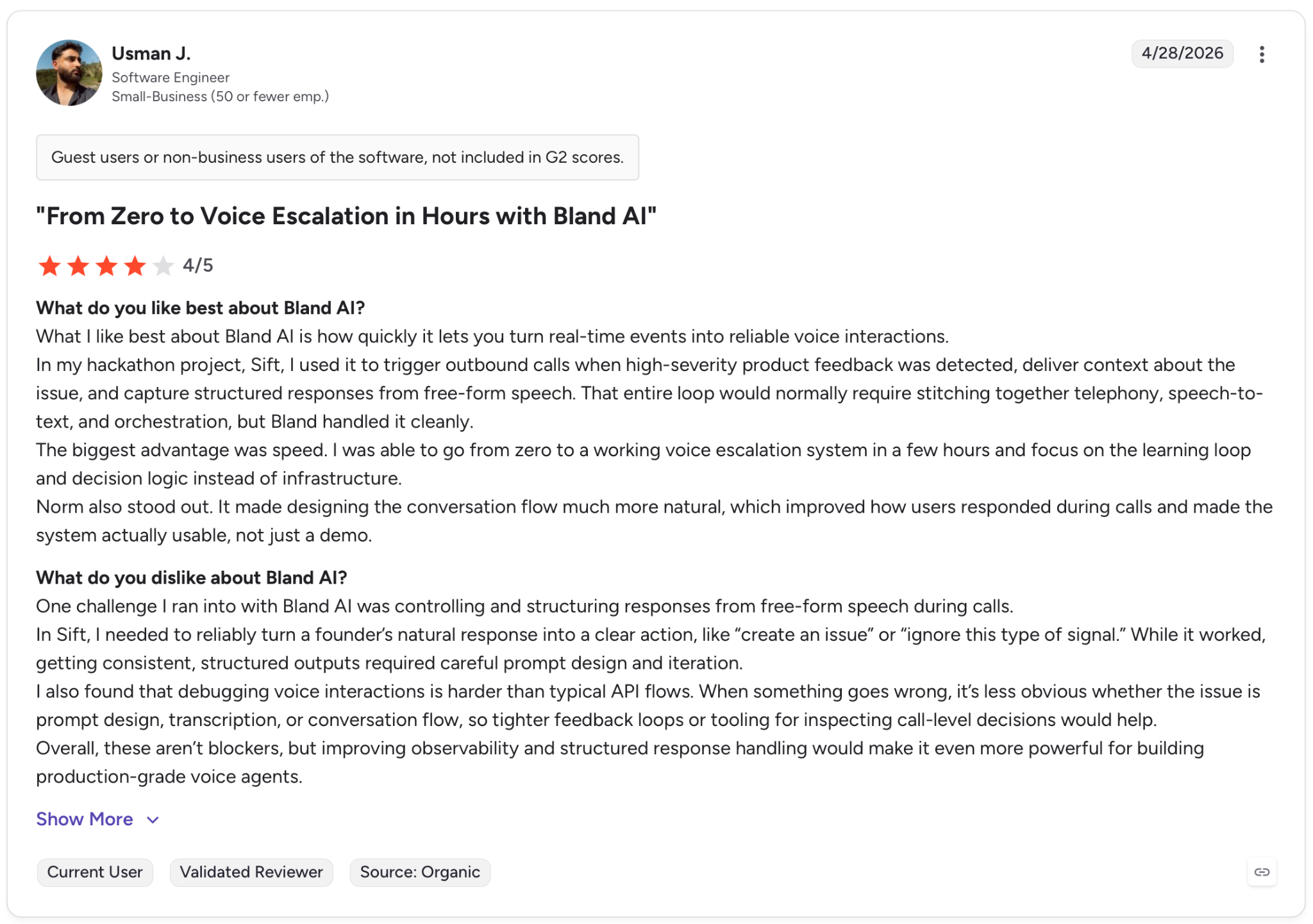
"What I like best about Bland AI is how quickly it lets you turn real-time events into reliable voice interactions." — Usman J., G2
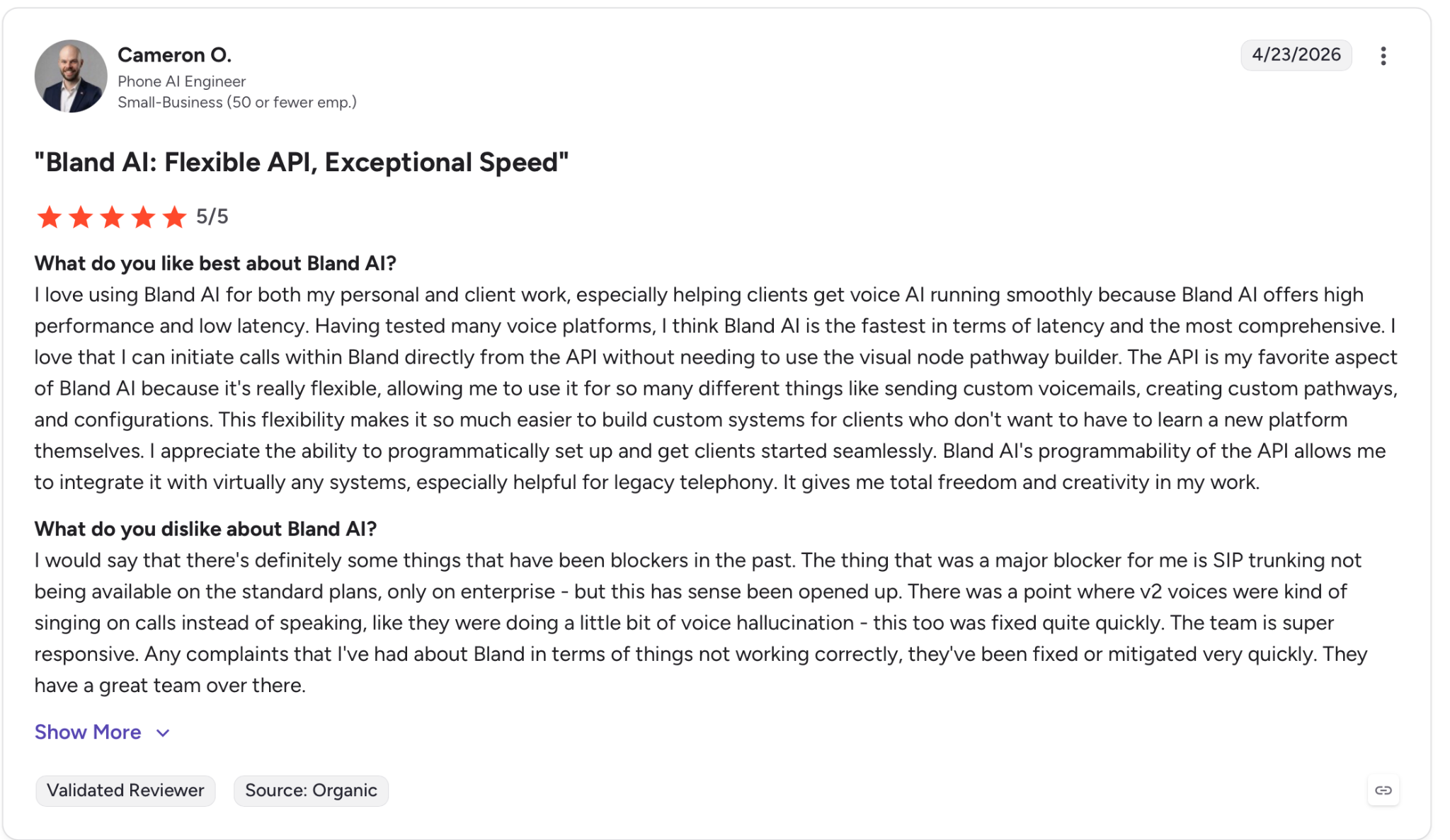
"The thing that was a major blocker for me is SIP trunking not being available on the standard plans, only on enterprise - but this has since been opened up." — Cameron O., G2
Pricing
Bland starts free at $0.14/min with a 100-call daily cap. The Build plan drops to $0.12/min with a 2,000-call daily cap. Enterprise is custom with unlimited concurrency and on-prem deployment.
Bottom Line
Bland AI is built for enterprises that need full infrastructure control and can commit to a custom contract. Self-serve plans cover the core pipeline. The safety, compliance, and monitoring layer only comes with Enterprise.
4. Synthflow: Best for Agencies and No-Code Deployments
What it does: Synthflow is an end-to-end voice AI platform with a no-code agent builder, in-house telephony, and a white-label toolkit.
Best for: Agencies managing multiple client deployments, and enterprise teams that need white-label voice agents without rebuilding infrastructure for each client.
Synthflow's stress test was an agency scenario with multiple client accounts. The BELL framework is what separates it from other no-code builders. Agents go from pilot to production through a structured process.
The white-label toolkit extends that further, giving each client a branded experience without rebuilding anything from scratch.
Agencies get caught on cost. The voice engine rate looks low until you stack LLM, telephony, and performance add-ons on top. The white-label toolkit is a separate line item on self-serve plans and is only included on the Enterprise plan.
Key Features
-
BELL Framework: Structured Build, Evaluate, Launch, Learn process built into the platform to cut time from pilot to production.
-
In-House Telephony: Synthflow runs its own network with latency below 100ms and 99.99% uptime, with SIP trunking and BYO carrier support on Enterprise.
-
White-Label Toolkit: Custom domain, branded platform, and reseller toolkit. Costs $2,000/month on pay-as-you-go, included on Enterprise.
-
200+ Integrations: Native connectors to CRMs and CCaaS platforms, including Cisco, Avaya, and Genesys, plus calendar and data tools.
Pros and Cons
Pros:
✅ In-house telephony means no dependency on third-party carriers and a single point of accountability for call quality
✅ Structured deployment process cuts time from pilot to production, with measurable checkpoints at each phase
✅ Native connectors cover the CRMs, CCaaS platforms, and calendar tools agencies already use, without custom webhook work
Cons:
❌ White-label is enterprise-only on the included tier. Self-serve teams pay a significant monthly add-on that changes the unit economics
❌ LLM, telephony, and performance add-ons are all billed on top of the base voice engine rate
What Users Say
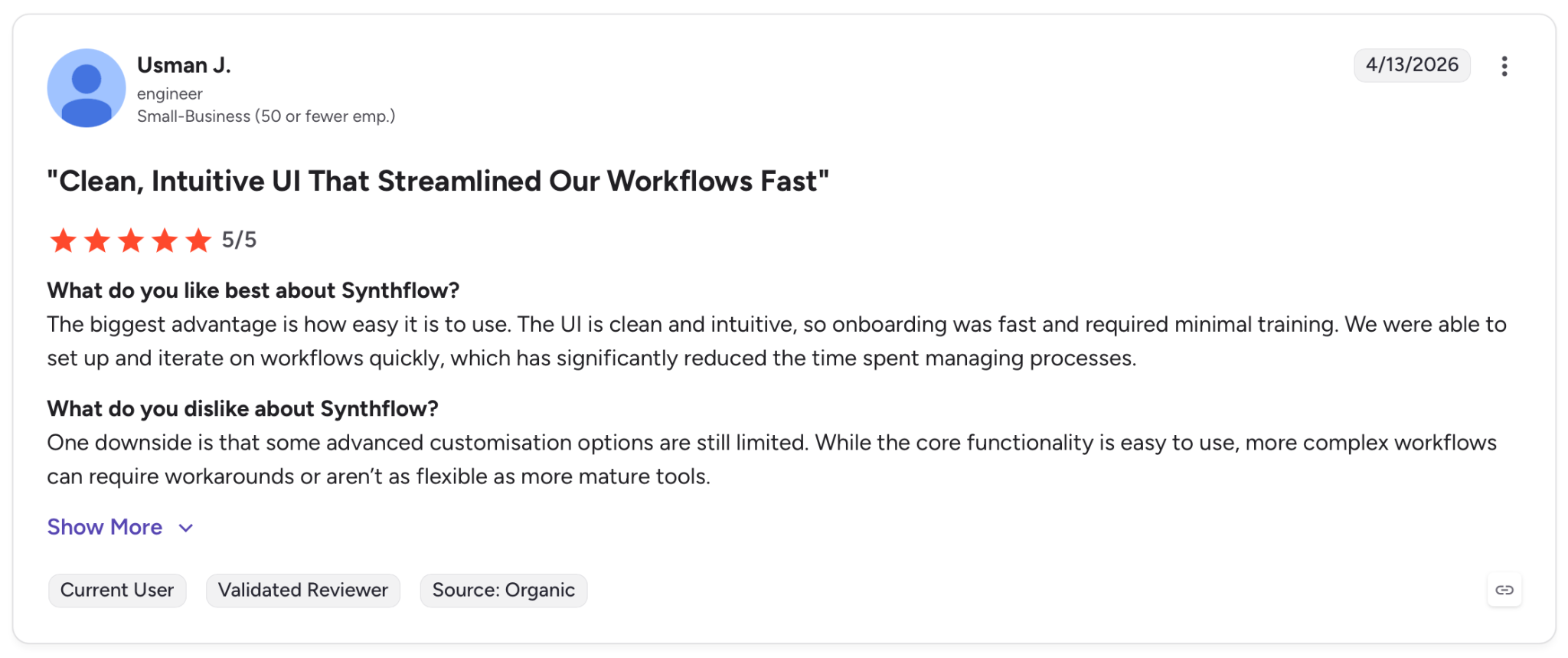
"The biggest advantage is how easy it is to use. The UI is clean and intuitive, so onboarding was fast and required minimal training." — Usman J., G2
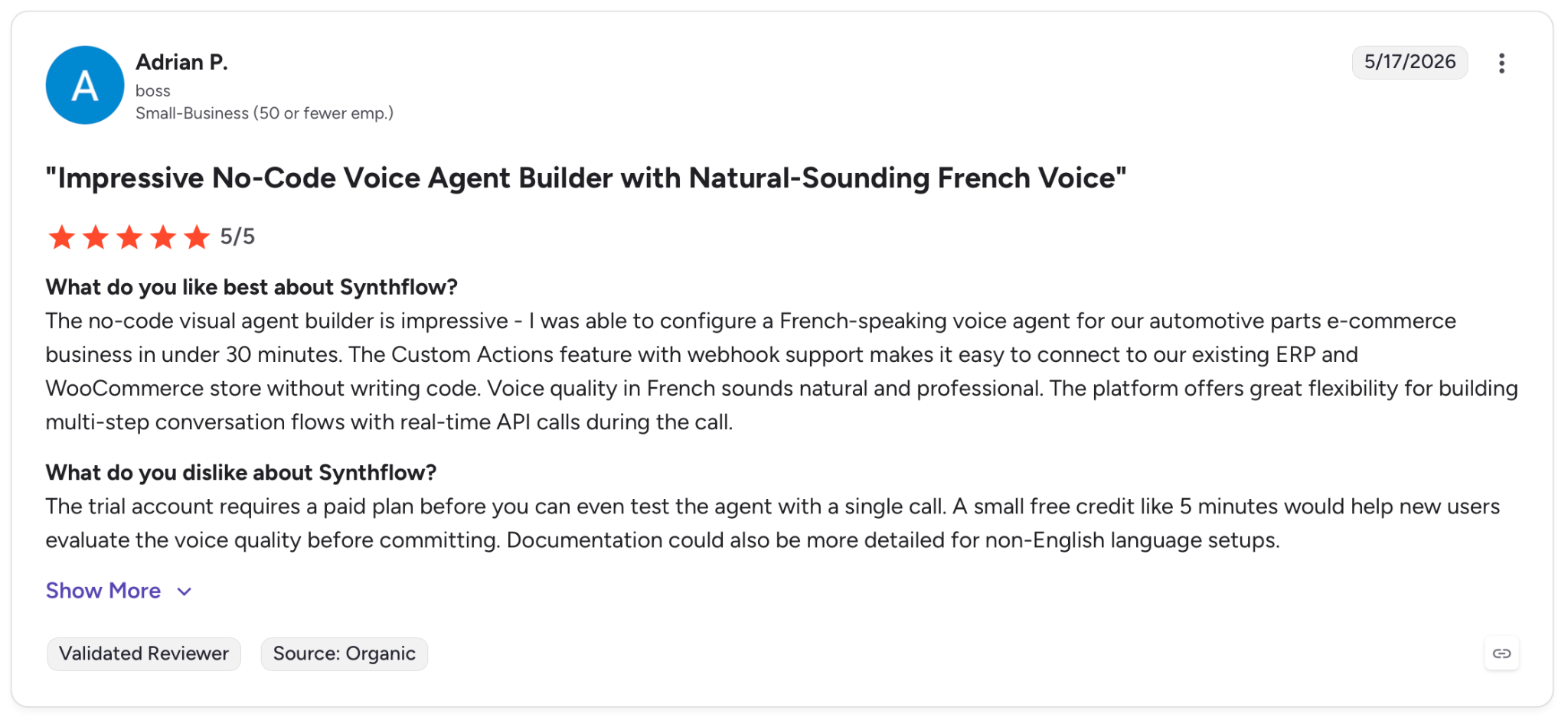
"The trial account requires a paid plan before you can even test the agent with a single call." — Adrian P., G2
Pricing
Pay-as-you-go starts free at $0.09/min for the voice engine, with LLM and telephony billed on top. Paid plans add concurrency and performance options. Enterprise is custom with white-label included.
Bottom Line
Synthflow is a strong option when you need a white-label voice platform and a structured deployment process you can repeat across clients. The cost model requires careful planning before presenting to clients.
5. Voiceflow: Best for Conversation Design and Enterprise CX Teams
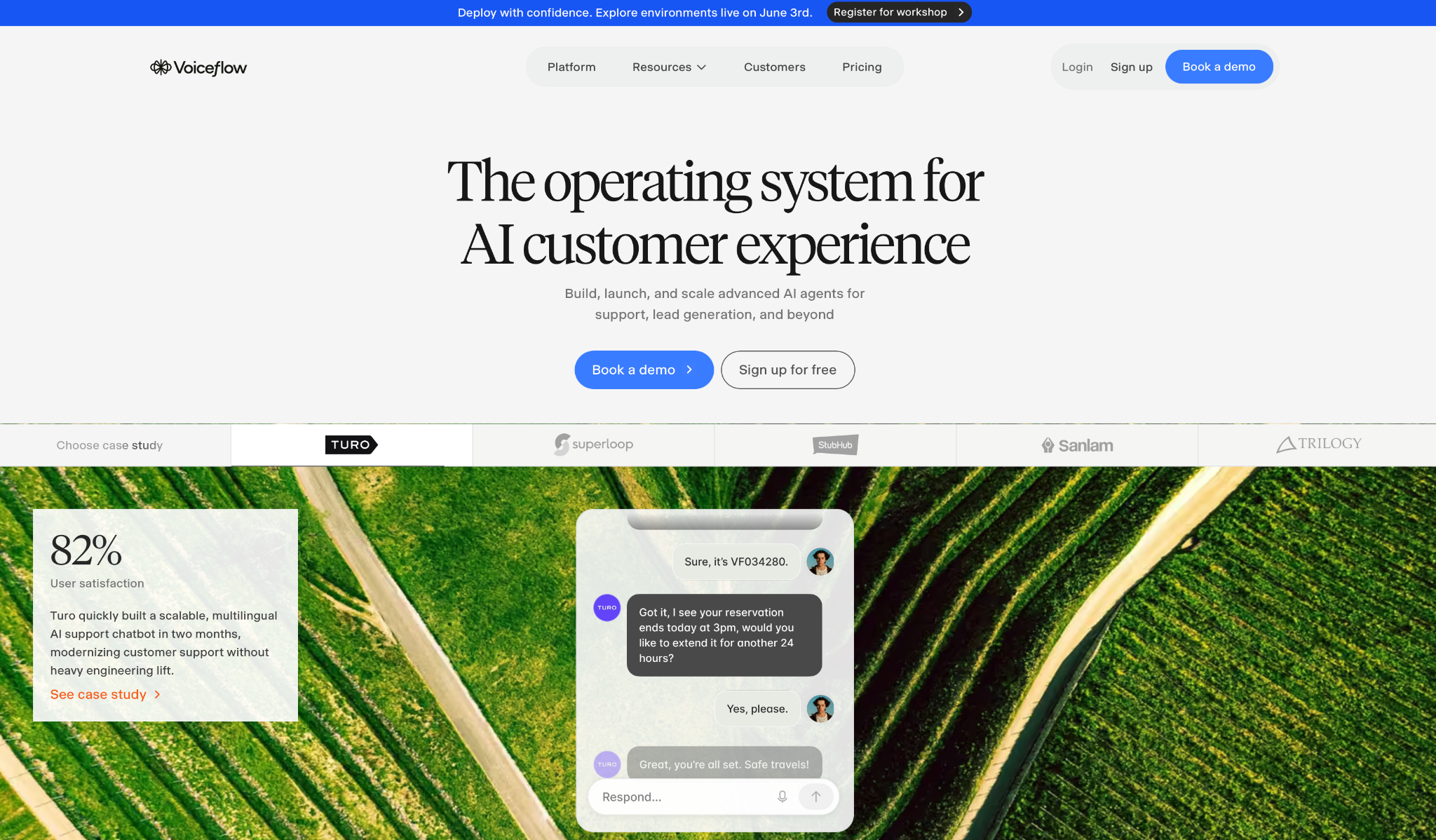
What it does: Voiceflow is an omnichannel agent platform with a visual flow builder, a collaborative workspace for cross-functional teams, and an observability suite for managing agents in production.
Best for: Enterprise CX teams that need conversation designers, engineers, and product managers working on the same agent across voice, chat, and mobile without rebuilding for each channel.
The collaboration layer is where Voiceflow earns its spot. Is one of the few platforms where a conversation designer and a backend engineer can work on the same agent simultaneously.
Voiceflow's traction shows up in the case studies, though pricing is where it gets complicated. The company publishes no specific numbers, which makes it hard to compare plans before you've already booked a demo or started a trial. You'll need to confirm telephony costs separately on top of that.
Key Features
-
Agent Builder: Visual canvas with agentic playbooks and deterministic workflows, managed by global instructions and guardrails.
-
Observability Suite: LLM-powered evaluations with conversation-level visibility and custom metrics for production monitoring.
-
Omnichannel Deployment: Voice, web chat, and mobile from a single build.
-
G2 Best Agentic AI 2026: Recognized in G2's 2026 Best Software Awards based on verified customer reviews.
Pros and Cons
Pros:
✅ Real-time collaboration across conversation designers, engineers, and CX teams on a shared canvas, without separate builds per role
✅ Single build deploys across voice, chat, and mobile without maintaining parallel development tracks per channel
✅ SOC-2 Type II, ISO/IEC 27001, GDPR, and HIPAA compliant without requiring an enterprise contract to access
Cons:
❌ Voice telephony costs aren't included in the platform fee and need to be confirmed directly with Voiceflow
❌ Enterprise reviewers report support tickets going unanswered for weeks during critical launches
What Users Say
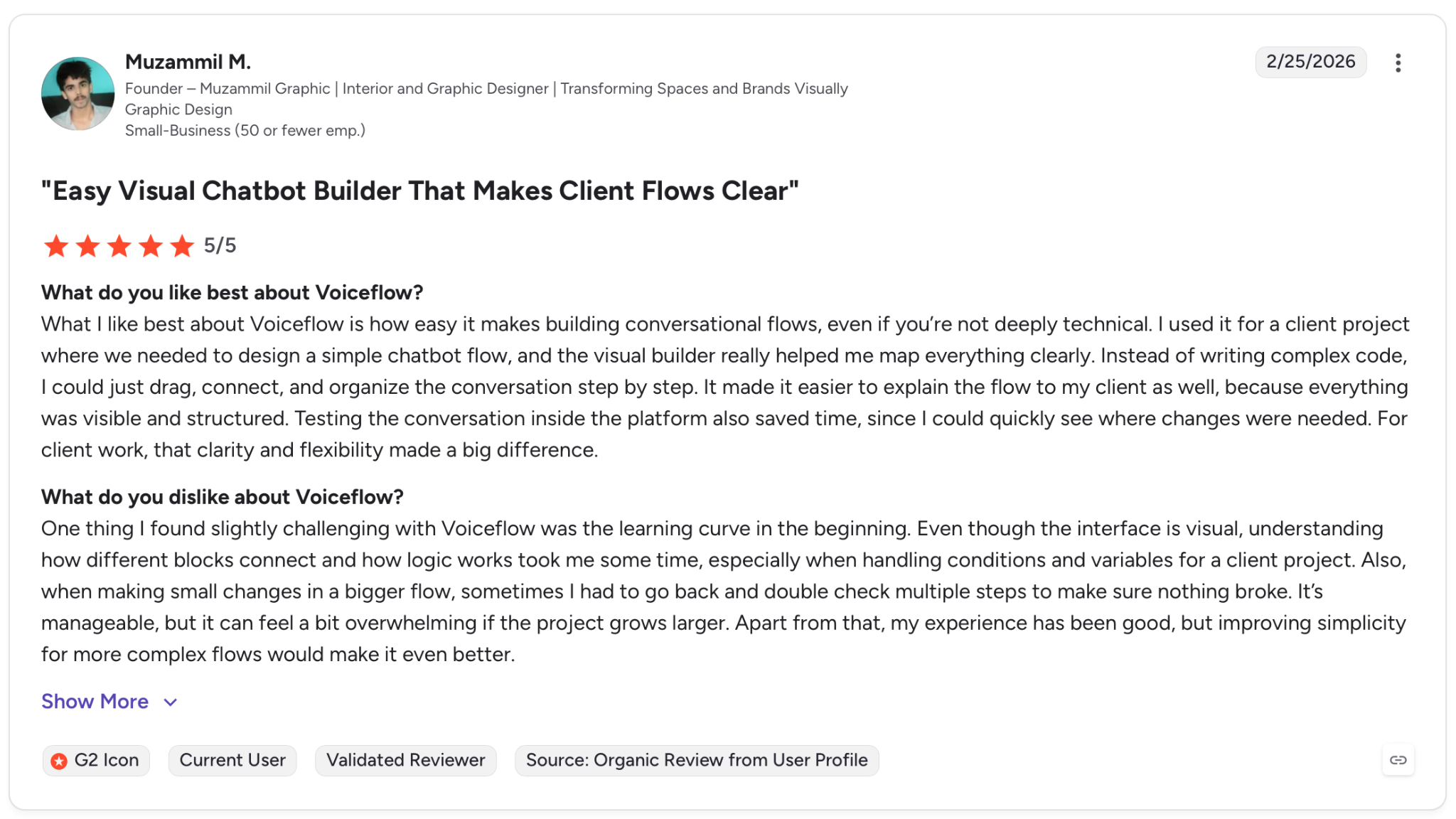
"What I like best about Voiceflow is how easy it makes building conversational flows, even if you're not deeply technical." — Muzammil M., G2
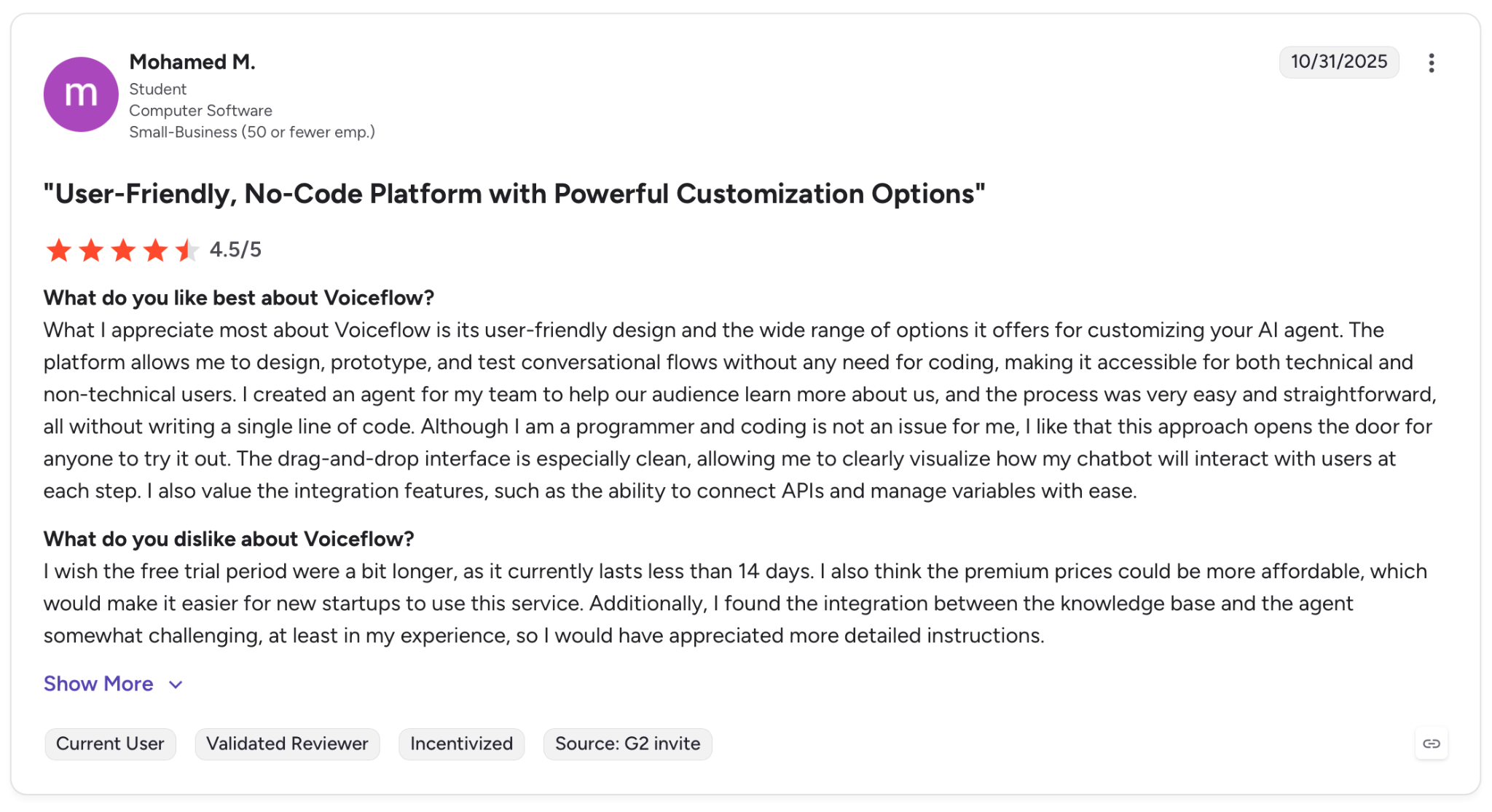
"I also think the premium prices could be more affordable, which would make it easier for new startups to use this service." — Mohamed M., G2
Pricing
Voiceflow publishes no public pricing on the Business plan, which requires a demo call. A free trial covers the core builder, but voice telephony costs are billed separately and need to be confirmed during the demo.
Bottom Line
Voiceflow is a good fit for enterprise CX teams that need multiple roles collaborating on a single agent across channels. If you're running voice-only, high-volume outbound without a CX design layer you might find it's more platform than you need.
6. PolyAI: Best for Fully Managed Enterprise Contact Centers
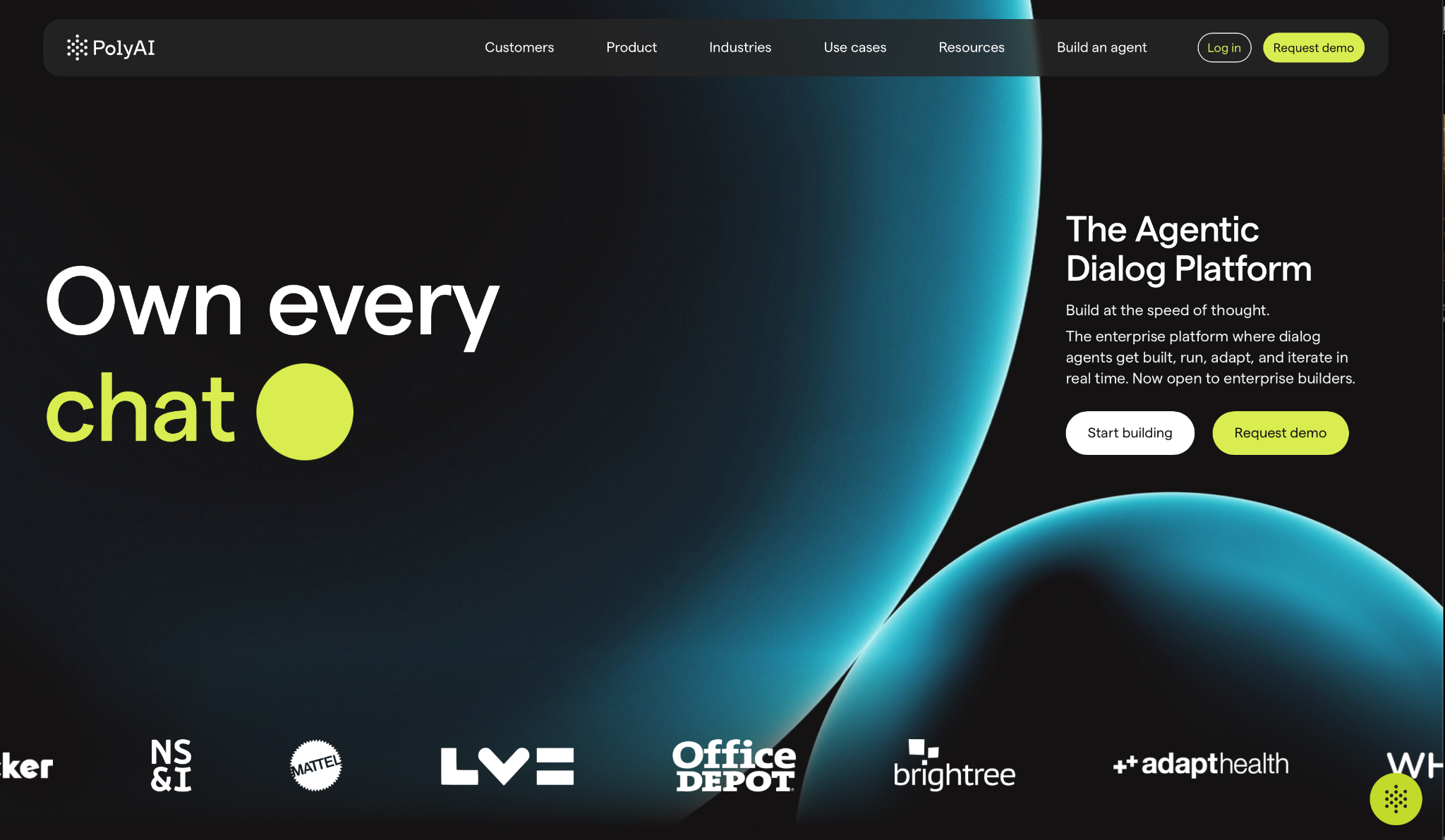
What it does: PolyAI is a fully managed enterprise voice platform built on Raven. Its model is trained on 1B+ enterprise conversations.
Best for: Large enterprise contact centers that want a fully managed voice AI deployment without needing a dedicated engineering team to run it, with proven ROI in regulated industries.
PolyAI went through a complex inbound triage scenario with interruptions and mid-call topic changes. The agents handled it without the mechanical pauses that surface on other platforms in this category.
Raven is trained on enterprise contact center conversations specifically, and the difference shows up in fraud detection, multilingual disputes, and multi-turn triage. Enterprise contracts still require a sales conversation and run custom pricing based on deployment scope.
Key Features
-
Raven Model: Proprietary dialog model trained on enterprise conversations, handling fraud, triage, and multilingual disputes natively.
-
Agent Builder and ADK: Two build paths for non-technical teams and developers, using the same runtime underneath.
-
Analyst Agents: Plain-language querying across all customer interactions. This surfaces real-time contact center intelligence without custom reporting.
-
Compliance Stack: SOC 2, HIPAA, GDPR, and PCI DSS standards on all deployments with brand voice guardrails across channels.
Pros and Cons
Pros:
✅ Voice quality built on a model trained exclusively on enterprise contact center data, with performance that holds up on fraud detection, multilingual disputes, and multi-turn triage
✅ Fully managed deployment means PolyAI owns the outcome, with ongoing support built into the contract
✅ Full compliance stack included on every deployment with no enterprise upgrade required to access it
Cons:
❌ Enterprise pricing requires a sales conversation. There's no published rate card beyond the two-month free tier
❌ Customization outside the managed model requires PolyAI's team involvement and is not something you can iterate on independently
What Users Say
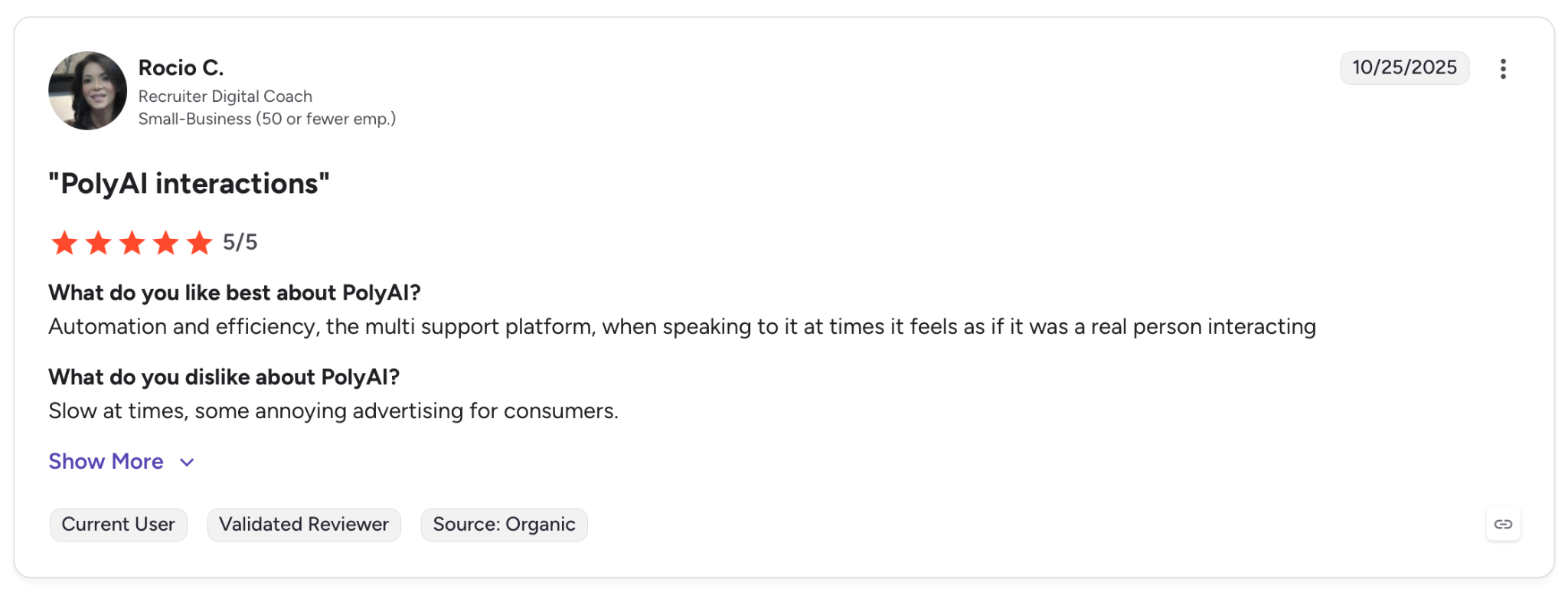
"Automation and efficiency, the multi support platform, when speaking to it at times it feels as if it were a real person interacting." — Rocio C., G2
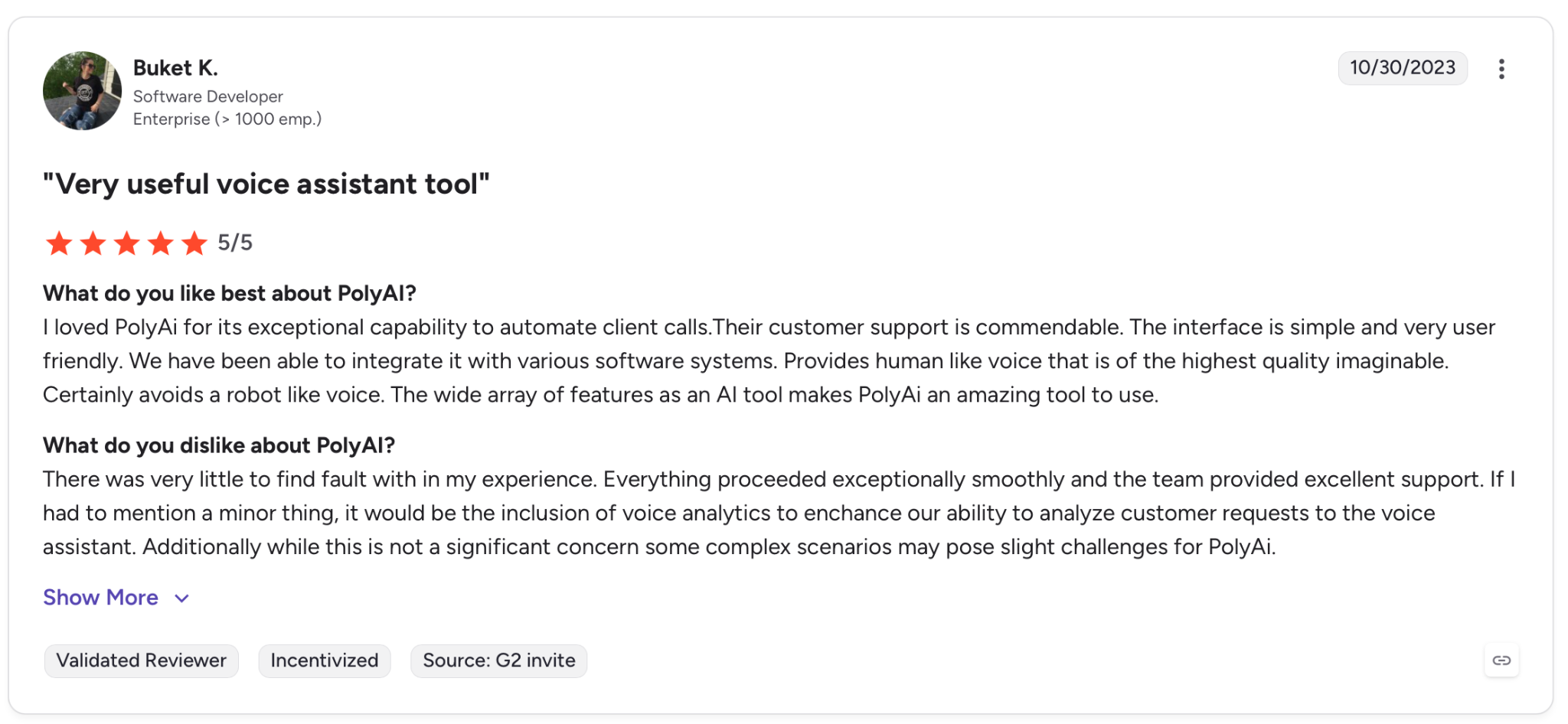
"If I had to mention a minor thing, it would be the inclusion of voice analytics to enhance our ability to analyze customer requests to the voice assistant." — Buket K., G2
Pricing
The Agentic Dialog Platform is now publicly available for a free trial. Enterprise contracts are custom-quoted based on call volume, compliance requirements, and integration scope.
Bottom Line
PolyAI works for enterprise contact centers that want contact-center-grade voice quality you can't get from API-first platforms. The new self-serve tier lowers the entry point, but enterprise pricing still requires a sales conversation.
7. Cognigy: Best for Omnichannel Enterprise Contact Centers at Scale
What it does: Cognigy is an enterprise omnichannel AI Agent platform, now part of NiCE following the 2025 acquisition, that combines voice, chat, and agent assist in a single platform built for large contact center operations.
Best for: Large enterprise contact centers already running complex CX operations across voice, chat, and digital channels, where the goal is extending or replacing existing CCaaS infrastructure.
Cognigy is one platform where the implementation process is part of the product. You don't build the agent yourself and push to production. The vendor builds it with you, owns the outcome, and stays involved after go-live.
The caveat is the process itself. Implementation requires dedicated CX engineering resources and a structured sales cycle before anything goes live. Teams that need to move fast will hit that timeline before they hit any technical limitation.
Key Features
-
Voice AI Agents: Full inbound and outbound voice automation with real-time AI translation, running on production contact centers at scale.
-
Agent Copilot: Real-time AI coaching for human agents during live calls, including automated wrap-ups, next-best-action suggestions, and knowledge retrieval.
-
Knowledge AI: LLM-powered knowledge base integration that delivers precise answers without customers repeating themselves across channels.
-
AI Command Center: Launched in 2025. Real-time control and visibility dashboard to monitor all enterprise AI Agents across channels simultaneously.
Pros and Cons
Pros:
✅ Agent Copilot stays active after human handoff, which gives reps live knowledge lookup and automated call wrap-up throughout the conversation
✅ Voice, chat, and agent assist run from a single platform, eliminating the overhead of maintaining separate builds per channel
✅ Real-time AI translation across 100 languages built into the platform, with no third-party add-ons required for enterprise deployments
Cons:
❌ No self-serve plan and no published pricing. A full enterprise sales and implementation cycle is required before going live
❌ Advanced analytics and custom flow logic require vendor involvement. Independent iteration post-launch isn't an option
What Users Say
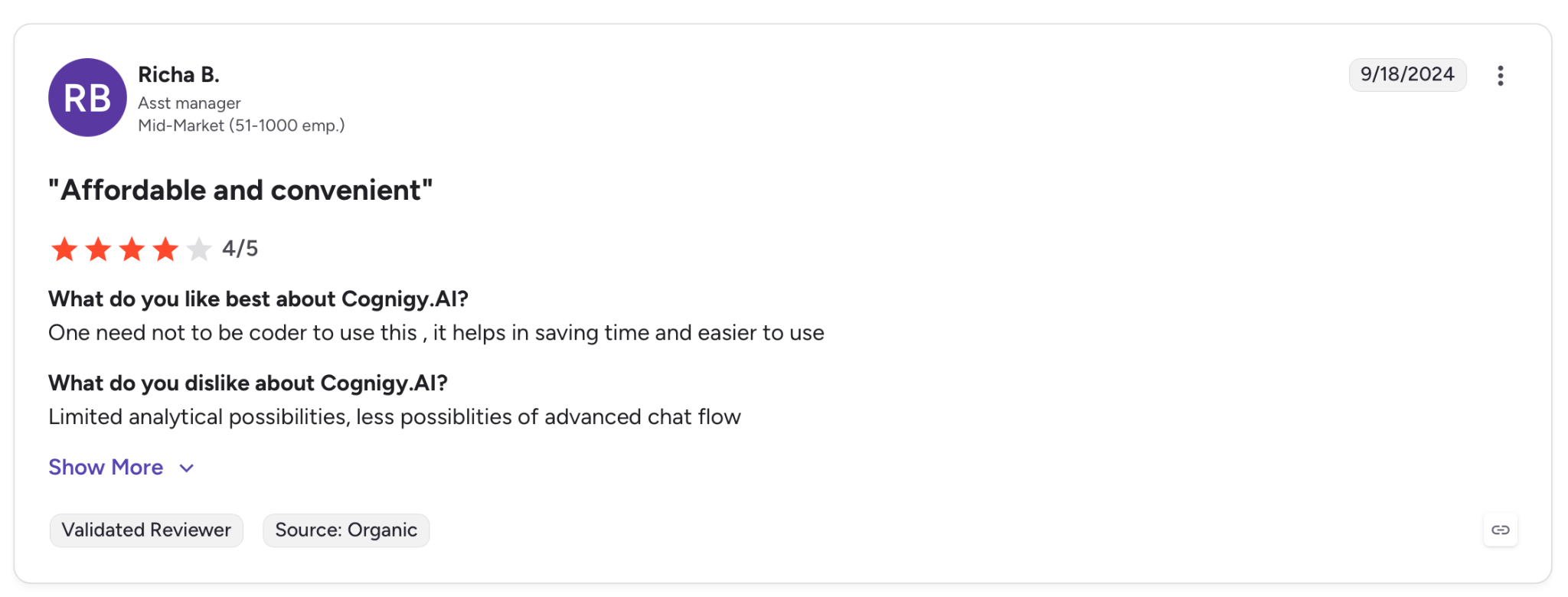
"One need not be a coder to use this; it helps in saving time and is easier to use." — Richa B., G2
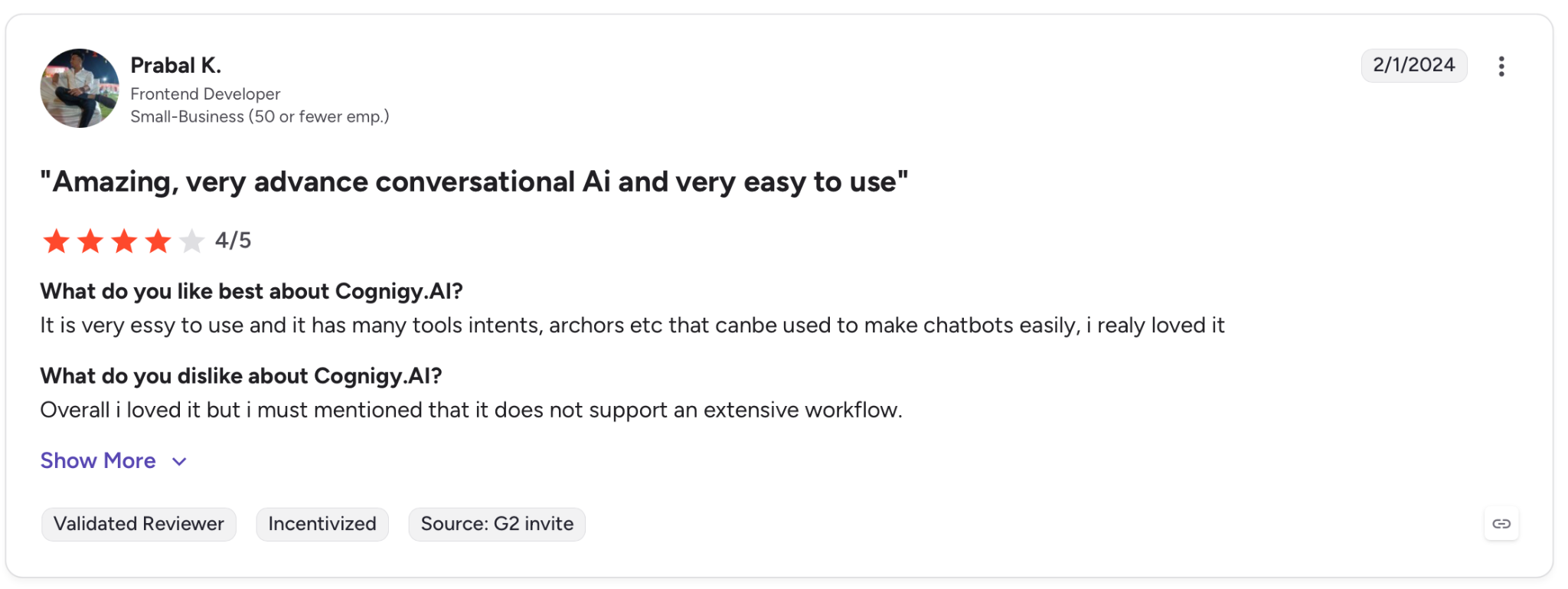
"Overall, I loved it, but I must mention that it does not support an extensive workflow." — Prabal K., G2
Pricing
Cognigy doesn't publish pricing. All plans are custom-quoted based on conversation volume, channel scope, and integration needs.
Bottom Line
Cognigy earns its place for large enterprises with dedicated CX engineering resources and complex omnichannel requirements. If you don't already run a CCaaS environment or can't commit to a vendor-led implementation cycle, the timeline alone will push you elsewhere.
Which Voice AI Automation Platform Should You Choose?
The right platform depends on where your team sits technically and what call volume you're running. Getting this decision wrong early adds months of rebuilding time later.
Choose VAPI if you:
- Have an in-house engineering team that wants to control every layer of the stack independently
- Need to bring your own API keys to keep model costs at or near zero
Choose Retell AI if you:
- Want full platform access on a pay-as-you-go model without an enterprise contract
- Need HIPAA and SOC 2 compliance from day one without committing to custom pricing
Choose Bland AI if you:
- Run high-volume outbound in a regulated industry like healthcare or financial services
- Need on-prem or VPC deployment with a single all-in per-minute rate and no provider pass-throughs
Choose Synthflow if you:
- Run an agency managing multiple client voice AI deployments, and need white-label from day one
- Want a structured deployment framework that repeats across clients without rebuilding each time
Choose Voiceflow if you:
- Have a cross-functional CX team with conversation designers and engineers working on the same agent
- Need omnichannel deployment across voice and chat from a single build
Choose PolyAI if you:
- Run a large enterprise contact center and want voice quality in a different tier from API-first platforms, with a fully managed deployment
- Can commit to a vendor-led implementation process for enterprise deployments, or want to start with the new self-serve tier before scaling
Choose Cognigy if you:
- Operate a complex enterprise contact center across multiple channels and languages with dedicated CX engineering resources
- Are already in a CCaaS environment and need a platform that fits into and extends existing infrastructure
Skip this category entirely if:
- You're handling fewer than a few hundred calls per month. The cost and complexity of any of these platforms won't return value at that volume.
- Your call flows require frequent human judgment on every call. Voice AI performs on repeatable, high-volume patterns.
Are You Deploying a Voice AI Automation Agent?
The seven platforms above cover infrastructure, orchestration, and deployment. Production failures in voice AI don't announce themselves. Confused callers and missed intents only surface across thousands of conversations.
Most of these platforms focus on building and deploying the agent. The testing-at-scale and post-launch monitoring layer sits on top, regardless of which platform you ship on.
Cekura adds:
-
Testing at scale: Thousands of simulated calls run before go-live, catching the edge cases that only surface when real people push your agent off-script.
-
Automated red teaming: Stress-tests your agent against adversarial inputs, bias, and unexpected caller behavior before any of it reaches a real customer.
-
Latency tracking: Cekura pinpoints where slowdowns originate in the pipeline so you know exactly what to fix after each provider swap or prompt update.
-
CI/CD integration: Every time you update a prompt or swap a provider, Cekura runs your full test suite before anything goes live.
-
Custom evaluation: Score every call on accuracy, missed intents, and incorrect responses using predefined metrics or your own criteria.
Native integrations work out of the box for Retell, VAPI, ElevenLabs, LiveKit, Pipecat, Bland, and more.
You add a testing and monitoring layer on top of what you already have. Nothing gets rebuilt.
It's SOC 2-, HIPAA-, and GDPR-compliant for transcript redaction, role-based access, and audit trails.
Issues only show up when real people are on the line. See how Cekura can help you fix those before your users spot them.
Frequently Asked Questions
What Is the Best Voice AI Automation Platform in 2026?
The best platform depends on your use case. VAPI leads for developers, Retell AI for pay-as-you-go production teams, Synthflow for agencies, and PolyAI or Cognigy for enterprise contact centers.
What Are the Main Use Cases for Voice AI Automation?
The use cases with the strongest production track records are appointment scheduling in healthcare, outbound lead qualification, payment reminders, and inbound support for order status, all built around high-volume, repeatable conversation patterns.
How Much Does Voice AI Automation Cost?
Pricing starts around $0.05/min for developer-first platforms, $0.12/min for all-in platforms like Bland AI, and custom-quoted for enterprise platforms like PolyAI and Cognigy.
Can Voice AI Automation Replace Human Agents?
Voice AI automation handles high-volume, repeatable calls well. Anything requiring judgment or empathy outside a defined script is where it breaks down.