
LambdaTest test infrastructure reviews have been piling up fast since the platform rebranded to TestMu AI in early 2026. Here's what that experience actually looks like in practice.
Quick Verdict
LambdaTest is strong on cross-browser and cross-device coverage at scale, with a rebuilt AI layer that shows real promise.
Where it falls apart: Consistent real-device uptime, session performance under load, and vendor practices that have raised enough red flags to warrant a separate section.
Best for large teams running high-volume automated testing across many browsers and devices.
Worth reconsidering if consistent real-device uptime or vendor transparency are hard requirements for your team.
What Is LambdaTest (TestMu AI)?
LambdaTest, now TestMu AI, is a cloud testing platform built for development and QA teams that need to validate software across browsers, devices, and operating systems without buying hardware or managing infrastructure.
You get access to a shared cloud of real devices and browsers on demand, run tests in parallel to cut pipeline wait times, and use AI agents to automate the parts of testing that eat the most time, like writing tests, fixing broken selectors, and diagnosing failures.
The platform sits between your code and your release process. It plugs into your existing CI/CD pipeline, connects to tools like Jira and GitHub, and grows with your team.
Key Features and Infrastructure
Here's what the platform actually gives you, module by module:
- HyperExecute: Parallel test execution that cuts pipeline time by up to 70%. Idle timeout kicks in at ~120 seconds if it's inactive.
- KaneAI: Plain-English test authoring with auto-healing selectors. Edge cases may still need manual review.
- SmartUI: Visual regression testing using perceptual hashing. Timing mismatches on heavy pages can produce false positives.
- Real Devices Cloud: Instant access to over 10,000 iOS and Android devices. FaceID and TouchID are not supported on emulators.
- Test Manager: Centralized test management with Jira integration and 200+ others. Complex multi-stage pipelines may need extra scripting.
LambdaTest uses six separate pricing modules, each with free and paid plan options. If your team needs more than one, costs add up fast. But annual billing can save you up to 20%.
LambdaTest Reviews: What Real Users Are Saying
After going through the verified reviews on Trustpilot, the split is consistent. Teams that prioritize speed and coverage tend to stay. Teams that depend on real-device precision often run into problems.
Pros
✅ You stop buying hardware.
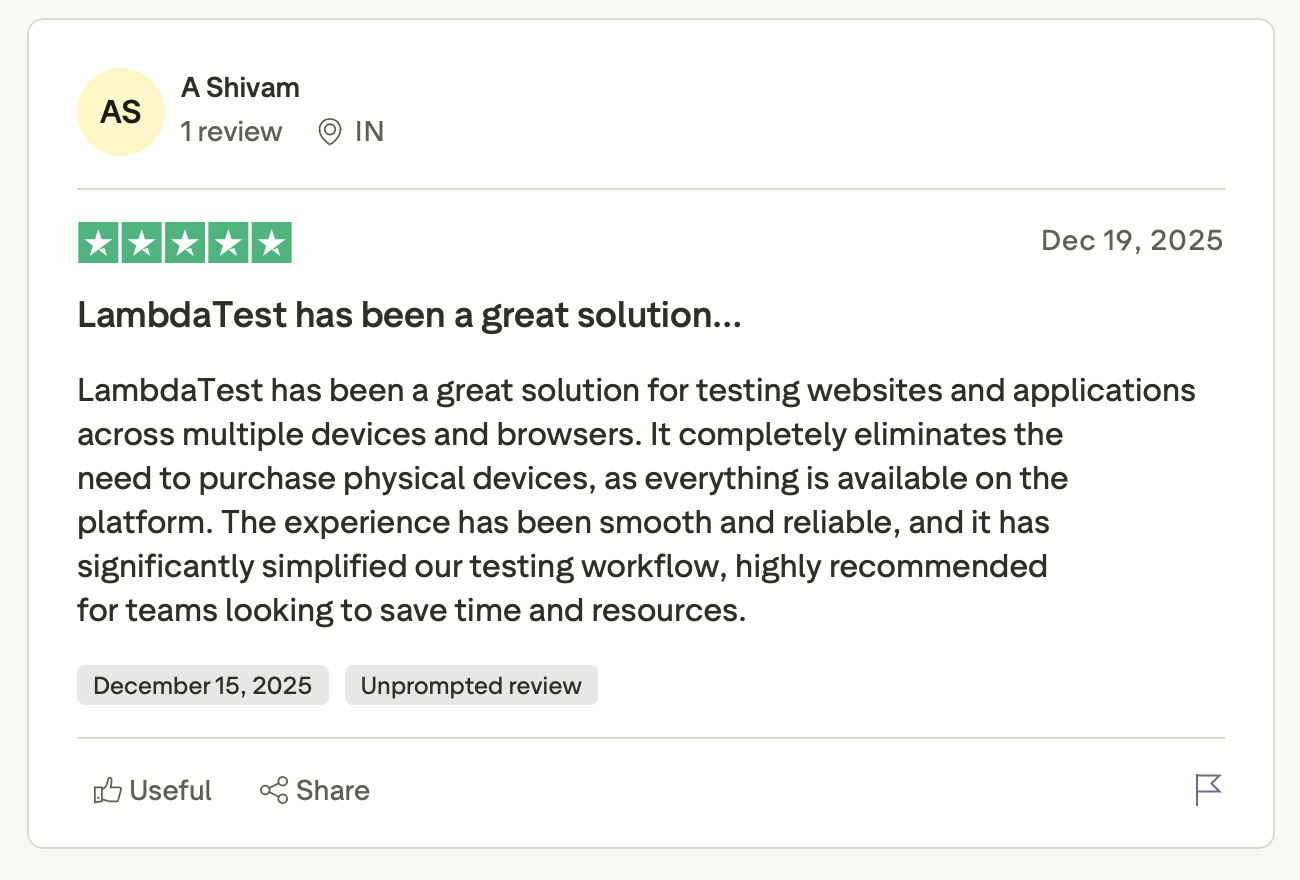
"It completely eliminates the need to purchase physical devices, as everything is available on the platform." — A Shivam, Trustpilot
✅ The CI/CD integration actually works.
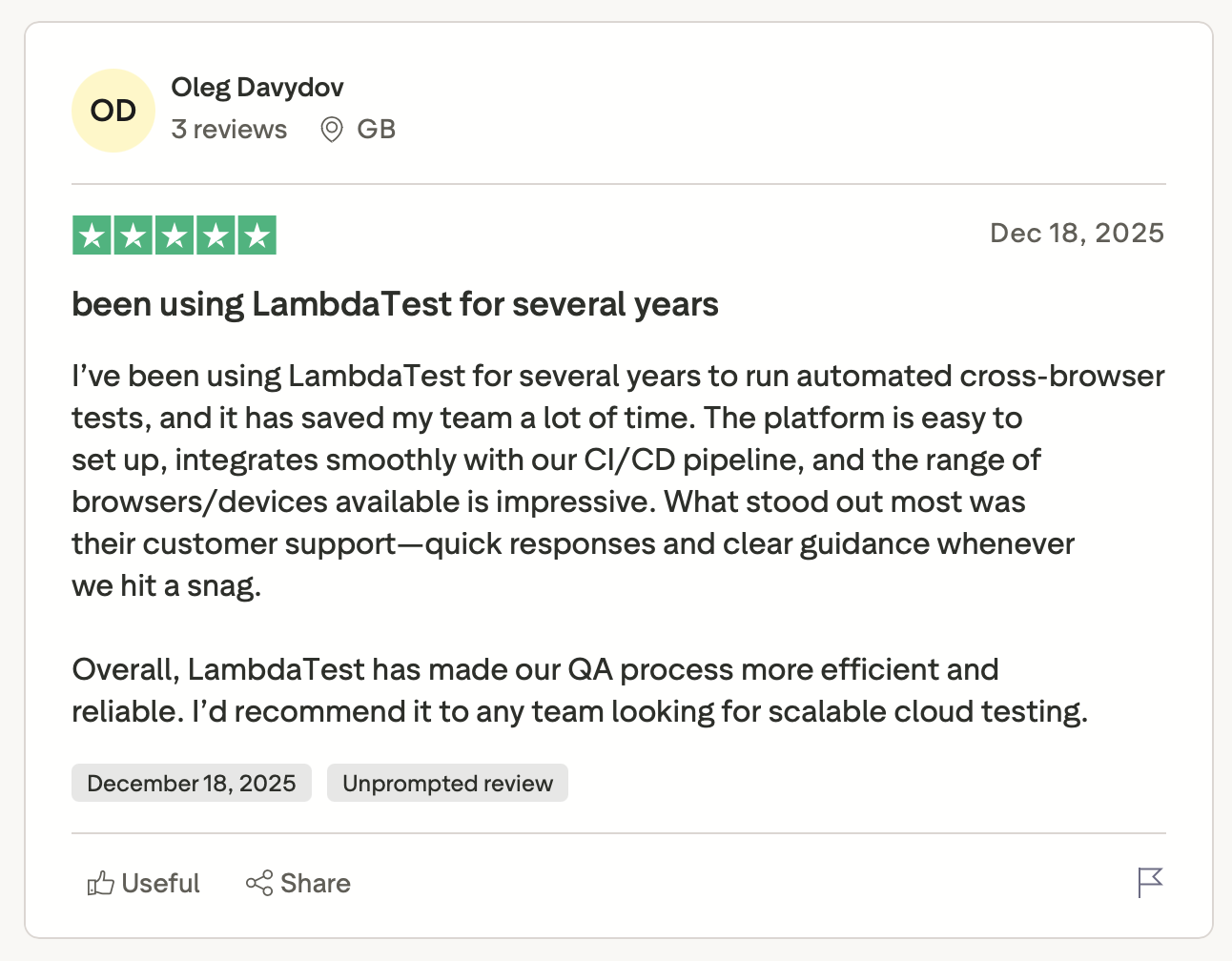
"The platform is easy to set up, integrates smoothly with our CI/CD pipeline, and the range of browsers/devices available is impressive." — Oleg Davydov, Trustpilot
✅ Debugging stops being a time sink.
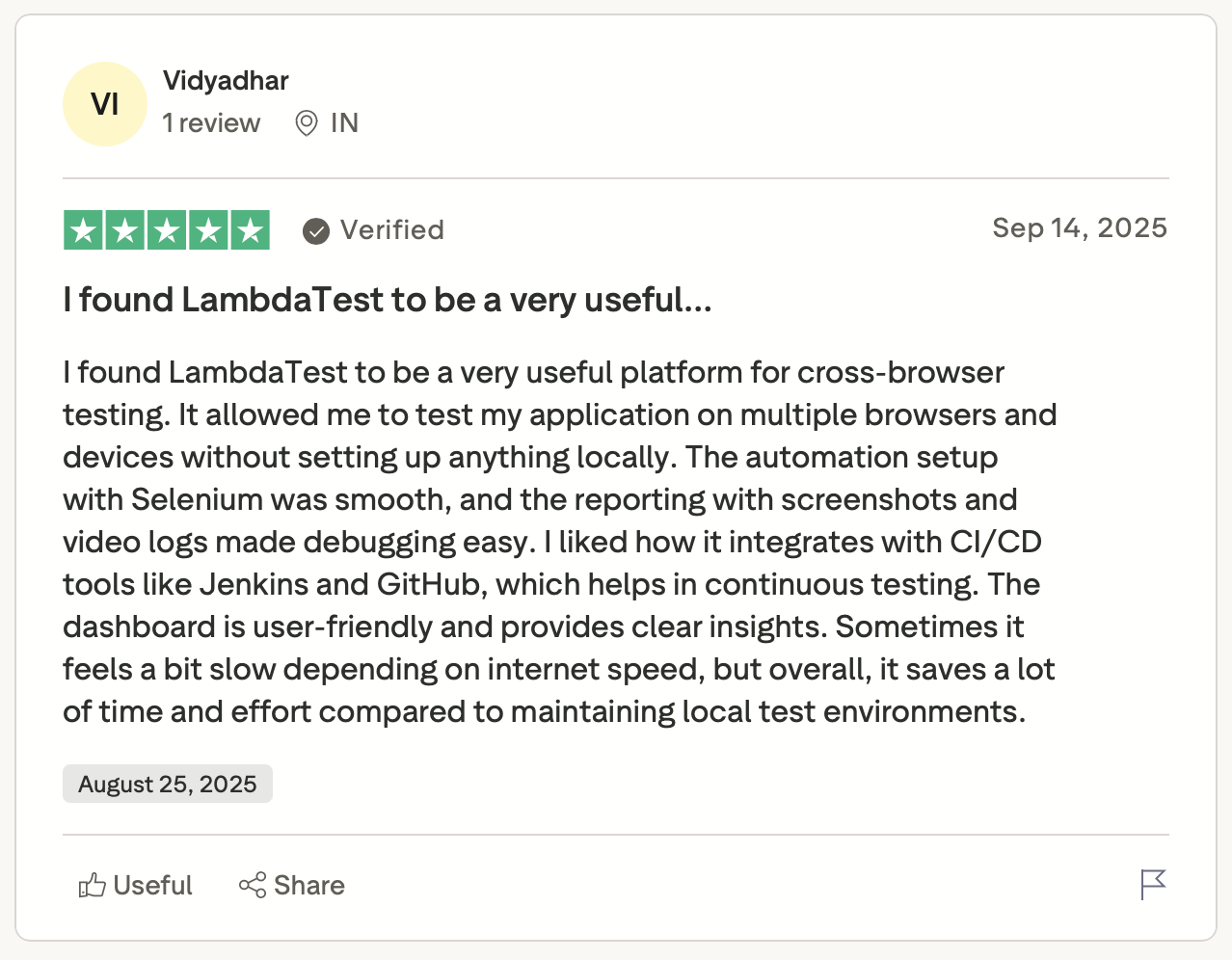
"The reporting with screenshots and video logs made debugging easy." — Vidyadhar, Trustpilot
Cons
❌ Real device availability is a gamble.
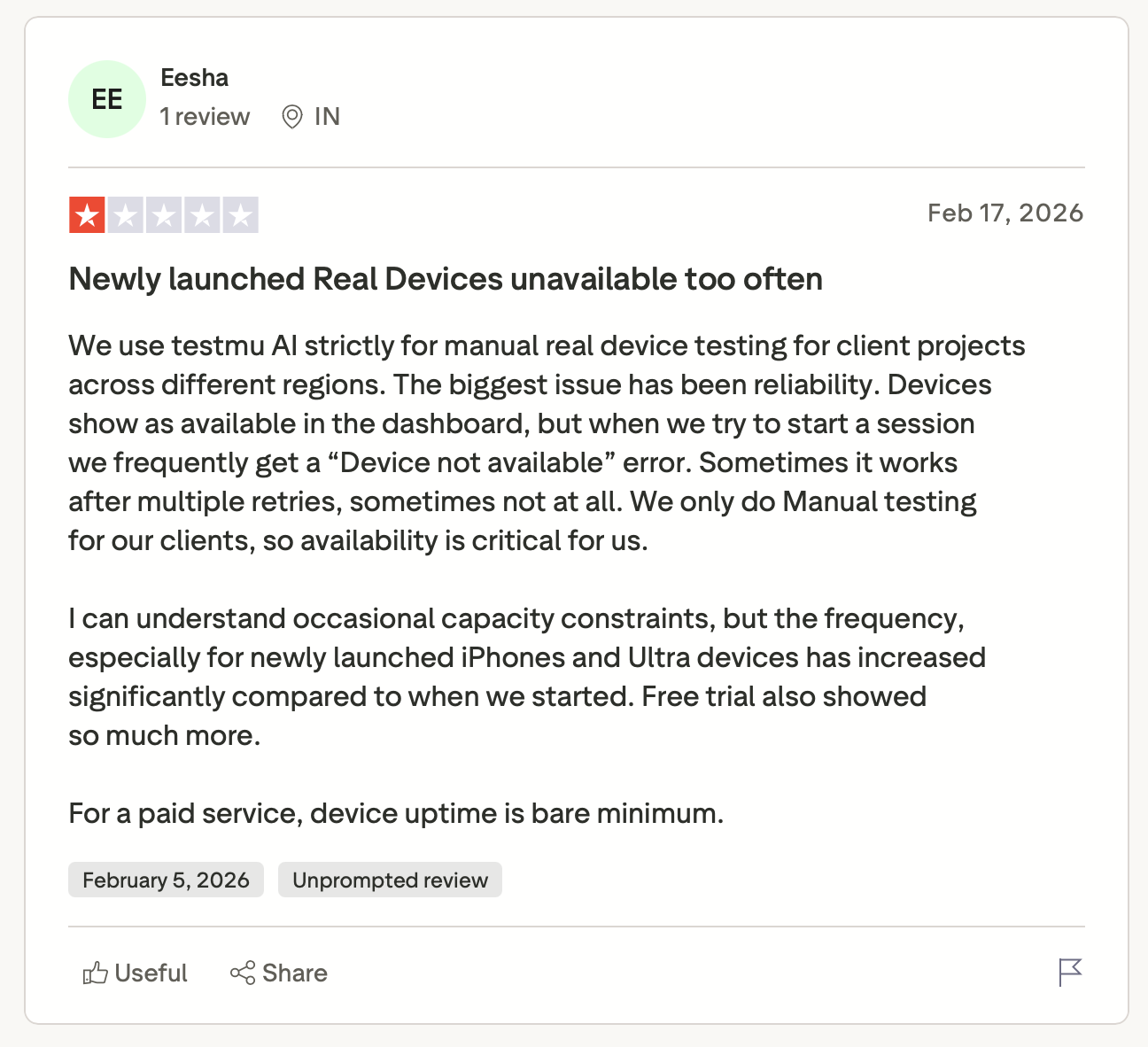
"Devices show as available in the dashboard, but when we try to start a session, we frequently get a 'Device not available' error… For a paid service, device uptime is the bare minimum." — Eesha, Trustpilot
❌ Session lag makes real-device debugging painful.
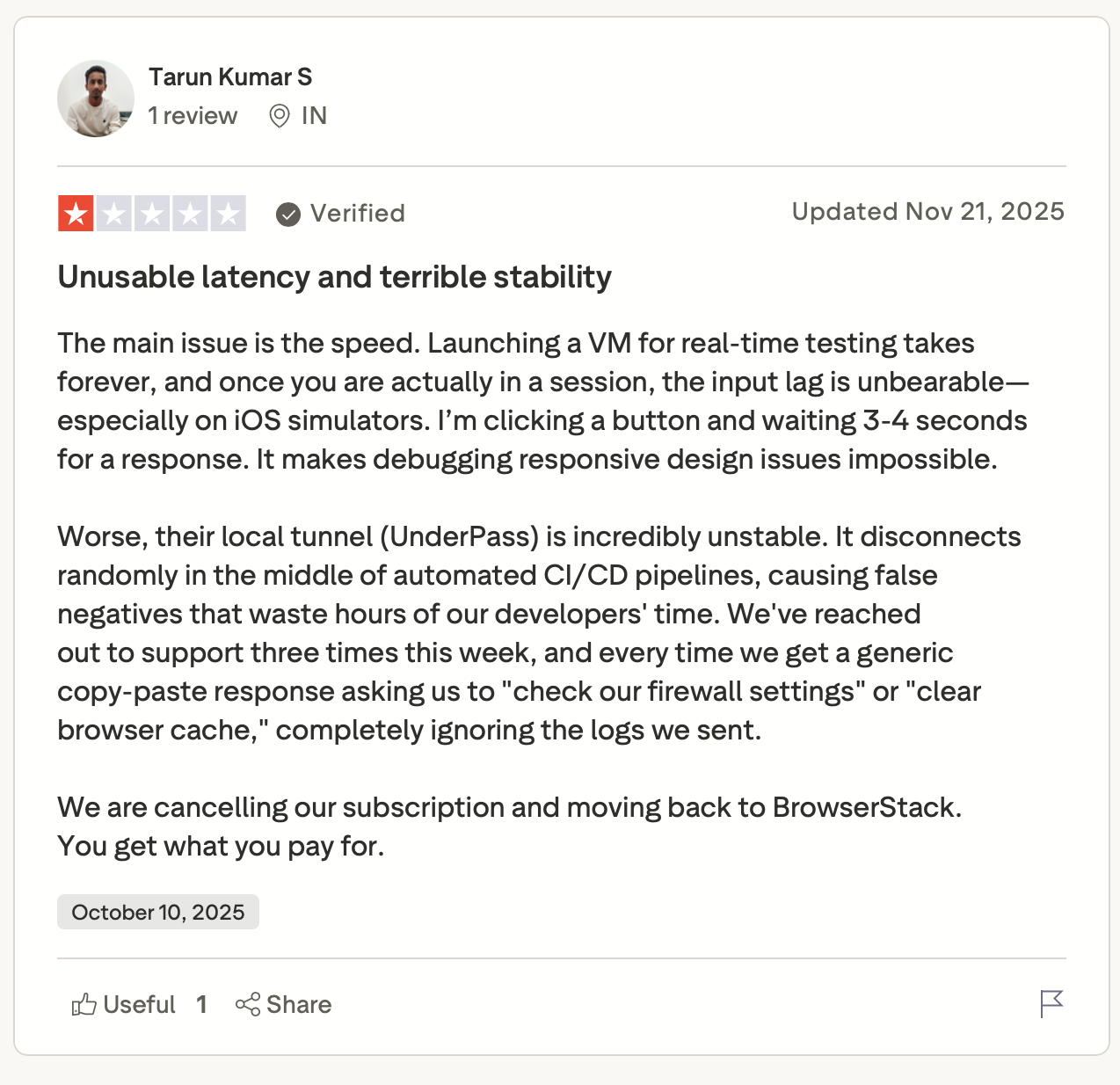
"I'm clicking a button and waiting 3-4 seconds for a response. It makes debugging responsive design issues impossible." — Tarun Kumar S, Trustpilot
❌ Some advertised features simply don't work.
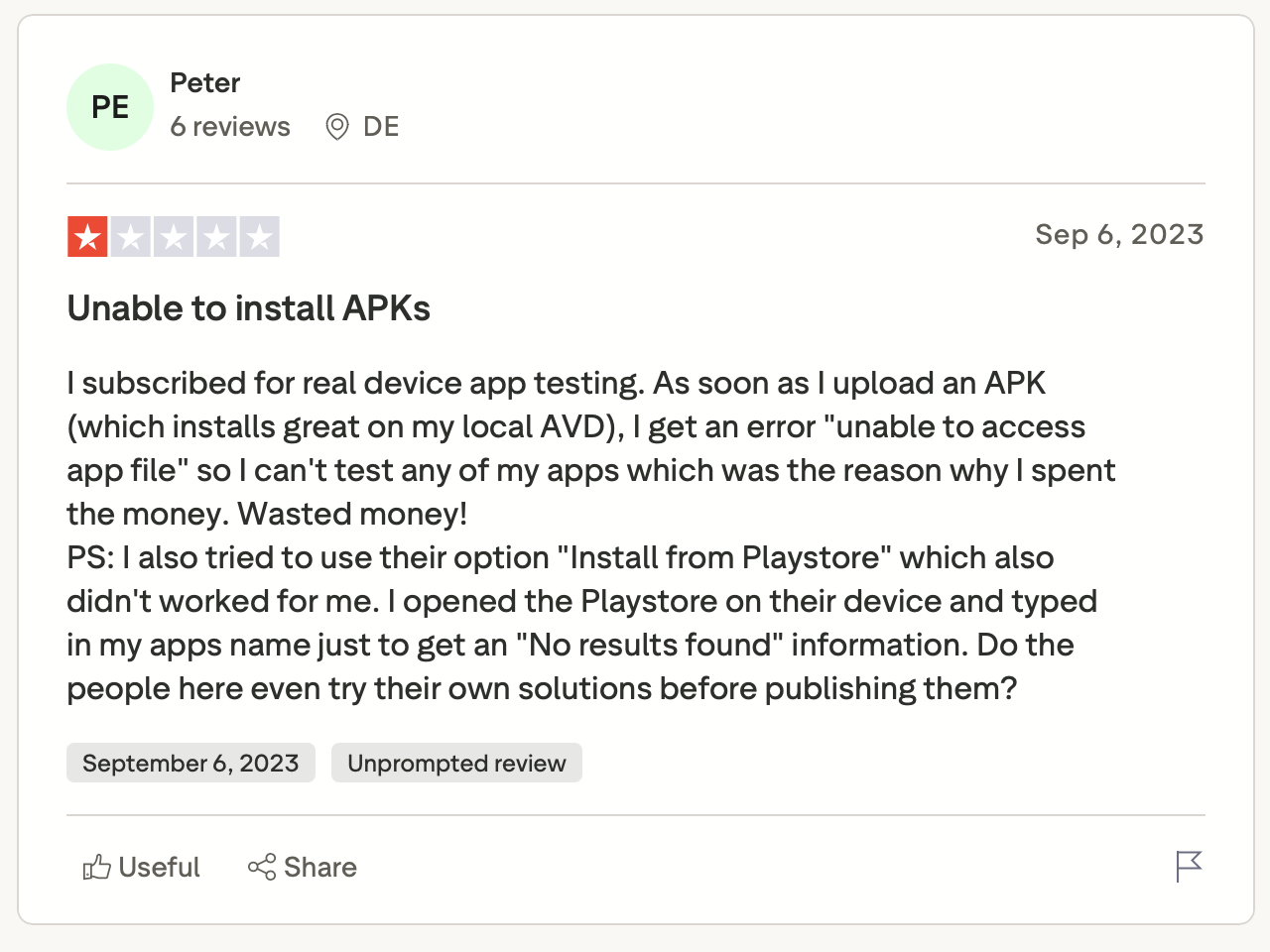
"I subscribed for real device app testing. As soon as I upload an APK (Android app file), I get an error 'unable to access app file...' Wasted money!" — Peter, Trustpilot
My Personal Take on LambdaTest
The scale is real. Parallel execution is fast, and the KaneAI GitHub integration, triggered straight from a PR comment, is one of the more useful AI-native QA features to ship in 2026.
But speed isn't everything. A 3-second input delay on a real device doesn't slow you down. It ends the session. That's a documented complaint with no structural fix in sight.
High-volume regression teams that can tolerate occasional flakiness tend to get real value here. QA engineers doing precise manual testing on real devices for client-facing launches, less so.
Is LambdaTest Right for You?
You'll get value from it if:
- You run high-volume automated regression across many browsers and OS combinations, and coverage breadth matters more than per-session consistency.
- Your team already uses Selenium, Playwright, Cypress, or Appium and wants one grid that handles all of them.
- You're moving toward AI-assisted development with tools like Cursor or GitHub Copilot and want autonomous test execution wired into that workflow via KaneAI.
Look elsewhere if:
- You do release-critical manual testing on specific real devices for global clients. Hardware availability is not guaranteed.
- You need biometric testing (FaceID, TouchID) on emulators. It's not supported.
- You need long-term log retention for compliance without paying enterprise pricing.
- Vendor ethics and billing transparency are hard requirements in your procurement process.
LambdaTest + Cekura: Different Problems, Same Stack
LambdaTest covers browsers, devices, and AI test generation. But if your product includes an AI agent or conversational agent, it has no visibility into how those conversations perform in production.
Cekura fills that gap, running simulations before launch and monitoring calls after. These tools solve different layers of the same QA problem.
Use LambdaTest when you need:
- Cross-browser and actual hardware test infrastructure
- AI-native test authoring with KaneAI across web and mobile
- Visual regression with SmartUI
Use Cekura when you need:
- Pre-production testing:
- Pre-production simulation of your voice and chat agent across scenarios.
- Automated multi-turn red teaming: Stress-test against jailbreaks, bias, and adversarial attacks.
- Custom personas and accents: Test against Cekura's curated caller library or build your own with specific accents and background noise.
- A/B testing: Compare multiple versions of your agent against the same call scenarios and review results in one place.
- Release management:
- QA runs in your CI/CD pipeline, triggered on prompt changes.
- Cron job scheduling: Run tests on a recurring schedule to catch silent regressions between deployments.
- Predefined and custom metrics: Built-in latency, instruction-following, and tool-call tracking, plus fully customizable LLM judges.
- Production monitoring:
- Observability and alerts: Real-time monitoring with Slack alerts for latency spikes and quality drops, so you find out before your callers do.
- Customer satisfaction metrics: Track CSAT and drop-off points to find where your agent loses callers.
- Platform integrations:
Use both if your product ships web or mobile features alongside a voice or chat layer. Together, they cover the full stack.
Browser testing and conversational QA solve fundamentally different problems. Request a demo to see how Cekura can help your team recognize that distinction early, ship faster, and break less.
Final Verdict
After going through LambdaTest test infrastructure reviews, the story is consistent: strong on speed and coverage, inconsistent on real-device precision.
The platform is a solid, high-volume, cross-browser automation grid if coverage and speed are your main criteria.
If your product also includes a voice or chat conversational layer, LambdaTest won't cover it. That's where Cekura picks up.
Frequently Asked Questions
Is LambdaTest the Same as TestMu AI?
Yes. In early 2026, LambdaTest rebranded to TestMu AI to signal its shift toward agentic AI testing. The infrastructure, pricing, and team are the same. The name changed, the product evolved.
Is LambdaTest Good for Cross-Browser Testing?
Yes, LambdaTest offers access to 3,000+ browser and OS combinations without maintaining local environments. It performs best for high-volume automated regression. Live interactive sessions can lag on iOS simulators and during peak hours.
How Does LambdaTest Compare to BrowserStack?
The main difference is price vs. reliability. LambdaTest costs less with a comparable device catalog. BrowserStack charges more but has a stronger track record for real-device uptime and enterprise support.
How Much Does Lambdatest Cost in 2026?
Pricing is modular across six products, ranging from $19/month for Live Testing to $269/month for Smart UI. Every module has a free tier. Annual billing cuts up to 20% off. Enterprise plans require a sales conversation.
Is Kaneai Production-Ready?
Yes, the GitHub App that triggers full test cycles from a pull request comment launched in April 2026. Early adopters report real gains in test-authoring speed, though edge cases may still need manual refinement.