
Not all best-rated AI virtual receptionist voice tools, AI answering services, or 24/7 AI receptionist platforms deliver under pressure. Here are the ones that held up after real call testing in 2026, with honest pricing and limitations.
Spoiler alert: Fewer hold up when an actual customer calls at 11 pm with a question nobody anticipated.
9 Best-Rated AI Virtual Receptionist Voice Tools: Quick Comparison
Here's how the best AI receptionist tools stack up before we get into the details. AI receptionists sit inside a broader category, and our page on what is an intelligent virtual agent defines it and names four metrics to track.
| 💻 Tool | ⚡ Best For | 💰 Starting Price | 🎯 Standout Feature |
|---|---|---|---|
| RingCentral AI Receptionist | Scaling call coverage without adding staff | $59/month | Mid-call language switching across six languages |
| Rosie AI | Local businesses that can't miss a call | $49/month | Trains from your website in minutes |
| Smith.ai | Professional services with human backup | $95/month | AI-to-human handoff callers never notice |
| My AI Front Desk | Small teams that need everything in one place | Free / $99/month | Full feature set on the free tier |
| Aircall | Sales teams with heavy CRM dependency | $30/user/month | Plugs directly into existing Aircall numbers |
| Emitrr | Small healthcare practices | $42/month | Purpose-built for medical practices |
| Slang.ai | Restaurant groups managing reservation calls | $399/location/month | Trained exclusively on restaurant calls |
| JustCall | Revenue teams living inside their CRM | $29/user/month | 80+ native CRM connectors |
| AnswerConnect | Businesses that need a real person on every call | $350/month | 99% of calls answered within 1-4 rings |
How I Researched and Tested These AI Receptionist Tools
I tested each service using free trials, live demo calls, and direct product access. For services without a free plan, I reviewed official documentation and confirmed pricing directly from each vendor's pricing page.
What I tested each service on:
- Voice quality, barge-in handling, and latency: Whether the AI sounded natural and handled interruptions without cutting the caller off, as well as responded fast enough that callers didn't notice they were talking to an AI.
- Setup friction: How long it took to go from signup to a live agent, and how much technical knowledge it takes.
- Off-script handling: How each service performed when a caller asked something unexpected or changed their request mid-conversation.
- Integration depth: Whether it connects to calendars and CRMs without extra configuration.
- Pricing transparency: Whether the monthly cost was clear from the start, including overages and plan limitations.
- Post-deploy monitoring: Whether call performance can be tracked automatically after launch, without listening to each call yourself.
I also used Cekura to run simulated calls across scenarios where callers go off-script or ask something unexpected before go-live, and to monitor live call performance after deployment. That combination is how I caught the gaps that only show up when real callers start pushing the agent.
1. RingCentral AI Receptionist: Best for Scaling Call Coverage Without Adding Staff
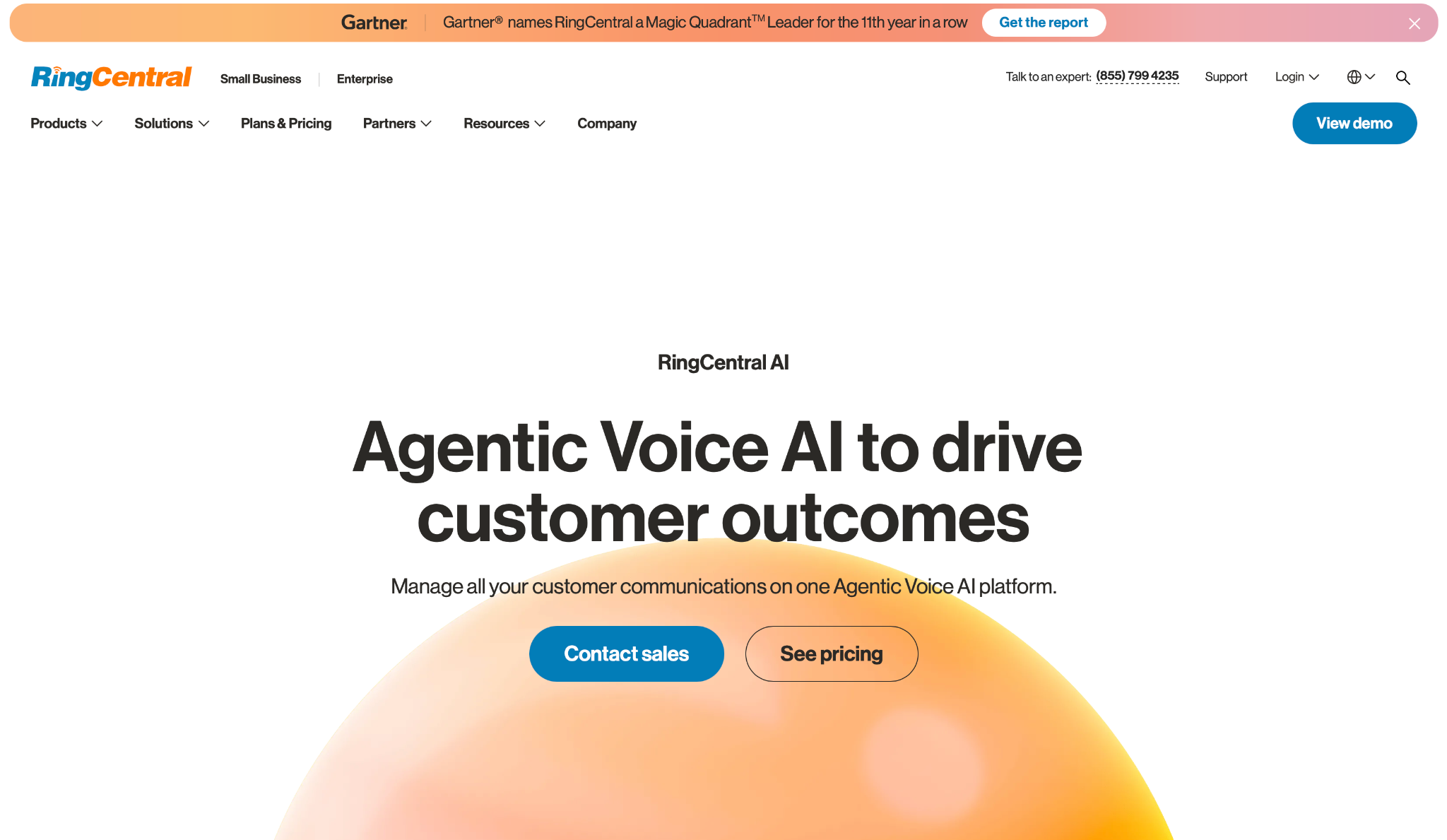
What it does: RingCentral answers, routes, and manages inbound calls 24/7 using natural language AI, no IVR menus, no IT setup required.
Best for: High-volume businesses handling calls across multiple languages.
Setup took under fifteen minutes. Point it at your website or a FAQ doc, and you're live. The mid-call language switching was the first thing that caught my attention. A caller starts in English, shifts to Spanish midway through, and the AI keeps up without asking them to repeat themselves.
The pricing is where things get messy. Minutes run out, overages kick in, and by the end of the month, the bill looks nothing like what you budgeted. That unpredictability is the main reason businesses on tight margins look elsewhere.
Key Features
- Natural Language Call Routing: Callers say what they need. Routes by name, department, or keyword and sends a summary before the transfer lands.
- Lead Capture and CRM Sync: Collects name, number, and intent, then logs it to Salesforce, HubSpot, or Zoho.
- Appointment Scheduling: Books and reschedules via Google or Outlook and texts confirmation to callers.
- Multilingual Support: Six languages, automatic mid-call switching, nothing to configure.
- Off-hours and Spam Handling: Filters robocalls and picks up outside business hours so calls don't go to voicemail.
Pros and Cons
Pros:
✅ Already on RingCentral? Numbers, extensions, and routing sync with no migration work
✅ Six languages with mid-call switching and zero extra setup
✅ Lead capture and CRM logging happen automatically after every call
Cons:
❌ Minute-based pricing gets expensive fast if your call volume spikes
❌ No industry-specific training included, so niche workflows need outside tools
❌ The best ways to manage costs are not in the docs, so you end up finding them on Reddit
What Users Say
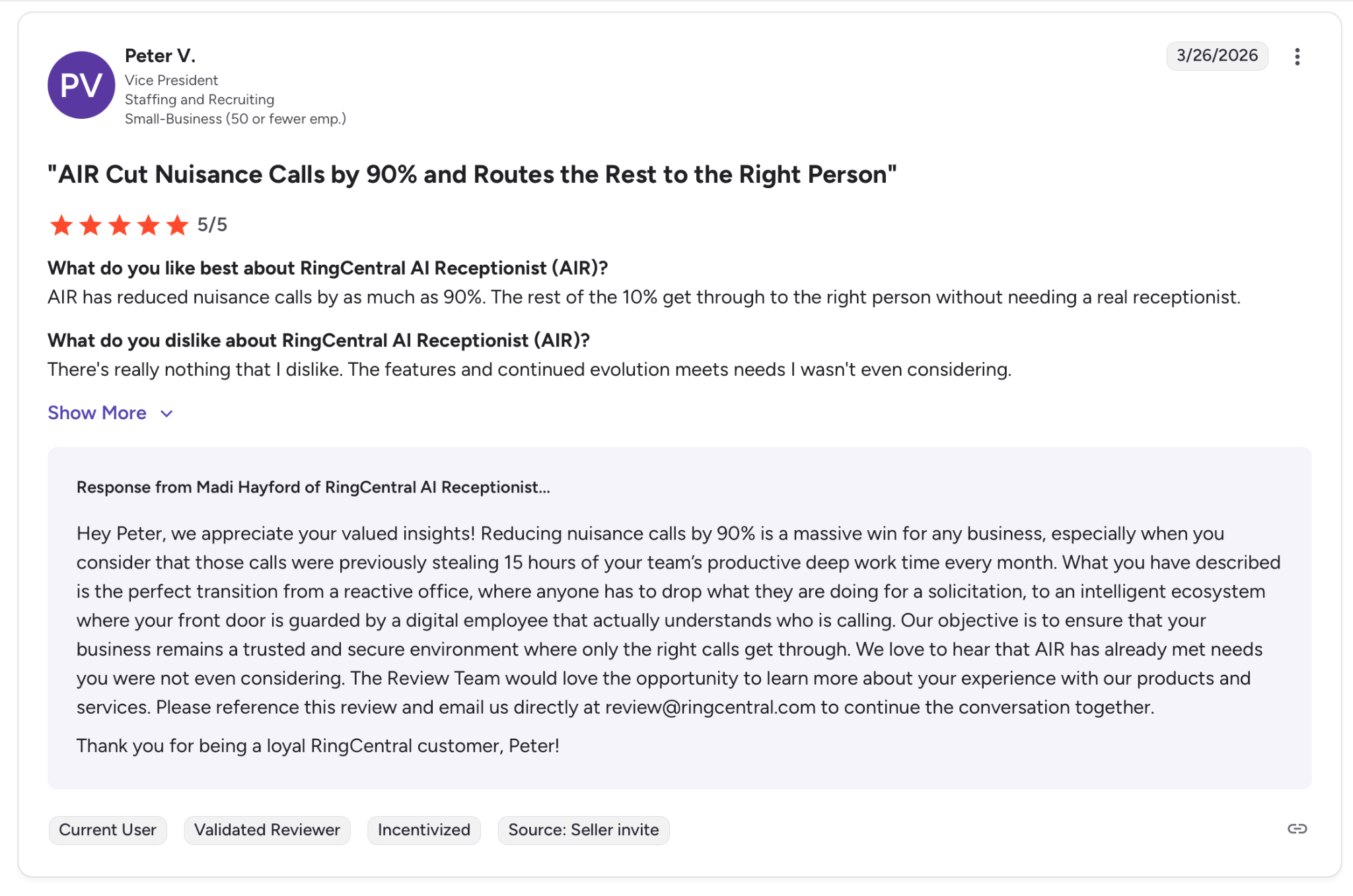
"AIR has reduced nuisance calls by as much as 90%. The rest of the 10% get through to the right person without needing a real receptionist." — Peter V, G2
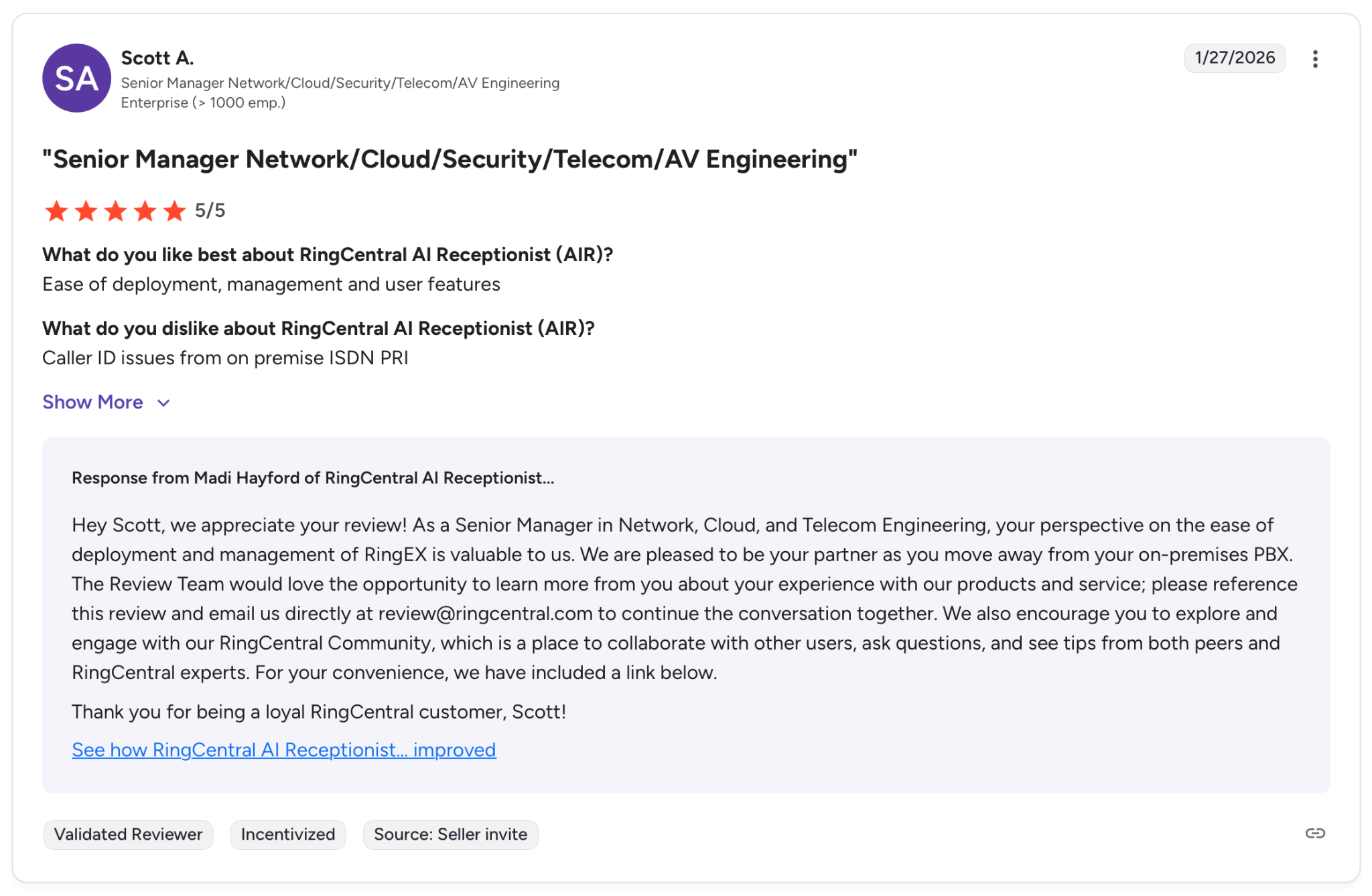
"Caller ID issues from on premise ISDN PRI." — Scott A., G2
Pricing
The Standalone plan adds AI Receptionist to any business phone, starting at $59/month for 100 minutes. The RingEX bundle includes AI Receptionist plus RingCentral's business phone, starting at $39/month plus $30/month for the Core Plan. The RingEX bundle includes a free trial.
Bottom Line
If you're already on RingCentral, this is a straightforward add-on. The setup is fast, and the routing works well at volume. But if you're coming in cold or your call volume is hard to predict, the per-minute model will cause headaches before it solves them.
2. Rosie AI: Best for Local Businesses That Can't Afford to Miss a Call
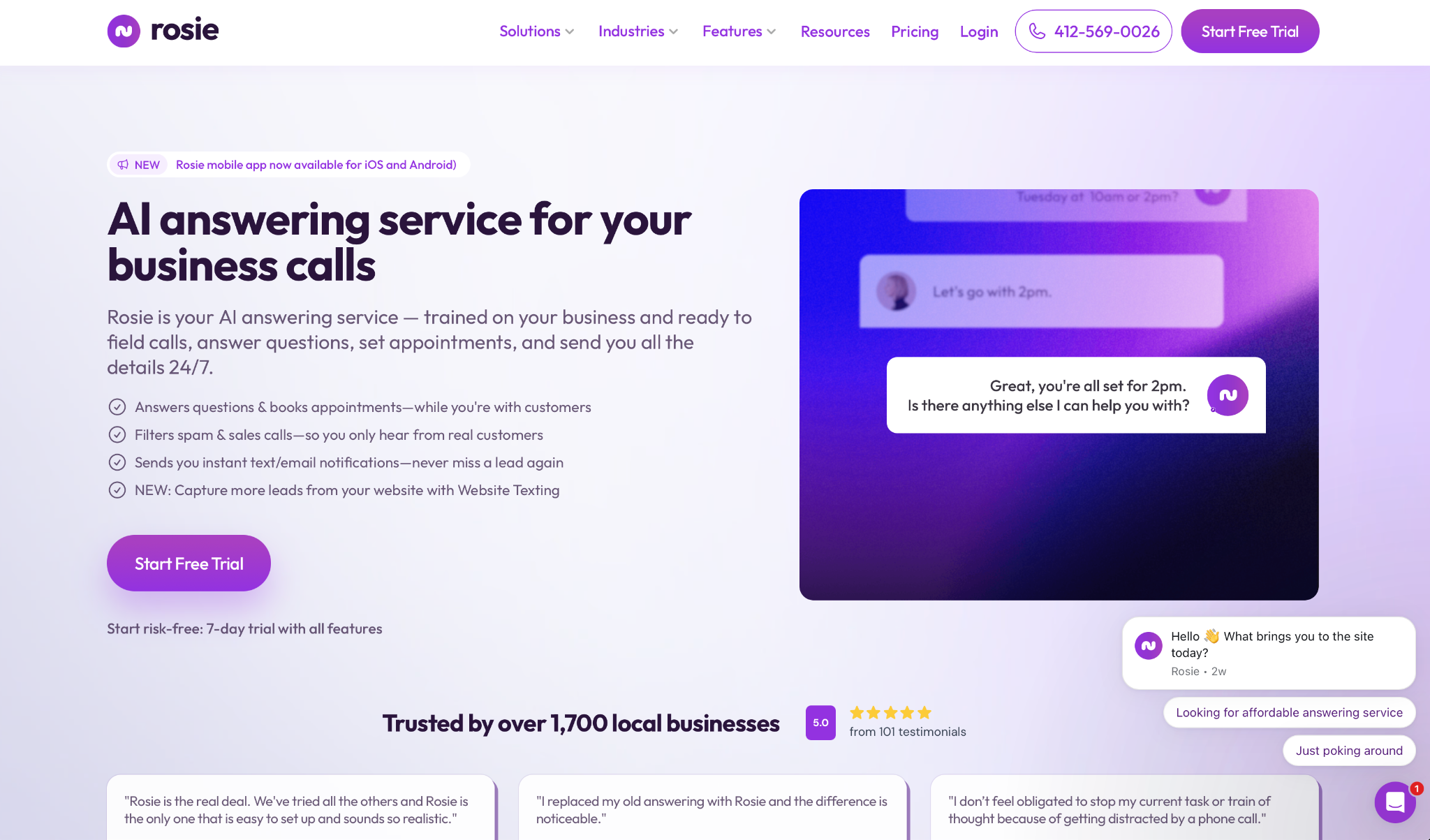
What it does: Rosie answers inbound calls 24/7, books appointments, and sends call summaries, trained directly from your website or Google Business Profile.
Best for: Small local businesses like cleaning services, salons, and transportation companies that lose leads when no one picks up.
Rosie was live in under ten minutes. Point it at your Google Business Profile, and it already knows your hours, services, and location before the first call comes in.
Plus, the voice sounds natural enough that several business owners reported their industry colleagues called and had no idea they were talking to an AI.
That said, the base plan only covers the essentials. Call transfers and appointment booking require upgrading to the next tier.
Key Features
- Automatic Business Training: Scans your website or Google Business Profile and learns what it needs to know about your business without any manual scripting.
- 24/7 Call Handling with Spam Filtering: Picks up every call around the clock and blocks robocalls and sales calls before they reach you.
- Appointment Scheduling: Checks your availability and books directly into Google Calendar, Calendly, Acuity, or Appointlet during the call.
- Bilingual Support: Handles calls in English and Spanish on every plan, with automatic language detection.
- Call Summaries and Transcripts: Sends a full summary and transcript after every call, by email or SMS.
Pros and Cons
Pros:
✅ Setup takes minutes with no technical knowledge required, just a website or Google profile
✅ Bilingual support included on every plan, not locked behind a higher tier
✅ Pricing is fully public and predictable, with minutes included at each level
Cons:
❌ Call transfers are disabled in after-hours-only mode, so callers can't reach a live person when the office is closed
❌ Appointment booking and call transfers require upgrading to the Scale plan
❌ No native CRM integration with Salesforce or HubSpot; Zapier is the only bridge
What Users Say

"We use Rosie AI. It takes the call, sounds human, and gets the info into our calendar. Customers don't even realize it's not a person half the time." — Verified User, Reddit

"I can swear by Rosie AI." — Verified User, Reddit
Pricing
Plans start at $49/month for basic call handling, $149/month to unlock appointment booking and call transfers, and $299/month for businesses that need to upload more detailed business documentation. High-volume and multi-location businesses can contact sales for custom pricing.
All plans also include a 7-day free trial.
Bottom Line
Rosie is the right fit for small local businesses that need calls answered and appointments booked without any technical setup. If your business relies on after-hours call transfers or needs a direct CRM connection, you'll hit its limits quickly.
3. Smith.ai: Best for Professional Services With Human Backup
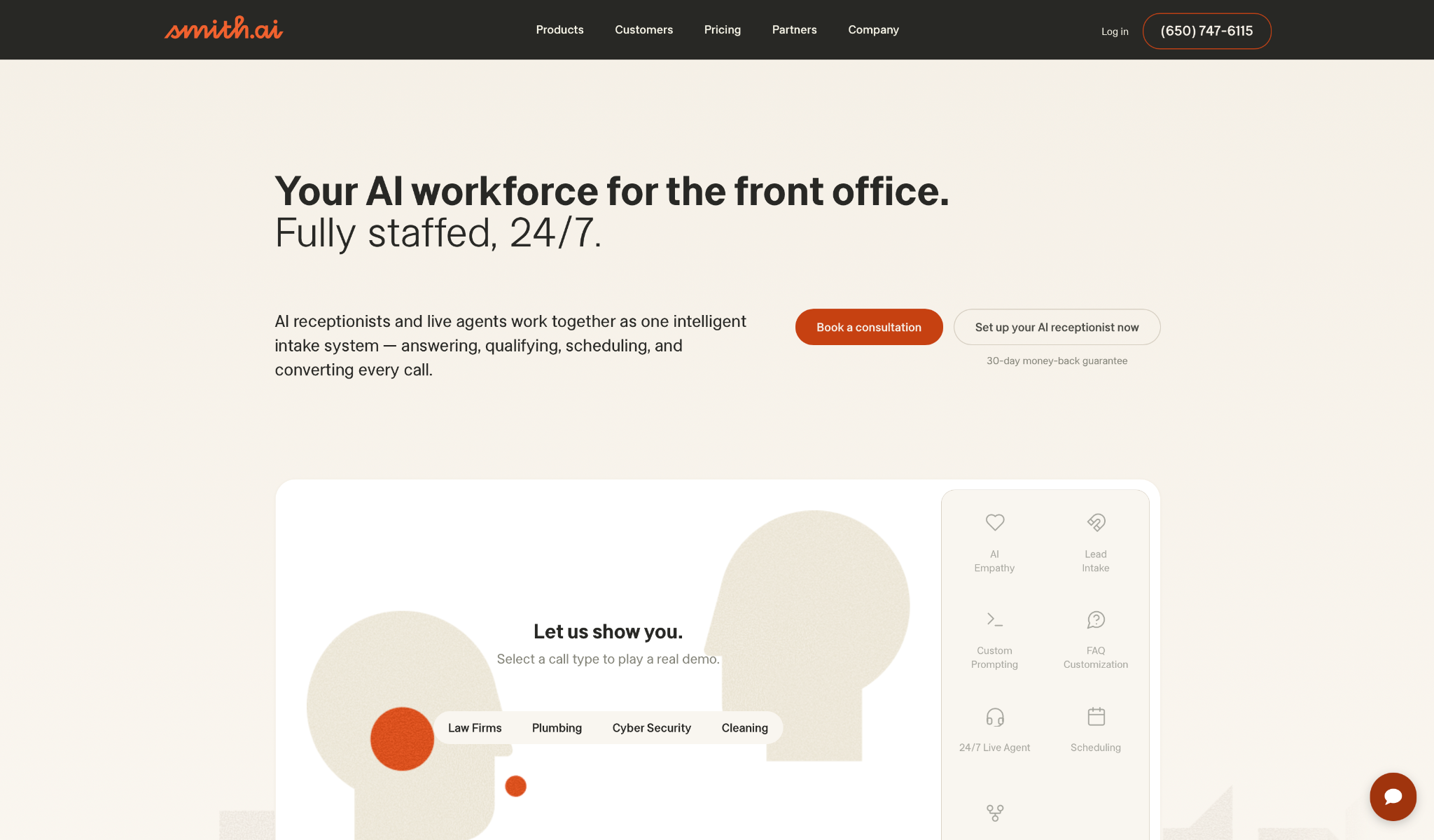
What it does: Smith.ai combines AI call handling with a network of live agents who step in when a conversation needs a human touch, available 24/7.
Best for: Law firms, medical practices, and professional services businesses where a fumbled call directly affects client trust.
Smith.ai was the only service in this list where I had to check the transcript to confirm a handoff had happened. The AI handles intake, qualifies the caller, and transfers seamlessly when the conversation gets too sensitive for automation. For professional services, that reliability is what you're actually paying for.
But read the pricing details carefully. Monthly plans carry a steep overage rate, which makes the annual commitment the only option that actually makes sense.
Key Features
- AI Intake with Conditional Logic: Asks up to 10 custom questions per call and captures the right details as the conversation unfolds.
- Lead Qualification Workflows: Builds separate call flows for different practice areas or service types, so only qualified leads reach your team.
- Live Agent Escalation: Routes complex or sensitive calls to one of 500+ North American agents, 24/7, without putting the caller on hold.
- CRM and Calendar Sync: Automatically logs every call to HubSpot, Salesforce, Clio, and others the moment the call ends.
- Call Recording and Summaries: Every conversation is recorded, transcribed, and summarized after each call.
Pros and Cons
Pros:
✅ The AI-to-human handoff is smooth enough that most callers never notice the transition
✅ Annual plans have no overage charges and no unused call expiration
✅ Native integrations with legal and healthcare tools like Clio and MyCase, not just generic CRMs
Cons:
❌ Spam filters occasionally block legitimate calls, and fixing it requires manual adjustments that don't always hold
❌ Monthly plans carry a per-call overage rate that adds up fast during high-volume periods
❌ During a spam surge, support recommended upgrading to a higher tier rather than resolving the issue directly
What Users Say
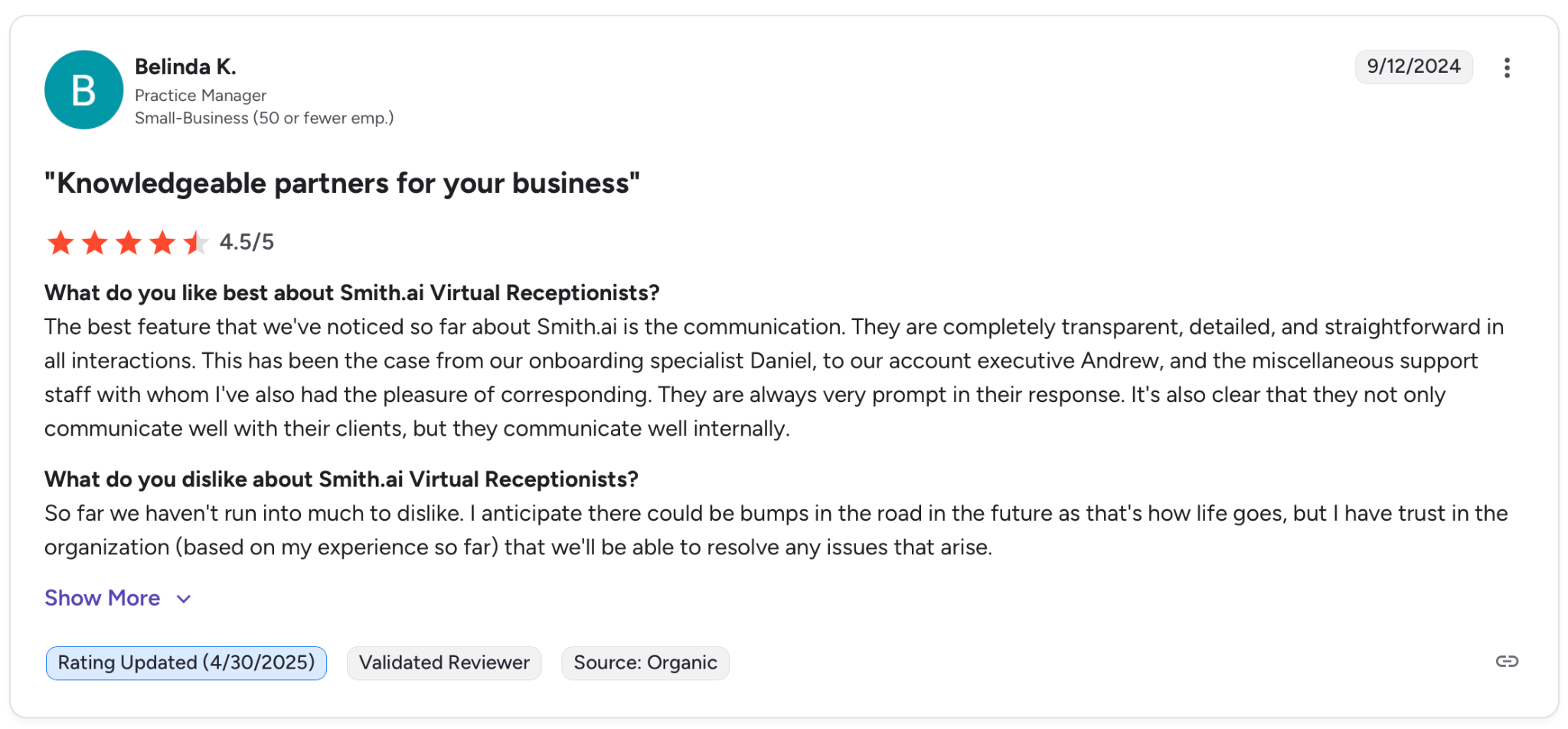
"The best feature that we've noticed so far about Smith.ai is the communication." — Belinda K., G2
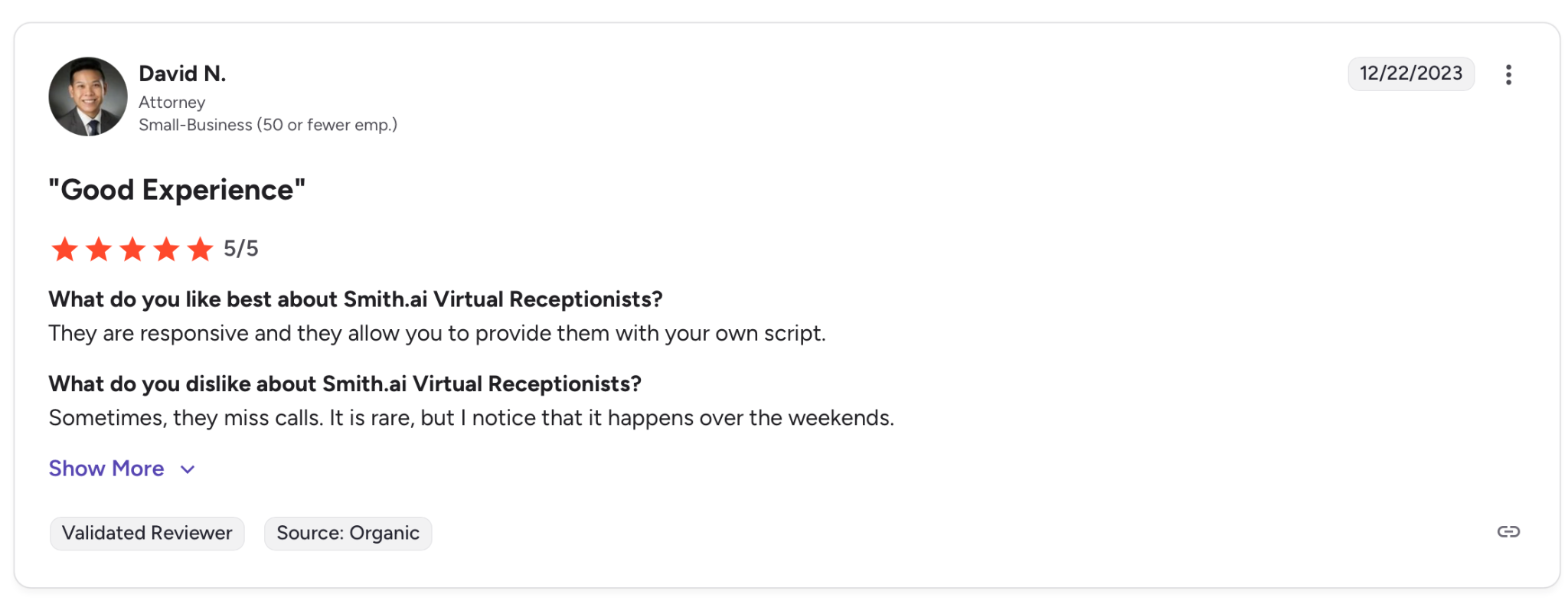
"Sometimes, they miss calls. It is rare, but I notice that it happens over the weekends." — David N., G2
Pricing
The self-service month-to-month plan is designed for simple call flows, starting at $95/month. The annual plan includes custom integrations, a dedicated support manager, and no overage charges, starting at $500/month (billed annually).
Both plans include a 30-day money-back guarantee.
Bottom Line
Smith.ai is the right fit for professional services businesses where losing a client over a bad call is a real cost. If you're on the monthly plan and call volume spikes unexpectedly, the overage costs will hurt before support does anything about it.
4. My AI Front Desk: Best for Small Teams That Need Everything in One Place
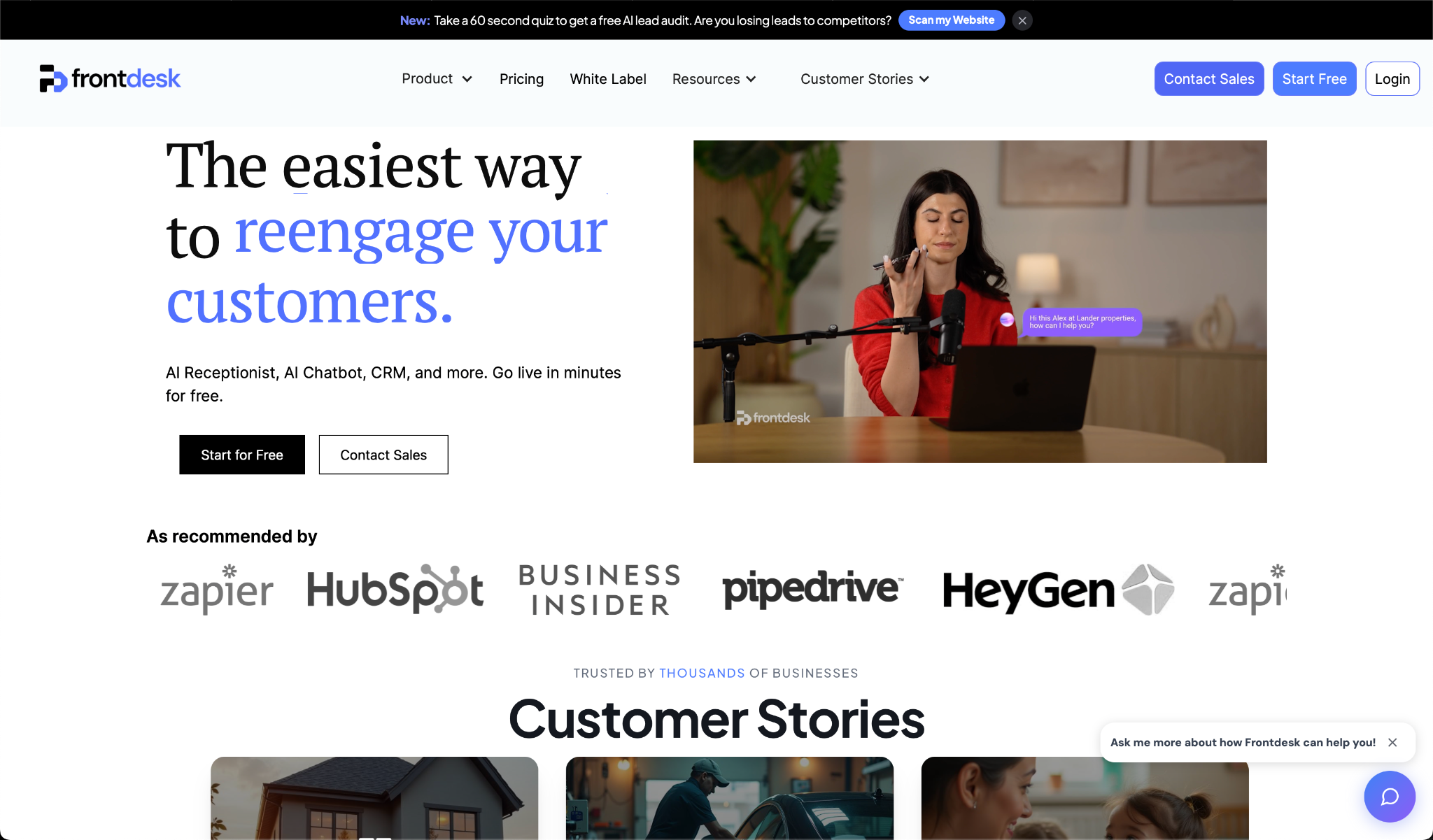
What it does: My AI Front Desk handles inbound calls, texts, and web chat from a single platform, with appointment scheduling and lead capture built in.
Best for: Solopreneurs and small teams managing routine calls who want one tool instead of five.
Setup is fast enough that you're live the same day. No developer, no configuration calls, no waiting period. The free tier includes the full feature set, so you can test it with real calls before deciding.
The tradeoff shows up when calls go off-script. Complex questions or anything outside the trained flow can cause the AI to capture partial information or lose track of what the caller actually needs.
Key Features
- AI Phone Receptionist: Answers calls 24/7 with a natural voice and handles FAQs, intake, and basic questions based on your business information.
- Multi-Channel Lead Capture: Manages voice calls, SMS replies, and a website chatbot from the same dashboard.
- Appointment Scheduling: Texts custom booking links during or after calls and automatically syncs with your calendar.
- Analytics Dashboard: Shows call transcripts, text history, and voicemails in one place, with the option to export caller numbers.
- Enterprise Escalation: Routes complex or high-risk calls to a supervisor in real time.
Pros and Cons
Pros:
✅ Free tier includes the full feature set, so you can test it with real calls before committing
✅ Ready to take calls the same day you sign up, no technical setup required
✅ Handles voice, SMS, and web chat from one platform without juggling separate tools for each channel
Cons:
❌ Struggles with complex or off-script conversations, often capturing incomplete information
❌ No human backup on base plans, so calls that need a live person hit a dead end
❌ Low count of verified reviews across G2, Capterra, and Trustpilot combined, making reliability hard to assess independently
What Users Say
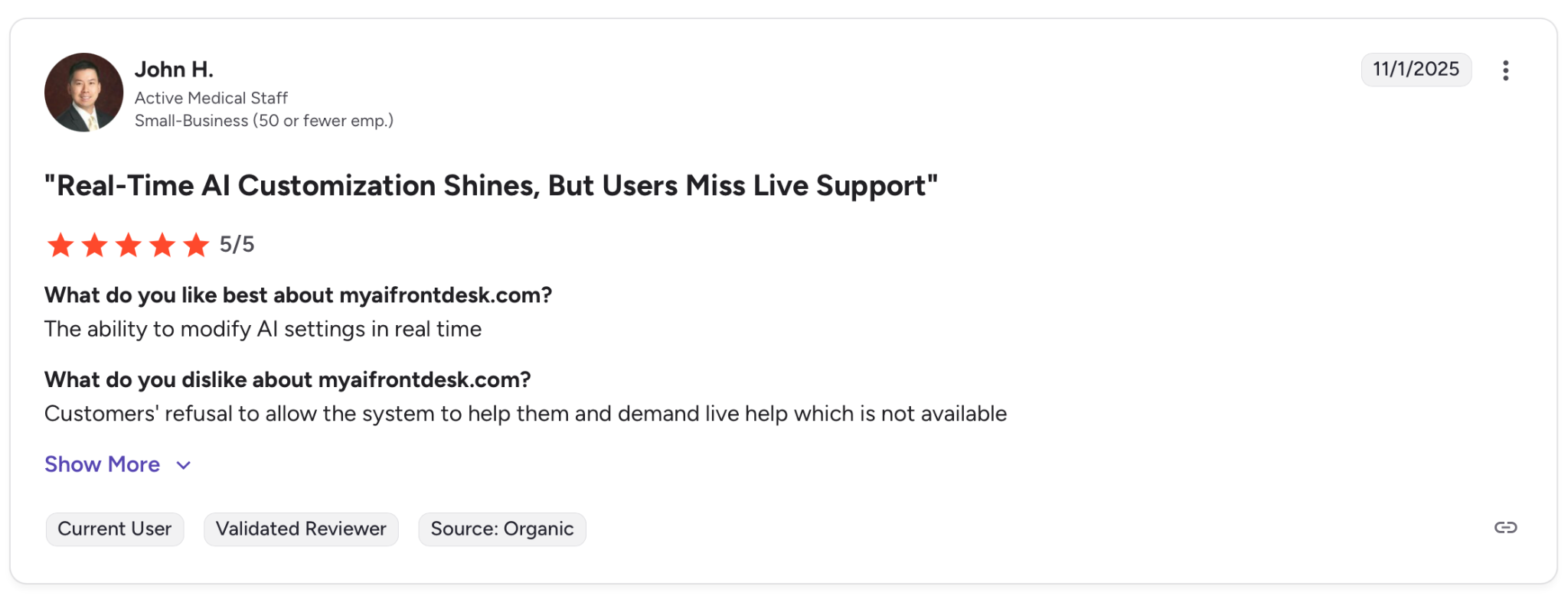
"The ability to modify AI settings in real time." — John H., G2
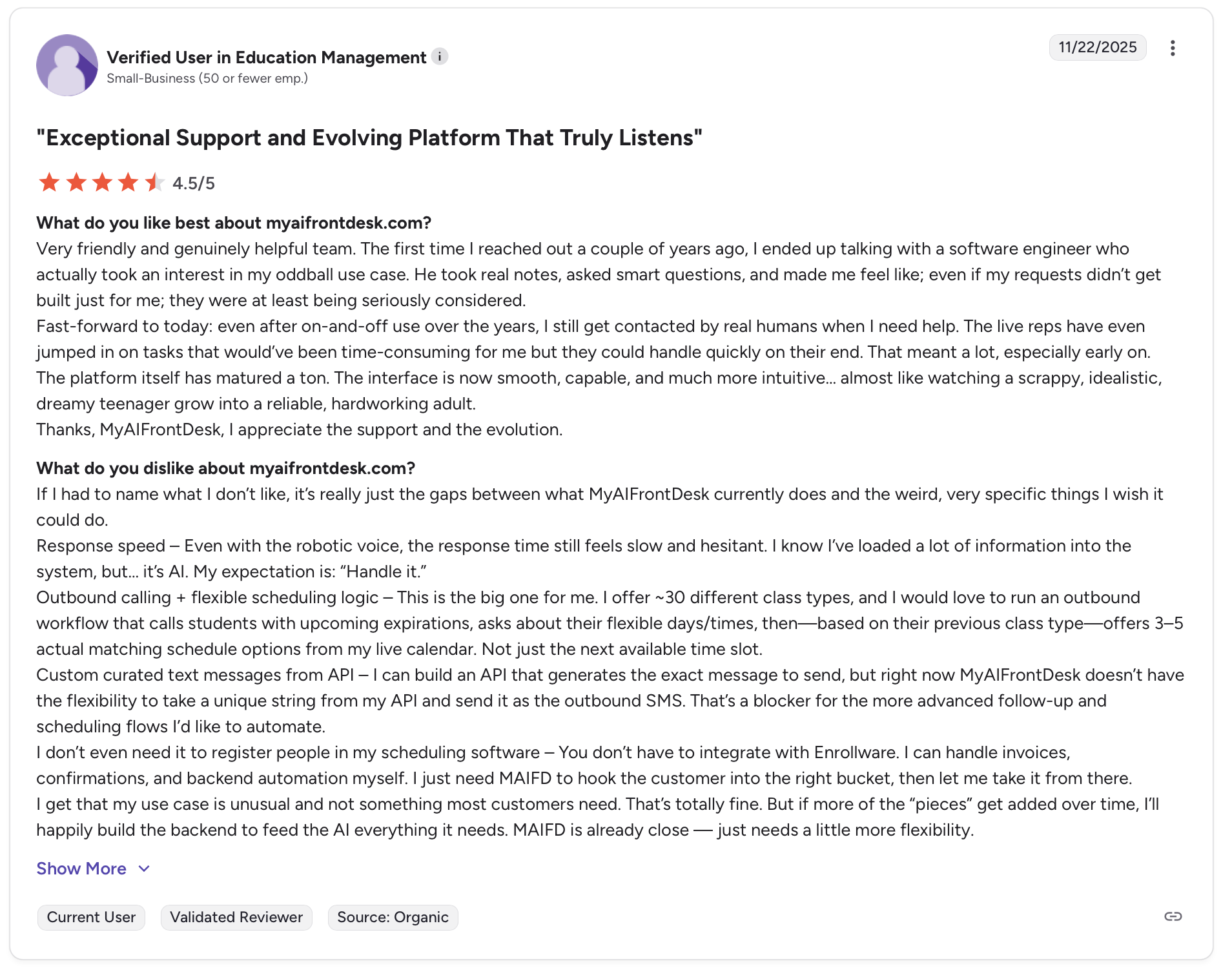
"If I had to name what I don't like, it's really just the gaps between what MyAIFrontDesk currently does and the weird, very specific things I wish it could do." — Verified User, G2
Pricing
The free plan includes 20 voice minutes and core features, no credit card needed. The Basic plan adds 200 voice minutes and SMS, starting at $99/month or $79/month billed annually. The Growth plan unlocks integrations and advanced analytics, starting at $149/month or $119/month billed annually. Enterprise pricing is custom.
Bottom Line
My AI Front Desk is worth trying if your calls follow a predictable pattern and you want to test AI answering without paying first. If your callers tend to go off-script or a live fallback matters, the gaps in the base plans will show up fast.
5. Aircall: Best for Sales and Support Teams With Heavy CRM Dependency
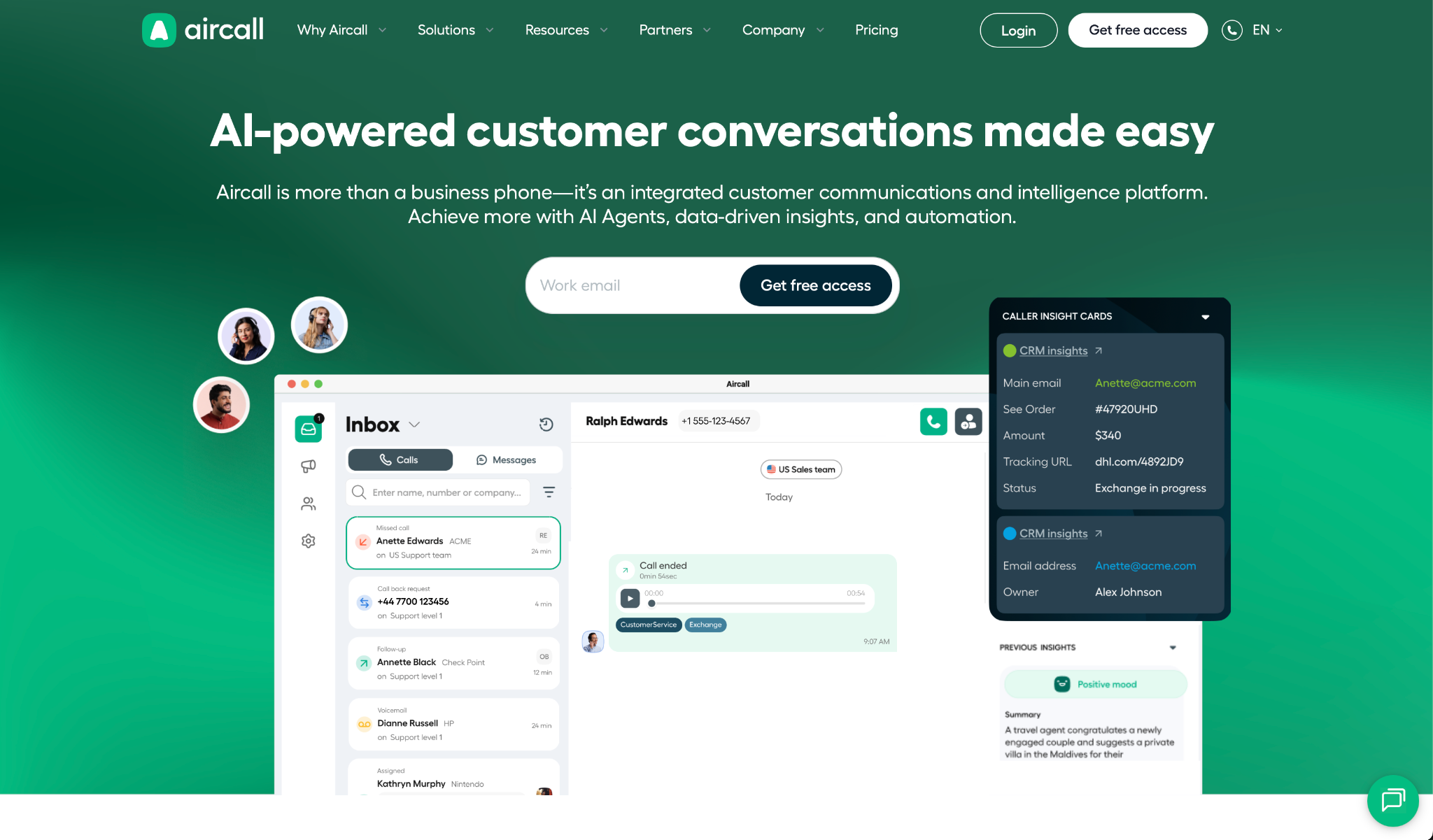
What it does: Aircall adds an AI voice agent on top of Aircall's phone system to handle inbound calls, qualify leads, and transfer to human agents with full call context.
Best for: Mid-market sales and support teams already using Aircall that want to automate routine calls without switching platforms.
Aircall's AI voice agent sits directly on your existing phone numbers, so there's no forwarding setup or parallel system to manage. The voice tone options, casual or formal, make a real difference when your brand has a specific personality to maintain.
But the AI feature costs extra on top of the base plan, and the three-seat minimum means solo operators are priced out before they start.
Key Features
- Autonomous Inbound Call Handling: Picks up calls, answers FAQs, and handles routine requests before anyone on your team picks up.
- Lead Qualification and Intake: Asks custom intake questions with branching logic based on how the caller responds.
- Live Transfer With Call Summary: Passes the caller to a human agent along with a summary of the conversation so nothing gets repeated.
- Multilingual Support: Handles calls in seven languages with tone selection, nothing to configure per language.
- CRM Integration: Logs calls directly to HubSpot or Salesforce and connects to 250+ other tools.
Pros and Cons
Pros:
✅ Plugs directly into existing Aircall numbers, no forwarding or parallel setup required
✅ Seven languages with tone selection, ready to use without additional modules
✅ Native integrations, including Salesforce and HubSpot, without third-party connectors
Cons:
❌ The AI voice agent is a paid extra on top of the base plan, so the real cost is higher than it first appears
❌ Three-seat minimum locks out solo operators and very small teams regardless of call volume
❌ Some users report text messages and call data failing to sync with their CRM, which creates gaps in customer records
What Users Say
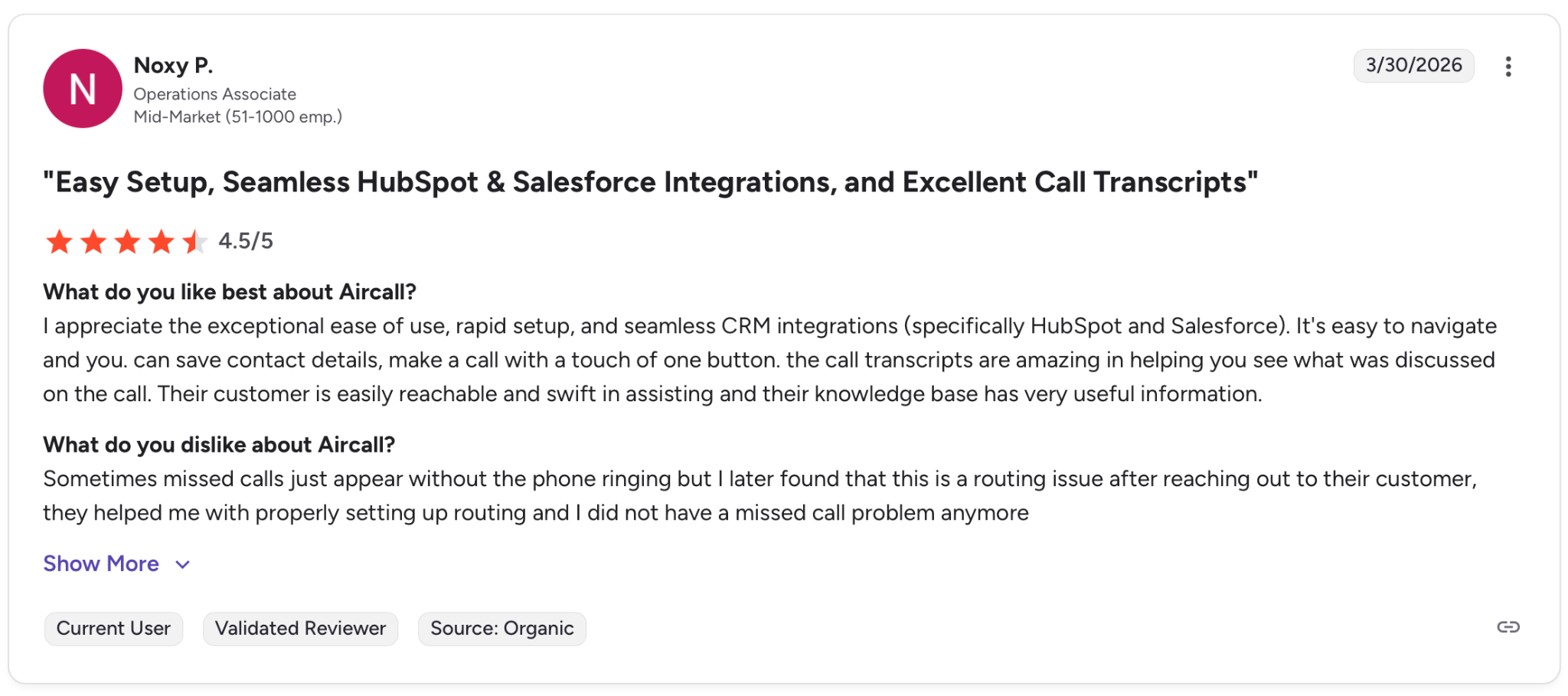
"I appreciate the exceptional ease of use, rapid setup, and seamless CRM integrations (specifically HubSpot and Salesforce)." — Noxy P., G2
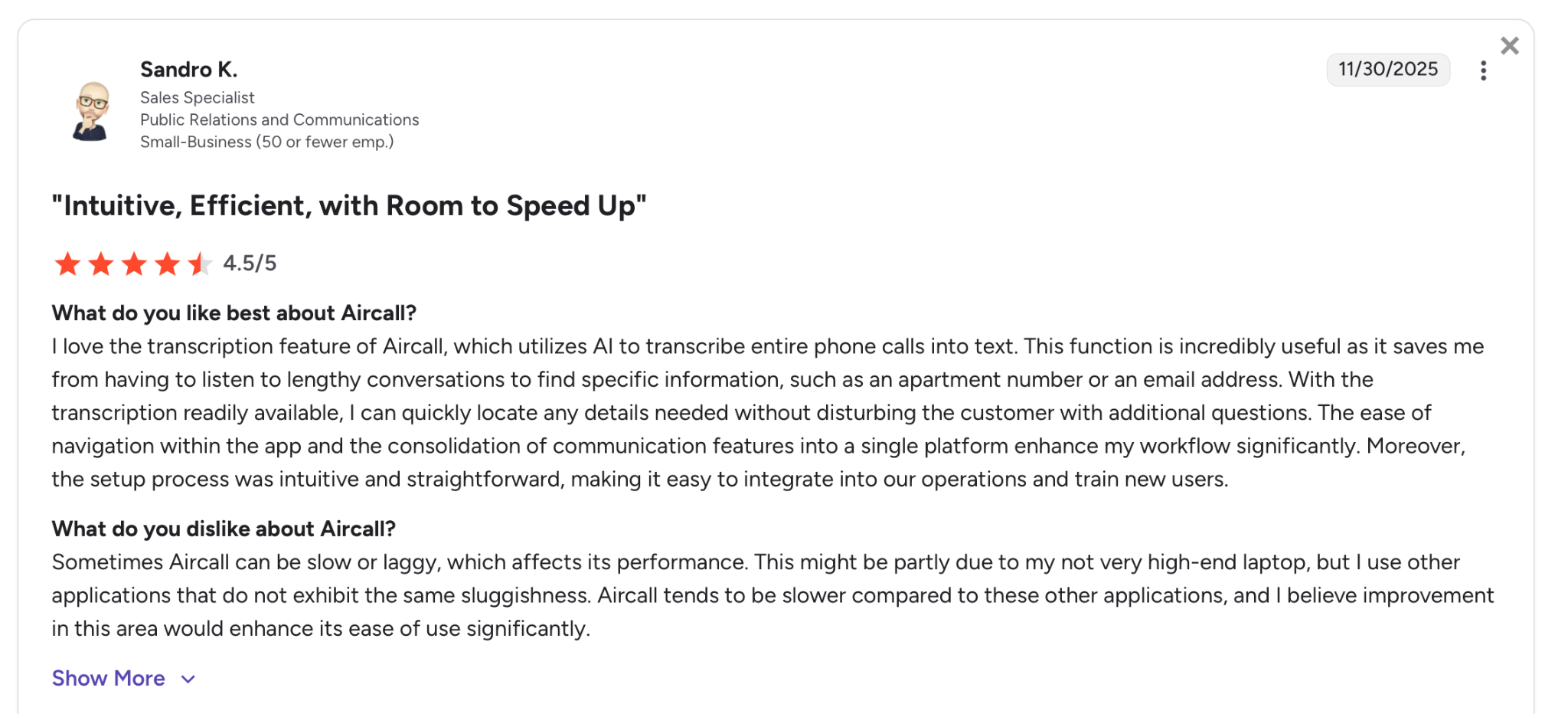
"Sometimes Aircall can be slow or laggy, which affects its performance." — Sandro K., G2
Pricing
The Essentials plan starts at $30/user/month when billed annually. The Professional plan starts at $50/user/month. Both have a three-seat minimum. The AI Voice Agent runs as a separate extra, starting at $9/user/month plus $0.49/minute of AI-handled call time.
Enterprise pricing is custom for teams of 25 or more.
Bottom Line
Aircall is worth it for mid-market teams already in the ecosystem that want AI handling on top of what they have. For smaller operations or anyone starting fresh, the seat minimum and pricing structure make cheaper alternatives harder to ignore.
6. Emitrr: Best for Small Healthcare Practices
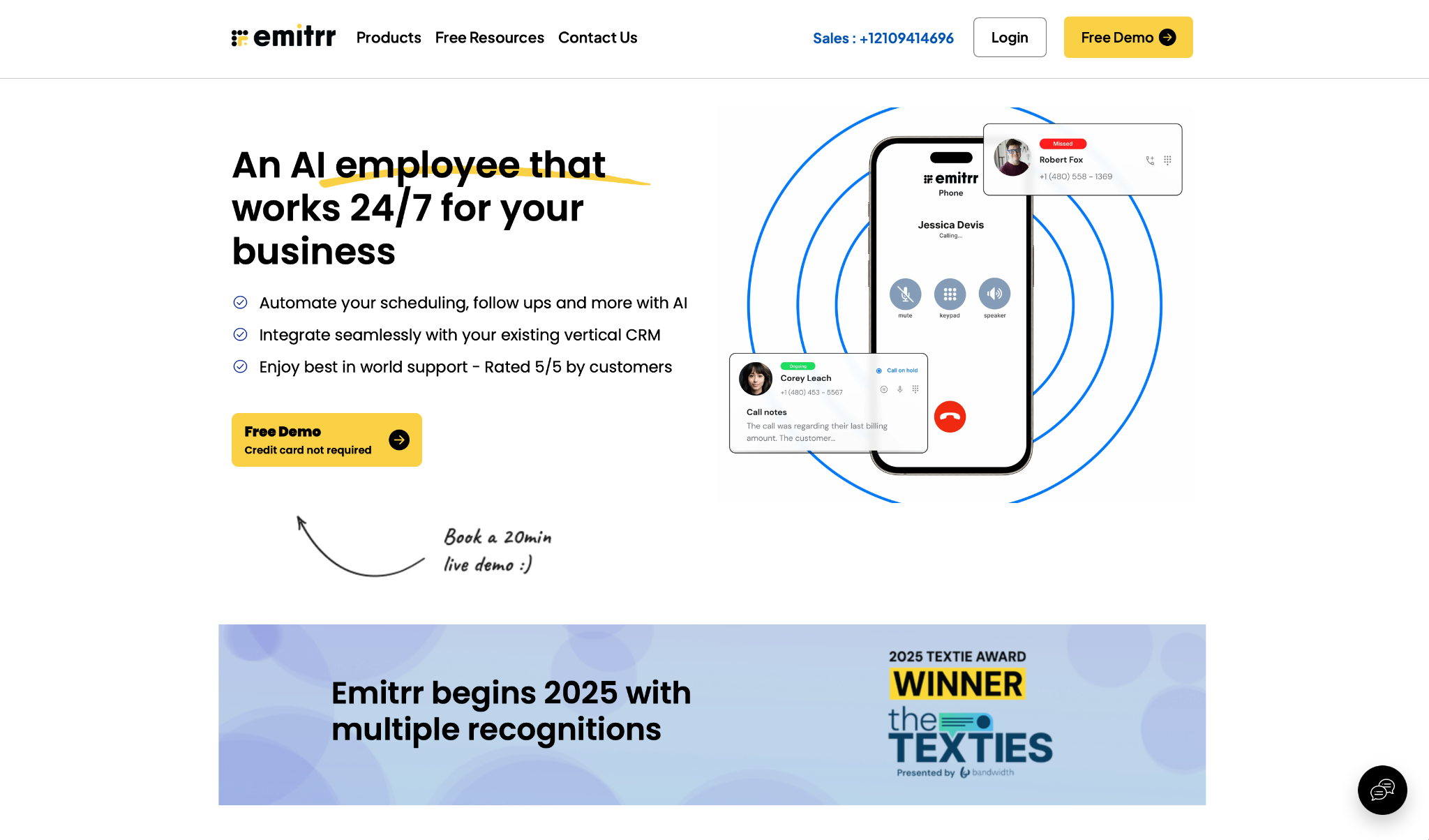
What it does: Emitrr handles inbound calls, routes to the right department, and manages patient messaging without managing separate tools.
Best for: Solo practitioners and small healthcare offices that need AI call answering and patient messaging without overcomplicating their stack.
Emitrr is purpose-built for medical practices. The AI answers calls, collects the caller's details, and then transfers. It also covers after-hours without sending patients to voicemail.
For a small practice that tackles the same routine questions all day, it handles calls that would otherwise eat up your front desk's time.
It shows its age in the documentation. There are no published specs on response times, concurrent call limits, or how the system handles a call it can't resolve. In a regulated setting, that's a gap worth asking about before you buy.
Key Features
- Autonomous Call Answering: Picks up inbound calls, asks the right questions, and resolves routine requests without staff picking up.
- Intent-Based Call Routing: Identifies the caller's needs and routes them to the right person without menu options.
- Pre-Transfer Detail Collection: Gathers key patient information before routing, so nobody walks into a call blind.
- Routine Inquiry Handling: Answers common questions about hours, location, and appointment prep, freeing your staff for everything else.
- After-Hours Coverage: Keeps answering calls when the office is closed, so patients are never left without a response.
Pros and Cons
Pros:
✅ Purpose-built for healthcare, with HIPAA-compliant options available
✅ Covers voice, SMS, and appointment scheduling without switching between tools
✅ Transparent pricing with no setup fees or hidden charges, regardless of plan size
Cons:
❌ No published specs on response times or how many calls it can handle at once
❌ Minimal presence on G2, Capterra, and Trustpilot makes independent verification difficult
❌ CRM connections run through third-party tools, with no native sync confirmed for Salesforce or HubSpot
What Users Say
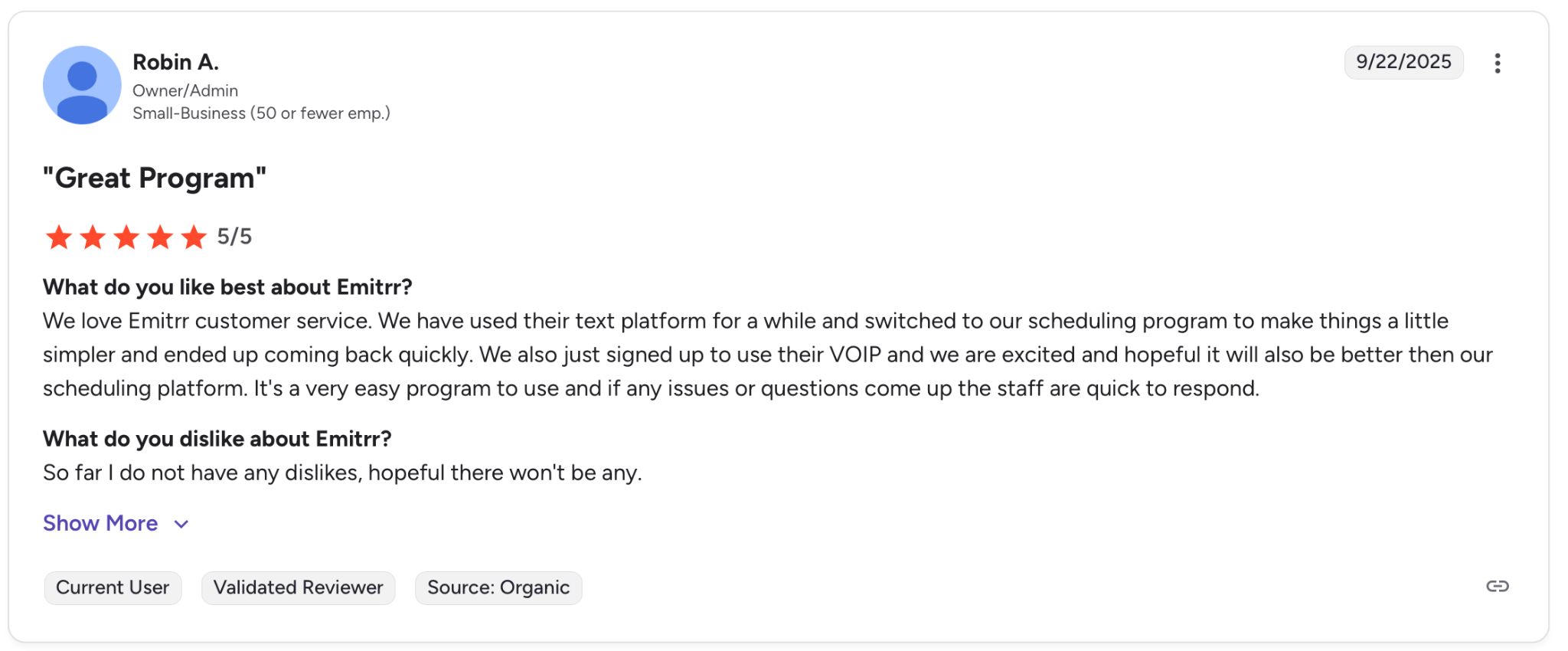
"We love Emitrr customer service." — Robin A., G2
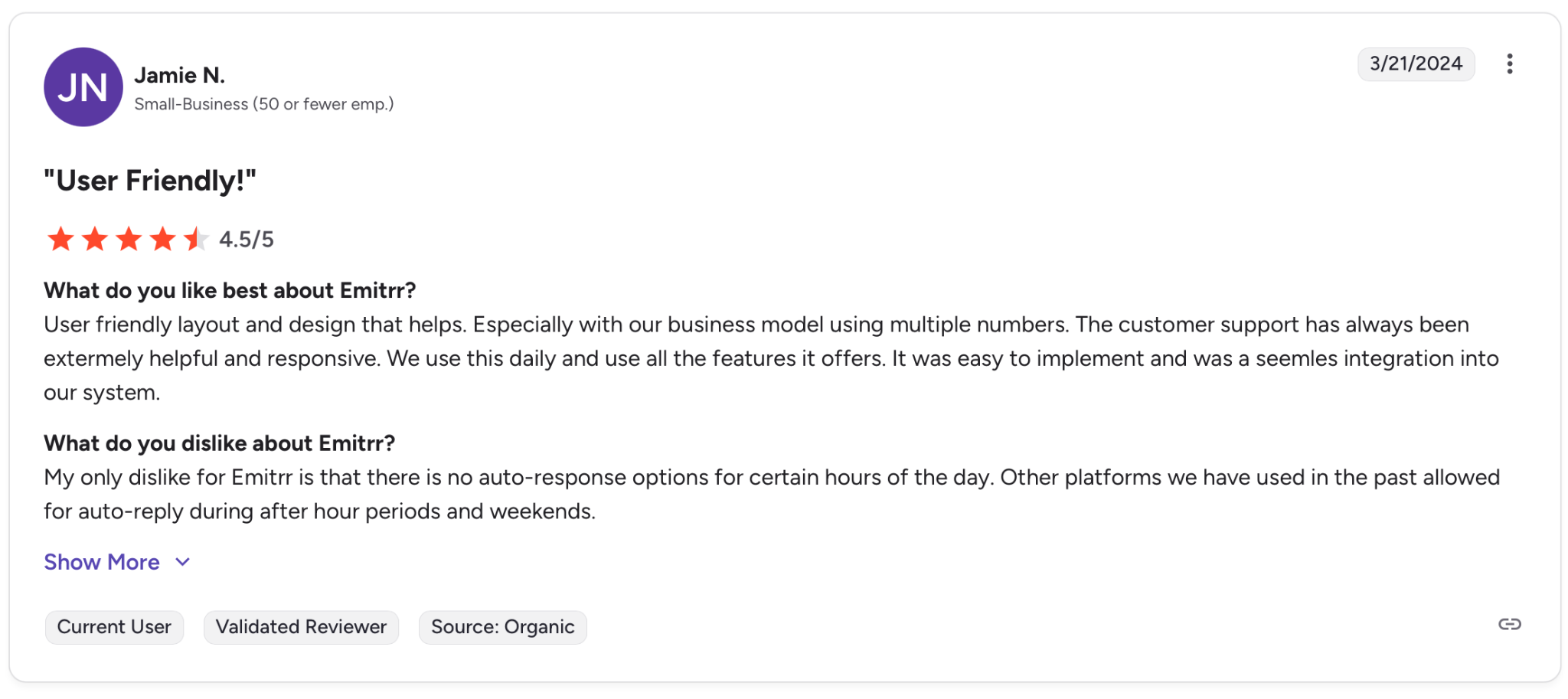
"My only dislike for Emitrr is that there are no auto-response options for certain hours of the day." — Jamie N., G2
Pricing
The Standard plan starts at $42/month for 500 message credits. The Pro plan, which includes AI-driven messaging, starts at $45/month for the same volume. Healthcare practices needing advanced HIPAA automations can add compliance features for an additional $200/month. Enterprise pricing is available on request.
Bottom Line
Emitrr is a good fit for small healthcare practices that want AI call handling and patient messaging without committing to a large monthly bill. If your workflow depends on documented reliability guarantees or deep CRM integrations, you'll want those answers before signing anything.
7. Slang.ai: Best for Restaurant Groups That Can't Miss a Reservation Call
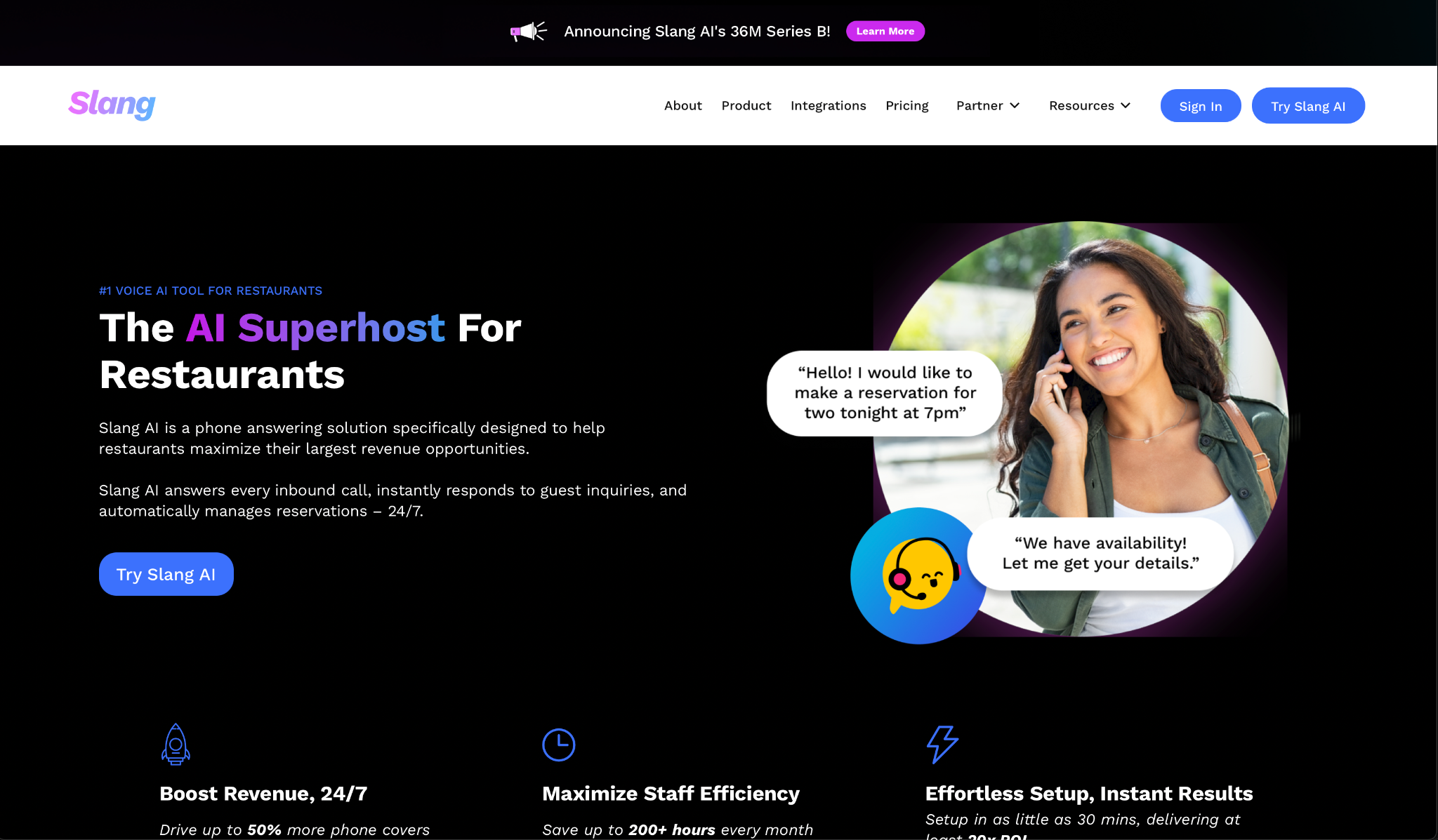
What it does: Slang.ai answers every inbound call, manages reservations in real time, and routes VIP guests directly to staff, built exclusively for restaurants.
Best for: Full-service restaurant groups with multiple locations that lose reservations to missed calls and need a voice that matches their hospitality standard.
Slang.ai was trained on millions of real restaurant calls. The voice agent handles guest inquiries the way a front-of-house team member would. When one location is full, it automatically suggests availability at nearby spots within your group. This is the kind of detail that saves a booking before it goes to a competitor.
That specialization comes at a price, and independent restaurants on tight margins will feel it immediately.
Key Features
- 24/7 Call Answering: Picks up every inbound call and responds to guest inquiries instantly.
- Real-Time Reservation Management: Books, modifies, and cancels reservations directly over the phone via OpenTable, SevenRooms, Tripleseat, and Yelp.
- VIP and Returning Guest Recognition: Identifies loyal guests and routes them to staff or a concierge line without going through the standard call flow.
- Multi-Location Availability Suggestions: When one location is fully booked, it automatically offers nearby openings within your restaurant group.
- Staff Alerts for High-Priority Topics: Sends real-time notifications for private dining requests, guest complaints, and lost items.
Pros and Cons
Pros:
✅ Trained exclusively on restaurant calls, not adapted from a generic AI platform
✅ Native integrations with OpenTable, SevenRooms, and Tripleseat, syncing directly without middleware
✅ Flat per-location pricing with no per-call or per-minute overages
Cons:
❌ Struggles with complex requests like catering, split orders, or calls with multiple needs at once
❌ Elevated cost per location per month, most independent restaurants will price themselves out before they start
❌ Performance claims rely on internal metrics with minimal third-party reviews to verify them independently
What Users Say
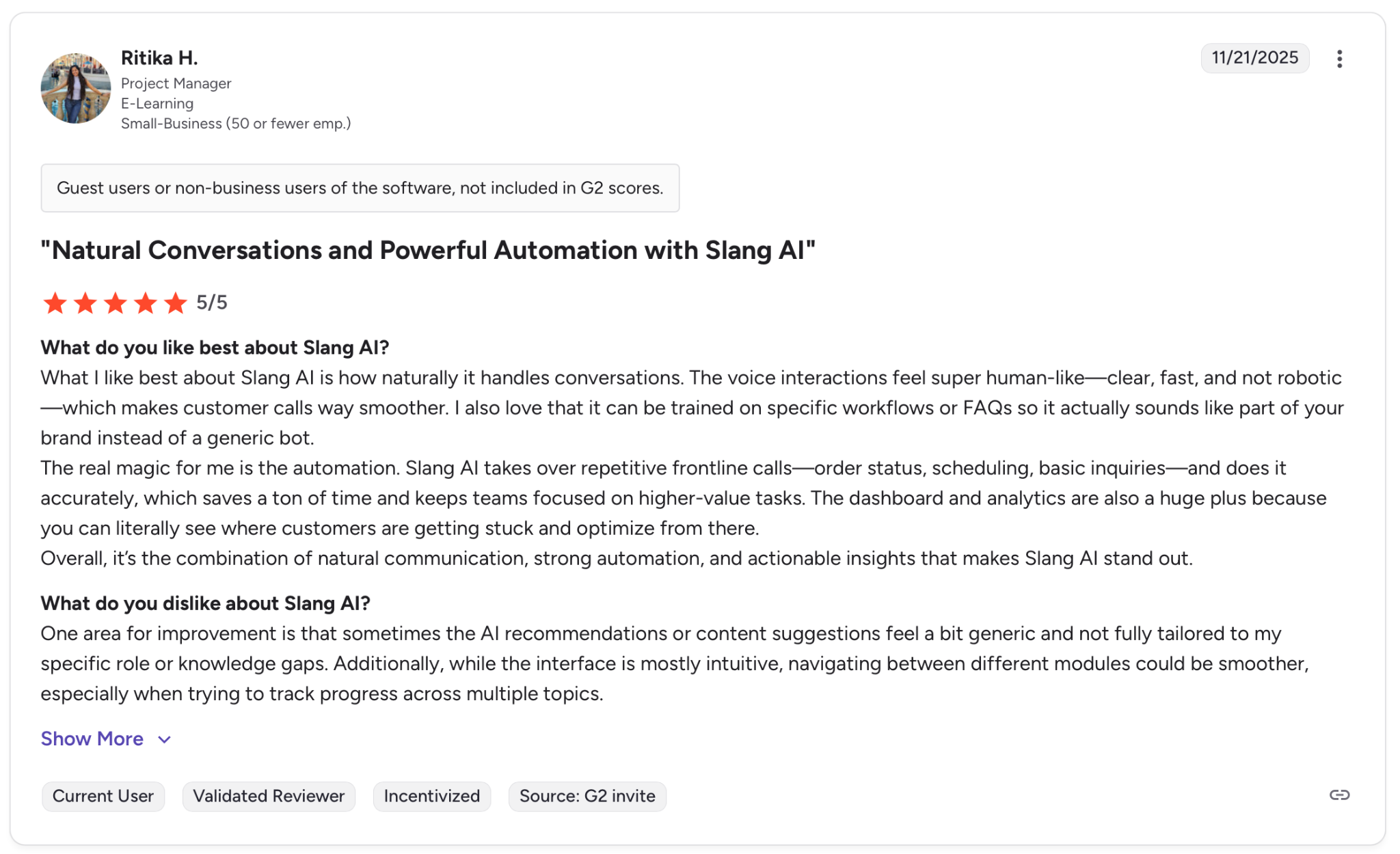
"What I like best about Slang AI is how naturally it handles conversations." — Ritika H., G2
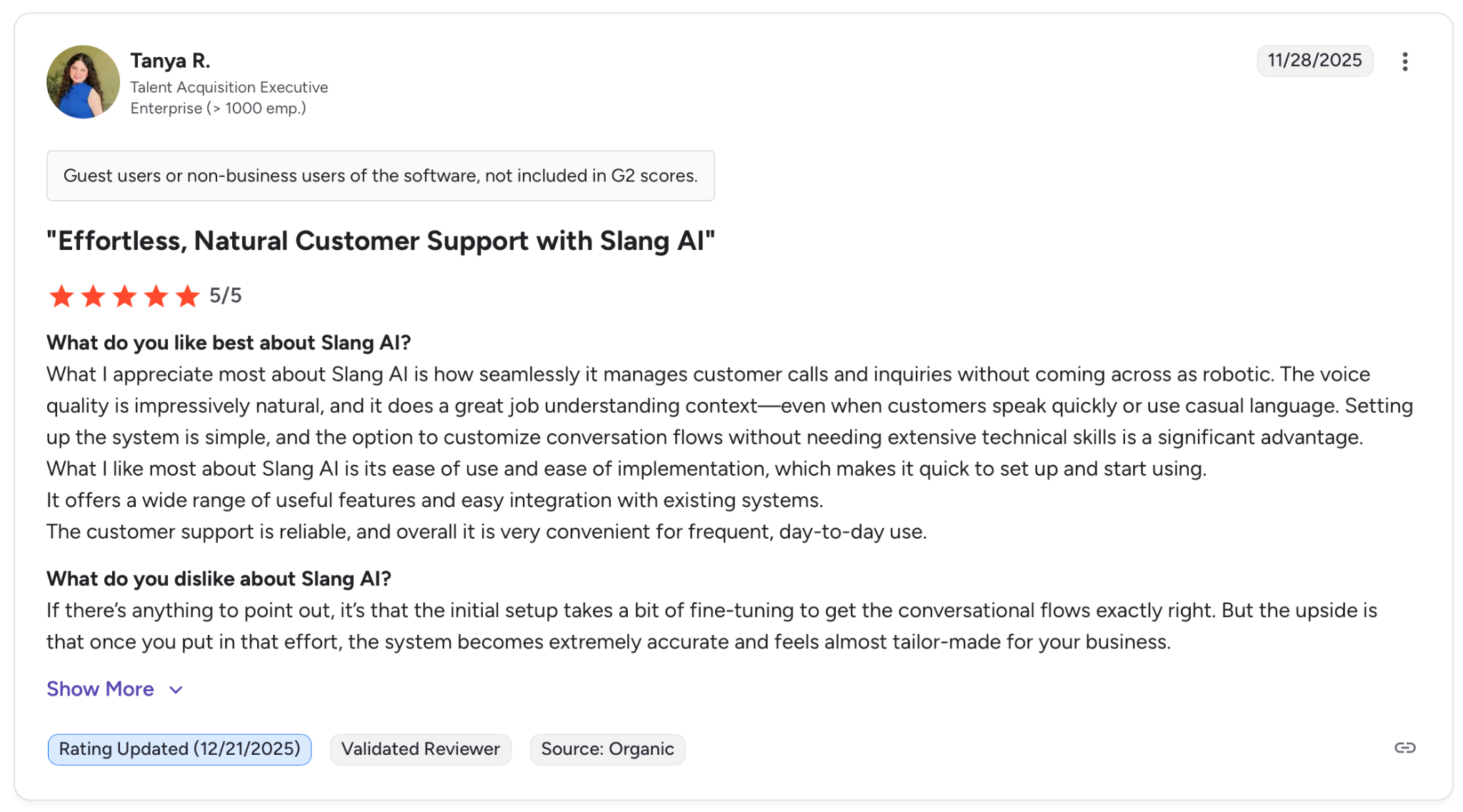
"If there's anything to point out, it's that the initial setup takes a bit of fine-tuning to get the conversational flows exactly right." — Tanya R., G2
Pricing
The Core plan covers unlimited calls, reservation integrations, and guest management, starting at $399 per location per month. The Premium plan adds 24/7 priority support, custom voice training, and VIP guest recognition, starting at $599 per location per month. Custom pricing is available for enterprise deployments.
Multi-location groups also qualify for volume discounts.
Bottom Line
Slang.ai is the right fit for established restaurant groups where missed reservation calls translate directly into lost revenue. For independent restaurants or anyone needing complex order handling, the price and the limitations will show up fast.
8. JustCall: Best for Revenue Teams Living Inside Their CRM
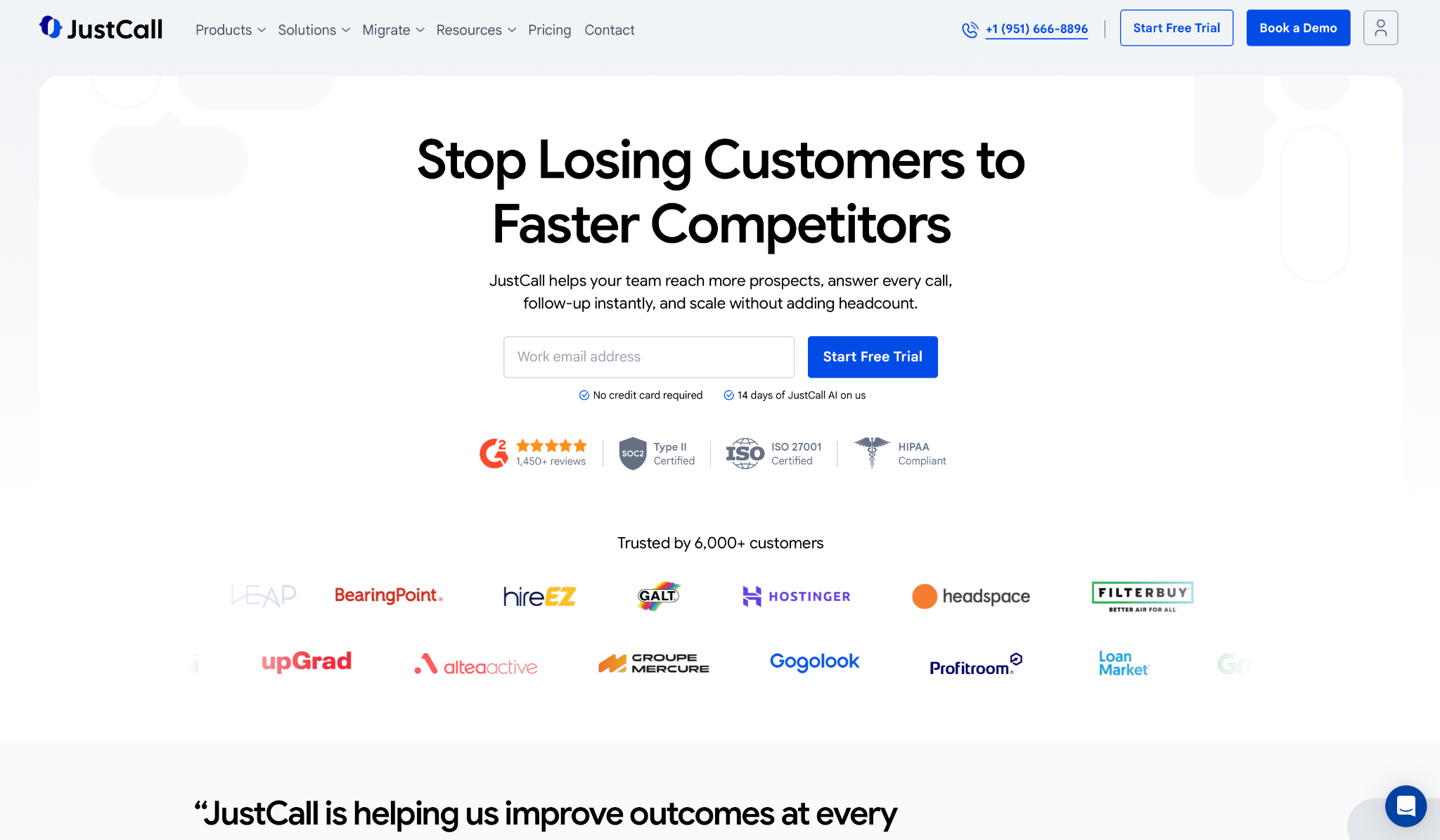
What it does: JustCall answers inbound calls 24/7, routes them automatically, and syncs every interaction to your CRM in real time, across voice, SMS, and email.
Best for: Sales and support teams of five or more that live inside Salesforce or HubSpot and need their phone system to work with it, not around it.
JustCall is built for teams that measure everything. Every call is automatically transcribed, scored, and logged, and managers can coach in real time without interrupting the conversation.
The CRM integrations are more thorough than most services here, with native connectors that go well past basic call logging. That depth comes with a tradeoff. Those same integrations break on session expiration and require manual reconnection when they do.
Key Features
- 24/7 AI Call Answering: Picks up every inbound call, routes it to the right person, and handles routine requests without your team picking up.
- Intelligent Call Routing: Distributes calls based on agent availability and skills, with queue callback for high-volume periods.
- AI Call Scoring and Coaching: Scores every call automatically, flags objection moments, and lets managers leave coaching notes directly on the transcript.
- Unified Messaging: Manages voice, SMS, and email without switching between apps, with AI-assisted messaging for outbound follow-ups.
- Native CRM Integration: Syncs calls, transcripts, and summaries to Salesforce, HubSpot, and 100+ other tools in real time.
Pros and Cons
Pros:
✅ Unlimited calling and transcription on the base plan with no per-call overages
✅ SOC 2, HIPAA, and GDPR compliance available on every tier, not just enterprise
✅ Native CRM connectors with real-time bidirectional sync
Cons:
❌ Salesforce and HubSpot integrations break on session expiration and require manual reconnection
❌ Two-seat minimum on all plans, so solo operators are priced out from the start
❌ AI Voice Agent pricing is not listed on the main pricing page and requires a separate inquiry
What Users Say
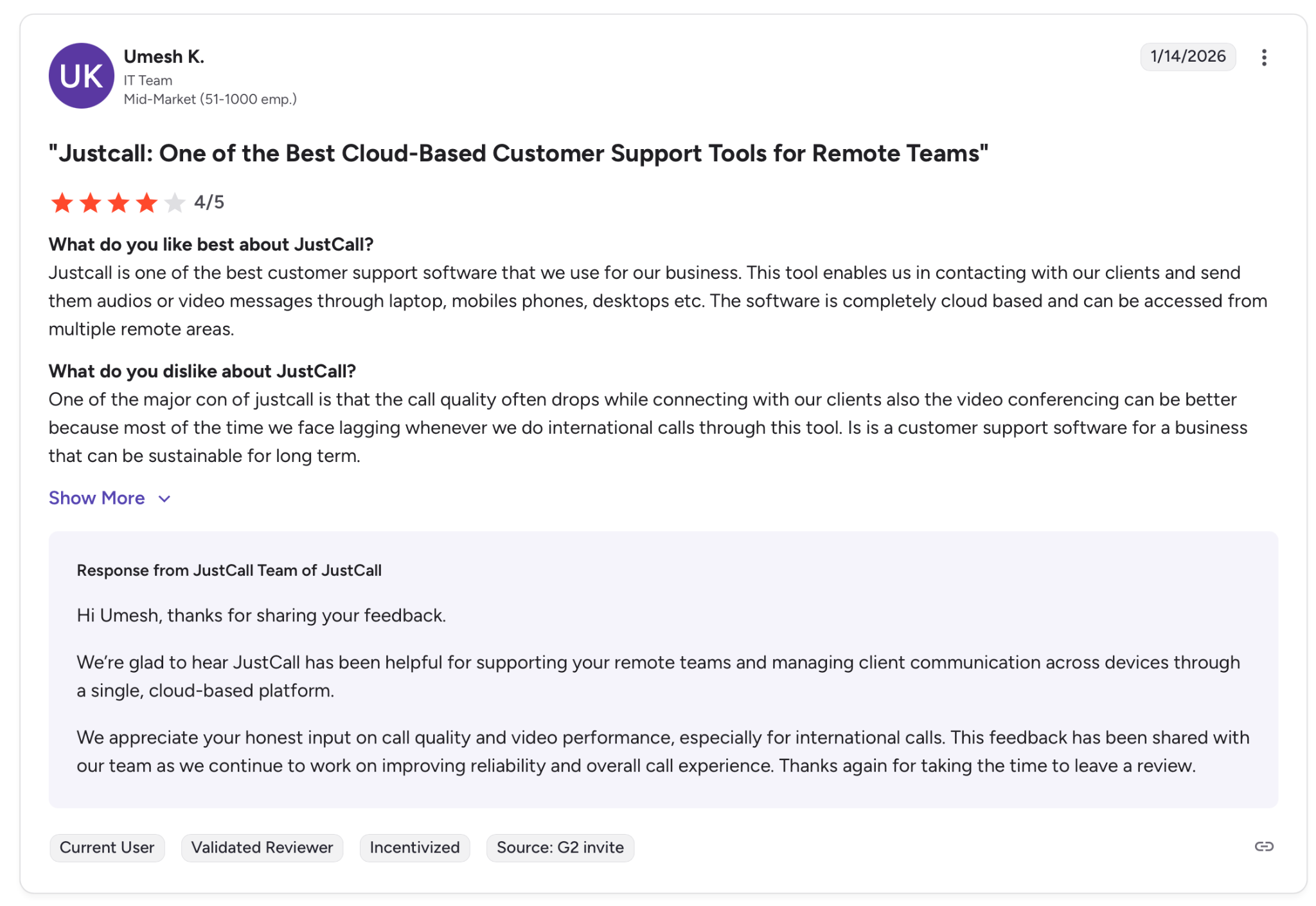
"Justcall is one of the best customer support software that we use for our business." — Umesh K., G2
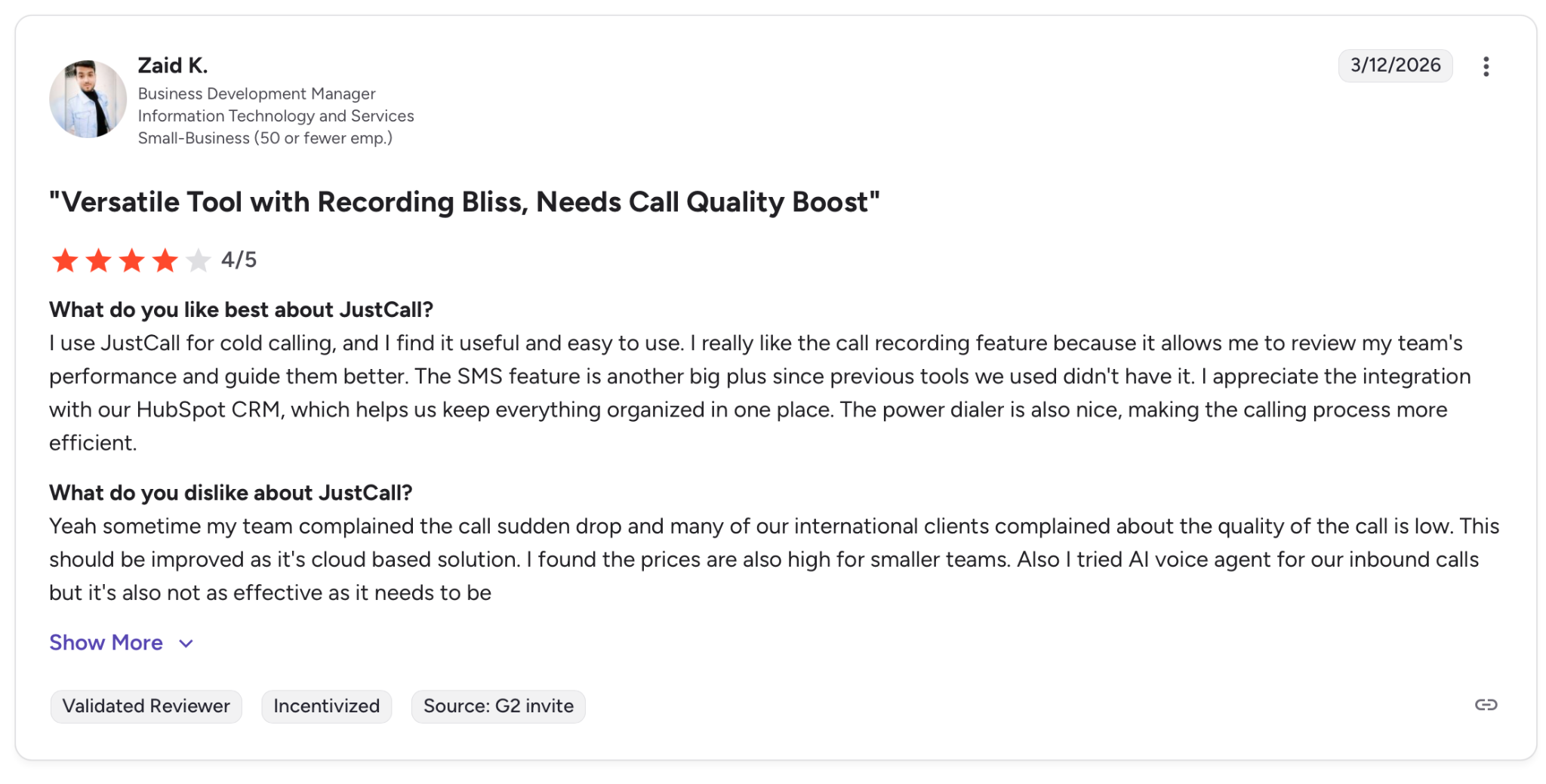
"Sometimes my team complained that the calls suddenly drop, and many of our international clients complained that the quality of the call was low." — Zaid K., G2
Pricing
The Team plan starts at $29/user/month billed annually, the Pro plan at $49/user/month, and the Pro Plus plan at $89/user/month. AI Voice Agent pricing is not listed publicly and requires a separate inquiry.
All plans require a minimum of two seats and include a 14-day free trial.
Bottom Line
JustCall is worth it for sales and support teams that already run on Salesforce or HubSpot and need the phone system to stay in sync with it. If you're a solo operator or your CRM setup is simple, the seat minimum and integration complexity will slow you down before they help.
9. AnswerConnect: Best for Businesses That Need a Real Person on Every Call
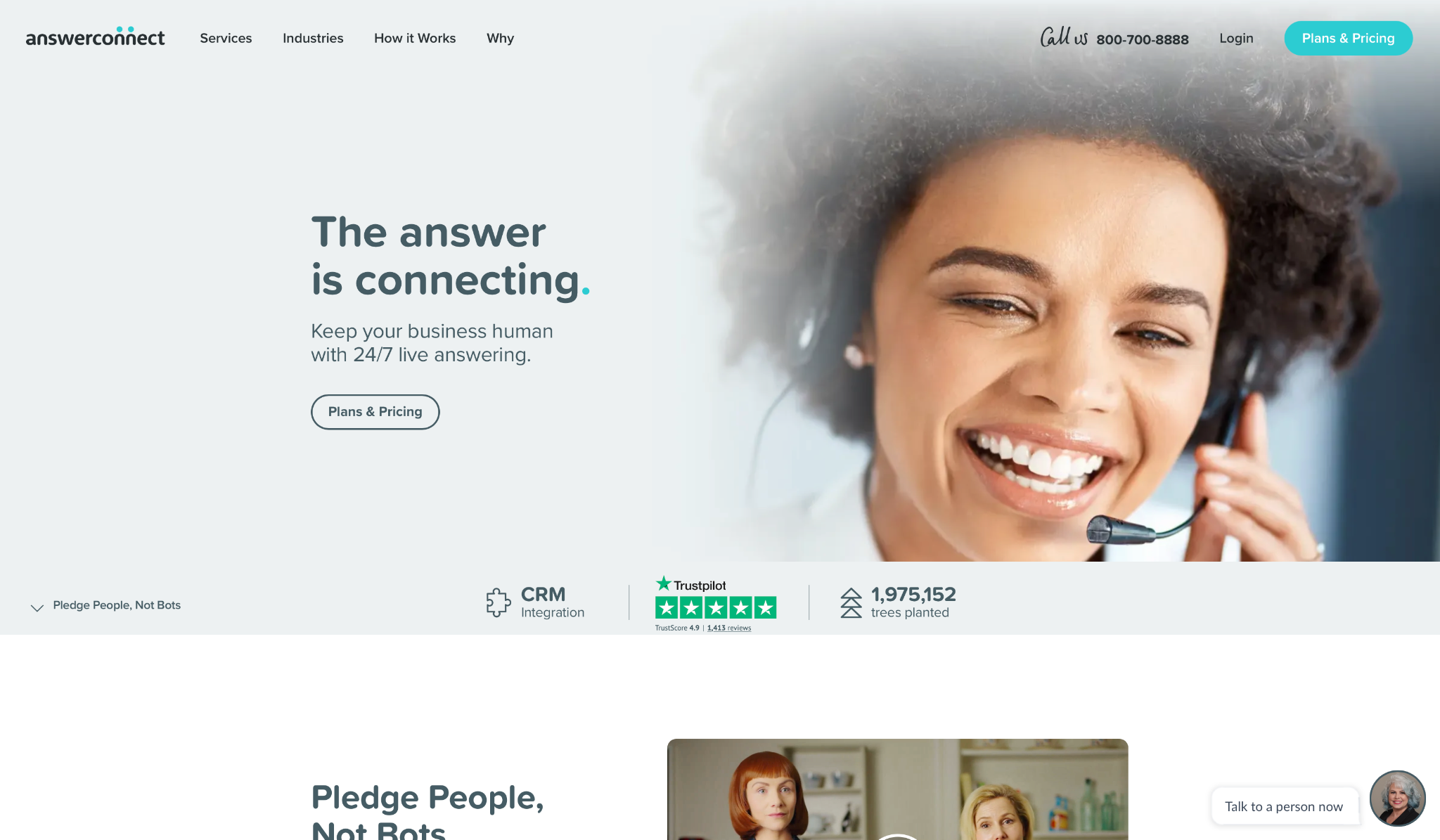
What it does: AnswerConnect connects every inbound call to a live, trained receptionist available 24/7, with no bots, no IVR, and no automated menus.
Best for: Law firms, medical practices, and professional services businesses where the wrong answer from an AI carries real consequences.
AnswerConnect is the only service on this list with no AI involved. A real person picks up, follows your script, and represents your business the way you'd want. For industries where a mishandled call creates legal or compliance risk, that's what you're paying for.
The price reflects it. At $325 per month for 100 minutes, it's an elevated cost compared to every AI option here, and a busy month with overages can push that number significantly higher.
Key Features
- 24/7 Live Answering: Every call reaches a trained receptionist, with 93% answered in the first ring.
- Customizable Call Scripts: Receptionists follow your script, so every caller gets the same answer, the way you'd give it.
- Call Routing and Management: Routes calls to the right person or department based on pre-defined rules.
- CRM Integration and Lead Capture: Logs calls, qualifies leads, and books appointments directly into your CRM without manual data entry.
- HIPAA-Compliant Plans: Covers healthcare and legal practices without paying for a separate compliance add-on.
Pros and Cons
Pros:
✅ A real person answers every call, no menus, no wait, no AI
✅ No long-term contracts, you can adjust or cancel your plan any time
✅ HIPAA compliance included on relevant plans, no extra certification cost
Cons:
❌ Call volume is capped by operator availability, so peak periods can create delays
❌ A busy month can double your bill once overages kick in
❌ Routine FAQs and appointment booking still need a live receptionist, which adds to your minute count fast
What Users Say
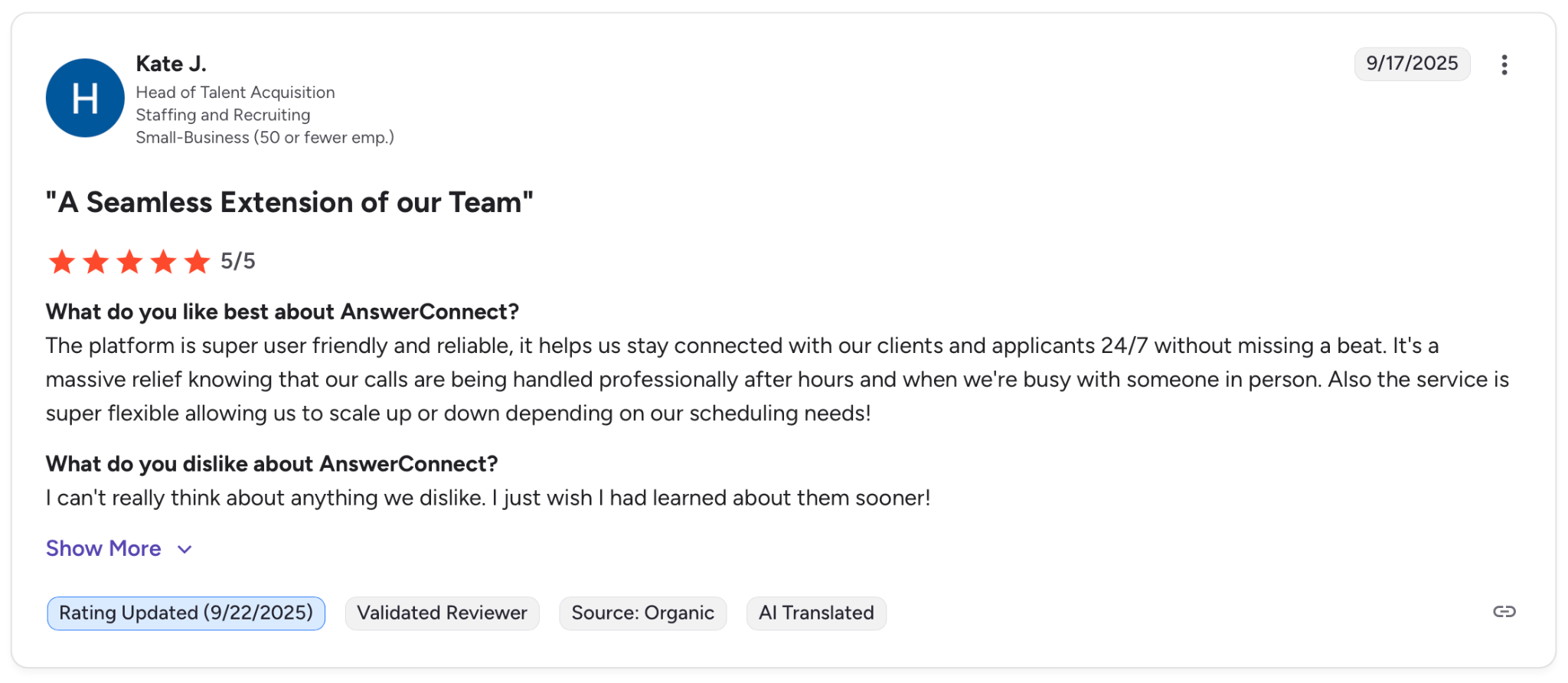
"The platform is super user-friendly and reliable, it helps us stay connected with our clients and applicants 24/7 without missing a beat." — Kate J., G2
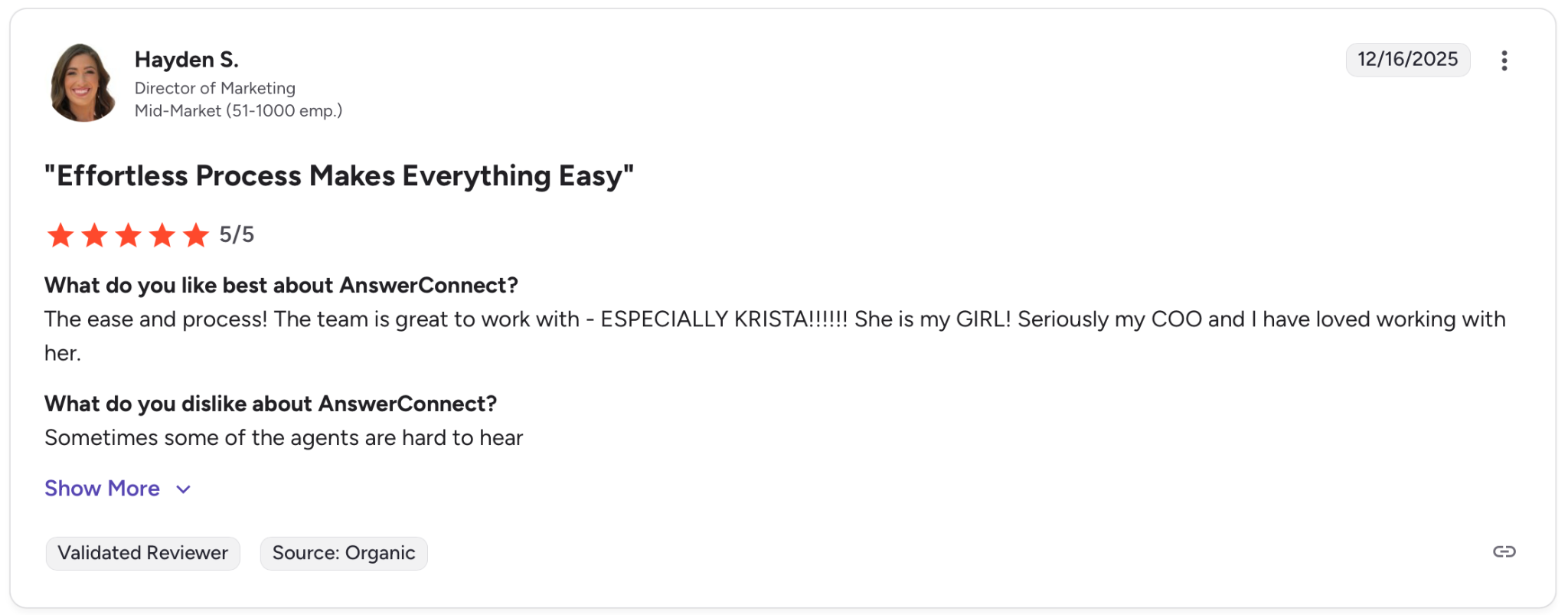
"Sometimes some of the agents are hard to hear." — Hayden S., G2
Pricing
The Entry plan starts at $325/month for 100 minutes with a $75 setup fee. The Growth plan covers 300 minutes with no setup fee, starting at $425/month. The Standard plan includes 450 minutes and starts at $825/month with a $75 setup fee.
Get a custom quote from AnswerConnect to find out your exact costs.
Bottom Line
AnswerConnect is the right fit for professional services businesses where callers expect to reach a person, not a system. If your call volume is hard to predict or routine queries make up most of your calls, the per-minute model will cost more than an AI alternative before the month is out.
Which AI Virtual Receptionist Should You Choose?
The right pick depends on what your calls look like, not just how many you receive.
- Choose RingCentral AI Receptionist if you handle high call volumes across multiple languages and need a solution that scales without expanding your team.
- Choose Rosie AI if you run a local service business and lose leads every time a call goes unanswered while you're out on a job.
- Choose Smith.ai if you work in law, healthcare, or professional services and need a human available as backup when a conversation gets too sensitive for AI.
- Choose My AI Front Desk if your calls follow a predictable pattern and you want to test AI answering with real calls before spending anything.
- Choose Aircall if your team already runs on Aircall and you want AI handling added on top without adding another tool to the stack.
- Choose Emitrr if you run a small medical practice and need AI call answering and patient messaging without committing to a large monthly bill.
- Choose Slang.ai if you manage multiple restaurant locations and missed reservation calls cost you bookings every week.
- Choose JustCall if your sales or support team lives inside Salesforce or HubSpot and needs the phone system to work with it, not around it.
- Choose AnswerConnect if your callers expect to reach a real person, and a mishandled call has real costs for your business.
Skip all of these if you receive fewer than ten calls a month. At that volume, a clear voicemail and a fast callback cost nothing and work just as well.
How to Know Your AI Receptionist Is Actually Working
Most businesses find out their AI receptionist has a problem the same way: A caller complains about something that should have been handled automatically.
AI voice agents fail before and after you go live.
Before launch, the agent looks fine in testing but breaks the moment a real caller goes off-script. After launch, a prompt update, a new FAQ, or a change to your calendar integration can quietly break a flow that was working perfectly the day before, with nothing to flag it.
None of the nine services in this list is built to catch those failures before your customers do, or to tell you what's happening on every call once the agent is live. That's where Cekura comes in.
What Cekura Does That No AI Receptionist Does
I run Cekura on top of whichever service I'm testing. It's the only way to know what's actually happening once an AI receptionist is live.
Here's what Cekura tests before you go live:
- Testing at scale: Thousands of simulated calls run before go-live, catching the edge cases that only surface when real callers start pushing your receptionist off-script.
- Automated red teaming: Stress-tests your receptionist against adversarial inputs, bias, and unexpected caller behavior before any of it reaches a real customer.
- Interruption detection: When the receptionist talks over a caller or cuts off mid-sentence, Cekura catches those timing patterns before they become a habit.
- Latency tracking: Measures where slowdowns originate so you know exactly what to fix after each update.
- A/B testing: Compare multiple versions of your receptionist against the same call scenarios and review the results in one place.
- CI/CD integration: Every time you update a prompt, swap a knowledge base, or change a voice provider, Cekura runs your full test suite automatically before anything goes live.
- API access: Run tests programmatically via REST API and WebSocket for teams that need testing built into their development workflow.
- Conversation replay: When something breaks in production, replay that exact exchange against your updated receptionist to confirm the fix actually worked.
- Custom evaluation: Score every call on accuracy, missed intents, and incorrect responses using predefined metrics or your own criteria.
Monitor Every Call With Voice Observability
Once your receptionist is live, Cekura's voice observability layer automatically tracks what's actually happening on every call.
- Real-time voice observability: Monitors live call performance with Slack alerts for latency spikes and quality drops, so you find out before your callers do.
- SOC 2 Type II certified: Verified security standards and no raw transcript storage throughout.
- HIPAA compliant: Covers healthcare deployments without a separate compliance add-on.
- GDPR compliant: Built for teams handling data from European callers.
Native integrations work out of the box for Retell, VAPI, ElevenLabs, LiveKit, Pipecat, Bland, and more. You don't rebuild anything. You add a testing and voice observability layer on top of what you already have.
Deploy whichever receptionist fits your business, then schedule a demo to see how Cekura keeps it working the way you built it.
Final Verdict
No single AI receptionist wins for every business. The right one depends on who your callers are and how much tolerance your business has for occasional errors.
For local service businesses, Rosie AI is the clearest recommendation. For professional services where a mishandled call has real costs, Smith.ai is the safer bet. For restaurant groups, Slang.ai is the only purpose-built option for the restaurant vertical.
Whichever service you choose, test it thoroughly before going live and monitor it after. Any change to your setup can break something quietly. Cekura covers both sides: simulated testing before launch and automatic observability once deployed, so you find out before your callers do.
Frequently Asked Questions
What Is the Best-Rated AI Virtual Receptionist for Small Businesses?
Rosie AI is the best AI virtual receptionist for small businesses handling routine calls. Setup takes minutes, bilingual support is included on every plan, and the flat-rate pricing makes costs predictable no matter how many calls come in.
For professional services that need a human backup, Smith.ai is the stronger option.
Can Callers Tell They Are Talking to an AI Receptionist?
Most callers cannot tell with services like Rosie AI, Slang.ai, and RingCentral. The gap shows up when a caller goes off-script. Tools like Cekura catch those failures before they reach real callers, through simulated testing before go-live and automatic call monitoring after deployment.
What Is the Difference Between an AI Receptionist and a Virtual Receptionist?
The main difference between an AI receptionist and a virtual receptionist is whether a human or software picks up the call. An AI receptionist is fully automated, while a virtual receptionist typically refers to a remote human agent. Some services like Smith.ai and AnswerConnect combine both, using AI for routine calls and humans as backup.
In either case, voice observability ensures every conversation is monitored and flagged before a problem reaches your callers.
Do AI Receptionists Work After Hours?
Yes, most AI receptionists answer calls 24/7. Services like Rosie AI, My AI Front Desk, and RingCentral handle after-hours calls the same way they handle daytime ones. The exception is AnswerConnect, where after-hours coverage depends on operator availability.