
The distance between a good demo and a deployment that holds under live calls is where AI voice agent services for businesses show what they're made of. I compared 7 vendors to show what each platform does well and where each one breaks.
AI voice agent services for businesses are managed platforms that run phone calls end to end, combining speech recognition, an LLM, and text-to-speech so an AI voice agent for business can qualify leads, book appointments, and update your CRM without a human on the line.
The 7 below range from no-code builders to full carrier-owned infrastructure.
7 Best AI Voice Agent Services for Businesses: Quick Comparison
Each platform sits at a different point in the stack, from no-code deployment to full carrier-owned infrastructure.
| 💻 Tool | ⭐ Standout Feature | 🎯 Best For | 💰 Starting Price |
|---|---|---|---|
| Retell AI | Sub-second latency with warm transfers | Production-ready enterprise voice | Pay-as-you-go |
| Aircall | AI Actions execute CRM tasks mid-call | SMB sales and support teams | $40/license per month |
| Synthflow | Visual no-code agent builder | Fast deployment without engineers | Pay-as-you-go |
| Thoughtly | Deploy in under 30 minutes | Small teams launching quickly | Custom pricing |
| Telnyx Voice AI | Owned carrier network, sub-200ms RTT | Developer-controlled infrastructure | Pay-as-you-go |
| Bland AI | Conversational Pathways visual builder | High-volume outbound | $0.12/min under a $299/month platform fee |
| Cognigy | Agentic AI plus legacy IVR in one platform | Large enterprise contact centers | Custom pricing |
Disclaimer: Prices are subject to change without notice. Always visit the official company websites for the most up-to-date pricing information.
How I Researched and Tested Each Platform
I ran each platform through inbound overflow scenarios, outbound lead qualification flows, and mid-call CRM handoffs. The focus was on edge behavior: what happens when a caller interrupts mid-sentence, goes off-script, or falls silent for three seconds.
Where free trials were available, I tested directly. For platforms without self-serve access, I pulled from official documentation, published product updates, and developer-facing technical posts to verify what each tool measures versus what it markets.
I paid close attention to five things across every platform.
- Conversational turn-taking: Whether the agent handles barge-ins and overlapping speech without dropping context or defaulting to a scripted fallback, which is where platforms fail first when a real caller goes off-script.
- End-to-end latency: Not the spec sheet number, but how response time is performed across concurrent calls, since a stitched STT plus LLM plus TTS stack adds meaningful delay on top of carrier latency before a caller hears a single word.
- CRM and telephony integration depth: Whether connecting to HubSpot, Salesforce, or an existing SIP trunk required engineering work or worked from a native connector on first login.
- Compliance coverage: Which certifications ship on which plan tier, and whether HIPAA or SOC 2 access requires a sales conversation or comes standard.
- Deployment model: How much technical context the platform assumes from the person building the agent, and whether a non-engineering team can reach a working call flow without filing a support ticket.
That breakdown is what separates the platforms that hold under production load from the ones that look good for fifteen minutes.
1. Retell AI: Best for Production-Ready Enterprise Voice
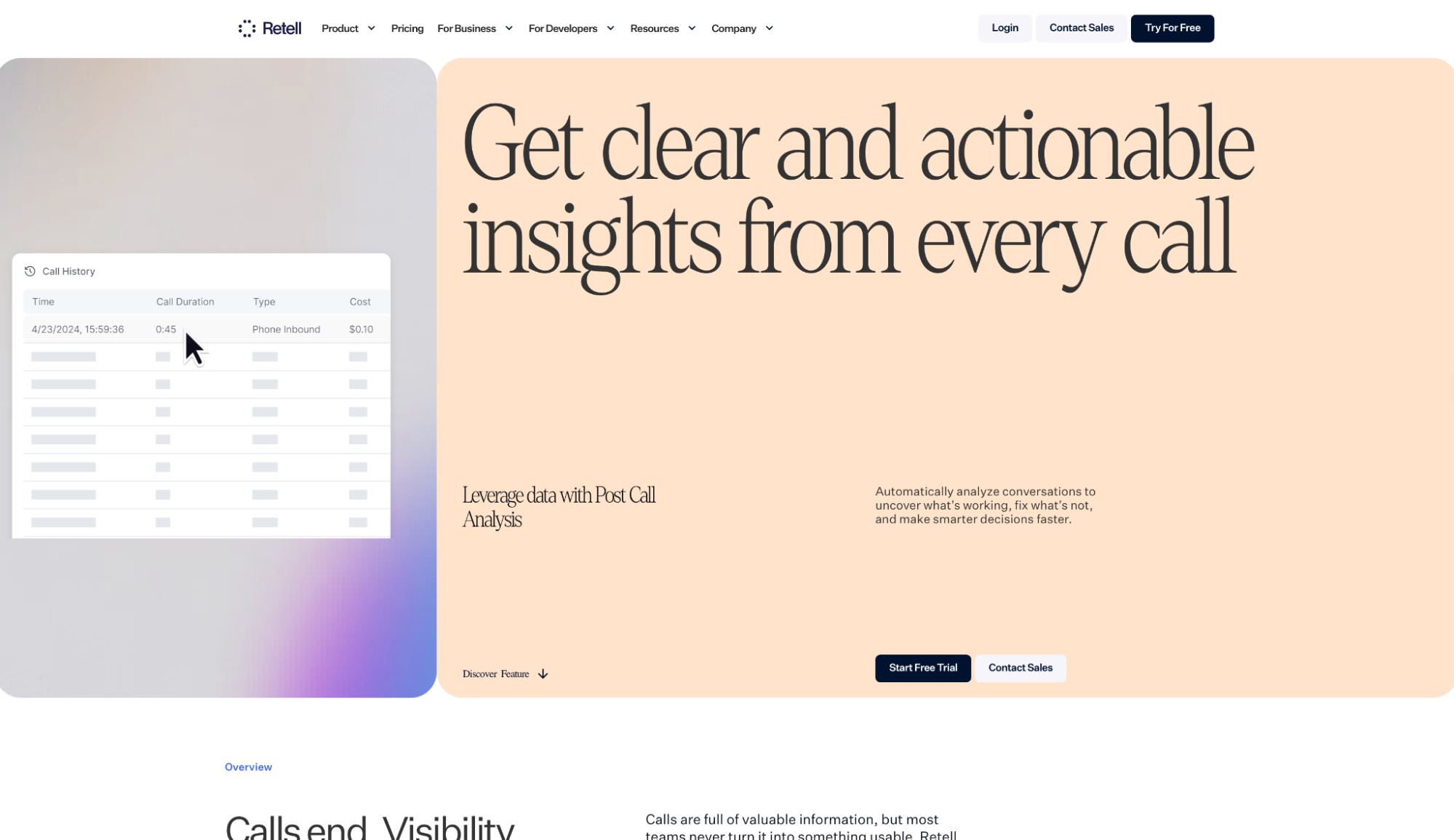
What it does: Retell AI is a conversational voice agent platform that handles inbound and outbound calls using LLM-based agents with sub-600ms latency.
Best for: Sales and support teams handling high call volume who need low latency and API control. Also a strong fit for healthcare operations running inbound scheduling and developers building on SIP trunking.
Building inside Retell, the first thing I noticed was how fast I got to a working call flow. The drag-and-drop framework handled branching logic and live function calling without touching the API.
What kept it from breaking on real callers was the custom turn-taking model. It reads mid-sentence pauses versus natural breaks, which is where other agents lose the conversation.
The trade-off is cost predictability. Stacking Retell with an external LLM and TTS provider means the bill climbs fast once you add concurrency.
Key Features
- Custom turn-taking model: Reads mid-sentence pauses versus natural breaks so the agent never cuts a caller off.
- Live function calling: Books appointments, processes payments, and updates CRM records mid-call without dropping to a post-call sync.
- Streaming RAG with auto-sync: Pulls from a live knowledge base that syncs automatically when content changes.
- Batch calling without concurrency limits: Runs outbound campaigns with per-call conversion tracking included.
- HIPAA, SOC 2 Type I and II, and GDPR compliance: Available across plans, not locked behind an enterprise sales conversation.
Pros and Cons
Pros:
✅ The custom turn-taking model catches the exact moment other agents interrupt and lose the caller
✅ Live function calling handles bookings, payments, and CRM updates mid-call, no post-call sync needed
✅ On-premise deployment ships as a standard option, not an enterprise negotiation
Cons:
❌ Per-minute costs compound fast once you stack an external LLM and TTS provider on top of base Retell usage
❌ Multi-turn flows with custom function calling require engineering context, and non-technical teams will hit friction early
What Users Say
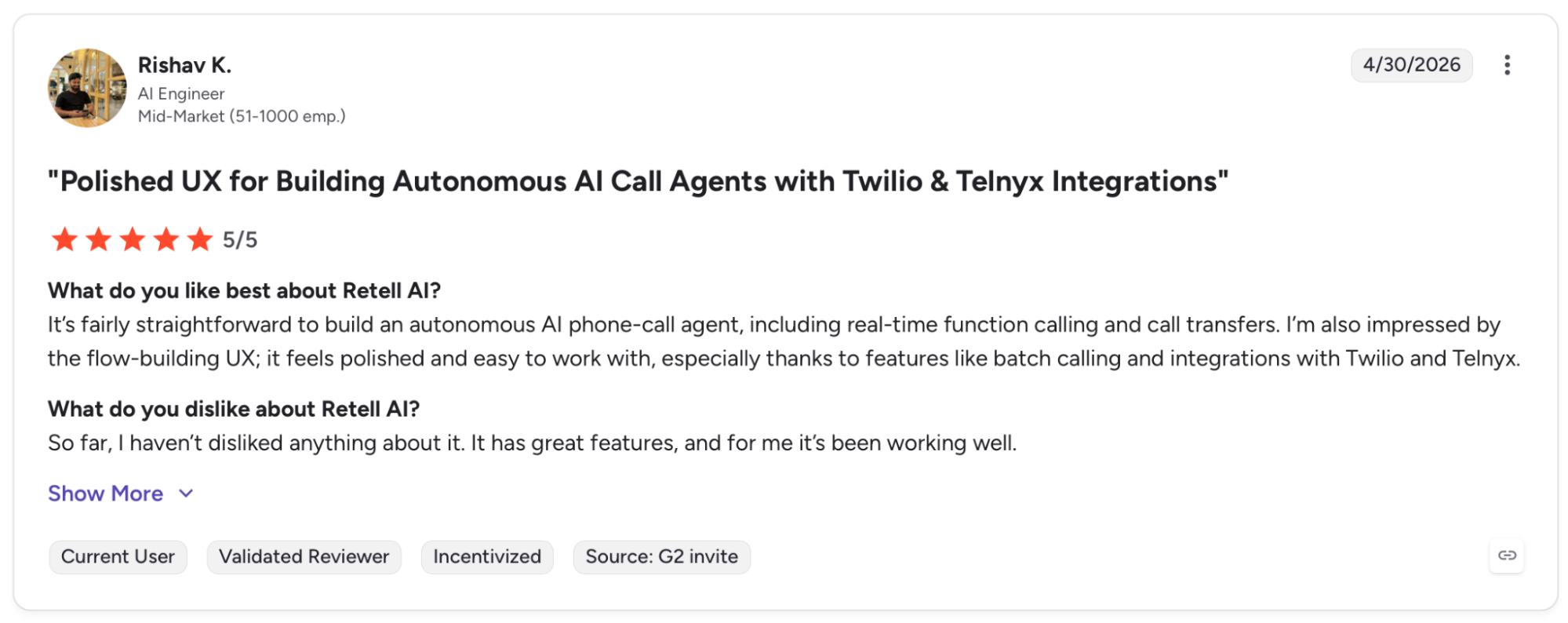
"It's fairly straightforward to build an autonomous AI phone-call agent, including real-time function calling and call transfers." (Rishav K., G2)
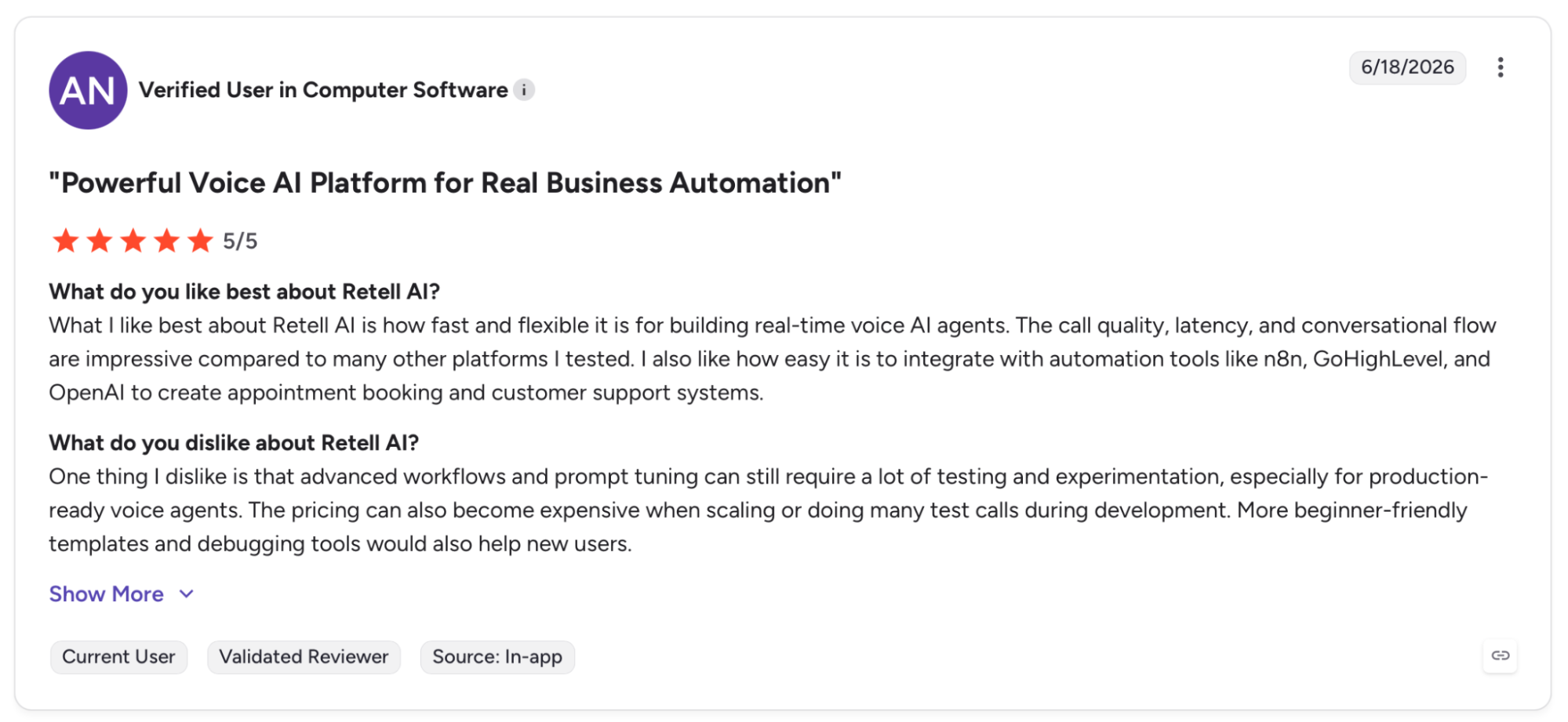
"One thing I dislike is that advanced workflows and prompt tuning can still require a lot of testing and experimentation, especially for production-ready voice agents." (Verified User, G2)
Pricing
Retell AI works under a Pay-as-you-go structure. AI Voice Agents range between $0.07-$0.31/min, depending on the LLM and TTS provider. New accounts get $10 of usage credit.
Bottom Line
Retell makes sense when the agent is already on live calls and the team needs latency and API control that won't slip. If you're still in the prototype phase or need a no-code setup, Synthflow or Thoughtly ships faster.
2. Aircall: Best for SMB Sales and Support Teams
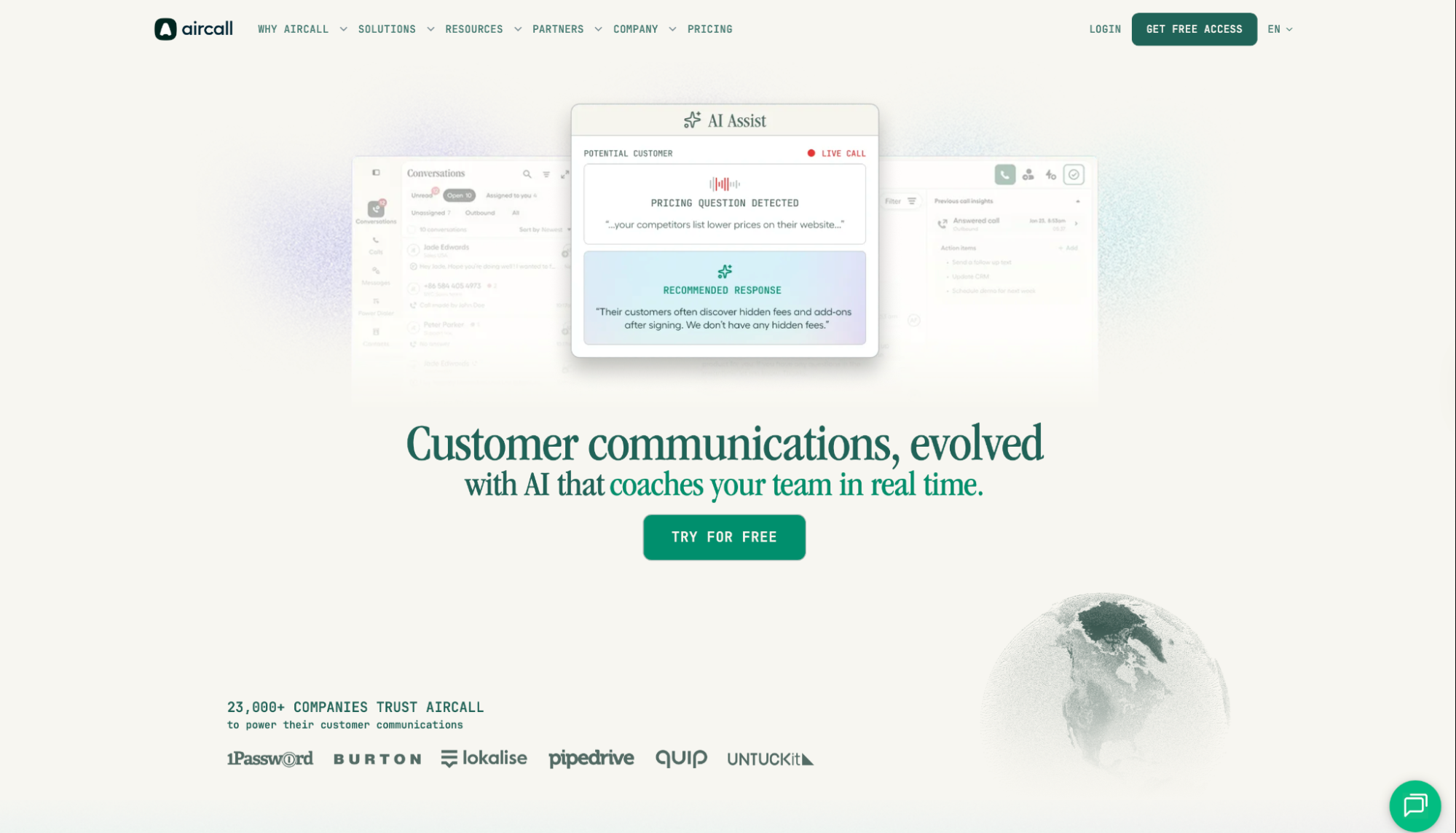
What it does: Aircall is a cloud phone system with AI Voice Agents that handle inbound calls and execute CRM tasks mid-conversation, cutting post-call admin work.
Best for: SMB sales and support teams already running HubSpot, Zendesk, or Shopify who want AI voice without replacing their phone system.
Aircall started as a cloud phone system, which puts it in a different category than the other platforms in this guide. When I tested it, the standout was AI Actions: the agent creates contacts in HubSpot, opens tickets in Zendesk, and pulls Shopify order data during the call.
That same origin is also the ceiling. I hit the wall faster on deep LLM control and custom SIP trunk configuration than I did on Retell or Telnyx.
Key Features
- AI Actions with HubSpot, Zendesk, and Shopify: Creates contacts, files tickets, and books meetings during the call with no manual follow-up.
- No-code AI Actions setup in five minutes: Ready-made templates let non-technical teams configure CRM workflows without engineering.
- 200+ native integrations: Connects to Salesforce, Slack, Intercom, and other tools already in the stack without custom development.
- Local Presence for outbound calls: Displays a local number automatically, increasing answer rates on cold and follow-up calls.
- AI Messaging Agents for SMS and WhatsApp: Extends the same agent layer to text channels.
Pros and Cons
Pros:
✅ AI Actions executes CRM tasks mid-call and updates records before the conversation ends
✅ 50 free AI Voice Agent minutes included at signup, plus 100 additional minutes in the first month
✅ Voice and digital channels run under the same agent layer, no separate tool for SMS or WhatsApp
Cons:
❌ Custom LLM selection and prompt-level control are limited compared to API-first platforms
❌ High-volume outbound campaigns cap out the AI Voice Agent tier faster than Retell or Telnyx
❌ The 3-seat minimum on base plans means solo operators and very small teams pay for capacity they won't use
What Users Say
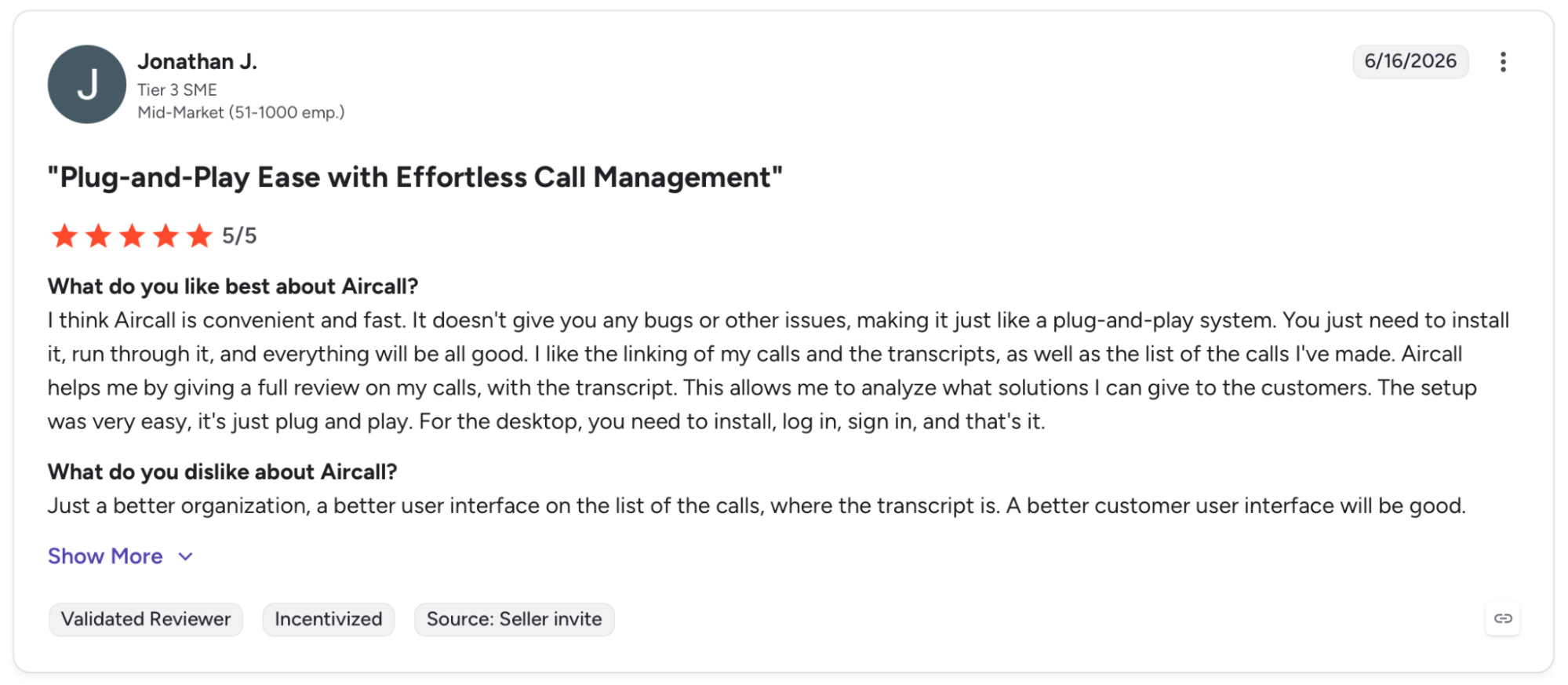
"I think Aircall is convenient and fast. It doesn't give you any bugs or other issues, making it just like a plug-and-play system." (Jonathan J., G2)
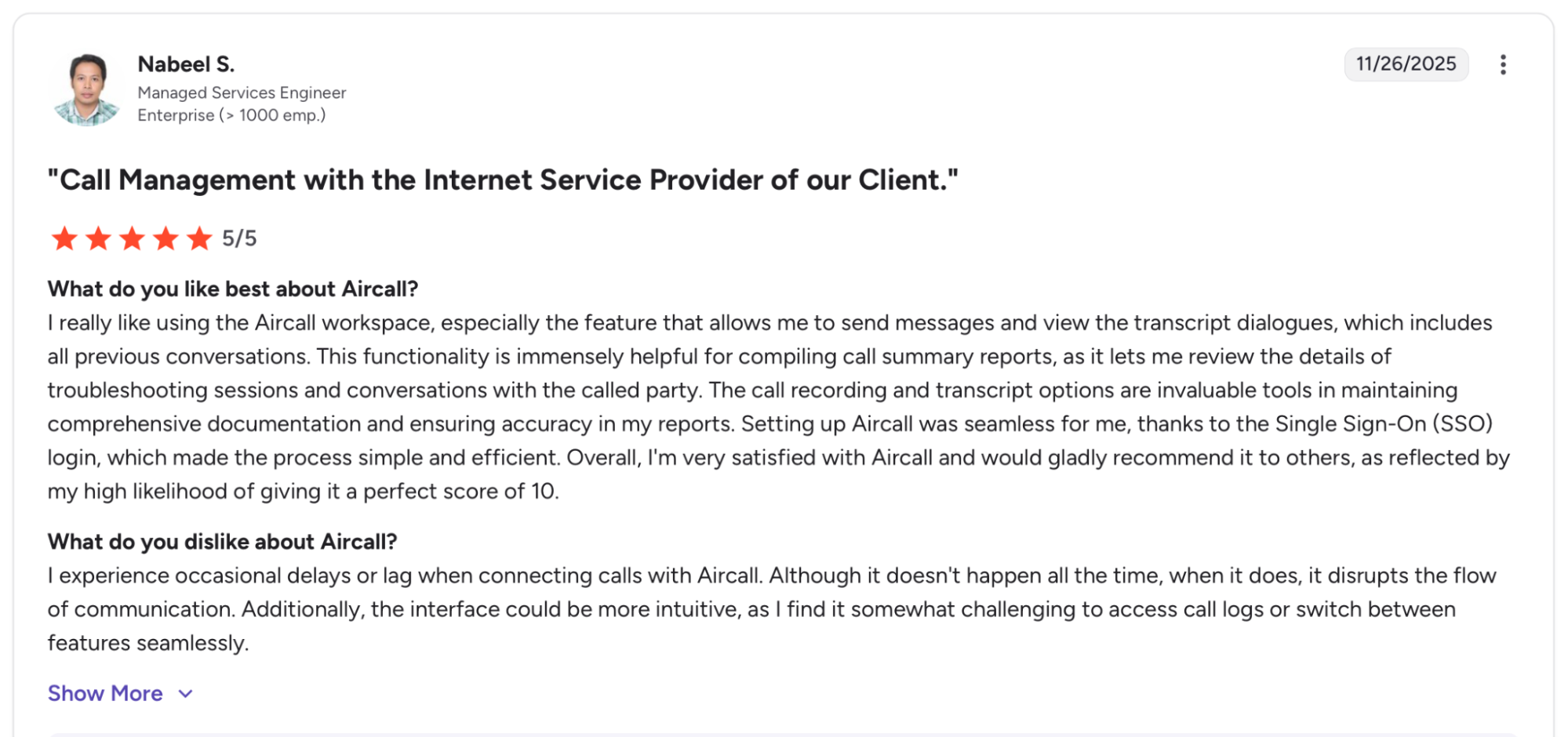
"I experience occasional delays or lag when connecting calls with Aircall." (Nabeel S, G2)
Pricing
Aircall starts at $40/license per month with a 3-seat minimum. AI Voice Agent access is $0.19/minute on committed bundles or $0.39/minute pay-as-you-go.
Bottom Line
Aircall slots in without replacing anything. The phone system stays, the AI layer sits on top, and CRM records update mid-call. For full LLM control or lower per-minute costs past 50,000 minutes, Retell or Telnyx is the better fit.
3. Synthflow: Best for No-Code Voice Agent Deployment
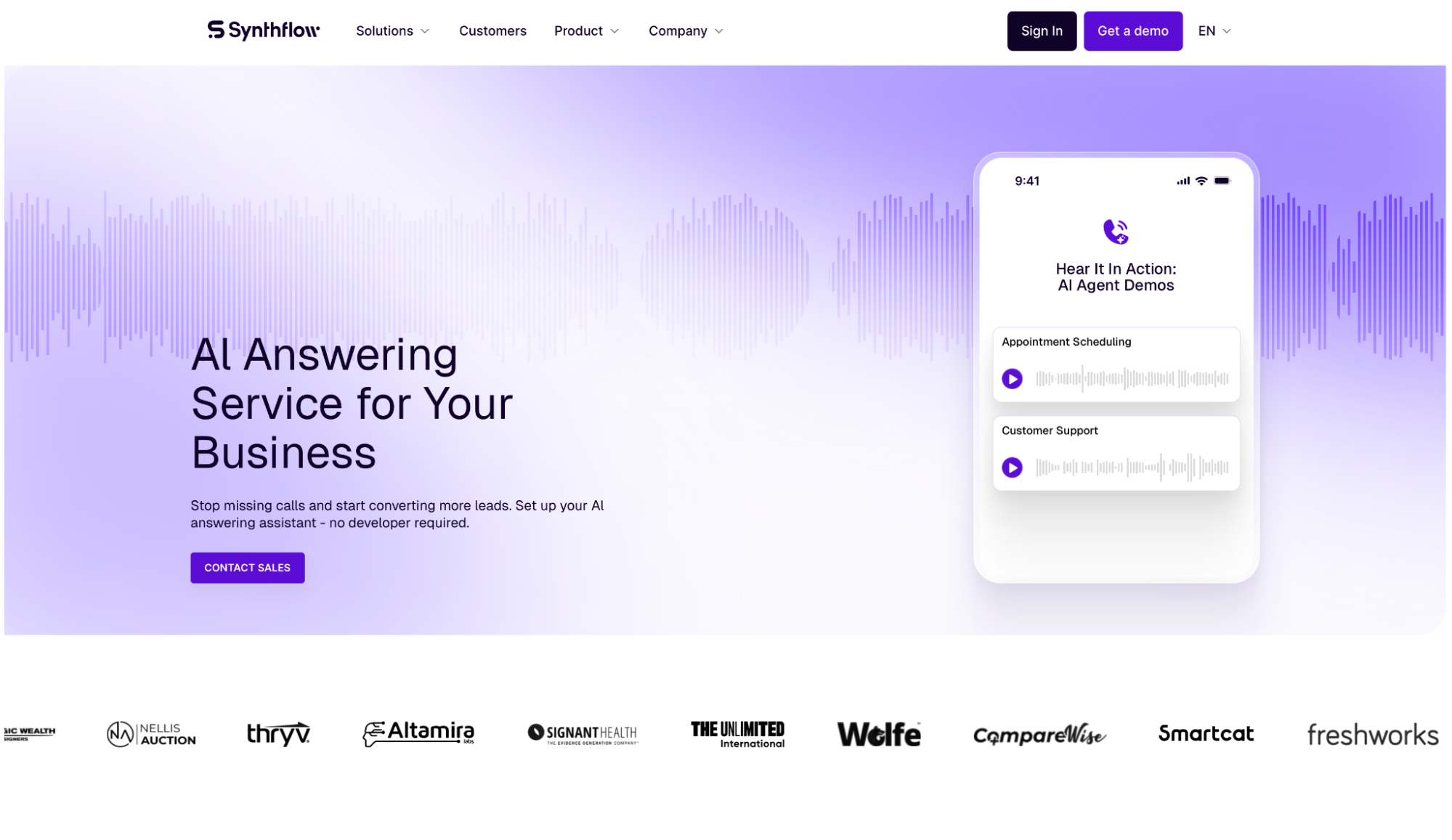
What it does: Synthflow is a no-code Voice AI platform for building and deploying phone agents across inbound, outbound, and omnichannel flows.
Best for: Agencies that need white-label voice agents for clients and enterprise teams that need a working call flow without involving engineering.
Opening the Synthflow builder after testing API-first platforms, the difference is immediate. Pre-configured templates had my first test call running in minutes, and that speed holds because the platform runs its own carrier network with sub-100ms latency and 99.99% uptime.
The limits showed up when I needed to go outside the framework. Custom LLM selection required more configuration than Retell or Telnyx, and per-minute costs rise significantly past the Starter tier.
Key Features
- BELL Framework: A Build, Evaluate, Launch, Learn process that takes agents from pilot to production in under 60 days, per published case studies.
- In-house carrier network with sub-100ms latency: Integrates directly with SIP trunks, Cisco, Avaya, and Genesys without third-party routing.
- White-label agent builder: Deploy fully branded agents under client names with no Synthflow branding visible.
- 200+ native integrations: Connects to HubSpot, Salesforce, Freshworks, and calendar tools for mid-call bookings and CRM updates.
- Omnichannel agent layer: One agent configuration covers voice, SMS, and chat from a single platform without rebuilding per channel.
Pros and Cons
Pros:
✅ A $230M BPO operator deployed 40+ white-labeled agents and handled 600K monthly calls in 60 days, per Synthflow's published case study
✅ SOC 2, HIPAA, PCI DSS, ISO 27001, and GDPR certifications ship with the platform, not locked behind a separate enterprise tier
✅ Forward-deployed engineers join onboarding directly, removing the typical implementation delay
Cons:
❌ Per-minute costs rise significantly past the Starter tier, and BYOK adds setup that compounds the cost per call
❌ Granular prompt engineering hits the no-code framework fast and becomes a constraint
What Users Say
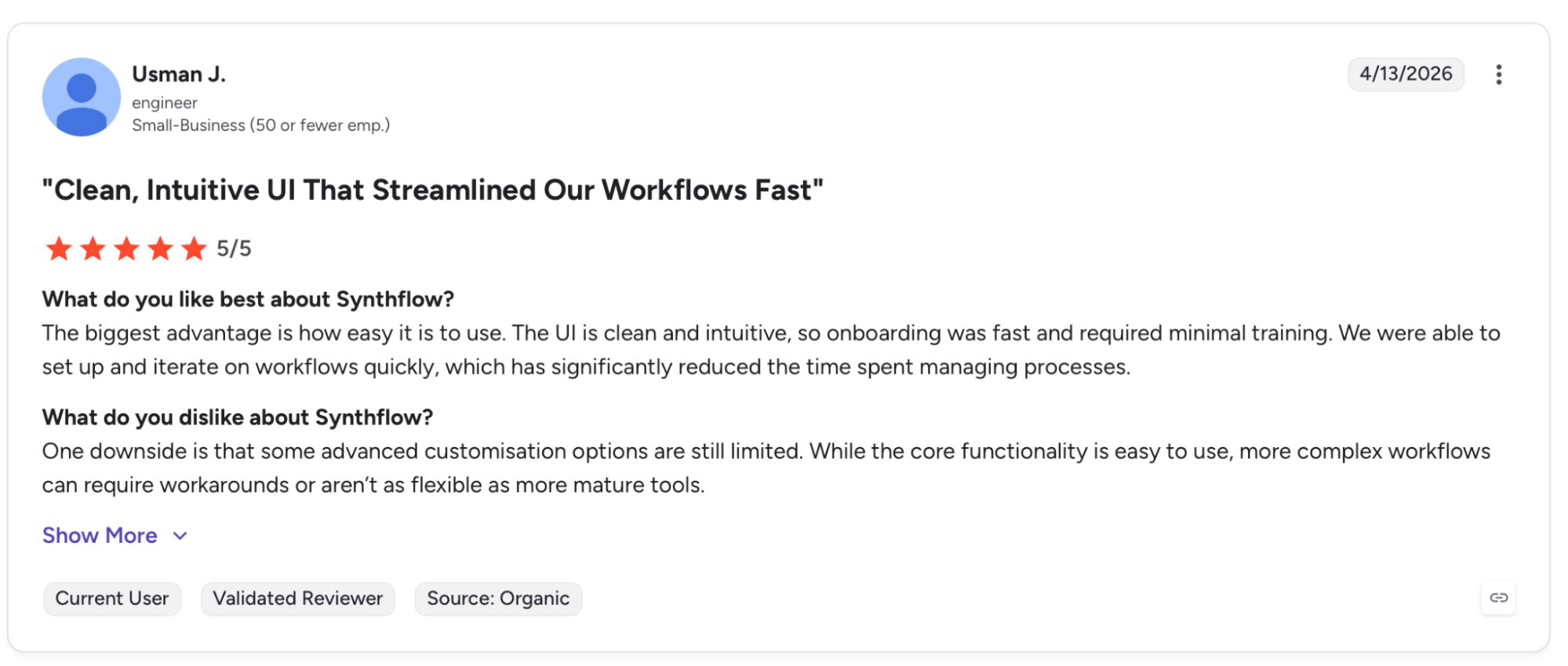
"The UI is clean and intuitive, so onboarding was fast and required minimal training." (Usman J., G2)
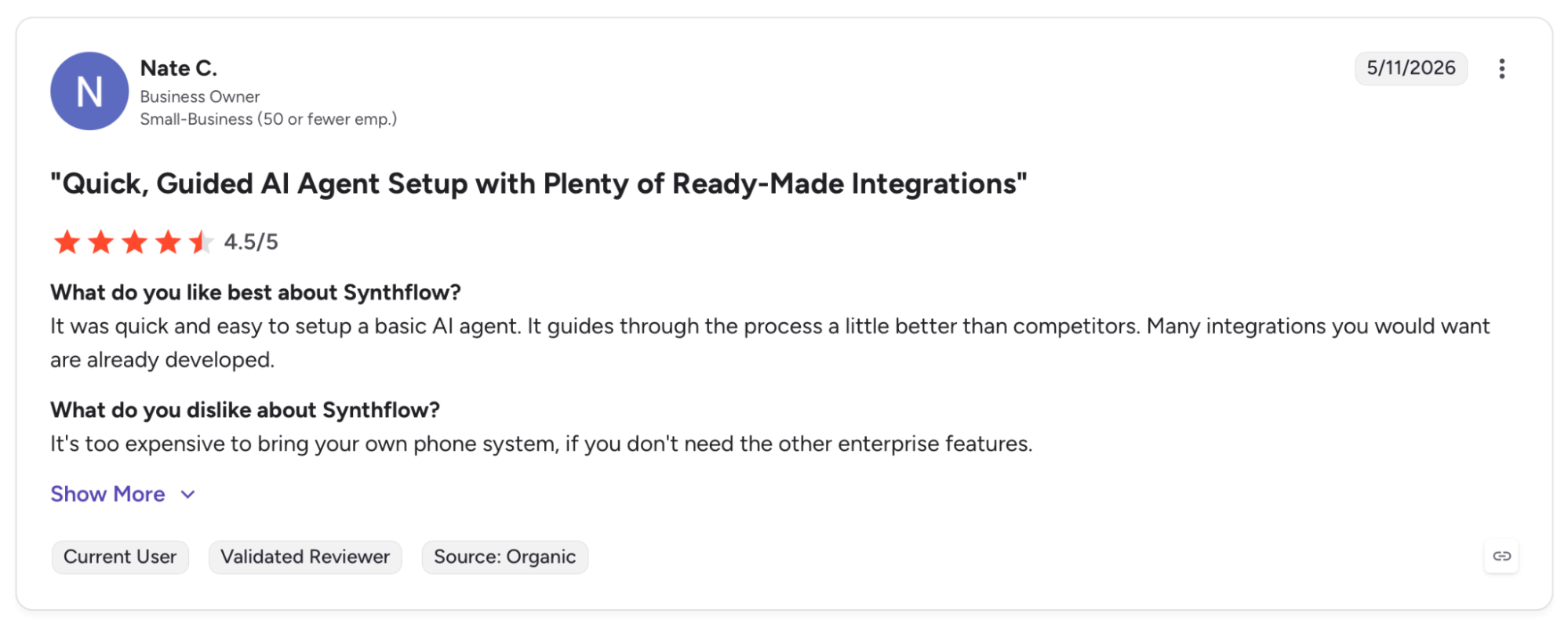
"It's too expensive to bring your own phone system if you don't need the other enterprise features." (Nate C., G2)
Pricing
Synthflow works on a Pay-as-you-go structure. Enterprise plans require a custom quote.
Bottom Line
Synthflow gets a working agent on live calls fast, no developer required. Once the team needs full LLM control or flat-rate pricing past the Starter tier, Retell or Telnyx handles those requirements better.
4. Thoughtly: Best for Fast Launch and Small Sales Teams
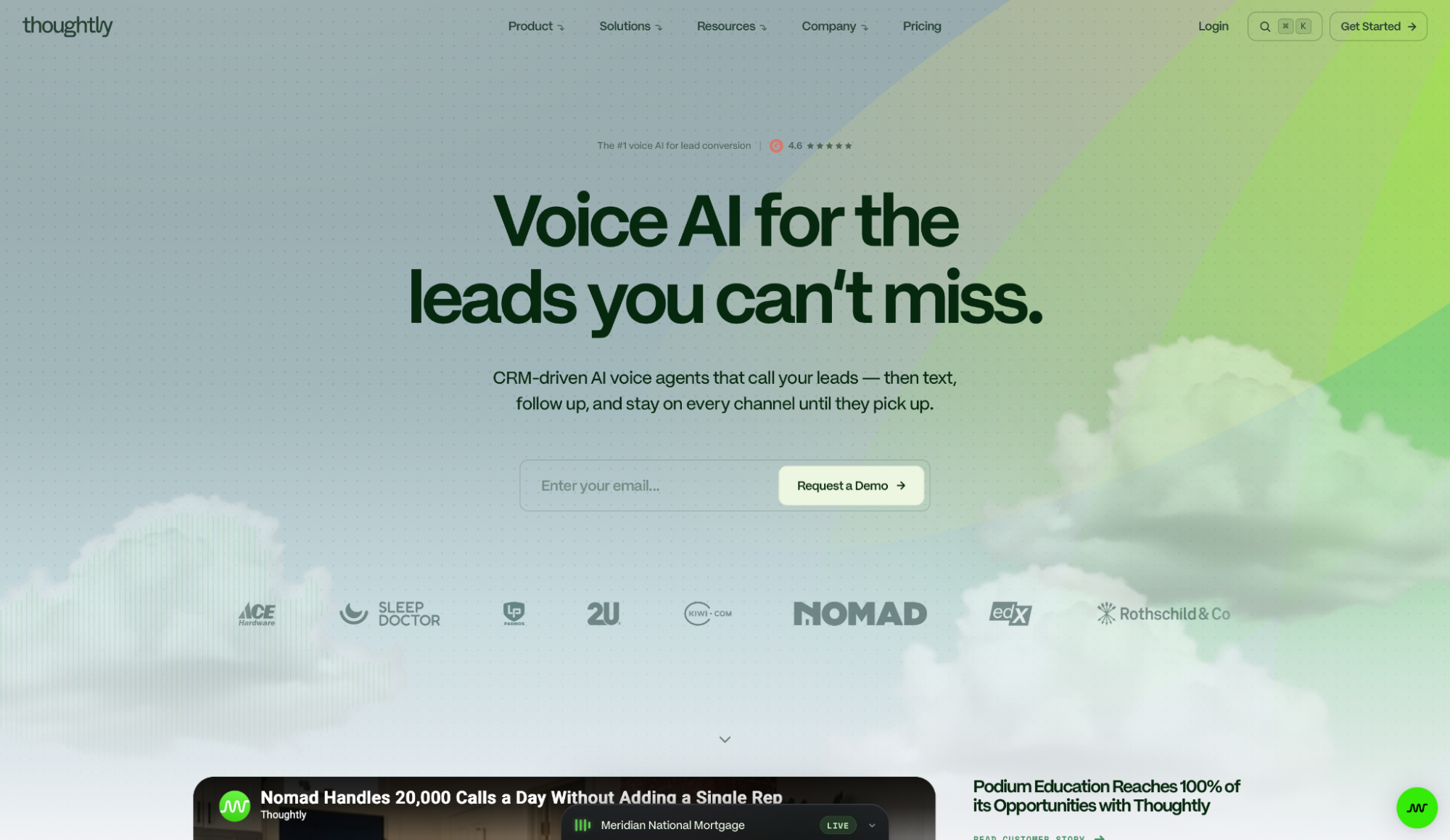
What it does: Thoughtly is a CRM-driven voice agent platform that contacts leads across voice, SMS, and email from a single agent configuration.
Best for: Sales teams that need every lead contacted fast and every outcome tracked in the CRM. Strong fit for insurance and real estate operations where speed-to-lead under 60 seconds drives conversion.
What I tested was straightforward: Thoughtly calls every new lead within 10 seconds of form submission, then switches to SMS or email if the call goes unanswered. Every outcome landed in HubSpot the moment the call ended, tagged automatically.
The trade-off is scope. Thoughtly is designed for the top of the sales funnel. Enterprise inbound support and legacy telephony sit beyond what it handles.
Key Features
- 10-second speed to lead: Calls every new form submission within 10 seconds, before competing reps check their queue.
- Omnichannel follow-up from one agent: One configuration covers voice, SMS, WhatsApp, and email follow-up without rebuilding the flow per channel.
- Live call feed with pipeline tracking: Shows every interaction live with outcome scores, deal stage, and weekly revenue impact.
Pros and Cons
Pros:
✅ Calls back within seconds of a form submission, then follows up by SMS and email if the first call doesn't convert
✅ Every call outcome writes back to the CRM as booked, qualified, voicemail, or DNQ. Reps get a worked list, not raw leads
✅ Branded caller ID verified across iOS and Android shows the business name on the lock screen, reducing drop rates on outbound calls
Cons:
❌ Inbound support routing, legacy IVR, and enterprise contact center workflows sit outside what it handles
❌ No self-serve sandbox. Testing requires a demo call first
❌ Latency sits around 700ms on standard configurations, which is higher than Retell or Telnyx at equivalent call volumes
What Users Say
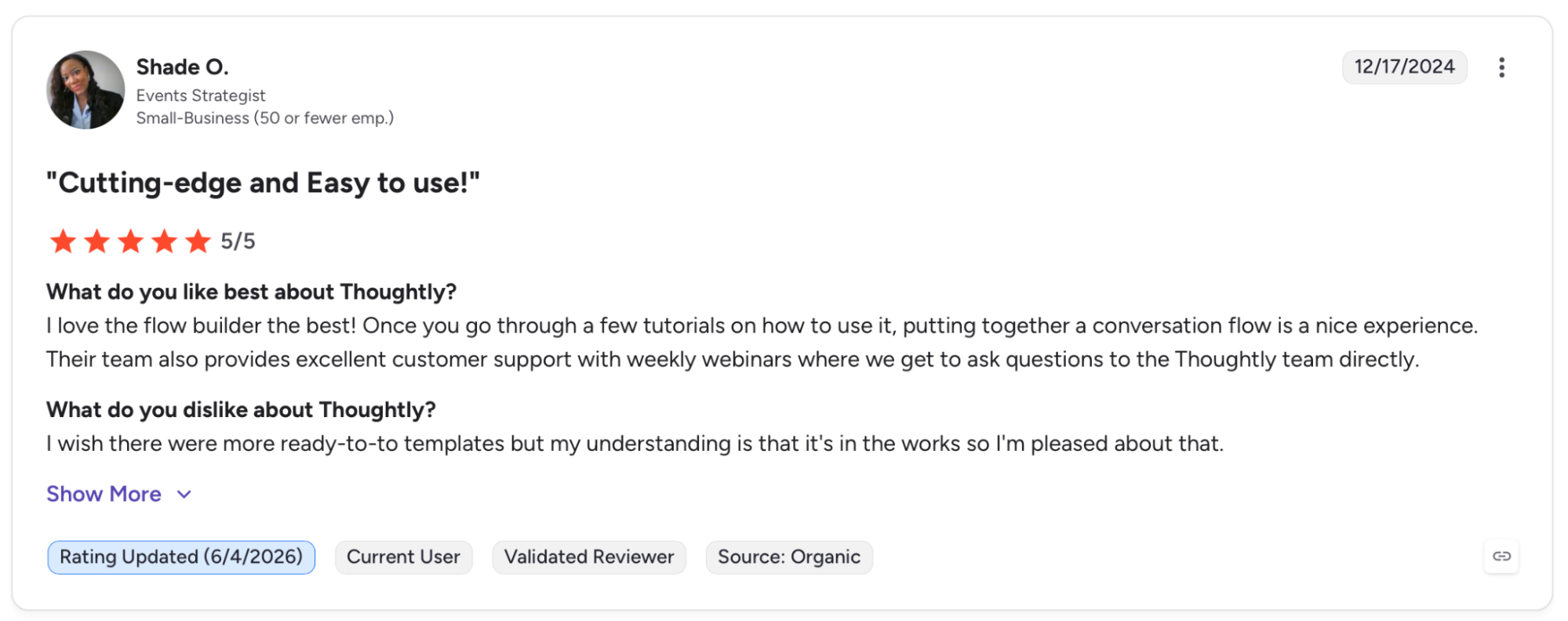
"I love the flow builder the best! Once you go through a few tutorials on how to use it, putting together a conversation flow is a nice experience." (Shade O., G2)
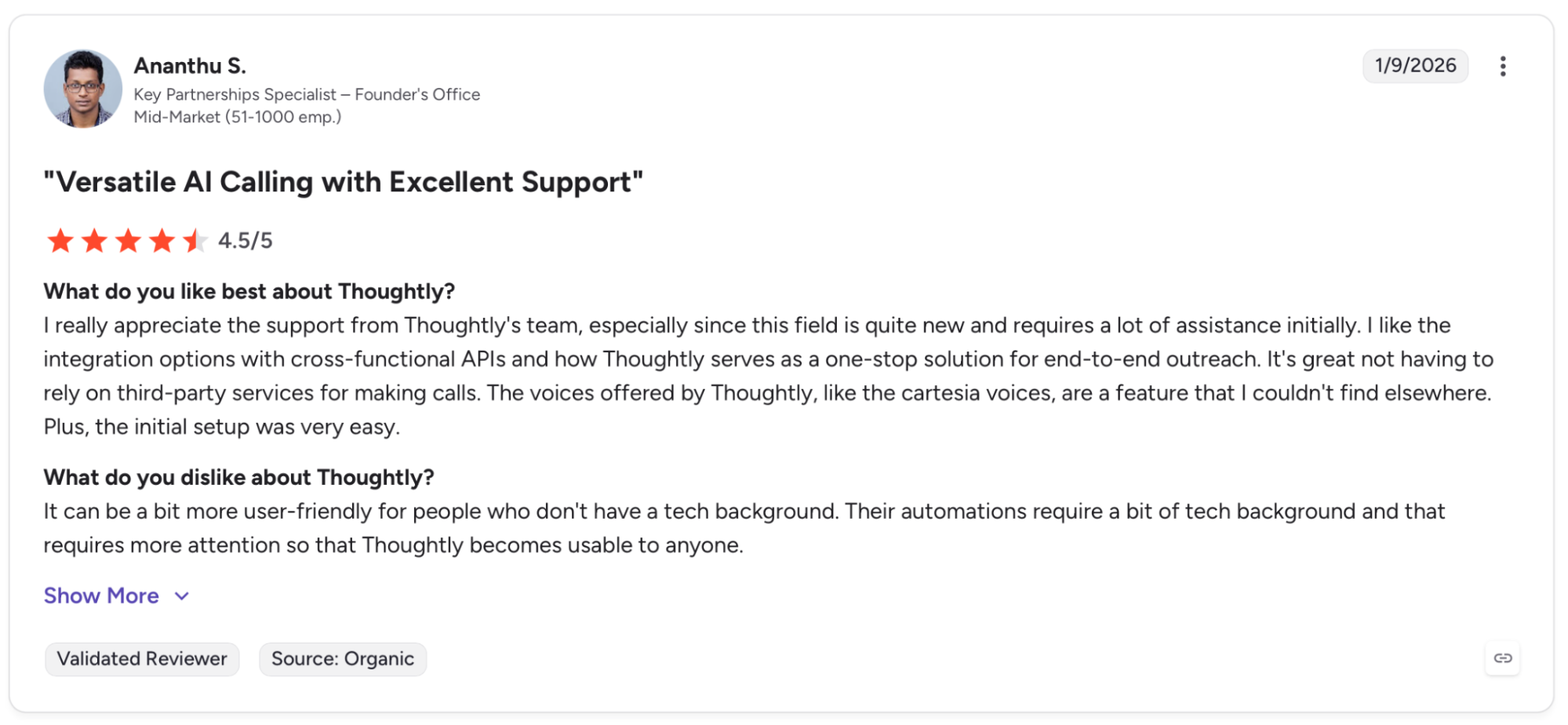
"It can be a bit more user-friendly for people who don't have a tech background." (Ananthu S., G2)
Pricing
Thoughtly bills at $0.09/minute with no base platform fee. Volume commitments bring lower rates.
Bottom Line
Thoughtly fits sales teams where speed-to-lead and CRM accuracy are the two numbers that move revenue. For inbound support or enterprise contact center routing, Aircall or Cognigy are better suited.
5. Telnyx: Best for Developer-Controlled Infrastructure
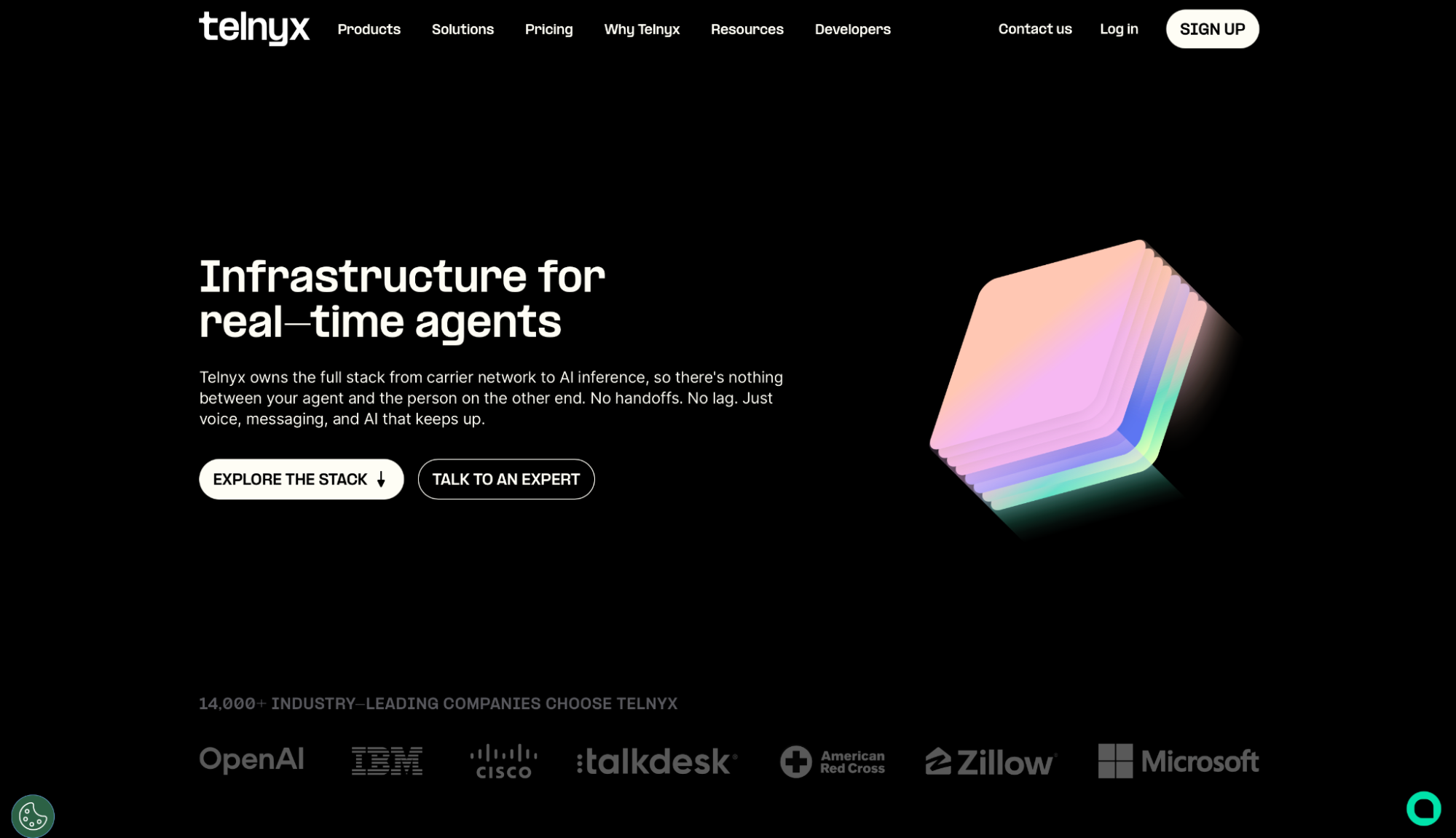
What it does: Telnyx Voice AI is a full-stack platform that runs telephony, STT, LLM, and TTS on owned carrier infrastructure, delivering sub-200ms response times.
Best for: Engineering teams replacing a stitched multi-vendor stack that want one SLA covering every layer from carrier to transcript.
Setting up inside the Mission Control Portal, I had a number assigned and a test call running in under 15 minutes. The AI Assistant Builder walks through model selection, voice, and transcription settings in one place, then lets you call the assistant directly from the portal.
The call cost breakdown shows per-component spend: STT, TTS, LLM, and Call Control. When something looked off in latency, I knew exactly where to look. That observability is what makes Telnyx worth the overhead.
Key Features
- Licensed carrier in 45+ countries: Originates calls directly with local caller identity and compliance coverage across markets.
- Sub-200ms latency via co-located GPUs and telephony PoPs: Compute and telephony at the same hubs, removing the inter-provider hop that adds latency on stitched stacks.
- TTS Router with 1,300+ voices across 10+ languages: Switches between Telnyx Ultra, Qwen3TTS, xAI, MiniMax, Rime, and others through one API without rearchitecting the stack.
- Full-stack observability from one dashboard: End-to-end latency breakdown, transcript playback, and component-level tracing across STT, LLM, and TTS.
- OpenAI-compatible endpoints: Existing SDKs connect without rewriting code, and switching providers doesn't require rebuilding.
Pros and Cons
Pros:
✅ One platform SLA covers telephony, STT, LLM, TTS, and orchestration together, with SOC 2 Type II, HIPAA, ISO 27001, and PCI DSS under the same vendor relationship
✅ A-level STIR/SHAKEN attestation on US outbound calls comes included, reducing spam-label risk
✅ 30 integrations across 13 categories connect Voice AI to CRMs, analytics, and automation platforms
Cons:
❌ Operations teams without developer support will find the no-code builder covers only basic use cases
❌ Documentation and community resources are thinner than Retell's developer ecosystem
What Users Say
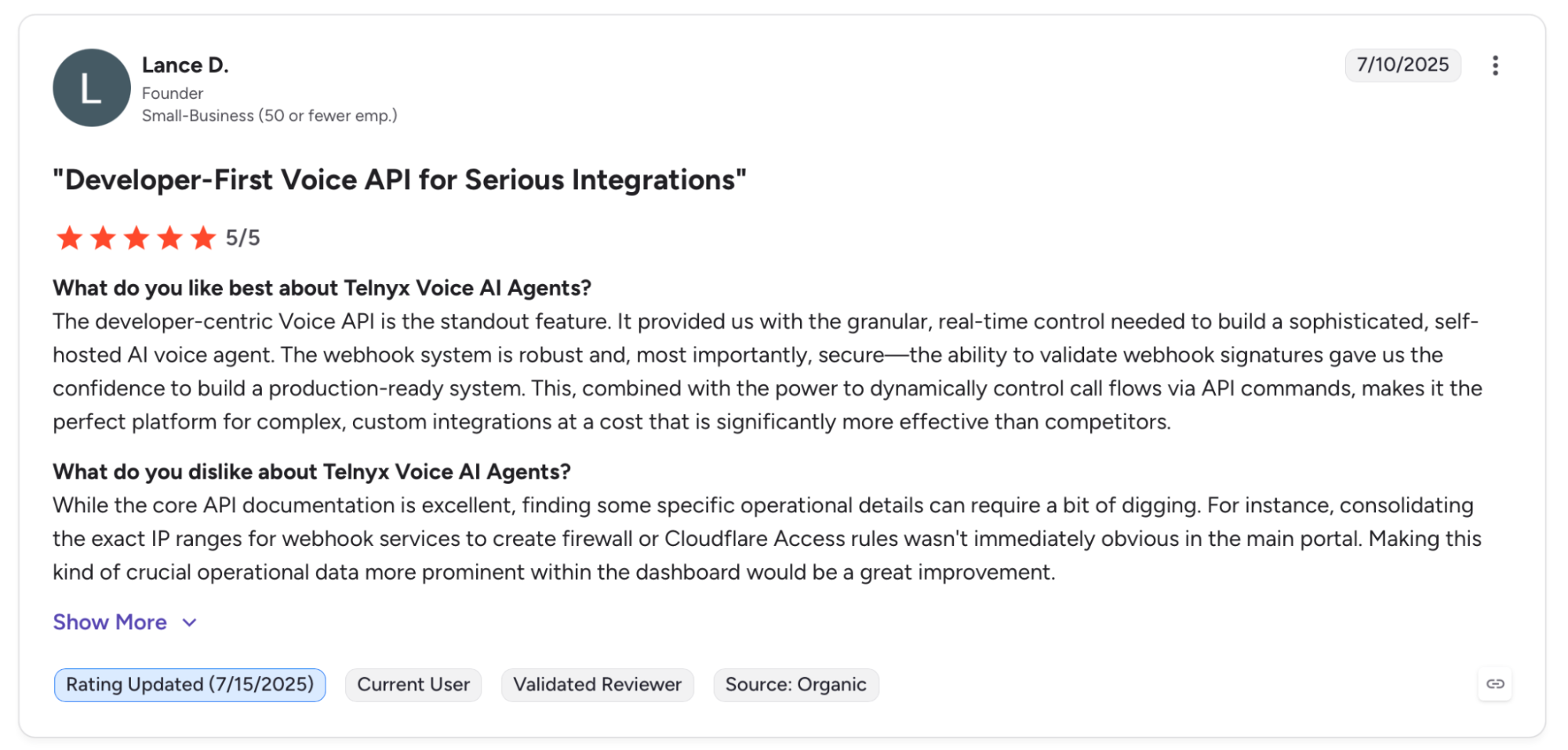
"It provided us with the granular, real-time control needed to build a sophisticated, self-hosted AI voice agent." (Lance D., G2)
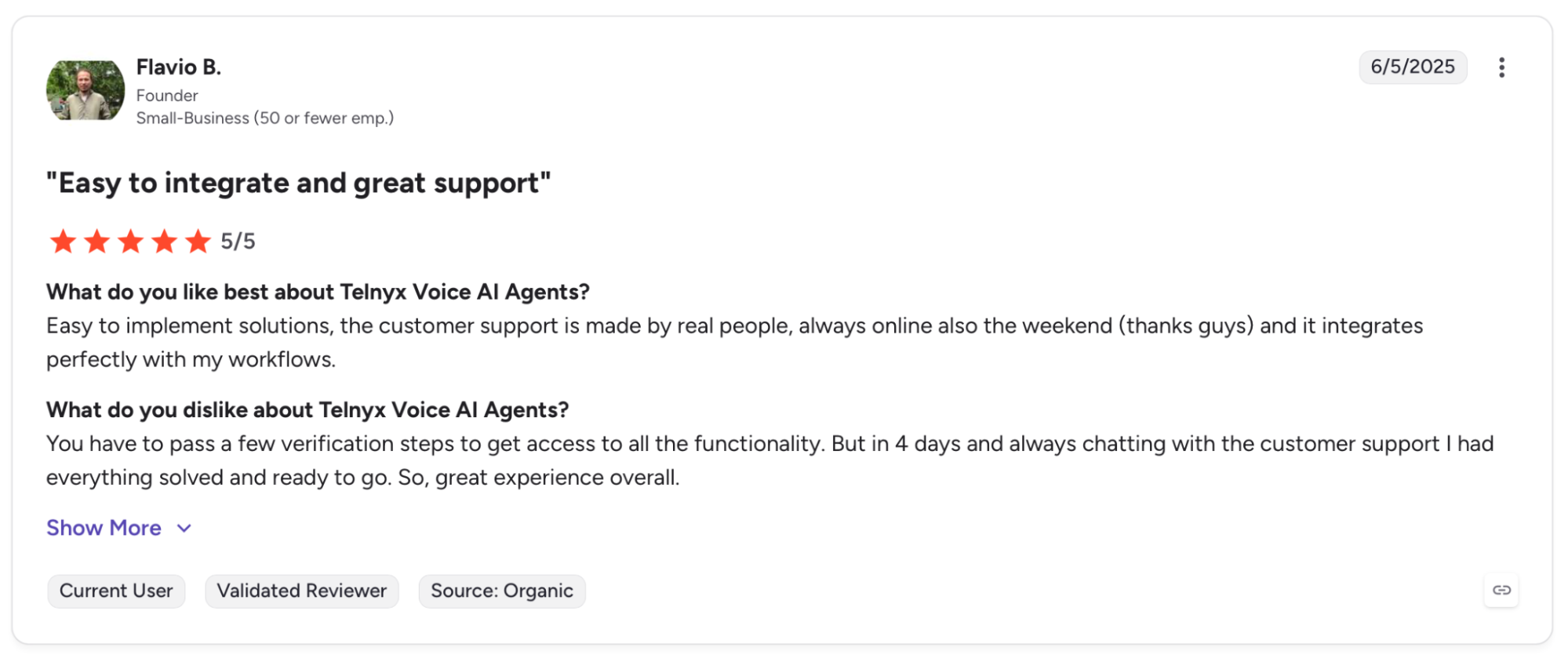
"You have to pass a few verification steps to get access to all the functionality." (Flavio B., G2)
Pricing
Telnyx Voice AI works as Pay-as-you-go, covering STT, TTS, and orchestration and a price range per minute depending on the voice API provider. No platform fee or seat license.
Bottom Line
Telnyx is worth the configuration time for engineering teams that want one SLA from carrier to transcript. A working agent without developer involvement is better served by Synthflow or Thoughtly.
6. Bland AI: Best for High-Volume Outbound in Regulated Industries
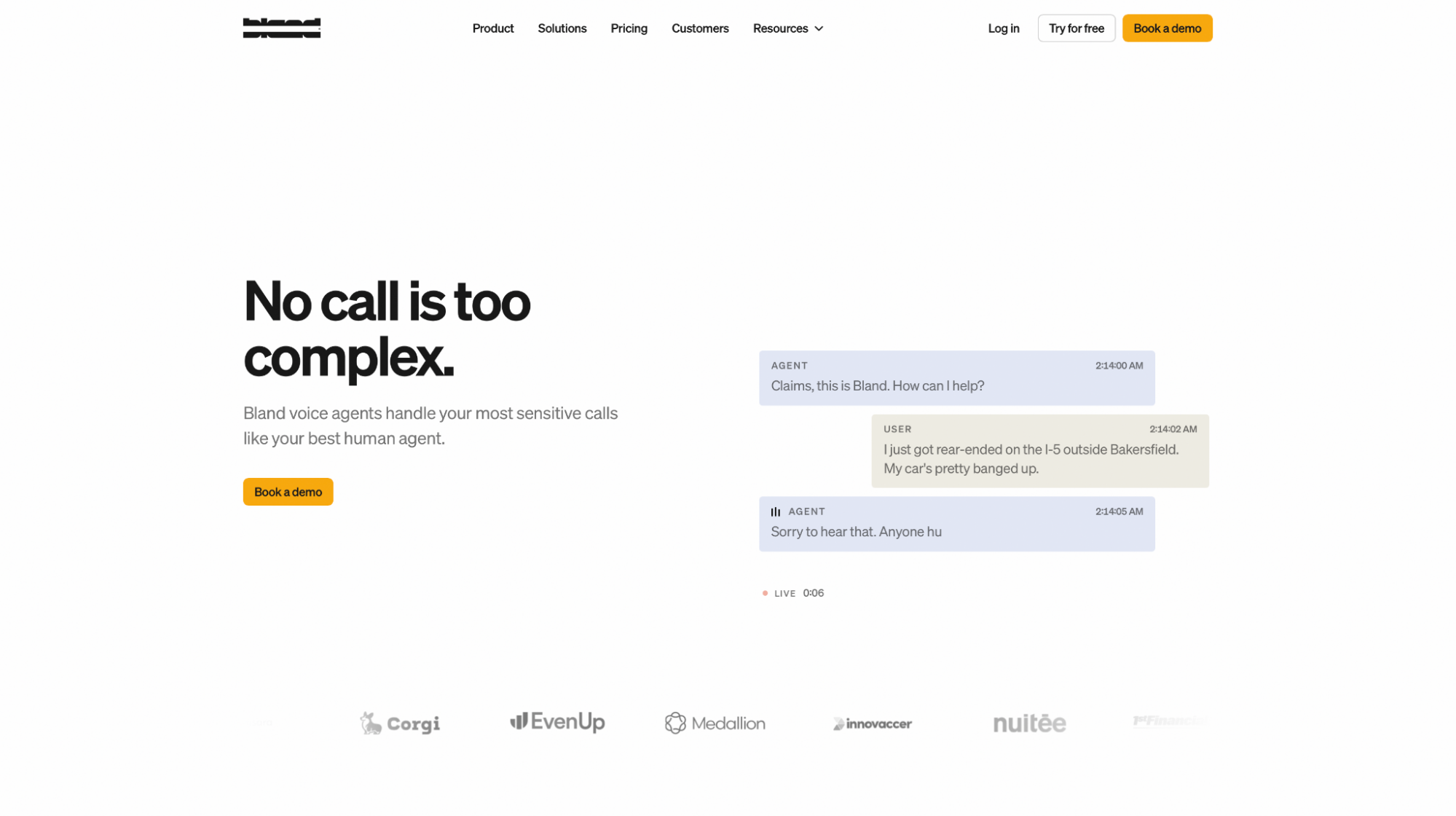
What it does: Bland AI is an enterprise voice agent platform that runs LLM, STT, TTS, and telephony entirely on its own infrastructure, so no third party touches a production call.
Best for: Regulated industries in healthcare, insurance, and financial services where data residency is a contractual requirement and call volume makes a single-vendor SLA worth the 30-day onboarding.
Every change lands in a safe branch first, so I reviewed the diff before anything touched the live agent. Then ran agent-on-agent simulations to stress-test edge cases before pushing to production.
The infrastructure underneath is what makes that confidence possible. Every component runs on Bland's own stack with no third-party routing, so latency holds at sub-400ms under load, and pricing doesn't shift when an upstream vendor changes something.
Key Features
- Norm AI agent builder: Generates a complete agent from a plain-language prompt, including pathway, CRM integrations, voice, and warm transfer logic.
- Sub-400ms latency on owned infrastructure: All components run on the same stack with no third-party routing.
- Omnichannel unified memory: One agent runs across voice, SMS, iMessage, and web chat with context carried so callers never repeat themselves.
- V2 noise cancellation: Filters background noise before the model processes it, with a 16% lower word error rate across 3,744 live calls measured in a June 2026 production test.
- SOC 2 Type I and II, HIPAA, PCI DSS, and GDPR certifications: Wired into the platform architecture at launch, not retrofitted later, with BAAs and DPAs in place for healthcare and EU customers.
Pros and Cons
Pros:
✅ Every change Norm makes goes to a safe branch first. You review the diff and run agent-on-agent simulations before anything touches the live agent
✅ Conversational Pathways handles branching logic, live API calls, and caller authentication mid-conversation without dropping context
Cons:
❌ No self-serve access. Testing requires a sales conversation first
❌ The Build plan requires a 30-day structured onboarding, which rules out teams that need an agent live this week
What Users Say
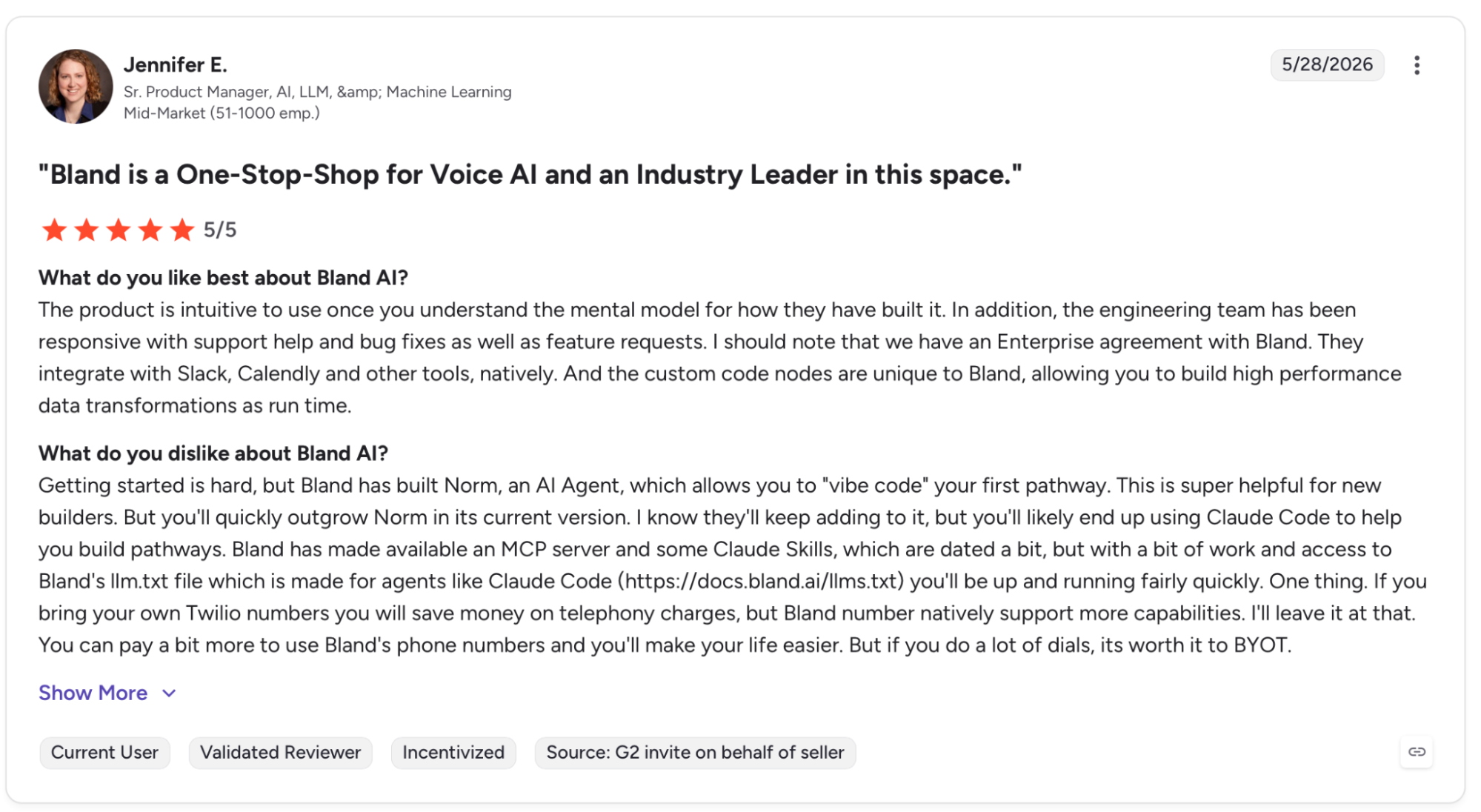
"The product is intuitive to use once you understand the mental model for how they have built it." (Jennifer E., G2)
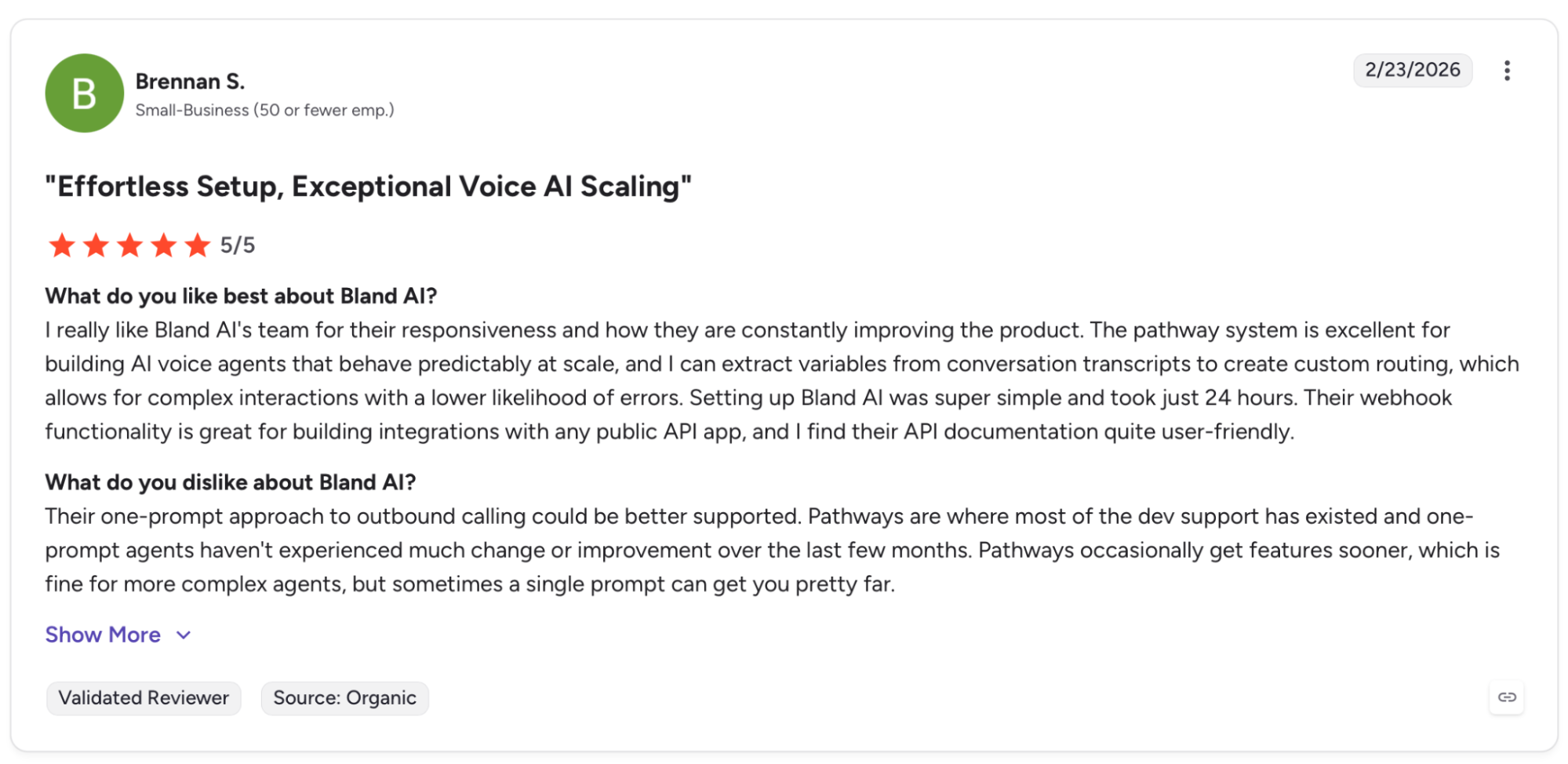
"Their one-prompt approach to outbound calling could be better supported." (Brennan S., G2)
Pricing
Bland AI starts at $0.12/min under a $299/month platform fee. One per-minute rate covers LLM, STT, TTS, and telephony with no separate vendor invoices.
Bottom Line
Regulated industries with hard data residency requirements and the budget for a structured 30-day deployment are where Bland lands well. Anyone who needs to test before committing or get a call live this week will move faster with Retell or Thoughtly.
7. Cognigy: Best for Large Enterprise Contact Centers
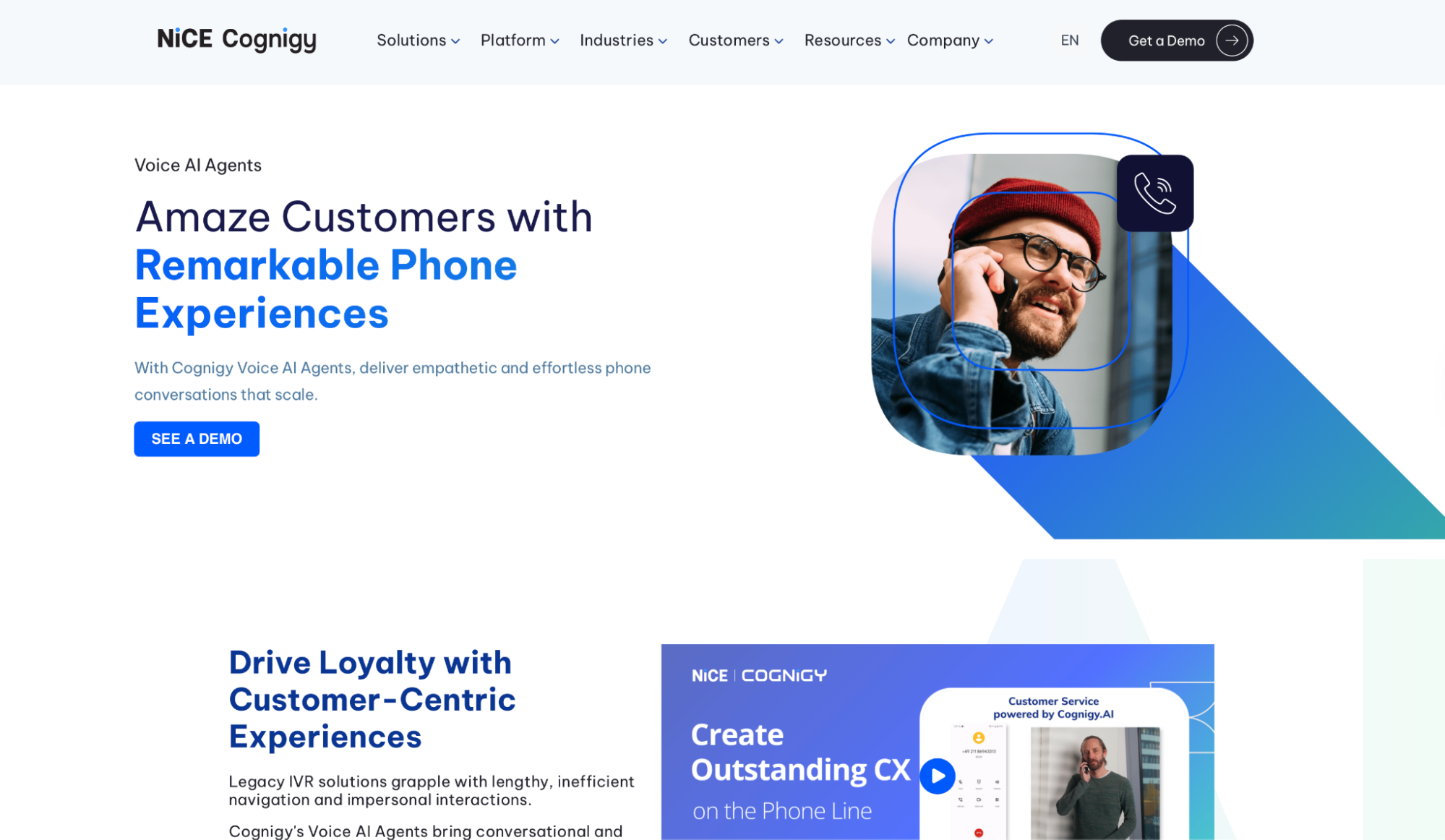
What it does: Cognigy is an enterprise conversational AI platform that runs voice and digital agents across contact center operations. It covers legacy IVR and new agentic AI from the same system.
Best for: Global enterprises running millions of contact center interactions who need legacy IVR and new agentic AI managed from the same platform.
The flow builder is where the platform's depth shows. Building a voice flow means thinking in nodes. Intent recognition, slot filling, branching logic, and handover conditions. The platform gives you control over every one of them.
What I kept running into during the evaluation was how much Cognigy assumes you already have in place. A CCaaS environment, a dedicated IT team, and months of runway before go-live. That's not a flaw. Cognigy isn't replacing a basic call router. It's replacing the whole contact center AI stack.
Key Features
- Agentic AI plus legacy IVR in one platform: LLM-based agents and existing IVR flows from the same orchestration layer.
- Native NiCE CXone handover: Passes full context, history, and intent data live so the rep never asks the caller to repeat themselves.
- Auto-sync with enterprise content systems: Pulls live updates from connected sources without manual knowledge base management.
- Live AI translation across languages: Handles multilingual interactions with no localization layer and no language-specific builds.
- AI command center with live fleet control: Monitors every active agent live with visibility into performance, escalations, and anomalies.
Pros and Cons
Pros:
✅ The MCP Server lets external AI systems call Cognigy agent capabilities directly, turning it into a provider inside broader agent ecosystems
✅ Agents hand off to specialized agents or humans with full context and unified memory preserved
✅ Live AI translation is native, not a third-party add-on, removing a separate vendor contract
Cons:
❌ There's no trial, no sandbox, and no pricing page. Evaluation starts with a sales call
❌ Implementation requires professional services, adding time and budget before the first agent goes live
❌ Teams without an existing CCaaS environment will find the feature set largely irrelevant
What Users Say
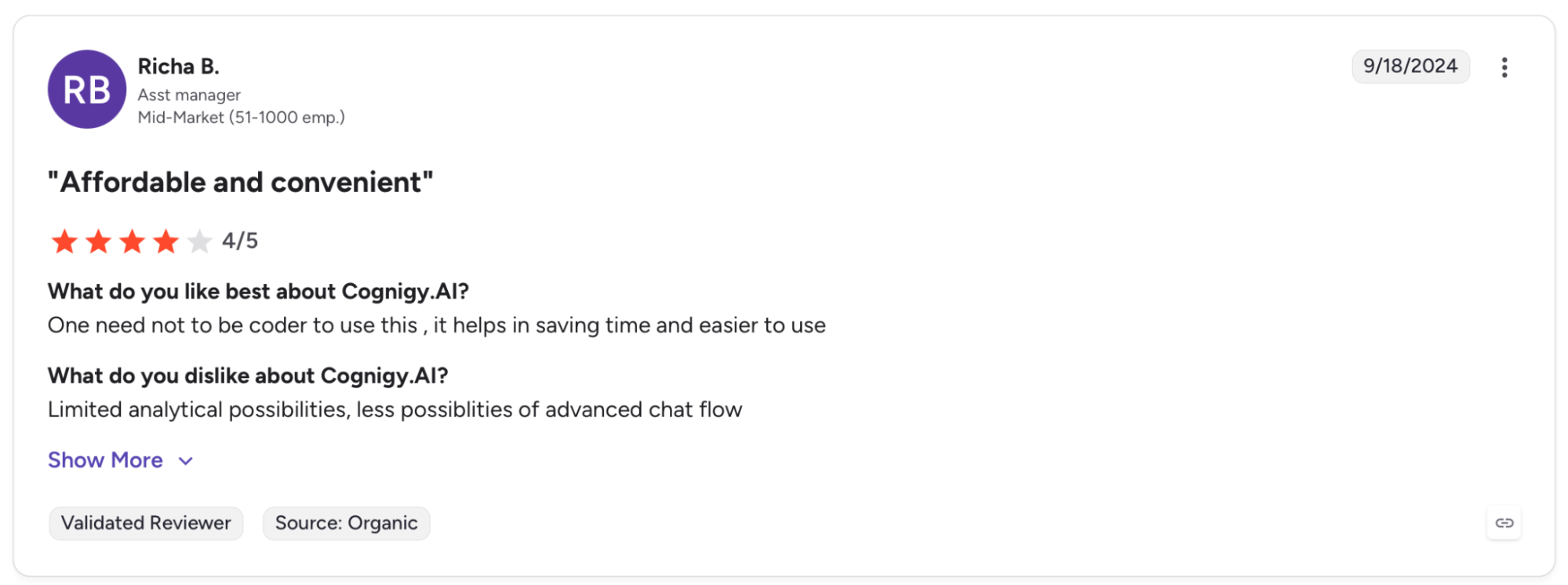
"One need not be a coder to use this, it helps in saving time and is easier to use." (Risha B., G2)
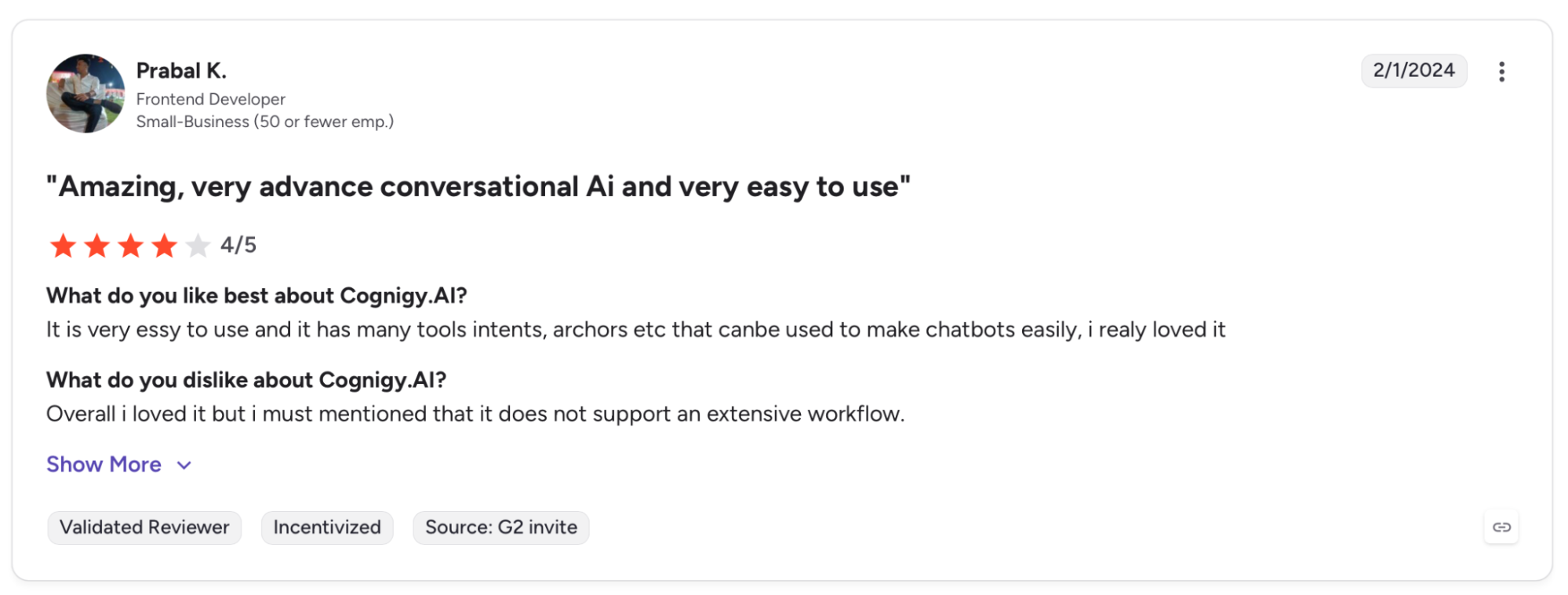
"Overall, I loved it, but I must mention that it does not support an extensive workflow." (Prabal K., G2)
Pricing
Cognigy doesn't publish pricing. All plans are custom and require a demo request.
Bottom Line
Cognigy is the platform for enterprises running millions of interactions across voice and digital channels that need one system to manage it all. Outside that context, every other platform in this guide costs less and deploys faster.
Which AI Voice Agent Service for Businesses Should You Choose?
Where to land depends on where your agent runs, who builds it, and what breaks first once the call volume picks up.
Choose Retell AI if you:
- Run inbound or outbound call flows at production volume and need sub-600ms latency with warm transfers and live function calling included
- Have an engineering team comfortable working with APIs and want full control over LLM selection, prompt logic, and SIP trunk configuration
Choose Aircall if you:
- Already run HubSpot, Zendesk, or Shopify and need AI voice that executes CRM tasks mid-call without replacing your existing phone system
- Manage a sales or support team where post-call admin time is the primary cost you're trying to eliminate
Choose Synthflow if you:
- Need a voice agent handling real calls in under 60 days without a developer on the project, and want white-label options for client-facing deployments
- Run a BPO or agency that manages multiple client accounts and needs one platform covering all accounts with separate branding per account
Choose Thoughtly if you:
- Need every form submission called within 10 seconds and want omnichannel follow-up across voice, SMS, and email from one agent
- Manage a sales pipeline where speed-to-lead and automatic CRM classification are the two metrics that move revenue directly
Choose Telnyx Voice AI if you:
- Are replacing a stitched multi-vendor stack of separate STT, LLM, TTS, and telephony providers, and want one SLA covering the full path from dial to transcript
- Operate across multiple countries and need a licensed carrier in each market under one contract
Choose Bland AI if you:
- Work in healthcare, insurance, or financial services where data residency and compliance certification are contractual requirements, not optional features
- Need a single vendor SLA covering every model component, and are comfortable with a structured 30-day deployment alongside Forward Deployed Engineers
Choose Cognigy if you:
- Run a global contact center handling millions of interactions across voice and digital channels, and need agentic AI and legacy IVR managed from the same orchestration layer
- Operate in a regulated enterprise environment where multilingual support, live AI translation, and Gartner-validated platform credibility are procurement requirements
Add Cekura on top of any of these if you:
- Need to know the agent still holds up after you swap a TTS model, change a prompt, or add call volume. Cekura runs simulated calls and CI/CD test suites against whichever service you pick, so a change that breaks a working flow gets caught before it reaches a live caller.
- Want latency, interruption, and accuracy scored on every call rather than spot-checking transcripts by hand.
Skip this category entirely if:
- Your call volume is under 500 calls per month, and a trained human rep or a basic IVR handles tier-1 queries without a meaningful drop-off in resolution rate
- You haven't mapped your core call flows yet. Deploying AI voice agent services for businesses before that's settled produces a poor caller experience, no matter which platform you use
Final Verdict
Retell AI is where teams running production call volumes will land. You get low latency, full API control, and compliance coverage without a sales conversation to access it.
For no-code deployment, Synthflow gets a working agent live faster than any platform covered here. For enterprise contact centers running millions of interactions across legacy IVR and new agentic AI simultaneously, Cognigy is in a different weight class.
How to Know Your AI Voice Agent Service Holds Up Once It Goes Live
Every platform in this guide helps you build and deploy. The challenges show up after go-live, when a caller drops, a transcript looks wrong, or a prompt update breaks a flow that was working yesterday, and the cause could be anywhere in the pipeline.
Cekura runs on top of whichever AI voice agent service for businesses you choose and covers that through:
- Volume testing: Thousands of simulated calls run before go-live, catching the edge cases that only surface when callers push your agent off-script.
- Interruption detection: When the agent talks over a caller or cuts off mid-sentence, Cekura catches those timing patterns before they become a habit.
- Latency tracking: Measures where slowdowns originate in the pipeline so you know exactly what to fix after each update.
- CI/CD integration: Every time you swap a TTS model, update a prompt, or change a voice provider, Cekura runs your full test suite before anything goes live.
- Conversation replay: When something breaks in production, replay that exact exchange against your updated configuration to confirm the fix held.
- A/B testing: Compare multiple versions of your agent against the same call scenarios and review results in one place.
- Custom evaluation: Score every call on accuracy, missed intents, and incorrect responses using your own criteria.
- SOC 2-, HIPAA-, and GDPR-compliant: Transcript redaction, role-based access, and audit trails.
Native integrations connect directly to Retell, VAPI, ElevenLabs, LiveKit, Pipecat, Bland, and more.
You don't rebuild anything. Instead, you add a testing and monitoring layer on top of what you already have.
Building a voice agent and want to know if your setup holds up on live calls? Schedule a demo with Cekura to see how it tests and monitors your agent in production.
Frequently Asked Questions
1. What is the best AI voice agent service for businesses?
For production call volume with full API control, Retell AI is the strongest pick. For no-code deployment, Synthflow ships fastest, and for enterprise contact centers, Cognigy covers legacy IVR and agentic AI in one platform.
Teams also add a testing layer like Cekura on top to confirm the agent holds up after every change.
2. What are AI voice agent services for businesses?
AI voice agent services for businesses are platforms that handle phone calls autonomously using LLMs, STT, and TTS to understand caller intent and complete tasks like booking appointments, qualifying leads, or updating CRM records without a human on the line.
3. How much do AI voice agent services for businesses cost?
AI voice agent services for businesses run between $0.05 and $0.49 per minute, depending on the provider, volume, and features stacked.
Small business deployments typically land between $150 and $600 per month. Enterprise contact centers scale into thousands depending on concurrency and compliance requirements.
4. What is the difference between an AI voice agent and a basic IVR?
An IVR routes callers through fixed pre-recorded menus. An AI voice agent understands natural speech, handles free-form questions, and takes action inside connected systems during the call.
5. Can AI voice agents integrate with CRM platforms like HubSpot or Salesforce?
Yes, AI voice agent services for businesses integrate natively with HubSpot, Salesforce, and Zendesk, with platforms like Aircall and Thoughtly executing CRM tasks mid-call rather than syncing after the conversation ends. Integration depth varies by platform.